


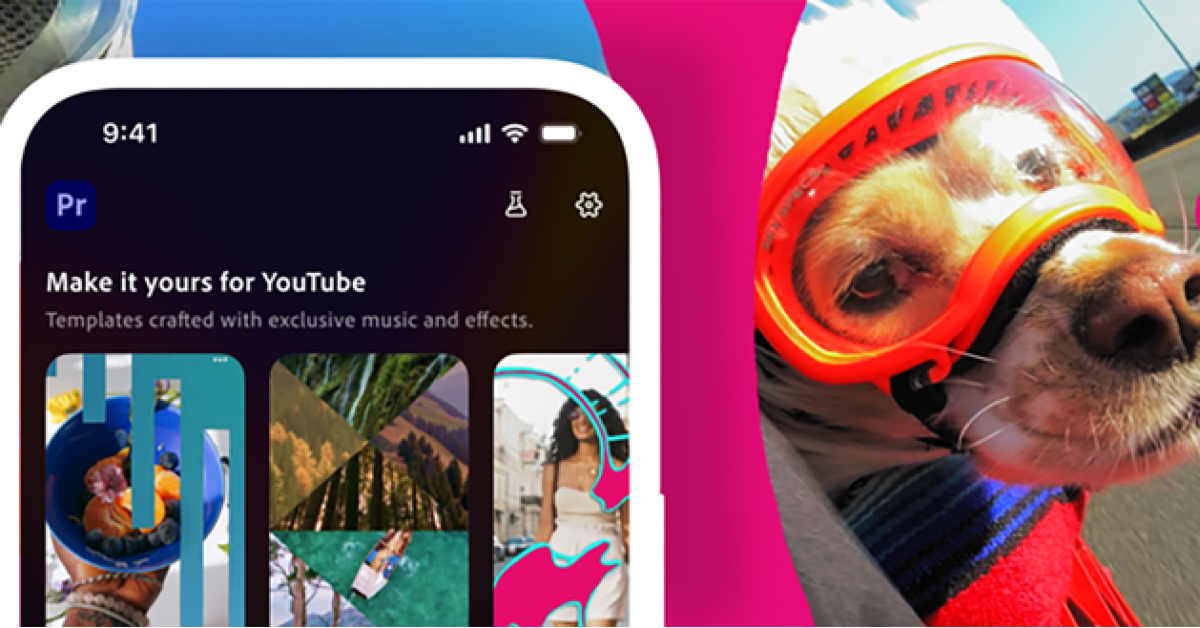
Adobe has partnered with YouTube to introduce a new Create for YouTube Shorts workspace within the Premiere mobile app, enhancing the short-form video editing experience. This functionality streamlines the process, allowing creators to quickly create and post powerful Shorts.
The Premiere mobile app now features a new section dedicated to making YouTube Shorts, along with a range of custom templates, transitions and effects.
The new YouTube Shorts content creation area within the Premiere mobile app offers full tools for creating interesting videos, capitalising on trends, and growing a subscriber base. Users get access to Adobe’s powerful video editing tools, which include special effects, transitions, templates, and presets developed exclusively for making entertaining YouTube shorts. The platform enables users to use these capabilities to make visually appealing videos, customise ready-to-use templates with complex transitions and effects, and build their own unique templates to foster creativity and spark new trends. Additionally, users may easily post their completed videos to YouTube Shorts.
Also Read: D-Link DAP-X3060W AX3000 Wi-Fi 6 Wall-Plate Access Point launched in India
Creators may use Adobe Premiere Mobile for complete video production and editing. It provides a limitless multi-track timeline for more precision, speed, and creative control. The app contains studio-quality voiceover and dialogue tools, such as Enhance Speech and AI-generated sound elements that use the user’s voice to boost viewer engagement. Additionally, Firefly-powered AI features can generate unique assets to improve content quality. Users are urged to download Adobe Premiere from the App Store so that they may easily create sophisticated YouTube shorts.
Also Read: Lava Play Max 5G with 5000mAh battery launched in India
Users can also choose from a wide range of templates in the YouTube Shorts Templates Gallery, which is constantly updated. Each design has presets for text, effects, and transitions that make it easy to add their own media before uploading to YouTube. Users may unlock special editing capabilities by tapping the Create for YouTube Shorts icon, which gives them complete control over content cutting, trimming clips, layering video and audio tracks, adjusting colours and brightness, and adding text overlays or captions. Creators can also turn their original work into a template after uploading it to their YouTube channel, allowing trends to emerge and other creators to build on their ideas.


