


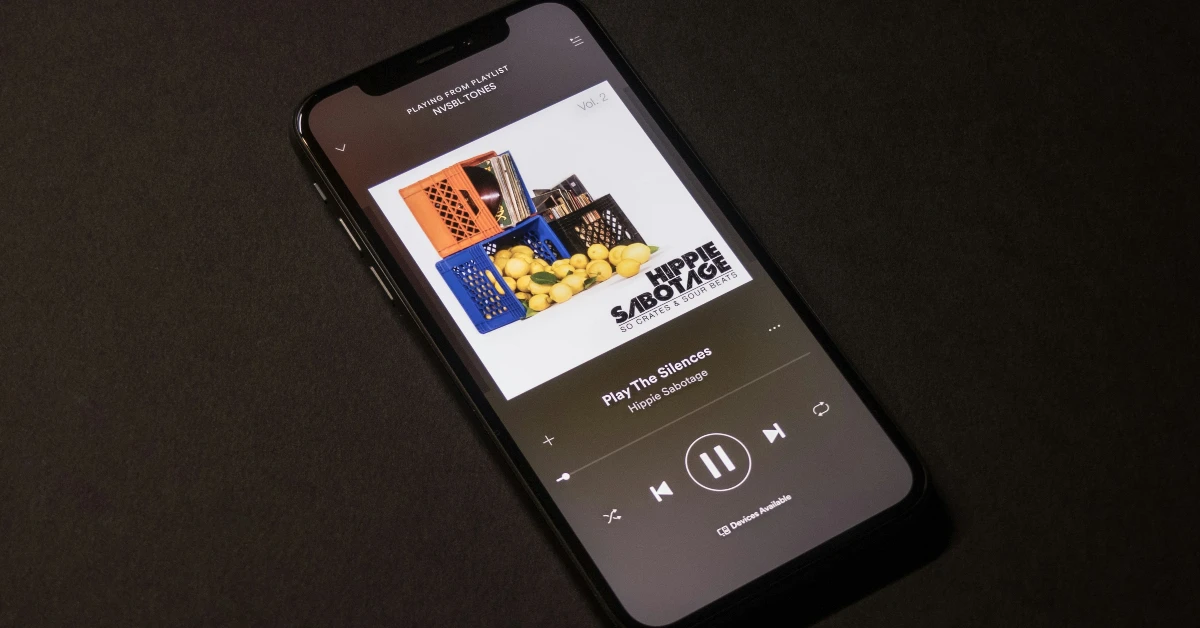
Apple’s iOS 26.4 update brings an AI playlist generator to Apple Music. Dubbed ‘Playlist Playground’, it lets users create playlists using subjective prompts. Once the tool comes up with a set of songs, the user can edit and reorder them to their liking. When an AI playlist is saved, it behaves like any regular playlist. Apple Music now joins Spotify, Amazon Music, and YouTube Music as platforms with an AI playlist maker. Here’s how you can use Playlist Playground to create an AI playlist on Apple Music.
Read Also: Dell announced new Dell Pro notebooks, Pro Precision workstation lineup and more
In This Article
What’s new in Apple Music?
Playlist Playground is one of the several features that Apple has added to its music as a part of the latest iOS 26.4 update. Here are some of the other features that you need to check out.
- Fullscreen layout for albums and playlists.
- Add a song to multiple playlists at once.
- Ambient Music widget for the home page.
- Concert information on artist pages.
- Concerts section in the Search tab.
- Quick links for tickets to live shows.
Use Playlist Playground to create an AI playlist on Apple Music

- Launch Apple Music on your iPhone.
- Switch to the Library tab.
- Hit the New Playlist button.
- Enter a prompt for the playlist. You can use a sample prompt provided by Apple.
- Hit Generate.
- Tap the tick icon to save the playlist.
Frequently Asked Questions (FAQs)
What is Playlist Playground?
Playlist Playground is a new Apple Music feature that lets you create playlists using Apple Intelligence.
How do I create a playlist using Playlist Playground?
Go to Apple Music>Library>New Playlist, enter a prompt, and hit ‘Generate’.
Why can’t I access Playlist Playground on my iPhone?
Playlist Playground is available with the latest iOS 26.4 update. You need to update your iPhone in order to use it.
How to create an AI playlist on Spotify?
Go to Spotify>Library, hit the plus icon, and select AI playlist. Enter a prompt for the playlist and hit ‘Create’ when you’re done editing the songs.
How do I create an AI playlist on YouTube Music?
Launch YouTube Music, go to Library>New>AI playlist, and enter a prompt.
Read Also: Samsung launched Exynos 1680 CPU with a tri-cluster design, 200-megapixel camera support
Final Thoughts
The quality of the playlist depends on how comprehensive your prompt is. For best results, incorporate the mood of the playlist and preferred genres and artists into the prompt. Once a playlist has been generated, you can edit it before saving it. You can also hit the ‘Refresh’ button to generate a new set of songs.


