


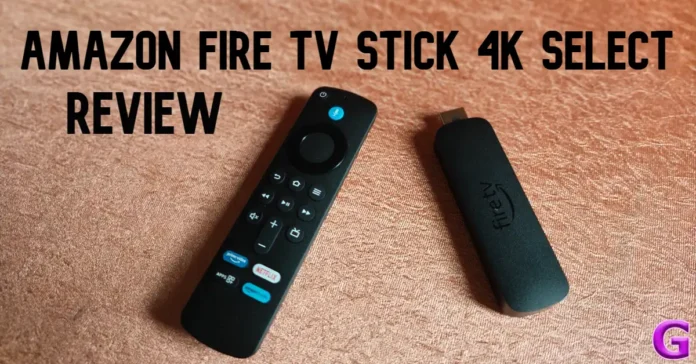
You’d think that streaming sticks would be obsolete in the era of Smart TVs, but they still occupy a wide niche in the market. To put it simply, some TVs just aren’t smart enough. TVs that run their manufacturer’s proprietary OS often lack flourishing app stores. Lack of apps aside, the processor limitations on entry-level and midrange Smart TVs result in a sluggish performance. A simple, affordable streaming stick is a quick fix to these problems. Amazon’s Fire TV Stick stands out as one of the best in its category. Its latest series comprises 3 variants – HD, 4K Select, and 4K Plus. We got our hands on the middle variant and used it for a week. Here is our in-depth review of the Amazon Fire TV Stick 4K Select.
Read Also: Pokémon Bronze Forever Codes (March 2026)
In This Article
Amazon Fire TV Stick 4K Select Review: Design
Before we talk about its design, let’s take a look at what you get inside the Fire TV Stick 4K Select’s retail box:
- HDMI stick
- Remote
- Power adapter
- Micro-USB cable
- HDMI extender
- AAA batteries x2
- User manual

The Amazon Fire TV Stick 4K Select retains the design of its predecessor. This isn’t a surprise, as streaming sticks landed on the perfect form factor ages ago. There’s no need for them to be flashy either, as they’ll spend most of the time behind the TV. The HDMI dongle has a matte finish with the ‘Fire TV’ lettering embossed in the middle. The micro USB port is placed along the side.
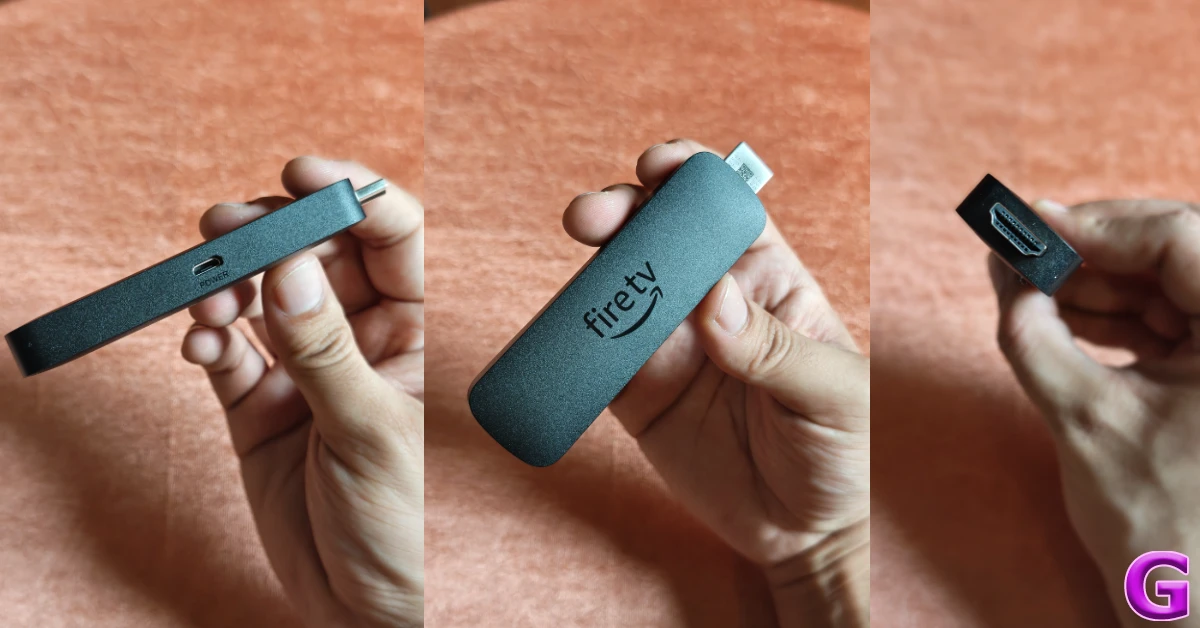
It is a strange decision on Amazon’s part to use a micro USB port instead of the universal USB-C on this device. The retail box does have a micro USB cable inside it, but in case it goes missing, you will need to go through your stash of old USB cables to find the perfect match. The HDMI connector makes it easy to plug the streaming stick into your TV. In case the micro USB cable is struggling to reach the stick, you can use the HDMI extender provided in the box to get some leeway.
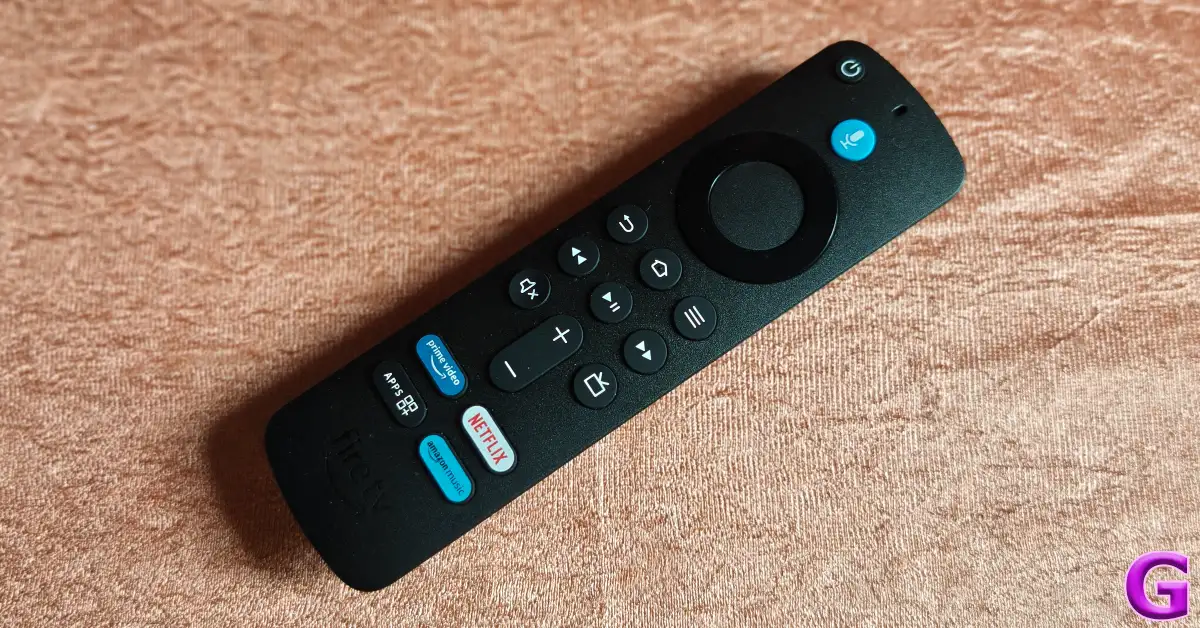
The remote control also has a standard design. While it may have an all-plastic build, the quality of material, along with the matte finish, lends it a premium in-hand feel. The ‘Fire TV’ lettering is embossed at the bottom of the remote. There are dedicated hotkeys for Alexa, Prime Video, Netflix, and Amazon Music. The glossy finish on the navigation buttons offers a nice contrast to the matte finish on the rest of the remote.
Amazon Fire TV Stick 4K Select Review: Performance
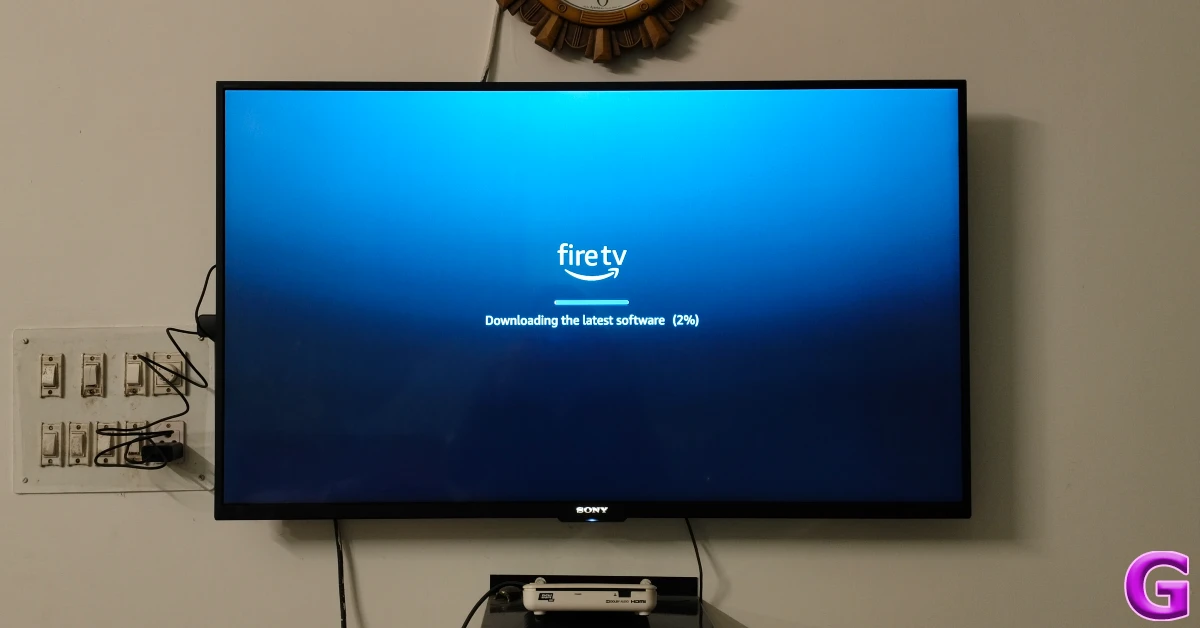
Connecting the Fire TV Stick to your TV is a straightforward process. The HDMI dongle goes in the HDMI port on your TV. Once the dongle is connected to the power adapter, you can turn on your TV and select the relevant HDMI channel. The Fire TV Stick takes a while to boot for the first time, as it needs to update its software. This process takes up to 5 minutes.
Powering the Fire TV Stick 4K Select is a quad-core 1.7 GHz processor. It supports WiFi 5, which isn’t the latest wireless standard, but the difference is too minuscule to notice. The top-spec 4K Plus variant offers WiFi 6 connectivity. You get 8GB of internal storage on this model, which is enough to store all the major streaming apps.

The streaming stick supports the following video content formats: HDR10, HDR10+, HLG, H.265, H.264, VP9, AV1. Amazon has made Dolby Vision and Dolby Atmos support exclusive to the top-spec Fire TV Stick variant. You do get Dolby-encoded audio on the Select model.

The Fire TV Stick 4K Select runs Vega OS. It maintains the design elements and general aesthetic of the Fire OS. The home page has a good mix of content from major streaming services. If you don’t find any of the suggested titles compelling, you can switch to the ‘My Stuff’ tab to browse the content you’ve saved across streaming services.
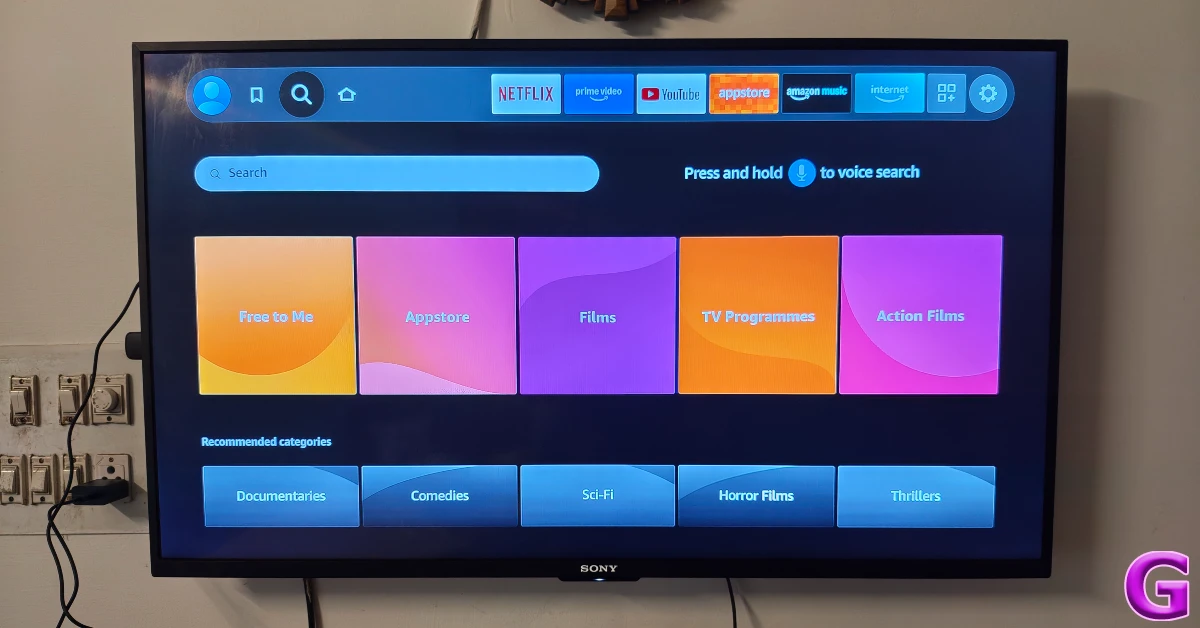
If you’re having a hard time remembering the name of the movie you want to watch, you can simply enter the details you remember about it in the search box, and the Fire TV Stick will come up with accurate results. This feature surprised us with how well it worked. Those who want to skip the hassle of typing on a TV remote altogether can use Alexa voice commands to play the content they desire. The viewing experience across major OTT apps is highly enjoyable. The 4K visuals are packed with vibrant colours and immaculate details.

What we really like about the Fire TV Stick 4K Select is its ability to transform slow and sluggish TVs into mean machines. Its quad-core processor makes browsing through different apps a fast and seamless process. There is no visible latency between input and feedback. Once you get the hang of the interface, you will fly through it with ease. The diverse appstore has a lot of games to tap into the power of the processor. You can choose to connect your controller and play hundreds of high-quality games on Xbox Game Pass without requiring a console.
Read Also: Top 10 Smartphones under Rs 50,000 (March 2026)
Verdict
The Amazon Fire TV Stick 4K Select is a great streaming stick for first-time users. If your TV has a great display but a sluggish processor and an outdated OS, this device will bring it to life. It gives you access to every major streaming app, along with tons of other content. Its OS makes it easy to access all of your favourite content in one place. Alexa connectivity makes browsing much easier. The viewing experience remains detailed and enjoyable, something we’ve come to expect from Amazon’s streaming stick. The lack of Dolby Vision and Dolby Atmos is a small letdown, but not a dealbreaker.
Pros
- Easy to use
- 4K and HDR10+ support
- Good software experience
- Great search tool
Cons
- Lacks Dolby Atmos and Dolby Vision support
- WiFi 5 instead of WiFi 6


