


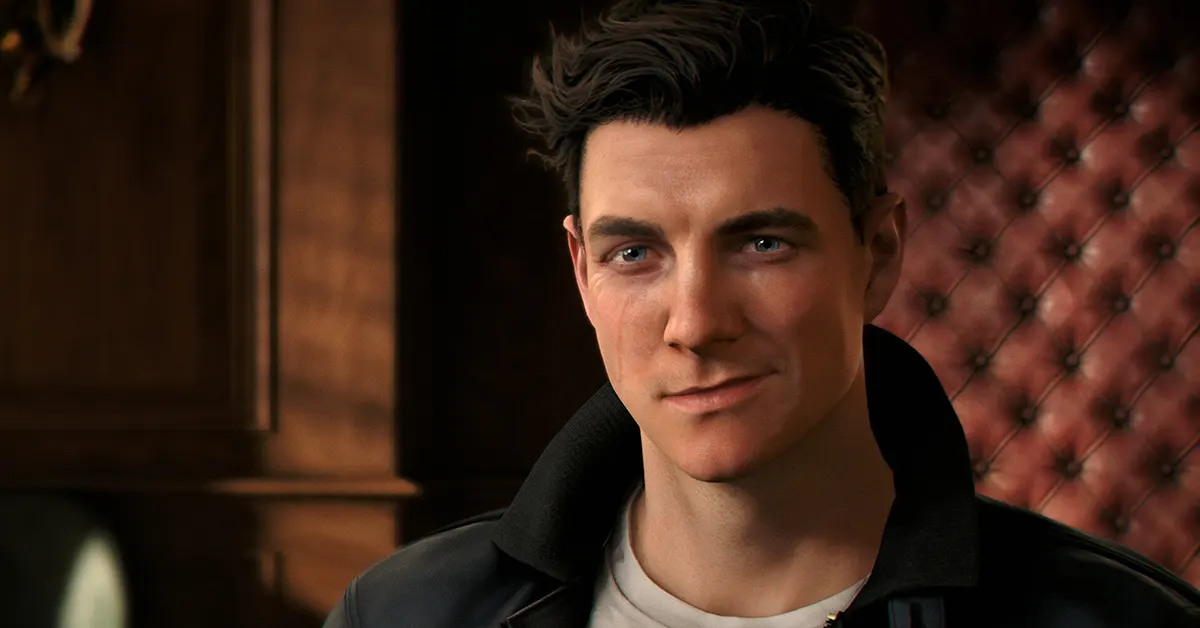

If you were looking forward to slipping into James Bond’s shoes in 007 First Light and found yourself staring at a crash screen instead, you are not alone. Reports of the 007 First Light crashing fix being urgently needed have flooded Steam forums and gaming communities since the game’s early access window opened. The good news is that a fix exists, and it does not require a licence to kill. It just requires a few tweaks in Windows settings.
In This Article
Why Is 007 First Light Crashing in the First Place?
Before diving into the solutions, it helps to understand the culprit. The root cause of most 007 First Light crashes on PC is surprisingly straightforward: the game is defaulting to your integrated GPU (iGPU) rather than your dedicated graphics card. This means your shiny RTX or Radeon GPU is sitting idle while your overworked integrated graphics chip tries, and fails, to run a demanding espionage action title built on IO Interactive’s Glacier engine. The result is a crash, usually at launch or during the initial loading screen.
Read Also: 007 First Light Gameplay Leak: IO Interactive Releases Official Opening 13 Minutes Before Launch
Fix 1: Switch to High Performance Mode in Windows Graphics Settings
This is the most widely reported and effective fix so far, and it has been confirmed by multiple players on the Steam Community forums.
First, locate your 007 First Light installation folder. You can do this quickly by right-clicking the game in Steam, selecting Manage, and clicking Browse Local Files. The path will look something like: D:\SteamLibrary\steamapps\common\007 First Light\Retail. Copy that file path.
Next, type Graphics Settings into your Windows search bar and open the menu. Click Add Desktop App, paste the copied file path, and select the 007 First Light executable.
Once it appears in the list, click the drop-down options and set the GPU Preference to High Performance. Save the setting, restart your PC, and relaunch the game.
Fix 2: Disable Your iGPU Manually via Device Manager
If the High Performance Mode change did not fully resolve the issue, you can go a step further by disabling the integrated GPU outright.
Open Device Manager by searching for it in the Windows search bar, expand the Display Adapters section, right-click on your iGPU, and select Disable Device.
Confirm the prompt, restart your machine, and try launching the game again.
Fix 3: Verify Game Files on Steam
Corrupted or incomplete game files are a classic cause of launch crashes in any new release.
Right-click 007 First Light in your Steam Library, go to Properties, head to the Installed Files tab, and click Verify Integrity of Game Files.
Steam will scan and replace any problematic files automatically. Once the process is complete, relaunch the game.
Fix 4: Update Your GPU Drivers
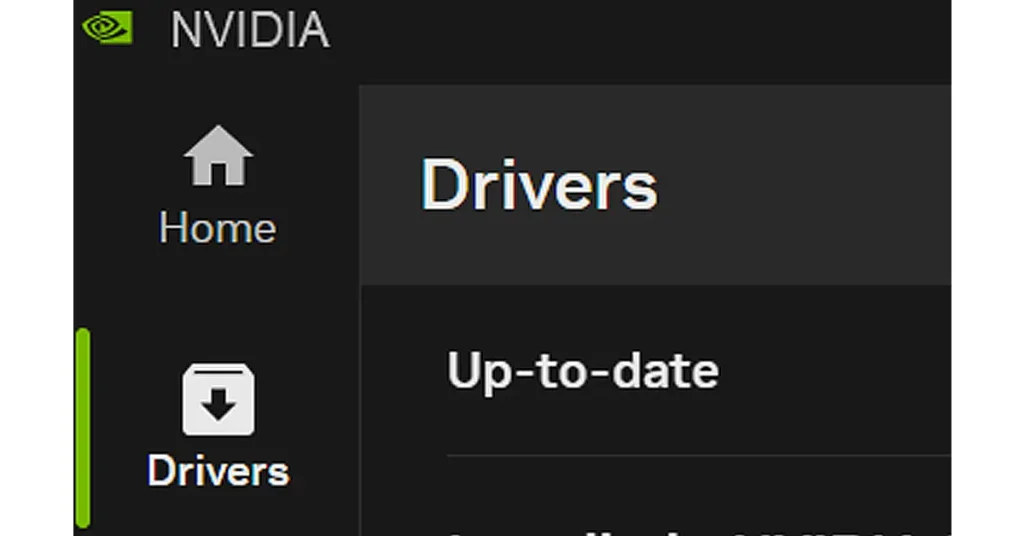
Both NVIDIA and AMD have released game-ready drivers specifically for 007 First Light. Running outdated drivers with a brand new, graphically demanding title is a recipe for instability.
For NVIDIA users, open the NVIDIA app, navigate to the Drivers section, and install the latest available update.
AMD users can do the same through AMD Software: Adrenalin Edition. After the driver update installs, restart your PC before launching the game.
Fix 5: Kill Lingering Background Processes and Disable Overlays
Sometimes after a crash, the game’s executable continues running in the background and blocks a fresh relaunch.
Open Task Manager, look for any 007 First Light process still active in the Processes tab, right-click it, and select End Task.
Additionally, third-party overlays from apps like Discord or Steam can conflict with the Glacier engine’s rendering pipeline, so disabling those during launch is worth attempting as well.
Fix 6: A Few More Things to Check
Make sure the game is installed on an SSD rather than a traditional hard drive. 007 First Light streams high-fidelity assets in real time, and an HDD simply cannot keep up with those demands, leading to freezes and crashes. Also confirm your PC meets the minimum requirements: 16 GB of RAM and at least 80 GB of free SSD space. If you have an active GPU overclock applied through tools like MSI Afterburner, resetting to default clock speeds before launching is a sensible precaution.
Waiting for IO Interactive to Patch It
For players who have tried every fix above and are still crashing, patience may be the only remaining option. IO Interactive is aware of the issues being reported by the community and a patch addressing the crashes is expected to arrive shortly after launch. The studio has a solid track record of post-launch support from its Hitman World of Assassination series, so a targeted fix should not be far off.
Final Words
It is genuinely baffling that in 2026, a high-budget AAA title can still ship with a bug where the game ignores your dedicated GPU entirely and crawls toward your iGPU like a confused tourist asking directions. IO Interactive built something that looks genuinely thrilling, and it deserves to be played rather than debug-logged. The community fixes are solid workarounds for now, but a proper patch really should have been part of the day-one package. Come on, Bond deserves better than a crash screen.


