


Dall-E was one of the first AI tools that broke the Internet. In 2022, the Internet was abuzz with wacky AI-generated images created using user-given prompts. Since then, the AI tool has only gotten better. Currently, in its third generation, Dall-E is able to produce creative, high-quality images by assessing the prompt given by the user. Initially, a part of the ChatGPT Plus package, OpenAI recently made the tool available to free users. The only catch is that it can only produce 2 free images per day. So, here’s how you can generate free AI images using OpenAI’s Dall-E 3 on ChatGPT.
Read Also: Why Will Apple Ask $20 A Month To Use Its AI Features?
In This Article
Are there any good alternatives to Dall-E?
Dall-E is one of the best AI image tools around. Its context understanding, versatility, and creative output are second to none. However, if you’re a free user and have used up your two free prompts for the day, you’ll need some alternatives. Here are some other AI image-generation tools you can use.
- Midjourney
- Bing Image Creator
- Dream by Wombo
- Craiyon
- Simplified
- Fotor
- Starryai
Generate free AI images using Dall-E on ChatGPT
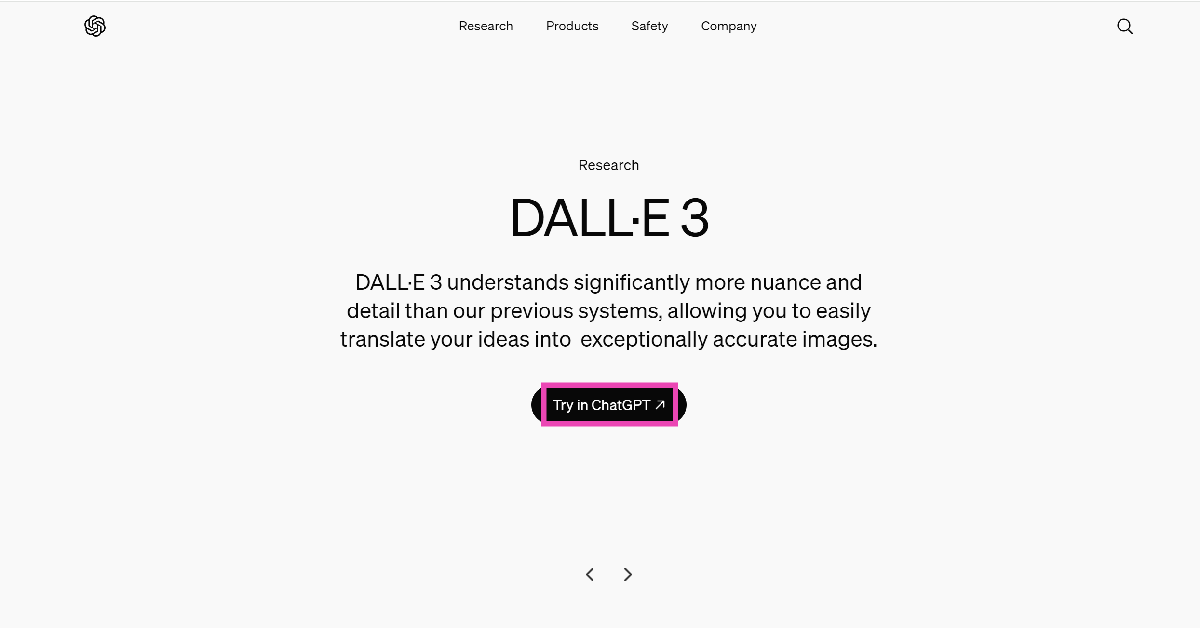
Step 1: Go to the official Dall-E 3 website and click on Try in ChatGPT.
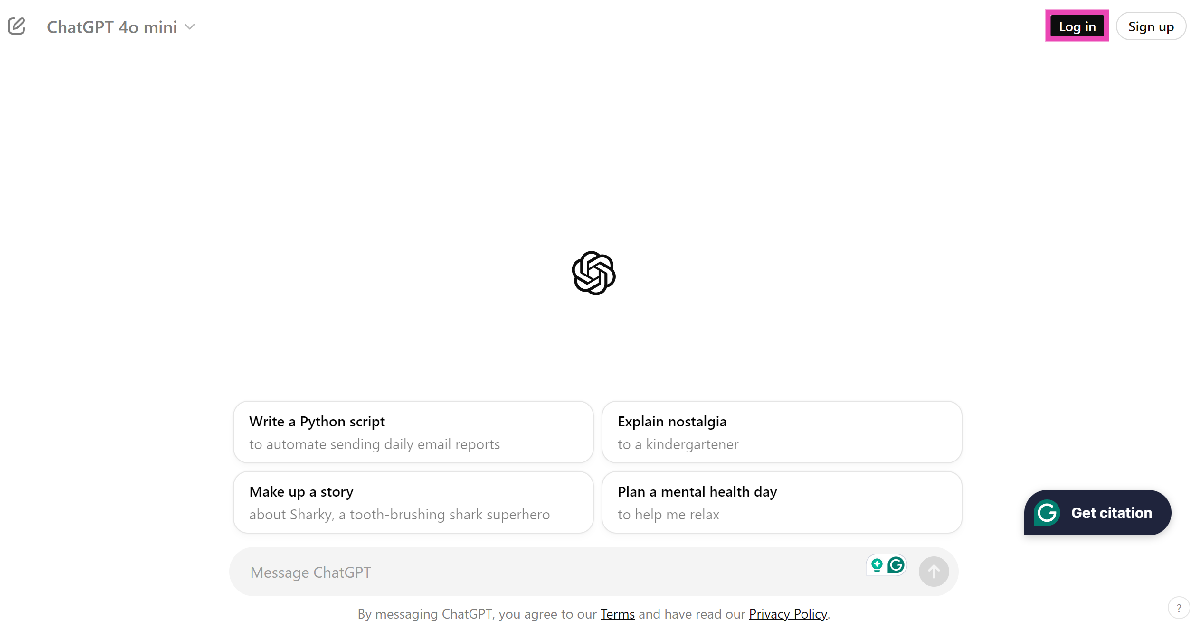
Step 2: Log into ChatGPT.
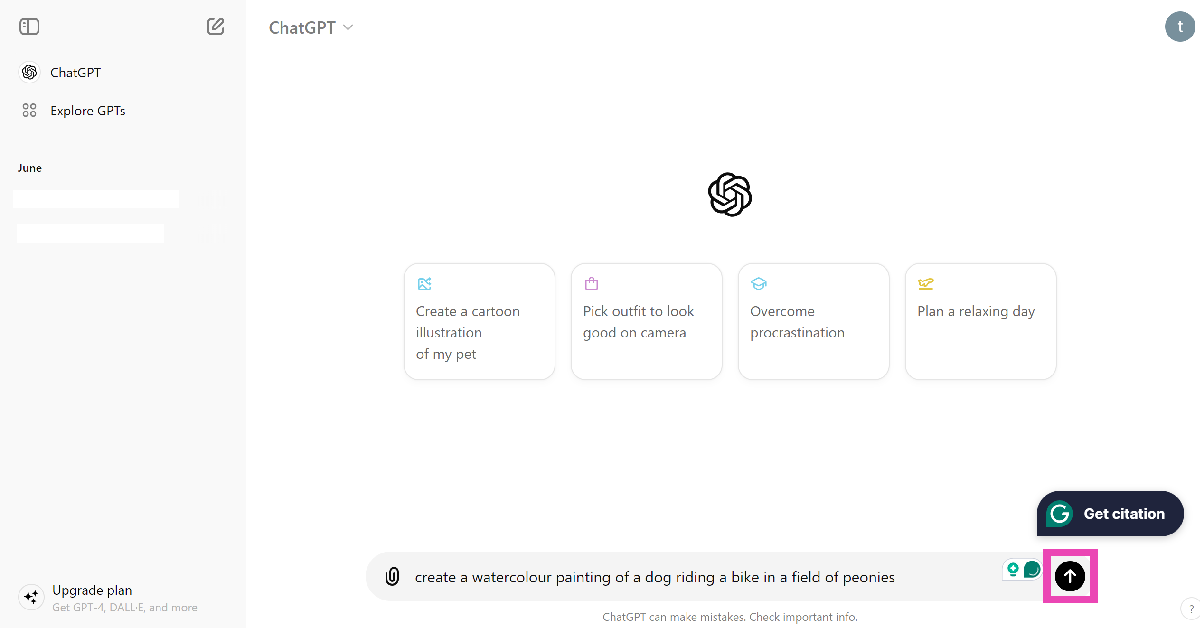
Step 3: Enter a prompt for the image. Make sure the prompt is well-detailed and touches upon several aspects of the image like the subject, style, and more.
Step 4: Wait for a few seconds as ChatGPT generates the image.
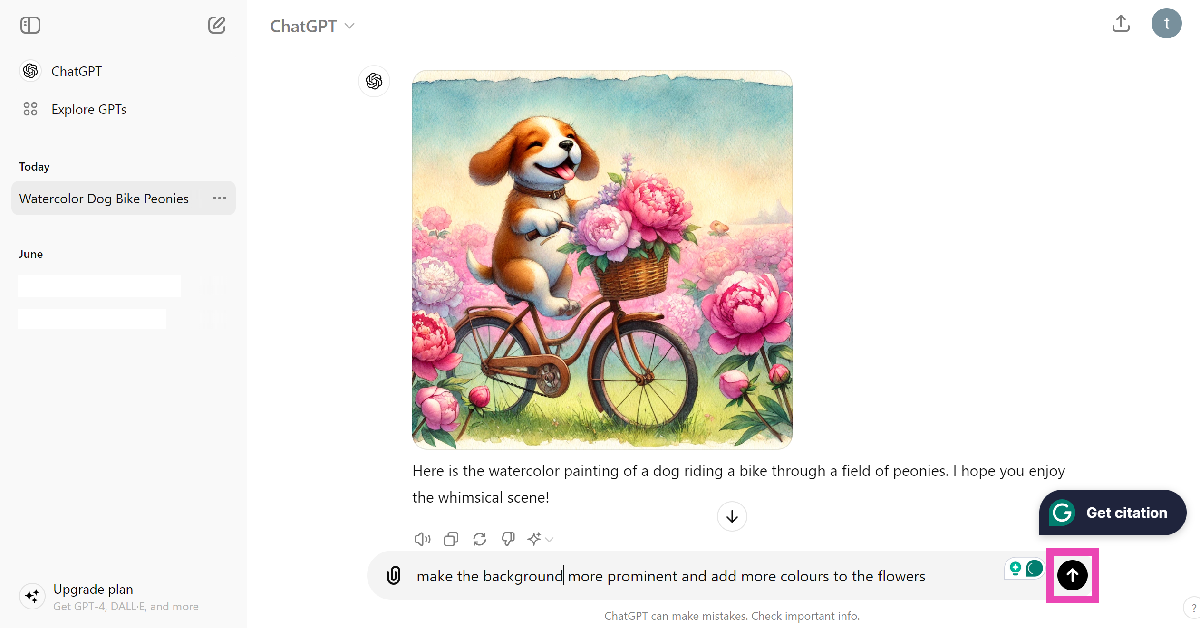
Step 5: If you have a follow-up prompt to improve the image, type it in the text box and hit Send.
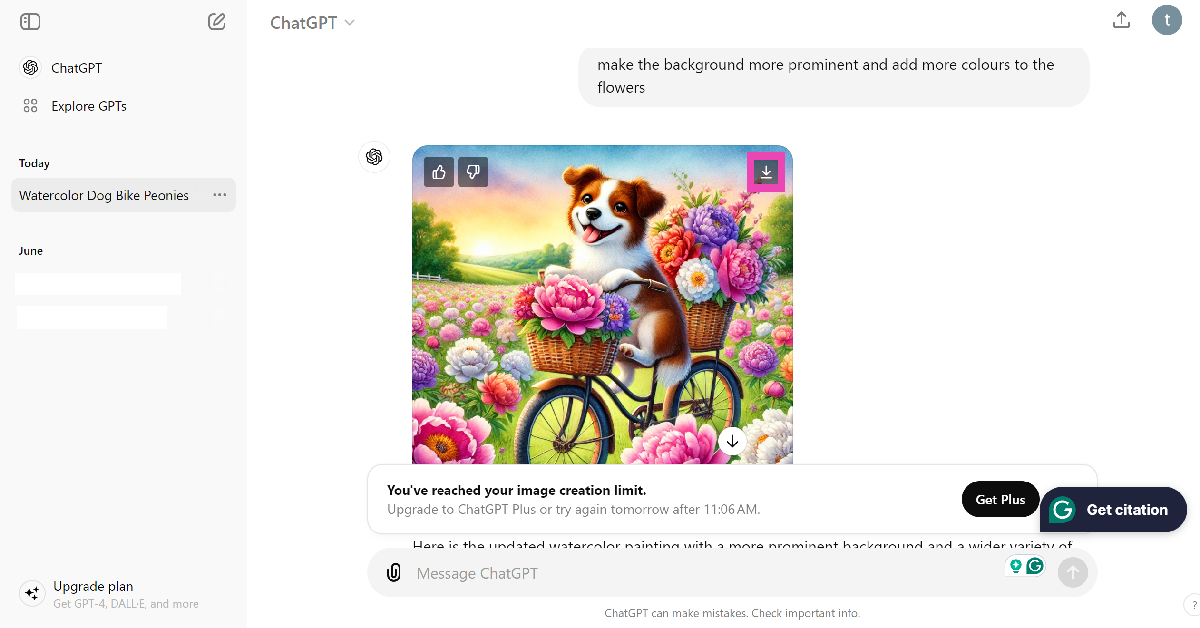
Step 6: To download an image, hover the cursor on it and hit the download button. As of now, you can only generate two AI images per day using Dall-E.
Generate free AI images using the ChatGPT app
Step 1: Download and install the ChatGPT app on your smartphone.
Step 2: Sign into your account.
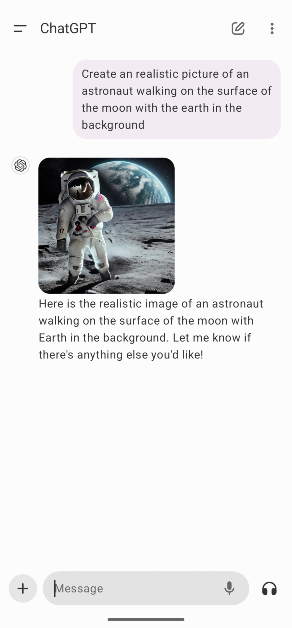
Step 3: Enter an image prompt in the box and hit Send.
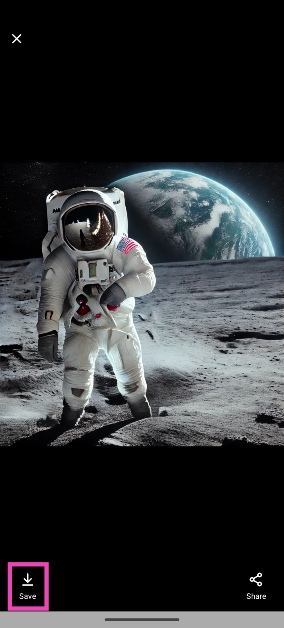
Step 4: Tap on the image and hit Save at the bottom left corner of the screen.
Frequently Asked Questions (FAQs)
How do I create free AI images using Dall-E 3 for free?
OpenAI’s ChatGPT now lets you create free AI images using Dall-E 3. Simply go to the official ChatGPT website or install the app, enter the prompt, and wait for the chatbot to create the image.
Can I generate AI images on ChatGPT without an account?
At present, you need to log into ChatGPT to generate AI images for free. If you’re using ChatGPT without an account, you can only receive text-based answers from the chatbot.
How many free images can create using ChatGPT?
Regular ChatGPT users without a ‘Plus’ subscription can create a maximum of 2 free images per day using Dall-E 3.
Read Also: International Youth Day 2024: Best laptops for the younger generation
Conclusion
This is how you can generate free AI images using OpenAI’s Dall-E 3 on ChatGPT. AI tools have made it easy for users to create and spread misinformation at an alarming rate. Read this article to learn how to tell if an image is AI-generated. If you have any other questions, let us know in the comments!


