


Nothing’s Android 16-based OS update has finally gone live. Its beta version made its debut back in September. The new OS version carries crucial design and feature updates. Nothing has retained the essential design elements of the stock Android OS, while expanding flair through carefully designed native apps and widgets. Here’s how eligible users can download and install the Nothing OS 4.0 on their devices.
Read Also: Elista launched the Xplore 4K Google TV Smart TV series in India
In This Article
Nothing OS 4.0: Key Highlights
- Live updates for the lockscreen and Glyph interface.
- Extra Dark Mode to reduce eye strain.
- Support for two floating app icons.
- Cleaner look for the quick settings menu, notification panel, and app drawer.
- New controls and creative presets for the updated Camera app.
- Updated Gallery app with smarter features.
- Haptic feedback for volume limits.
- Smoother animations for opening and closing apps.
- More widget sizes.
- More optimised platform for a smoother browsing experience.
List of eligible devices
These Nothing and CMF phones will receive the Nothing OS 4.0 update.
- Nothing Phone (3)
- Nothing Phone (3a)
- Nothing Phone (3a) Pro
- Nothing Phone (3a) Lite
- Nothing Phone (2)
- Nothing Phone (2a)
- Nothing Phone (2a) Plus
- CMF Phone 2 Pro
- CMF Phone 1
Install Nothing OS 4.0 on your device
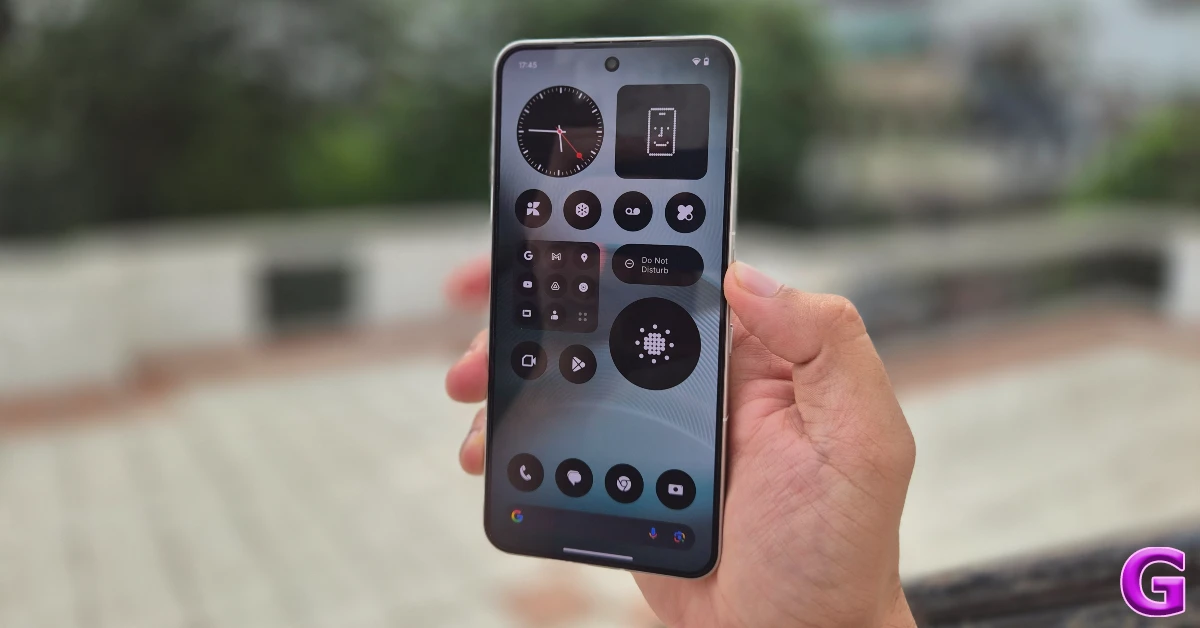
Step 1: Go to Settings.
Step 2: Scroll down and select System.
Step 3: Tap on Check for updates.
Step 4: Tap on Download and install.
Step 5: Restart your phone.
Frequently Asked Questions (FAQs)
Is Nothing OS 4.0 out?
Nothing has released its latest Android 16-based OS skin. It will be rolled out on the Phone (3) series first, followed by Phone (2).
How do I update the OS of my Nothing smartphone?
Go to Settings>System>Check for updates and hit ‘Download and install’.
Which smartphones are eligible for the Nothing OS 4.0 update?
Nothing Phone (3) and (2) series, along with the CMF Phone 2 and 1, are eligible for the new Android-based OS update.
Read Also: Top 10 smartwatches under Rs 10,000
Final Thoughts
As mentioned earlier, Nothing’s Android 16-based OS update is being rolled out in a phased manner. If you haven’t received it on your phone yet, wait for a few days for it to be rolled out for your device. Got any questions? Let us know in the comments!


