


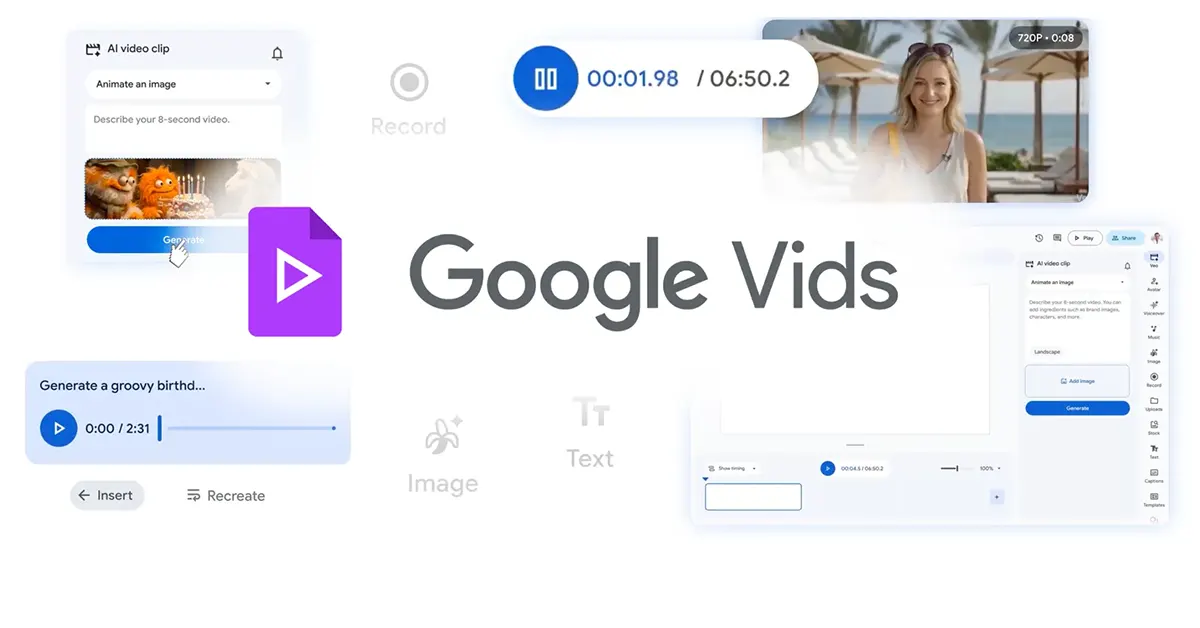
If you’ve ever wished that making a slick video was as easy as typing a sentence, Google Vids’ free AI video generation feature might just be your new best friend. Google has quietly turned its browser-based video editing tool into a genuinely powerful creative suite, rolling out a batch of AI-driven upgrades that include free video clip generation, custom music tracks, and fully directable AI avatars. Whether you’re a casual content creator or a small business owner who can’t afford a production crew, this update is worth paying attention to.
In This Article
Free Video Generation for Everyone, No Strings Attached
The headline feature here is straightforward and surprisingly generous. As of this week, any user with a standard Google account can generate up to 10 AI video clips every month at zero cost, powered by the company’s latest Veo 3.1 model. You feed it a text prompt or a photo, and it spits out a high-quality video clip. Think animated flyers, quick promos for a side hustle, or birthday greeting cards that actually move.
Ten free generations per month is not going to satisfy a prolific YouTube creator, but for casual users dipping their toes into AI video, it is a meaningful, low-barrier entry point. Users who need more can always upgrade to a paid tier.
Read Also: Portronics AIR X smart air purifier with 4-stage purification launched in India
Custom Music That Actually Fits Your Video
One of the most underrated frustrations in video editing is the background music problem. Stock audio libraries are often either too generic or too expensive. Google’s answer is on-demand music generation powered by Lyria 3 and Lyria 3 Pro, available to Google AI Pro and Ultra subscribers.
Users can now generate original tracks ranging from 30 seconds all the way up to three minutes, tailored specifically to the mood and tone of their video. Birthday montage? Lighthearted and bouncy. Family vacation reel? Sweeping and warm. The music generation tools sit right inside the editing workflow, which makes the whole process feel surprisingly smooth.
AI Avatars You Can Actually Direct
Most AI avatar tools give you a talking head and call it a day. Google is pushing a step further. Pro and Ultra subscribers can now place avatars into specific scenes, have them interact with uploaded objects (products, props, accessories), and swap their outfits and backgrounds, all while keeping their voice and appearance consistent across the video.
Here is a quick breakdown of what the avatar tools can do:
- Place characters into custom scenes and backgrounds
- Have avatars interact with real uploaded objects like products or props
- Customise outfit details and visual appearance
- Maintain consistent identity and voice across every clip
- Use avatars for tutorials, social content, or passion projects
This is genuinely useful for small business owners who want product demo videos without hiring talent, or educators who want a consistent on-screen host for their course content.
New Tools for Recording and Publishing
Beyond the AI features, Google has also added some practical quality-of-life improvements that make the whole platform feel more connected.
A new Google Vids Screen Recorder Chrome extension lets users record their screen and themselves directly from any tab in the browser, without needing to navigate back to the Vids interface first. It is a small thing, but it removes real friction from the workflow.
There is also direct YouTube publishing built into the export process now. Videos export as Private by default, giving creators a chance to review before anything goes live publicly. For anyone who has endured the pain of downloading a file, converting it, re-uploading it and waiting, this is a welcome shortcut.
Read Also: Realme 16 5G launching in India today: Expected pricing and specs
And for power users, Google AI Ultra and Workspace AI Ultra accounts now get up to 1,000 Veo video generations per month.
The Bigger Picture
Google is clearly positioning Vids as a serious contender in the creator tools space, taking aim at platforms that have long dominated casual and semi-professional video editing. The combination of free access, browser-based convenience, and deeply integrated AI sets it apart from many desktop-first rivals.
Whether Google Vids can convert casual users into loyal creators long-term remains to be seen, but for now, getting polished AI video tools for free is an offer that is genuinely hard to ignore.


