


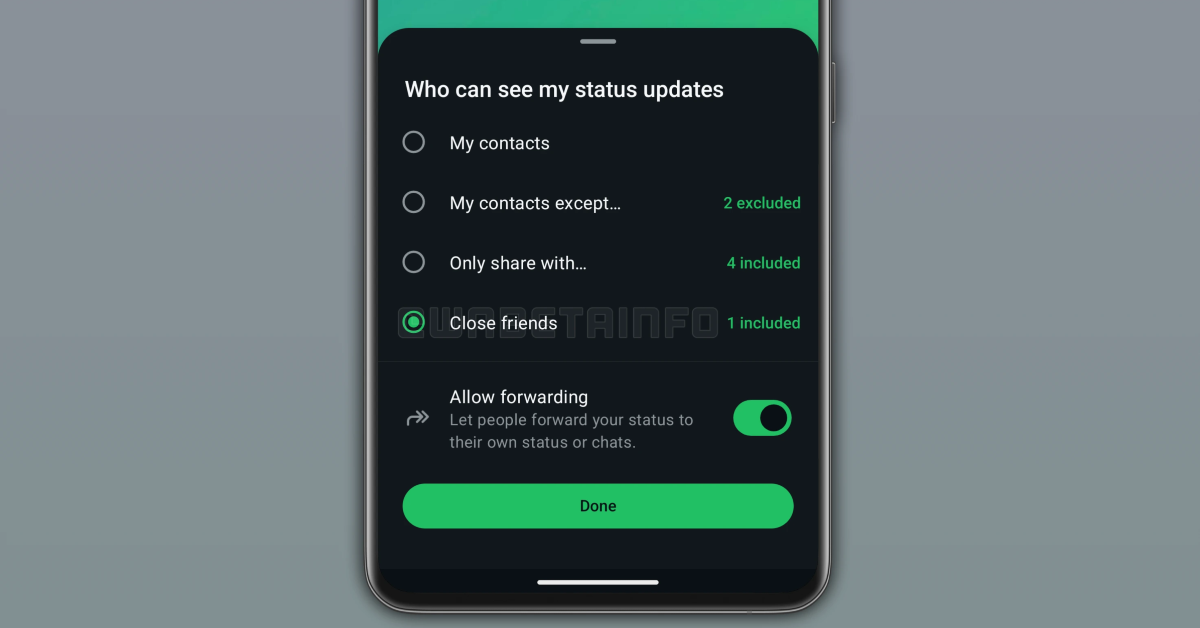
To give WhatsApp users greater control over their privacy, Meta will soon allow them to share personal updates with a limited audience without having to constantly change their overall privacy settings. The company is developing a new tool similar to Instagram’s Close Friends, which allows users to share status updates with a select group of contacts. Initially available to beta testers, it will make it easier to share personal updates without having to constantly change privacy settings.
According to WABetaInfo, WhatsApp is currently testing a new “Close Friends Status” feature that would let users create a list of selected contacts to share status updates with. This feature is scheduled for release in a future update and follows previous reports of its development during the Android 2.25.25.2 beta upgrade, when the functionality was still in its early stages with an unresolved interface and selection process. The most recent developments indicate that WhatsApp is aggressively attempting to improve how users manage their close friends list for status updates.
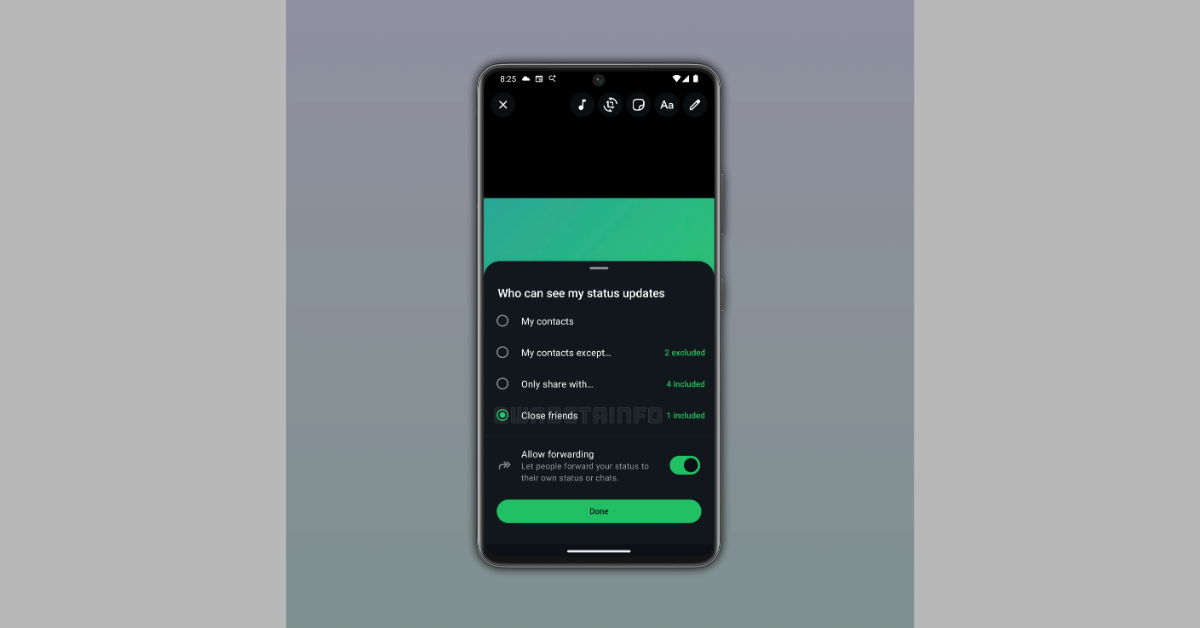
To share a status update with close friends, users must first select their contacts who are considered close friends. This can be performed in two ways: first, via the status update’s privacy settings, which allow users to pick which contacts to include in this exclusive list. Second, users can configure their close friends list straight from the status interface, giving a convenient and user-friendly way to manage their shared updates.
Also Read: Samsung Galaxy F70e India launch today: Details
Users may change their close friends list at any time, allowing for the addition or removal of contacts without restriction. However, modifications to the list are only effective for future status updates; so, if a contact is deleted after a status update has been posted, they will still have access to that update. Furthermore, users can choose who will see their status updates through the same interface, which includes the regular three privacy options as well as the ability to only share updates with their Close Friends list. Once shared, contacts on this list will have a special coloured ring around the profile photo of the user who uploaded the update, indicating that they have been added to the Close Friends list.
Also Read: Zebronics Juke Bar 9300C and ZEB-Juke Bar 9010C launched in India
Availability
The features are said to be available in a future update. The method of sharing these updates is now in the works, and once testing is completed, the functionality will be offered to the selected beta testers for feedback to ensure a bug-free experience before its formal release in the future.


