


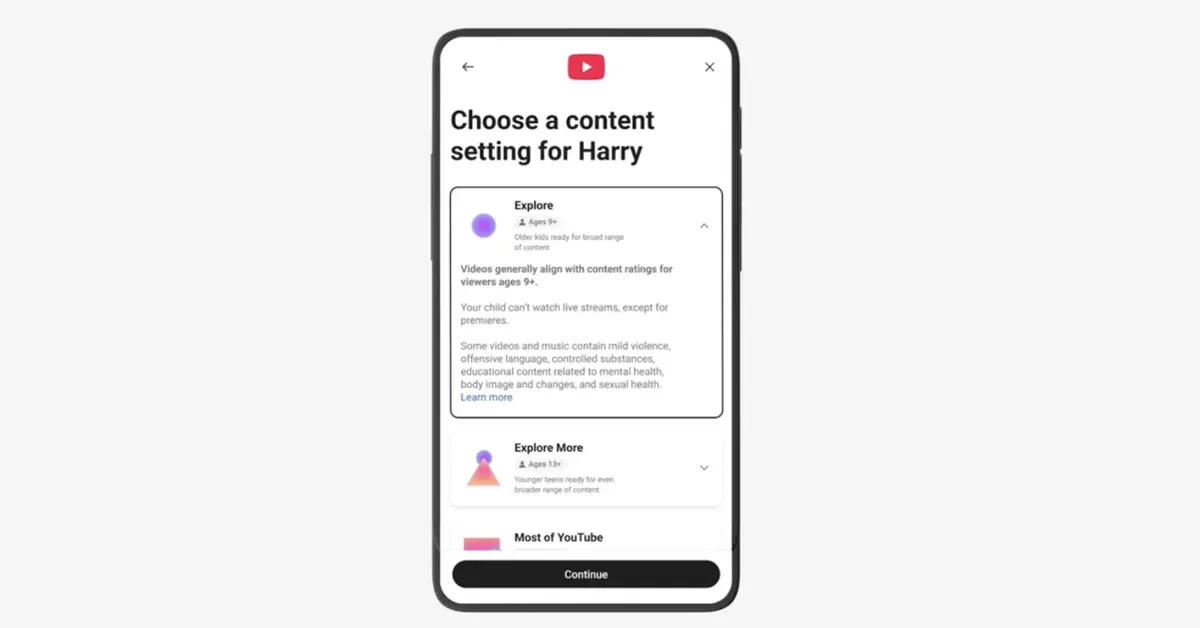
YouTube teen controls are getting a practical upgrade, with new tools meant to help families steer teens away from endless scrolling and toward healthier viewing habits. The headline feature is a new Shorts time limit that lets parents decide how long a teen can scroll the Shorts feed on a supervised teen account, plus new options to personalise wellbeing prompts like breaks and bedtime.
The broader message is simple: YouTube wants teens to keep learning, laughing, and following creators they love, but with more guardrails and fewer “wait, how is it 2 am already?” moments.
In This Article
What’s new for parents (and why it matters)
Short-form video is designed to keep you watching. That is the point. For teens, that design can quickly collide with homework, sleep, and basic attention span. The new parental controls focus on giving parents clear, adjustable limits without making YouTube feel like a locked cupboard.
Read Also: Haier H5E Series 4K Google TVs land on Flipkart, betting big on 4K basics done right
1) A Shorts scrolling limit, including a “zero” option
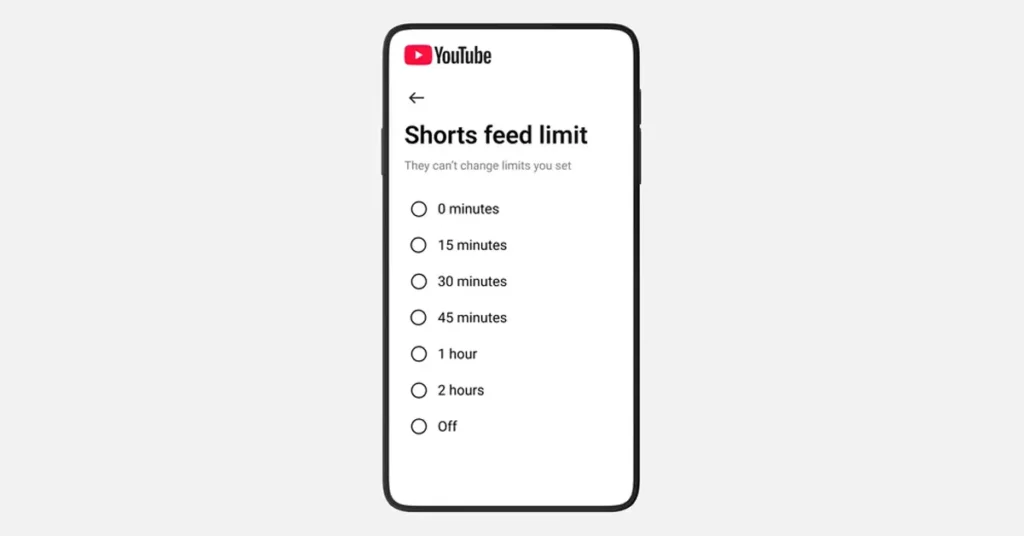
Parents can set a control that limits the amount of time a teen spends scrolling through Shorts. Importantly, YouTube says the option to set that timer to zero is also coming, which effectively lets a parent switch off Shorts scrolling when they want focus time, like during homework. Think of it as “study mode,” but without requiring a family debate about what counts as studying.
Why this matters: it targets the most bingeable part of the app, specifically the feed designed for rapid, repeated viewing.
2) Custom wellbeing nudges: break time and bedtime
YouTube is also expanding reminders by allowing parents of supervised teen accounts to set custom Bedtime reminders, YouTube and “take a break” prompts, building on default wellbeing protections already turned on for teens.
Why this matters: Reminders are only useful if they show up at the right time. Custom settings let families match real schedules, not generic ones.
A push for better recommendations: High-quality teen videos
Controls are one side of the story. The other is what teens get served in the first place.
YouTube is introducing new principles and a creator guide designed to promote high-quality teen videos and reduce repeated recommendations of content that may be “fine once” but harmful when watched on loop. The goal is to encourage more enriching, age-appropriate content and less of the stuff that nudges teens toward unhealthy comparisons, risky behaviour, or negativity.
Read Also: Veo 3.1 makes “Ingredients to Video” feel less like a demo and more like a director’s toolkit
In plain English, this is YouTube telling creators: if teens are a meaningful part of your audience, your content choices matter, and so will the platform’s recommendations.
Easier setup and family account switching
Finally, YouTube says it is updating the sign-up flow so parents can create kid accounts more easily and switch between accounts in the mobile app, depending on who is watching. If you have ever watched a parent try to “quickly fix settings” while a child is already tapping the screen, you understand why family account switching is a big deal.
Why this matters: Fewer setup hurdles usually mean more families actually use the right settings.
What to watch next
If you are a parent, the practical question is whether the Shorts time limit feels easy to find and easy to adjust. If you are a creator, the bigger question is how strongly these teen content principles will shape what gets surfaced to younger viewers, especially for channels that sit in the messy middle of entertainment and advice.
My take: this is a smart direction, but it is also the start of an arms race between “scroll forever” design and “please go to sleep” design. Parents will appreciate the new levers, but the real win is whether teens feel nudged toward better content, not just blocked from the addictive bits.


