


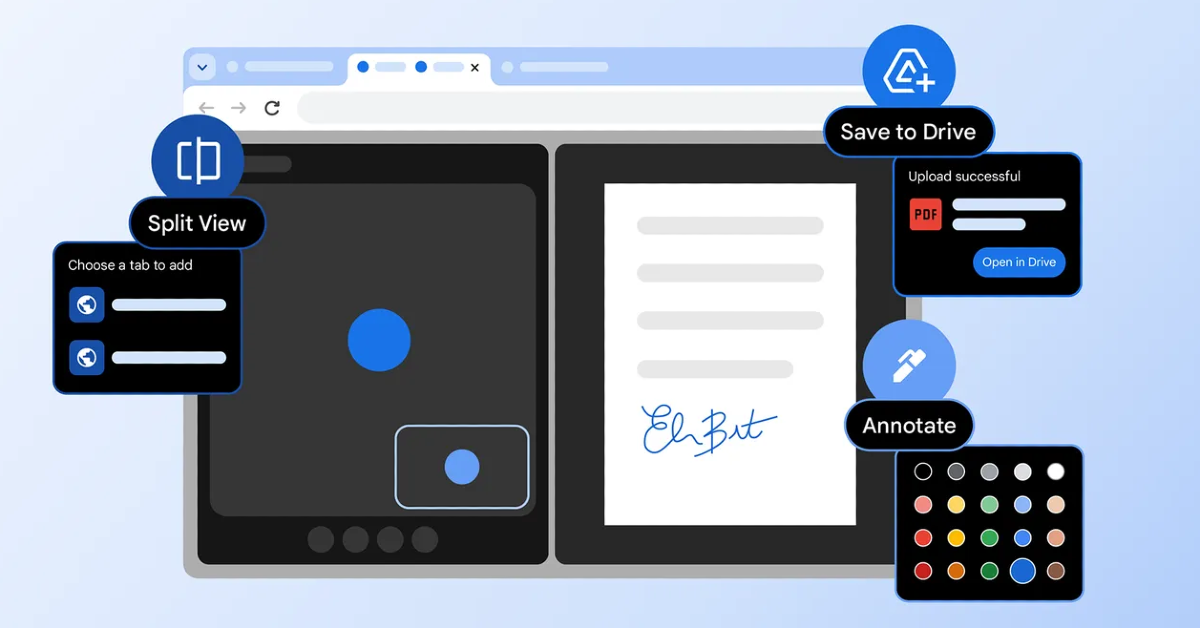

Google Chrome has been upgraded with new features that are meant to help people get more done. One of them is the Split View feature, which lets users see two tabs side by side in one window without having to resize them manually. The browser also now has built-in PDF annotation features that let users highlight text and add notes. There is also a new “Save to Drive” option that makes it easier for both daily and enterprise users to handle their tasks.
Chrome is adding three new capabilities to boost productivity: split view, PDF annotations, and Save to Google Drive. These enhancements are intended for both regular and enterprise users, with an emphasis on enhancing browsing experiences and collaboration. Chrome intends to improve task management and web surfing efficiency by responding to user input and fine-tuning features, allowing users to complete their to-do lists more quickly and work more successfully on side projects.
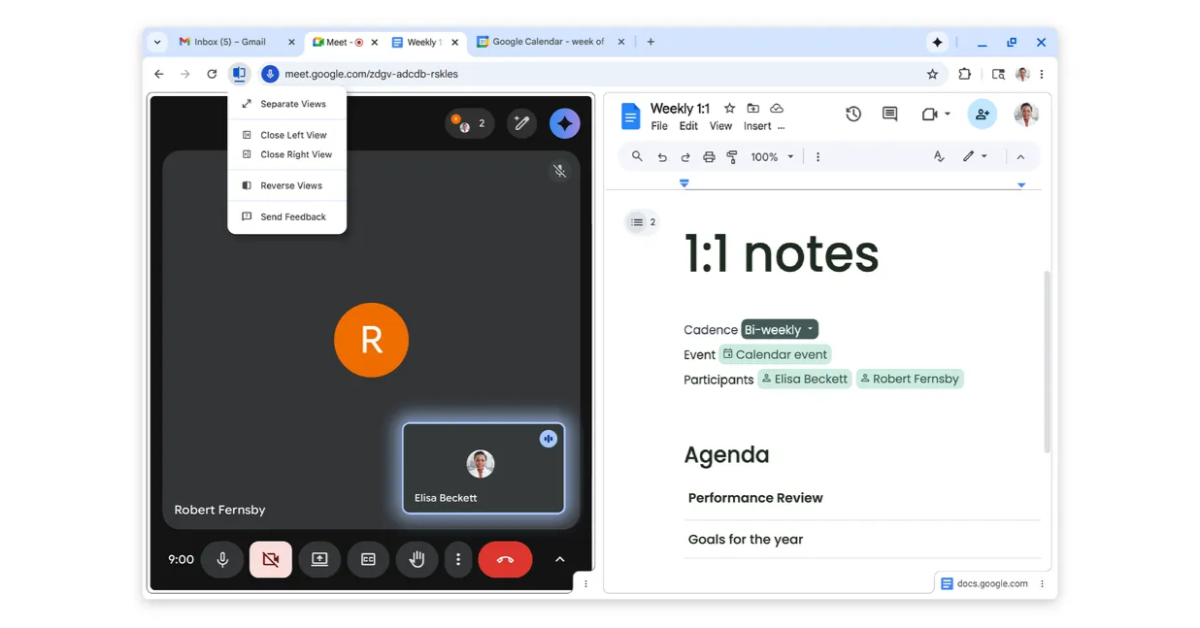
The first major change to Google Chrome is Split View, which aims to alleviate the typical irritation of managing several windows or tabs. Split view allows users to see two tabs at once, resulting in a more organised and productive workplace. This built-in utility reduces tab fatigue and saves time by delivering a more efficient experience. Early testers have noted improved multitasking capabilities, with instructors, students, and developers using split view for tasks such as grading, taking notes from videos, and accessing documentation while coding.
Also Read: Samsung to roll out One UI 8.5 update enhances Bixby voice commands
PDF annotations are now accessible in the Chrome PDF Viewer, enabling users to highlight text and notes directly within the browser. This eliminates the need to download files or switch between programs for quick annotations. The functionality is useful for a variety of activities, such as digital signatures, reviewing work reports, marking class syllabi, and highlighting key sections of personal documents.
Also Read: Realme P4 Lite budget phone with 6.74-inch HD+ display launched in India
With the “Save to Google Drive” option, users can now easily save important PDFs straight from Chrome to their Google Drive, eliminating the need to look for downloaded files. This feature enables users to retrieve downloaded documents straight from a new “Saved from Chrome” folder inside their Drive, ensuring that important documents are not just organised but also backed up for convenient retrieval across many devices. The functionality improves the user experience by optimising download management and providing a central location for important files.


