


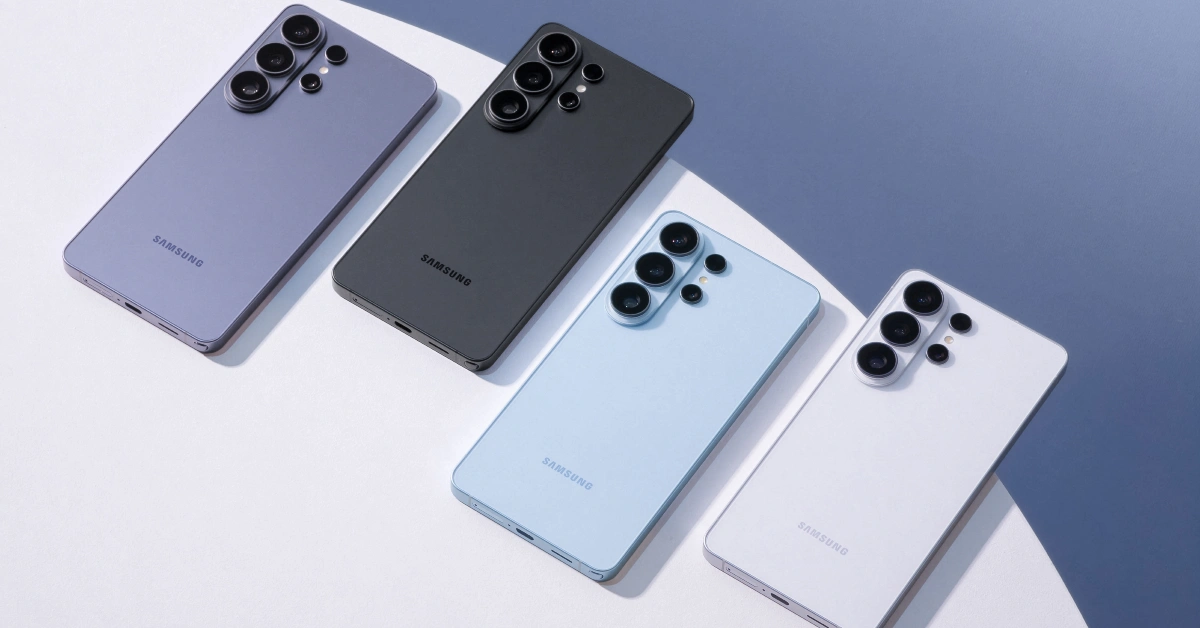

The new Ultra model in Samsung’s flagship smartphone series upholds the tradition of bringing the best specs under its banner and delivering a benchmark performance on every front. The Galaxy S26 Ultra is powered by Qualcomm’s newest flagship chipset – Snapdragon 8 Elite Gen 5. Its 6.9-inch Dynamic AMOLED display has a 120Hz refresh rate and hits a peak brightness of 2,600 nits. You also get 60W fast charging this time, something that Samsung users had been requesting for a long time. The quad-camera setup on the back panel continues to be one of the best in its class. If you just got your hands on the Samsung Galaxy S26 Ultra and want to test its potential, here are the top 10 apps you should download on it first.
Read Also: Xiaomi Pad 8 India launch date revealed
In This Article
Good Lock
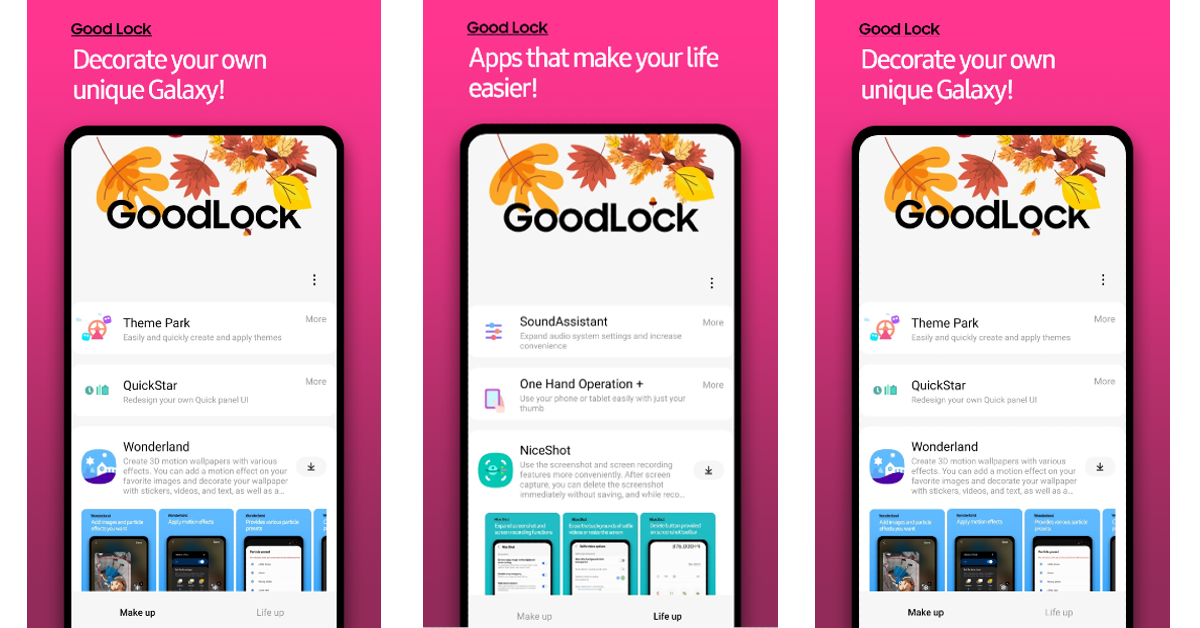
The Good Lock app is the key to unlocking the true potential of your Samsung Galaxy S26 Ultra. Designed by Samsung, this app offers several modules and plugins that give you greater control over your device. You can use them to tweak cosmetic elements like the UI of the status bar, quick settings menu, lock screen, keyboard, and other items. Additionally, you can enhance accessibility by assigning special gestures to common navigation controls like back, home screen, and recent apps. The further you dive into the Good Lock modules, the more fascinating stuff you will find.
Download Good Lock from the Samsung Galaxy Store
Expert RAW
Expert RAW is an essential app for camera enthusiasts who want to shoot uncompressed and truly neutral pictures. Like Good Lock, this app is also developed by Samsung for its Galaxy smartphones. The RAW images can be viewed and edited by apps that support DNG. These images are not put through your phone’s photoprocessing phase. Instead, they capture raw details from the sensor without any losses to compression. You can exercise full control over how the images look in the editing phase.
Download Expert RAW from the Samsung Galaxy Store
Galaxy Enhance X
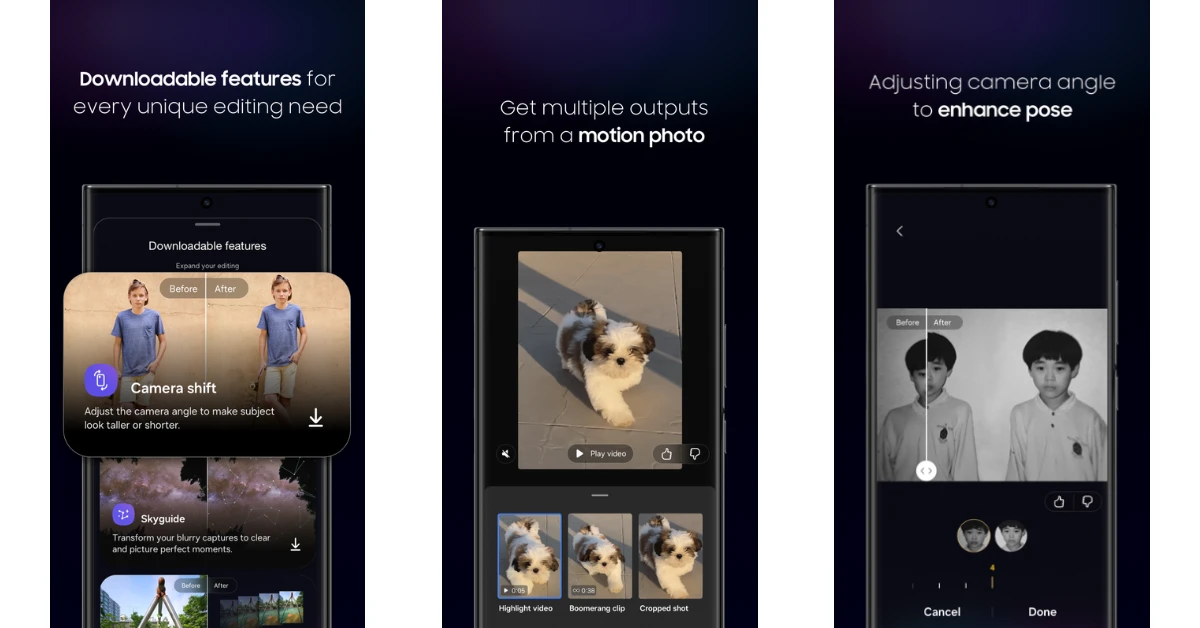
While the image editor in the native Gallery app can handle the basic editing tasks, the Galaxy Enhance X app, designed by Samsung, goes the extra mile to bring all the important AI editing features under its umbrella. Apart from general tools like object eraser and reflection remover, Galaxy Enhance X offers pro features like GIF Maker, Sky Guide, Camera Shift, Denoise, and more. The ability to change the camera angle after you’ve captured an image feels nothing short of magic. You can also enhance the pose of the subject and fine-tune minute facial details. The handy video editor lets you create time lapses, slow-mos, and more.
Download Galaxy Enhance X from the Samsung Galaxy Store
DocuSign

Samsung’s Note series lives through the S Pen on the Galaxy S26 Ultra. This accessory may not find routine use, but it makes its presence worthwhile by signing documents alone. Not many smartphones can flex that. The DocuSign app makes this process easy by quickly scanning physical documents or importing the digital ones. You can choose to use the stylus to sign your name or use a saved signature in the app. The data imported to this app is kept private.
Download DocuSign from the Google Play Store
Canva
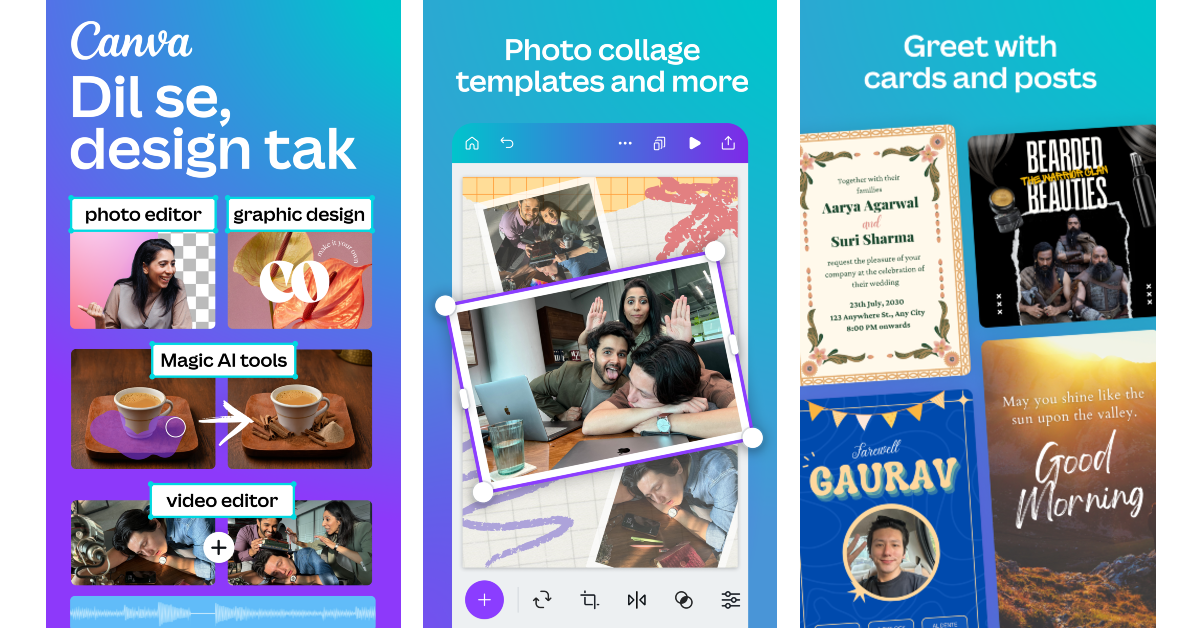
Canva can design everything from flyers for your band’s gig to e-vites for your birthday party. It is super accessible to the average user, giving them all the tools to create personal projects and guiding them to completion. Additionally, its photo-editing tools help you bring out the best in your images. You can change the background of your pictures, adjust their contrast, apply several photo effects, create a collage, add a personalised watermark, and more. The possibilities are endless.
Download Canva from the Google Play Store
ProCCD
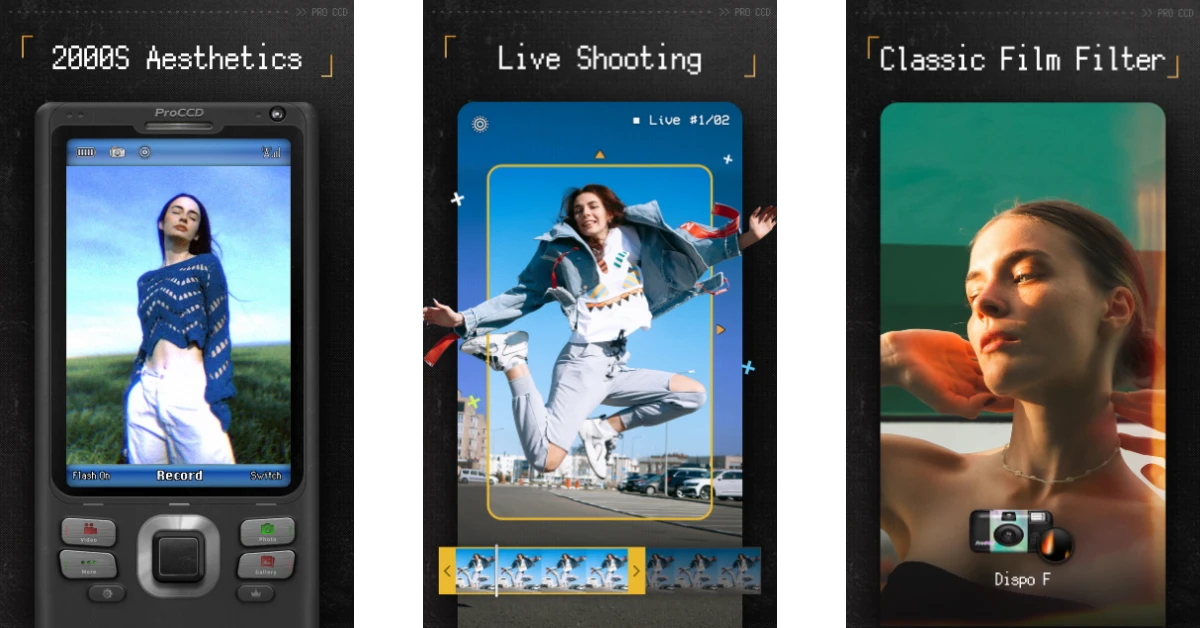
ProCCD is one of our favourite camera apps around right now. It recreates the aesthetic of the classic CCD digital cameras, down to their interface and pixel style. The image effects bring the nostalgic feel of the early-2000s era to your smartphone photos. On top of that, you get access to the film effects of the 80s and 90s. These effects don’t just apply to the images. You can record videos with lomography oldroll filters and light leaks. The vignette and grain effects bring the VHS aesthetic to your videos. If you want to jump on the digital camera trend that’s going around right now, we highly recommend downloading this app.
Download ProCCD from the Google Play Store
LocalSend
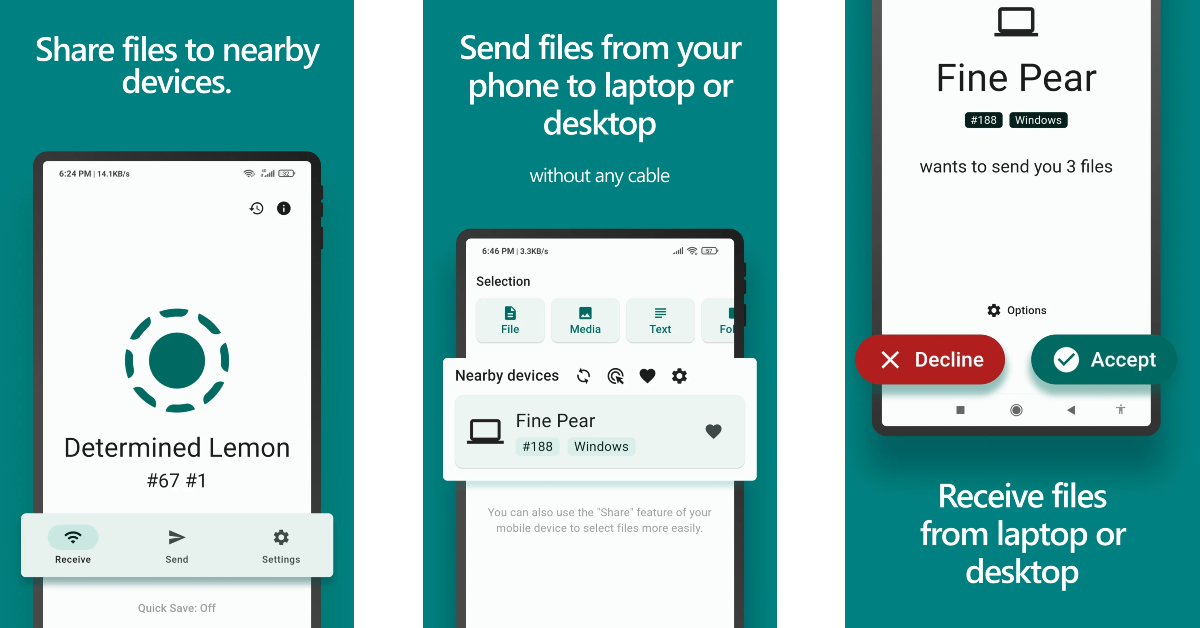
Transferring files between different platforms doesn’t have to be a hassle. LocalSend helps you overcome the ecosystem barrier without using any third-party servers. It relies on a local WiFi connection to transfer files between two devices. If you don’t have a home WiFi network, you can simply use your phone’s WiFi hotspot. If you own a MacBook, this app will find a lot of use on your Samsung Galaxy S26 Ultra. Being completely open-source, this app is secure and trustworthy.
Download LocalSend from the Google Play Store
ChatGPT

ChatGPT does not need any introduction at this point. This AI chatbot can become your daily assistant by helping you with daily tasks, whether it is drafting an email to your manager or creating a prospective list of items you need to stock up on in your grocery run. You can feed it a PDF and ask it questions about the source material. The conversational nature of the chatbot makes it easy to absorb information and ask follow-up questions. You can even set it as the default AI assistant on your device instead of Gemini AI.
Download ChatGPT from the Google Play Store
Call of Duty Mobile

The Snapdragon 8 Elite Gen 5 processor at the heart of the Galaxy S26 Ultra is powerful enough to run heavy gaming titles without getting out of first gear. With all this power at your disposal, we highly recommend you check out Call of Duty Mobile. This FPS game is packed with intense action. It keeps the gameplay fresh by routinely adding new maps and artillery. There are 3 multiplayer modes on offer – Team Deathmatch, Domination, and Kill Confirmed. You can also choose to play Battle Royale matches and conquer the battlefield on your own.
Download Call of Duty Mobile from the Google Play Store
Brave Browser

Brave Browser keeps your privacy central to your web browsing experience. It blocks third-party cookies that track your online behaviour. Additionally, it enforces websites to use the HTTPS script. The private search engine does not engage in profiling. If you want added privacy, you can use the native VPN offered by this app. The handy ad blocker on this app gets rid of annoying ads online. It is one of the few ad blockers that works on YouTube.
Download Brave Browser from the Google Play Store
Read Also: Top 10 smart devices and gadgets for your kitchen (2026)
Final Thoughts
These are the top 10 apps that you should download first on your new Samsung Galaxy S26 Ultra. Stay tuned for our review of the smartphone. If you have any app recommendations, let us know in the comments!


