


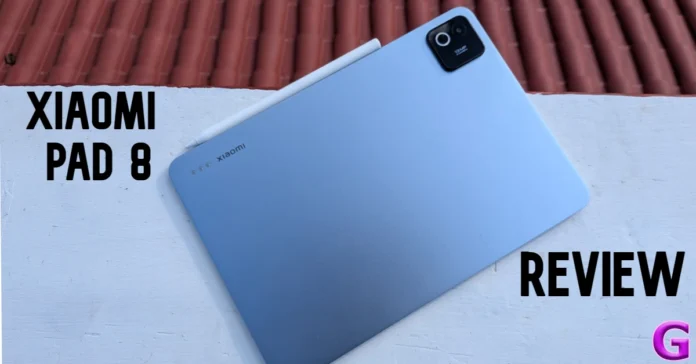
The new Xiaomi Pad 8 carries a heftier price tag than its predecessor (our review here), but it also packs more power. Making the upgrade to a Snapdragon 8 series chipset has ensured that the tablet does not leave you hanging while performing heavy-duty tasks. It also comes with the standard pair of accessories, Focus Keyboard (Rs 8,999) and Focus Pen Pro (Rs 5,999), to maximise productivity. So, the question remains: Does Xiaomi’s midrange tablet retain its spot in the upper echelon of Android tablets? Find out in our Xiaomi Pad 8 review.
Read Also: Infinix Note Edge 5G Review: Edgy display and great battery life
In This Article
Xiaomi Pad 8 Review: Design and Display
Box Contents
- Tablet
- 67W power adapter
- USB-A to USB-C cable
- Quick start guide
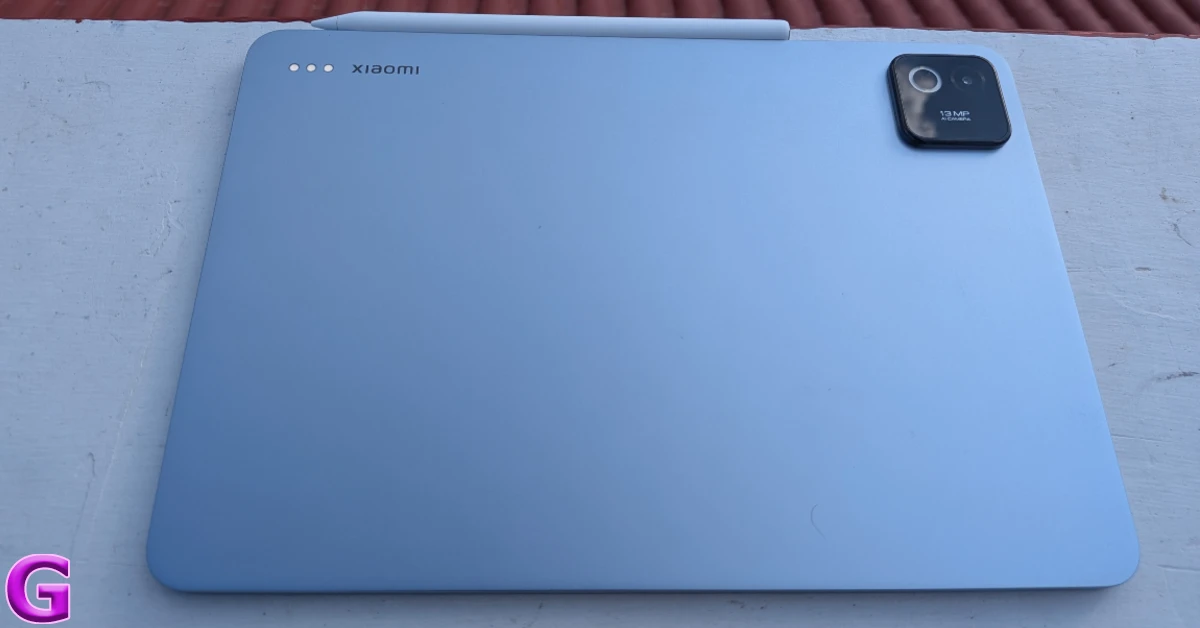
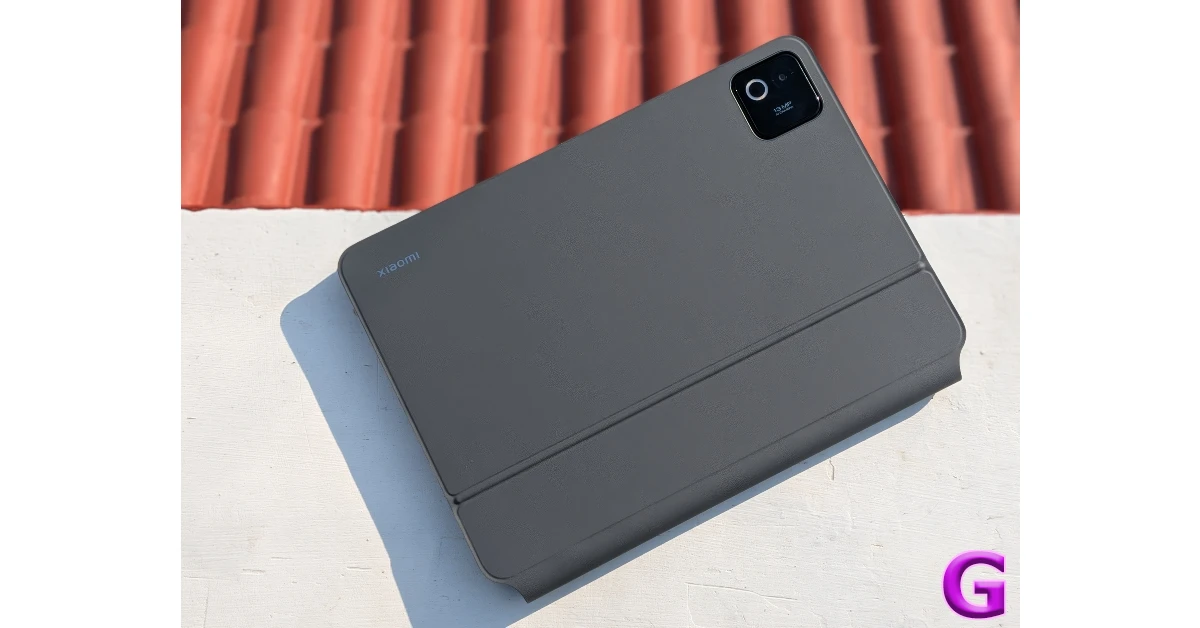
The Pad 8 follows the design language of its predecessor. Its flat aluminium back panel has a square camera island on the top-right corner and magnetic connectors on the top-left corner. The smooth finish keeps fingerprints and smudges at bay while offering a nice in-hand feel. Xiaomi has trimmed the thickness of the tablet to 5.8mm on the Nano Texture Display version and 5.75mm on the standard model. These variants weigh 494g and 485g, respectively.
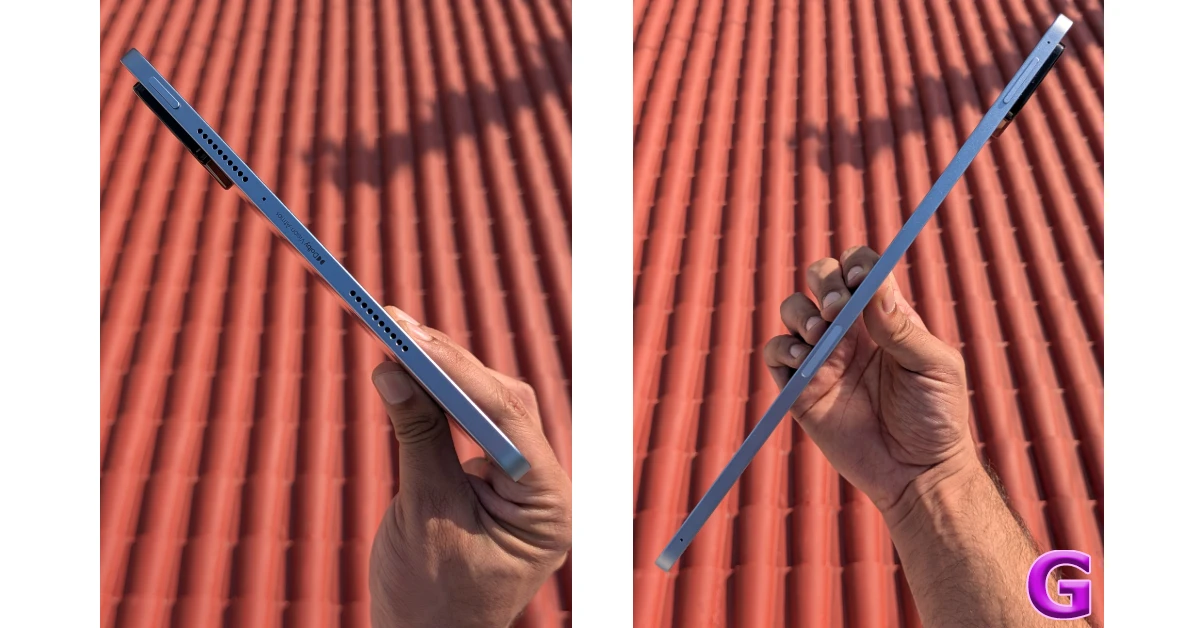
The aluminium frame houses the volume rocker and the magnetic strip for docking and charging the stylus on its top edge. There are microphones on each end. The quad speaker is mounted on the side edges, sandwiching a microphone on the left edge and the USB-C port on the right edge. The side button is positioned on the top-left section of the frame. It is not integrated with a fingerprint sensor, which limits your unlock options to passcode and facial recognition.
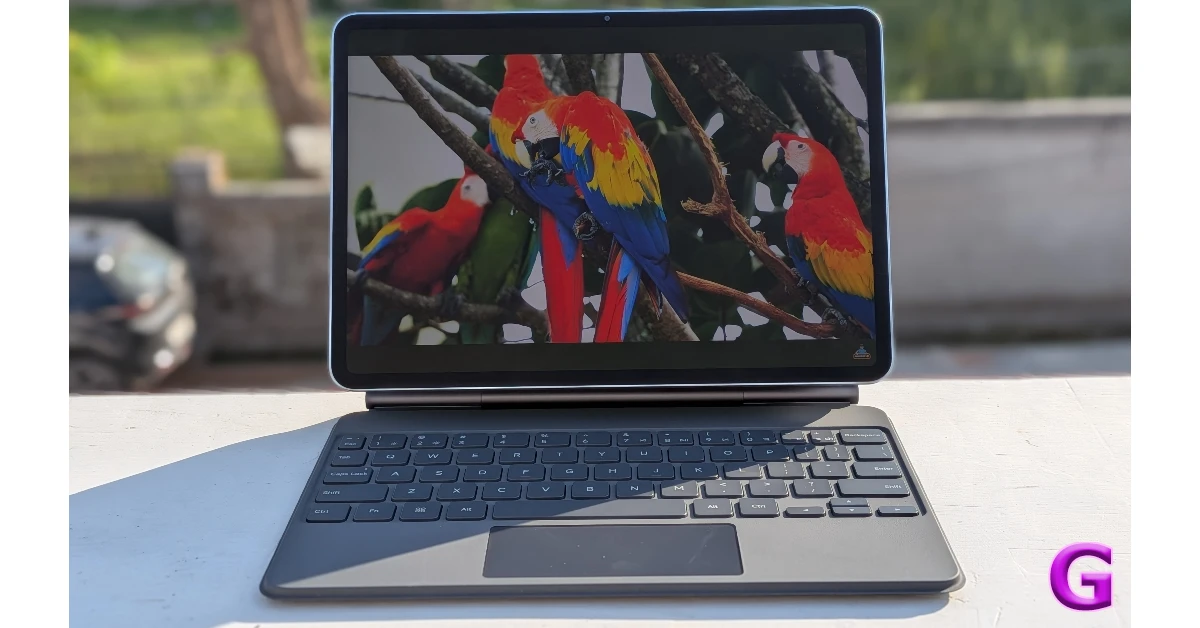
The 11.2-inch IPS LCD panel has a 144Hz refresh rate and can reach a peak brightness of 800 nits. The next-gen nano texture tech (available on the 12GB RAM model only) ensures that the display maintains clarity even under direct sunlight. The AR coating reduces screen reflectivity. We did not come across any legibility issues while using the tablet in outdoor daylight conditions. The smooth touch response was the icing on the cake.
During the review period, we used the Xiaomi Pad 8 as our primary media streaming device, watching content across major platforms like Netflix, Prime Video, and JioHotstar. The 3.2K display did a splendid job of relaying detailed visuals with vibrant colours. With HDR10, Dolby Vision, and HDR Vivid support, this display offers the best visuals you can get out of an LCD panel. Of course, the shift in contrast is palpable when you switch from an AMOLED display, but in this price bracket, this is as good as it gets. The quad speaker setup produces a well-rounded audio output, but there’s room for improvement when it comes to clarity.
Xiaomi Pad 8 Review: Performance and Cameras
At the heart of the Xiaomi Pad 8 lies the Snapdragon 8s Gen 4 SoC. The tablet comes in 2 RAM and storage variants:
- 8GB (LPDDR5X) + 128GB (UFS 3.1): Rs 33,999
- 12GB (LPDDR5T) + 256GB (UFS 4.1): Rs 36,999
We ran a couple of benchmark tests on the device. Here’s how it fared.
- AnTuTu 3D: 2,298,085
- Geekbench 6: 1973 (single-core) | 6326 (multi-core)
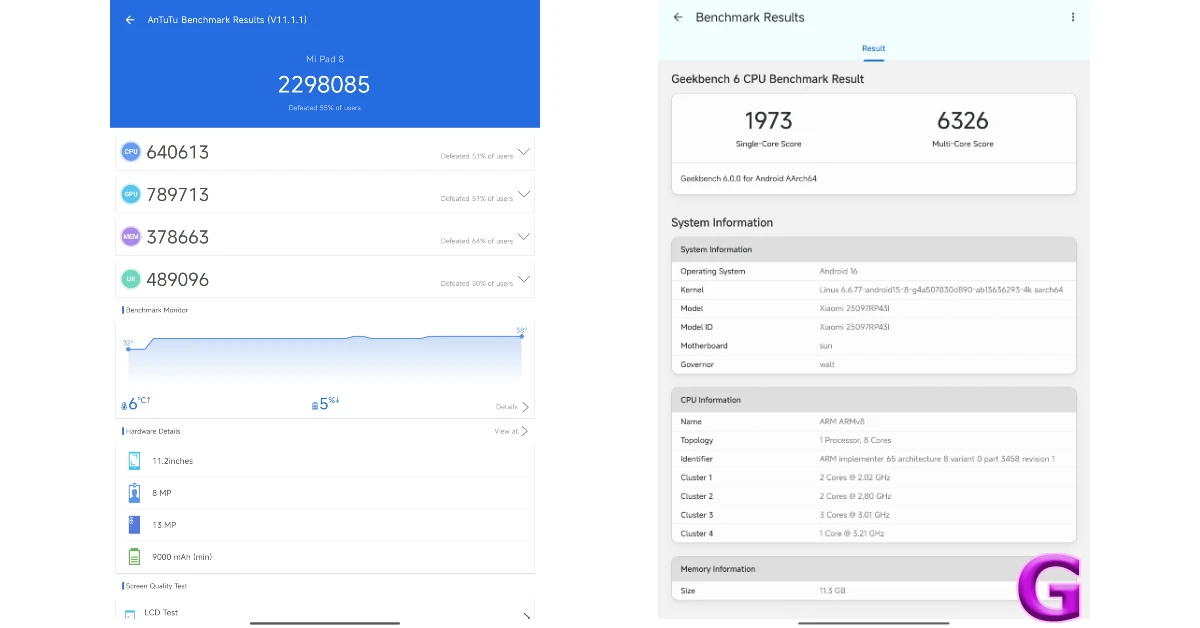
The 12GB + 256GB variant we used for this review went through routine tasks like a hot knife through butter. At no point did we feel the need for more power. Tasks like video calling, instant messaging, web browsing, and media streaming were handled expertly. Power-intensive tasks like video editing did not throw any issues either. Our only complaint when it comes to general usage is that the tablet does not have cellular connectivity.
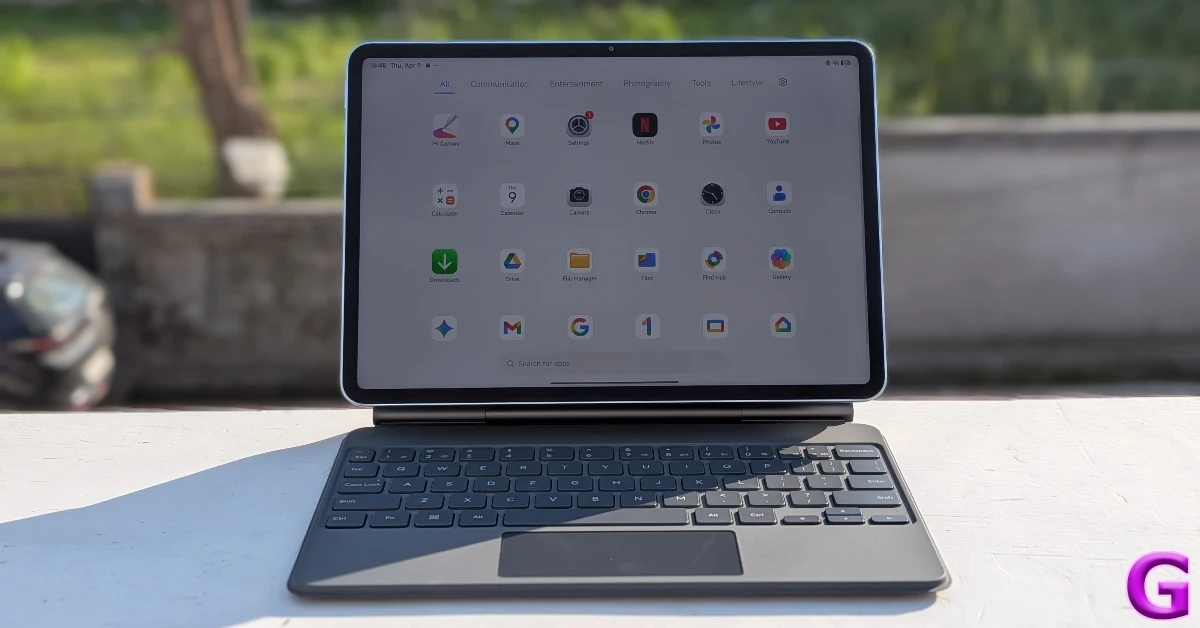
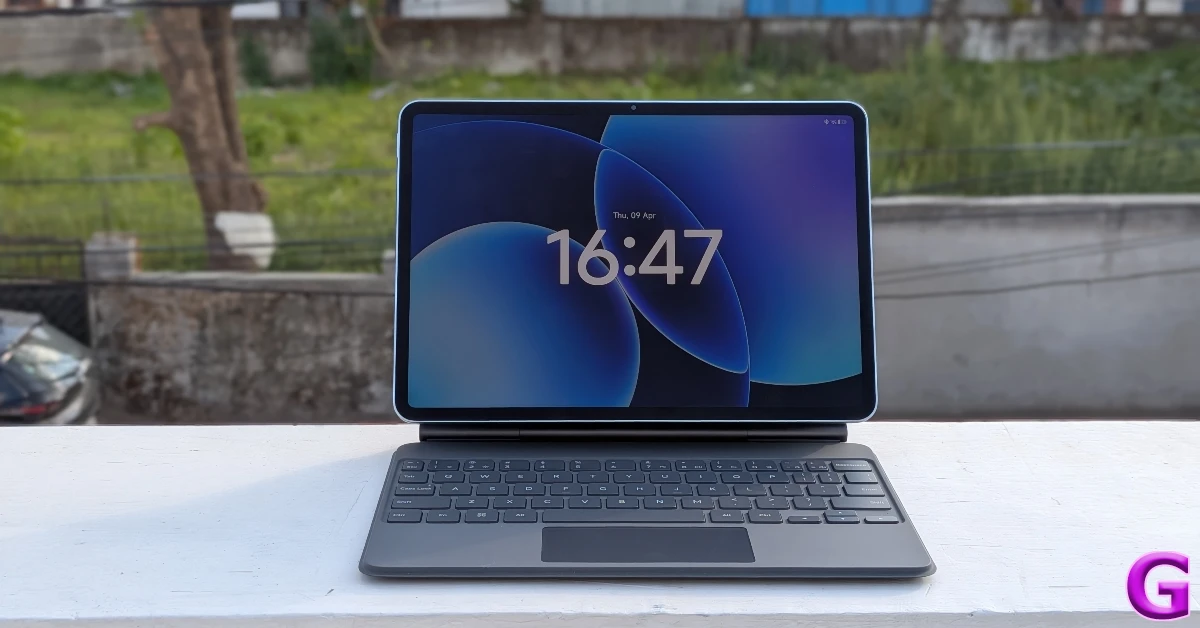
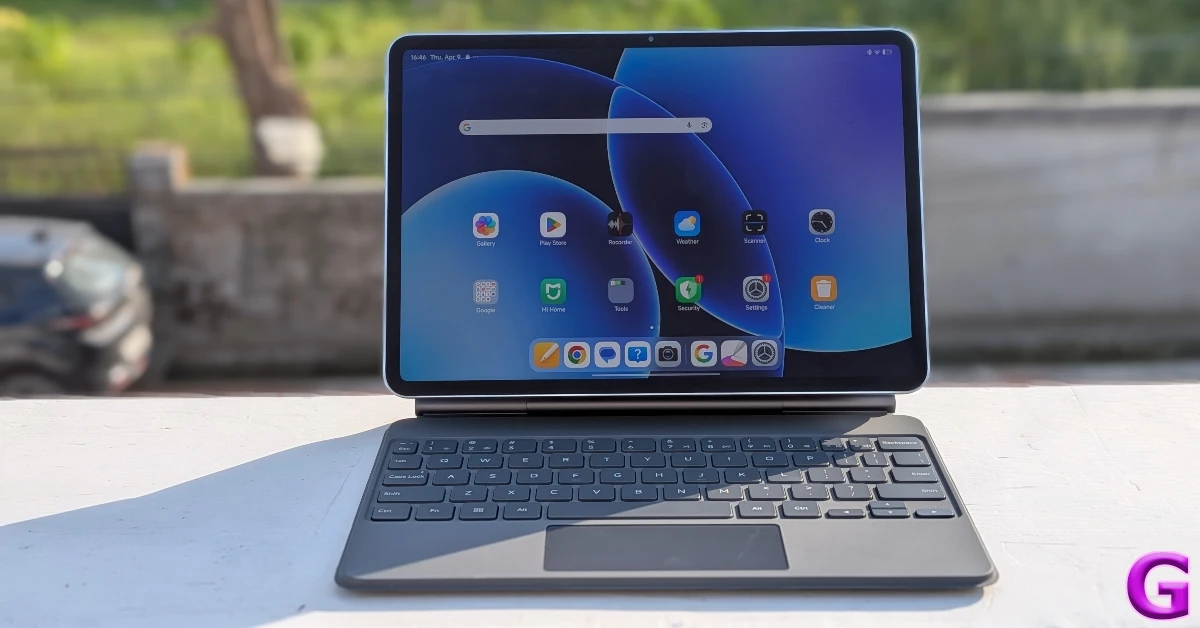
With a powerful processor like Snapdragon 8s Gen 4, you can think about replacing your laptop with this tablet. For this, you will need to shell out an additional Rs 8,999 for the Focus Keyboard. Compared to its predecessor, the Xiaomi Pad 8’s keyboard attachment is a massive improvement. It seamlessly snaps onto the back of the tablet using magnetic connectors. The metal spine of the case lends it amazing strength and durability. Everything feels rock-solid, and there’s no wobble or unnecessary movement of any kind. The floating design of the case lets you adjust the angle of the tablet between 0°-124°. This is something you don’t get to see in folio cases for Android tablets too often.
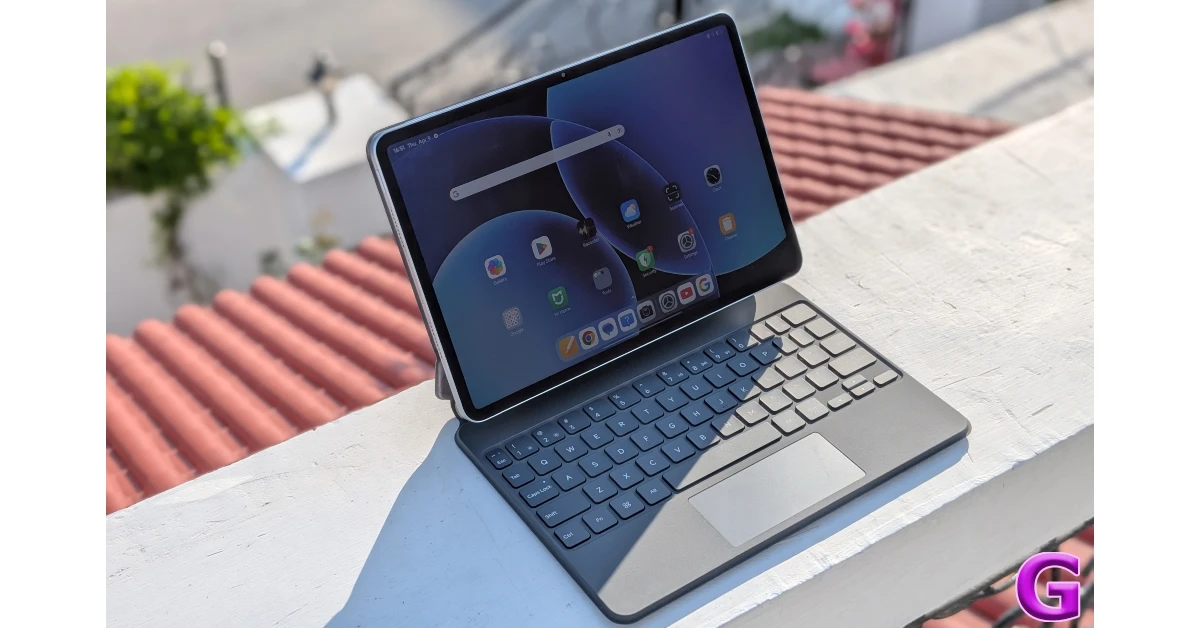
The backlit keyboard adjusts its brightness according to the surrounding light. It is able to recreate a laptop-like feel with its 15mm keycaps, 18mm spacing, and 1.3mm travel. The typing experience is pretty good for a tablet keyboard. We did not feel the need to rush to our laptops while typing long emails and articles. It takes a while to get accustomed to a compact keyboard, but once you get in the swing of things, you won’t miss your laptop.
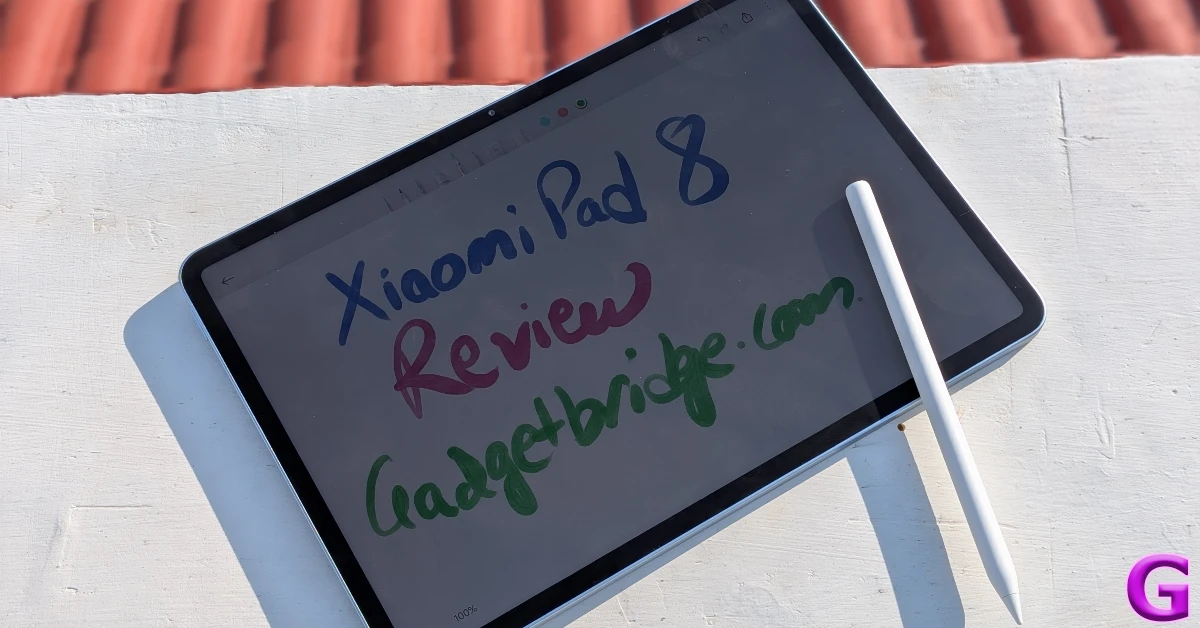
Xiaomi has ditched the ‘Spotlight’ button on the new Focus Pen Pro for a cleaner design. You can still access its functions using the pinch gesture. The haptic feedback produced by the pen for this gesture recreates the ‘press’ effect. In the Mi Canvas app, you can use the double-pinch gesture to switch tools, brushes, and colours. Sliding across the flat edge of the pen adjusts the brush size. Rotating the pen controls the stroke direction. Tapping the screen with the pen when the tablet is asleep launches the Mi Canvas app. The ultra-low latency and 16,384 pressure sensitivity levels make this stylus ideal for writing, doodling, and creating elaborate artworks.
Software duties on the Xiaomi Pad 8 are handled by the Android 16-based HyperOS 3. This software gets the most out of the canvas form factor. The handy Workstation mode, inspired by iPadOS, lets you open up multiple floating windows on the screen and switch back and forth among them. Swiping a window to either edge of the screen minimised it. There is a learning curve involved with this feature, but you can maximise your productivity by a significant factor once you get used to it. If you’re not a fan of this mode, you can stick to the old-school split-screen setup and watch a movie while going through your emails.
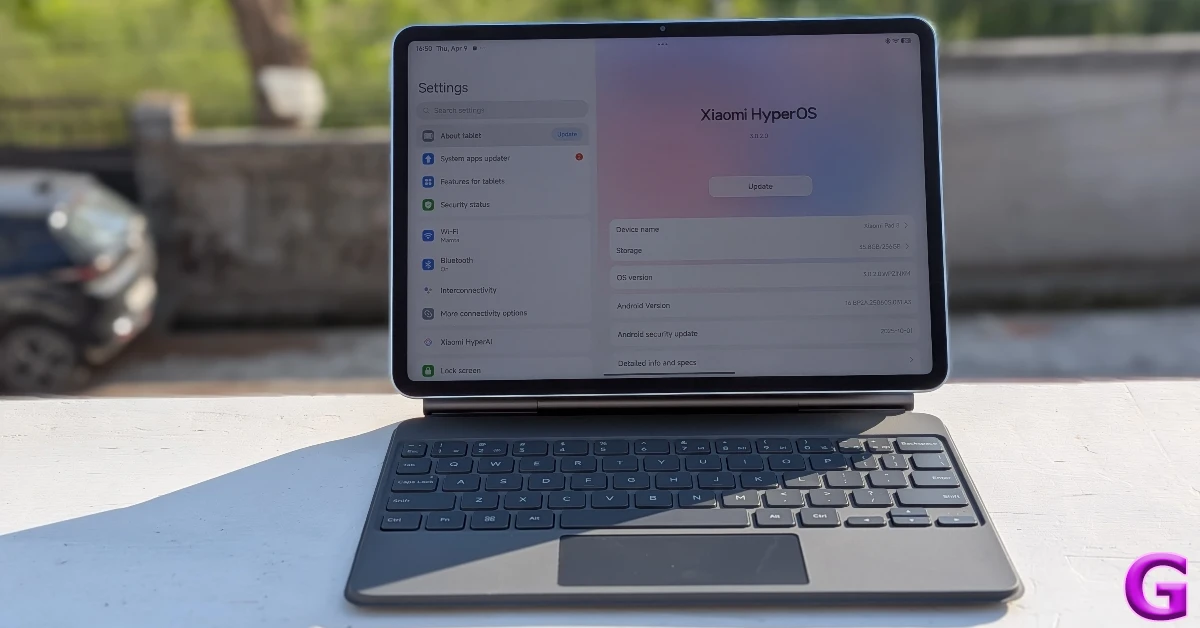
The Xiaomi HyperAI suite packs useful tools like AI Subtitles for video calls and meetings, AI Translate for face-to-face conversations, AI Speech Recognition for creating transcripts and summaries of recorded conversations, and more. The AI Creativity Assistant lets you edit your images, boost their details, and remove unwanted objects.
The Pad 8 packs a 9,200mAh battery under its hood. It lasts up to 1.5 days on regular to heavy usage. For casual users, this tablet can easily offer a 2-day battery life. The battery pack supports 45W wired charging. Using the 67W adapter provided in the box, it took us almost 2 hours to fully charge the tablet.
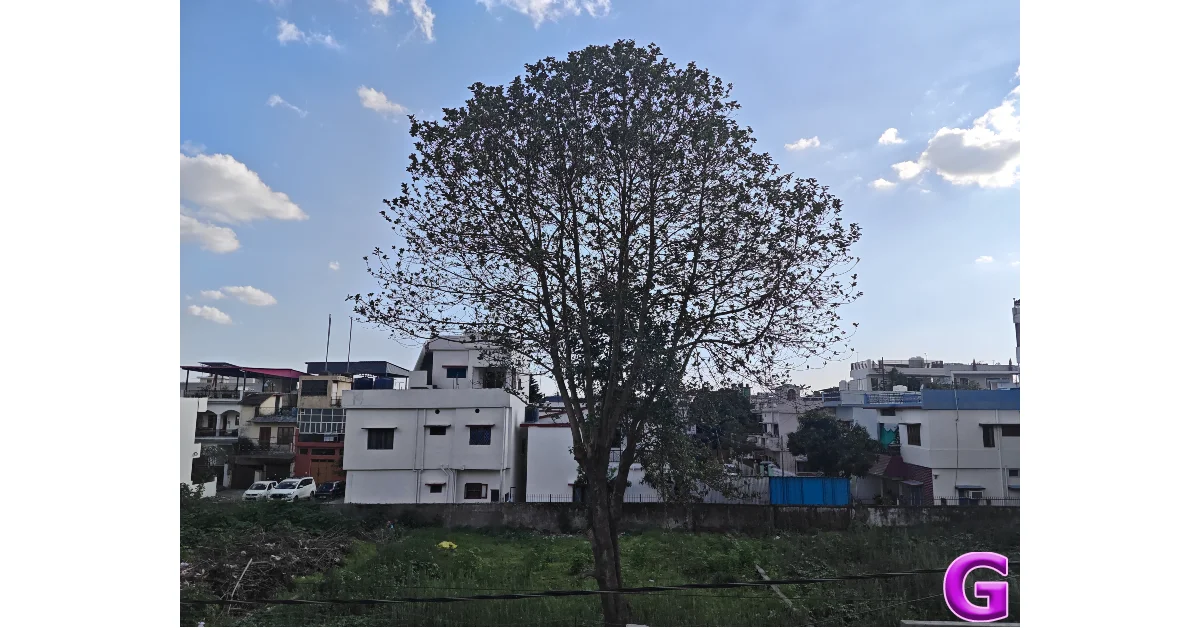
Cameras are usually an afterthought on tablets, but the Pad 8’s 13MP primary shooter captures good pictures in outdoor daylight conditions. These images pack good details and showcase natural colours. The 8MP front-facing camera takes clear selfies, but their quality depreciates significantly when you pixel peep. With that being said, this is still a great camera for video calling.

Read Also: Samsung Galaxy A57 5G and A37 5G sale goes live in India
Verdict
The Xiaomi Pad 8 has carved out a spot for itself among the top midrange tablets in today’s market. The Snapdragon 8s Gen 4 chipset has rejuvenated its performance and turned it into one of the most versatile tablets out there. The nano-texture display, with its anti-reflective coating, makes outdoor use a breeze. The software experience remains top-notch with HyperOS 3’s clever optimisations and features. However, the game-changer for us is the Focus Keyboard attachment, which makes a valid case to replace your laptop with this tablet.
Pros
- Sleek design
- Anti-reflective display
- Powerful processor
- Great accessories
Cons
- Audio output needs more clarity
- Does not come in a cellular variant


