




Video standards have risen. Fans now expect crisp clips on TikTok. You don’t need a professional studio or perfect lighting; use smart apps to get that polished look right now. This is where the magic of specialised software comes in.
Modern video background removers have democratised professional video production. You no longer need to paint your bedroom green or invest in expensive fabric screens that take up half your living room. Today, a solo creator can film a tutorial in a cluttered kitchen and quickly transport themselves to a minimalist office or a vibrant abstract landscape.
Among the leading tools making this possible is Vmake. It has quickly gained a reputation for being one of the most reliable options for creators who need a simple solution that does not sacrifice edge quality. This guide will cover the top apps currently helping creators reclaim their visual space and elevate their storytelling.
1. Vmake AI
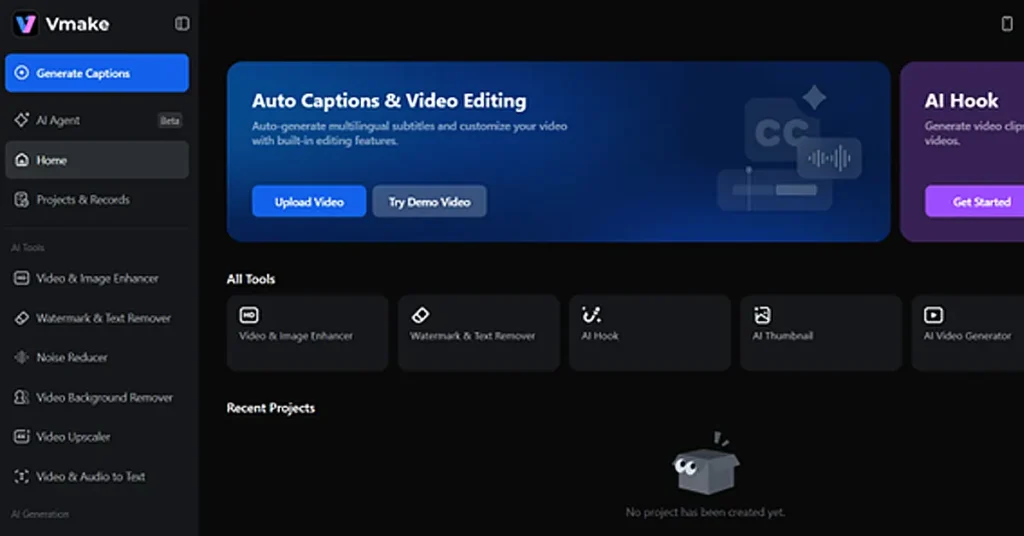
Vmake stands out because it functions more like a comprehensive production hub rather than just a simple filter. Most apps struggle with messy edges like frizzy hair, but Vmake video background remover fixes details frame by frame. This is great for creator videos where you need to look natural in a new background. It ensures the final result looks clean, no matter what you are actually filming today.
In This Article
Key Features
- Intelligent Edge Detection handles complex scenarios like frizzy hair or rapid movements.
- High-resolution processing handles professional-grade output suitable for ads.
- Batch production tools allow you to swap backgrounds for many videos at once.
- Full funnel capabilities include watermark erasing and script generation.
Pros and Cons
- Pros include an incredibly clean interface designed for people without formal training.
- Processing is fast and takes place in the cloud to save your device battery.
- Cons include a requirement for a steady internet connection for large uploads.
- Free versions are often limited to shorter clips for testing purposes.
2. CapCut
If you spend any time on TikTok, you are already familiar with CapCut. This app has become the unofficial editor for the mobile generation because it is so easy to use. Its background removal tool is a one-click wonder that is highly integrated with the rest of its creative suite. For creators who need to add trending music and a background swap in one sitting, it is hard to beat for sheer convenience.
Key Features
- One click auto removal instantly identifies the main subject without manual masking.
- Chroma Key tools allow for pixel-level accuracy if you use a green screen.
- A vast background library lets you swap scenes for stock footage or solid colours.
Pros and Cons
- Pros include being extremely versatile across mobile and desktop devices.
- Most basic features are free and optimised for social media formats.
- Cons involve a lack of deep manual brush tools for complex video removals.
- The app can be resource-heavy on older smartphones and cause lag.
3. Adobe Ecosystem
For those who are already part of the Adobe ecosystem, Adobe Express offers a streamlined way to remove backgrounds. It is powered by professional technology that brings a level of corporate-grade reliability to the table. It is an excellent middle ground for creators who want more polish than a social media app but do not want to learn the complexities of heavy desktop software.
Key Features
- Adobe Stock integration lets you replace backgrounds with high-quality professional images.
- Quick actions allow you to finish the task in seconds and download the file immediately.
- Content scheduling tools help you post the finished video directly to social media.
Pros and Cons
- Pros include high accuracy in subject differentiation even in cluttered environments.
- It is excellent for maintaining brand consistency across different types of media.
- Cons include a free plan that is quite restrictive regarding video length.
- The tool currently lacks advanced manual correction features if the software misses a spot.
4. Wondershare Filmora
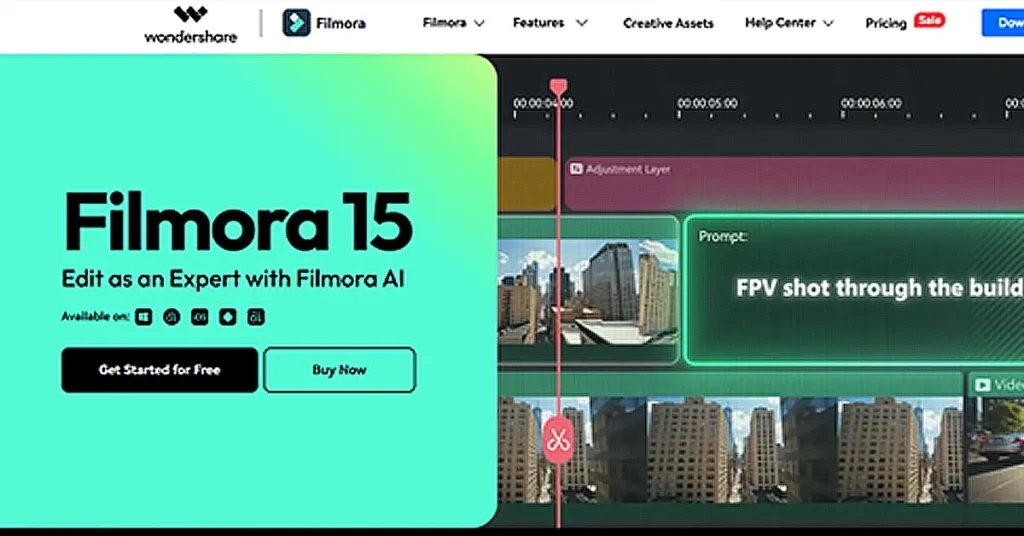
Many YouTubers choose Filmora because it is stronger than mobile apps. Its portrait feature lets you remove backgrounds without needing a green screen. This makes it simple to swap your backdrop while always keeping the main focus right on you. It does so with impressive speed on both Windows and Mac computers.
Key Features
- AI Portrait automatically identifies the human subject and removes the background instantly.
- Smart Cutout allows for manual control if the automatic removal misses fine details.
- Full interface editing means you can record your webcam and edit the video in one place.
Pros and Cons
- Pros include a massive library of transitions and stickers to place behind your subject.
- It is much more stable for editing longer videos than most browser-based tools.
- Cons include a free version that adds a very large watermark on the final export.
- The advanced features can be demanding on your computer hardware.
5. Cutout.pro
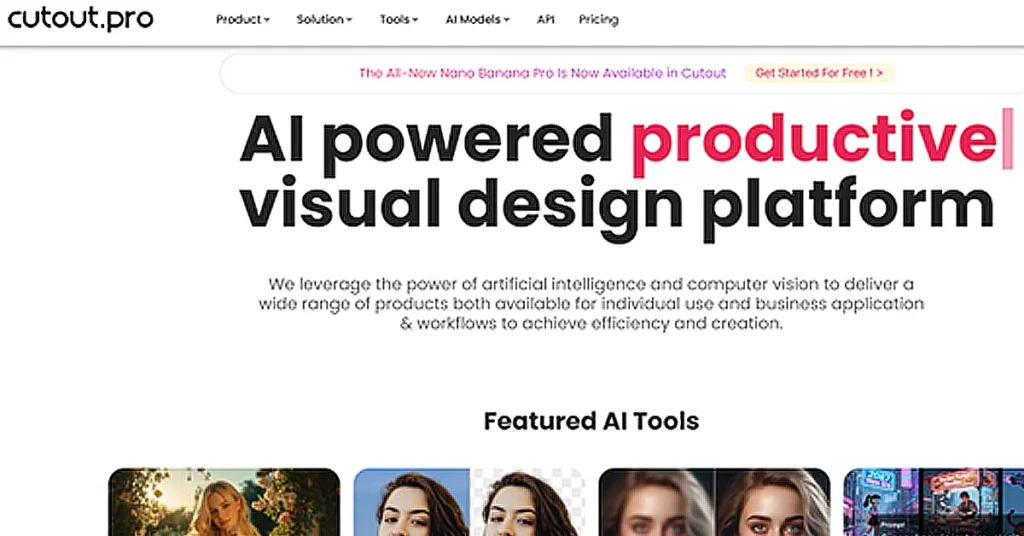
Cutout.pro is a visual content platform that has carved out a niche in the e-commerce world. It is designed for creators who are processing high volumes of content for product listings. It focuses on cutout quality to ensure that edge details remain sharp for high-definition videos.
Key Features
- Batch automatic editing is built to handle large volumes of media in one go.
- Transparent export is excellent for creating video overlays and stickers.
- E-commerce optimization helps sellers create clean product showcases.
Pros and Cons
- Pros include high efficiency for batch processing if you are running a business.
- It offers secondary tools like object removal and photo restoration in one place.
- Cons include results that can sometimes look a bit artificial on certain textures.
- The credit system can be confusing for casual users with only occasional projects.
How to Choose Your Background Remover
The tool you choose depends entirely on your project goals. If you are an influencer who lives on TikTok, the convenience of social integration makes mobile apps your best bet. For long YouTube videos, use a strong desktop editor for better stability. If you’re building a brand, focus on high quality and fast results to get your work done quickly.
This is where Vmake and Adobe Express take the lead. Vmake helps you turn simple home recordings into professional ads. It ensures that even if you film in a crowded room, your final video looks like it was made in a studio.
Final Thoughts on Visual Content
Nowadays, you can’t blame gear for bad videos. Great work is now very easy for every single person to create. The ability to remove a background is a superpower for the modern creator. It allows for creative flexibility that was once reserved for major film studios. Whether you are using a free utility or a professional suite, the goal is to make your message the focus rather than your environment.


