


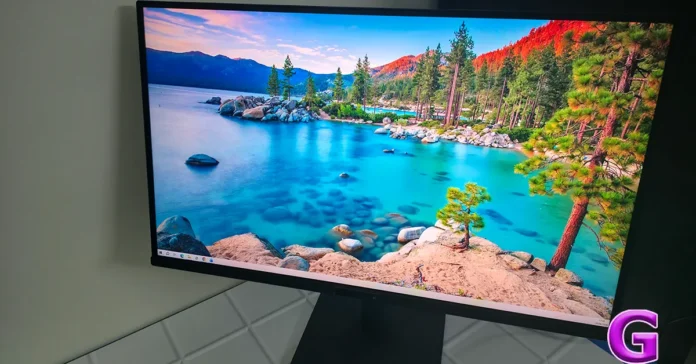
A BenQ RD270Q monitor review for developers almost writes itself after a few days of use. While most monitors try to be everything for everyone, the RD270Q takes a refreshingly different route. It focuses on one audience and does it with surprising confidence. Developers, programmers, software engineers and anyone who spends hours reading text will quickly notice that this is not just another 27-inch display with a fancy specification sheet. It feels like a monitor designed after listening to people who actually write code for a living.
The BenQ RD270Q is not chasing gaming glory or cinematic brilliance. Instead, it aims to make everyday work easier on your eyes and a little kinder on your neck. After spending considerable time coding, writing, editing and multitasking on it, the difference becomes difficult to ignore.
Read Also: Dreame L50s Pro Ultra Review: The Efficient Robot Vacuum Cleaner
In This Article
Design
The RD270Q keeps things understated. There are no RGB lights screaming for attention or unnecessarily aggressive design choices. Instead, you get a clean-looking 27-inch monitor that would look equally comfortable in a startup office, a home workstation or a software company’s development floor.
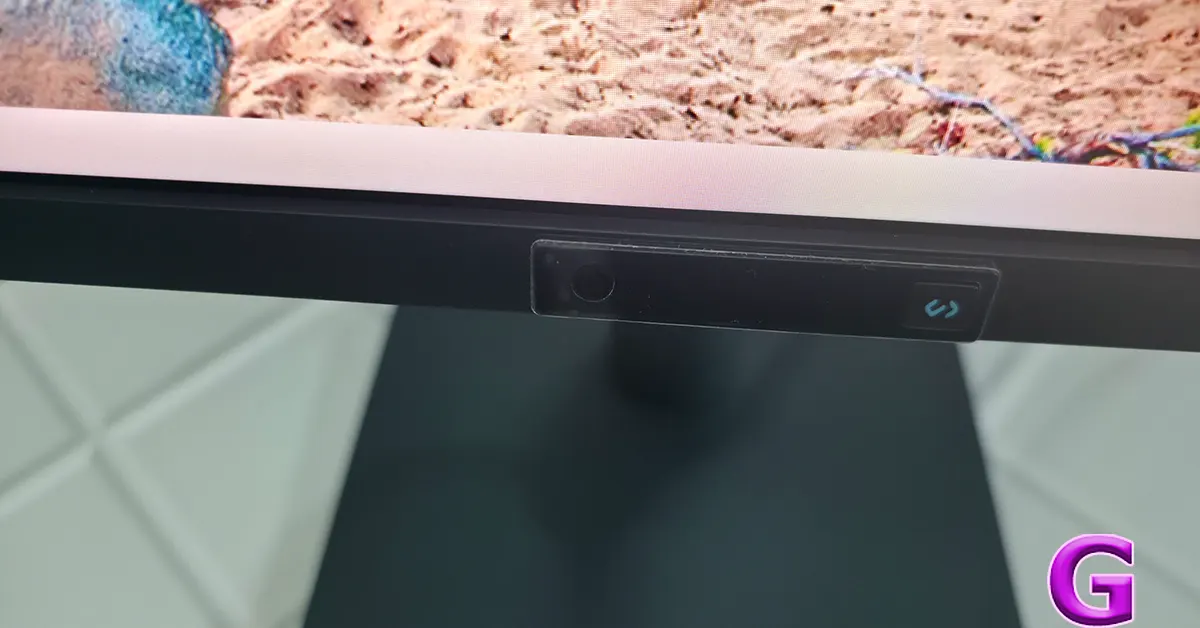
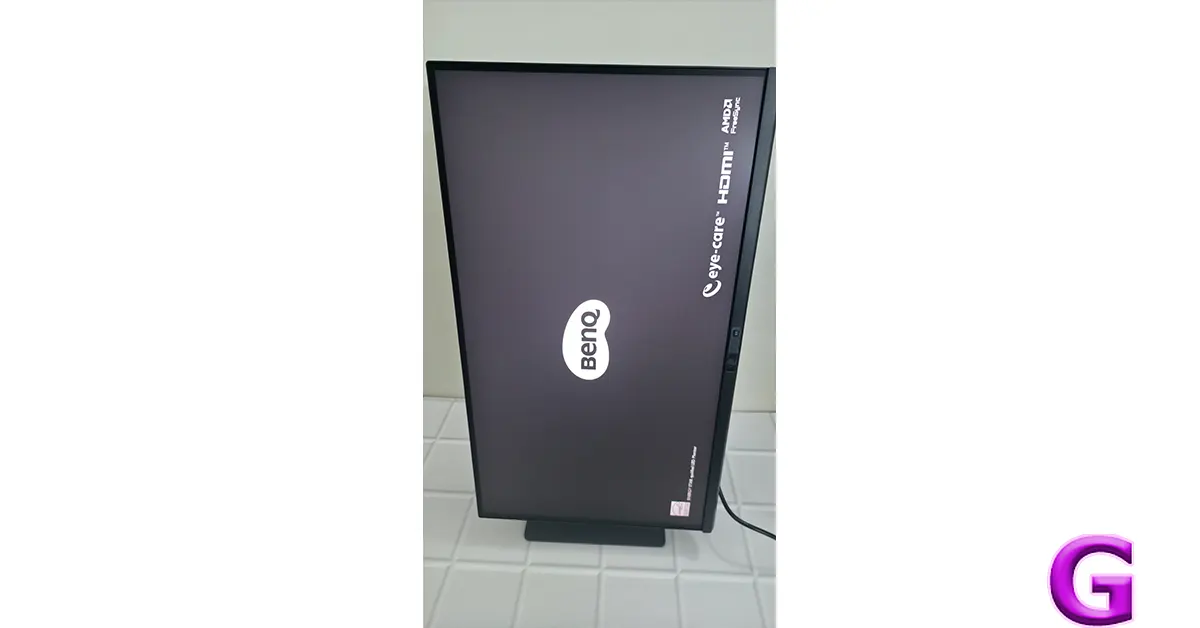
The fully ergonomic stand deserves special praise. Height adjustment, swivel, tilt and a 90-degree pivot make it remarkably easy to find the right viewing angle. Portrait mode, especially when working with long code files or documentation, quickly becomes addictive.
Another standout feature is the Reflection-Free Nano Matte panel. Unlike many matte displays that soften text, this coating manages to reduce reflections while keeping fonts crisp and readable. Even under bright office lighting, glare rarely becomes distracting.
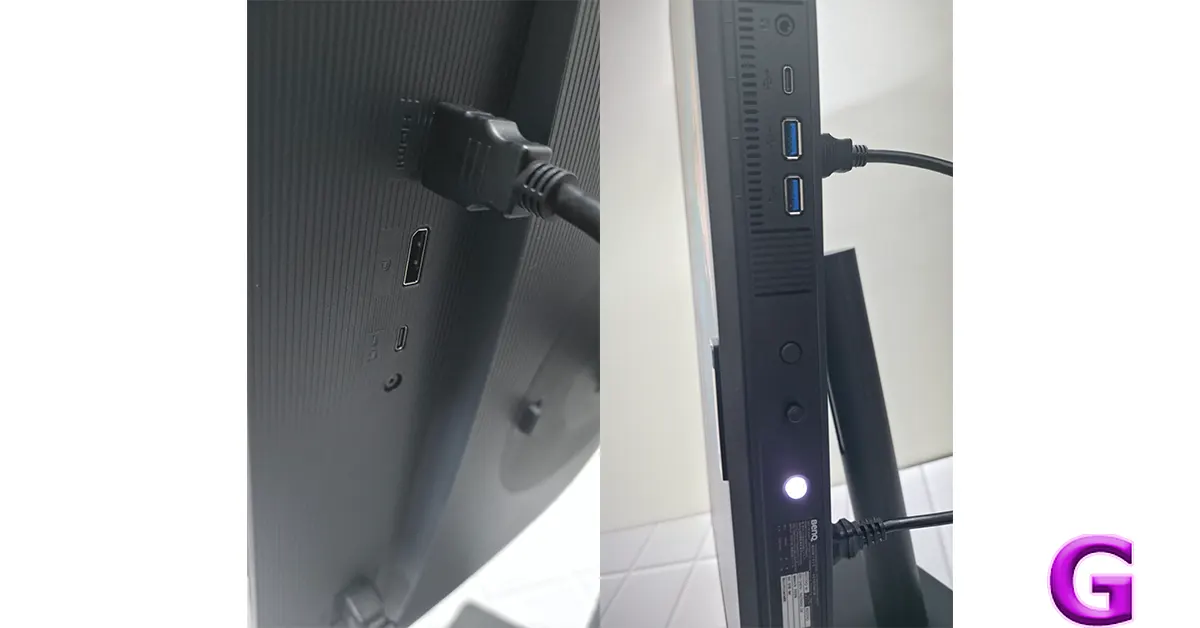
Connectivity is equally practical. A single USB-C cable handles display output while simultaneously delivering up to 65W charging, making desk management far cleaner for laptop users. Two USB-A ports and an additional USB-C downstream port also make connecting accessories convenient.
Performance
This is where the RD270Q separates itself from the crowd.
The 27-inch IPS panel offers a 2,560 x 1,440 resolution, which feels like the sweet spot for coding and productivity. Text remains sharp without forcing excessive scaling, while the additional workspace compared to Full HD makes multitasking noticeably more comfortable.
One feature that genuinely impressed during testing was BenQ’s Coding Mode. Instead of simply changing colour temperature, it optimises syntax highlighting and improves text distinction. Whether working in dark mode, light mode or the Paper Colour mode, reading large blocks of code becomes less fatiguing during extended sessions.
The Paper Colour mode deserves a special mention. It creates an almost ePaper-like viewing experience that significantly reduces visual strain without making the screen feel dull. Long documentation sessions become far easier on the eyes.
The monitor’s Visual Optimiser quietly works in the background by adapting brightness and colour temperature to ambient lighting. It rarely calls attention to itself, which is exactly how smart features should behave.
Night Hours Protection is another thoughtful addition. Developers often find themselves debugging well past midnight, and this ultra-low brightness mode helps prevent the display from feeling harsh in darker environments.
The 144Hz refresh rate may initially sound like overkill for programming, but smoother scrolling through lengthy code repositories, documentation and web pages quickly becomes noticeable. Once you get used to it, returning to 60Hz feels surprisingly sluggish.
Colour reproduction is equally solid with 99 per cent sRGB coverage and HDR10 support. While professional content creators may still prefer dedicated colour-accurate displays, the RD270Q comfortably handles photo editing, web design and occasional creative work alongside development.
Display Pilot 2 software adds another layer of productivity with desktop partitioning, shortcut management, and workflow customisation. These are not headline-grabbing features, but they become increasingly useful over time.
Built-in speakers remain functional for video calls and casual media consumption, although serious listeners will still want dedicated speakers or headphones.
Read Also: Philips 6000 Series Steam Iron Review: 220g of Steam Boost Versus Your Most Stubborn Kurta
Verdict
The BenQ RD270Q succeeds because it understands its audience.
Rather than chasing every possible use case, it focuses on making long coding sessions healthier, more comfortable and more productive. Features like Coding Mode, Reflection-Free Nano Matte technology, Paper Colour mode, Visual Optimiser and Night Hours Protection are not marketing gimmicks. During everyday use, they collectively reduce fatigue in ways that become increasingly noticeable over longer working days.
Could gamers find faster alternatives? Certainly. Could creative professionals buy displays with wider colour gamuts? Absolutely.
But if your daily routine revolves around Visual Studio Code, IntelliJ, terminals, browsers, AI coding assistants and endless documentation, the BenQ RD270Q offers one of the most thoughtfully designed productivity experiences available in its segment.
It is a monitor that quietly improves your workflow instead of constantly reminding you about its specifications. Sometimes, that is exactly what a great productivity display should do.
Price: Rs 29,989. Buy BenQ RD270Q monitor here.
Pros
- Excellent Reflection-Free Nano Matte display
- Sharp 2K IPS panel with 144Hz refresh rate
- Coding Mode genuinely improves readability
- Comfortable Paper Colour mode for long sessions
- Fully ergonomic stand with portrait support
Cons
- Built-in speakers are average
- HDR support is limited for entertainment enthusiasts
- Colour professionals may prefer wider gamut displays


