


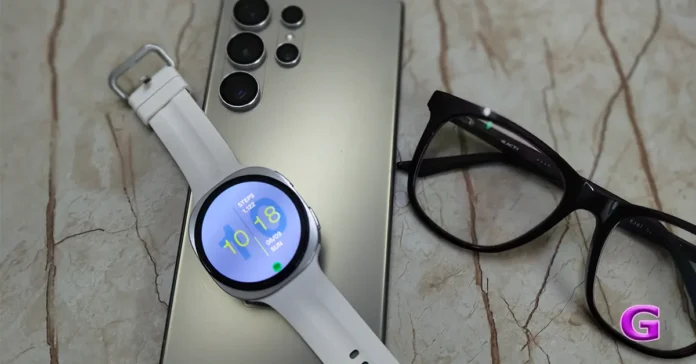
The Samsung Galaxy Watch 9 has officially arrived at Gadget Bridge, and we’ve been putting the 40mm white version through its paces. The Samsung Galaxy Watch 9 offers the perfect balance of durability, design, and functionality that will attract both fashion-conscious users and those who want modern technology. Whether you’re wondering if this new flagship wearable deserves a place on your wrist or if you should keep your cash, here’s the unfiltered review of its design, performance, battery, and software.
In This Article
Samsung Galaxy Watch 9 Review: Design and Display
Opening the box, the contents are minimalist and familiar:
- The Galaxy Watch 9 (40mm black variant)
- Quick-start manuals and paperwork
- The standard magnetic charging puck
From the moment you take it out of the box, the cream finish is eye-catching. It provides the smartwatch with a well-mannered, classy, and versatile appearance that goes rather well with lighter clothing and formal or casual daily wear.
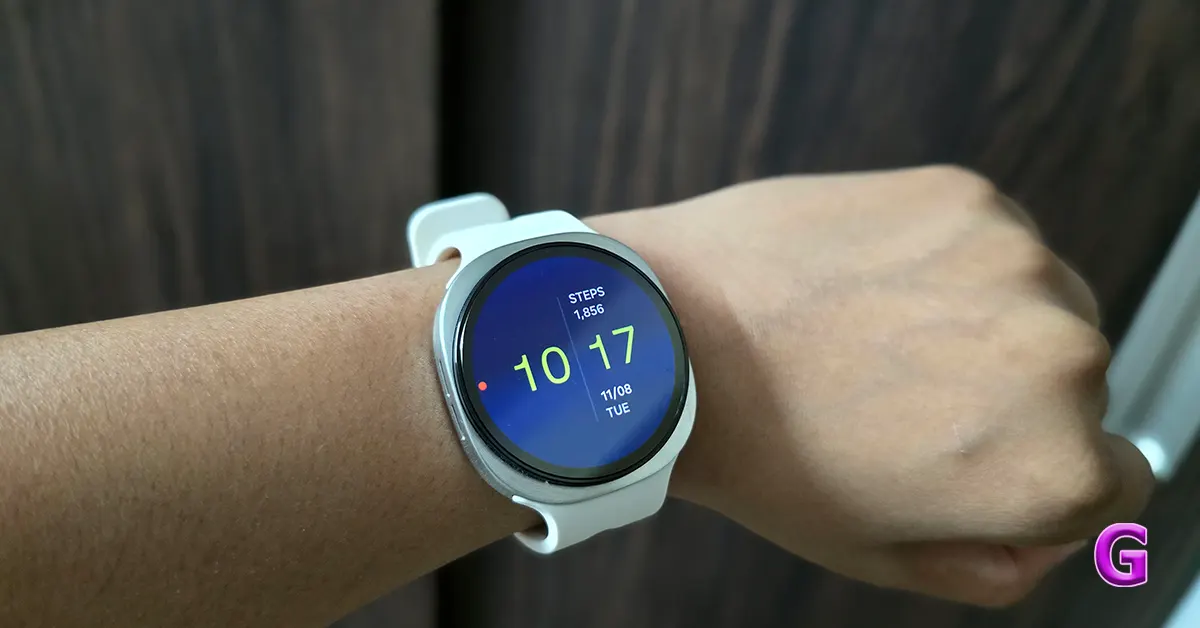
The front is covered with a very tough sapphire glass display, which means it will withstand scratches and last a long time. This is coupled with a high-quality metal body finished in an attractive cream, setting it apart from more usual black or silver options.
Flip the Galaxy Watch 9 over, and you’ll find a gently curved, smooth backside with the primary sensor array. In the middle is the BioActive Sensor, identified by a raised glass circle with LEDs and photodiodes for the optical heart rate and infrared temperature sensors, including a cluster of numerous tiny dots.
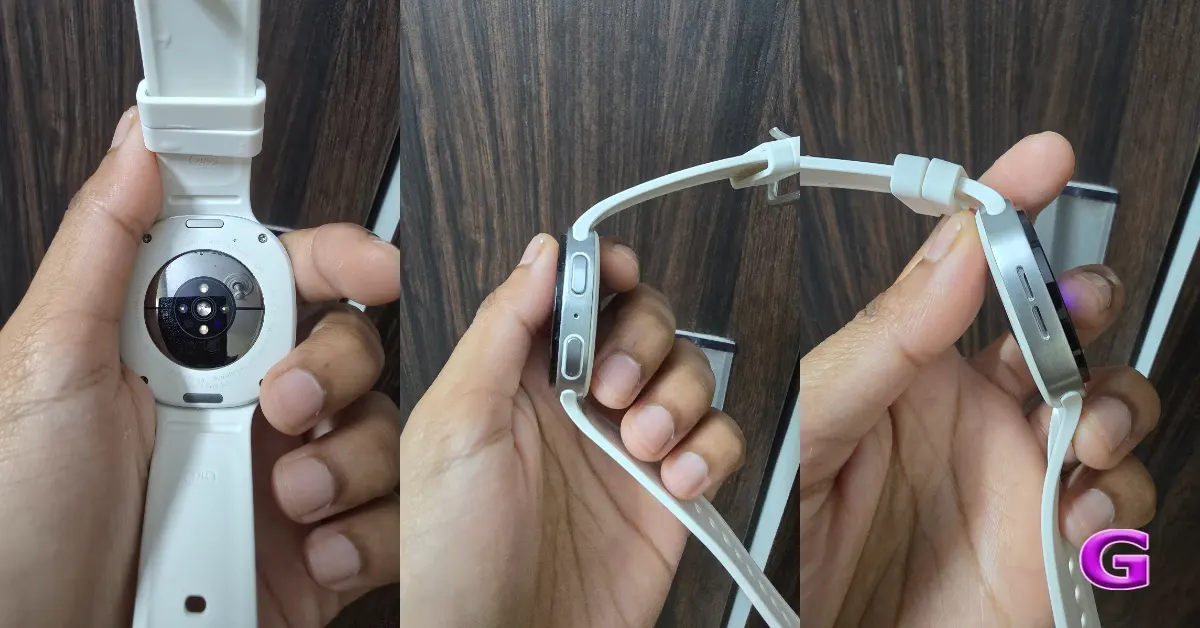
The metal backing acts as an electrode and works with the side button sensors to take an ECG (electrocardiogram) and BIA (bioelectrical impedance analysis) to measure body composition. The central glass portion is also meant to connect to the magnetic wireless charging puck. Finally, the ends of the band feature a fast release mechanism (either buttons or pins) that allows for easy strap replacement.
The right side of the Galaxy Watch 9 has two dual multi-function buttons. The top button is a fast access button for Gemini AI and also serves as the home and power key when pressed for a long time. The bottom button is the back key, taking you back via menus or, with a long press to go to Samsung Pay. This button features a second electrode surface, and pushing the top and bottom buttons with your ring and middle fingers starts body composition scans. There’s also a pinhole microphone near the button cluster, which means it can pick up voice instructions, phone calls and audio notes well.
The buttons feature a matte, colour-matched surface that complements the cream metal body for a unified look. They provide a tactile response with a firm click and short key travel, which helps prevent inadvertent presses during wrist motions in workouts.
On the left frame, there are two slots for the loudspeaker, which allow for audio suited for voice calls, alarm chimes, and music playing from its 32GB storage. It also has a secondary noise-cancelling mic to filter out ambient noise and wind while making calls over Bluetooth or LTE. It lets users make and receive calls right from the watch, kind of like a mini-smartphone on your wrist. This feature makes the watch more practical and a flexible communication buddy.
Samsung has made a noticeable change to how the Galaxy Watch 9 series straps close, replacing the tuck-under style used on watches 4 through 8. The redesigned mechanism uses a fast-release button for easy attachment and detachment. That said, this more conventional buckle-style closure has its drawbacks, including a loose end that could catch on clothes. The standard strap included with the 40mm model is also quite short and clearly intended for thinner wrists, so anyone with a wider wrist will likely need to swap it out right away.
Our wrists are rather thin, and it fits us perfectly; the Galaxy Watch 9’s form factor is especially attractive to those with thinner wrists, with the 40mm size providing a good blend of comfort and looks. It’s a wrist-friendly size that doesn’t seem enormous, and the cream colour adds a touch of sophistication, setting it apart from traditional smartwatch designs. Certainly, this watch looks great for us.
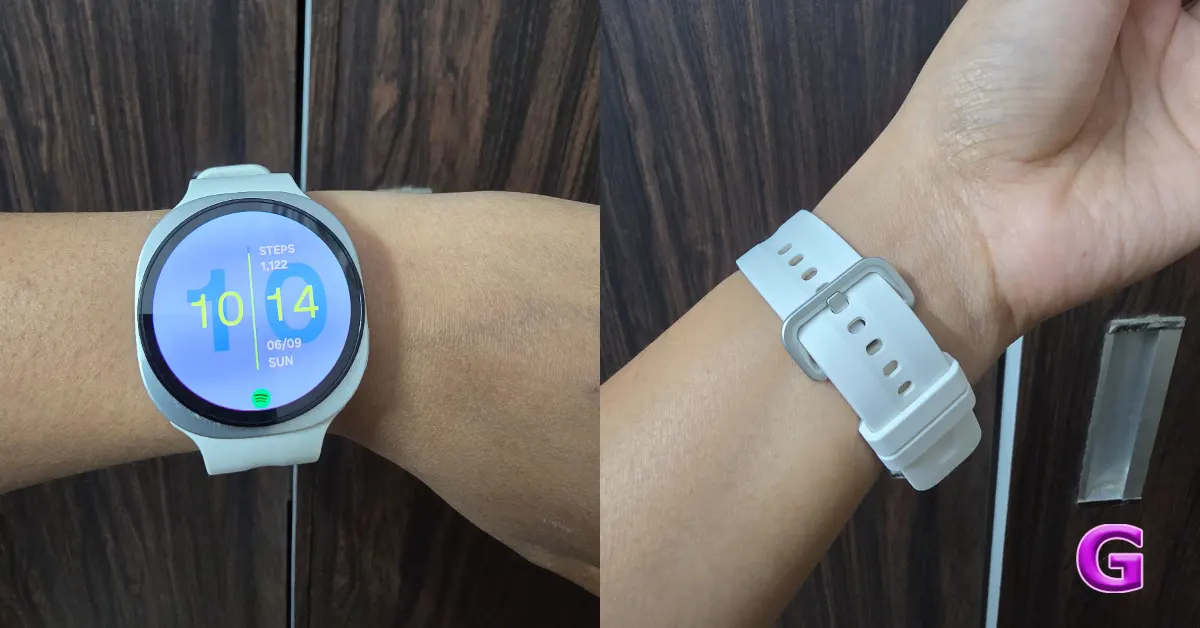
The included silicone strap is soft and very flexible, so it’s easy to wear for longer periods of time, including long workouts and overnight sleep monitoring, without causing skin fatigue.
Samsung Galaxy Watch 9 (40mm) – The new ultra-bright display makes the most of a small form factor, making it visible outdoors. It sports a 1.34-inch Super AMOLED display with a resolution of 438 × 438 pixels (~327 ppi density) and a peak brightness of up to 3,000 nits. This guarantees outstanding visibility even in bright conditions for maps, alerts, and workout metrics under direct sunlight.
The display stays crisp and easy to see, even in bright sunshine. The difference in outside visibility compared to prior versions like the Galaxy Watch 7 or 8 is immediately obvious, showcasing some serious breakthroughs in display tech this generation.
The high pixel density makes text crisp and without aliasing, so interactive watch faces, such as the new compass and health tiles, are easily tappable. The watch has a flat synthetic sapphire crystal cover glass and offers better scratch resistance than the conventional Gorilla Glass. Instead of a physical rotating bezel, users navigate menus and notifications via a digital touch bezel, swiping around the curved edge of the screen.
Also Read: Samsung Galaxy Watch Ultra2 Review: Sleeker, Smarter, and More Powerful Than Ever!
Samsung Galaxy Watch 9 Review: Performance
The Samsung smartwatch has excellent performance capabilities, mainly because of the Qualcomm Snapdragon Wear Elite (SW6100) replacing the in-house Exynos CPUs.
The smartwatch is quick, apps open up promptly, and animations are really smooth. This makes it one of the most responsive devices available on the WearOS platform today.
The 60Hz display runs smoothly and shows improved backend rendering capabilities when utilising the digital touch bezel to access resource-hogging widgets such as the new Daily Cardio Load tile. As you can see from the device’s ability to move between several tasks with ease, multitasking has come a long way. The device is equipped with 2GB of RAM, so it can handle memory effectively without forcibly shutting background apps. You may run a timer, download a Spotify playlist for offline listening and log workouts in Strava all at the same time.
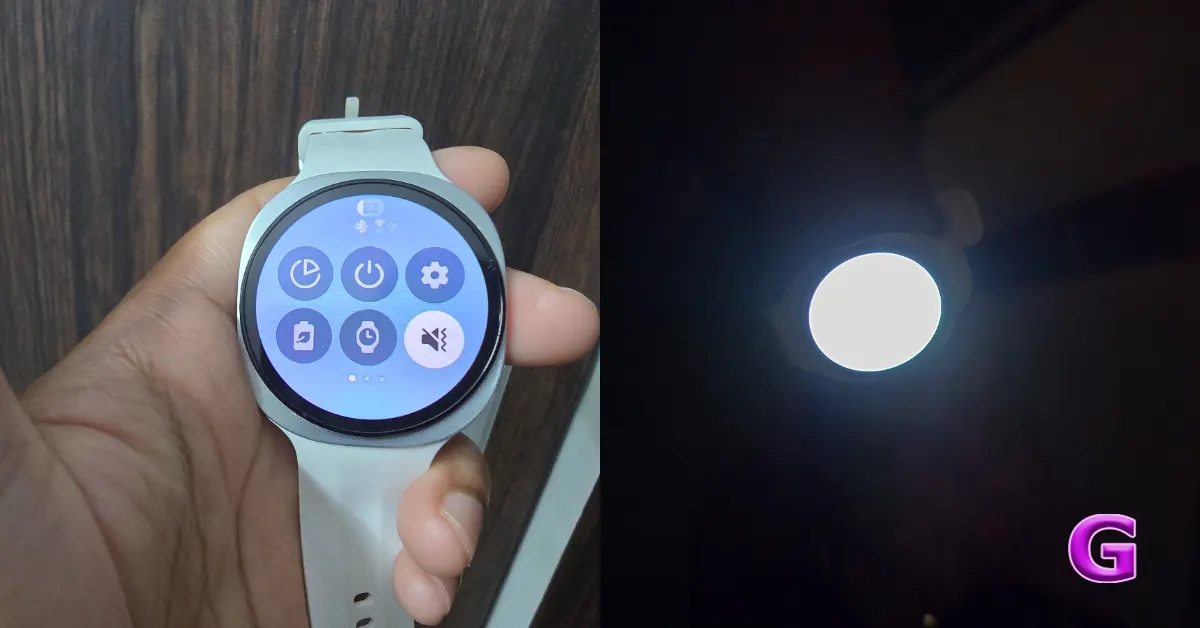
The raw processing power is also quite helpful for those who do a lot of multitasking. But for those coming from older models, like the Watch 7 or 8, day-to-day usability may not seem too different for the typical user, although performance has improved and daily tasks like checking alerts or setting a timer could feel like they are operating at the same speeds.
On Wear OS 7 and One UI Watch 9, the software provides significantly more processing headroom for on-device AI. Google Gemini also enables voice transcription for texting, navigation, and smart home commands with minimal delay, avoiding the two-second buffering latency common on previous chipsets.
The gadget has a penta-core design, with one high-performance 2.1 GHz core that can be boosted for Gemini demands, and four efficiency cores for Always-On Display and background heart-rate monitoring, which helps optimise battery consumption.
Samsung’s Watch 9 takes a big step toward AI health intelligence. It goes beyond simply displaying data, giving you health advice you can act on. At its heart, the gadget has the revolutionary BioActive sensor array that continually captures biometric data and uses predictive health algorithms to improve user experience.
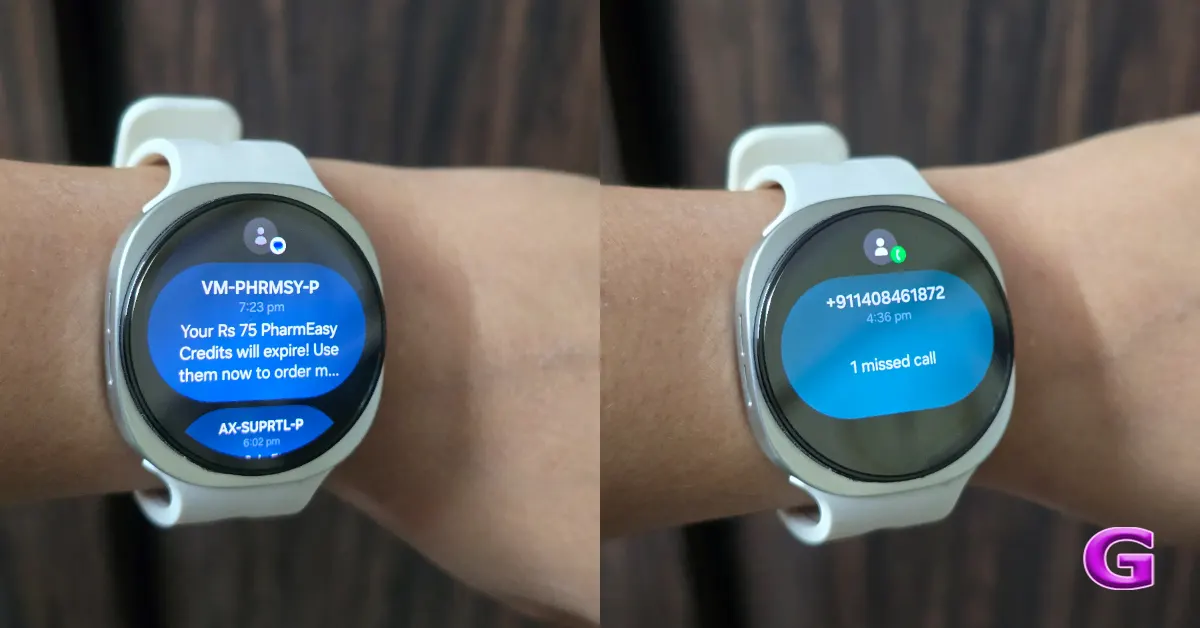
The Daily Cardio Load is a significant element, measuring cardiovascular activity by comparing current exercise levels to historical data. This function not only tells users how hard they are working but also gives personalised advice on whether to boost their training efforts or take a rest day.
The Fitness Index also provides a complete perspective on the user’s fitness, creating personalised goals aimed at improving day-to-day performance based on previous physical activity. Unlike Daily Cardio Load, which focuses on the volume of cardiovascular effort, and Energy Score, which reflects readiness and recovery, Fitness Index brings these signals together to give a broader view of overall fitness. The technology also helps to avoid injury by proposing rest days when a high daily cardio load is coupled with poor sleep metrics, fostering a balanced approach to fitness and recovery.
Also read: Motorola Edge 70 Max Review: Razor-Sharp Visuals
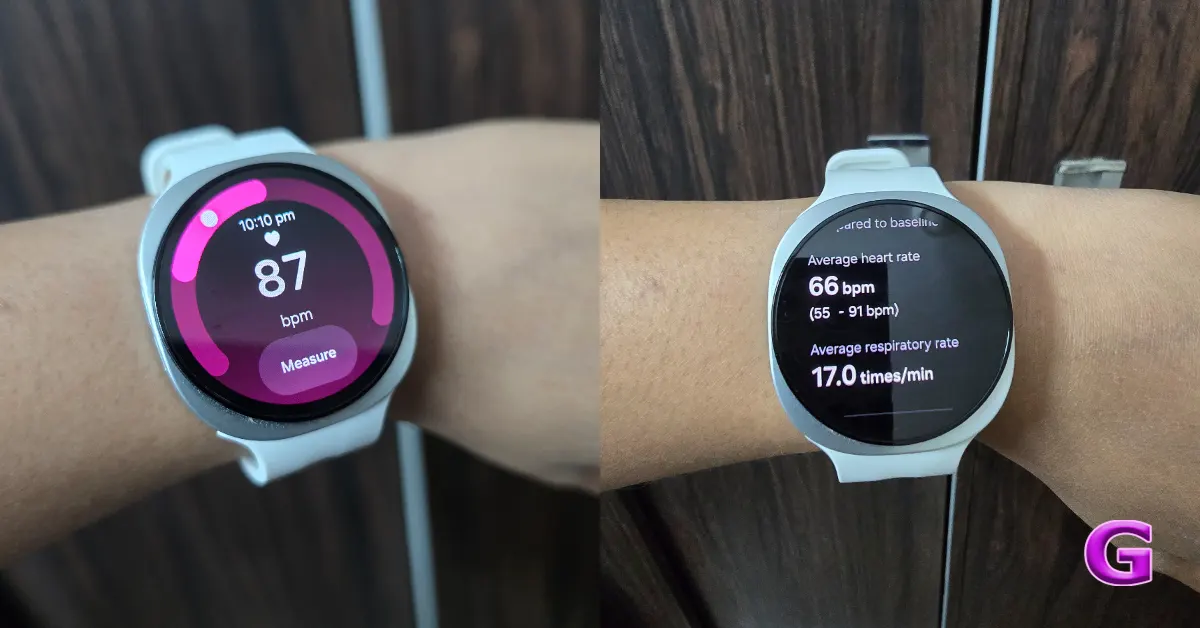
The Watch 9 offers improved passive monitoring, especially during your sleep. It creates a 7-day personal baseline for heart health, tracking metrics like heart rate variability (HRV), respiratory rate, skin temperature, and blood oxygen that may help warn users of important health changes. It also provides a heart health score based on analysis of moderate-to-vigorous physical activity, sleep quality, and body composition, delivering practical lifestyle suggestions.
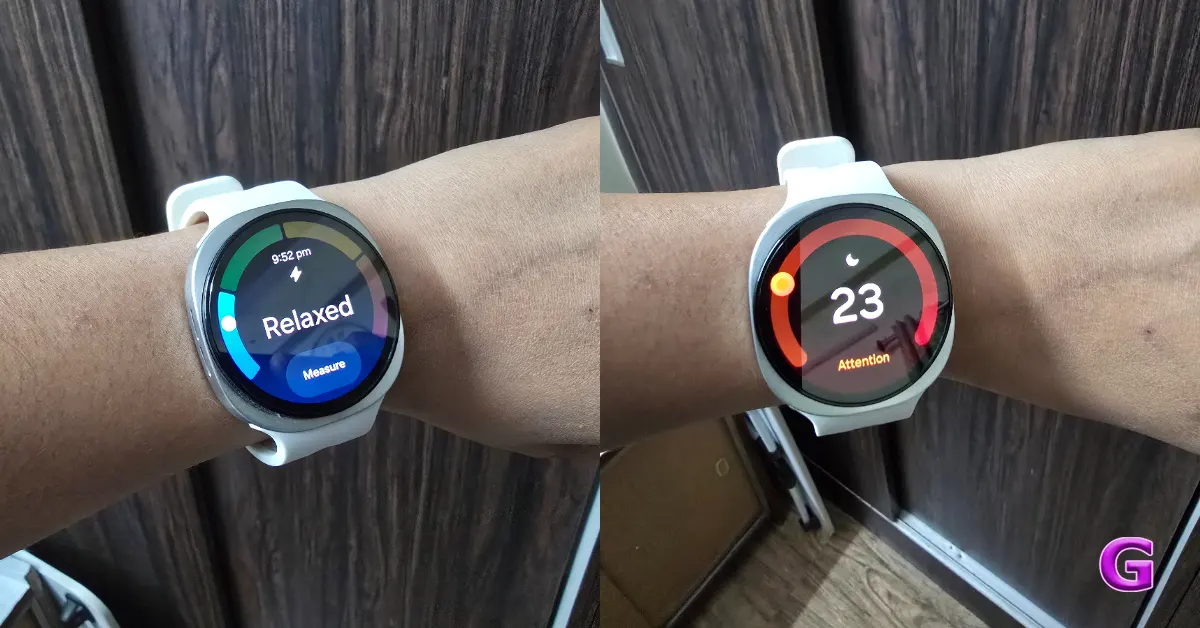
Importantly, the smartwatch also has FDA-cleared technology for sleep apnea detection, employing artificial intelligence algorithms that identify breathing interruptions and dips in blood oxygen levels. It also has a hearing protection function that monitors ambient noise levels and alerts the user when exposed to potentially dangerous sounds.
The Galaxy Watch 9 offers features you’d generally see on a specialised Garmin watch, particularly for runners. It immediately tracks advanced form metrics from the wrist, such as asymmetry, ground contact time, flight time, and vertical stiffness. If runners have bad form or are favouring one leg, the Samsung Health app provides workouts to help them resolve these issues.
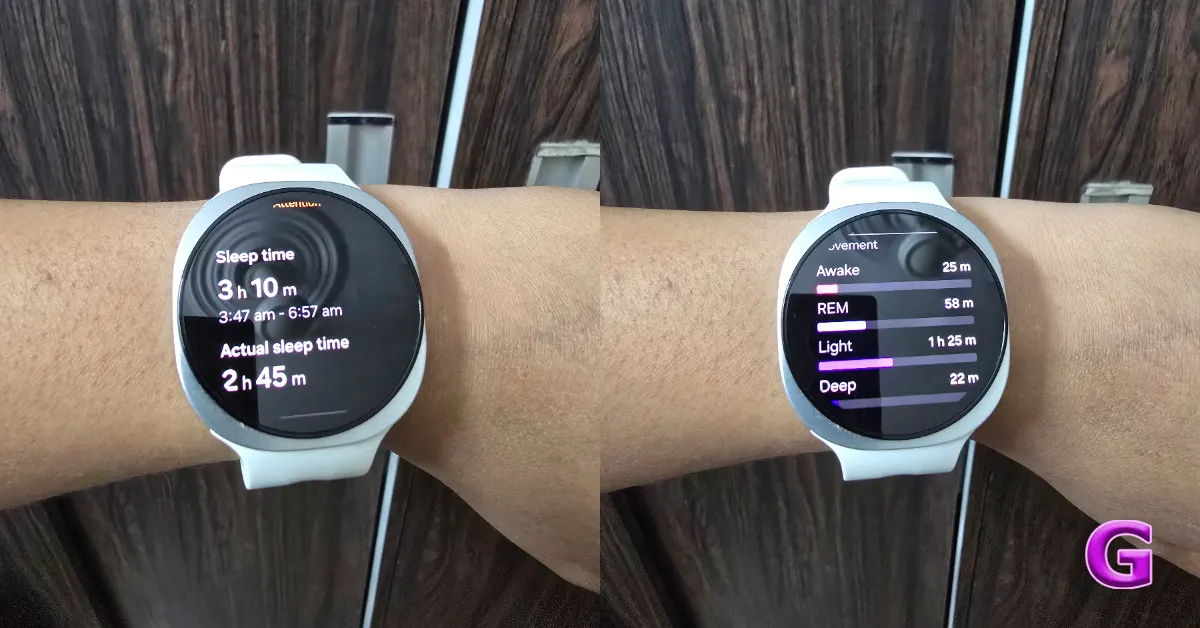
Pairing a Samsung or non-Samsung Android phone with the Galaxy Watch 9 and the advanced health functions work differently. All of the basic health scores, such as daily cardio load, energy score, body composition, continuous heart rate, blood oxygen, advanced running metrics, and regular sleep tracking, are accessible on any Android device via the regular Samsung Health app, found in the Google Play Store.
Some of these capabilities are FDA-cleared medical tools, like ECG, blood pressure monitoring, irregular heart rhythm notifications and sleep apnoea detection, but only on Samsung phones. Pair the Watch 9 with a non-Samsung Android phone, and you won’t be able to access those locked-down functions.
There’s also a huge visual boost to the watch face game with the introduction of Dynamic Portrait Faces, which let users choose photographs from their gallery for the watch face. The position and colour of the time display are automatically adjusted to fit the chosen picture, but you can also manually modify the arrangement for a custom look.
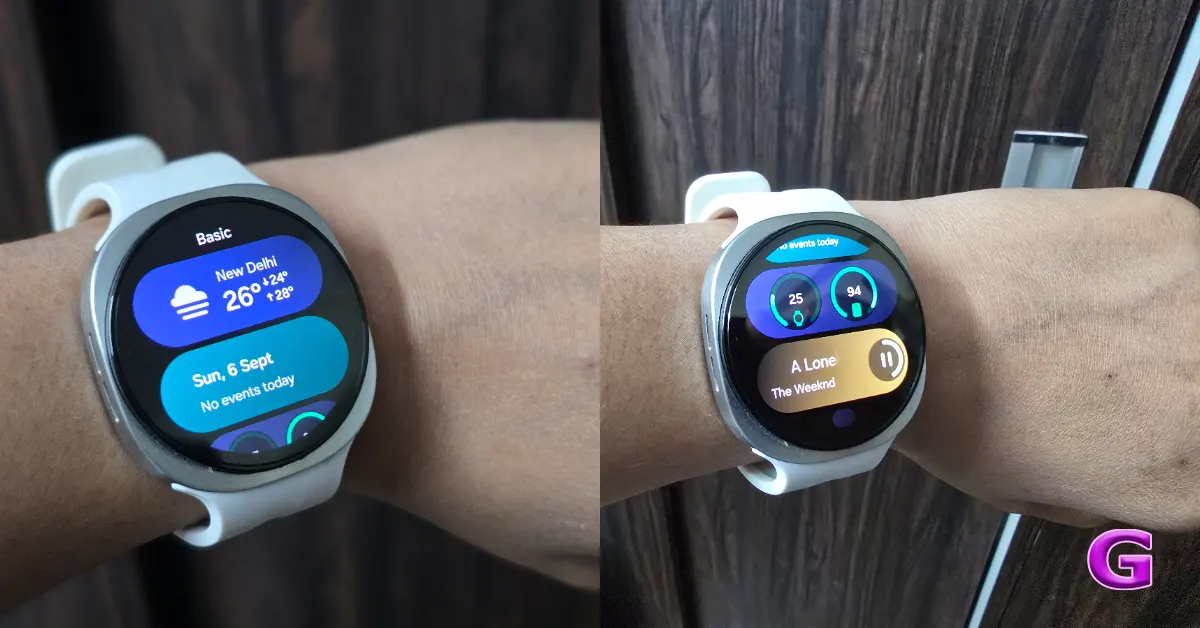
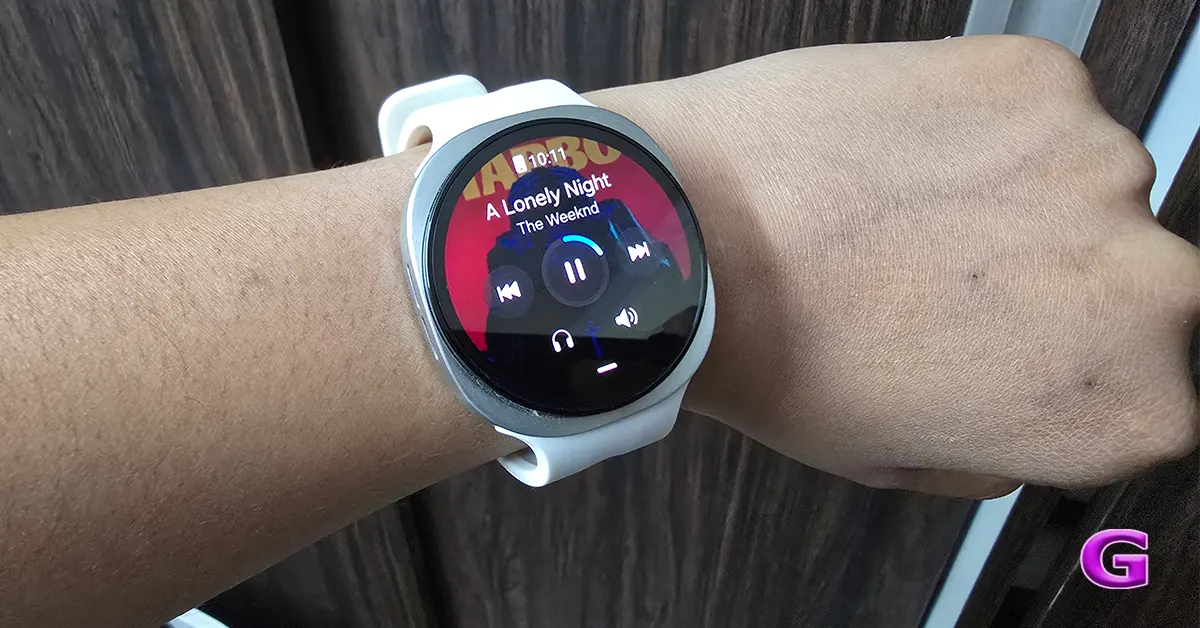
Additionally, the ‘Now Bar’ has been customised to show background operations, such as voice recordings and timers, at the bottom of the screen. In the Advanced Features menu, users have the option of displaying just the app icon or including text for clarity. It has an ambidextrous screen orientation function that can be modified in the general settings for left-handed users. So you may flip the screen according to your preference and the orientation of the buttons.
To remap custom button shortcuts on WearOS, swipe down to Quick Settings, then go to Button Settings on your watch. Open Settings by tapping the gear icon; go down to Advanced Features and tap to choose Customise Buttons. You can configure double-press actions for the top (home) key to open applications or the most recent app, and press and hold for Google Gemini, Bixby, or the power-off menu.
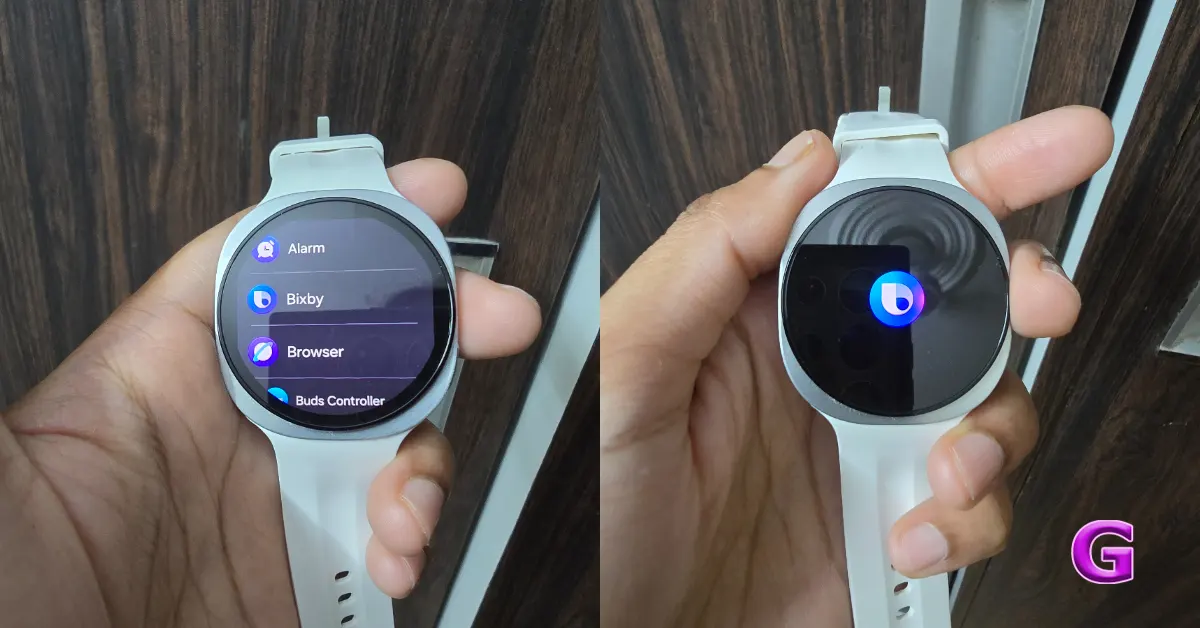
A short press of the bottom (back) key takes you to the previous screen or shows recent applications, while a press and hold opens Samsung Wallet/Pay. You can also customise these shortcuts in the Galaxy Wearable app on a paired smartphone by going to Watch Settings > Advanced Features > Customise Buttons.
The Galaxy Watch 9 includes improved smart gestures and AI, making interaction and communication with users more seamless. One of the most interesting features is “Raise to Talk,” which lets users access their favourite digital assistant, whether it be Gemini or Bixby, just by raising their wrist. This removes the need for wake words and makes voice commands feel more natural while on the go.
The watch also has double-pinch controls, an intuitive navigation update that allows users to double-pinch their fingers to execute a variety of things. This gesture may be used to scroll through notifications, manage media playback, and maximise background activity and can be customised depending on what application you are using.
Another major improvement is context-aware AI replies. The Galaxy Watch 9 employs Galaxy AI to provide appropriate AI-generated responses to incoming messages. Meanwhile, the Writing Assist feature that works via a smartphone connected to the watch makes typing on the wrist less of a hassle and more efficient.
Lastly, the watch has instant voice-to-text if you want a personalised answer and not a pre-defined one. Long-press the home button while Samsung Keyboard is open to instantly enable voice dictation to write personalised messages with ease.
The Galaxy Watch 9 comes with a few major enhancements, increasing its performance as a smartwatch and hiking companion. The Compass app, in particular, has received a UI revamp and now contains features that make it a useful trekking tool. Users may now record their tracks, mark custom-named waypoints throughout their trip, and use the trackback capability to retrace previously used routes, making it perfect for navigating trails.
Furthermore, there is a hidden option for environmental sound monitoring in the watch’s Health settings. The new hearing function actively monitors the user’s exposure to loud sounds and may have specific volume thresholds set. This will trigger an alert if the ambient noise levels surpass specified limits, thereby averting possible long-term hearing damage.
Also, the Galaxy Watch 9 has a fast screenshot feature for the user’s convenience. By pressing both side buttons at the same time, users may take a screenshot and sync it immediately to the gallery on their linked phone, which makes it easier to share or save essential information seen on the watch screen.
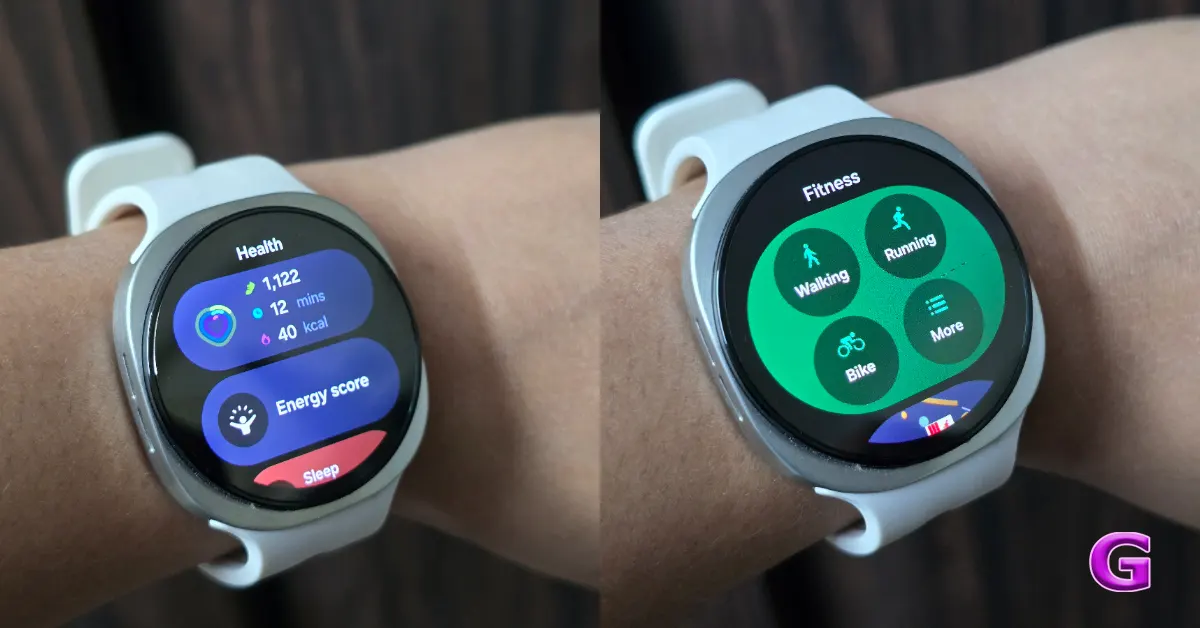
Here is how the Galaxy Watch 9’s health features hold up in normal, everyday use:
The Galaxy Watch 9 has shown outstanding performance in its health and fitness suite throughout testing and daily use.
- Heart Rate During Daily Activity: The accuracy of heart rate tracking stands out, particularly during intense workouts. During normal walks, gym workouts, or simply going about a busy day, the heart rate sensor responds smoothly. It prevents uncontrolled random spikes and properly captures when your heart rate goes up from movement and drops when you rest.
This positions the Galaxy Watch 9 as one of the most reliable wrist monitors for exercise available.
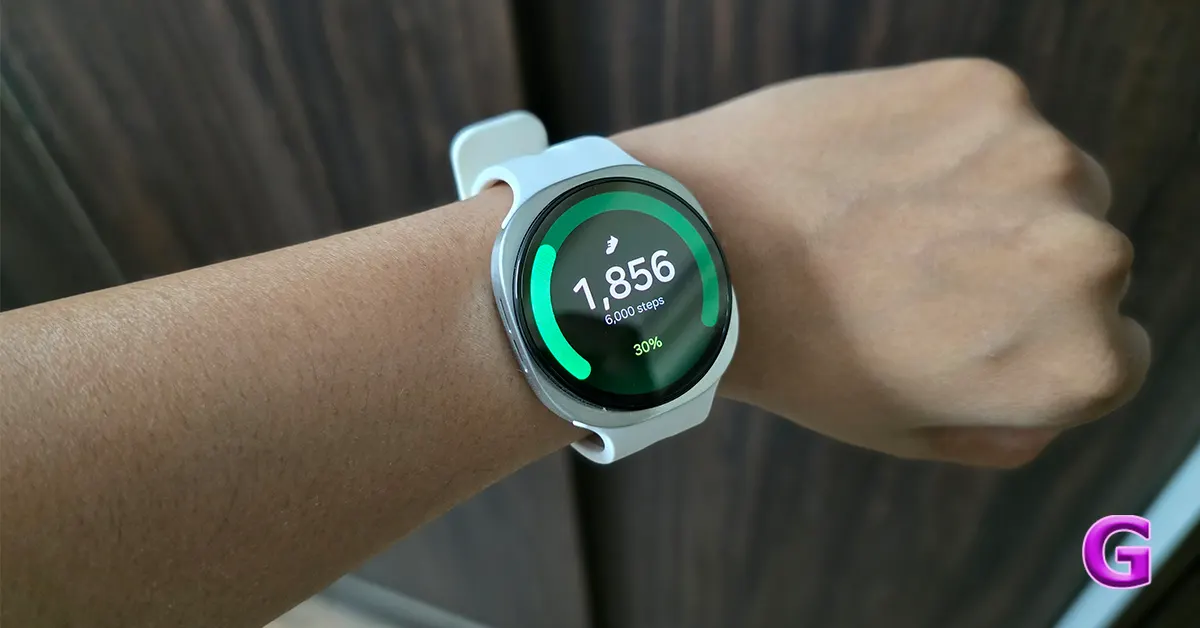
- Location and Route Tracking: The watch rapidly latches onto your location when you go outdoors for a walk or run. The routes you track are smooth on the app, with no weaving over buildings or bouncing about, making it really trustworthy for checking your daily route.
- Health Vitals and Sleep Tracking: The watch is light and comfortable enough to wear overnight so you get regular sleep tracking. The morning vitals breakdown offers a useful summary of overnight readings, such as heart rate, breathing rate, skin temperature and blood oxygen levels, compared with an individual’s baseline. This tool is a handy early warning mechanism for individuals who feel fatigued or unwell.
- Advanced Metrics: Tools like health score and daily workload tracking perform extremely well to avoid data overload by taking raw health numbers and turning them into recommendations for recovery that you can really do something about. That said, some of the more advanced capabilities, like blood pressure monitoring, still need manual calibration against a standard arm cuff every 4 weeks to maintain accuracy, which is a user experience limitation.
Also Read: Pova 8 5G Review: Staying cool under pressure
Battery Life
Even with hardware upgrades, our hands-on time with the Galaxy Watch 9 reveals that battery life is still a balancing act. With all the standard settings enabled, such as continuous heart rate tracking, ambient display adjustments, and overnight sleep and vitals monitoring, our device offered about 24 to 30 hours of usage.
The Always-On Display has a big impact on battery life, since the screen being on means you get a 25% decrease in total battery life. So, the watch, which would usually run for a day and a half, has to be recharged each day if you keep the display constantly on.
And continuous tracking outdoors can deplete your battery very fast. The qbrief sessions won’t drain the battery, but longer monitoring, along with music streaming, will need a recharge within a day.
The good news is that the watch supports better wireless charging, which will help ease some of the battery life worries. A quick charge (say, dumping the watch on its charging puck while showering) may net you enough juice for another full day and a night’s worth of sleep tracking.
Also read: Samsung Galaxy Watch 8 Review (Long Term): Android Smartwatch King
Verdict
If you need a fitness companion you can rely on, the Samsung Galaxy Watch 9 is excellent at tracking workouts, monitoring your sleep, and measuring your physical workload with impressive precision. Its wellness indices are best understood as trend-based insights, not medical-grade assessments like ECG, blood pressure, or sleep apnea detection. This will help you use the device’s features effectively and keep your expectations realistic about its health insights.
Pros
- No micro-stutters of past generations, making app switching, UI navigation, and voice commands buttery smooth
- Ultra-bright screen
- New dynamic portrait watch faces
- Reliable health and fitness suite
- Double-pinch gesture
- Raise to Talk
Cons
- Slow charging
- Critical medical-grade features like ECG and blood pressure monitoring are restricted on a non-Samsung phone.
- Battery life is still one day.


