


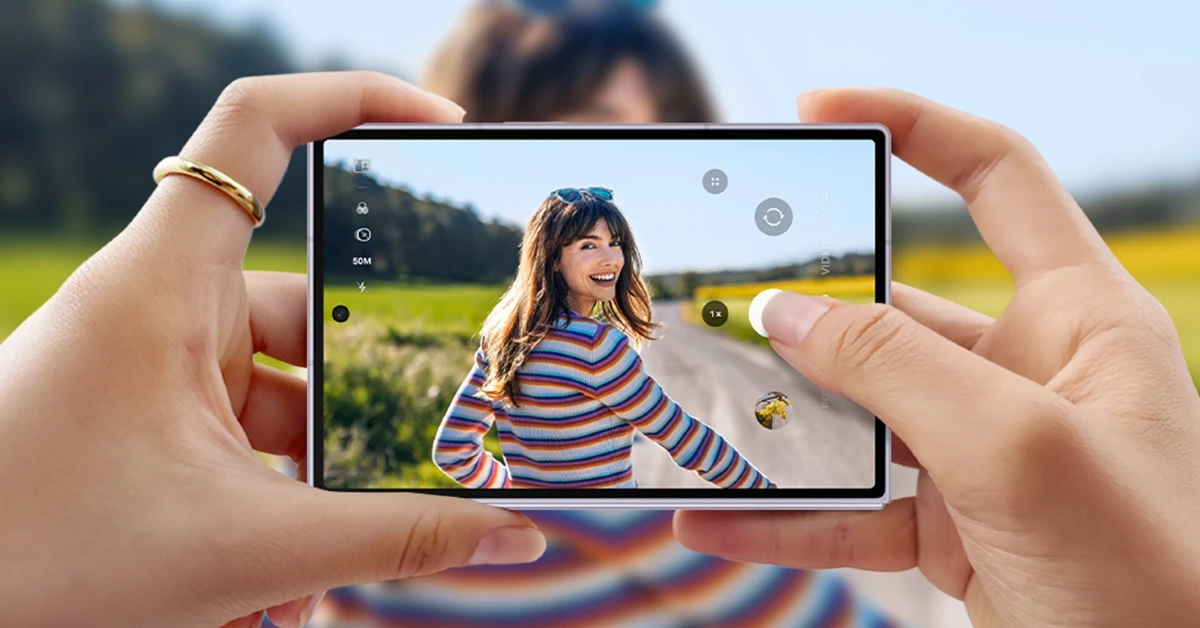

This year, Samsung unveiled 2 new book-style foldables in its Galaxy Z Fold 8 series. The ‘Ultra’ model is a continuation of the older form factor, but the new base model has a unique passport-style form factor that has already caught the attention of a lot of people. If you just got your hands on the device, you’re probably wondering where to get started. Luckily, there are a lot of apps you can dive into to get the most out of the foldable. Here are the top 10 apps for the Samsung Galaxy Z Fold 8.
Read Also: Buying an Xbox Just Got Far More Expensive in Europe and the UK as Prices Jump by Nearly 50%
In This Article
Sketchbook

While Samsung has pulled support for the S Pen on the Galaxy Z Fold 8, the device’s form factor is perfect for doodling or drawing rough ideas. Sketchbook is one of the best drawing apps around. It goes beyond doodling, letting you draw and paint in different unique styles. There are a bunch of brush types you can use to bring your concepts into reality. These include pencils, markers, airbrushes, smear and more. Helpful tools like guides, rulers, and strokes give you much-needed support along the way. The clean interface is free of distractions.
Download Sketchbook from the Google Play Store
Samsung Good Lock
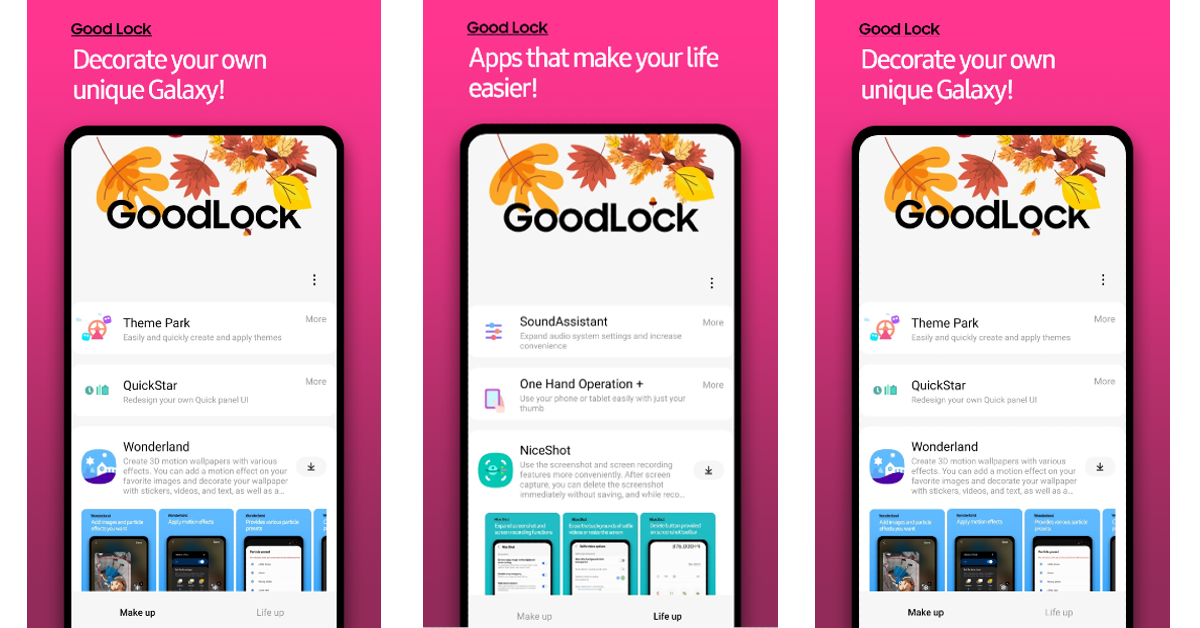
Good Lock is the quintessential app for every flagship Samsung phone. It lets you create new Always On Display styles, clock faces for the lockscreen, and other elements. On top of that, you can customise even the smaller details like navigation icons, swipe gestures, quick settings panel, status bar, and more. The deeper you dive into the plug-in library, the more gems you will find. Since it is designed by Samsung, the app is perfectly optimised for Galaxy phones. The applied customisations do not cause any unwanted lag or jitters.
Download Samsung Good Lock from the Google Play Store
Notion

Notion is one of the best task managers around. Its versatility makes it one of the best apps in its genre. You can use it to track your college lectures and supplement them with notes, knock off the tasks on your to-do list, or manage a team project with multiple participants. Notion boosts productivity by a considerable factor by streamlining your tasks. You can get started by using a generic template if you don’t want to spend a lot of time working on the bones and structure of the project. The app supports data import from major platforms. You can sync it with Figma, Slack, GitHub and other platforms to keep it updated. Now that it is infused with AI, you can get answers to your queries on the spot. You can even brainstorm new ideas without leaving the app.
Download Notion from the Google Play Store
You’re probably wondering what a popular social media platform like Instagram is doing on a list like this. Well, for a long time, Instagram wasn’t optimised for the foldable/tablet form factor. This meant using the mobile version of the app on the extended canvas. That is no longer the case now. The app perfectly matches the aspect ratio of the Galaxy Z Fold 8, letting you browse Reels with ease. Even DMing and uploading media are seamless and fun. If you don’t like the wide homepage, you can always go back to scrolling the app on the cover display.
Download Instagram from the Google Play Store
Niagara Launcher
If you like your homepage and lockscreen to be minimal and clutter-free, Niagara Launcher should be your guy. This app lets you organise your apps in a list – something that is not a native option in the age of flashy app icons. With the clutter out of the way, you apply beautiful themes to bring the best out of the two displays. If you find it hard to reach the apps at the top of the list, there is a super useful scrolling mechanism that makes the items more accessible. Additionally, you get custom fonts, lock styles, wallpapers, widgets, stacks, and other aesthetic elements. The app doesn’t bring down the interface with intrusive ads, even in the free version.
Download Niagara Launcher from the Google Play Store
Canva

Canva belongs in the upper echelon of Android photo-editing apps. It is stocked and loaded with all the important editing tools you can imagine. From creating flyers to designing invitation and business cards, Canva always has your back. The app is perfectly optimised to match the form factor of the inner display. If you’re out of ideas, you can get the built-in AI generator to produce something on the fly. On top of that, you can use this app to create unique transitions and effects for your Reels and spruce them up with enticing graphics.
Download Canva from the Google Play Store
Kindle

Reading novels and comic books is one of the best use cases for the inner display of your foldable. You can hold the Samsung Galaxy Z Fold 8 in a portrait orientation to match its aspect ratio to that of a regular book. Kindle is one of the best apps for all things e-books. It has a great interface for managing and browsing e-books. The e-reader is minimal and clutter-free. Your reading experience remains distraction-free, even on a smartphone. You don’t need to leave the app to view the meaning of a word. The native dictionary can be summoned by simply tapping a word. If you own a physical Kindle device, you can sync your reading progress with the app.
Download Kindle from the Google Play Store
Libby
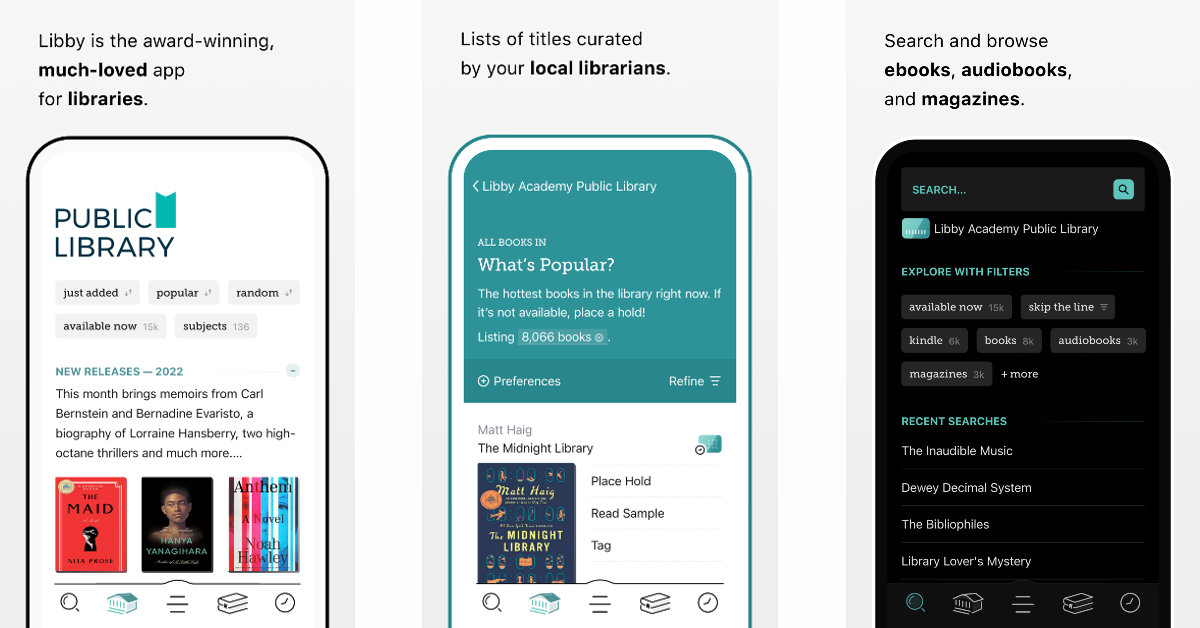
E-books are pretty accessible, but sometimes they can be quite expensive. Some users may not want to pay for them altogether. This is where Libby comes in. It gives you access to your local library’s catalogue, letting you borrow whichever title you want. All you need is a library card to get started. Apart from e-books, you can also get magazines and audiobooks on this app. The titles are neatly divided into relevant categories for an easy browsing experience. The app also comes up with suitable recommendations based on your likes to connect you with your next read.
Download Libby from the Google Play Store
InShot
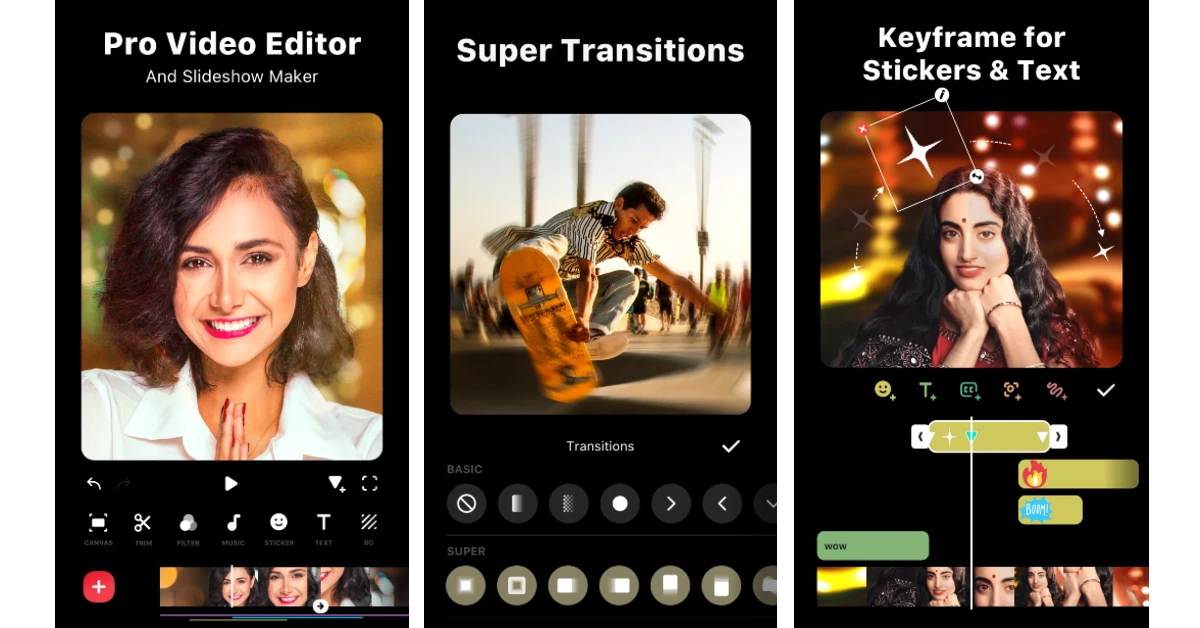
If you’re a content creator, InShot is an essential app for you. Its templates for Instagram Reels and Stories cut most of your work by giving you the layout and tools to bring your vision to life. You can trim, cut, split, and slice your videos to create a Reel that retains the viewer’s attention. There are tools to add images, graphics, and subtitles to the clips. For a more professional appeal, you can refresh your videos with sick transitions and effects. The best part is that this editor does not impose any time limit on your project.
Download InShot from the Google Play Store
Microsoft Outlook
There are a bunch of email managers out there, but none are more suited to a foldable’s form factor than Microsoft Outlook. This app is optimised to fit perfectly into the large inner display and make the most of its real estate. You can breeze past your unread emails, opening them in a larger panel without sacrificing the preview section. The built-in tools for grammar and spelling correction ensure that your emails always sound professional. Importing and attaching files from OneDrive is a piece of cake, too. Once you’ve had a taste of Outlook on the inner display, you’ll find it hard to go back to any other email app.
Download Microsoft Outlook from the Google Play Store
Read Also: Samsung Galaxy F70 Pro 5G pricing, specifications revealed ahead of the launch
Final Thoughts
These are the top 10 apps you should download first on your Samsung Galaxy Z Fold 8. Stay tuned for our app recommendations for the Fold 8 Ultra and the Flip 8. If you have any questions, let us know in the comments!


