


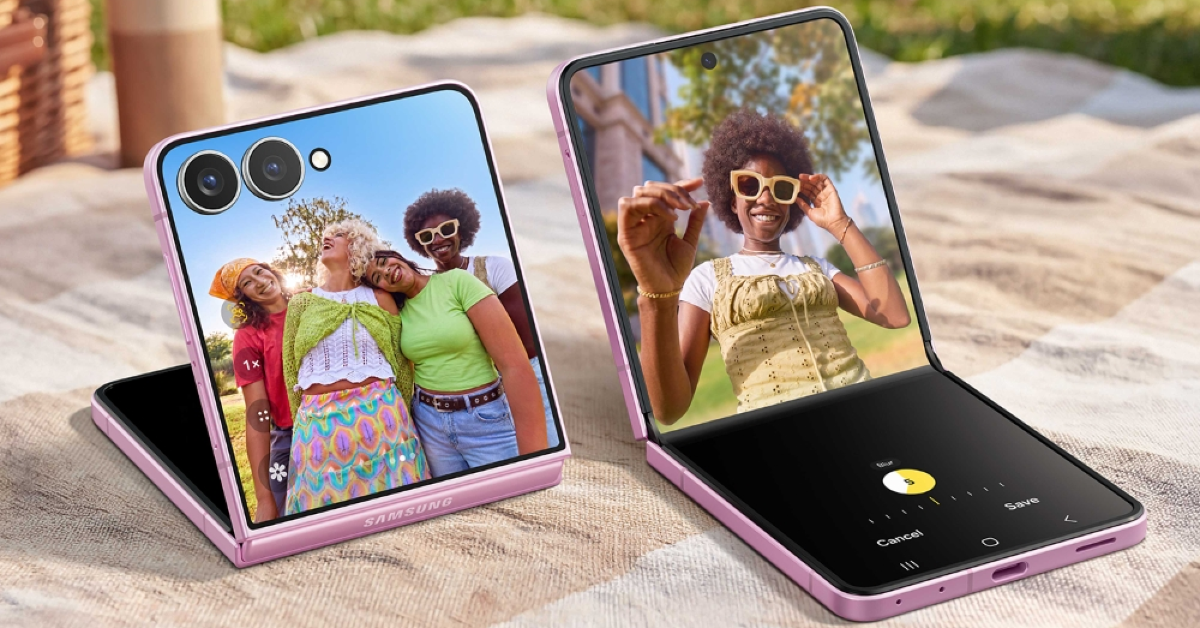

Samsung’s newly launched flip-style foldable retains the design and form factor of its predecessor, while slimming down its chassis for a sleeker look. The great thing is that it doesn’t sacrifice its battery size in doing so. The new Galaxy Z Flip8 rocks a 6.9-inch LTPO AMOLED inner display and a compact 4.1-inch Super AMOLED cover panel. If you just got your hands on the device, you’re probably wondering how to best utilise the cover screen. Here are the top 10 apps for the Samsung Galaxy Z Flip 8 that will help you in that quest.
Read Also: Sony launched its new 115-inch True RGB BRAVIA 9II TV: Pricing and Availability
In This Article
Samsung Good Lock
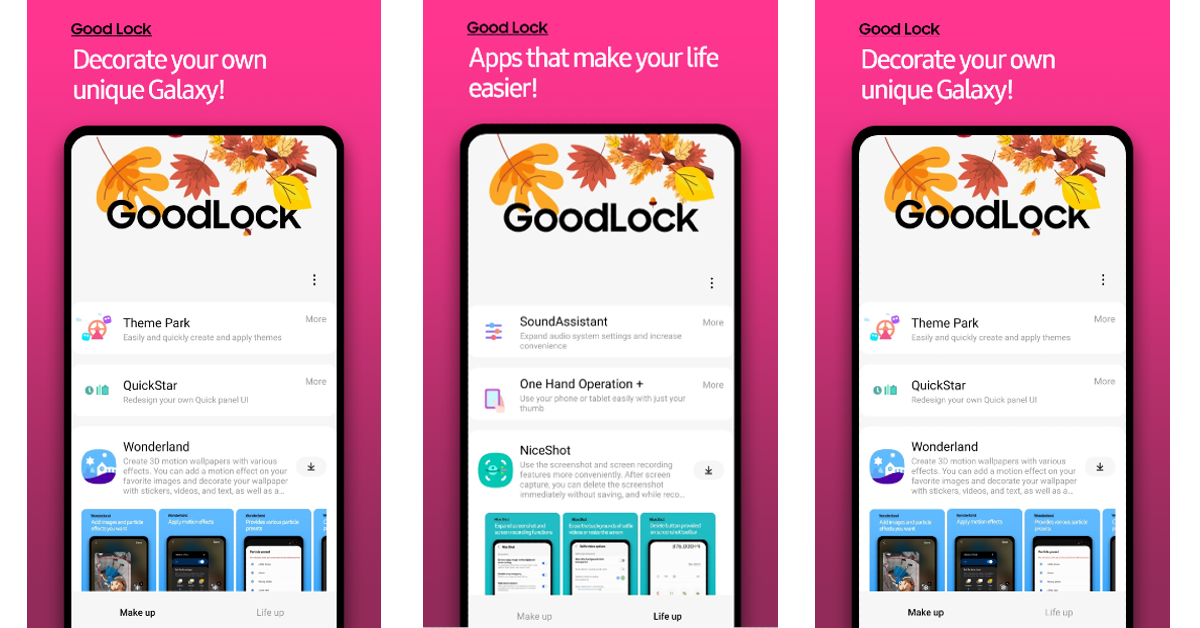
Your Samsung Galaxy Z Flip 8’s cover screen supports 16 apps out of the box. Most of them are first-party apps. If you want to do more with the cover display (or FlexWindow, as Samsung calls it), you need to install Samsung’s Good Lock customisation app. The MultiStar module in this app lets you unlock the true potential of the smaller display. You can practically run any third-party app you want on it. Since the Flip is all about maximising what you can do with the main screen closed, Good Lock is an essential app for the device.
Download Samsung Good Lock from the Google Play Store
Spotify
Spotify is a treat to use on the FlexWindow. Its native widget lets you control playback and change songs without opening your phone. If you want more control over the app, you can use the MultiStar module mentioned above to get it on the cover display. Once that’s done, you will be able to browse your library, make playlists, queue songs, and a whole lot more. Users trying to reduce their screen time should give this a shot.
Download Spotify from the Google Play Store
Snapchat
One of the big advantages of getting a flip phone is that you get to use its main camera for selfies. The cover display acts as the viewfinder, letting you position yourself in the frame before taking the perfect shot. If you’re a Snapchat user, you can access the app on the FlexWindow and instantly elevate the quality of your snaps. Your friends will be able to tell the difference right away. Once you try it out, there is no going back.
Download Snapchat from the Google Play Store
Netflix
Netflix works pretty well with the Samsung Galaxy Z Flip 8’s Flex Mode. If you’re tired of holding your phone while binge-watching TV shows, you can play them on the top half of the screen with your phone propped up on a desk. While the viewing area gets shortened in the process, the convenience is undeniable. You can also use Netflix on the cover screen while holding the phone with one hand. Good Lock’s MultiStar module gives you full access to the app, letting you browse and search for titles as well.
Download Netflix from the Google Play Store
Google Maps

Google Maps is one of the 16 apps that run on the Samsung Galaxy Z Flip 8’s cover screen right out of the box. It is perfectly optimised for the smaller display, giving you full access to all of the controls and functions. The navigation page is clear, clutter-free, and easily readable. If you’re walking to your destination, you don’t need to unfold your phone to keep checking the directions. A quick glance at the FlexWindow will give you all the information you need.
Download Google Maps from the Google Play Store
Niagara Launcher
Niagara Launcher is the perfect app for users who want a clean, minimal lock screen and home page. It puts all your apps in a list – something that can’t be done natively. The layout looks unique and enchanting without any of the pesky app icons. For those wondering how they’ll reach the apps at the top of the list whilst using the phone with one hand, the Niagara Launcher has a special scrolling mechanism that makes the items higher up on the screen more accessible without using both hands.
Download Niagara Launcher from the Google Play Store
Solitaire
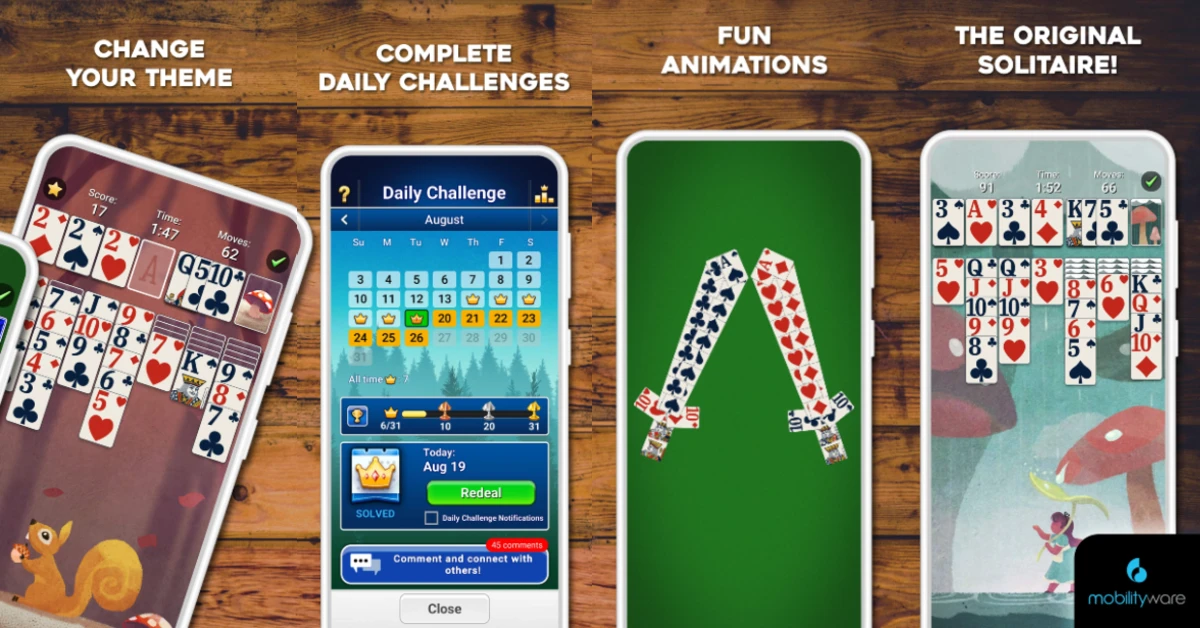
If you had a Windows PC growing up, you probably remember the classic card game, Solitaire. You can revisit that game on your Galaxy Z Flip 8, and even play it on the phone’s cover display. The app perfectly matches the aspect ratio of the FlexWindow. When you have some time to kill, you can launch the game and go through a couple of rounds without even unfolding the device. The controls suit one-handed use, which makes the game perfect for the FlexWindow.
Download Solitaire from the Google Play Store

The best part about using WhatsApp on the Galaxy Z Flip 8 is that you don’t need to open the phone to take care of pending messages. You can glance through your messages and quickly respond to them on the cover screen itself. Need to have a thorough conversation with someone? With just a few taps on the FlexWindow, you can connect with them on a video call. As long as you’re on the cover screen, the app will use the main camera for video calls.
Download WhatsApp from the Google Play Store
Gmail

If work emails aren’t letting you cut down on screen time, the Galaxy Z Flip 8 is the perfect device for you. You can access your Gmail inbox right on the FlexWindow and go through your emails in one go. Once you’re done, you can lock your phone without ever having the temptation of jumping to another app. Gmail is perfectly optimised for the small cover display. It lets you read and respond to emails. You can also create a new email, add attachments, and do a whole lot more without needing to unfold the phone.
Download Gmail from the Google Play Store
CoverScreen OS
CoverScreen OS goes above and beyond to unlock the true potential of your Samsung Galaxy Z Flip 8’s cover display. If you want the FlexWindow to look like an actual app drawer, this is the app you should be using. Once you download CoverScreen OS, you will be able to play games like Call of Duty: Mobile on the smaller display. You also get a wider set of customisation options to style the screen according to your aesthetic taste.
Download CoverScreen OS from the Google Play Store
Read Also: INALSA launches Triton 900 Mixer Grinder and Food Processor for heavy-duty Indian cooking
Final Thoughts
These are the 10 apps that you should download first on your new Samsung Galaxy Z Flip 8. While you’re here, check out our top 10 app picks for the Galaxy Z Fold 8. If you have any questions, let us know in the comments!


