


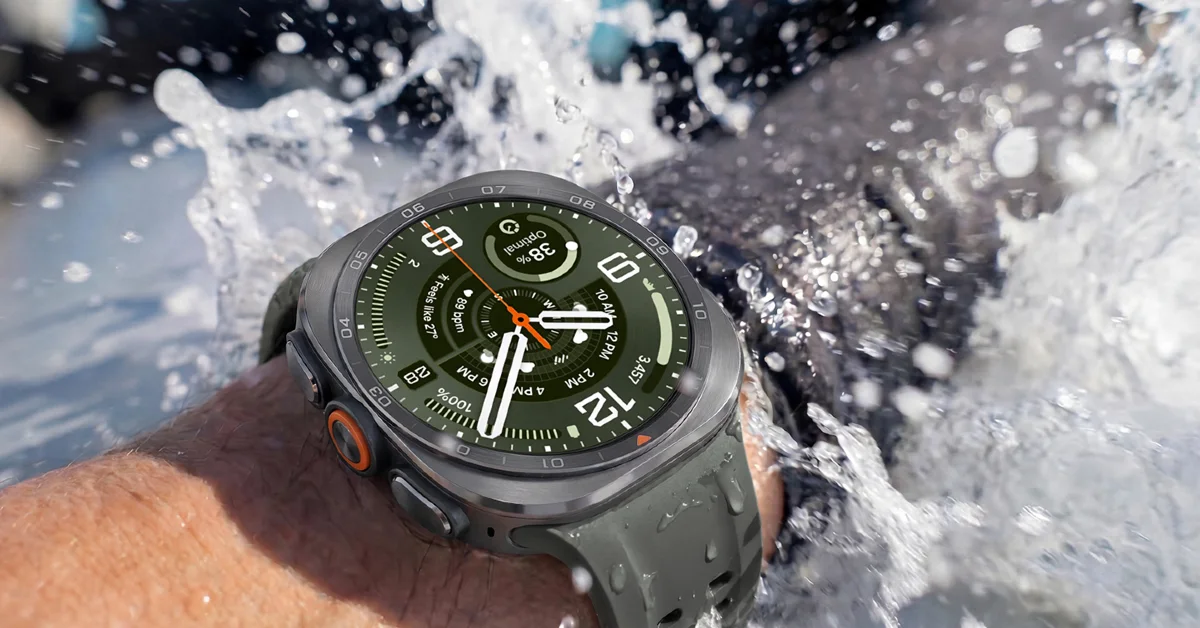

After a year-long hiatus, the Galaxy Watch Ultra is back with another iteration. This time the rugged smartwatch supports diving, which further adds to its ‘pro’ cred. Needless to say, it is one of the finest smartwatches for pro athletes and hardcore fitness enthusiasts. If you just got yours and are trying to figure out how to get the most out of it, you’ve landed on the right page. Here are the top 10 apps for your Samsung Galaxy Watch Ultra 2.
Read Also: Nothing Flipkart’s Freedom Sale Deals Unveiled: Details
In This Article
Strava
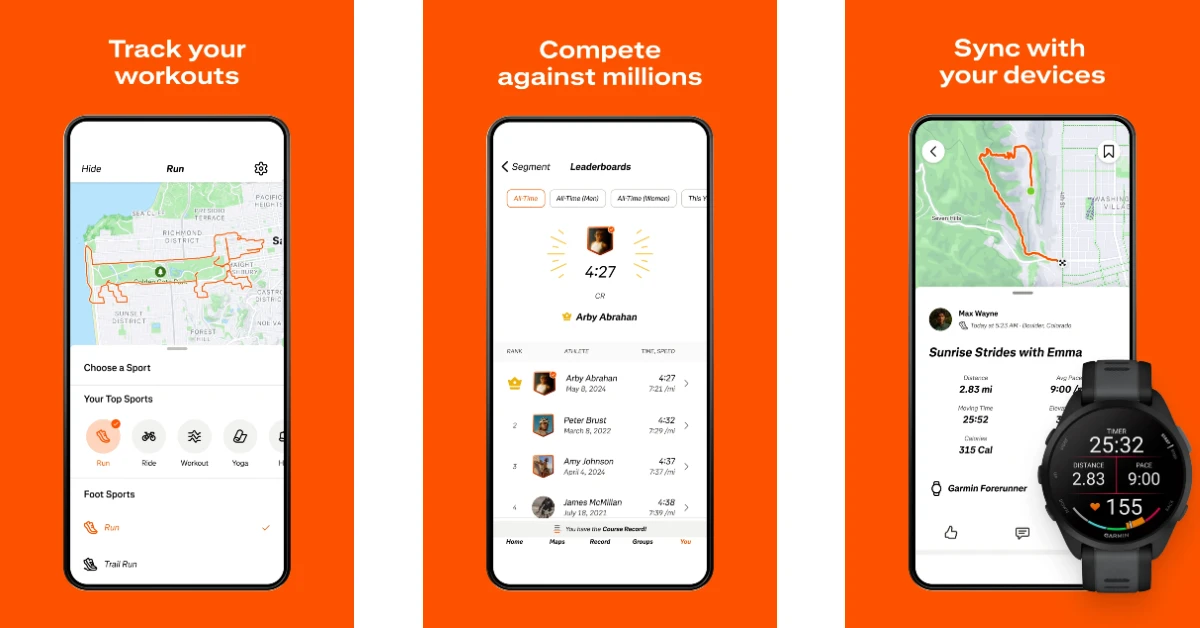
If you’re serious about fitness, Strava is the quintessential app for your smartwatch. It lets you track your workouts and then turns the data into fun story-like graphics that can be shared on your socials. You’ve probably seen a Strava card before – it’s one of those with orange squiggles on a map. Strava supports over 50 sports and exercises. So, you don’t really need to do laps around your neighbourhood to receive fun cards. The app will record and present relevant stats when you meditate or do yoga as well.
Download Strava from the Google Play Store
Facer
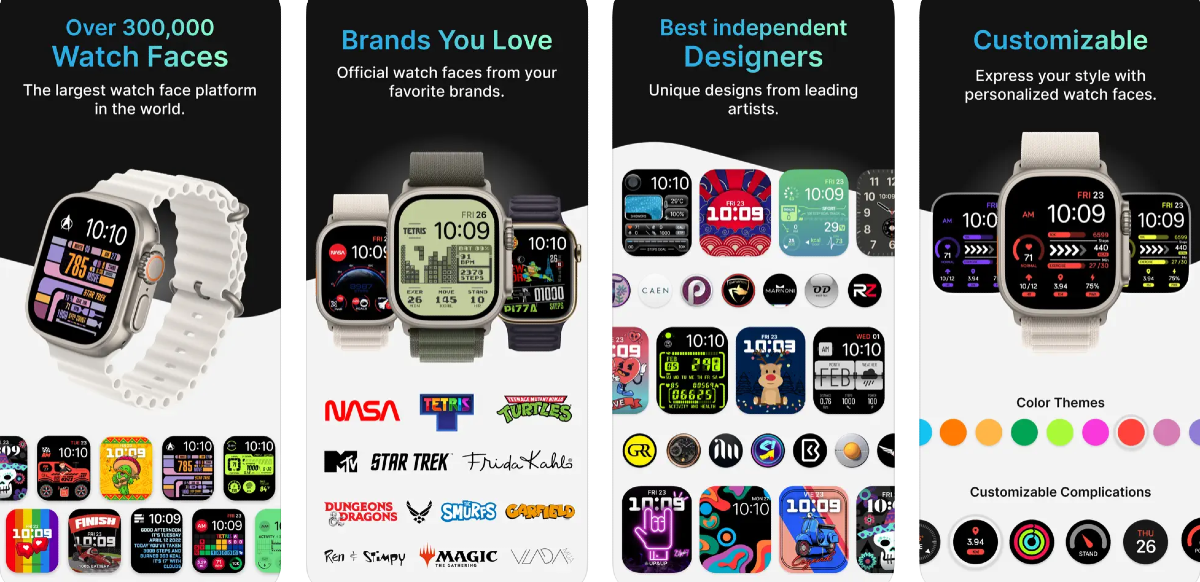
Facer gives you access to tons of watch faces made by artists who understand what users like to see on their wrists. You can find over 500,000 watch faces on this app. The range of styles on offer here is truly mind-boggling. Faces with characters from franchises like Tetris, Fallout, Ghostbusters, Call of Duty, Star Trek, Street Fighter, and more enjoy a lot of popularity on the platform. There are fitness-oriented watch faces for folks who like to view their essential metrics at a glance. If you can’t find a face you like, you can design one on your own in the app!
Download Facer from the Google Play Store
Spotify
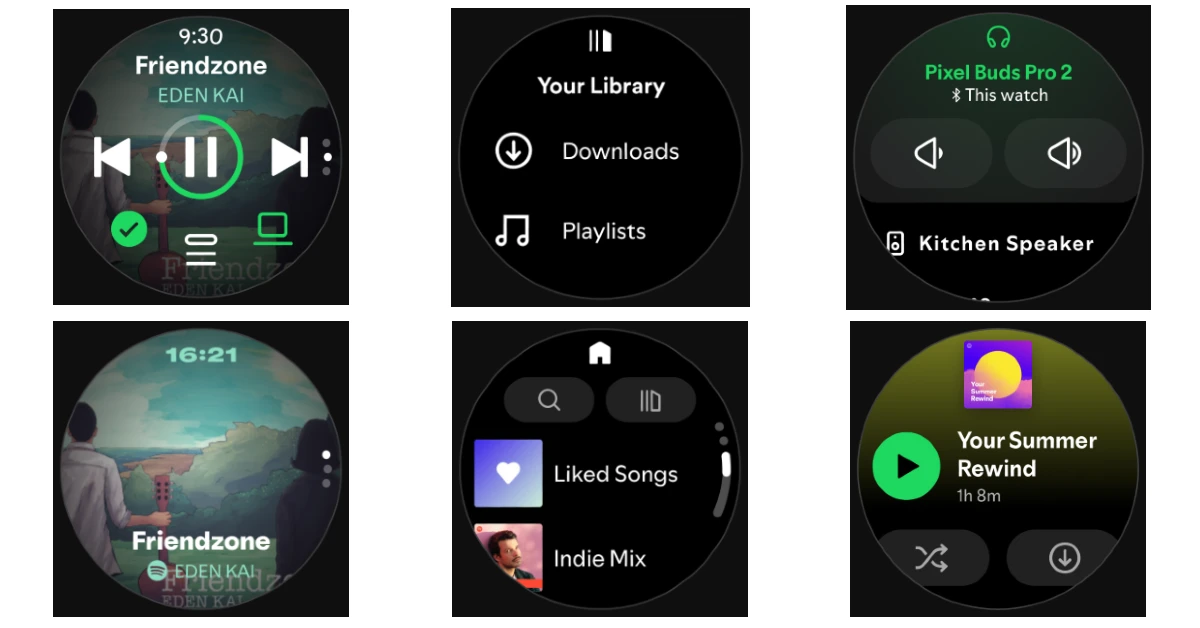
Spotify’s watch app lets you control playback and change songs without taking your phone out of your pocket. You can go through your playlists, downloaded songs, and saved albums to pick the song you want to play. The song can be played on your wireless earbuds/headphones or on an external speaker. Spotify also has a healthy podcast collection waiting for you to dive into.
Download Spotify from the Google Play Store
Audible
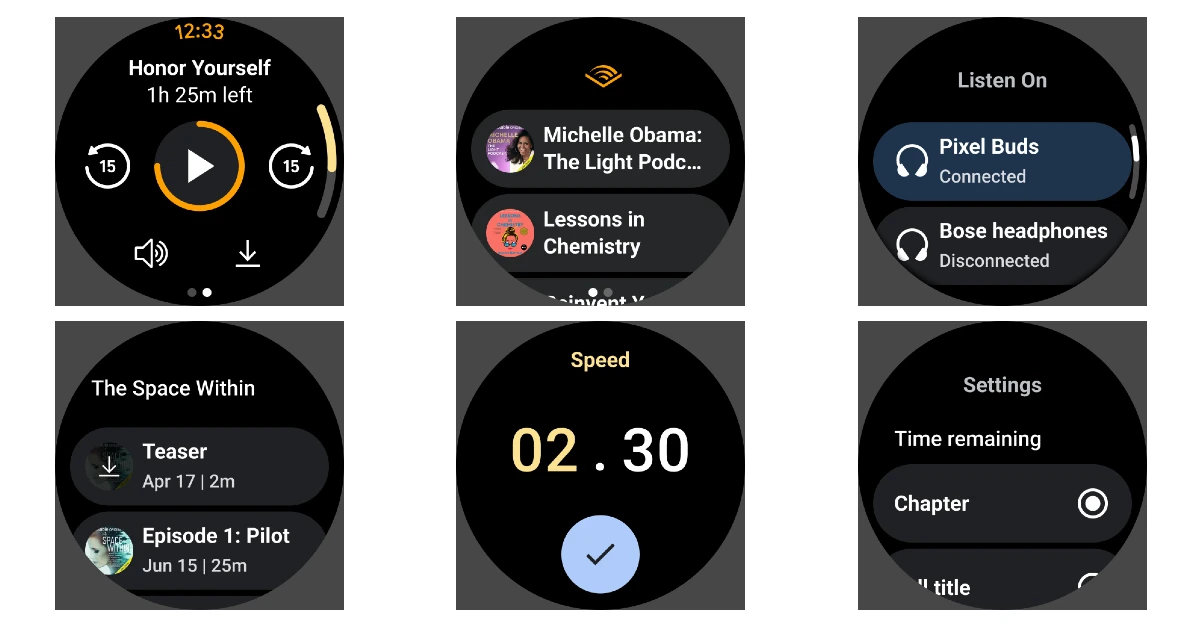
There aren’t many audiobook platforms that come close to what Audible has to offer. With over 200,000 premium audiobooks and 15,000 more titles in the Audible Plus catalogue, your next read (or listen) is never far away. You can put on your headphones, play a book, and go on a run without your phone as long as you have Audible running on your Galaxy Watch Ultra 2. You can download titles beforehand so as not to rely on Wi-Fi or cellular data to play them when you’re out. The native audio player in this app is super accessible and lets you speed up the narration by up to 3.5x.
Download Audible from the Google Play Store
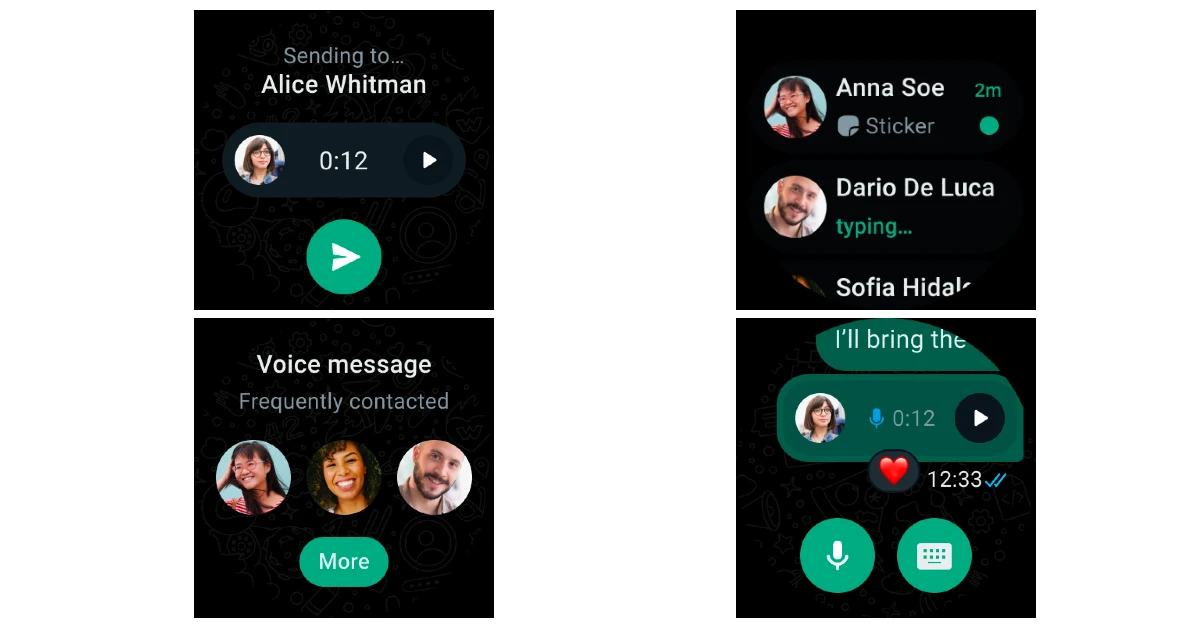
WhatsApp is the primary texting app for the majority of Android users. It should be one of the first apps you download on your Samsung Galaxy Watch Ultra 2 as well. The app is well optimised for the wearable platform. It lets you view your conversations, reply to unread messages, receive incoming calls, and a whole lot more. If you have a habit of leaving your phone in strange places around your house, downloading this app on your watch will help you tend to incoming messages right away.
Download WhatsApp on the Google Play Store
Headspace
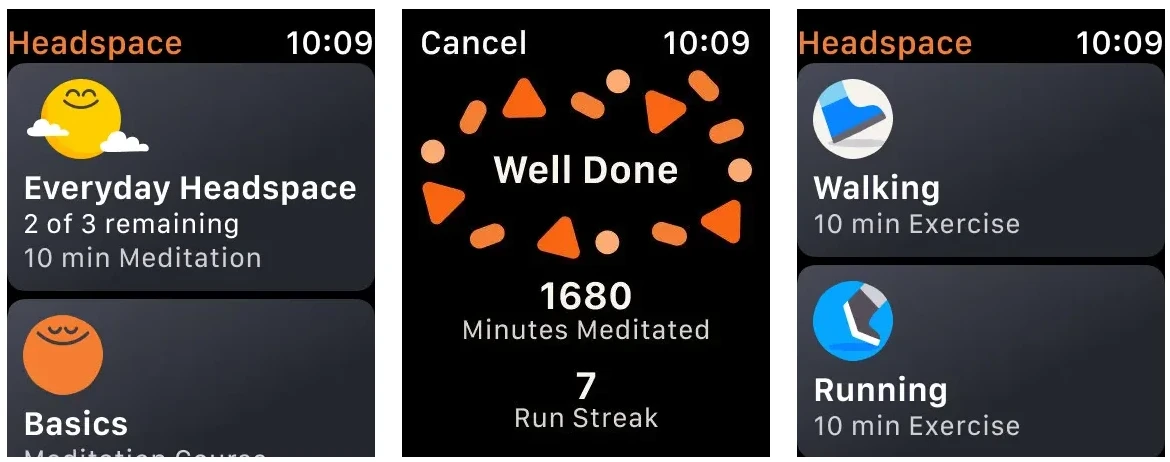
Headspace is one of the best sleep and meditation apps around. Its smartwatch version is well-optimised for the platform. You can use its quick modules to calm down and relax whenever you feel a pang of anxiety. The app monitors your breathing pattern and sends you useful tips to centre your awareness and become more mindful. You can track your progress over time to see how far you’ve come. When you’ve had enough practice, you will be able to recognise signs of anxiety before it even hits you. With the right tools in your arsenal, you will be able to manage it with ease.
Download Headspace from the Google Play Store
18Birdies
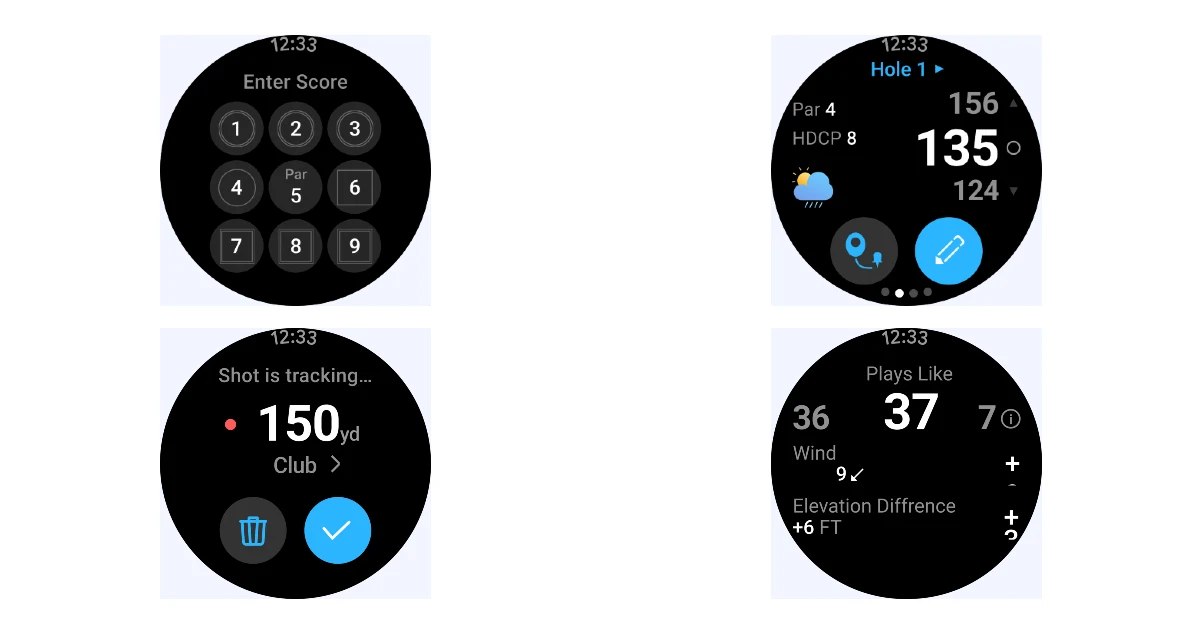
Golf enthusiasts have plenty of options to choose from, but there aren’t many apps that do it better than 18Birdies. It is a GPS range finder, handicap tracker, stats tracker, and scorecard, all packed neatly into one app. You will find GPS yardages for over 45,000 golf courses worldwide on this app. There’s also information about hazards, layups, carries, and key landing zones. Maintaining a digital scorecard helps you track your progress over multiple games. The app also comes up with AI-generated insights to help you improve your game.
Download 18Birdies from the Google Play Store
Sofascore
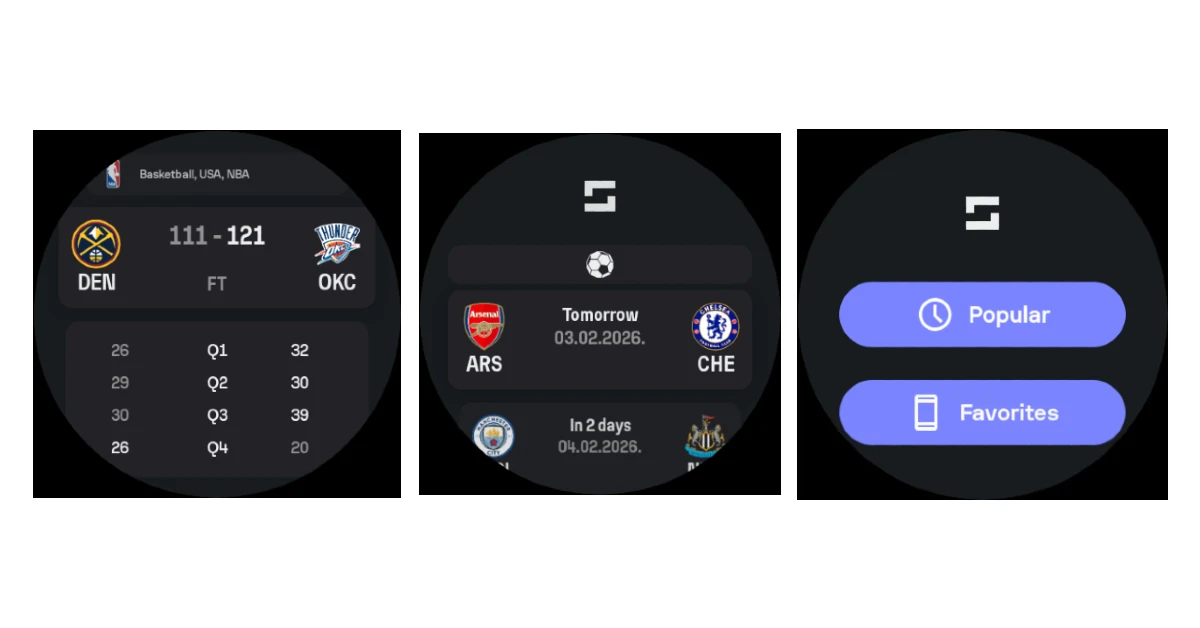
Missing the game because you’re stuck at work? Sofascore will ensure you get all the important updates delivered directly to your wrist. The best part about this app is that it lets you follow multiple sports. You don’t need to download different apps for football, cricket, tennis, and basketball. Just select your favourite teams or leagues on Sofascore, and you’re good to go. Once you’ve set everything up, you will never miss an important live update.
Download Sofascore from the Google Play Store
Tic Tac Toe
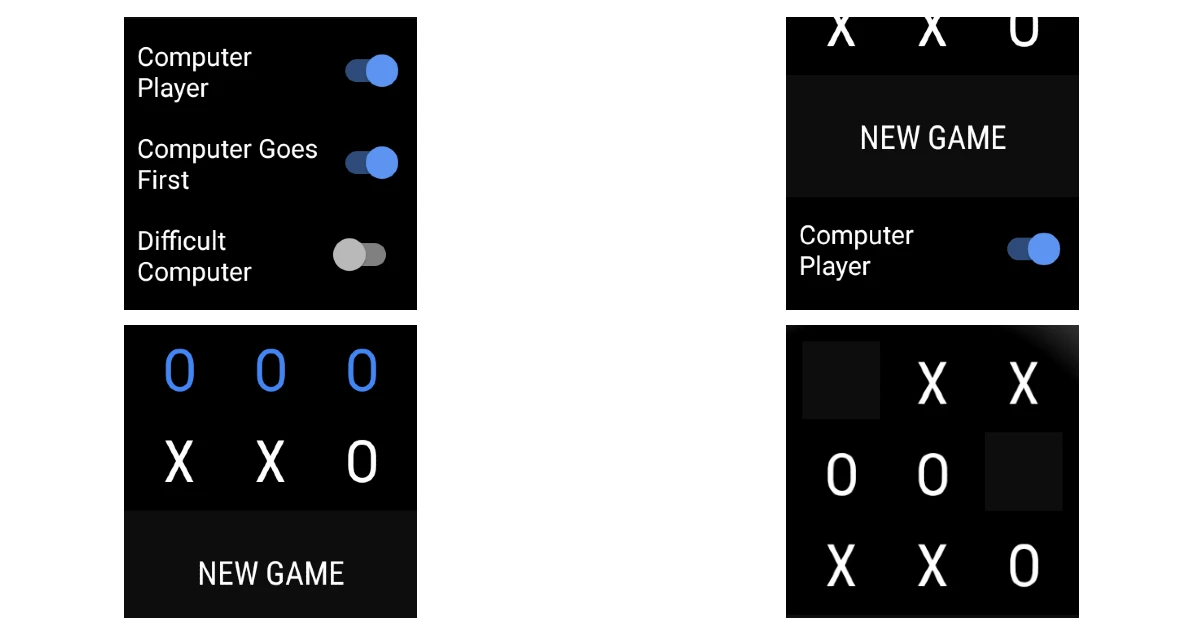
If you’re bored and looking to kill some time, you can always play Tic Tac Toe on your smartwatch. You can play with the computer or in person with a friend. While playing with the computer, you can decide the difficulty level. You can also select who gets to make the first move. The layout of the game is pretty simple. It uses the screen real estate pretty smartly. Accidental taps and errors are minimal, if any at all.
Download Tic Tac Toe from the Google Play Store
2048
The classic smartphone game, 2048, is also available on Wear OS. The aim of the game is simple – move the tiles on the 4×4 grid until you get 2048. Only tiles with identical numbers can be merged together. Once they are merged, their numbers get added up. The best part is that you can keep going on after you’ve reached the 2048 tile and set new high scores.
Download 2048 from the Google Play Store
Read Also: HP Launches OmniPad 12 Designed for Students: Pricing and Availability
Final Thoughts
These are the 10 apps you should download first on your Samsung Galaxy Watch Ultra 2. While you’re here, take a look at our top app picks for the Samsung Galaxy Z Fold 8. If you have any questions, let us know in the comments!


