


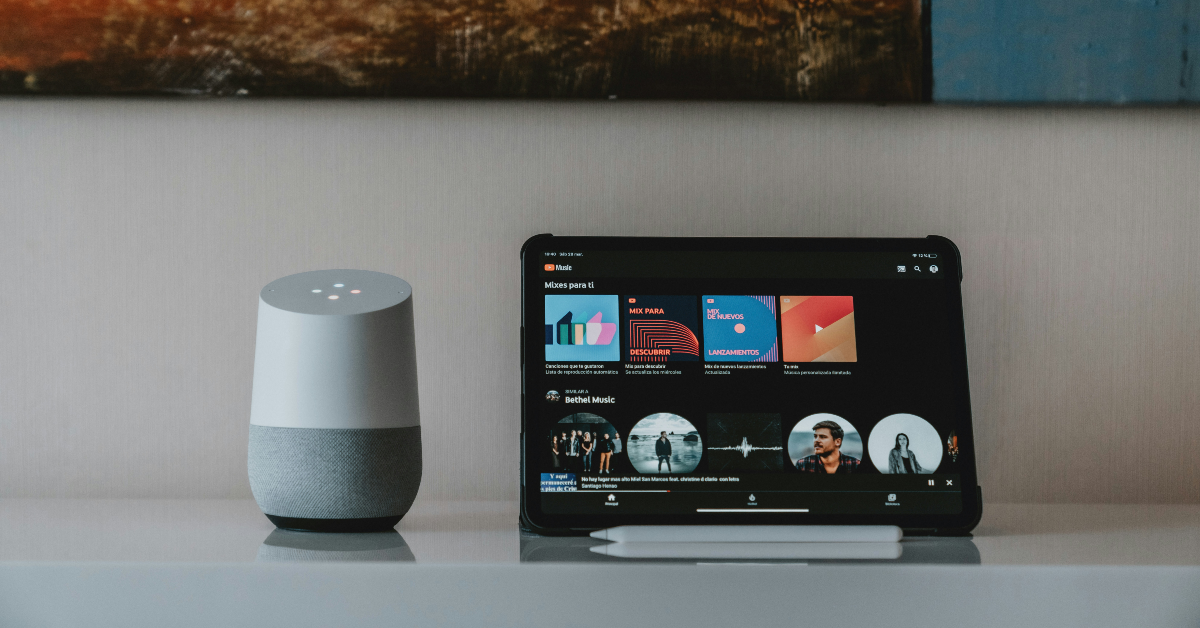
After adding Taste Match playlists to its platform, YouTube Music has introduced AI playlists to keep up with the likes of other streaming giants like Spotify, Apple Music, and Deezer. The idea behind this feature is simple – you enter a prompt based on your mood and the kind of music you want to hear, and the platform curates a fresh playlist for you based on your pointers. You need to be a paid subscriber in order to use this feature. Interested to see what recommendations you get based on your prompt? Here’s how you can create an AI playlist on YouTube Music.
Read Also: Samsung Galaxy Unpacked Event 2026 Date Announced: Pre-Reservations Open Now
In This Article
How to get the best out of this feature
Your AI playlist will only be as good as the prompt you enter. Google uses its Gemini models to analyse your input and create something based on what you asked. Here are some things you need to keep in mind while framing your prompt.
- Mention the genres that you want the playlist to cover. Dive into specific subgenres if you can. If you’re in the mood for rock music, but don’t want to limit yourself to a certain sonic palette, mention adjacent genres like grunge and metal.
- If you can’t land on a genre, mention how you want the mood of the playlist to be. You can throw in qualitative pointers like ‘songs for a rainy day’ or ‘songs for a road trip’.
- Add details about other factors like the length of the playlist, essential artists, songs to omit, and more.
Create an AI playlist on YouTube Music
- Launch the YouTube Music app on your smartphone.
- Go to the Library tab.
- Hit the New button.
- Select AI playlist.
- Enter a prompt for the playlist using text or voice. Make sure it is detailed and touches on key aspects of the mood and sonic nature of the playlist.
- Your AI playlist will be generated in a few seconds.
Frequently Asked Questions (FAQs)
Does YT Music offer the option to create playlists using AI?
YouTube Music has added an option to create AI playlists, but the feature is available to Premium subscribers only.
How do I create an AI playlist on YT Music?
Go to YouTube Music>Library>New>AI playlist, type your prompt, and hit Enter.
Why can’t I create AI playlists on YT Music?
This feature is exclusively available to Premium subscribers. Google is rolling it out in a phased manner, so it may take some time to reach your device.
How do I create a Taste Match playlist with my friends on YT Music?
Launch the YouTube Music app, go to Library>New>Taste Match>Invite, and share the link with your friends. The playlist will be created once they click the link and join the collaboration.
How do I create an AI playlist on Spotify?
Go to Spotify>Your Library, hit the plus icon, select AI Playlist, enter a prompt and hit Send.
Read Also: OnePlus Pad Go 2 Review: This midrange tablet delivers on almost every front
Final Thoughts
YouTube Music is limiting this feature to Premium users in a bid to drive up paid subscribers. The music streaming platform recently started restricting some ad-assisted users from viewing song lyrics. It remains to be seen whether this change will be applied across all non-Premium users.


