


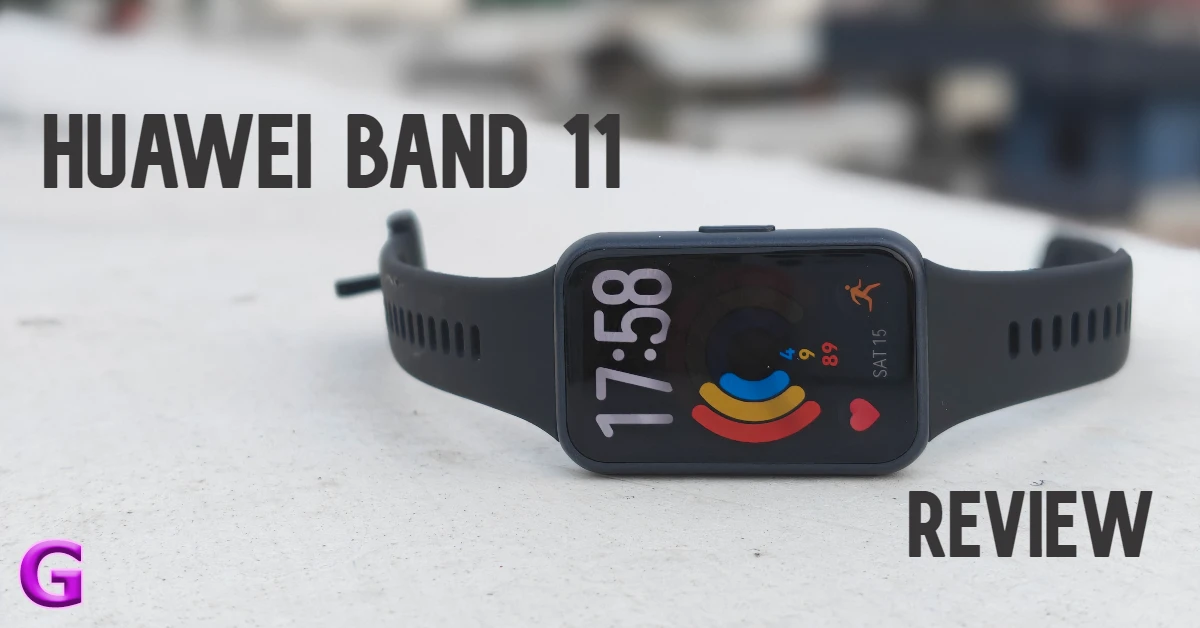
Huawei’s new fitness tracker is designed for users who want thorough records of their workouts and key health metrics without the baggage of wearing a bulky smartwatch at all times. Its sleek profile and affordable price tag were enough to sway us into giving it a shot for a week. After putting the band through its paces, we’re here with the full report. Here’s our comprehensive review of the Huawei Band 11.
Read Also: Google Pixel Watch 5 with up to 40 hours of battery life, breathing emergency detection launched
In This Article
Huawei Band 11 Review: Design and Display
Box Contents
- Fitness band
- Charging cable
- User guide
- Safety and warranty card
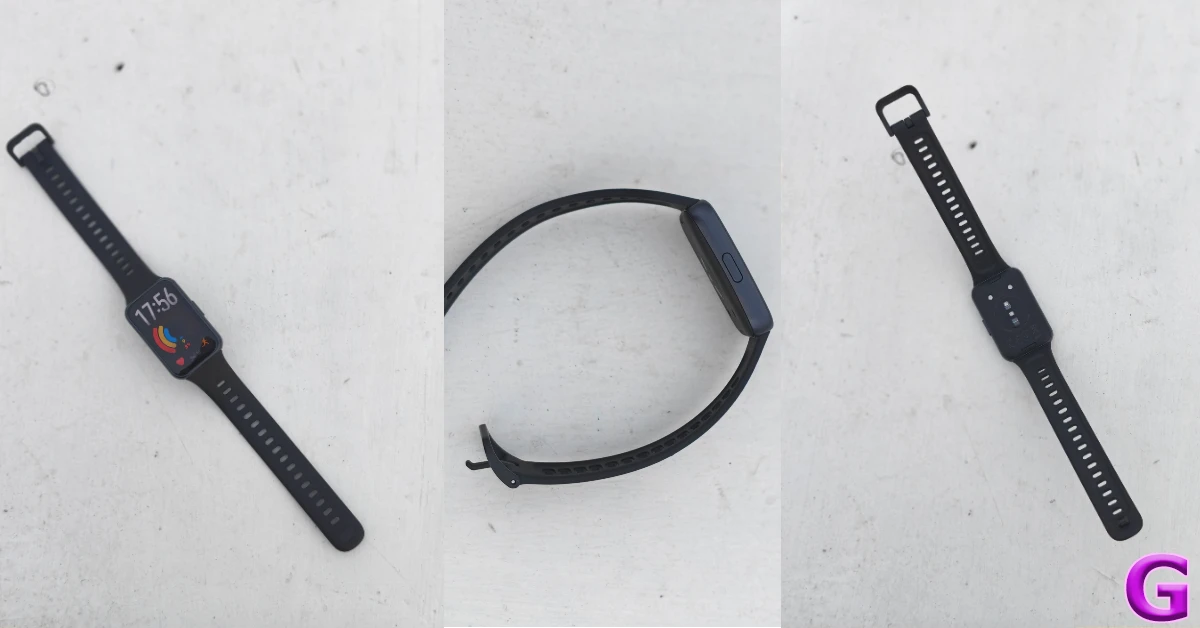
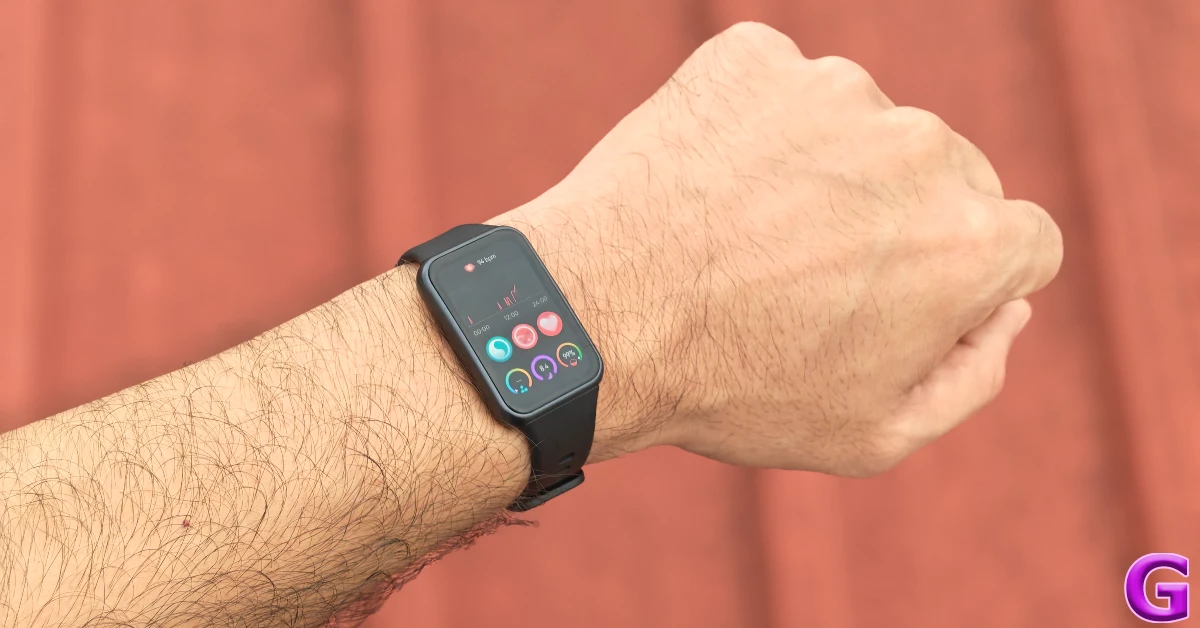
The Huawei Band 11 has a simple, unassuming design. There are 2 case options on offer – aluminium alloy and polymer. We used the latter for this review and were pleased by the feel of its matte finish. The case weighs just 16g (without the strap), so you can wear it throughout the day (and even through the night) without any major fatigue. There’s a single physical button tucked to the side. The bottom panel houses the magnetic charging port along with the sensor array.
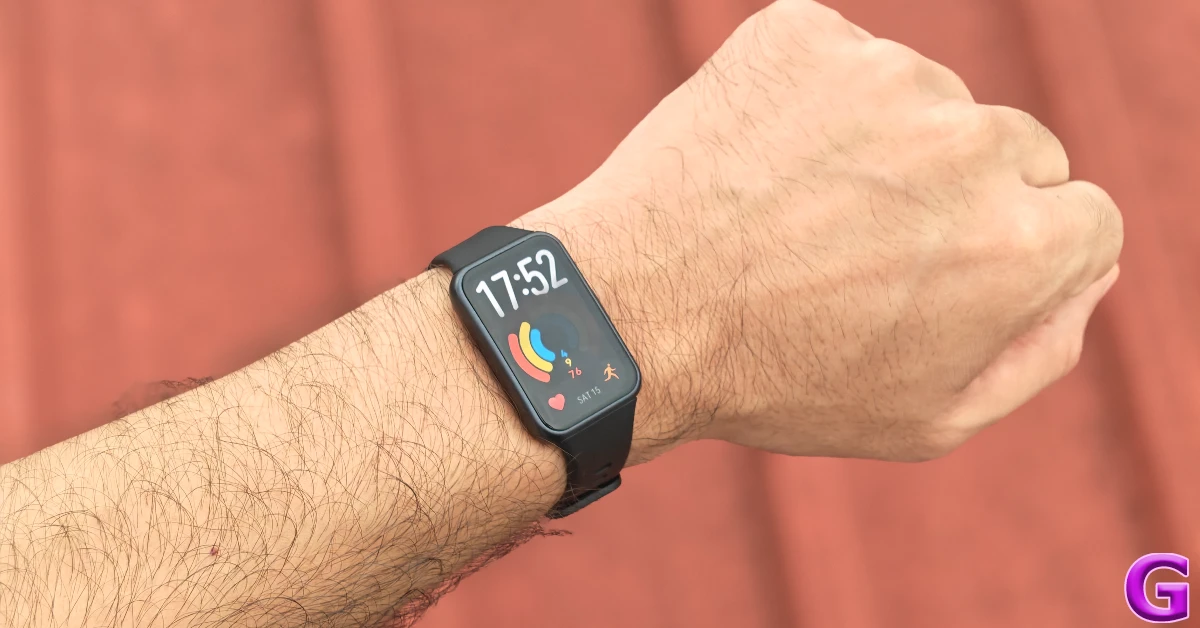
The Fluoroelastomer (essentially synthetic rubber) strap is comfortable and easy on the skin. It doesn’t cause any unwanted irritation or sweatiness. The standard pin and buckle mechanism works well to fasten it around the wrist. If you’re averse to rubber and silicone bands, there are plenty of third-party straps of different varieties (metal, fabric, nylon, etc.) you can check out online.
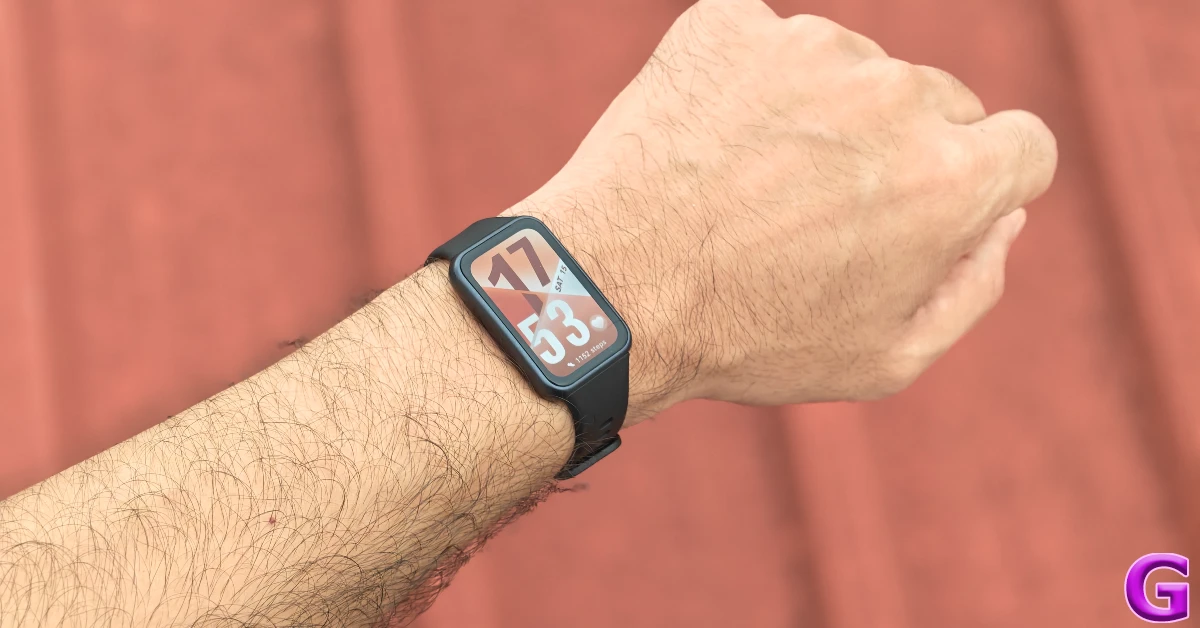
The rectangular 1.62-inch AMOLED display has a 60Hz refresh rate and can hit a peak brightness of 1,500 nits. It is able to maintain perfect legibility under harsh sunlight. The touch response is smooth as butter. The 480p resolution ensures that the visuals and animations are crisp. Since this is an AMOLED panel, you also get Always-On Display.
The Band 11 can handle 5ATM of water pressure for up to 10 minutes. It does not carry an official IP rating, but Huawei says that it is suitable for shallow water activities. This includes swimming pools and coastal areas. It is not suitable for diving, hot showers, or saunas. Any activity that involves deep water or fast water flow can cause damage to the band.
Huawei Band 11 Review: Performance
Pairing the Huawei Band 11 requires downloading the Huawei Health app on your smartphone. The companion app requires an official Huawei account to function, which in turn requires registering your phone number. This may be a dealbreaker for some folks.
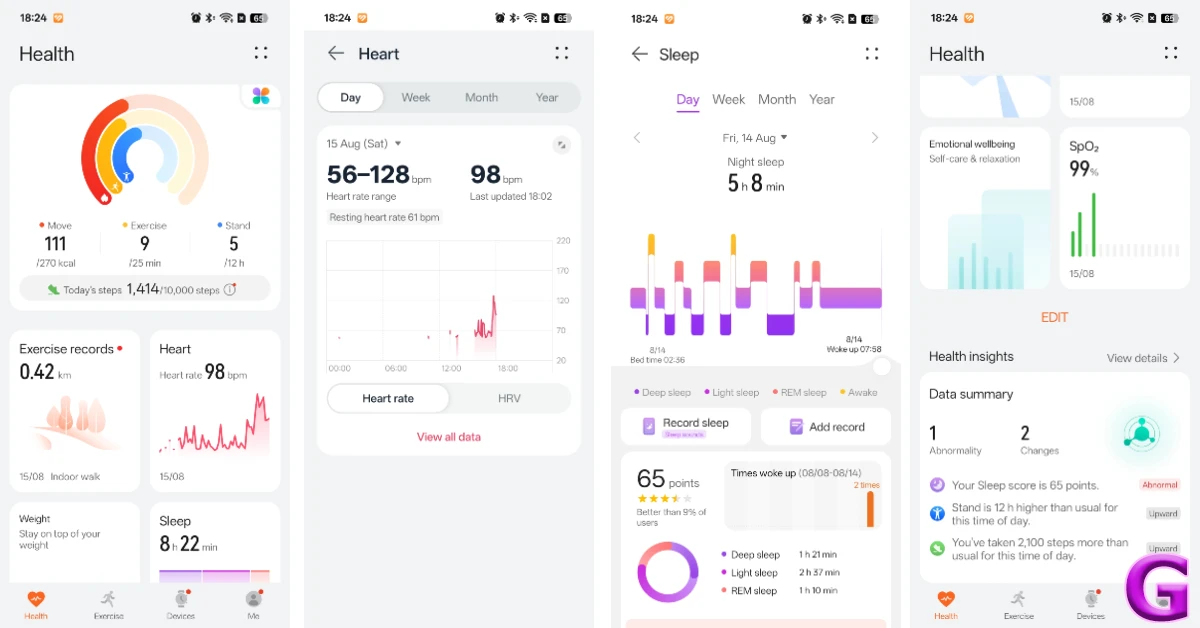
The good news is that it’s all smooth sailing once the band is paired to your phone. You can strap it around your wrist and just forget about it. It accurately tracks and records your heart rate and step count throughout the day. You can quickly glance at the stats by swiping left on the AMOLED panel or diving into the companion app. The option to automatically monitor blood oxygen is disabled by default since it drains the battery at a faster rate. You can turn it on from the Health app.
We found the step count, heart rate, and blood oxygen numbers to be accurate. The fitness band does an amazing job of tracking sleep cycles and breaking them down into different phases. You can find out how much time you spend in deep, light, and REM sleep phases. After every cycle, you are assigned a sleep score. Your average heart rate, HRV (Heart Rate Variability), SpO2, and respiratory rate are calculated after 5/7 sleep cycles.
The health insights provided by the companion app are precise and useful. The band analyses your overall health, sleep, and workout patterns to identify areas that need more work and attention. You can also check out the ‘Trends’ tab to view how your fitness has developed over time. The ‘Emotional wellbeing’ feature feels a bit gimmicky, as it does not have access to enough data to make a sound judgement about your emotional health. Huawei doesn’t shy away from this fact, and lets you know that its results are for reference only and shouldn’t be used for diagnosis.
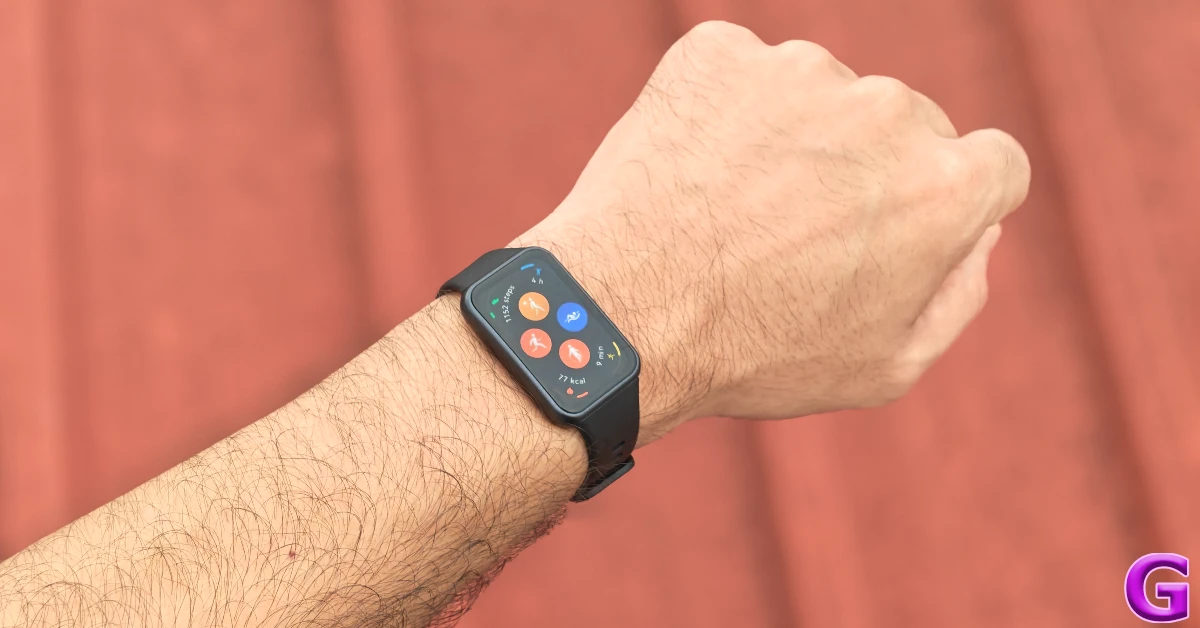
The Band 11 supports over 100 workouts, including walking, running, cycling, swimming, aerobics, Pilates, and more. We primarily used it to track our outdoor walks and runs. The fitness band does a good job of recording the essentials. This includes distance, duration, steps, average speed, average pace, average heart rate, average heart rate, and average cadence. The only drawback is that it cannot track your route on a map on its own since it does not have built-in GNSS. If you want this feature, you will need to splurge Rs 5,699 for the Pro model.
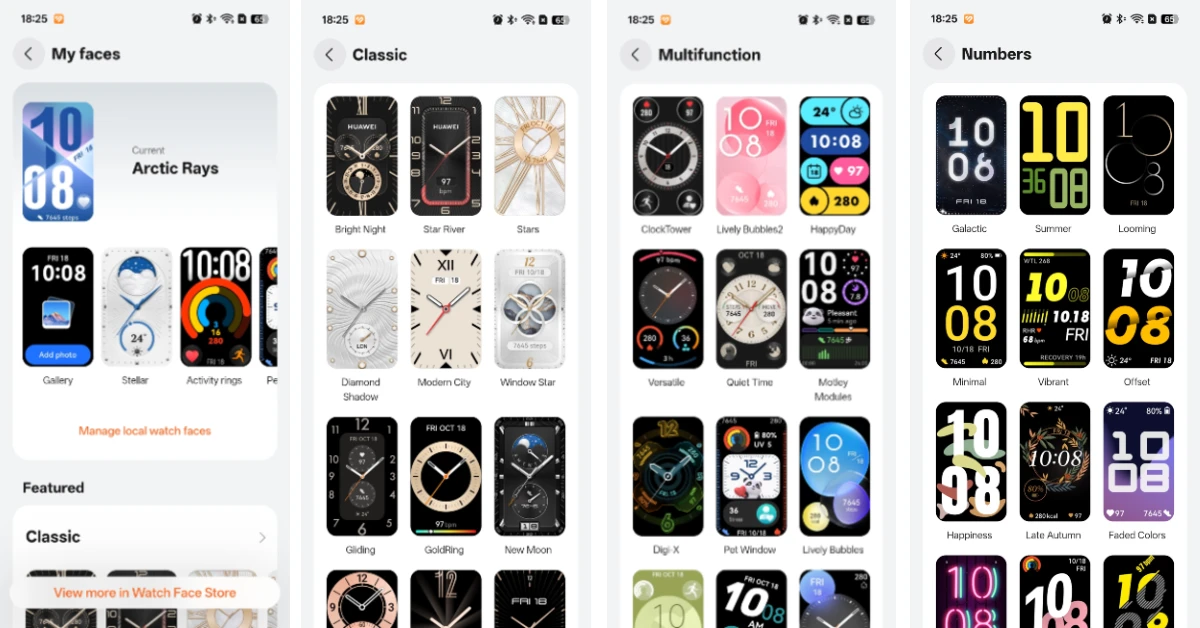
Since this isn’t a smartwatch, you don’t get access to third-party apps. But you can still take calls, receive notifications, and send quick replies on this fitness band. In our books, these are all the ‘smart’ features you need around your wrist before things start getting a little too distracting. The Band 11 runs Harmony OS 6, which offers native apps for Weather, Calculator, Compass, Flashlight, Alarm, Timer, Calendar, Remote Shutter, Music, and more. We also like the diverse watch face library offered by the companion app. You can also make one of your own using an image from your phone’s gallery.
With regular use, you can get 8-10 days of battery life on the Band 11. This includes constant heart rate and blood oxygen monitoring, light exercises, and waking the screen up to 500 times per day. With Always On Display enabled, the battery life drops to 3 days. If you’re conservative with your usage, you can get up to 14 days of use on a full charge. The band takes just under an hour to reach a full charge.
Read Also: Canon EOS R6 III Review: Photography’s New Overachiever Just Raised The Bar
Verdict
If you don’t want to miss out on smart wearable features but don’t want to wear a bulky smartwatch around your wrist, the Huawei Band 11 is a very easy recommendation from us. Infact, it outperforms most smartwatches in its price bracket. Its sleek profile and light weight make it one of the most comfortable wearables in its class. When it comes to recording your health and fitness data, the Band 11 leaves no stone unturned. Not only does it present essential stats in an accessible manner, but it also analyses them for you and lets you know the areas that need improvement. To top it off, it lasts over a week with standard usage, so you don’t need to worry about plugging it into the charger every night.
Pros
- Sleek profile
- Light weight
- Comfortable fit
- Bright display
- Good insights
- Great battery life
Cons
- Companion app requires your phone number to work
- Does not have built-in GPS


