


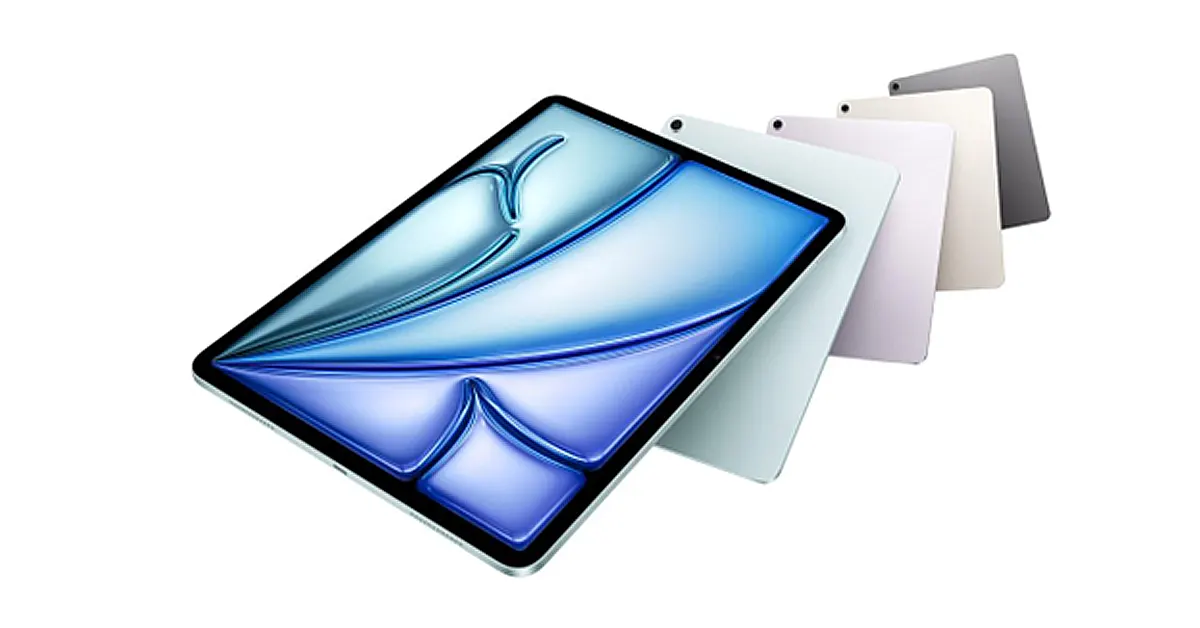

Apple’s iPad Air M4 is one of those rare devices that sits comfortably between “nice-to-have tablet” and “serious work machine.” Out of the box, it’s fast, capable, and beautifully designed, but it’s the right accessories that turn it into something far more useful.
Whether you’re sketching, editing, writing, or just trying to get through a day of emails without reaching for your laptop, the right setup makes all the difference. Below are ten accessories that genuinely improve how the iPad Air M4 feels and functions — starting with the one that ties everything together.
In This Article
1. ZUGU Case for iPad Air M4
If you’re only going to buy one accessory, make it a proper case — and not just for protection.
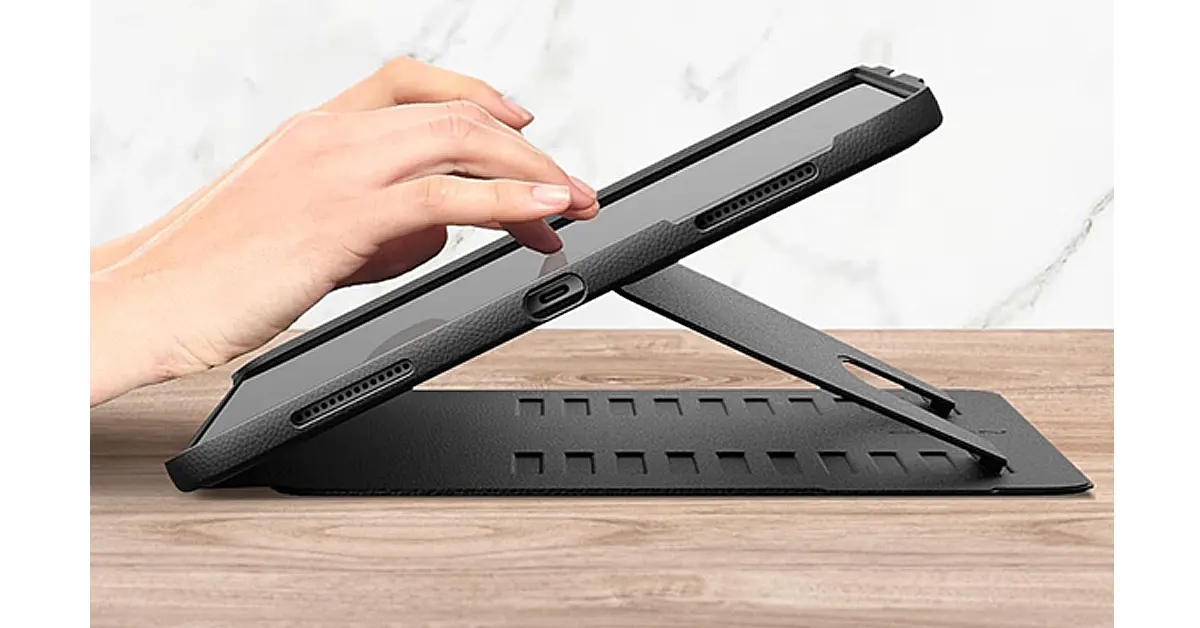
The ZUGU iPad Air M4 case stands out because it fundamentally changes how you use the iPad. The magnetic stand locks into multiple angles that actually feel stable (not the usual “nudge it and it collapses” situation), which matters more than you’d think when you’re typing, drawing, or watching something hands-free.
It’s built with real-world use in mind, too. You’ve got solid 5ft drop protection, reinforced materials that don’t bulk the device up, and a finish that still feels premium rather than overly rugged. It hits that sweet spot where it’s protective without making your iPad feel like it’s wearing armour.
There are a few thoughtful extras that make a difference day to day. The built-in magnets let you stick it to metal surfaces — fridge doors, gym equipment, workshop walls — which sounds niche until you actually start using it. And the stability of the stand makes it ideal for Apple Pencil work, whether you’re sketching, taking notes, or editing.
ZUGU even backs the case with iPad repair coverage if your device is damaged while it’s inside, which is a level of confidence you don’t see often.
In short, it turns the iPad Air M4 from a tablet you hold… into one you can properly work on — without ever feeling like you’ve compromised on design.
2. Apple Pencil Pro
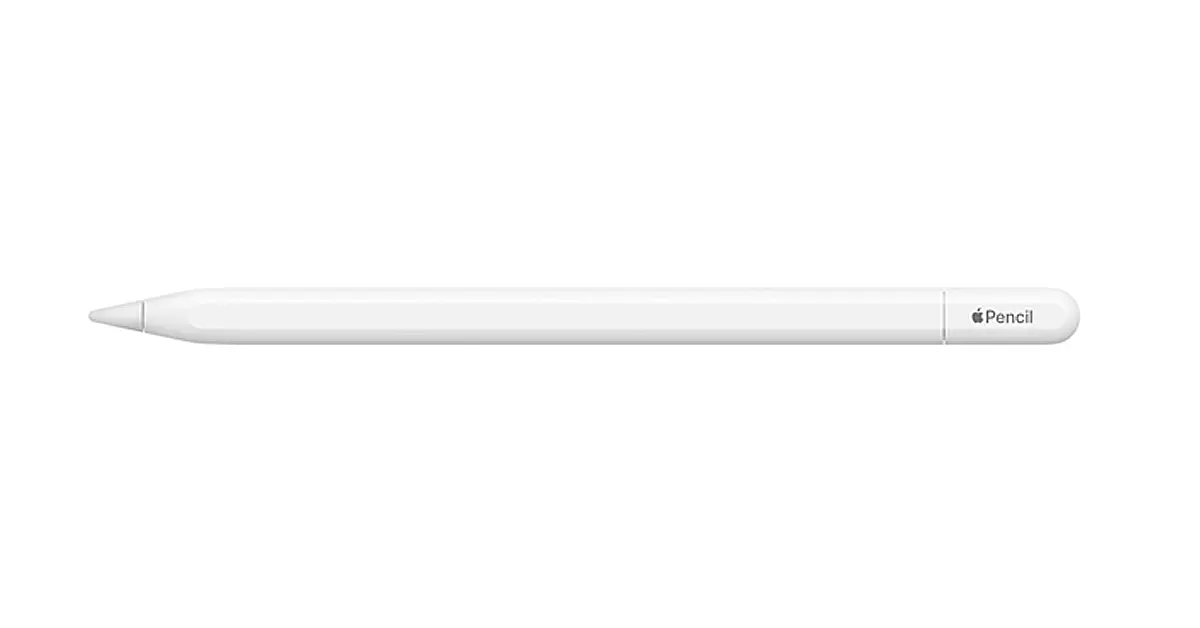
The iPad Air M4 and Apple Pencil Pro are designed to work together, and it shows.
Whether you’re annotating PDFs, sketching ideas, or editing photos, the responsiveness is immediate and precise. The newer gesture controls and pressure sensitivity make it feel less like a stylus and more like a proper tool, especially for creatives.
Even if you’re not an artist, it’s surprisingly useful for note-taking and quick markups.
3. ZUGU Screen Protector
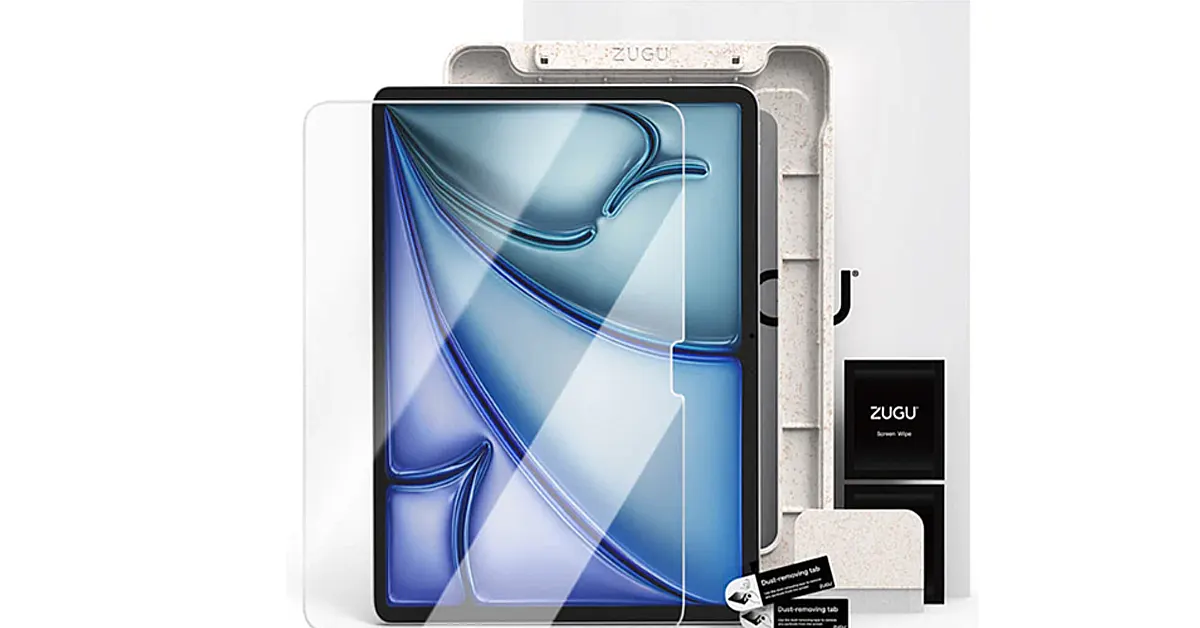
If you’re using an Apple Pencil regularly, a screen protector isn’t optional — it’s essential.
ZUGU’s screen protector strikes a nice balance: it reduces glare and adds just enough texture for writing and drawing, without killing the clarity of the display. That’s a tricky line to walk, and a lot of alternatives lean too far one way or the other.
It also helps protect the screen from everyday wear, which matters more over time than most people expect.
4. Apple Magic Keyboard for iPad Air M4
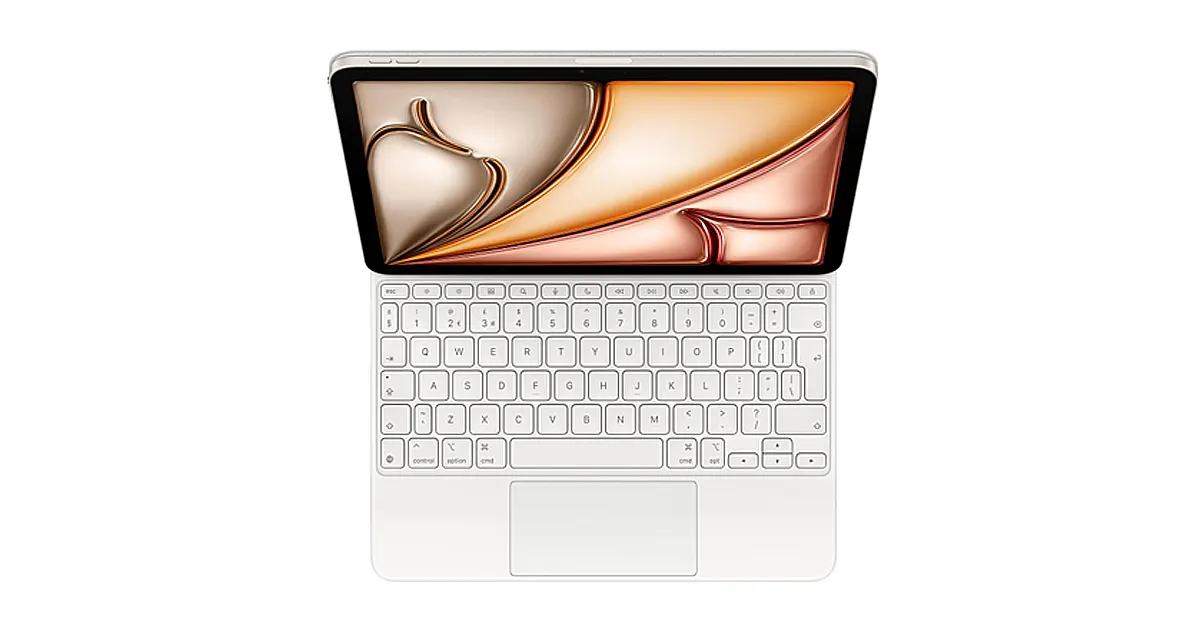
If your goal is to replace a laptop — or at least leave it at home more often — the Magic Keyboard makes that possible.
You get a proper typing experience, a responsive trackpad, and a floating design that makes the iPad feel more like a compact workstation than a tablet. It’s not cheap, but it’s one of those accessories that immediately justifies itself if you write or work on the go.
5. Anker USB-C Hub
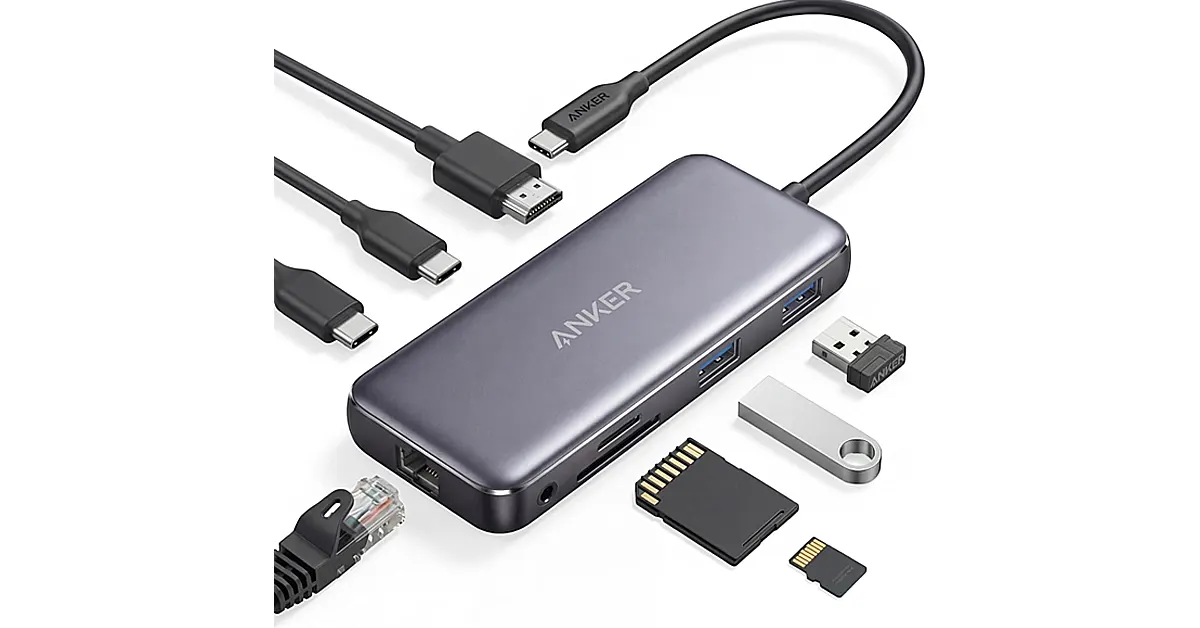
The iPad Air M4 has a powerful chip, but limited ports.
A good USB-C hub fixes that instantly. Plug in external drives, connect to a monitor, add an SD card reader, or just expand your workflow beyond a single cable. Anker’s hubs are reliable, compact, and don’t require much thought once they’re in your bag.
6. Logitech Pebble Mouse 2
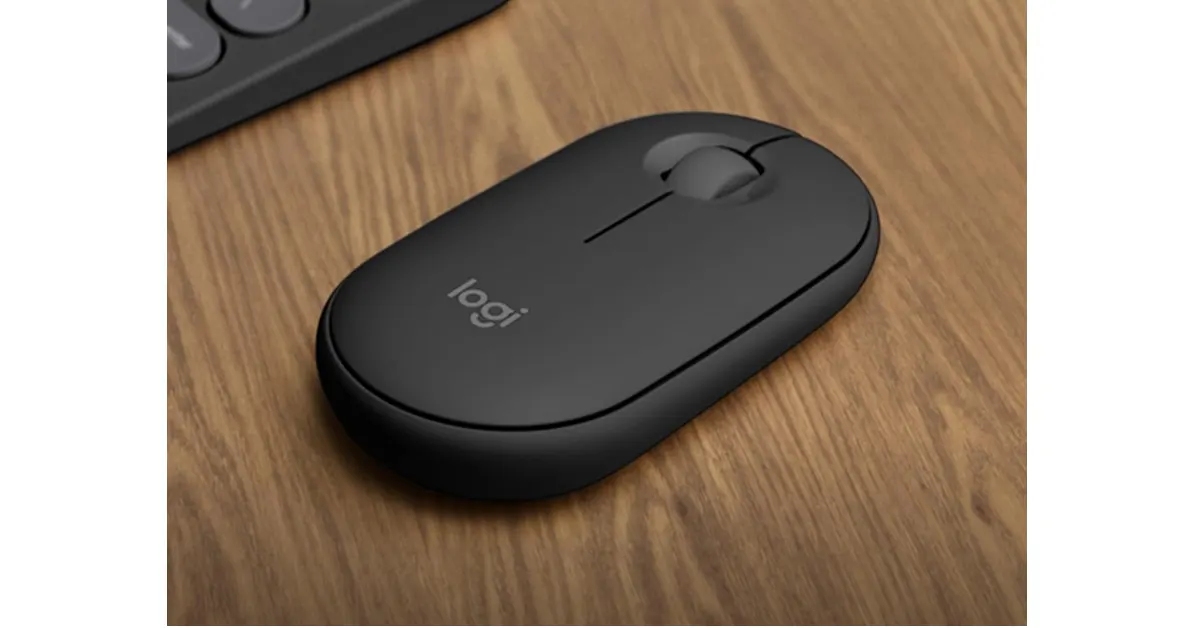
Not everyone wants to rely on a trackpad.
The Pebble Mouse 2 is a great middle ground: slim, lightweight, and quiet enough to use anywhere without drawing attention. It pairs easily with the iPad and is especially useful for more detailed tasks like spreadsheets or design work.
7. Samsung T7 Portable SSD
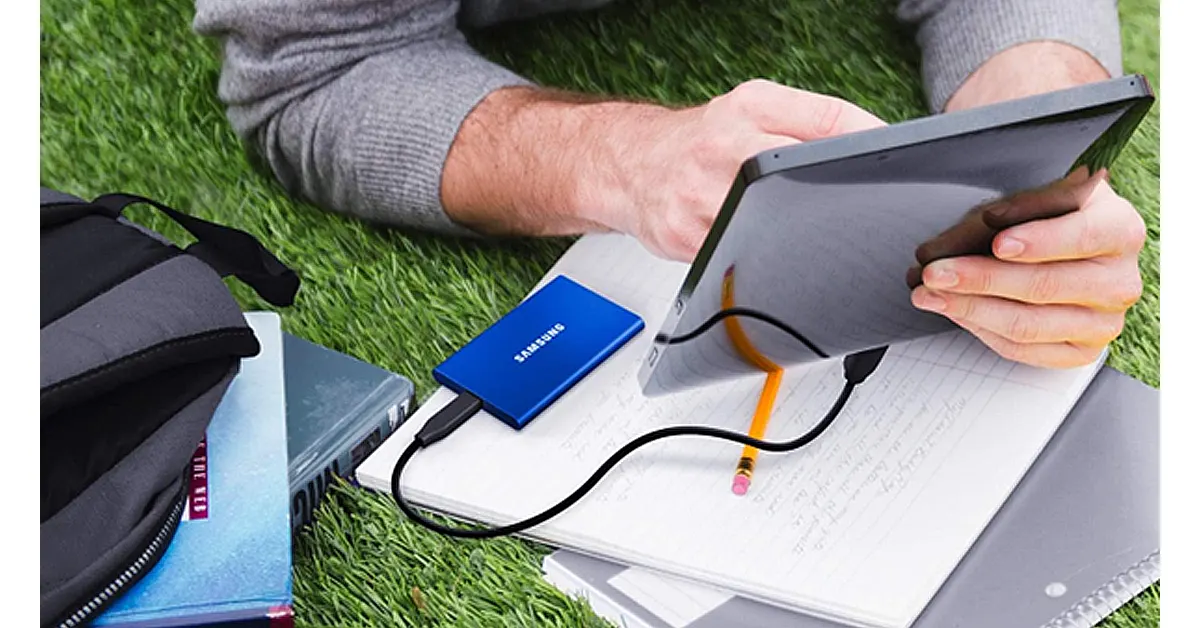
If you’re working with video, photos, or large files, storage fills up fast.
The Samsung T7 gives you fast, reliable external storage in something that’s barely bigger than a credit card. It’s ideal for backing up projects, editing directly from external storage, or just keeping your iPad uncluttered.
8. Elgato Facecam Neo
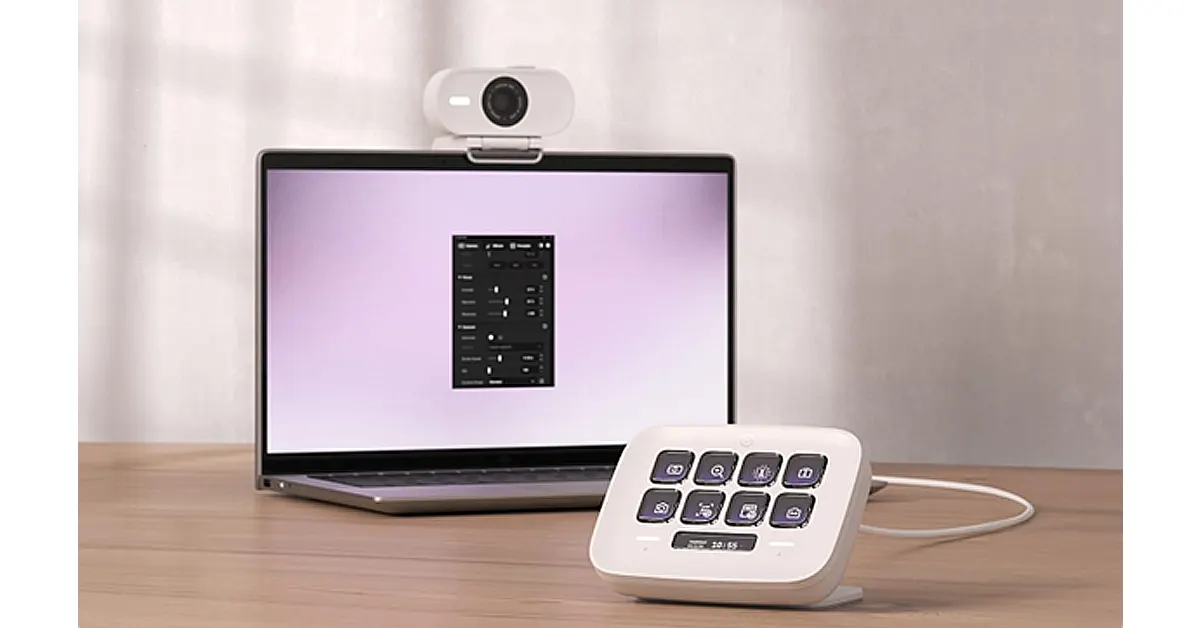
If you use your iPad Air M4 for calls, content, or even remote work, upgrading your camera setup can make a noticeable difference.
The built-in camera is solid, but a dedicated webcam like the Elgato Facecam Neo gives you sharper image quality, better low-light performance, and a more professional look overall. It’s especially useful if you’re using your iPad as part of a desk setup or connecting it to an external display.
It’s not an essential for everyone — but if you spend a lot of time on video calls, teaching, streaming, or recording content, it’s one of those upgrades that quietly elevates everything.
9. Anker 737 Power Bank (PowerCore 24K)
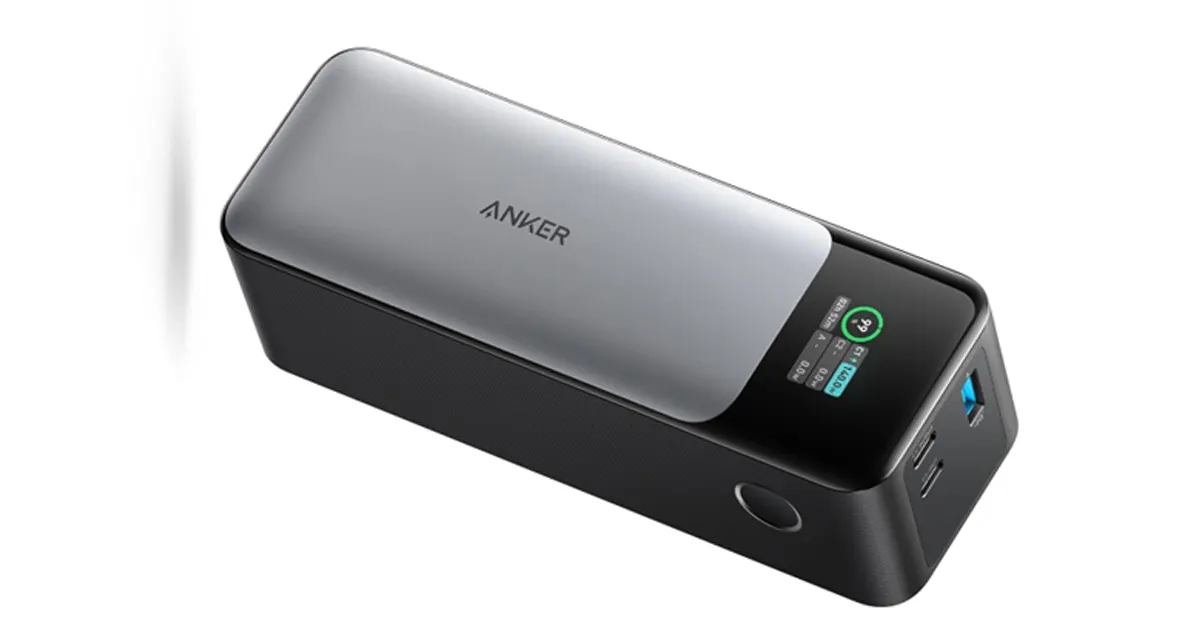
The iPad Air M4 has great battery life, but if you’re using it heavily for work, travel, or creative tasks, you’ll eventually hit the limit.
The Anker 737 power bank solves that without tying you to a wall socket. It’s powerful enough to charge the iPad at speed, meaning you can top up during a commute, on a flight, or between meetings without breaking your workflow.
It’s especially useful if your setup includes accessories like external drives or hubs, which can drain the battery faster than expected. It has three charging ports, so you can charge your iPhone and AirPods simultaneously.
Not the most glamorous accessory on the list, but easily one of the most practical if you rely on your iPad throughout the day.
10. SanDisk Extreme microSD Card (with adapter)
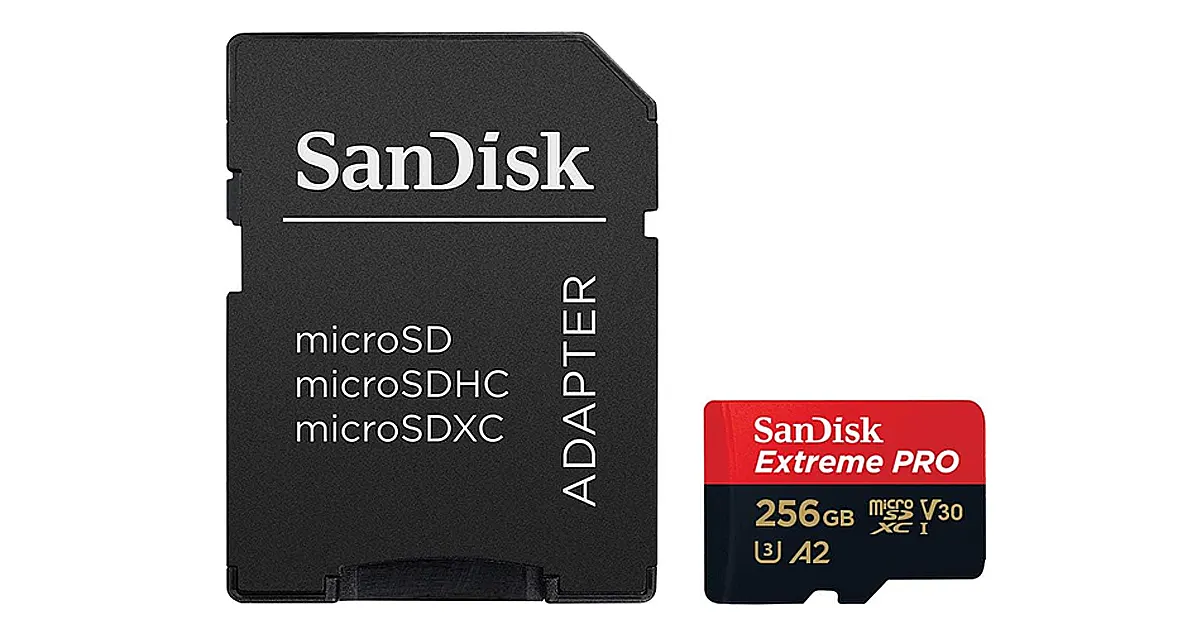
For quick file transfers — especially from cameras or drones — a microSD card with a USB-C adapter is still one of the simplest solutions.
It’s not flashy, but it’s practical. Drop files onto your iPad in seconds, no cloud upload required.
The Difference Is in the Details
The iPad Air M4 is powerful enough to handle serious work, but it doesn’t fully feel that way until you build the right setup around it.
A solid case like ZUGU gives it structure. The Apple Pencil adds precision. A keyboard, mouse, and a few smart extras turn it into something closer to a laptop alternative — without losing what makes the iPad enjoyable in the first place.
You don’t need everything on this list. But the right combination? That’s where the iPad Air M4 really starts to make sense.


