


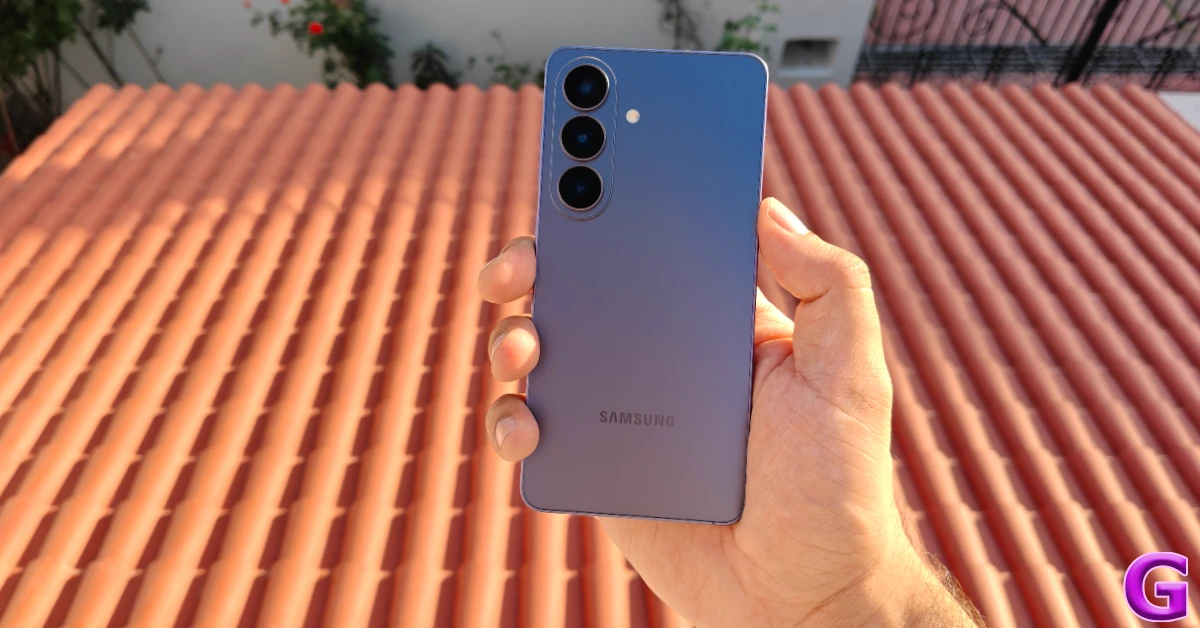

Samsung is expanding the One UI 9 upgrade for more Galaxy S26 customers in the US after a restricted rollout. Based on Android 17, this upgrade brings Galaxy AI, privacy, security, multitasking and other accessibility enhancements. Some Galaxy Z Flip 7 FE owners have also received it. New Bixby features include activation and conversation controls, tracking and analysis capabilities in Samsung Health, upgrades to Samsung DeX and a new lock screen clock.
Now, the One UI 9 upgrade is rolling out in the US, beginning with T-Mobile subscribers, according to 9to5Google. Meanwhile, Galaxy S26 owners with an unlocked handset who are part of the beta program are also getting the update with Android 17. While not yet on a broad scale, this signifies substantial progress toward a full launch. The beta update is over 650MB, with additional information available in the Samsung changelogs.
One UI 9 brings certain improvements for a better Galaxy experience, such as enhanced Now nudge capabilities with recommendations not just showing on the keyboard but also in notifications and a floating button. New types of suggestions include adding reservation details or managing locations using Google Maps. With my FanCam, users may zoom in on certain people in videos. In an Interpreter mode, users can browse through ongoing conversations. On calls, relevant information is also shown on the call screen.
Enhanced quick panel versatility in this release allowing for easier rearranging and deep control customisation. In particular, the brightness and volume sliders are now resizable, and the media player may now be resized. The sound mode button is also separated from the volume slider, allowing the user more freedom to control settings.
Device management and security have been improved with new features. It also has a new warranty and care menu, which lets users see warranty information and utilise diagnostic tools to help maintain devices. Users may lock their phones quickly using the quick lock function by either simultaneously pressing the Volume down and Side buttons, or by touching the Power button in the quick panel, which will deactivate biometrics for the next unlock.
Samsung has enhanced the Location Access Transparency by adding a blue indication that tells when an app is accessing location data. If you press the indicator, you’ll see which app is utilising the data. Security alerts now include new warnings for malware, unfamiliar applications and excessive permissions, which restrict access to unknown apps until action is taken. There are also AI privacy alerts that monitor app permissions and tell users when apps are accessing personal data they don’t need, giving another layer of security.
Samsung Health has received a major makeover, providing a more intuitive user interface that increases visual clarity and chart display. The home screen may be customised to resize and organise the numerous health-related cards, such as Activity, Sleep, Mindfulness, and Nutrition for more ease of access and navigation.
Data entry is easy with a quick data logging that enables users to enter health information like mood and meals from the home screen. There is also camera compatibility to make data entry easier.
One of the best features of this version is the improved trend analysis features that provide customers improved trend charts to track their health improvement over hourly, daily, or weekly intervals. It lets you compare how you’re doing across various periods of time, so you can have a better idea of your health patterns.
Samsung Health also emphasises the need of sleep health management with the integration of measures from Galaxy Watch or Ring, which can be used for analysing sleep patterns on a regular basis. It allows users to monitor vital heart health parameters and get a daily score based on sleep quality, activity, Body Mass Index (BMI) and blood pressure.
There’s a built-in cardio load tracking function to help you manage your heart health. You can measure the impact of training on your heart health with daily updated goal ranges for cardio load based on previous activities. This gives fitness monitoring a personalised feel.
The Fitness Index also offers a overview score based on five important fitness parameters that may help users create actionable health goals and get personalised insights on their fitness journey.
Another major addition is the hearing tracker, which is meant to detect sound levels coming from gadgets like the Galaxy Watch and headphones and therefore help preserve your hearing.
Last but not least, the cycle tracking tool allows users to follow their menstrual cycles and body rhythms in a personalised way, while also being able to integrate the calendar for a better knowledge of health trends. This robust feature set makes Samsung Health a multidimensional platform for holistic health management.
Also Read: Active Garena Free Fire MAX Redeem Codes Today: September 30, 2026
New features for Bixby provide a number of new opportunities to boost user satisfaction. You may now activate Bixby without saying a wake-up phrase by merely lifting your phone to your mouth. Improved conversation management, enabling users to sort chats by search, rename, pin favourites, or delete all previous talks with ease. It has a Bixby widget that integrates with the home screen, letting you type or talk to it and easily recall conversation history. Accessibility features have been added and may be accessed via the “What’s new” option in settings. Text spotlight enables users to touch to magnify and highlight text, with customisable font sizes and colours.
Also read: Oppo K14 Plus launched in India at a starting price of Rs 29,999
Physical keyboard shortcuts for accessibility are faster, and mouse keys have new improvements for speed and acceleration when using a keyboard mouse. We have also tweaked gesture settings so that users may convert the “swipe” command to “single tap” for simpler interaction. The ‘Select to Speak’ feature gives brief audio descriptions of objects on the screen that you choose, without turning on TalkBack completely. TalkBack updates can now also be handled from inside the Play Store, making it easy to get new features and improvements.
The new lock screen clock has a contemporary look that matches the wallpaper, making it more visually pleasant. Samsung DeX has been improved with a more friendly interface that makes it easy to switch app windows across desktops. Desktop previews are now also visible at the top of the Recents screen, so you may move between programs with a single press for more efficiency.


