



Key Takeaways
- Google has officially released Android 17.
- All smartphones from Google Pixel 6 series and up are eligible to receive the update.
- OEMs like Samsung, OnePlus, Oppo & more will roll out their custom skins soon.
Google has finally started rolling out the stable version of Android 17 to eligible devices. As is tradition, Google Pixel smartphone and tablet users will be the first to get the software update. Other OEMs will roll out their custom skins based on Android 17 in the coming months. The new update brings features like app bubbles, screen reactions, expanded dark theme, and upgraded privacy and security measures. Here’s how you can download and install Android 17 on your Google Pixel.
Read Also: Nothing Phone 4b India launch date set for this date: Details Inside
In This Article
Which Google Pixel devices are eligible for Android 17
Here is the complete list of Pixel devices that are eligible for Android 17.
- Pixel 6
- Pixel 6 Pro
- Pixel 6a
- Pixel 7
- Pixel 7 Pro
- Pixel 7a
- Pixel Tablet
- Pixel Fold
- Pixel 8
- Pixel 8 Pro
- Pixel 8a
- Pixel 9
- Pixel 9 Pro XL
- Pixel 9 Pro
- Pixel 9 Pro Fold
- Pixel 9a
- Pixel 10
- Pixel 10 Pro XL
- Pixel 10 Pro
- Pixel 10 Pro Fold
- Pixel 10a
Download and install Android 17 on your Google Pixel
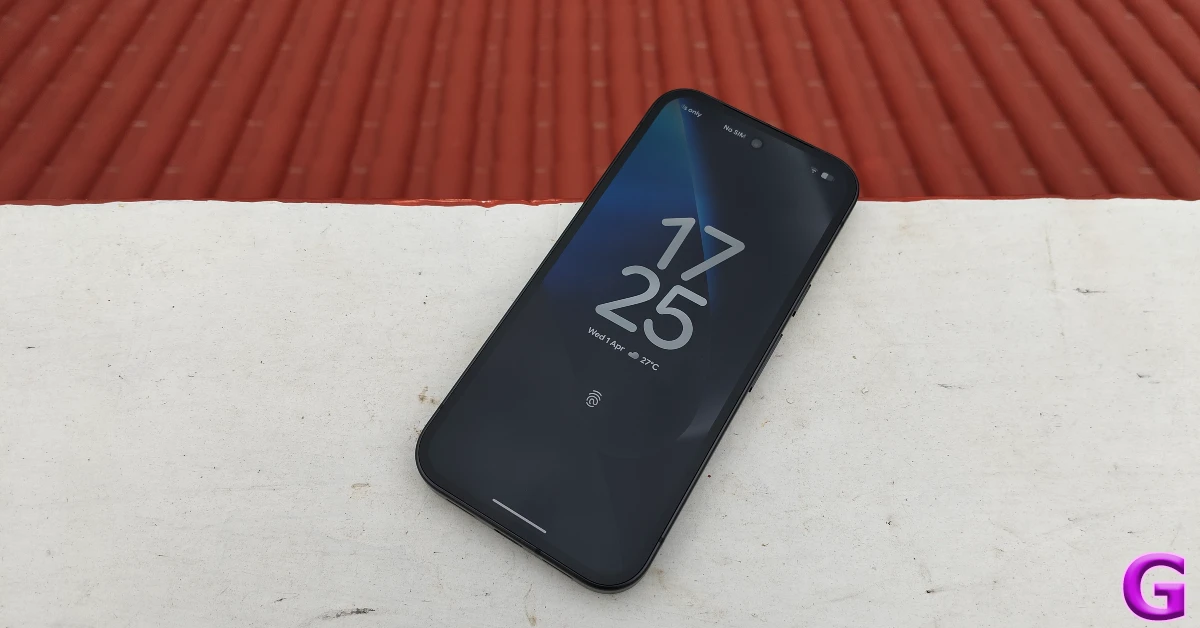
- On your Google Pixel, go to Settings.
- Tap on System.
- Select Software Update.
- Tap on Check for Updates.
- Once the Android 17 update appears on the screen, hit Download and Install.
- Restart your phone once the installation process is over.
Frequently Asked Questions (FAQs)
Has Android 17 been released yet?
Google officially released the stable version of Android 17 on June 16 as part of its latest Pixel Drop.
Which phones are eligible for Android 17?
All smartphones in the Google Pixel 6 and higher series are eligible for the Android 17 update. Other OEMs will roll out their updated skins in the coming months.
How do I update my Pixel to Android 17?
Go to Settings>System>Software update, tap on ‘Check for updates’, and hit ‘Download and install’.
How do I enroll into Android 17 Beta program?
Go to Google’s Android Beta Program website, switch to the ‘Devices’ tab, and hit ‘Opt in’ next to your phone.
Will One UI 9 be Android 17?
Yes, Samsung’s custom One UI 9 skin will be based on Android 17.
Read Also: Xiaomi TV S Mini LED 65-inch Review: Big Screen Features At A Mid-Range Price
Final Thoughts
Google is rolling out this update in a phased manner. Not every eligible device will get it at once. In the US, the rollout is also dependent on your network provider. As mentioned earlier, OEMs like Samsung, OnePlus, Oppo, Vivo, Xiaomi and more are currently in the process of beta-testing their custom Android 17 skins and will be rolling them out in the coming month. Keep an eye on our home page for more updates. Got any questions? Let us know in the comments!


