


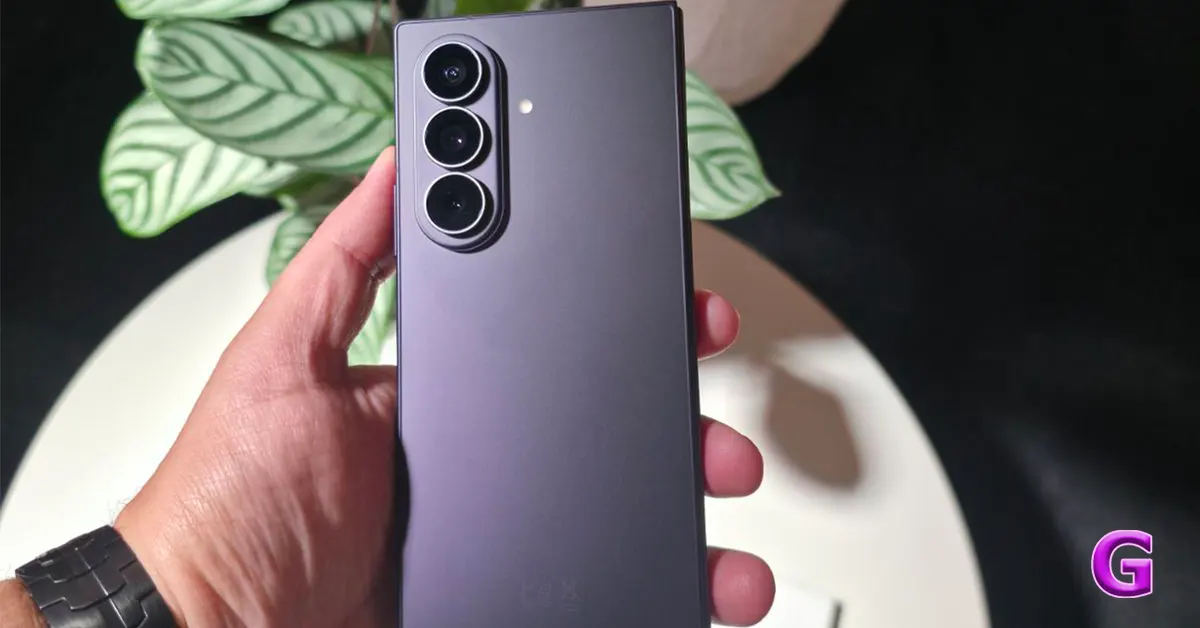

Samsung’s new foldable lineup is finally here. This year, the tech giant has put out 2 book-style foldables. The base variant has a passport-shaped form factor while the top-spec ‘Ultra’ model resembles the Folds of the past. If the latter is the first foldable you’re going to buy, you need to download the right set of apps to make the most of its screen real estate. Don’t know where to start? Here are the top 10 apps for your Samsung Galaxy Z Fold 8 Ultra.
Read Also: Samsung announces 30-month no-cost EMI plan for new Galaxy foldables
In This Article
Galaxy Enhance X
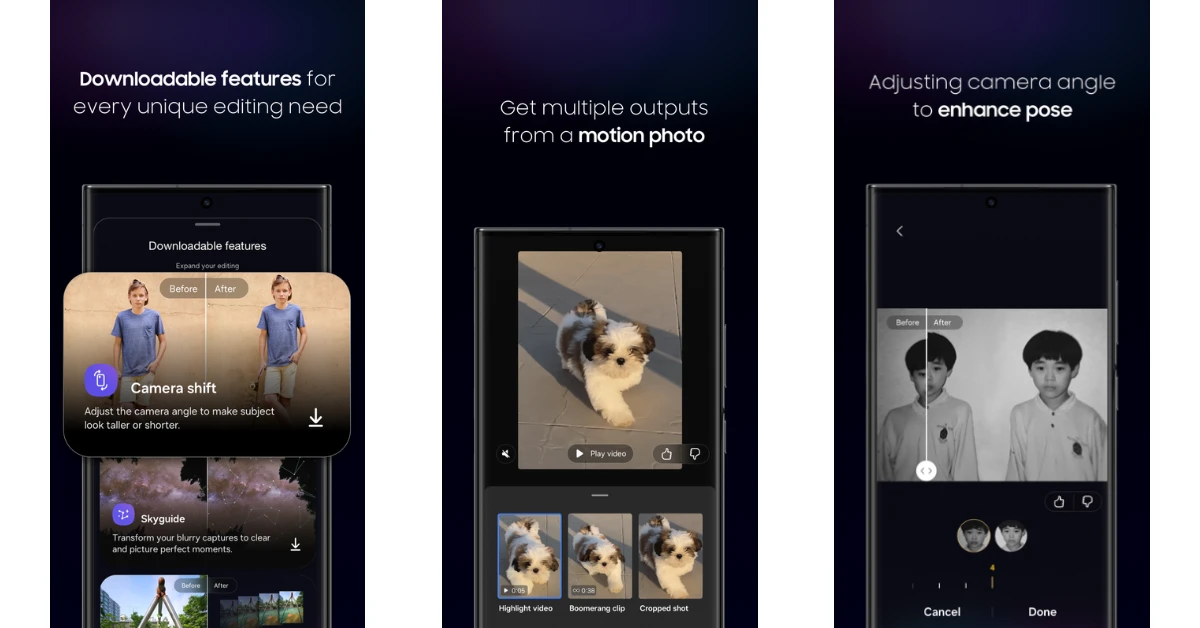
Designed by Samsung, the Galaxy Enhance X app gives you a wide range of editing tools to spruce up your pictures and videos. You can get ahead of the curve by testing experimental AI features that haven’t made it to Samsung’s Camera and Gallery apps yet. If you want something simpler, you can check out the ‘Suggestions’ section to find out where your images need improvement. On top of that, you get tools to alter basic attributes like brightness, HDR, and tone. The more you dig into the app, the more gems you’ll find.
Download Galaxy Enhance X from the Galaxy Store
Samsung Good Lock
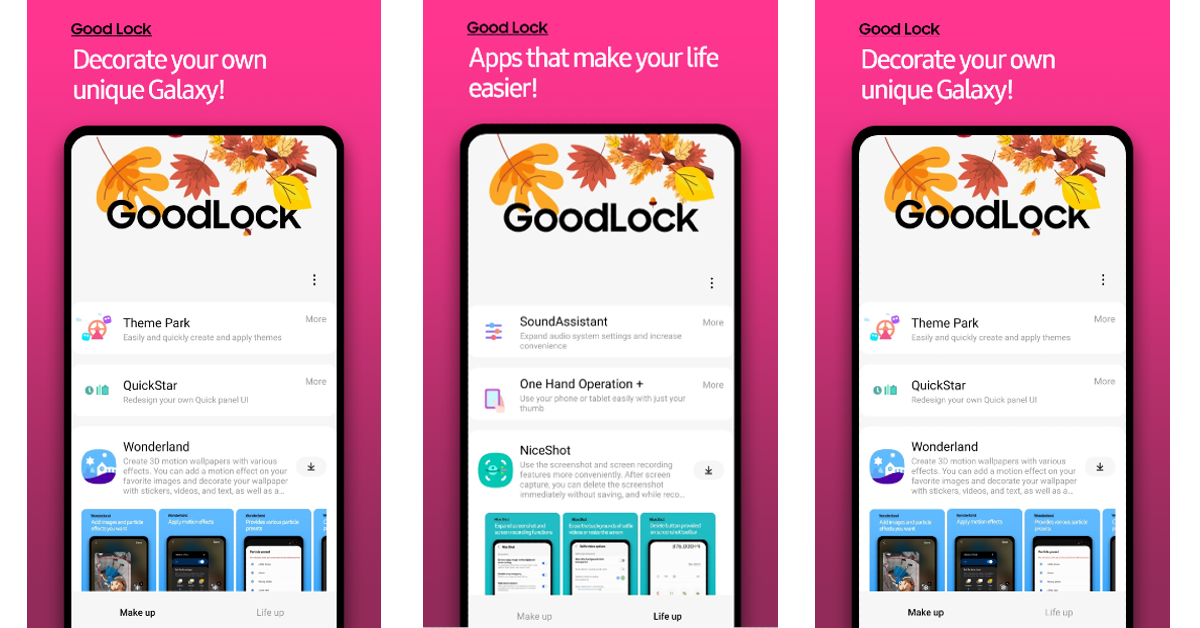
Good Lock is an essential app for any Galaxy smartphone. Since it is designed by Samsung, it is perfectly optimised for your Galaxy Z Fold 8 Ultra. It gives you greater control over how your phone looks and behaves. You can change small details like the order of navigation icons, appearance of the volume slider, layout of the status bar, and more. The various plugins and modules on offer let you do things that aren’t possible on other smartphones. For example, RegiStar lets you change the layout of the Settings menu, which is something we haven’t seen on any other device.
Download Good Lock from the Galaxy Store
Expert RAW
If you want complete control over how your images look without your phone’s photo-processing stage getting in the way, download Expert RAW. Like Good Lock and Galaxy Enhance X, this app is developed by Samsung. It completely bypasses the photo-processing phase, giving you lossless, uncompressed, and truly neutral images captured by your phone’s camera. These images can be viewed and edited in apps that support DNG files.
Download Expert RAW from the Galaxy Store
Netflix
One of the best things about getting a foldable is that you can prop it on any surface without the help of a stand. This allows you to watch content anywhere you go. The Galaxy Z Fold 8 Ultra’s ‘Flex Mode’ pushes the video content to the upper section of the display when you put it in a laptop-style position. If you don’t like the blank lower section, you can run apps like Netflix on the cover display and use the phone as a stand. Once you get a hang of it, there is no going back.
Download Netflix from the Google Play Store
Kindle

The Galaxy Z Fold 8 Ultra has the perfect form factor for reading books. The 8-inch inner display has the perfect dimensions to mimic a page. If you’re a voracious reader, Kindle is one app that you can’t miss. It has a super intuitive design for cataloguing your e-books. The reading interface is clear and clutter-free. It facilitates a distraction-free reading experience. The built-in dictionary can be summoned by simply tapping a word. You don’t need to leave the app to look for the meaning of a word. If you own a physical Kindle e-reader, you can sync your reading progress with it by using this app.
Download Kindle from the Google Play Store
DocuSign

The Samsung Galaxy Z Fold 8 Ultra does not come with an S Pen, but you can still use an external stylus to make edits and sign documents. DocuSign is one of the finest apps for this task. It can scan physical documents or import digital ones with ease. Once you have the document ready, you can scribble your signature on it. The app can also store your signature and add it wherever necessary. The data imported to the app is kept private at all times.
Download DocuSign from the Google Play Store
Sketchbook

If you’re a digital artist or just like doodling for fun, Sketchbook is a great app for you. It makes the best use of your Galaxy Z Fold 8 Ultra’s wide inner display, turning it into a blank canvas for your imagination. Additionally, the app has a wide range of brushes to match different drawing, painting, and sketching styles. If you want to create more intricate works, you can take advantage of several precision tools that the app has to offer.
Download Sketchbook from the Google Play Store
Niagara Launcher
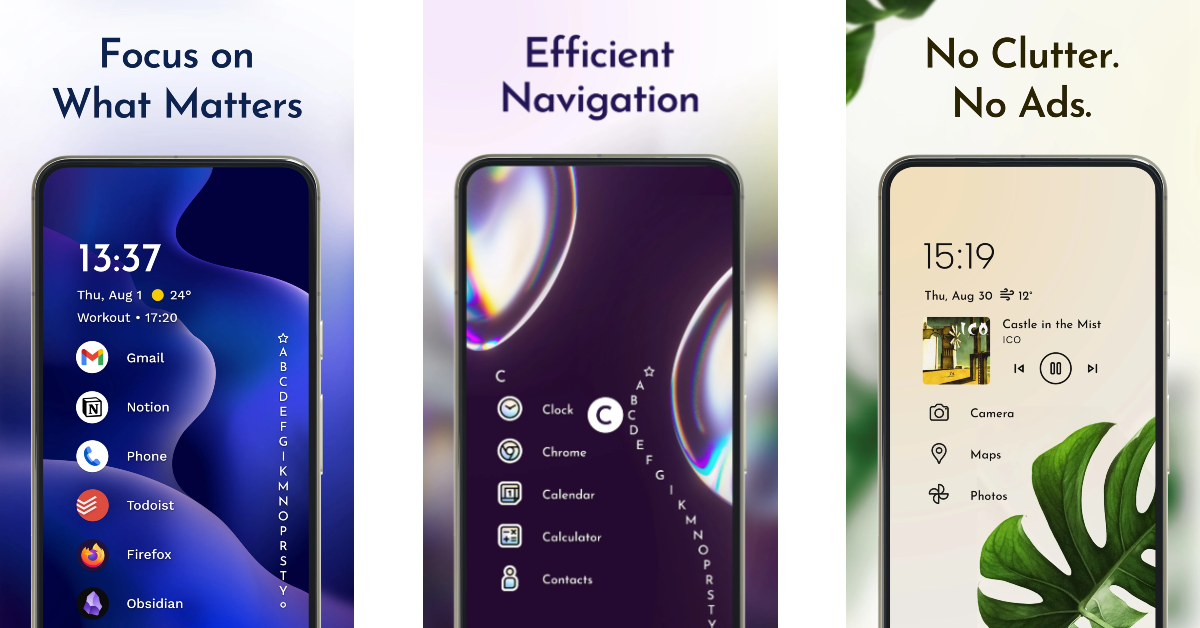
Users who like a minimal interface on their phones must have the Niagara Launcher app in their arsenal. This app lets you arrange the apps on your home page into a list, lending the display a clean look. Reaching for the topmost apps is not a hassle as the interface has a seamless one-handed scrolling mechanism. You can choose from a bunch of minimal themes to give your device a unique flair. The best part is that this app does not litter the interface with invasive apps, even on the free version.
Download Niagara Launcher from the Google Play Store
Call of Duty: Mobile
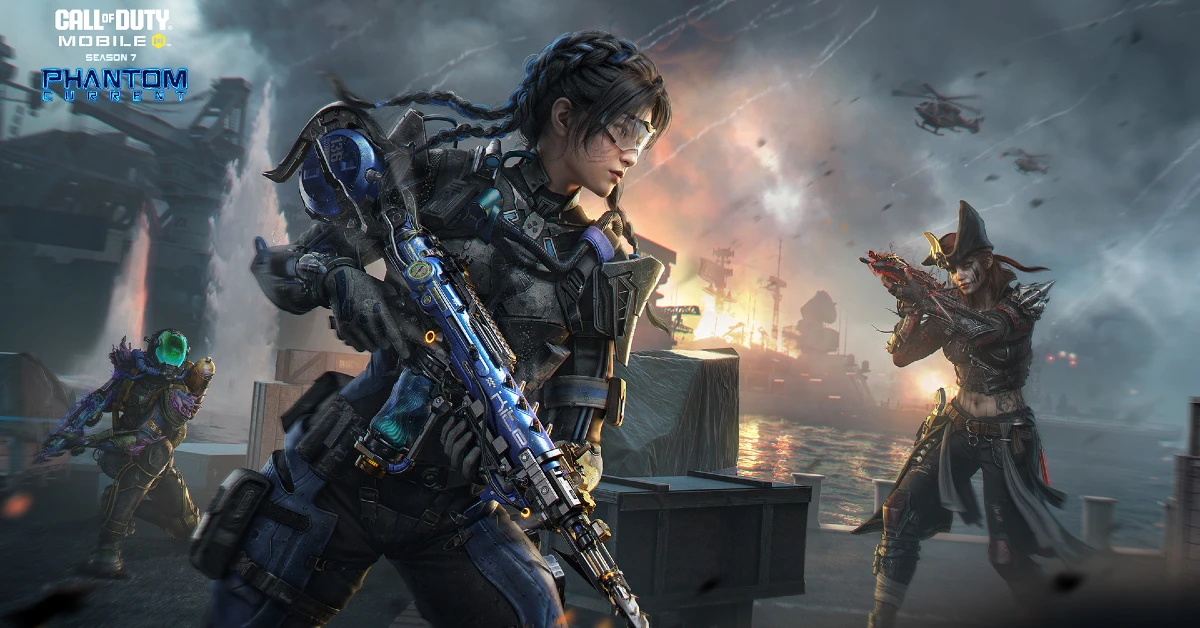
If you want to tap into the full potential of your Galaxy Z Fold 8 Ultra’s 8-inch inner display, play Call of Duty on it. Its intuitive controls and cutting-edge graphics maximise the fun gameplay experience. You can play different modes like Team Deathmatch, Domination, and Kill Confirmed on a wide range of maps. The developers of this game keep the gameplay fresh by constantly adding new stuff to the weaponry. If you enjoy classic Battle Royale-style matches, you can find them here as well.
Download Call of Duty: Mobile from the Google Play Store
LocalSend
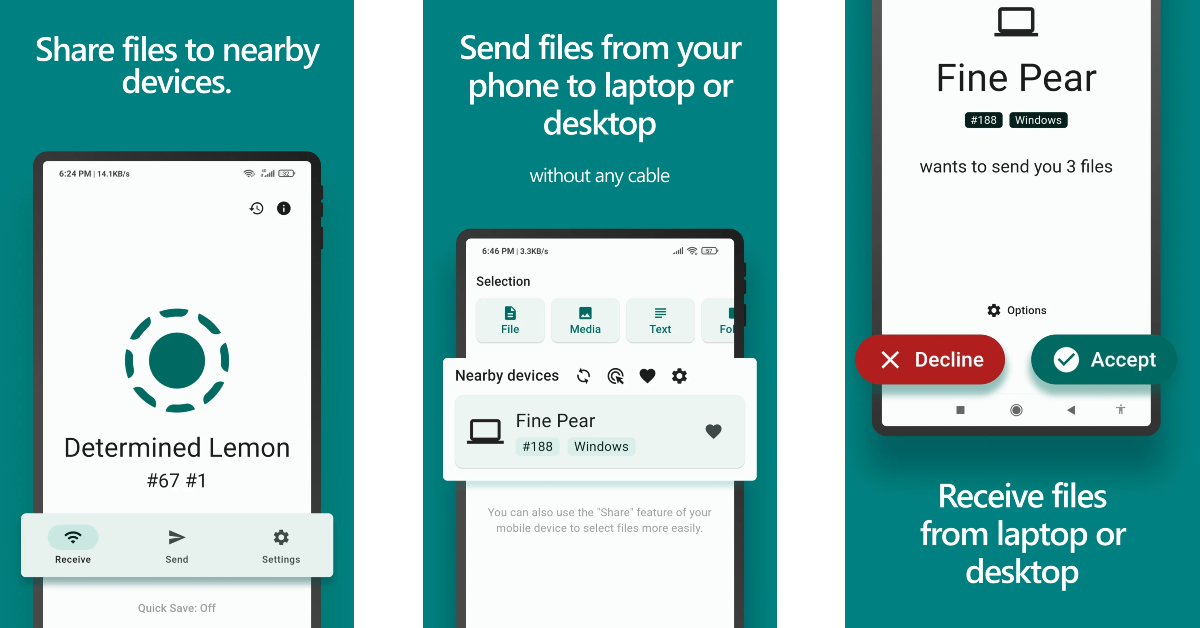
If you own a MacBook, transferring files to and from your Galaxy smartphone can turn into a hassle. LocalSend simplifies this conundrum by offering a clean, ad-free, file-transfer interface. Instead of relying on private servers, it uses your local Wi-Fi network to transfer files. If you don’t have a home Wi-Fi, you can simply create a Wi-Fi hotspot on your phone. The best part is that LocalSend is completely open-source.
Download LocalSend from the Google Play Store
Read Also: Logitech MK250 Bluetooth Mouse and Keyboard Combo and K250 Bluetooth Keyboard launched
Final Thoughts
These are the top 10 apps you should download first on your Samsung Galaxy Z Fold 8 Ultra. While you’re here, check out our app recommendations for the regular Galaxy Z Fold 8 and Flip 8. If you have any questions, let us know in the comments!


