



The Deep Nostalgia feature of the MyHeritage application has become quite popular on social media platforms. Several people find this feature fascinating and try it to animate pictures of celebrities, friends and family members.
In This Article
Why is unique about the Deep Nostalgia feature of MyHeritage?
The Deep Nostalgia feature got famous when animated pictures of famous personalities from the 19th and 20th century began to float on different social media platforms like Instagram, Snapchat, and Twitter. Mostly, people chose to animate the pictures of personalities from the 19th and 20th century including Mahatma Gandhi, Bhagat Singh, Abraham Lincoln, and Marie Curie.
Watching animated pictures of these personalities is itself an amazing experience. It instils the curiosity to visualise famous people of the past centuries in motion. The Deep Nostalgia feature brings old pictures to life. Gradually, people started posting animated pictures of their family tree.
How does the Deep Nostalgia feature of the MyHeritage app work?
The Deep Nostalgia feature of the MyHeritage app utilises deep learning algorithms to animate the pictures. It implements several drivers with each driver focussing on a fixed sequence of movement and facial gesture. Once the drivers are applied to a picture. They can guide the movement of different facial features producing realistic movements. These movements appear as blinks, smile, and head-turning.
How can you animate pictures using Deep Nostalgia on the MyHeritage app?
To animate pictures using Deep Nostalgia on the MyHeritage app, follow these steps.
Go to the Play Store (https://play.google.com/store/apps/details?id=air.com.myheritage.mobile&hl=en_IN&gl=US) or the App Store (https://apps.apple.com/il/app/myheritage/id477971748) and install the MyHeritage app.
- Launch the MyHeritage Application.
- Register on the app or sign in using your credentials if you already have an account.
- Click the Photos button given at the bottom.

- Add a picture that you wish to animate by clicking the Plus (+) button located at the bottom right corner.

- Click the picture to bring it to the canvas.
- Click the icon depicting a ball in motion located at the top.

- Wait for the app to produce the animation of the image.
- You may download the animation by clicking the download icon located at the top-right.
- The animation will be saved as a video in MP4 format so that you can easily share it on social media.
How can you animate pictures using Deep Nostalgia on the MyHeritage website?
To animate pictures using Deep Nostalgia on the MyHeritage website, follow these steps.
- Launch a web browser on your PC and go to the Deep Nostalgia page on the MyHeritage website (https://www.myheritage.com/deep-nostalgia).
- Click the Upload photo button.

- Choose the image file that you wish to animate.
- Wait for the website to produce the animation of the image.
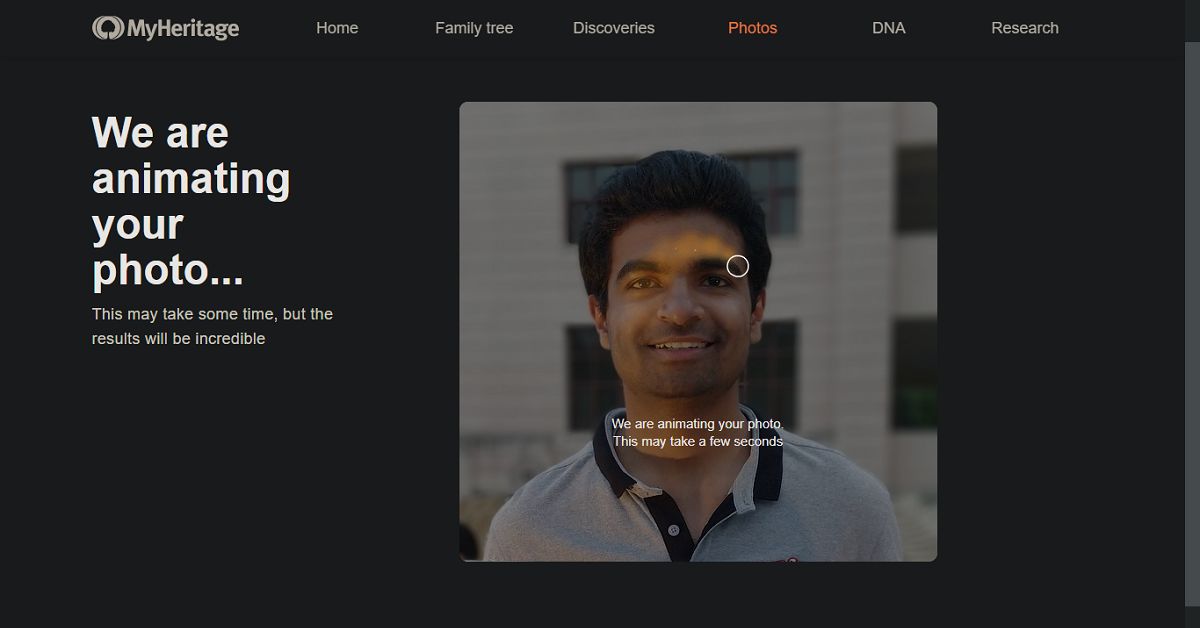
- You may download the animation by clicking the Download video button.
- The animation will be saved as a video in MP4 format so that you can easily share it on social media.
For the latest gadget and tech news, and gadget reviews, follow us on Twitter, Facebook and Instagram. For newest tech & gadget videos subscribe to our YouTube Channel. You can also stay up to date with the Gadget Bridge Android App.


