


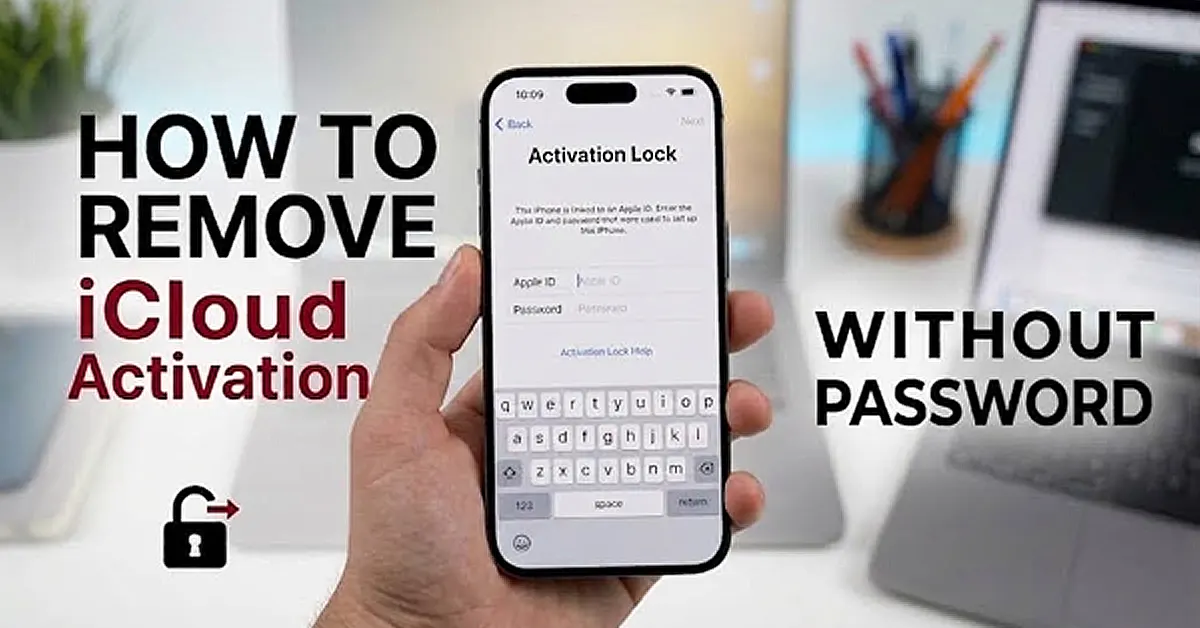

Buying a second-hand iPhone X can be a great way to save money, but some users may encounter a frustrating issue after resetting the device. Instead of reaching the Home Screen, the iPhone shows the message:
“iPhone Locked to Owner”
This means the device is still linked to the previous owner’s Apple ID, and you cannot complete the activation process without the correct account information.
This is iCloud Activation Lock. Apple introduced Activation Lock as a security feature to protect devices if they are lost or stolen. Once enabled, the iPhone remains connected to the owner’s Apple ID even after a factory reset.
In this guide, we will explain how to remove iCloud Activation Lock without password.
How to Remove iCloud Activation Lock Without Password?
When your second-hand iPhone X displays the “Locked to Owner” screen, there are two possible solutions depending on your situation.
In This Article
Method 1: Ask the Previous Owner to Remove the iCloud Lock
The easy way to remove iCloud Activation Lock is to ask the previous owner to unlink the iPhone X from their Apple ID.
Follow these steps:
Step 1: Contact the Previous Owner
Reach out to the person who previously owned the iPhone X and explain that the device is still connected to their Apple account.
Step 2: Ask Them to Sign in to iCloud
The previous owner needs to access their iCloud account and open the device management page.
Step 3: Remove iPhone X from Find My
They should remove the iPhone X from their Apple ID and disable Find My iPhone for that device.
Step 4: Activate the iPhone Again
After the device is removed from the account, restart the iPhone X and complete the setup process.
This is the safest method. However, it may not be possible if you cannot contact the previous owner.
Method 2: Use an iCloud Bypass Tool
If the original owner is unavailable, an iCloud bypass tool can help you deal with Activation Lock issues.
iToolab UnlockGo is a comprehensive iPhone unlocking tool that helps users resolve various device lock and system-related issues on supported devices, including screen passcode locks, Apple ID-related issues, Activation Lock, and device management restrictions. Its supported features and compatibility may vary depending on the device model and iOS or iPadOS version.
Key Features:
- Remove the Activation Lock screen on supported devices
- No Apple ID password required
- Simple step-by-step operation with clear on-screen instructions
- Supports selected iPhone, iPad, and iPod touch models, including iPad mini, iPad Air, iPad, and iPad Pro
- Compatible with iPhone models from iPhone 5s through iPhone 17 series
- Supports iOS and iPadOS versions, including iOS 12 through iOS 26, depending on the device model and software version
- Supports both Windows and Mac computers
How to Remove iCloud Activation Lock Without Password Using iToolab UnlockGo
Step 1: Download and Install UnlockGo
Install iToolab UnlockGo on your Windows or Mac computer
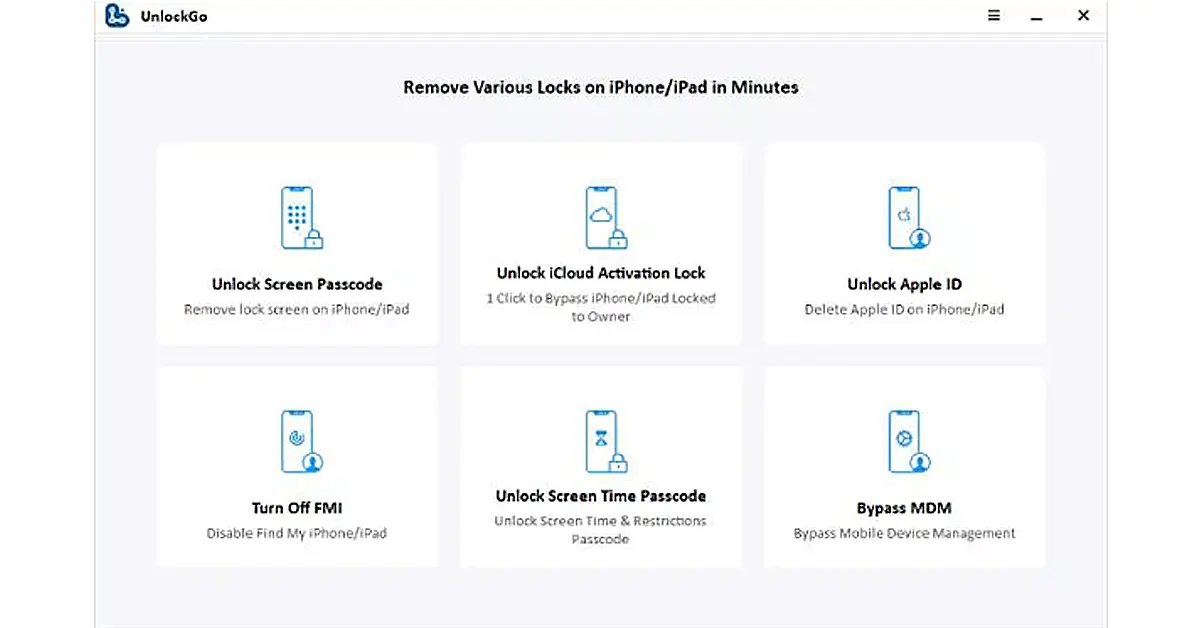
Step 2: Select “Unlock iCloud Activation Lock”
Open UnlockGo and choose: Unlock iCloud Activation Lock
Step 3: Connect iPhone X
Connect your iPhone X to the computer using a USB cable.
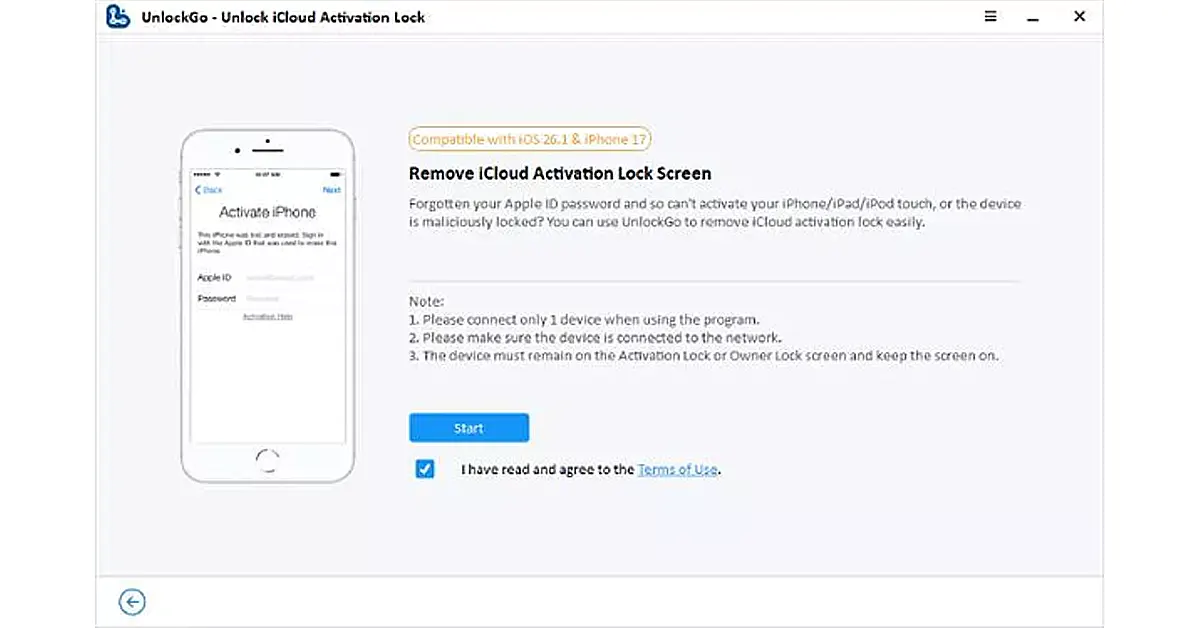
Step 4: Start Removing Activation Lock
After the device is recognized, click Start to begin removing Activation Lock.
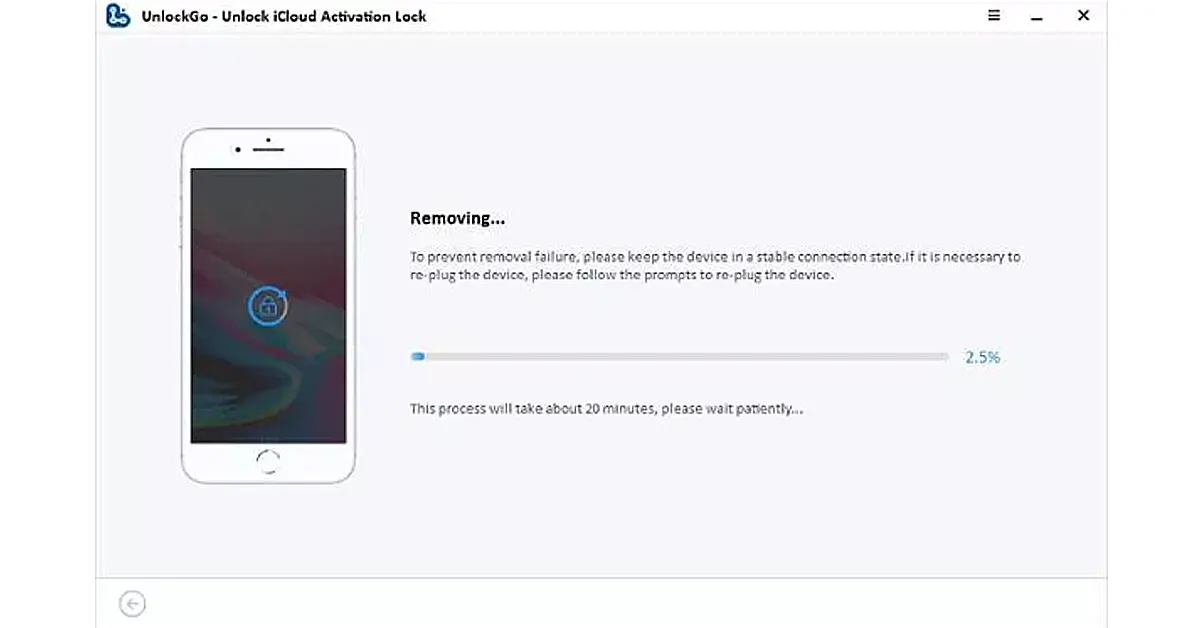
Wait patiently while the process completes. Avoid disconnecting the iPhone during this stage.
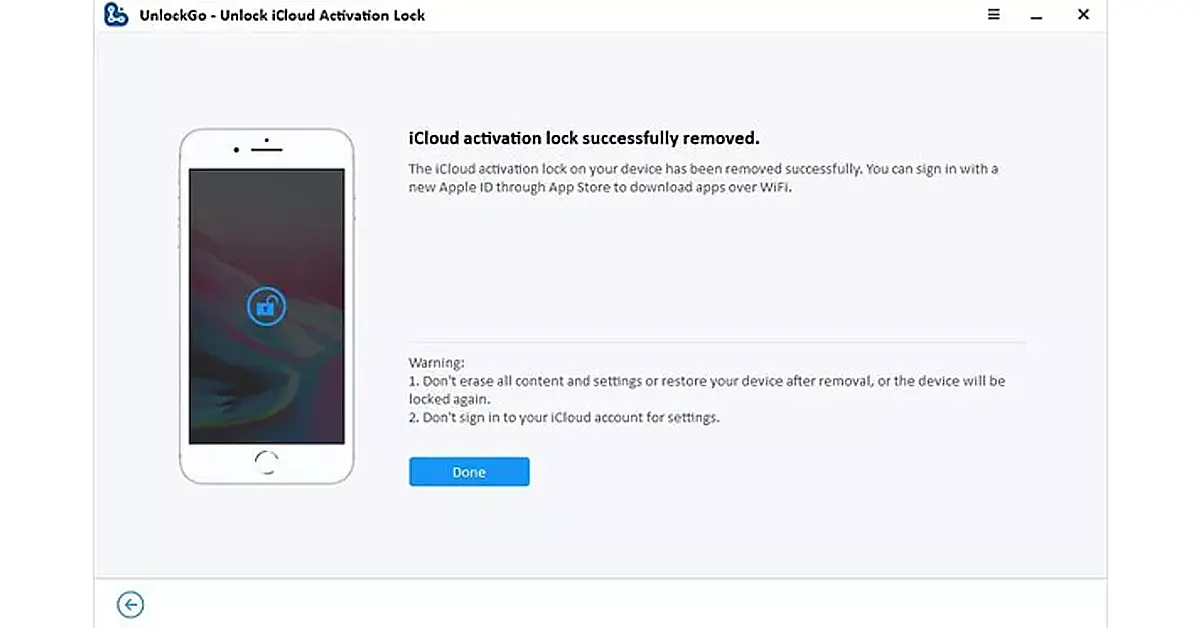
Step 5: Activate Your iPhone X Again
Once completed:
- The iPhone X will restart
- You will enter the setup screen
- You can continue setting up the device
FAQ
Q1: Does factory reset remove iCloud Lock?
No. A factory reset only erases the iPhone’s data. It does not remove the Apple ID activation lock, so the “iPhone Locked to Owner” message may still appear.
Q2: Can Apple remove Activation Lock from an iPhone X?
Apple may remove Activation Lock only if you provide valid proof of purchase. Without it, Apple generally cannot remove the lock.
Q3: Is removing iCloud Activation Lock the same as removing an Apple ID?
No. iCloud Activation Lock is linked to Apple’s Find My service, while removing an Apple ID means signing out of the account.
Conclusion
An iPhone X iCloud Lock issue happens because the device is still connected to a previous Apple ID through Activation Lock.
A factory reset cannot remove this security feature. The official solution is to ask the previous owner to remove the iPhone from their Apple ID account.
If you cannot contact the original owner, an iCloud bypass tool like iToolab UnlockGo can help users handle Activation Lock issues on supported devices and iOS versions.


