


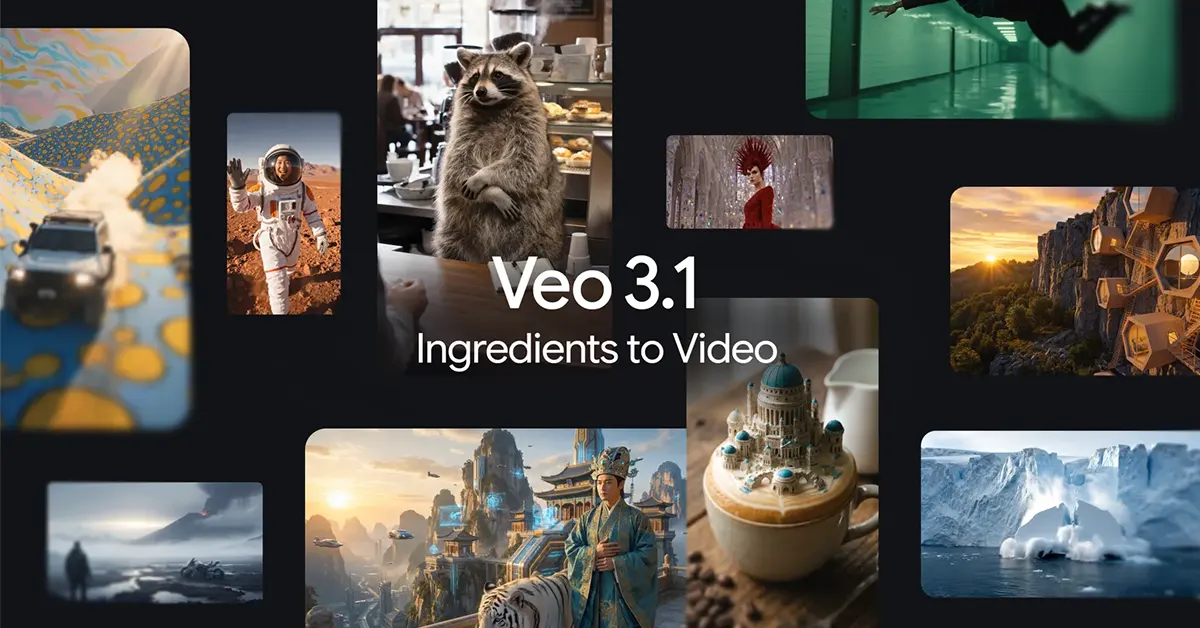
If your AI clips have ever suffered from the classic problem of “same character, totally different face,” the new Veo Ingredients to Video update is clearly aimed at you. Google’s latest Veo 3.1 refresh focuses on something creators actually notice in the edit: consistency. Think characters that stay recognisable across scene changes, props that do not randomly shapeshift, and backgrounds that stop rebooting like a confused video game level.
It is also a very 2026 move: the update now supports native portrait output, because most videos are watched upright even when our posture is not.
In This Article
What “Ingredients to Video” is trying to solve
“Ingredients to Video” is Veo’s feature that generates a video from reference images, the “ingredients,” plus a prompt. The headline goal is control. Instead of describing everything from scratch, you bring visuals that define a character, an object, a texture, or a style, then ask Veo to animate them into a coherent clip.
Read Also: CMF Headphone Pro launches in India with modular cushions, 100-hour battery claim, and 40dB ANC
With this Veo 3.1 update, the emphasis is on making short prompts go further, while keeping the results more stable and story-ready.
The big upgrade: character and scene consistency
The most practical improvements land in three areas:
-
Character identity consistency: Veo is being positioned as better at keeping a character’s look consistent across multiple scenes, which matters if you are building a narrative and not just a single clip.
-
Background and object consistency: the idea is that your setting, reusable objects, and even textures can persist across scenes, instead of subtly mutating shot to shot.
-
Mixing elements: combining characters, objects, textures, and stylised backgrounds is meant to feel more cohesive, so the final clip looks intentional, not stitched together.
For creators, this is less about flashy new effects and more about reducing “fix it in post” pain.
Native vertical video is the point, not an afterthought
The update introduces native vertical video output for “Ingredients to Video” in a 9:16 aspect ratio. That matters because vertical is not just a crop, it is a composition. When a model generates a portrait from the start, you avoid awkward framing, lost detail, and the classic “why is the subject’s head flirting with the top edge” problem.
In plain terms, if you are making YouTube Shorts AI videos, the output is designed to be full-screen vertical without forcing you to reframe everything later.
Upscaling for 1080p and 4K, with a creator-friendly caveat
Veo 3.1 also adds upscaling options up to 1080p and 4K, aimed at cleaner edits, sharper detail, and fewer “soft” frames once you start cutting, grading, and exporting. Google describes this as state-of-the-art upscaling, which should help when you need a more polished look for delivery.
Important nuance for video nerds: this is upscaling, not the same thing as native 4K generation. Still, as a 4K upscaling option, it is a meaningful step if your workflow includes reframing, overlays, or delivery on larger displays.
Read Also: Apple and Google team up: Gemini is coming to Siri
Where you can use it: consumer and pro pipelines
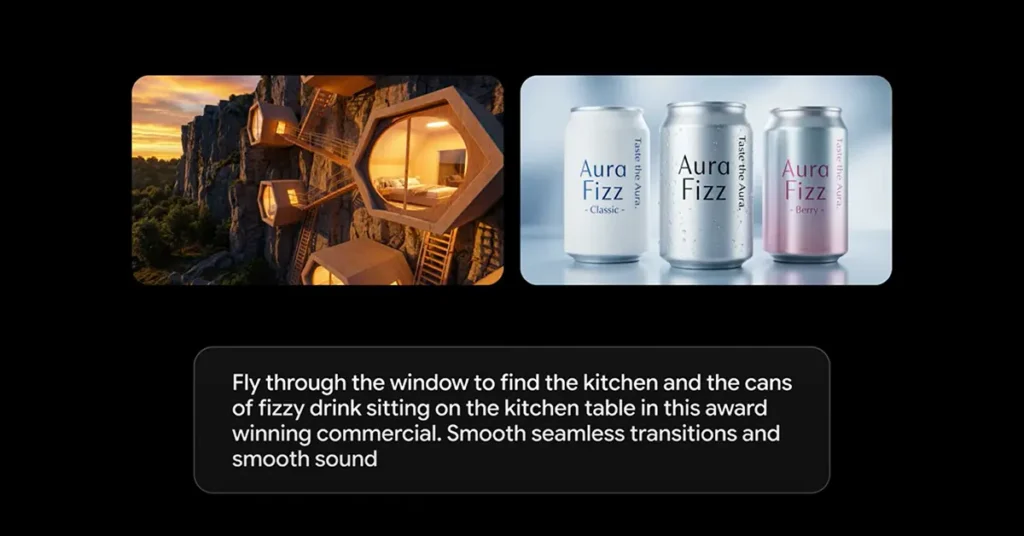
Google says these upgrades are rolling out across consumer and professional products:
-
Gemini app video generator: “Ingredients to Video” and portrait mode are available in the Gemini app.
-
YouTube tools: “Ingredients to Video” is arriving in YouTube Shorts and the YouTube Create app.
-
Pro and enterprise: Flow, Google Vids, the Gemini API, and Vertex AI are also getting the enhanced “Ingredients to Video,” with higher resolution options available in parts of that stack.
In other words, this is not being treated as a single app feature. It is being positioned as a shared capability across Google’s creator pipeline.
Transparency: SynthID and verification inside Gemini
Alongside quality upgrades, Google is reinforcing provenance. Videos generated by Google’s tools are embedded with SynthID, an imperceptible watermark. The Gemini app’s verification flow lets you upload a video and ask if it was generated with Google AI, supporting SynthID video verification as part of a broader content transparency push.
This update feels less like “look what AI can do” and more like “here’s what creators need to ship.” Vertical output and better consistency are not glamorous, but they are exactly what turns AI video from a party trick to a repeatable workflow. If Veo keeps reducing continuity chaos, the real winner is not the model. It is the timeline.


