


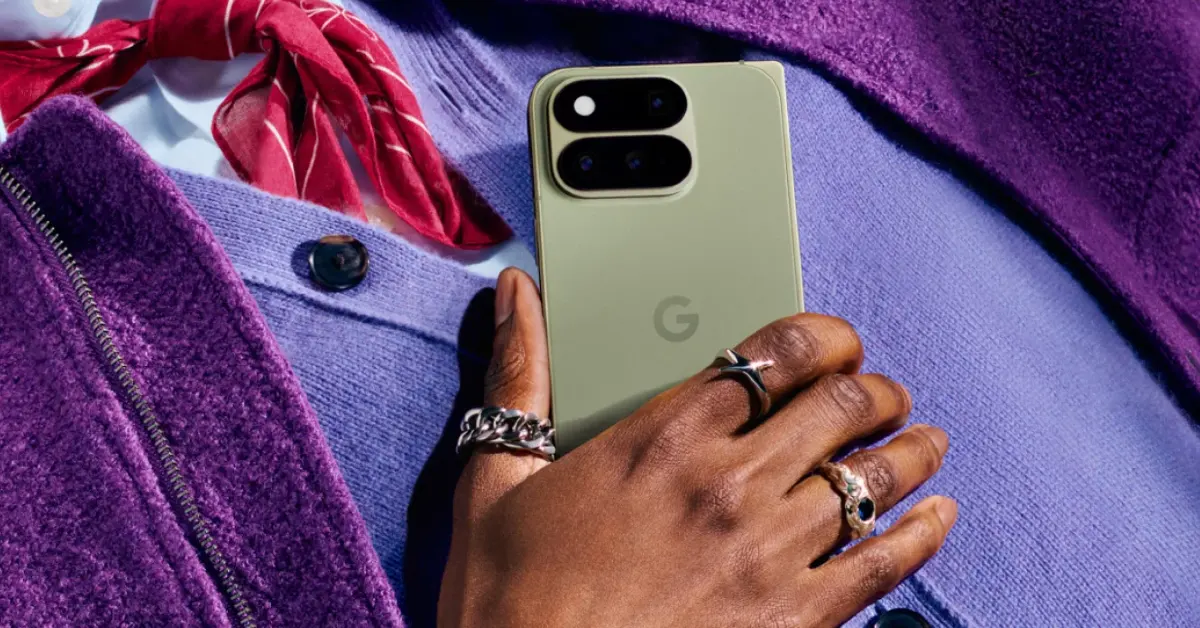

The Pixel 11 Pro Fold was unveiled alongside the standard Pixel 11 lineup last week. Google has started accepting pre-orders for the foldable. It is powered by the company’s in-house Tensor G6 chipset and runs Android 17 out of the box. Its massive 8-inch inner OLED display has a 120Hz refresh rate and can reach a peak brightness of 3,600 nits. If this is your first foldable, you need the right set of apps to get the most out of it. Here are the top 10 apps for the Google Pixel 11 Pro Fold.
Read Also: Apple’s Foldable iPhone Ultra May Face US-First Launch and International Delays
In This Article
Niagara Launcher
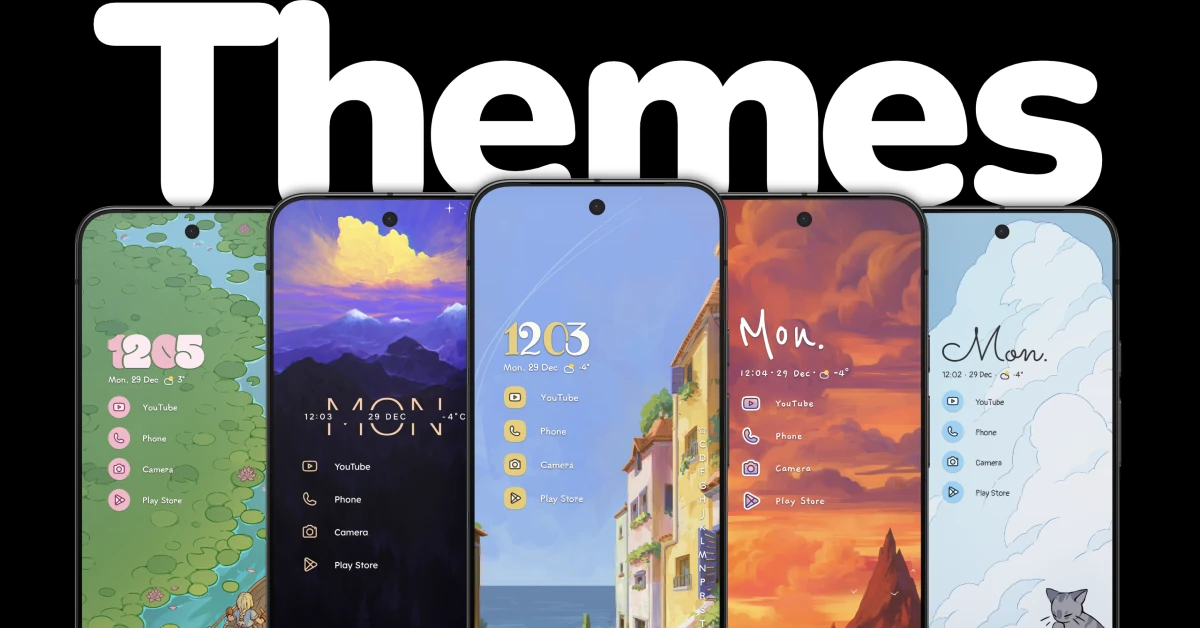
The Niagara Launcher breathes new life into your phone. Its minimal themes for the lock screen and home page bring a unique flair that sets your device apart from the average Android smartphone. The list-based approach to stacking apps is novel, fun, and super functional. You don’t need garish app icons cluttering the home page when you can arrange everything in a neat manner. On top of that, this app gives you access to dozens of widgets. The more time you spend designing your home page, the more fun you will have. The best part is that you don’t have to face any intrusive ads on the interface when you use this app.
Download Niagara Launcher from the Google Play Store
Quick Cursor
The inner 8-inch OLED display of your Pixel 11 Pro Fold is not meant for one-handed use. If you’d still like to try, Quick Cursor can make it happen. It summons a small cursor on the screen when you swipe inwards from either of the two vertical sides of the screen. This cursor can be used to select items that your fingers are unable to reach. You can flick away a notification, toggle a Quick Settings tile, hit ‘Read’ on a text, and much more. Quick Cursor gives you a good range of customisation options for how the cursor looks and behaves.
Download Quick Cursor from the Google Play Store
Sketchbook

Sketchbook turns the wide 8-inch inner display into a blank canvas for your art. But more importantly, it provides you with the tools to bring the artwork in your imagination to reality. Whether you want to quickly doodle a rough sketch or create an elaborate design, Sketchbook has got your back. Its expansive brush collection covers all the major art styles. You can choose to work with a pencil, marker, smear, airbrush or some other niche tool. You also get tools like guides, rulers, and strokes to give you support along the way.
Download Sketchbook from the Google Play Store
Kindle

One of the best parts of owning a foldable is that you can read a book anytime you want. The Google Pixel 11 Pro Fold’s inner display has the perfect aspect ratio for reading. As a reader, Kindle should be one of the first apps you download on your foldable. Its clutter-free interface takes all the distractions away from your reading experience. If you don’t know the meaning of a word, you don’t need to break your flow by switching to another app – simply tapping the word triggers Kindle’s built-in dictionary. If you own a physical Kindle e-reader, this app will sync your reading progress among all your devices.
Download Kindle from the Google Play Store
Duet Display
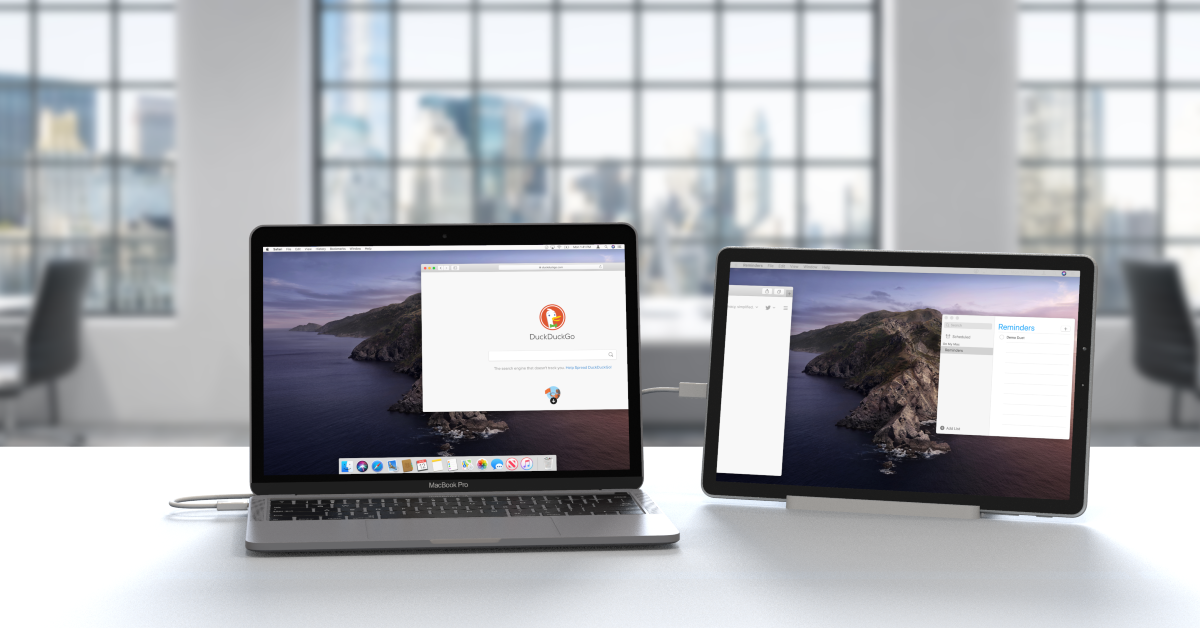
Duet Display turns your smartphone into a second display for your PC/laptop. While there’s not much you can do with a traditional candybar-style phone as a second display, foldables, with their near-tablet-sized inner displays, change the game altogether. The best part is that Duet Display overcomes ecosystem limitations and lets you use your Pixel 11 Pro Fold with a MacBook. You can choose to mirror your laptop’s display on it or extend the screen content.
Download Duet Display from the Google Play Store
Canva

Need to spruce up your pictures before posting on Instagram? Or maybe you’ve got a Reel that’s not hitting as intended because of sloppy transitions? Canva can help you with all of that and more. Its catchy filters and photo editing tools bring the best out of your pictures. For video content creators, it offers slick transitions, catchy graphics, subtitles/closed captions, and more. You can even use its template library to design a flyer, poster, invitation card, visiting card, and more.
Download Canva from the Google Play Store
Previously, Instagram was not well optimised for tablets and foldables. That has changed now. When you unfold your Pixel 11 Pro Fold, the Instagram app stretches itself to cover the entire screen. While Reels are still presented in their vertical aspect ratio, the overall interface of the app has improved a lot. You can load comments on the side while still looking at the content. Scrolling your feed is a more satisfying experience than it used to be.
Download Instagram from the Google Play Store
ReLens
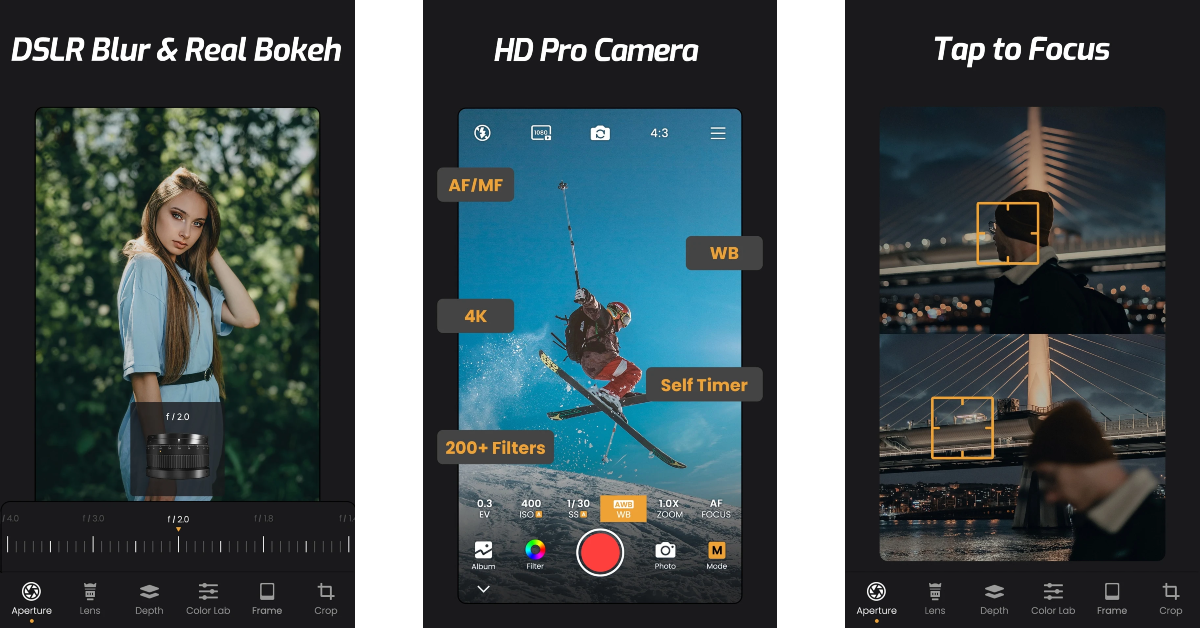
The ReLens Camera app elevates the photography experience with its AI computational algorithms. This app lets you capture DSLR-style portraits with ease. Its charming Bokeh effect makes all the difference in your images. With its custom profiles, this app reproduces the results of classic SLR lenses like the 50mm 1.4 fixed focal length lens, M35 f/1.4 “The King of the Bokeh”, and Burn 35. Additionally, you get a bunch of filters and colour-grading tools.
Download ReLens Camera from the Google Play Store
1Password
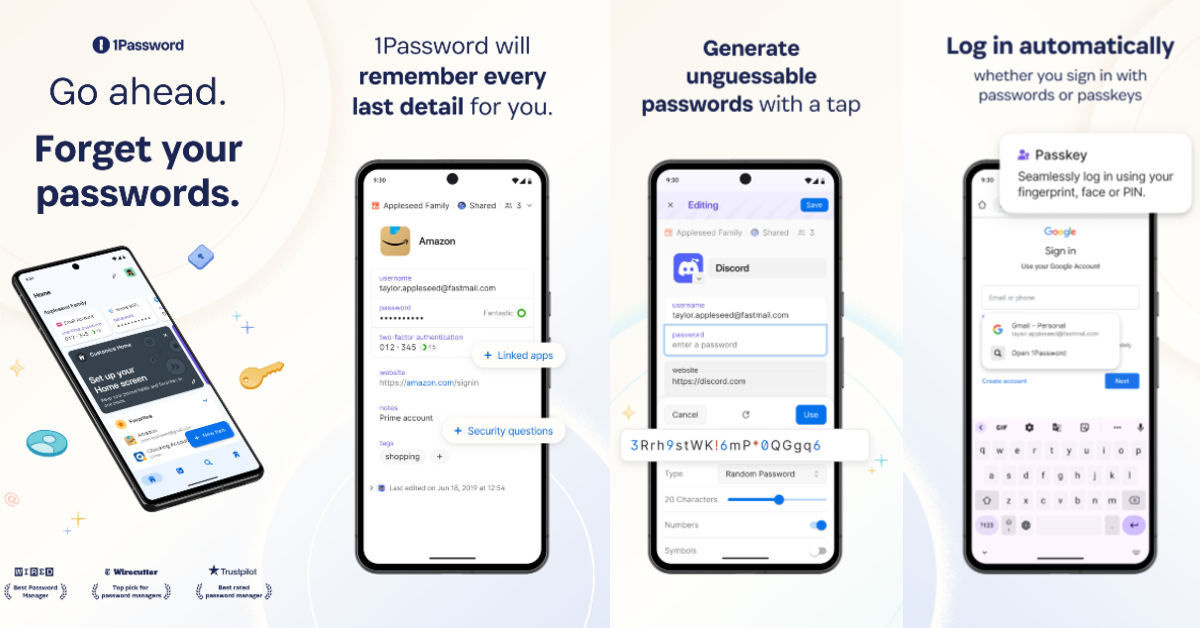
While Google Password Manager does a fine job of logging you in everywhere, it doesn’t exist as a standalone app. 1Password does everything that GPM can. It autosaves your login credentials and provides them wherever necessary. Furthermore, it comes up with strong passwords when you’re in the process of creating a new account. The app supports 2FA and other authentication codes, so you don’t need to leave it to fetch them when you’re logging into your accounts.
Download 1Password from the Google Play Store
DuckDuckGo
DuckDuckGo is one of the best privacy-centric web browsers around. For starters, it completely blocks third-party tracking cookies when you’re browsing the web. You can even extend this protection to other apps on your phone. Its native search engine doesn’t record your searches. All invasive ads are blocked before they reach your eyes. Additionally, the browser forces all websites to use HTTPS certificates.
Download DuckDuckGo from the Google Play Store
Read Also: Moto G Max featuring a 50-megapixel Sony LYTIA 600 camera, 7,000mAh battery
Final Thoughts
These are the top 10 apps that you should download first on your new Google Pixel 11 Pro Fold. While you’re here, check out the top 10 apps for the Google Pixel 11 Pro XL. If you have any questions, let us know in the comments!


