


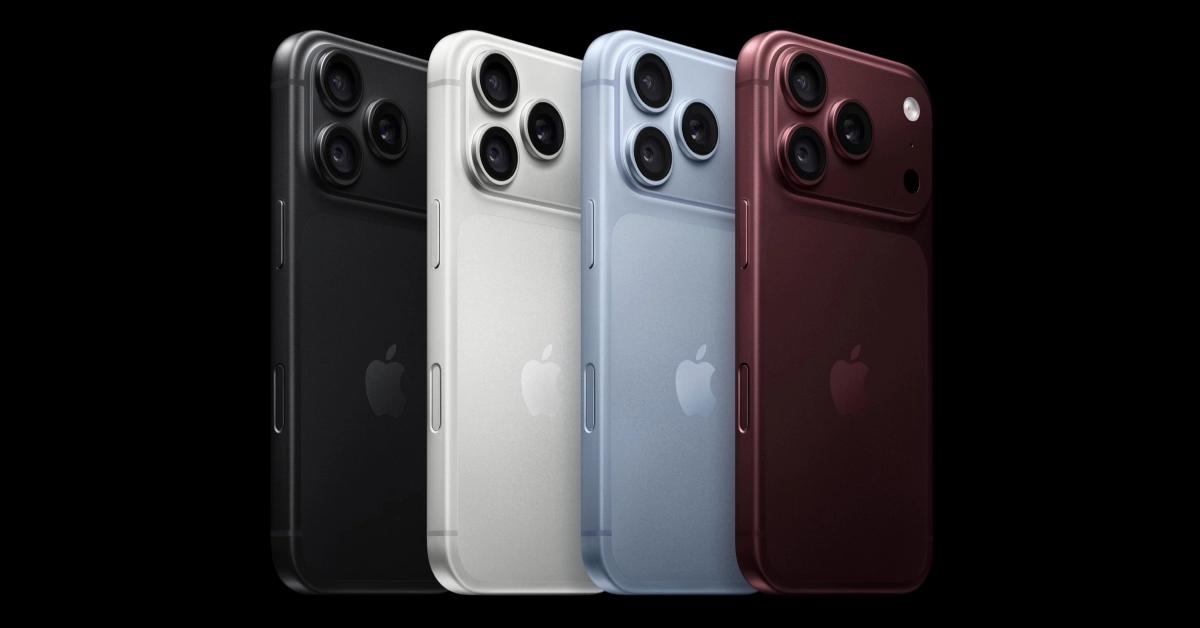

Apple’s new lineup of iPhones is finally here. Apart from the new and exciting foldable iPhone, the tech outfit also put out its regular ‘slab’ phone series today. The two Pro models are powered by Apple’s in-house A20 Pro SoC. This processor is built on a 2nm architecture. Needless to say, it’s one of the most powerful chipsets on the scene right now. If you just got your hands on one of the Pro iPhones and want to test its limits, you need the right apps. Here are the top 10 apps for the iPhone 18 Pro and Pro Max.
Read Also: Xiaomi 18 Fold with Xring O3 AI flagship SoC, 7.58-inch main display introduced
In This Article
Adobe Photoshop Express
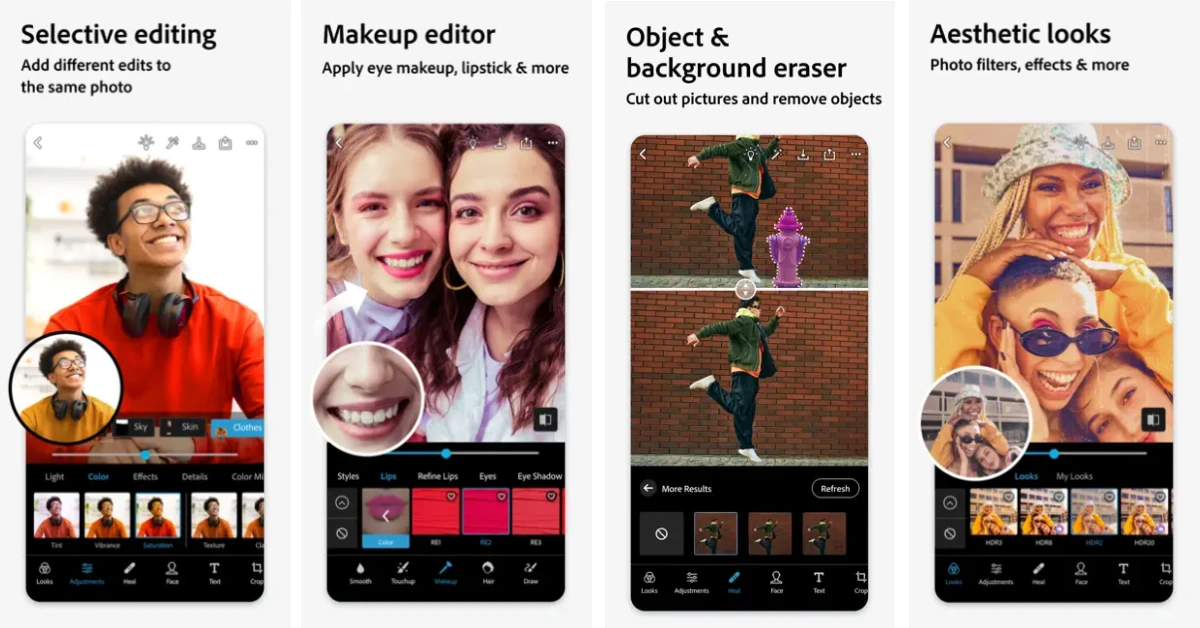
Adobe’s flagship product, Photoshop, gives you all the tools you need to bring out the best in your pictures. The Photoshop Express app for the iPhone makes the photo-editing process fun and seamless. Enhancing your images is light work, taking only a couple of taps to get the desired results. There are a bunch of presets you can apply to save yourself the time of manually adjusting every single aspect of the image. You can also use quick tools to reduce background noise, adjust crooked camera angles, fix portraits, and more. The app also has a fun makeup editor that applies eye makeup, lipstick, and other fun effects to the subject’s face.
Download Photoshop Express from the App Store
Halide Mark III
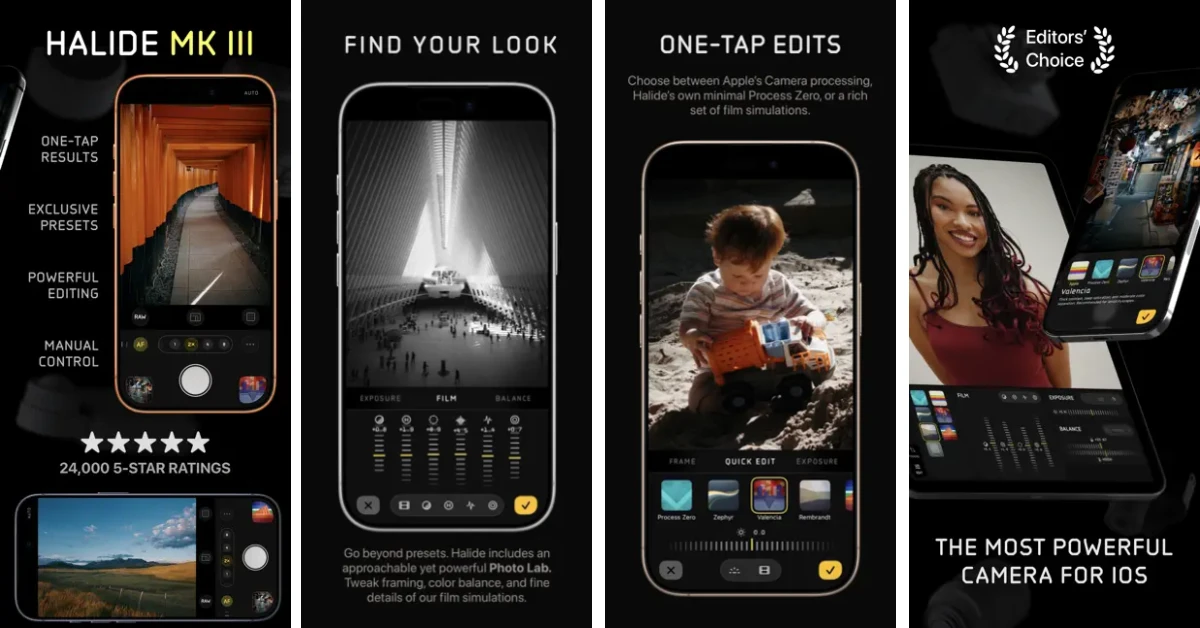
Don’t like how your iPhone processes your photos? You will like what Halide Mark III has in store for you. This app completely bypasses your smartphone’s computations and algorithms and gives you neutral-looking images. It also has a bunch of presets built into it to deliver different aesthetics and vibes. If you’re a photography enthusiast, you will enjoy ‘Photo Labs’, which is an advanced feature that lets you adjust framing, colour balance, and other aspects of your images.
Download Halide Mark III from the App Store
VN: Photo and Video Editor
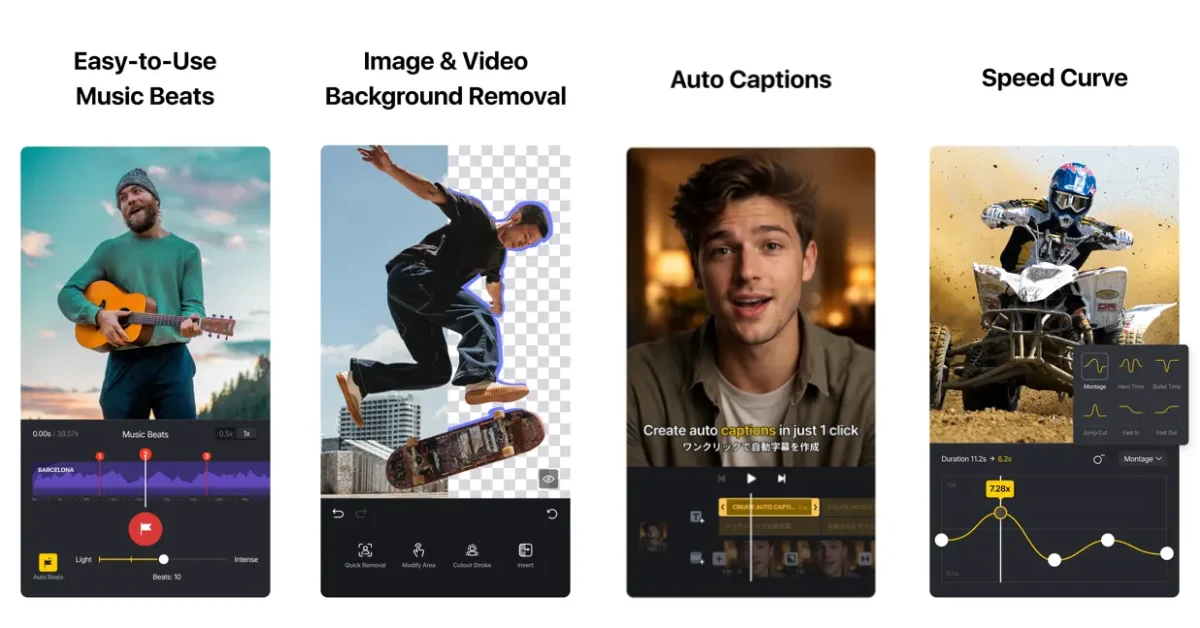
Editing Reels and TikToks doesn’t have to be a chore that demands opening your laptop every time. You can just as easily get everything done on your iPhone and post the videos to your socials right away. The VN Photo and Video Editor app makes things simple and accessible to the average user. Its multi-track setup gives you complete control over your video. You can chop up your footage any way you deem fit, including applying cuts, merging, and overlaying. Additionally, you get smart tools like auto captions, text-to-speech, and slo-mo to make your content more appealing to Instagram and TikTok users.
Download VN: Photo and Video Editor from the App Store
Downcast
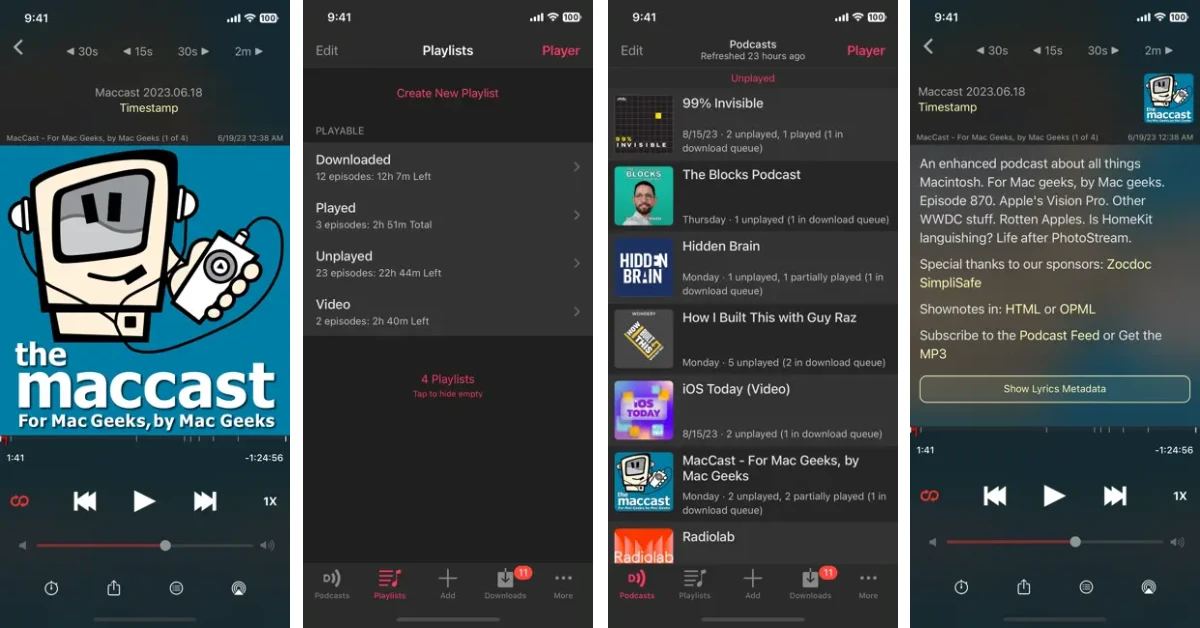
Love listening to podcasts? You need to check out Downcast. This app has an intuitive interface that’s very easy to follow. New episodes from your saved titles show up at the top whenever they are released. You can choose to download them automatically if you wish to listen to them while commuting to work. The podcast player has playback speeds ranging from 0.5x to 3x. It supports chapters for easy browsing. You can jump to the part you’re interested in without putting yourself through ad reads and other filler stuff. Downcast also supports video podcasts.
Download Downcast from the App Store
DuckDuckGo
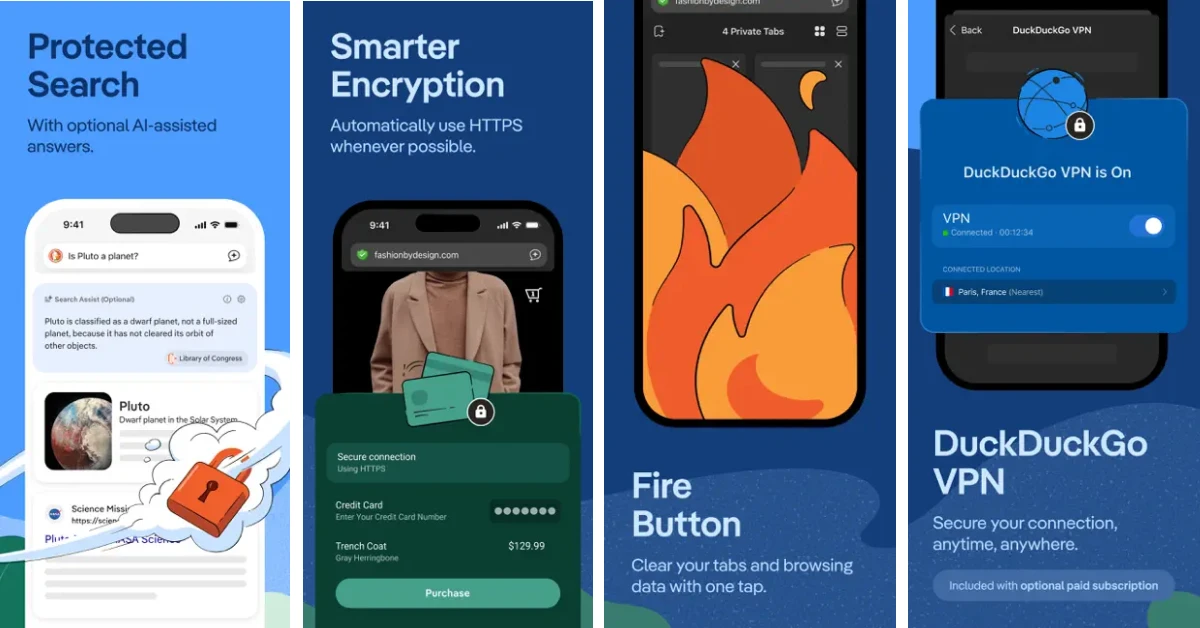
Safe and anonymous web browsing should be the norm for every browser, but unfortunately, that is not the case. DuckDuckGo is one of the few web browsers built around privacy. Its search engine does not track your queries. Furthermore, it blocks third-party tracking cookies from accessing your data. The annoying cookie pop-ups are automatically disabled after selecting the least invasive setting. The browser also blocks YouTube ads, which vastly improves the viewing experience on the platform.
Download DuckDuckGo from the App Store
LastPass
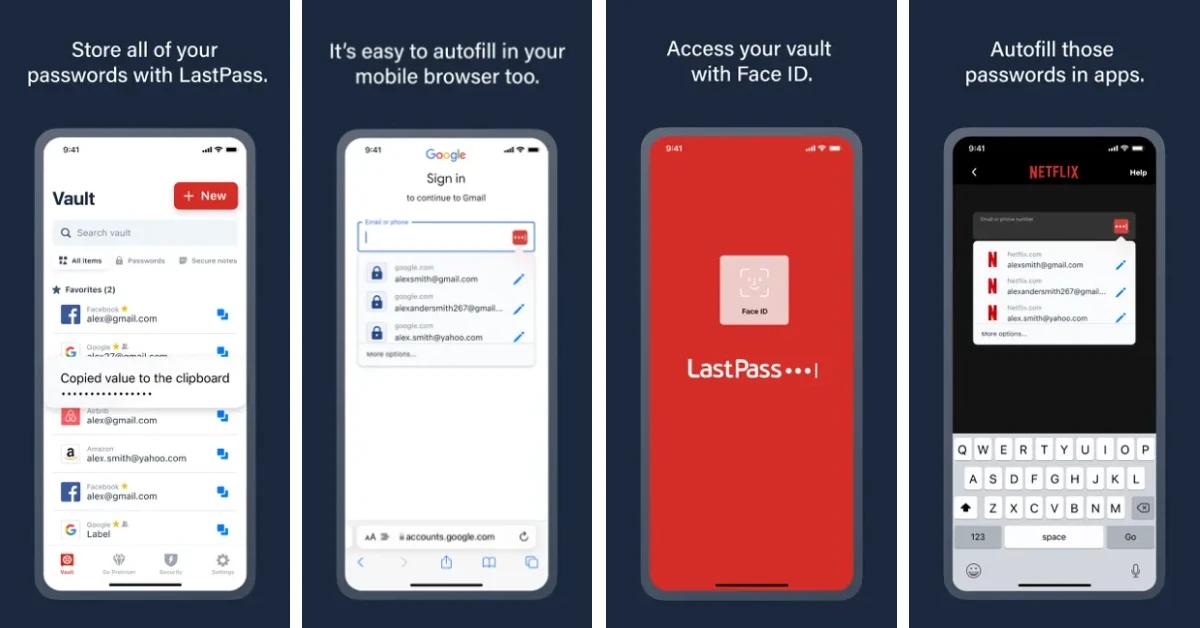
LastPass is one of the finest password managers for your iPhone. It stores your passwords as soon as you enter them and autofills them the next time you visit the app or web page. The password vault can only be accessed using your Face ID. While creating a password for a new account, LastPass suggests strong, uncrackable strings. You don’t need to remember these passwords, as your password manager does the job of entering them wherever necessary. You can even share the credentials to your Netflix and other streaming accounts with your friends using this app.
Download LastPass from the App Store
Claude by Anthropic
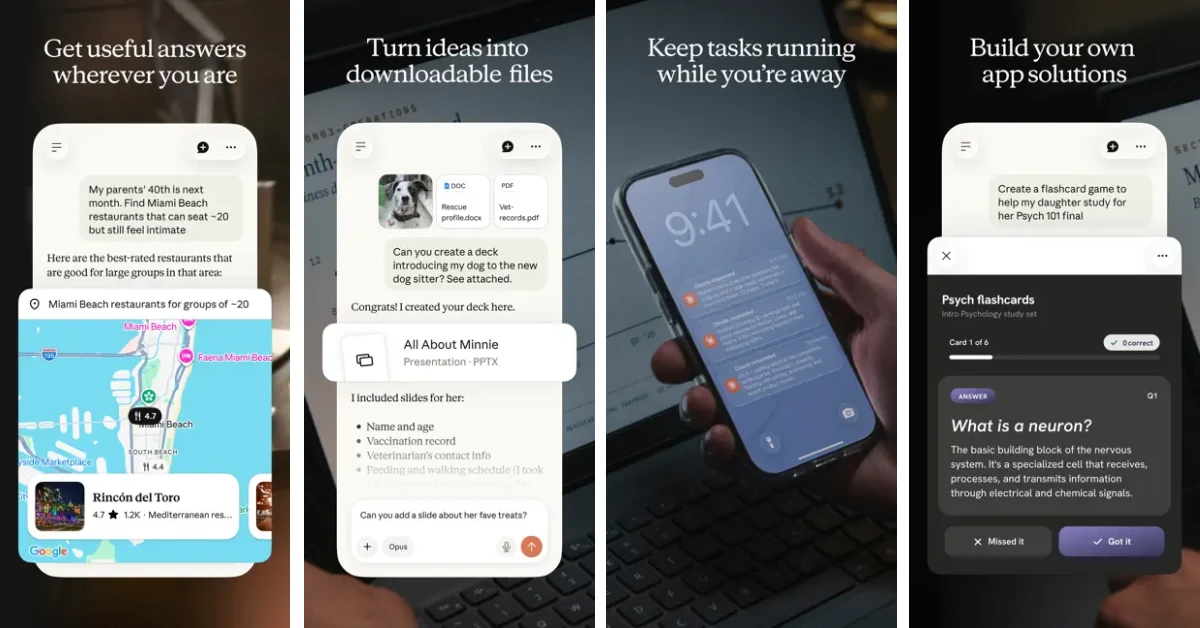
Apple has made significant improvements to its AI suite over the years, but it still trails behind the established names in the industry. If you want something more powerful, our recommendation would be Claude by Anthropic. This AI chatbot can help you with anything from writing to coding and researching. It can brainstorm new ideas and also help you reinforce your current projects. You can summon the bot in voice mode and have a natural, free-flowing conversation with it. You can also feed it content like PDFs and spreadsheets for analysis and insights.
Download Claude from the App Store
Tiimo: Daily To-Do List
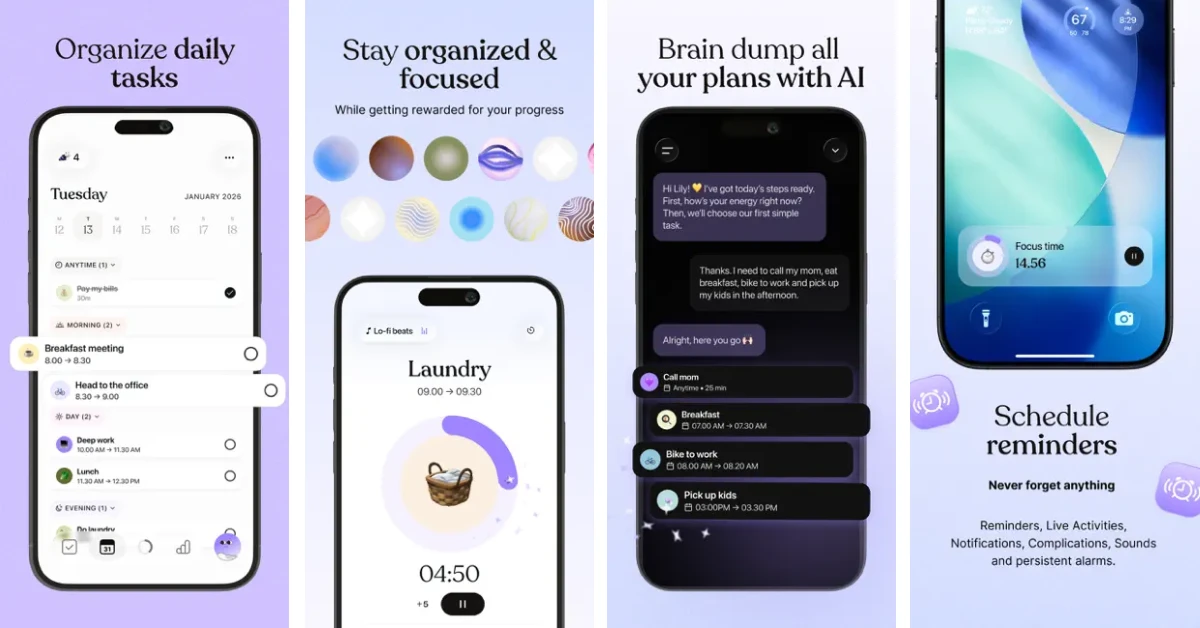
Tiimo won the iPhone App of the Year award in 2025. Its clever and soothing design gives you mental clarity on what needs to be done at the current moment. You can plan your tasks more easily when you have this app in your pocket. Its personal assistant helps you with scheduling, planning, and prioritising different tasks. The colour-coded interface and drag-and-drop mechanism are very easy to follow. The app also has dedicated widgets for your iPhone’s home page and lock screen. They act as a dashboard so you can stay on top of your tasks all the time.
Download Tiimo Daily To-Do List from the App Store
Photomath
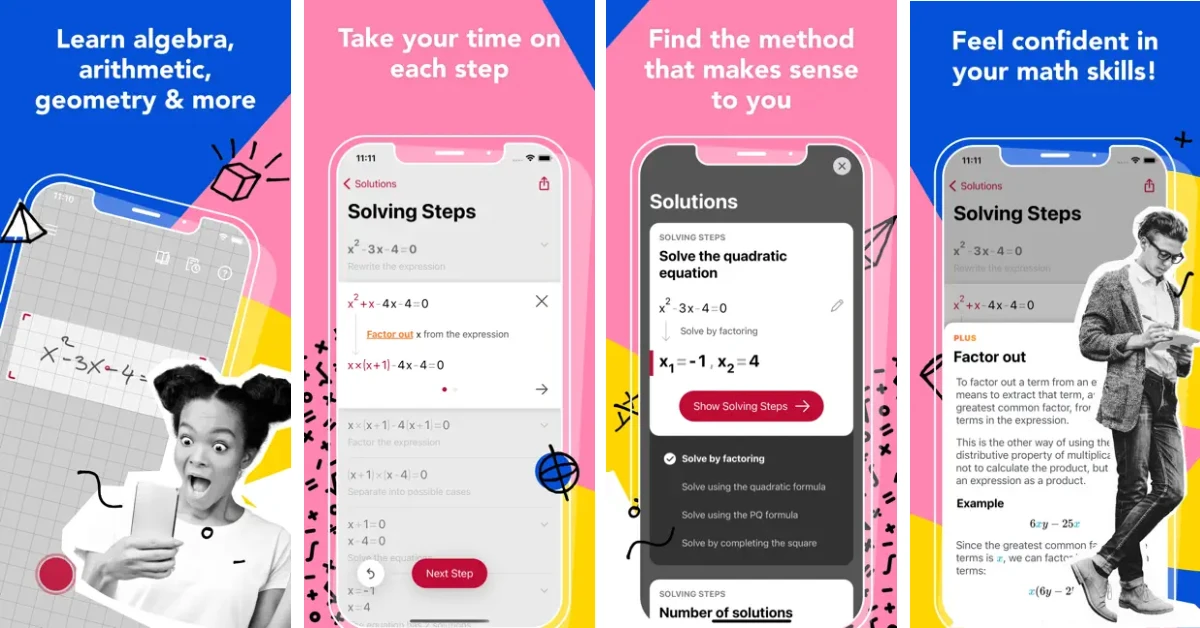
If you’re a student or just a math enthusiast, Photomath can guide you through complex problems and provide a clear grasp of the subject at hand. You can scan any math problem, and the app will provide a clear and concise solution comprising a step-by-step breakdown. The methodology used by this app is teacher-approved. Not only does the app show you what needs to be done, but it also tells you why it used the method it did and how it resolved the problem. The interactive nature of the app keeps its lessons from being boring.
Download Photomath from the App Store
Headspace
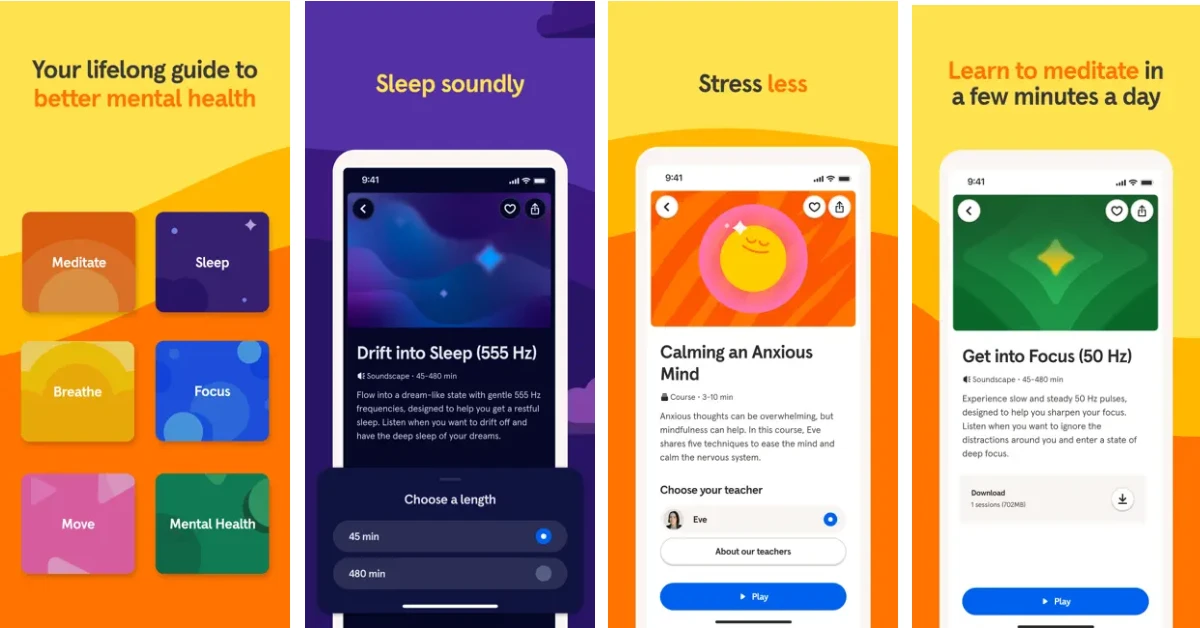
Headspace has been the go-to mindfulness app for yogis and meditators for years. There are over 500 modules for guided meditation in this app. You can pick up a module that fits your demands – whether it’s a quick 3-minute session to calm down your nerves before an important meeting or a guided sleep meditation for a more relaxing sleep cycle. Meditation is something that requires constant effort to reap benefits, and Headspace proves itself to be a valuable companion along the way.
Download Headspace from the App Store
Read Also: Living Room Tech: Top 10 Gadgets and Smart Devices to Make Your Living Room Come Alive!
Final Thoughts
These are the top 10 apps that you should download first on your new iPhone 18 Pro or Pro Max. Stay tuned for our top app picks for Apple’s new foldable iPhone. Got any questions? Let us know in the comments!


