


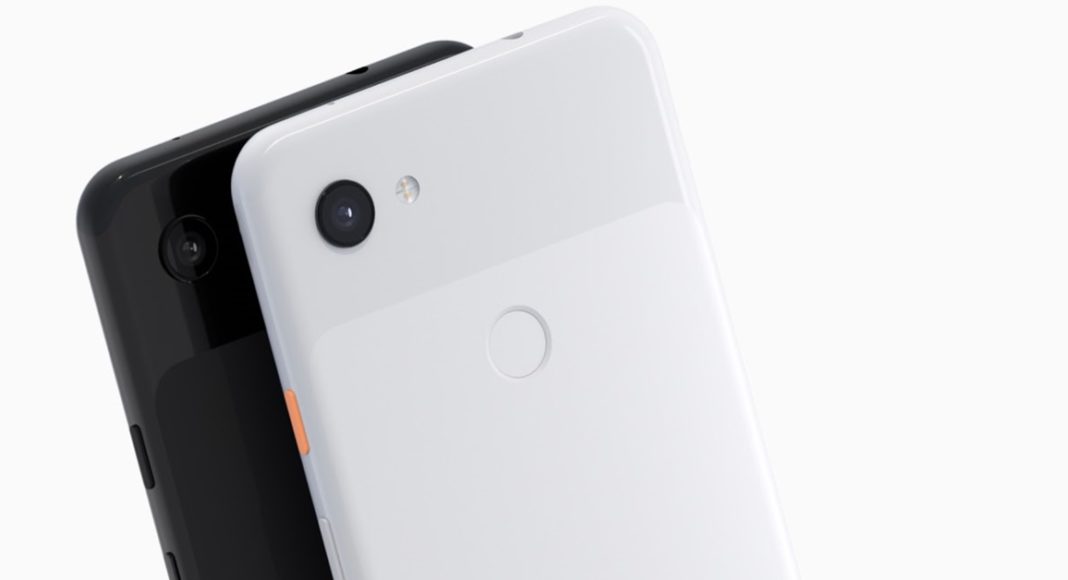
There have been numerous call-recording apps across the globe, but now news is rife that Google is prepping up to introduce call recording and transcribing service to its Pixel smartphone users. As per a report by XDA Developers, an APK breakdown has revealed that the Google Phone app’s newest version 44 has a call recording feature.
If we believe this report to be true, a user will be able to access this recording feature before taking an incoming or outgoing call by simply pressing the “Record” button that is located next to the “Hold” button. This means that the minute one taps on the “Record” button, the conversation will be recorded automatically. It can be stopped by tapping the “Record” button again. This feature will be reachable directly from the call log. The conversation recorded will be saved as a as a .wav file in call’s history from where you can share and play it. However, it is rumoured that this recording feature will be functional on Google Android Pie OS.
Besides this, another report by 9To5Google has hinted that Google Pixel smartphone could soon get a feature to transcribe calls. It shared a single string putting light that the recorded calls could be transcribed as well.
Only once these features will be rolled out, we will get to see how these call recording and transcribing feature on Google Pixel smartphones will come comply with the local call recording laws.
Earlier, Google had listed seven ways we protect data privacy through built-in protections to easy tools that keep you in control of your privacy.
- Carry out regular password check up
- Enable Google automatically delete your data after 3 or 18 months
- Access your favorite Google apps in Incognito mode
- Use hands-free privacy controls with the Google Assistant
- Browse the webites safely with Chrome
- Check in on your privacy and security settings across your apps and devices
- Choose and control what ads you see from Google
Google further added that it’s the tech giant’s responsibility to keep a user’s data private and secure. Time will reveal what more exciting stuffs Google has to offer its users.
For the latest gadget and tech news, and gadget reviews, follow us on Twitter, Facebook and Instagram. For newest tech & gadget videos subscribe to our YouTube Channel. You can also stay up to date using the Gadget Bridge Android App.


