


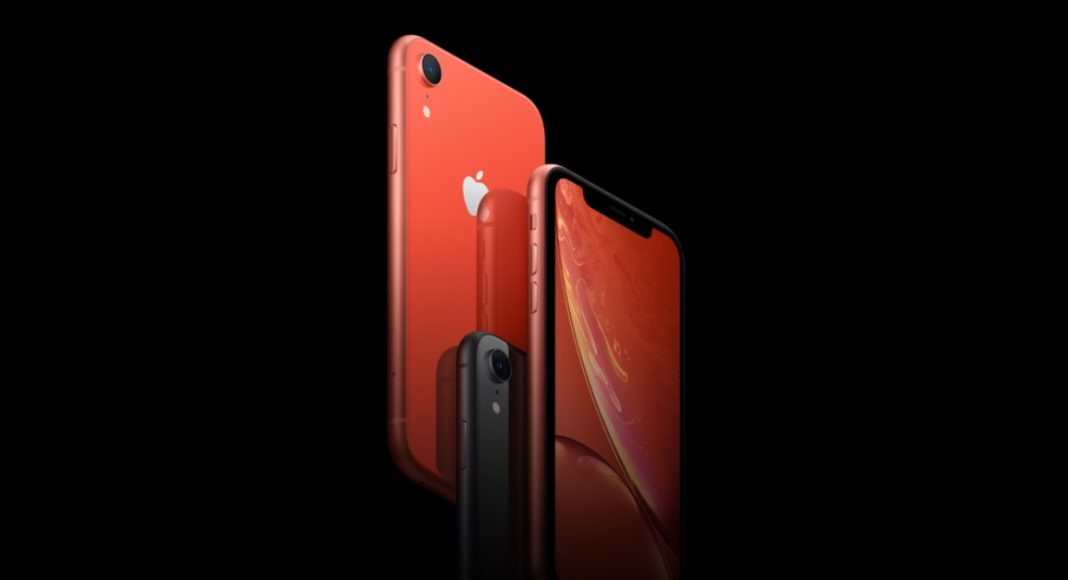
The last thing you’d want is your iPhone getting stolen or lost somewhere. Being such a status symbol and hard earned money spent on it, you do not want it to be lost. Therefore, we have enlisted a few steps for your assistance. Before we go ahead, you might be knowing about the Find My iPhone app in order to locate your device in case you have lost it. If you haven’t yet downloaded it, then it is advisable to do it now. In case you had the app downloaded and on when you lost your phone, these options will come in handy:
- Sign in to icloud.com on your PC or Mac or use the Find My iPhone app on another iOS device
- In the app select a device in order to locate it on map. If the device is nearby then you can make it play a sound and trace it
- Turn on Lost Mode. With the help of Lost Mode, you can remotely lock your device. This happens with the help of a passcode. Then display a custom message on your missing iPhone’s lock screen with the help of your phone number. A message like “lost or stolen mobile” will help.
- You can now report about your device to a local law enforcement. The authority might ask you the device serial number which you will find on its box.
- To prevent anyone from misusing your device, you can erase it remotely too.
- Report your device to a wireless carrier so that they can disable your account and prevent any kind of data use.
In case you did not have the app downloaded or downloaded but not on, then you should consider the following options:
- Change you Apple ID password. With this, you can prevent anyone from accessing your iCloud or any other service part of your iPhone
- Change passwords of email, social media accounts
- You can report your stolen/lost device to a local law enforcement. As mentioned, in the previous guidelines you need to give them a device serial number
- Also, as mentioned you can contact a wireless carrier in order to prevent data use, phone calls, texts
To prevent anyone from using your lost or stolen mobile, always put a hard to guess pass lock on your mobile phone.
For the latest gadget and tech news, and gadget reviews, follow us on Twitter, Facebook and Instagram. For newest tech & gadget videos subscribe to our YouTube Channel.


