


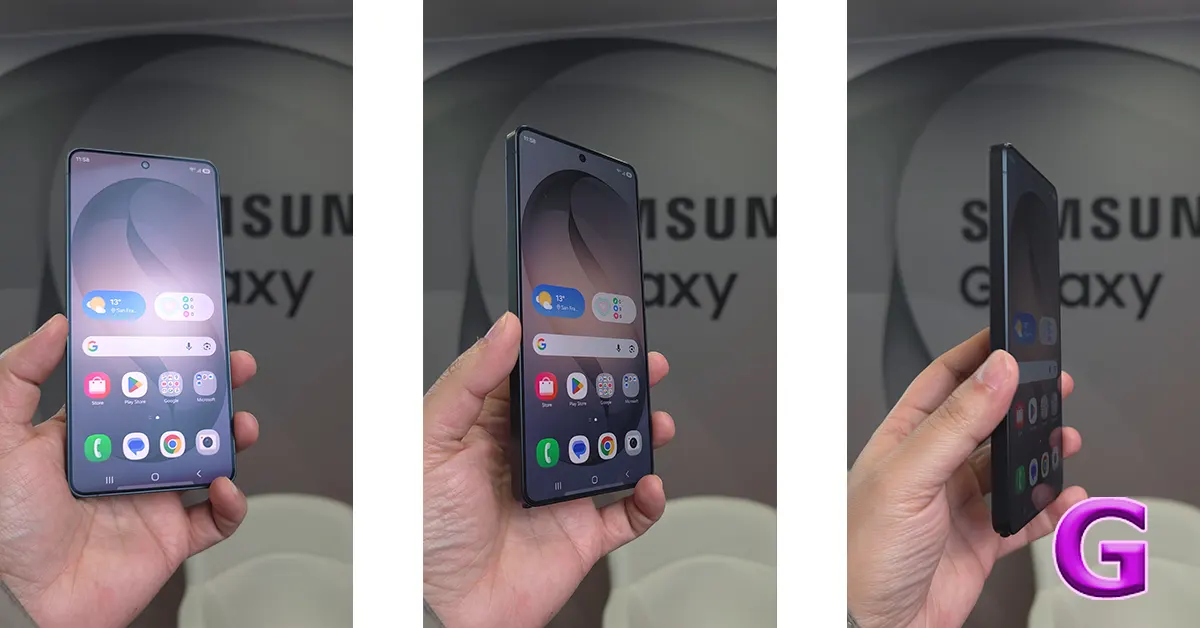

If you own a Samsung Galaxy S26 and have been quietly refreshing the Samsung Members app, hoping something exciting would pop up, your patience has finally been rewarded. Samsung has officially launched the One UI 9 beta program for the Galaxy S26 series, and it is built on Android 17, making this one of the earliest public previews of Google’s latest Android platform on any device. Available this week in the US, UK, Germany, India, Poland, and South Korea, the Samsung One UI 9 beta for Galaxy S26 is now open for enrollment, and it brings a surprisingly meaty set of updates for what is technically a testing build.
In This Article
What Exactly Is New in One UI 9?
Let’s start with the fun stuff. Samsung Notes, which has quietly evolved into one of the more underrated productivity tools on Galaxy phones, gets two creative additions in One UI 9. First, there is a new “tape” feature that lets users cover sections of their notes and reveal them later, like a digital sticky note flap. Second, there are more pen line styles for handwriting and sketching. Small touches, sure, but the kind that make daily note-taking feel less sterile.
Read Also: iPhone 18 Pro Price Leak Is Good News for Some Buyers, But Not All
The Contacts app has also received a worthwhile upgrade. It now connects directly with Creative Studio, allowing users to design personalised profile cards without bouncing between multiple apps. Worth noting: Creative Studio does require a separate installation and a Samsung Account login, but once set up, the integration runs smoothly.
Quick Panel Gets a Much-Needed Glow-Up
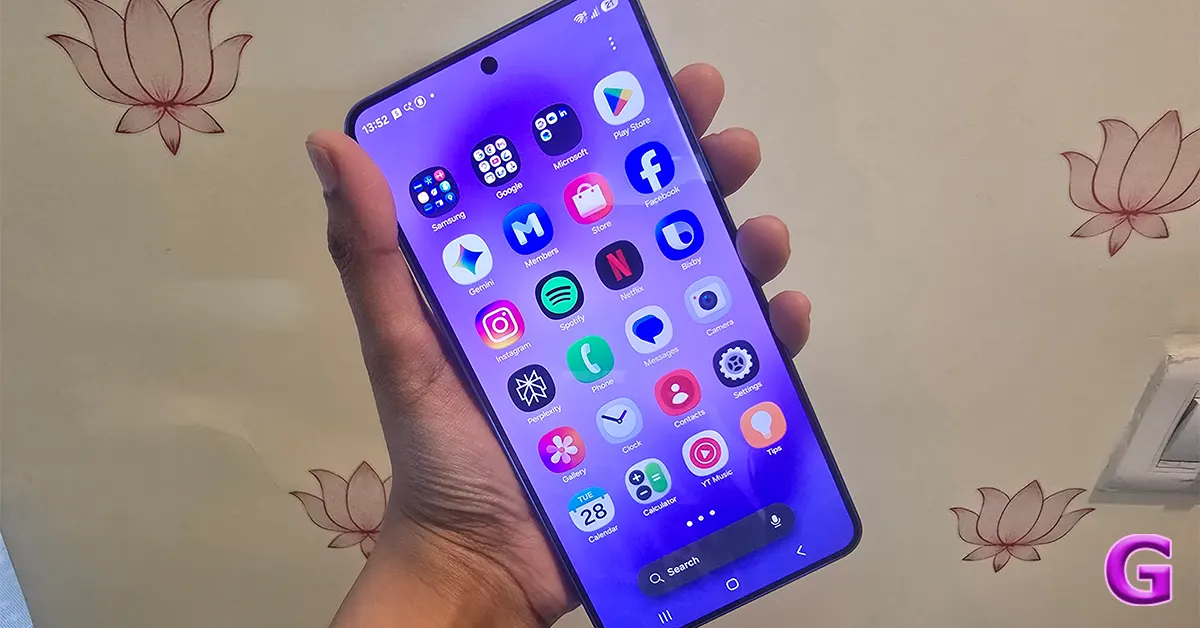
One of the more practical improvements in One UI 9 is to the Quick Panel, which now gives users greater control over the layout and the individual sizing of controls like brightness, volume, and the media player widget. Samsung has also made the brightness and volume sliders thicker for easier tapping, and the lock screen media player now displays colourful waveform animations. These are the kinds of thoughtful refinements that do not always make headlines but quietly make a phone nicer to use day after day.
Samsung DeX and Multitasking Get Smarter
Power users who rely on Samsung DeX will appreciate the multitasking improvements arriving with One UI 9. Window transfers between desktops have been made easier, and there are new desktop previews sitting at the top of the Recents screen, making it faster to jump between workspaces. For anyone who uses their Galaxy S26 as a productivity powerhouse, this is a genuinely useful quality-of-life update.
Security and Privacy Get Serious
One UI 9 takes a more proactive approach to device security. The update introduces improved detection of potentially suspicious or high-risk apps, with the ability to warn users and, in some cases, block those apps from running entirely. On the privacy front, a blue indicator now appears at the top of the screen whenever an app accesses the device’s location. Tapping that indicator opens the Quick Panel and gives users more details, a simple but effective addition that puts location tracking front and centre.
Accessibility Improvements Worth Highlighting
Samsung has also focused on accessibility in this update. One UI 9 includes speed controls for Mouse Key, a more unified TalkBack experience, and a new Text Spotlight feature that displays selected text in a cleaner floating window for easier reading. These are not flashy headline features, but for users who depend on accessibility tools, they represent meaningful progress.
Android 17 Under the Hood
Beyond Samsung’s own additions, One UI 9 brings the underlying power of Android 17. Among its platform-level changes, Android 17 lets users open any app in a floating bubble, introduces a system-level contacts picker that limits app access to only explicitly shared contacts, and makes apps more adaptive across different screen sizes. This last point is especially relevant for foldable device owners, as it discourages developers from locking apps to specific orientations.
When Will the Stable Version Arrive?
Samsung has confirmed that the full One UI 9 experience, including more advanced AI-powered features, will arrive with upcoming Galaxy flagship devices later in 2026. The Galaxy Z Fold 8 and Galaxy Z Flip 8 are widely expected to be the first devices to launch with the stable version of One UI 9 pre-installed. For now, the beta is exactly that: an early preview, and users should be prepared for some rough edges, including potential battery life quirks and compatibility issues with banking apps.
Read Also: Canon EOS R6V Launched in India: Full-Frame Video Camera with First-Ever L-Series Power Zoom Lens
To join the beta, Galaxy S26, S26+, or S26 Ultra users in the supported regions simply need to open the Samsung Members app and enrol. Availability may vary by carrier, and not everyone will see it at the same time.
The Bigger Picture
Here is the thing about One UI 9: on paper, it reads like an incremental update, with notes features and Quick Panel tweaks not exactly the stuff of breathless launch videos. But look a little closer, and there is a clear theme running through this release. Samsung is tightening the overall experience, making the interface more personal, more secure, and more accessible, while quietly laying the groundwork for what it promises will be a much bigger AI-driven software push later this year. If the beta is as stable as Samsung hopes, One UI 9 might just turn out to be one of the more quietly impressive Galaxy software updates in recent memory. Sometimes, the best upgrades are the ones you do not even notice you needed.


