


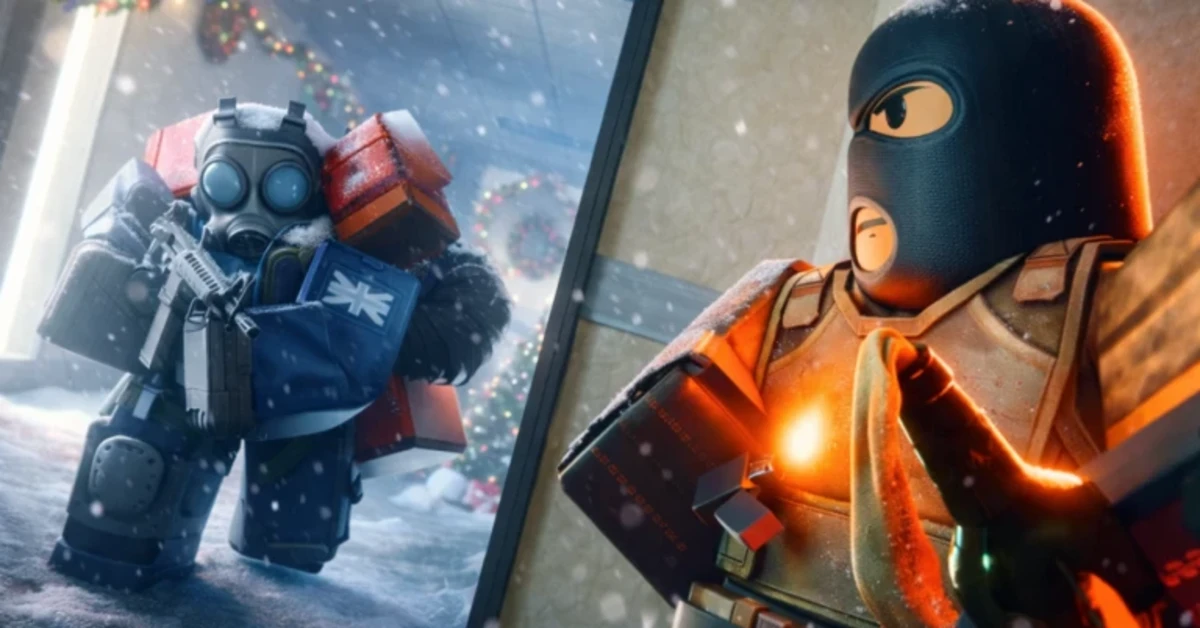
CounterStrike is a game that needs no introduction. Its Roblox adaptation is just as fun and thrilling. It embraces the First Person Shooter genre and lets you battle it out in a 5v5 format in a diverse set of maps. You can even customise your gear, learn new skills, and deploy them in combat situations. Of course, you will need in-game currency to carry out these actions. Luckily, the game offers some special codes that can be redeemed for credits. Here are all the BloxStrike codes that are available in BloxStrike.
Read Also: How Mobile Live Streams Test Display Clarity and Touch Response
In This Article
How to redeem a code in this game

- Launch BloxStrike in Roblox.
- Spot the Redeem Code section on the left side of the home page.
- Enter your code in the text box.
- Hit Redeem.
List of active codes (June 2026)
- MYFAULTYALL: 300 Credits.
- BIRTHDAYBOYMALONI: 50 Credits.
- TRADINGRELEASE: 250 Credits. (Limited to 10k users)
- Missions: 250 Credits. (Limited to 2.5k users)
- EASTER2026: 67 Credits. (Limited to 10k users)
- STILETTO: 250 Credits. (Limited to 2.5k users)
- UPDATE320: 250 Credits. (Limited to 2.5k users)
- GAMEBROKE318: Rewards.
- DUST_II: 250 Credits.
- LIL30MINUTEDOWNTIME: 35 Credits. (Limited to 5k users)
List of expired codes
These codes can no longer be redeemed.
- GLOVECASE2026
- OHNEPIXEL
- 50MVISITS
- BLOXSTRIKEXMEDAL
- SEASIDE
- 25MILLIONVISITS
- WEAREBACK
- BUTTERFLYCASE
- GAMEBROKE
- 10KCCU
- 8KCCU
- 10MVISITS
- QOLUPDATE
- CHRISTMAS2025
- WINTER2025
- FridayUpdate
- SORRYTHURSDAY
- 1MVISITS
- RELEASE
- SORRY
Got a custom crosshair? Here’s how you can apply it
If you have a crosshair decal, you can apply it to your setup using these simple steps.
- Go to the Roblox Creator Store.
- Select Decals.
- Copy the Asset ID.
- Go to Crosshair Style.
- Select Image.
- Paste the Asset ID.
Frequently Asked Questions (FAQs)
Why is my code not working?
If you can’t get your code to work, check it for typos and make sure its letters are in uppercase.
How do I get free credits in this game?
Use codes MYFAULTYALL, BIRTHDAYBOYMALONI, TRADINGRELEASE to get free credits in BloxStrike.
How do I redeem my code in this game?
Launch BloxStrike, go to the ‘Redeem Codes’ section on the left side of the screen, enter your code in the text box, and hit ‘Redeem’.
Why am I not able to redeem my code in this game?
If your code has expired, it can no longer be redeemed in Roblox.
Where can I find the newest Roblox codes?
Keep checking the Gadget Bridge home page for the latest Roblox code drops.
Read Also: SpongeBob Tower Defense Codes (May 2026): Get free rewards
Final Thoughts
Can’t get enough of First Person Shooter games on Roblox? Check out Entry Point and Combat Arena. While you’re here, take a look at the latest Jujutsu Zero codes. If you have any questions, let us know in the comments!


