


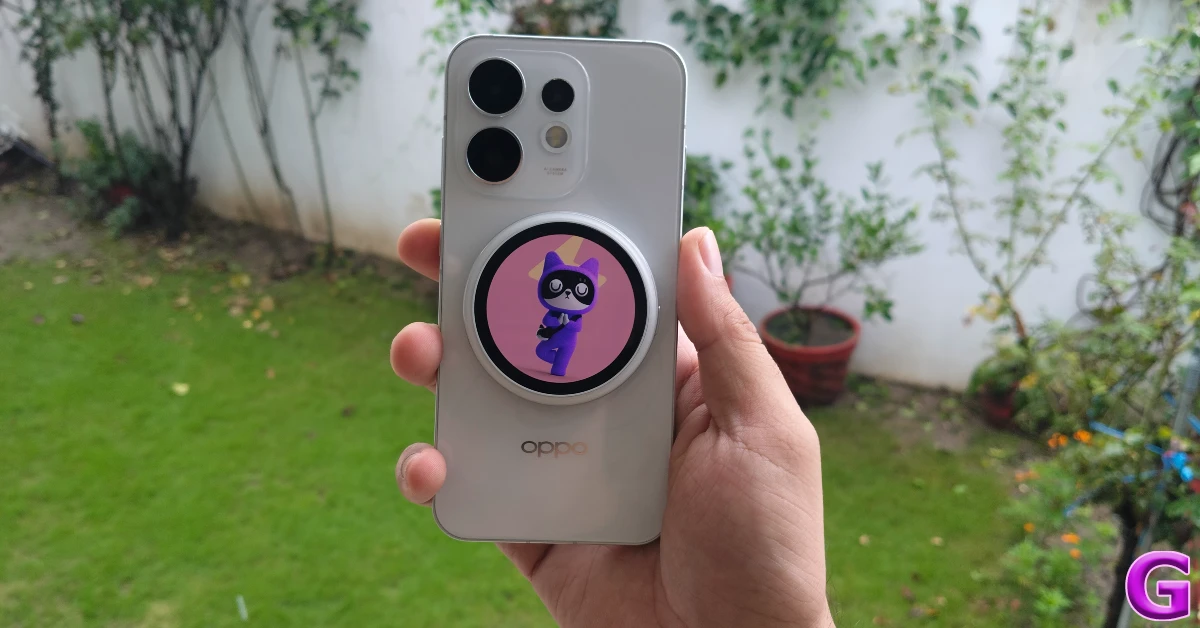
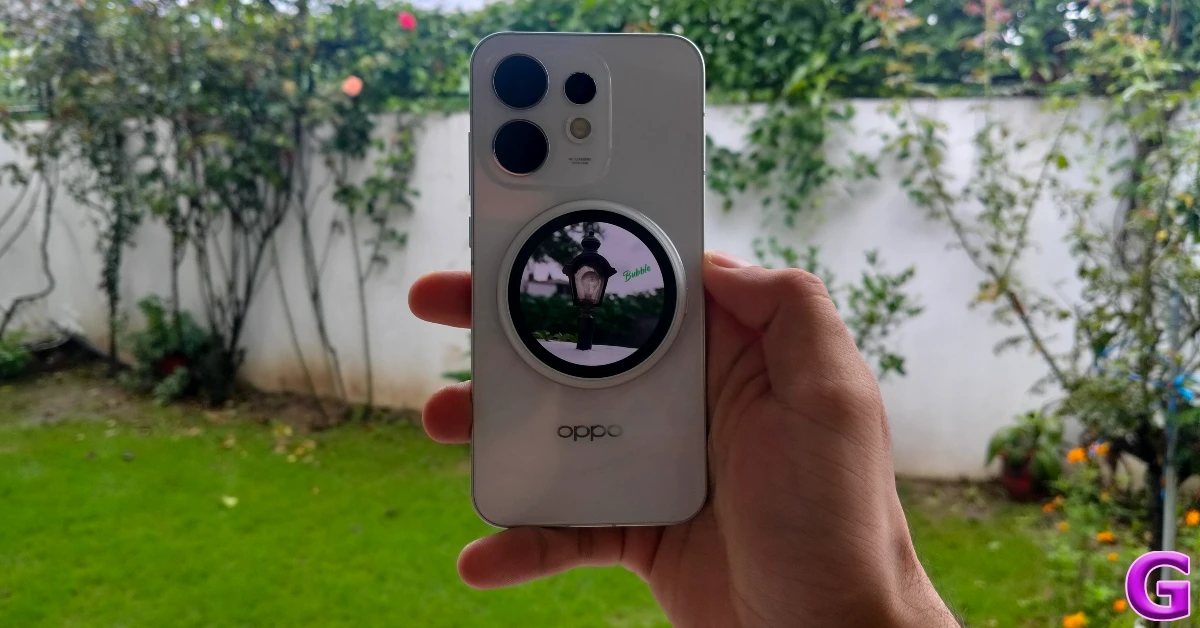
At a time when smartphones are looking to make space for a second display on their rear panels, Oppo has completely flipped the script with the launch of its new wireless magnetic selfie display. This coin-shaped accessory attaches to the back of your smartphone and acts as a viewfinder for the main camera. When it’s not in use, it displays a digital pet on its screen. You can also tie it to a keychain or backpack using the hanging clip provided in the box. Its Rs 7,999 price tag is certainly on the expensive side. We used the display for a week and went through its ins and outs. Here is our review of the Oppo Bubble.
In This Article
Oppo Bubble Review: Design
Box Contents
- Bubble
- Protective case
- Star-shaped hanging ring
- Adhesive magnetic ring
- User manual and warranty card
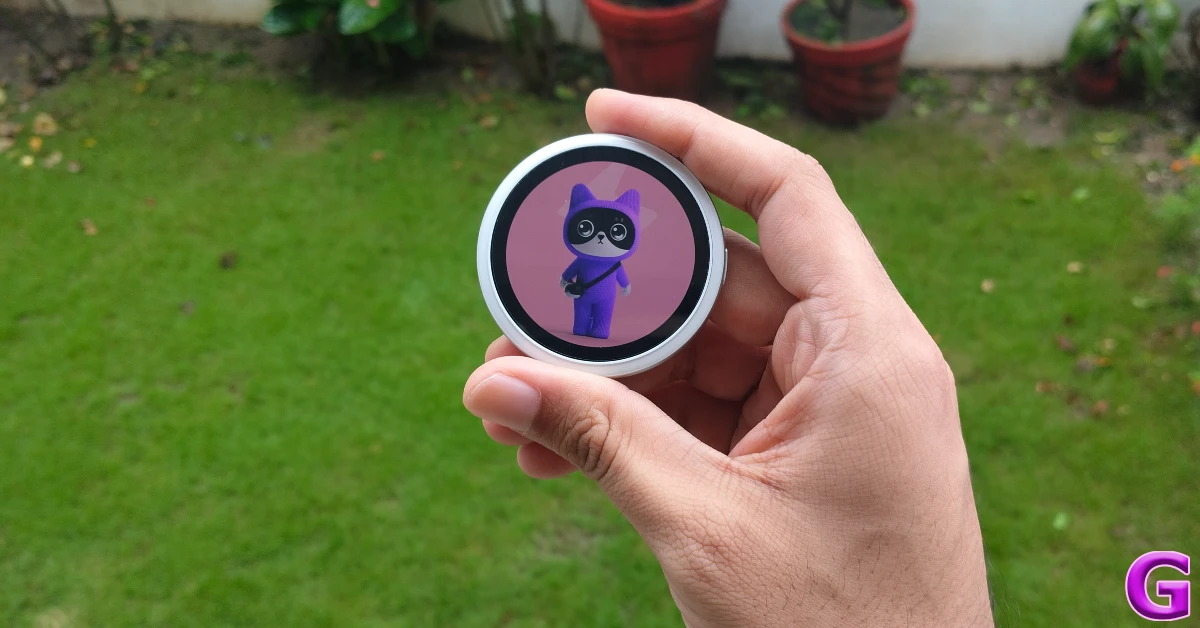
The Oppo Bubble has a simple, frill-free design. It has an all-plastic build and a coin-shaped form factor. The plastic does have a minute flex to it, which doesn’t inspire a lot of confidence, but it doesn’t need to be ultra durable because the device will mostly be attached to the back of your phone. The Bubble weighs just 27.5g (you can thank the plastic build for that). We still would have liked a better finish, though.
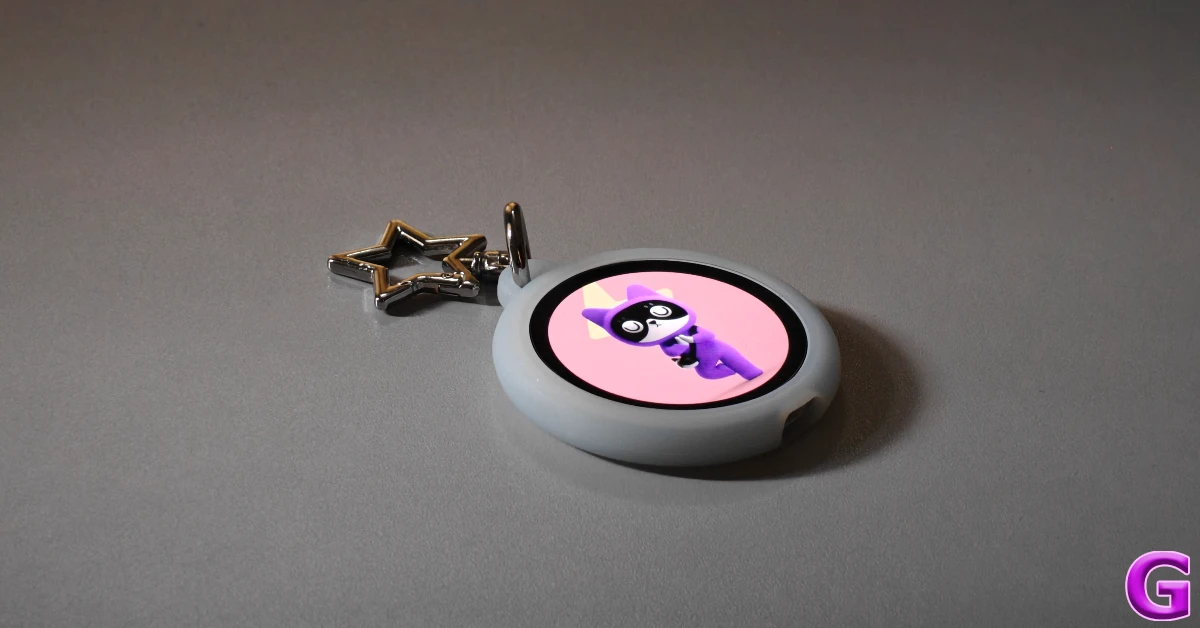
There’s a USB-C port at the bottom and a power button to the side. The plastic cover and star-shaped hanging clip provided in the box can be used to fix the Bubble on your backpack’s zipper, right next to your favourite labubu. To add to the charm, you can display a range of digital pets and other cute avatars on the screen. The downside is that you’ll need to unclip the display once it starts raining, since its IP54 protection can only handle light water splashes.
The 4.32-inch circular AMOLED display has a 466p resolution. Its brightness is capped at 600 nits. There is no option for auto-brightness, but the quick settings panel allows 3 brightness levels – 100 nits, 300 nits, and 600 nits. The display remains legible in bright outdoor conditions. The touch response is smooth and jitter-free.
Oppo Bubble Review: Performance
Powering the Oppo Bubble is a basic BES 2800 processor. There’s Bluetooth 5.2 and Wi-Fi 2.4GHz support on board and 4GB internal storage on offer. We used this display with the Oppo Reno16 (our review here). The pairing process was quick and seamless. The Reno16 has the Bubble companion app built into it. Other Android and iOS devices require this app to pair with the Bubble.
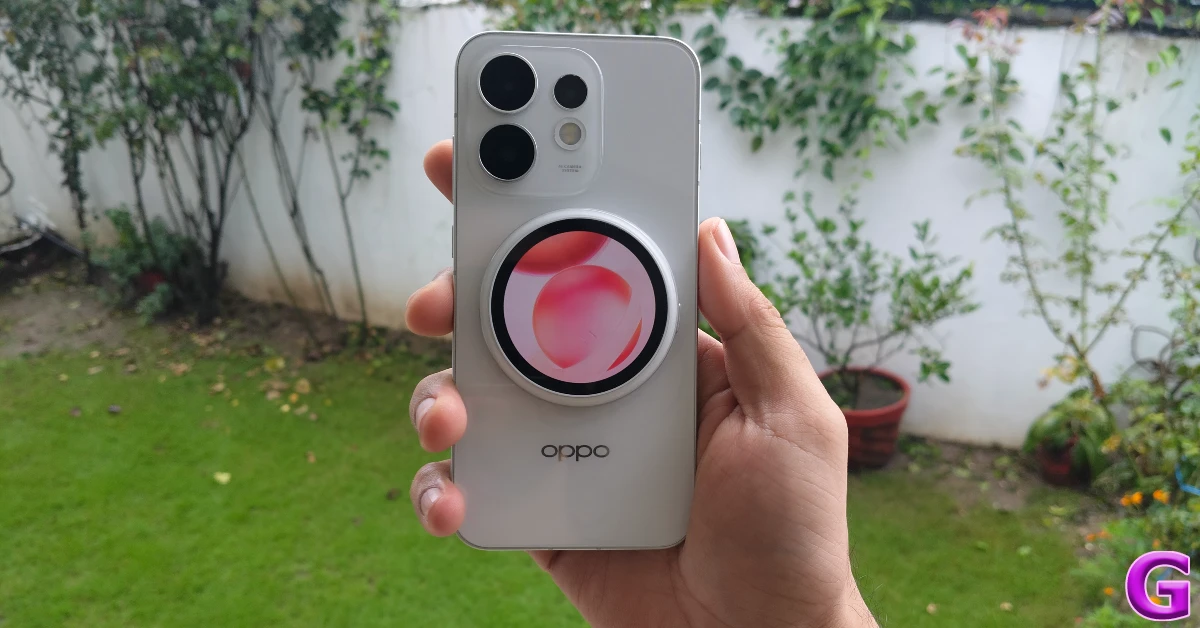
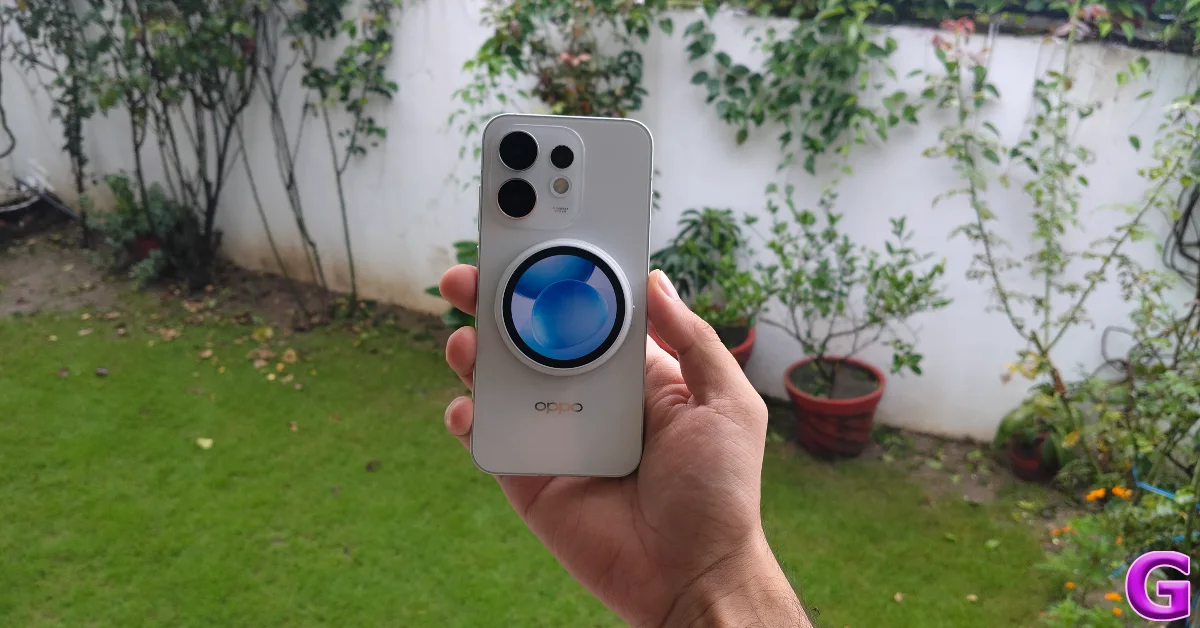
Since the Reno16 does not have a magnetic lock mechanism, you will need to stick the adhesive magnetic ring (provided in the box) to it before mounting the Bubble. If you own a MagSafe-compatible iPhone, the adhesive ring won’t be necessary. Once the Bubble is in place, you can swipe up on its screen to launch the Camera app on your phone and capture selfies from the main camera.
The viewfinder layout on the Bubble is clean and simple. Tapping the shutter icon takes a picture. You can also press the side button to snap a quick picture, but it is bound to knock the display off the magnetic ring. The interface has a zoom icon that switches among primary, ultrawide, and telephoto lenses, apart from zooming in and out. Double-tapping the preview changes its aspect ratio.
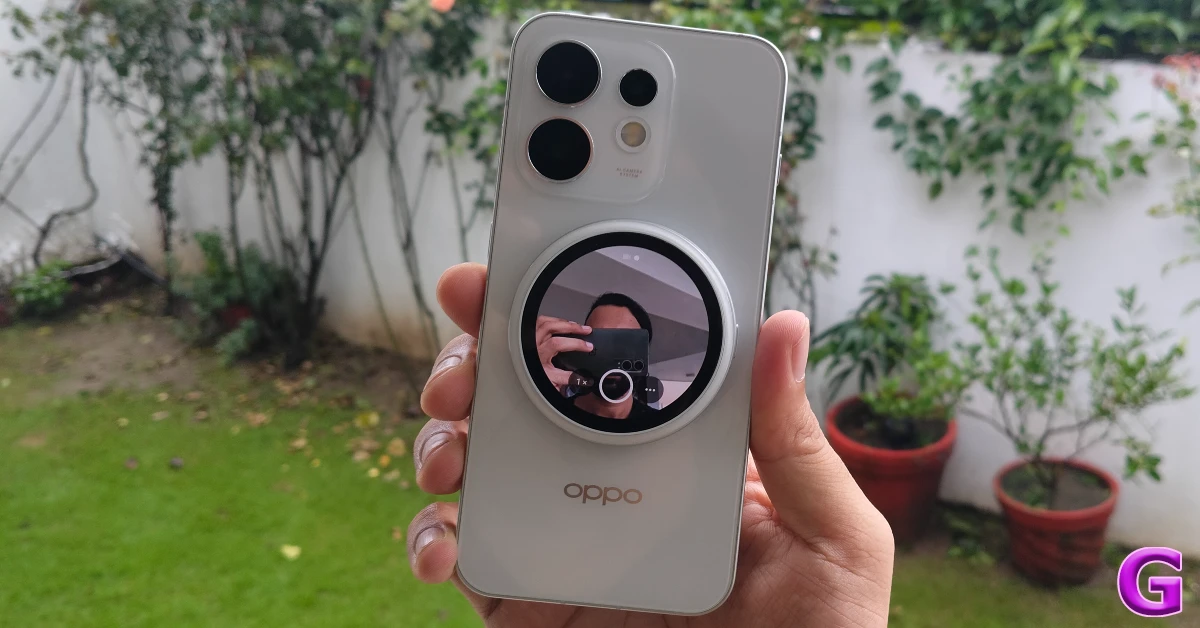
You can choose to take the Bubble off the magnetic ring and hold it in your hand while capturing group shots. You don’t need to rely on the Camera app’s timer to take the picture. You can just instinctively go for the side button after confirming that everyone is in the frame.
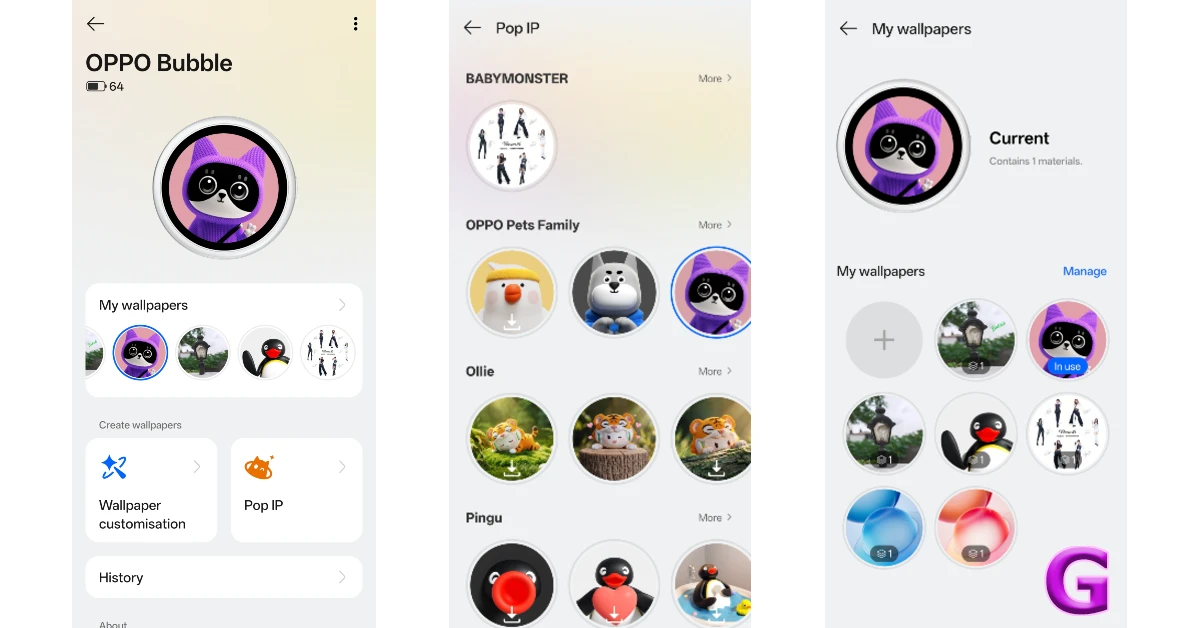
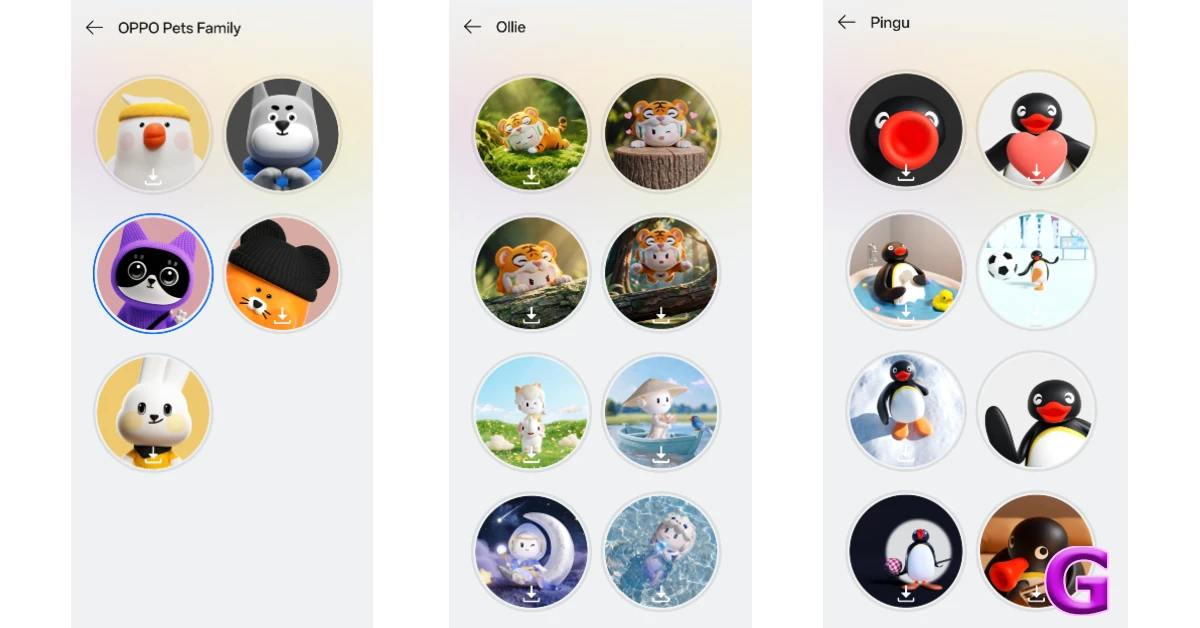
The Pop IP section in the companion app has a good range of digital pets. Each pet has a set of animations that it carries out on the screen. It is a bit distracting if the Bubble is mounted on your phone, but it is perfect if you’re using it as a backpack accessory. The digital pets on offer right now look AI-generated. It would be nice if Oppo opened the platform for third-party creators to chime in with their designs.
The companion app also has a decent wallpaper section with still images for the display. If you don’t like any of the offerings, you can set up a carousel using the images and short videos in your phone’s gallery. The app lets you add text to the images before pinning them to the screen.
The 560mAh battery pack lasts an entire day with a wallpaper on display at medium brightness at all times. Charging options are limited to USB-C. We would like to see a future version of the device with support for wireless charging so you don’t have to pluck it off the mount at the end of each day.
Read Also: Xiaomi announced its new home and lifestyle sub-brand Mijia
Final Thoughts
At Rs 7,999, the Oppo Bubble is a fun little purchase for users who love accessories for their phones and backpacks. From a purely functional perspective, it can immediately upgrade the quality of your selfies by acting as the viewfinder for your phone’s main camera. Taking group shots also becomes less of a hassle. We would have liked some basic games (like Tic Tac Toe or Bubble Shooter) on this device just to have something else to do on it. From an aesthetic point of view, the digital pets make the display more fun and cute, especially if you intend to hang it on a backpack.
Pros
- Nice design
- Clean viewfinder interface
- Digital pet library
Cons
- IP54 rating
- Not much to do apart from taking selfies
- Bit pricey


