Pricing and Availability
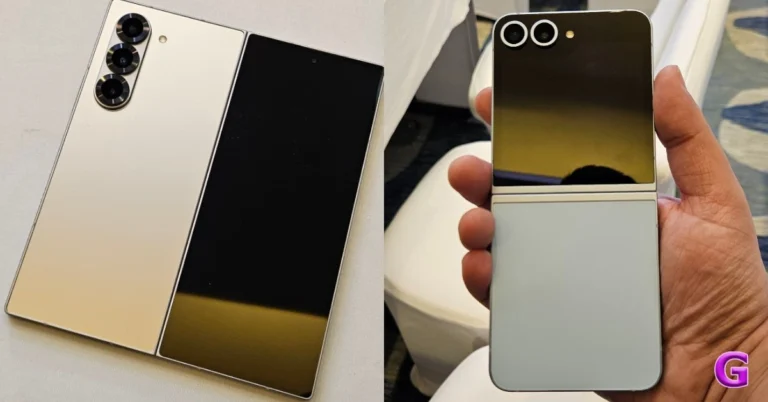
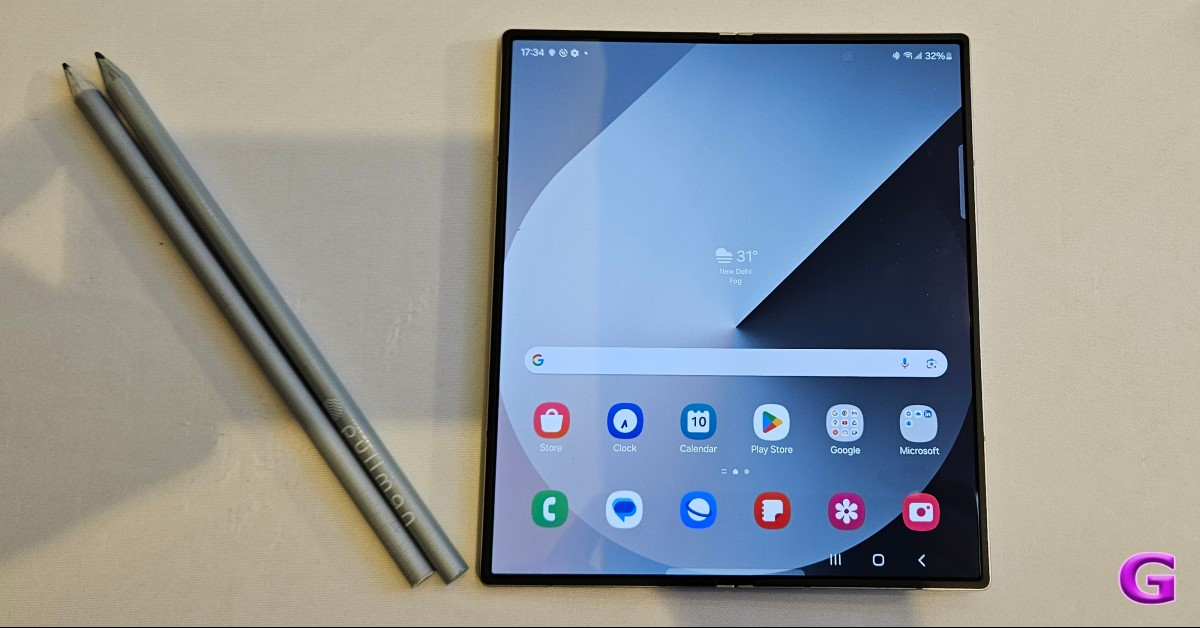
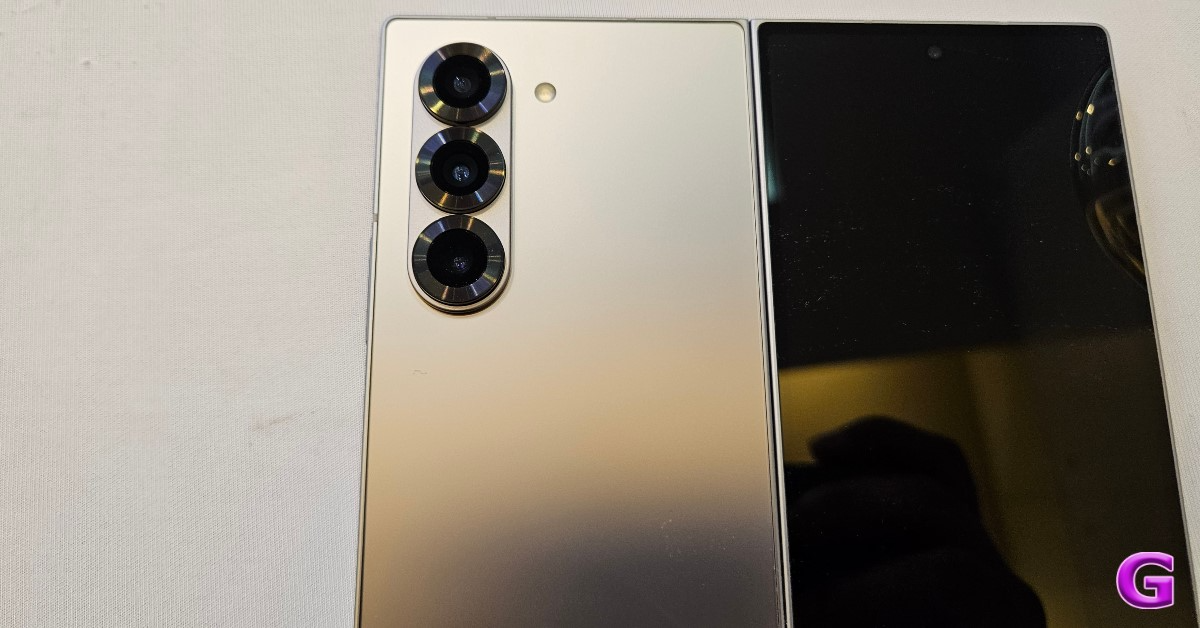
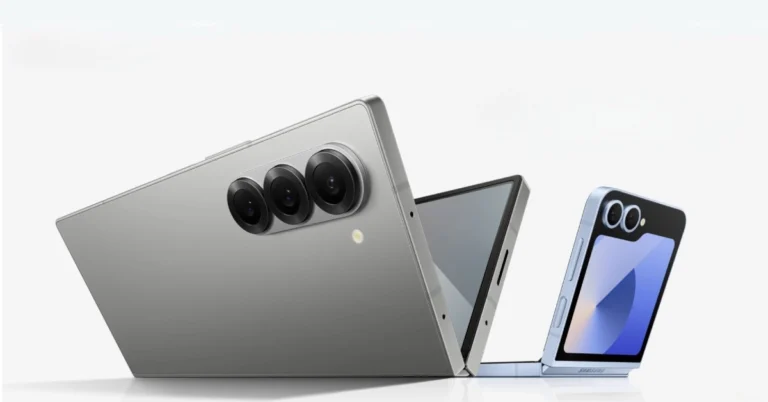
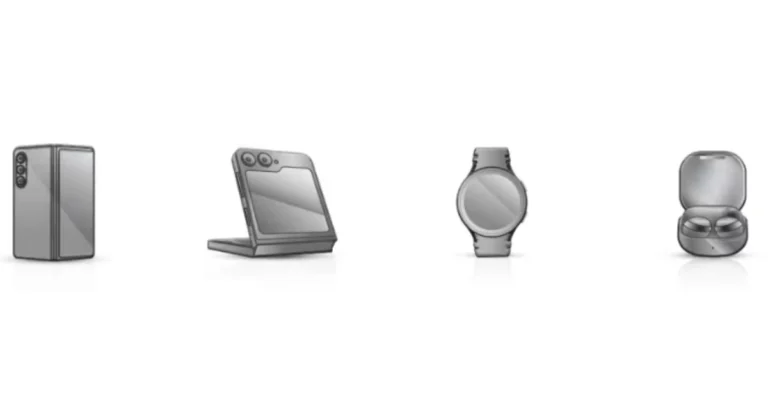
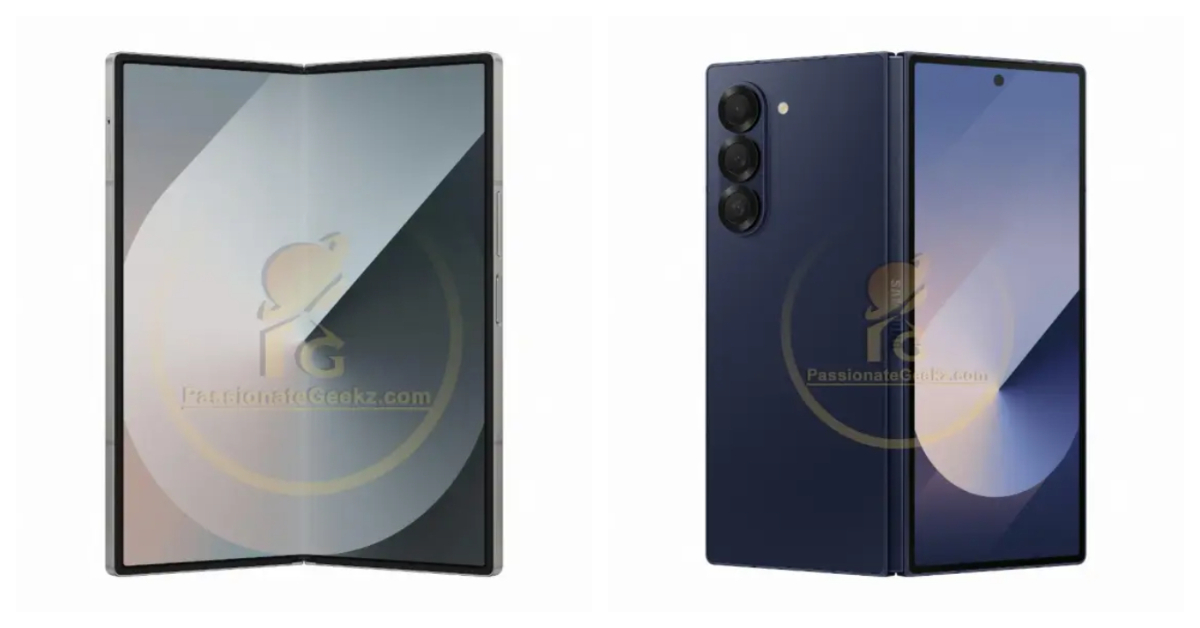
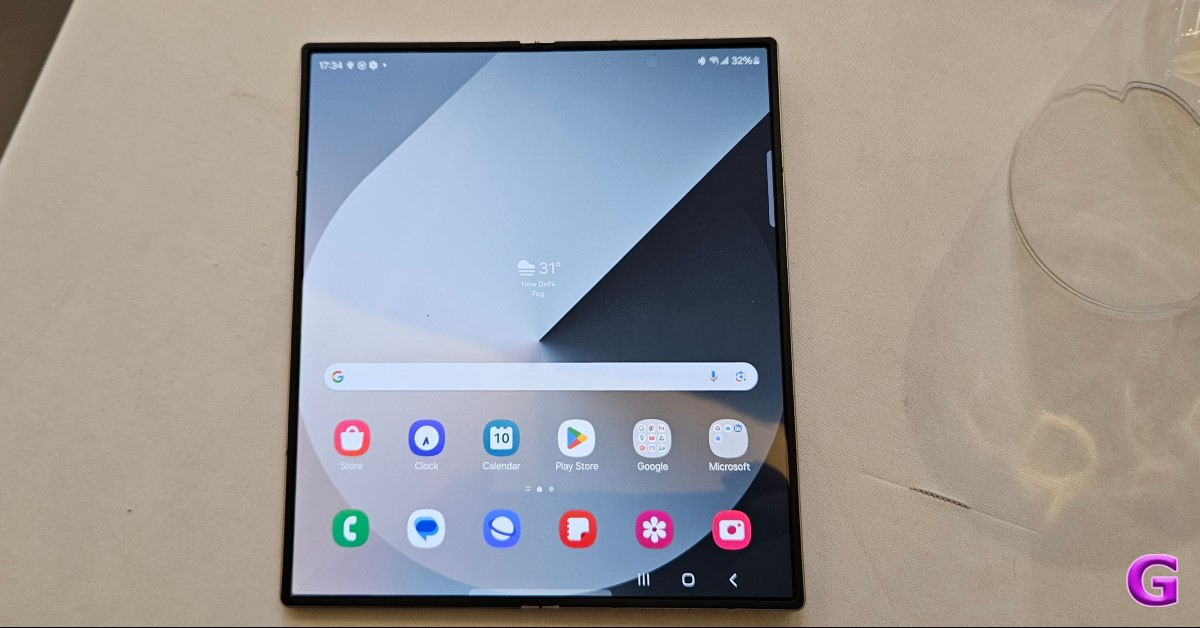 The Samsung Galaxy Z Fold 6 in India is priced at Rs 1,64,999 for the base model with 12GB RAM and 256GB storage, with 12GB RAM with 512GB storage and 12GB RAM with 1TB storage variants priced at Rs 1,76,999 and Rs 2,00,999 respectively. The models are available in Navy, Pink, and Silver Shadow colours, while the 1TB model is available in Silver Shadow.
Also Read: Samsung unveiled the Galaxy Z Fold 6 and Galaxy Z Flip 6 foldable smartphones, which now include Snapdragon 8 Gen 3 SoC with Galaxy AI
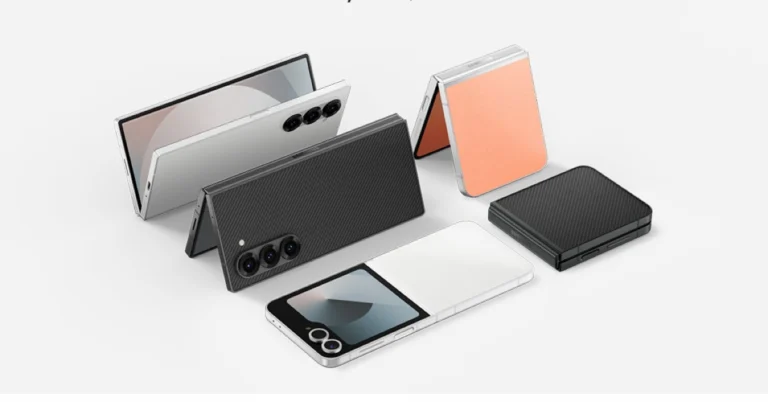
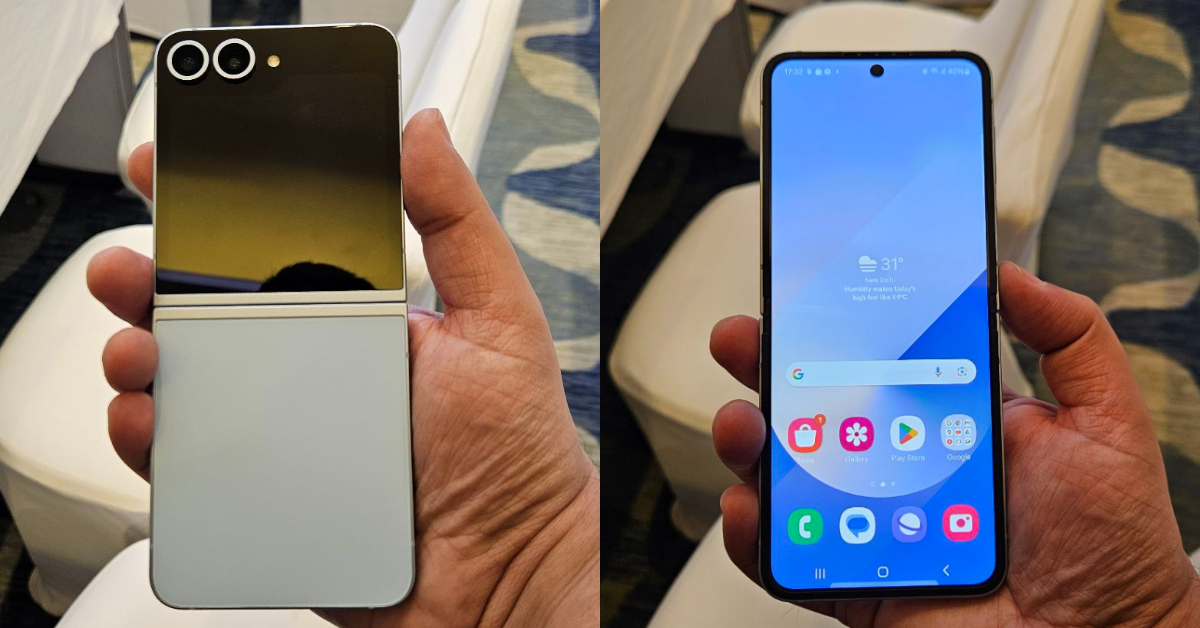
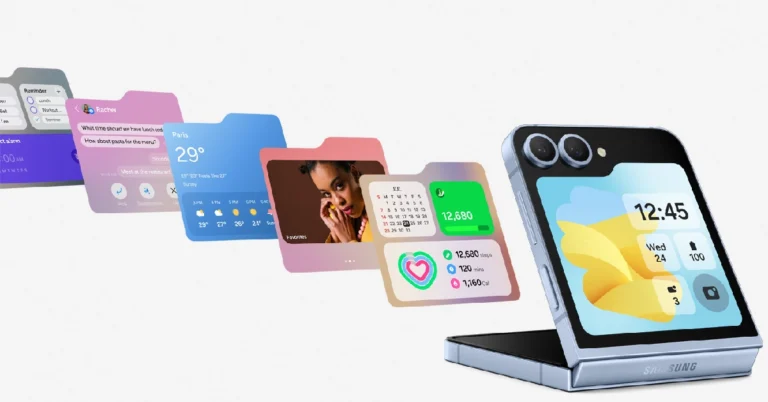
The Galaxy Z Flip 6 in India is priced at Rs 1,09,999 for the 12GB RAM with 256GB storage and storage model, and Rs 1,21,999 for the 512GB variant. Buyers can get the flip phone in Blue, Mint, and Silver Shadow colour options.
The Samsung Galaxy Z Fold 6 in India is priced at Rs 1,64,999 for the base model with 12GB RAM and 256GB storage, with 12GB RAM with 512GB storage and 12GB RAM with 1TB storage variants priced at Rs 1,76,999 and Rs 2,00,999 respectively. The models are available in Navy, Pink, and Silver Shadow colours, while the 1TB model is available in Silver Shadow.
Also Read: Samsung unveiled the Galaxy Z Fold 6 and Galaxy Z Flip 6 foldable smartphones, which now include Snapdragon 8 Gen 3 SoC with Galaxy AI
The Galaxy Z Flip 6 in India is priced at Rs 1,09,999 for the 12GB RAM with 256GB storage and storage model, and Rs 1,21,999 for the 512GB variant. Buyers can get the flip phone in Blue, Mint, and Silver Shadow colour options.
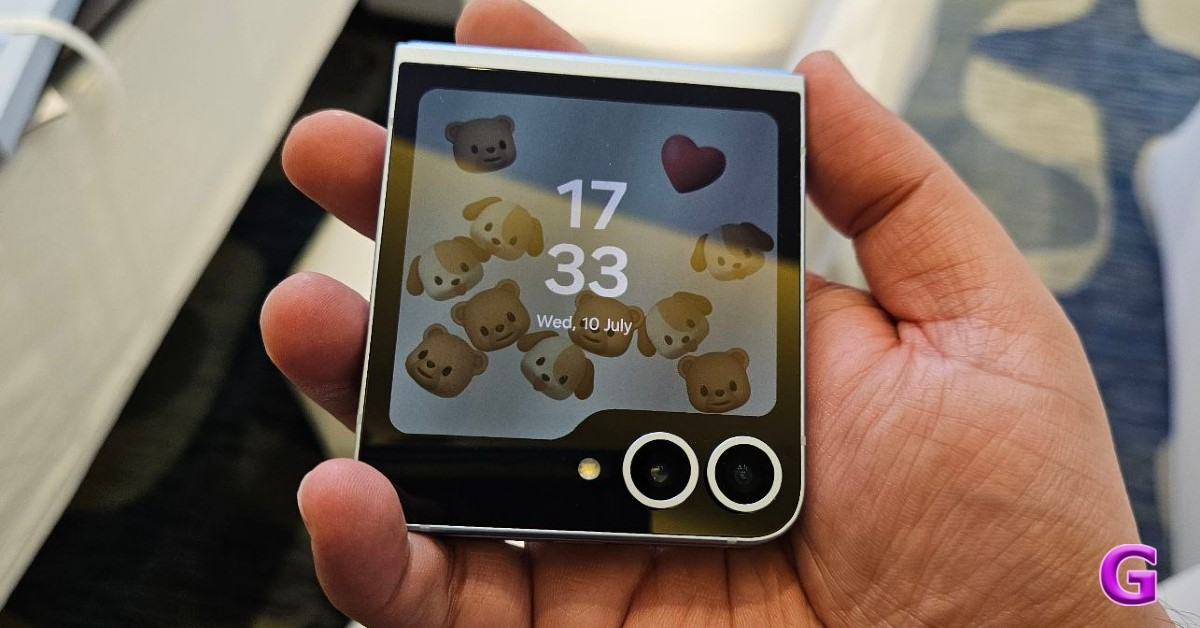 However, there will be online exclusive Blue, Mint, Silver Shadow colour, Black and White colour options for Z Fold 6 and Black, Peach, and White colour options for Z Flip 6.
Samsung is offering cashback of Rs 8000 on HDFC Bank cards for pre-ordering the Galaxy ZFold6 and ZFlip6 smartphones, along with 9 months of no-cost bank EMI or an upgrade bonus of Rs 8000. Existing Samsung flagship smartphone customers can avail of an upgrade bonus of Rs 15000. Pre-order customers will also receive Galaxy Z Assurance, offering industry-first two screen/parts replacements at Rs 999. Additionally, customers can save 50% on Samsung Covers and up to 35% on the Galaxy Watch Ultra, Watch 7, and Galaxy Buds3 Series.
However, there will be online exclusive Blue, Mint, Silver Shadow colour, Black and White colour options for Z Fold 6 and Black, Peach, and White colour options for Z Flip 6.
Samsung is offering cashback of Rs 8000 on HDFC Bank cards for pre-ordering the Galaxy ZFold6 and ZFlip6 smartphones, along with 9 months of no-cost bank EMI or an upgrade bonus of Rs 8000. Existing Samsung flagship smartphone customers can avail of an upgrade bonus of Rs 15000. Pre-order customers will also receive Galaxy Z Assurance, offering industry-first two screen/parts replacements at Rs 999. Additionally, customers can save 50% on Samsung Covers and up to 35% on the Galaxy Watch Ultra, Watch 7, and Galaxy Buds3 Series.
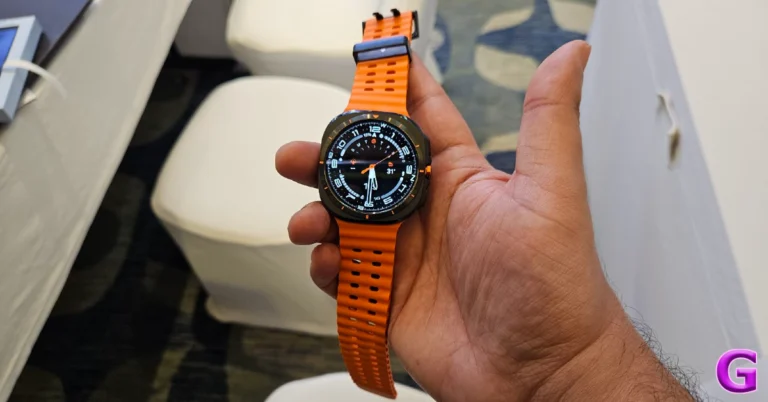
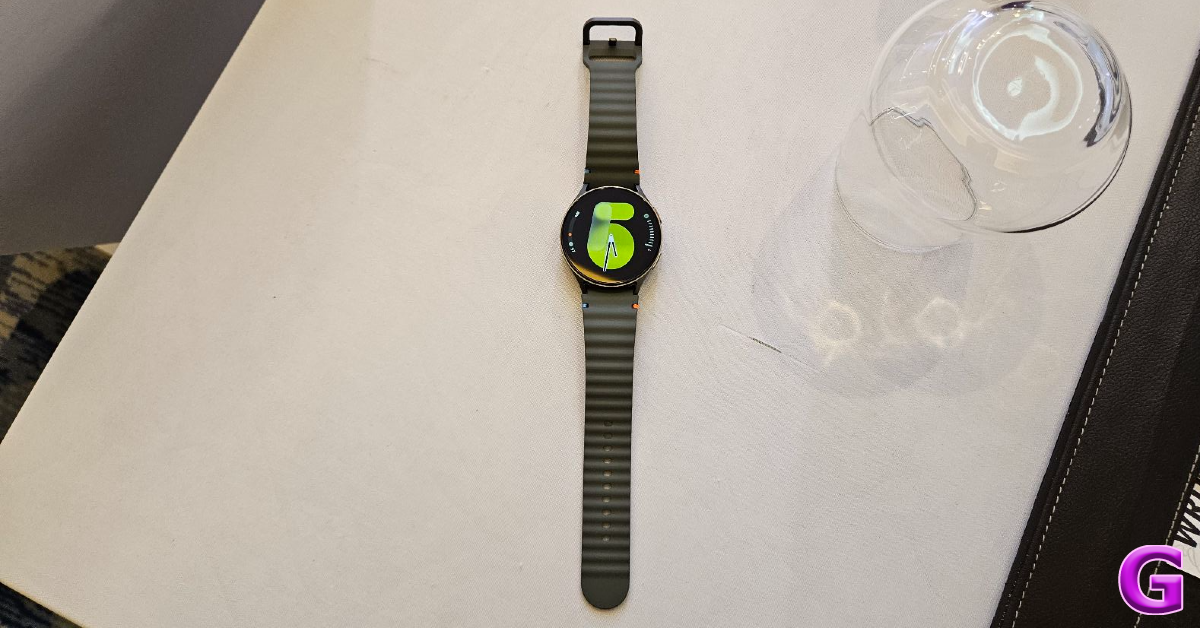
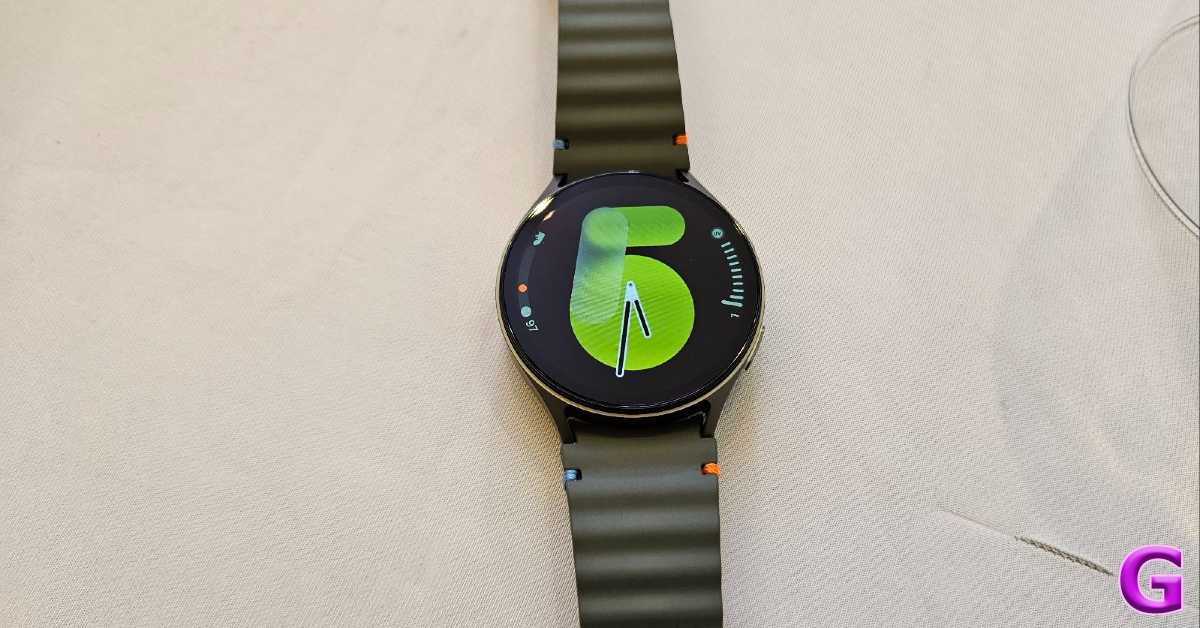
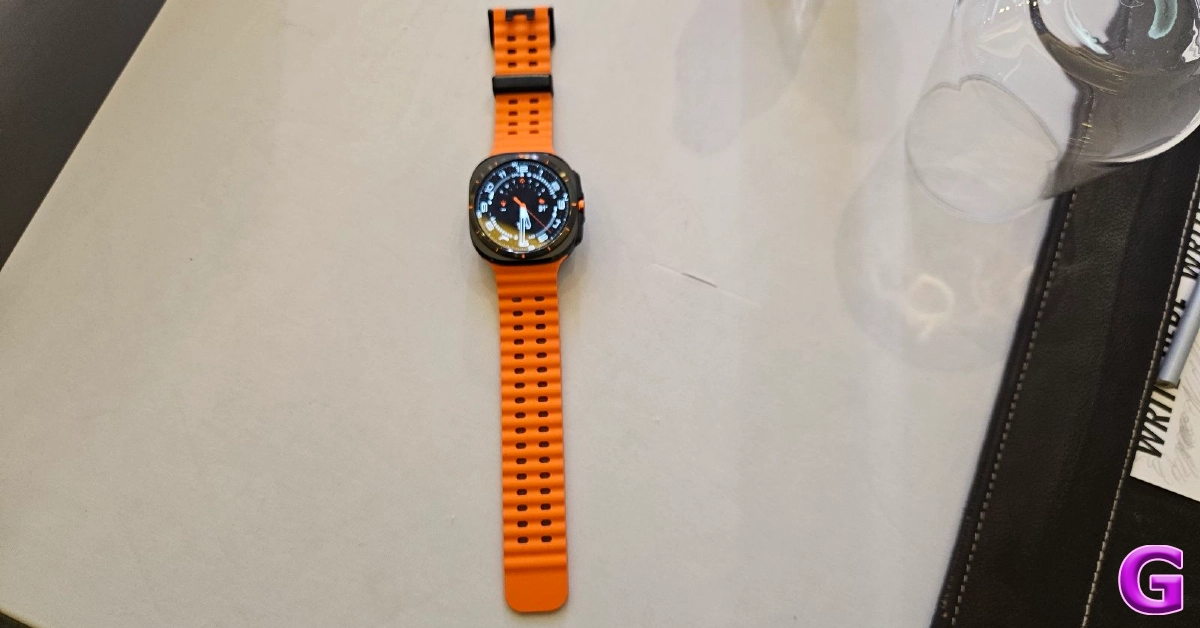
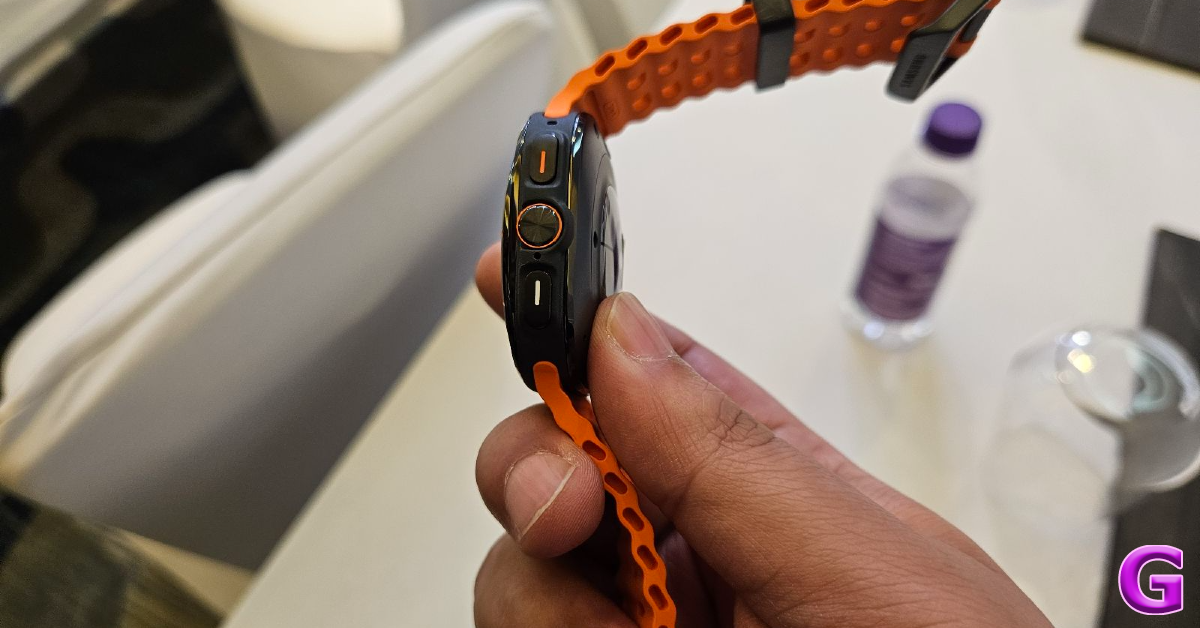
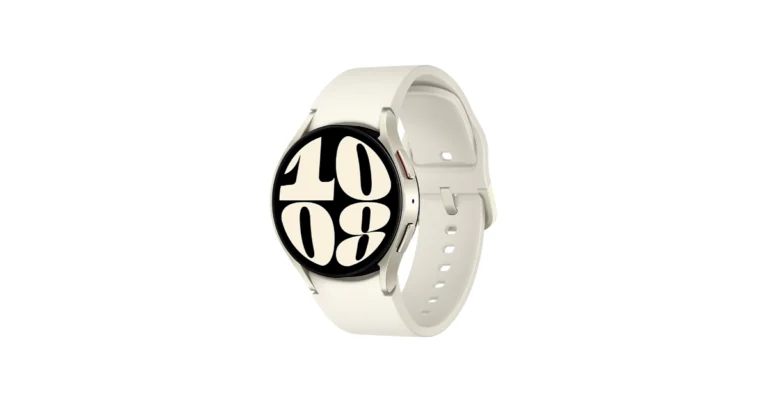
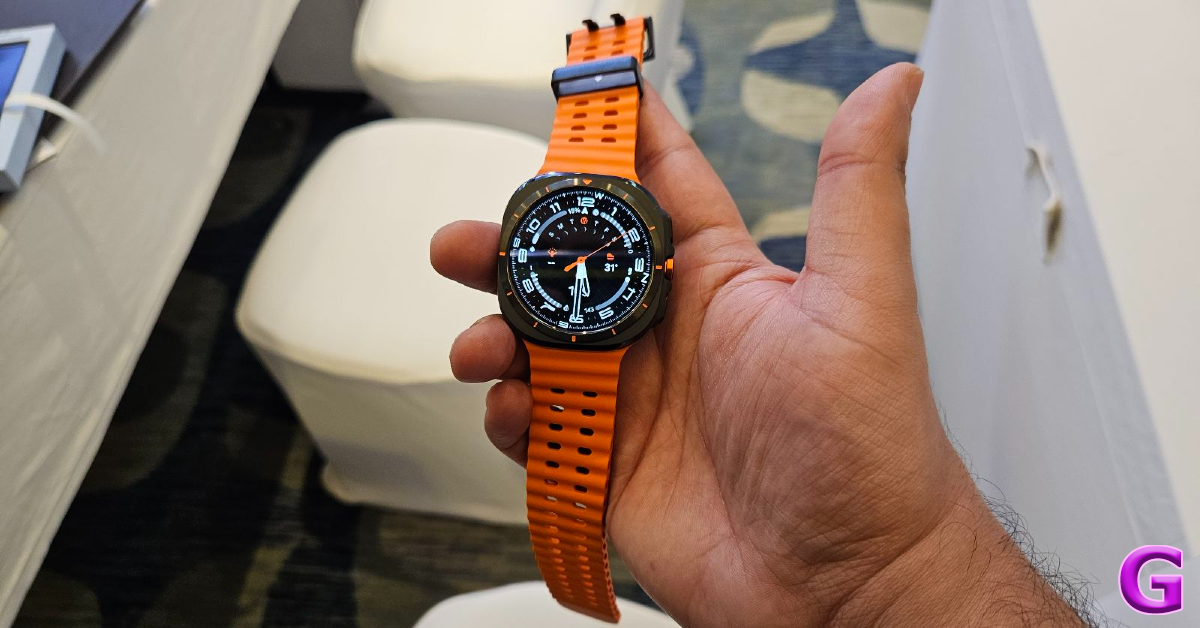 The Samsung Galaxy Watch Ultra is priced at Rs 59,999 in India. The device comes in Titanium Gray, Silver, and White colours. On the other hand, the Galaxy Watch 7 series offers four Bluetooth and cellular variants. The 40mm model is priced at Rs 29,999 (Bluetooth) and Rs. 33,999 (Cellular). They both are available in Cream and Green colours. The 44mm model is priced at Rs 36,999 (Cellular) and the variant comes in Green and Silver colours.
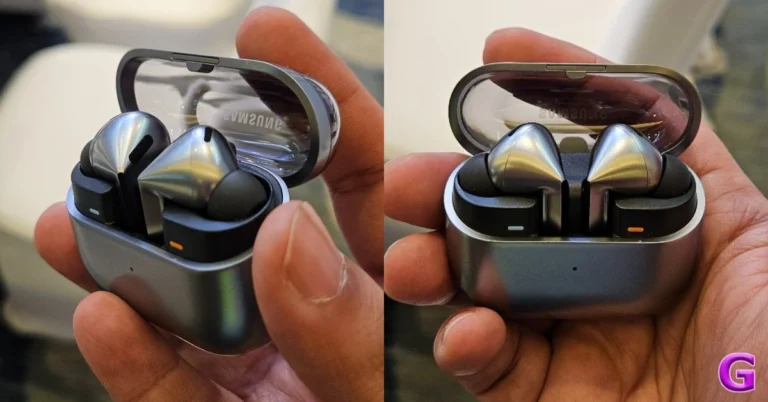
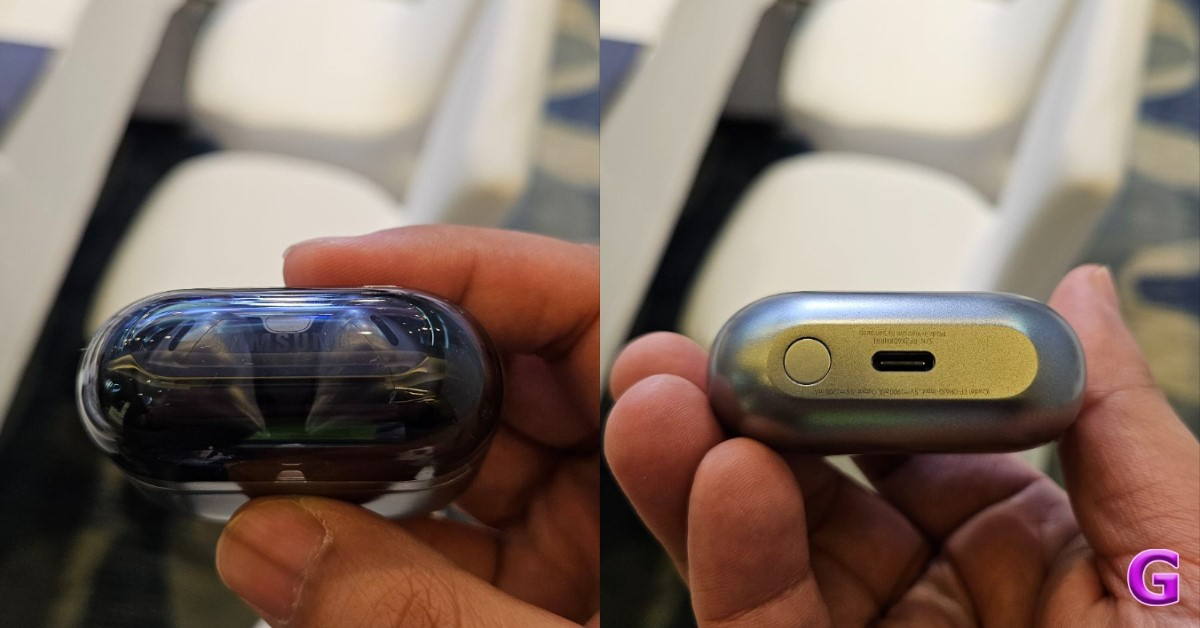
Also Read: Samsung Galaxy Buds 3, Galaxy Buds 3 Pro with stem design launched in India Lastly, the Samsung Galaxy Buds 3, and Galaxy Buds 3 Pro are priced at Rs 14,999 and Rs 19,999 respectively. They will come in two colours, Silver and White. Customers who make reservations in advance can receive upgrade incentives and multi-bank cashback on the Galaxy Watch 7 and Galaxy Watch Ultra. With the Galaxy Watch Ultra, you can get a Rs 10,000 cash back or upgrade incentive, while the Galaxy Watch 7 gives a Rs 8,000 cashback or bonus. Both the Buds 3 and the Buds 3 Pro come with cashback or upgrade bonuses worth Rs 4000 and Rs 5000, respectively.JB Park, President and CEO, Samsung Southwest Asia, unveils the future with the sixth generation of foldables, powered by the transformative #GalaxyAI revolution. Experience innovation like never before!#Samsung #SamsungUnpacked pic.twitter.com/lVXMg7YVkd
— SamsungNewsroomIN (@SamsungNewsIN) July 10, 2024
 Also Read:
  Also Read:


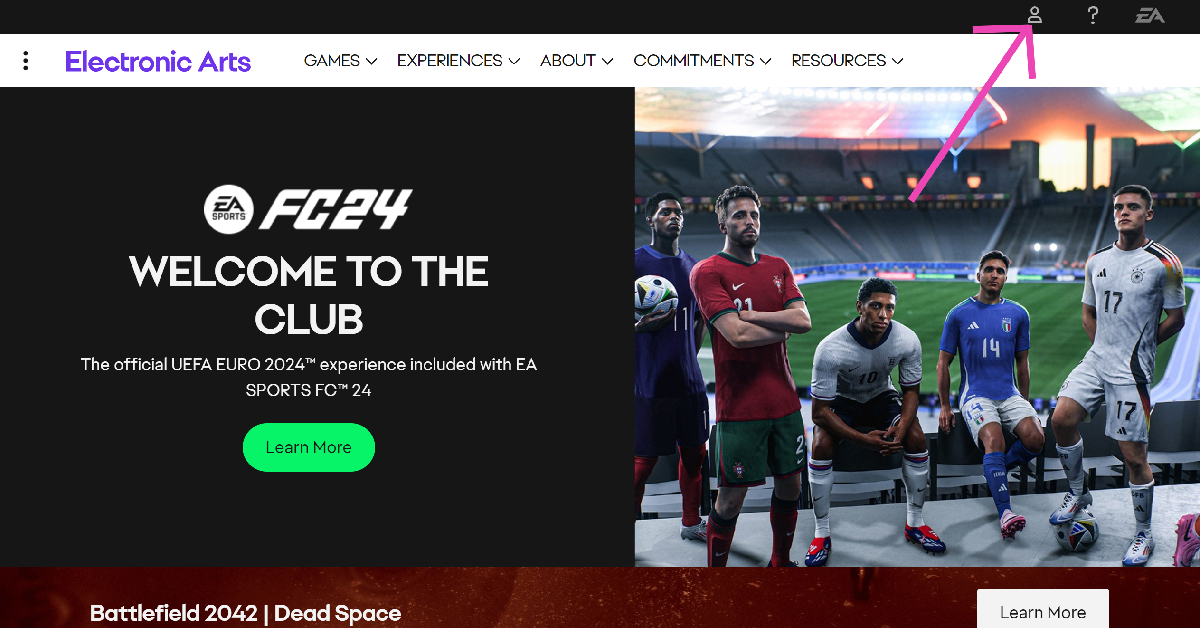 Step 2:
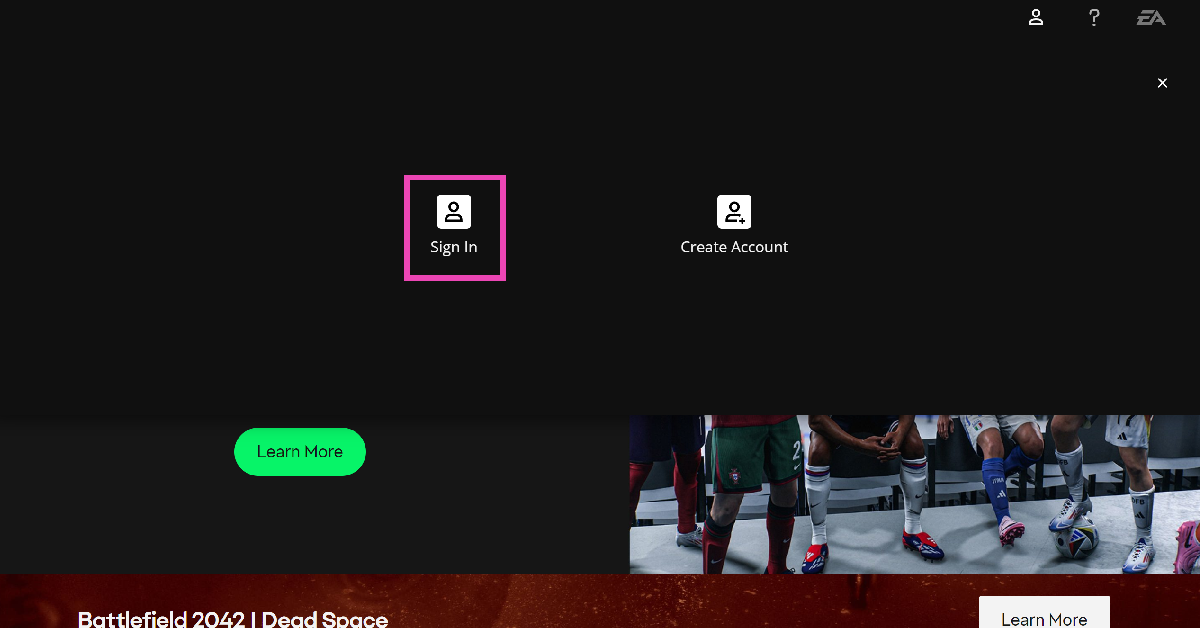 Step 3:
 Step 4:















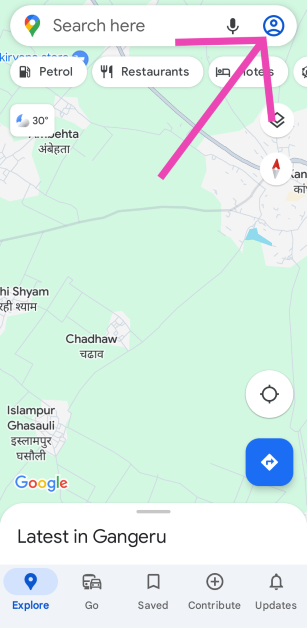 Step 2:
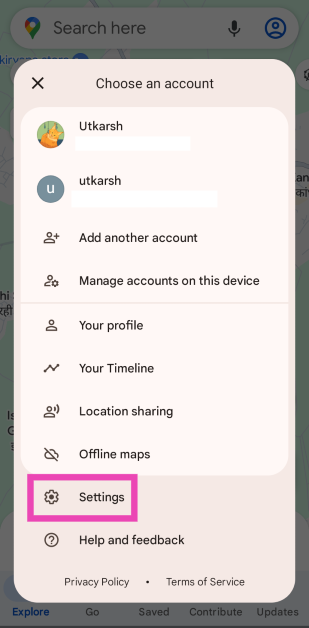 Step 3:
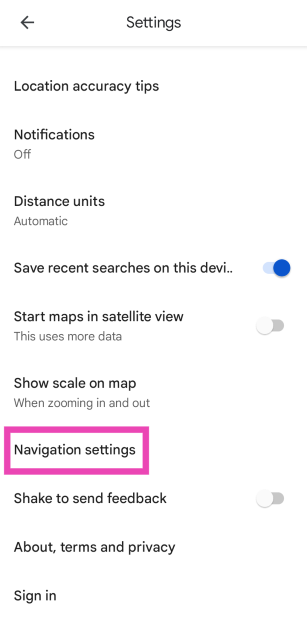 Step 4: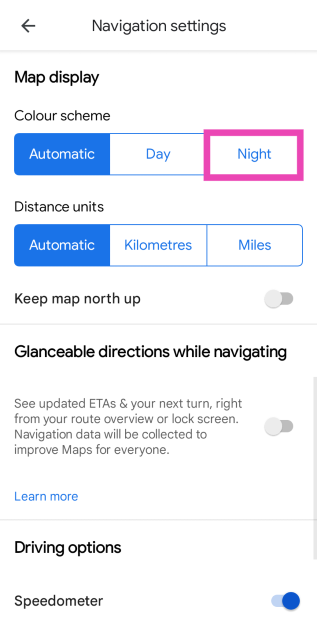
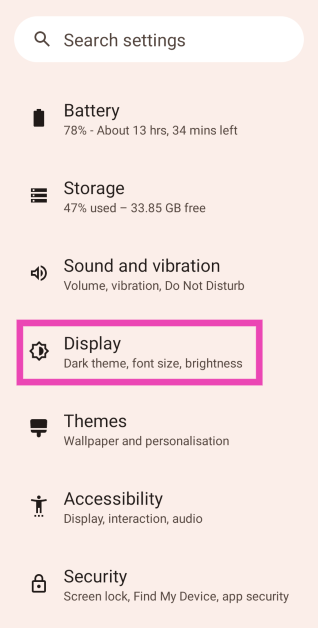 Step 2:
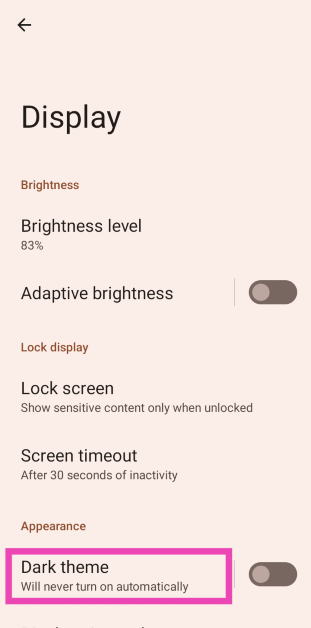 Step 3: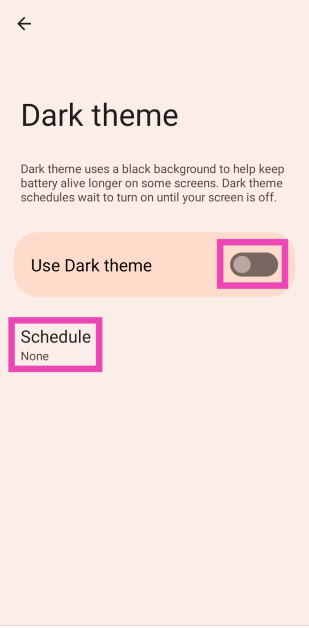
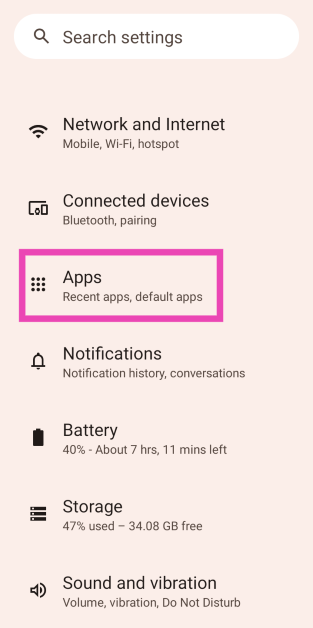 Step 2:
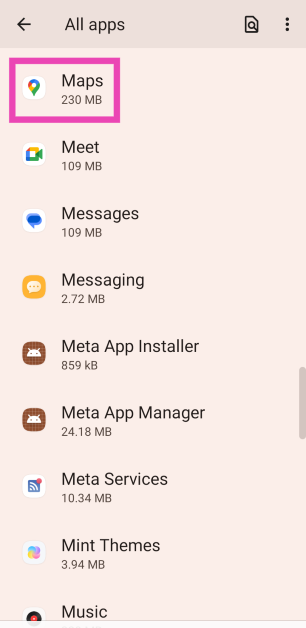 Step 3:
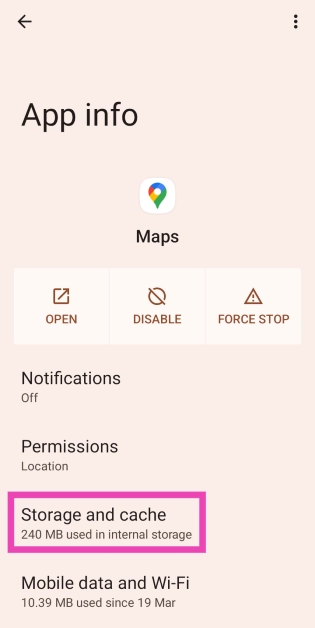 Step 4: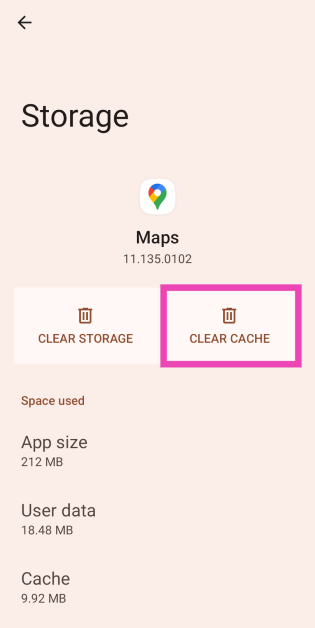
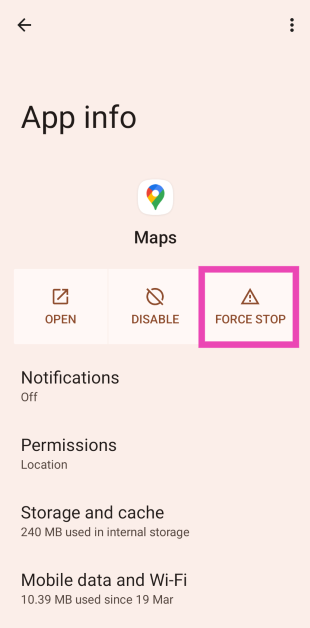
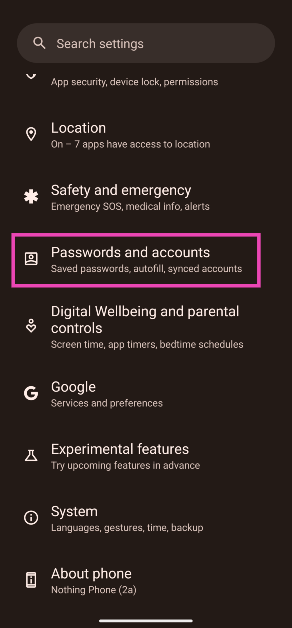 Step 2: Tap on the Gmail account you want to remove from the device.
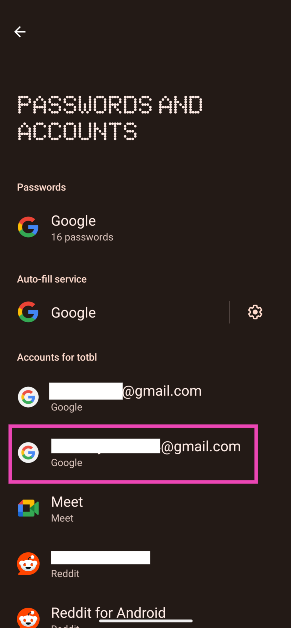 Step 3: Tap on Remove account.
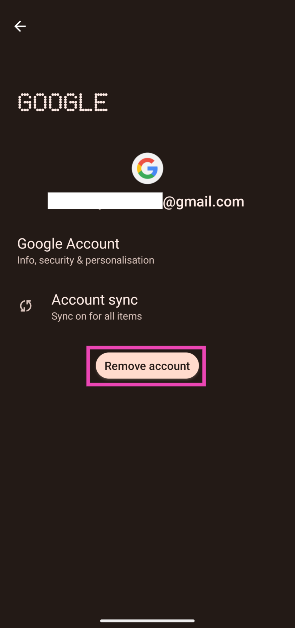 Step 4: Confirm your selection in the pop-up box.
Step 5: Go to Passwords and accounts and tap on Add account. Log in to your Google account using the proper credentials.
Step 4: Confirm your selection in the pop-up box.
Step 5: Go to Passwords and accounts and tap on Add account. Log in to your Google account using the proper credentials.
 It is possible that a background software issue is keeping the Google Maps app on your phone from switching to Dark Mode. Luckily, most background issues can be resolved by a quick restart. Press the side button and the volume up button simultaneously to go to the power menu. Once you’re in the power menu, hit ‘Restart’.
 Step 2: Tap on Download and install.
 Step 3: Select Install now.

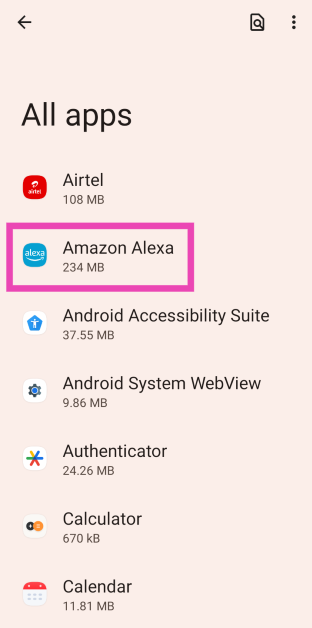 Step 3:
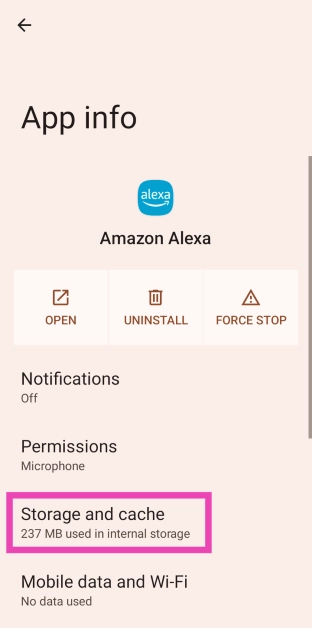 Step 4: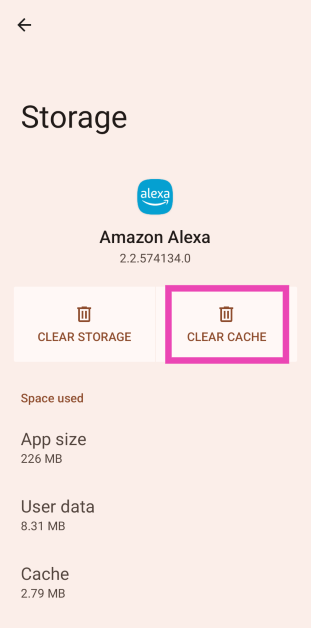
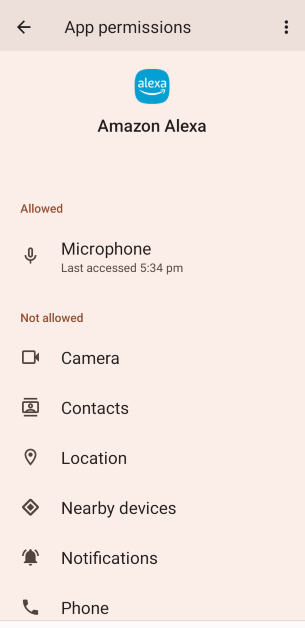 Step 4: Allow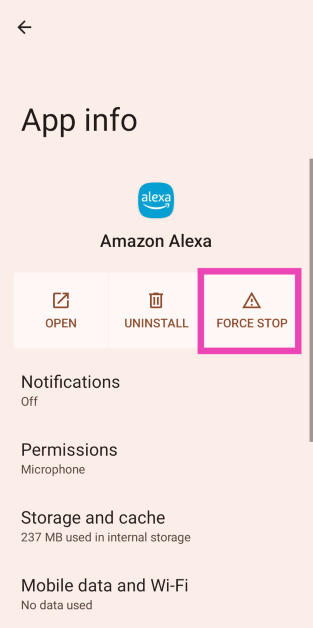
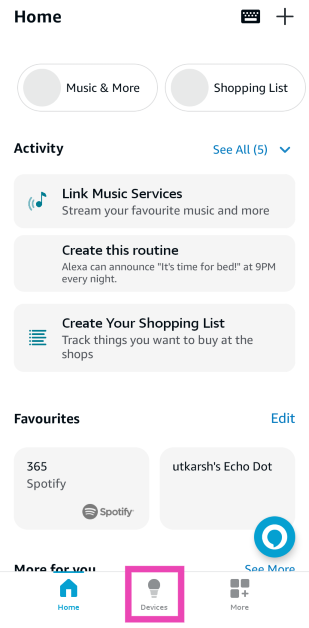 Step 3:
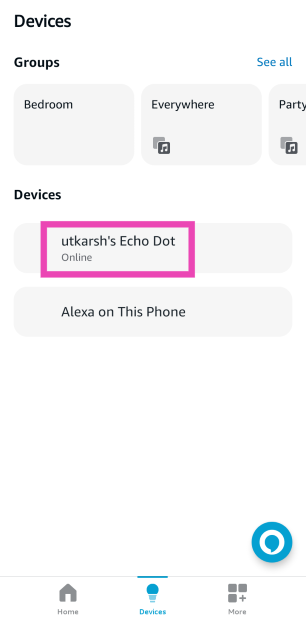 Step 4:
 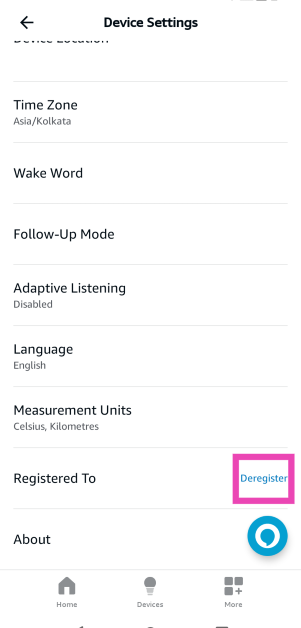 Step 5: Add
 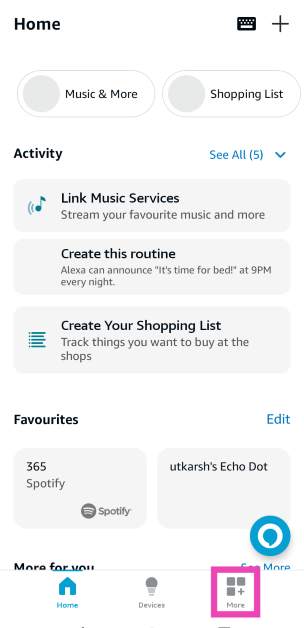 Step 2:
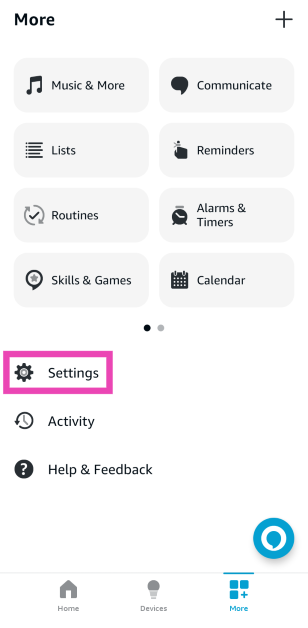 Step 3:
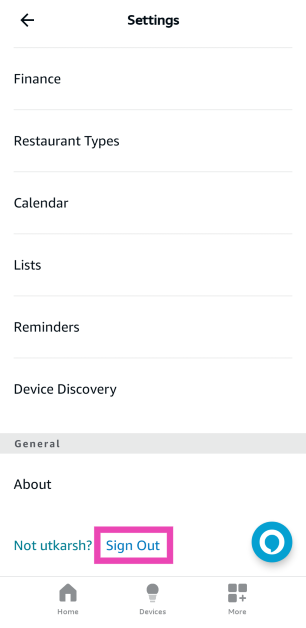 Step 4:
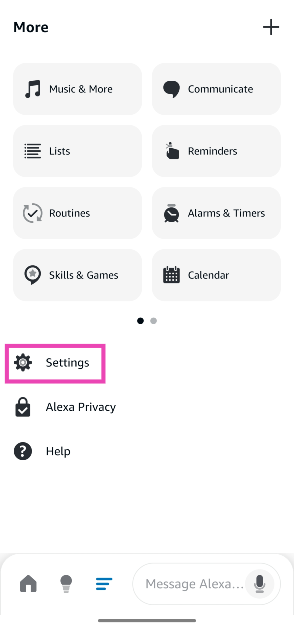
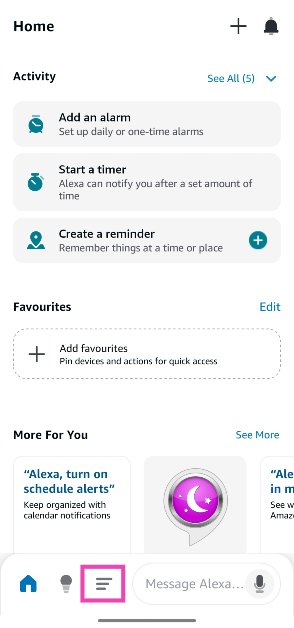 Step 3: Go to Settings.
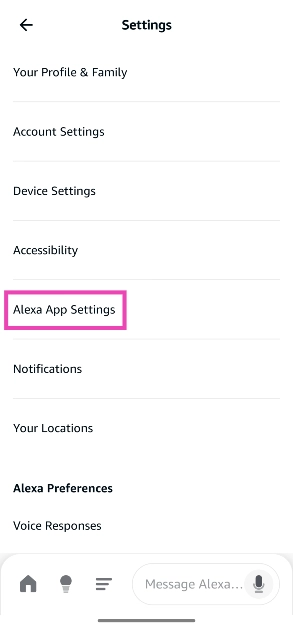
 Step 4: Tap on Alexa App Settings.
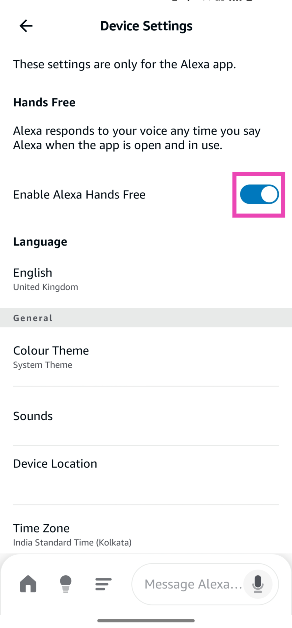
 Step 5: Turn on the toggle switch next to Alexa Hands Free.



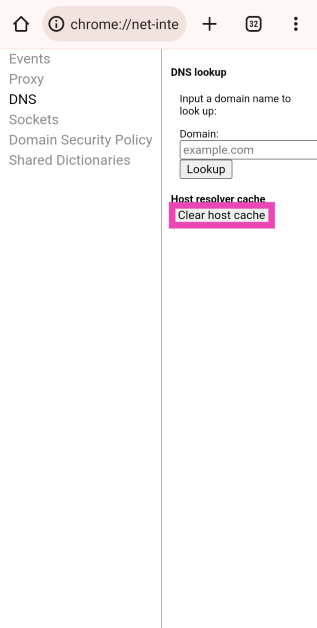
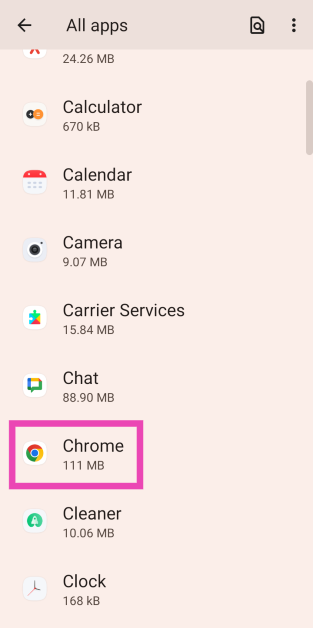 Step 3:
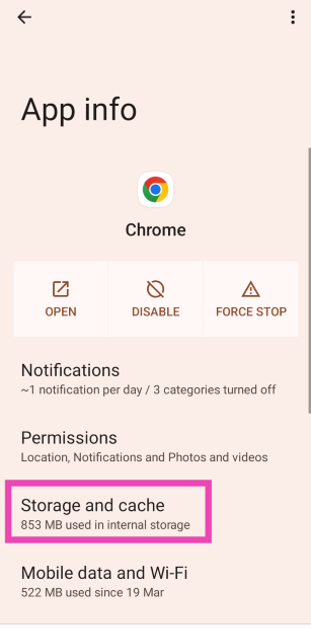 Step 4: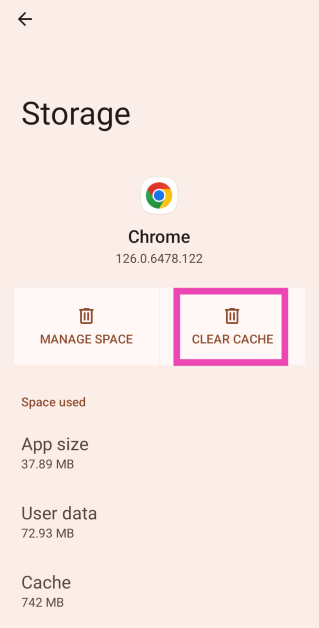
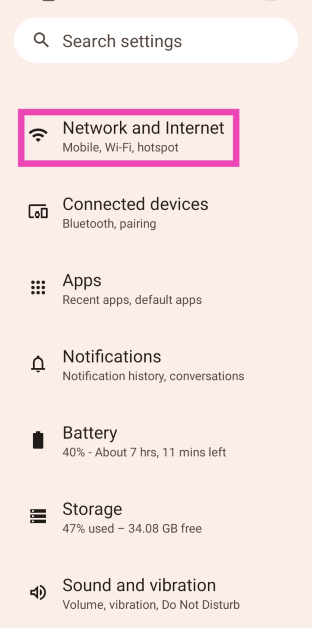 Step 2:
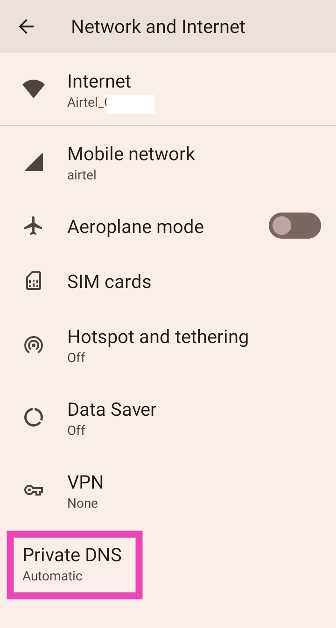 Step 3:
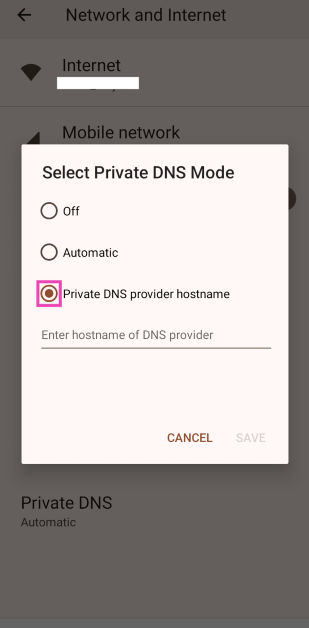 Step 4:
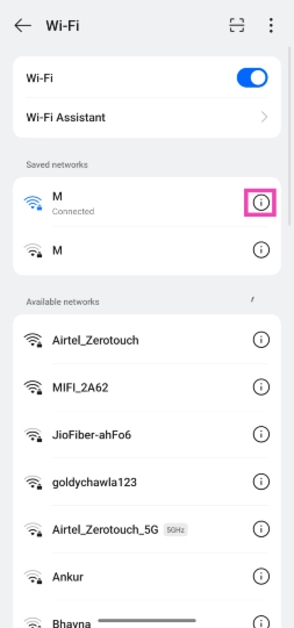
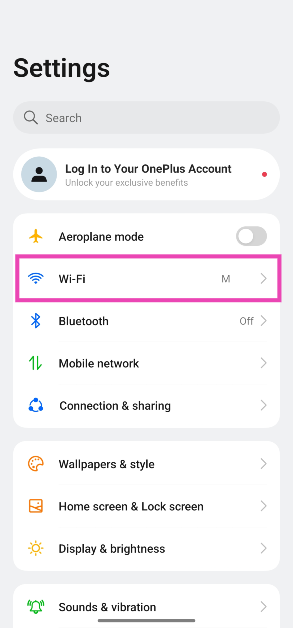 Step 2: Hit the i icon next to the connected network.
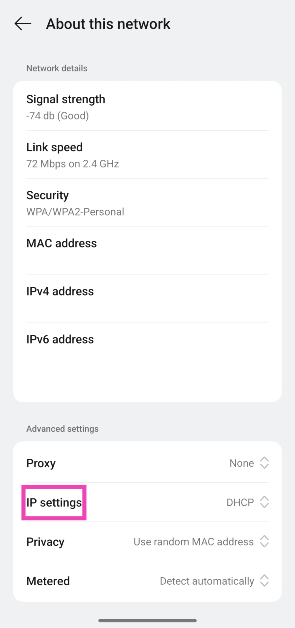
 Step 3: Scroll down and tap on IP Settings.
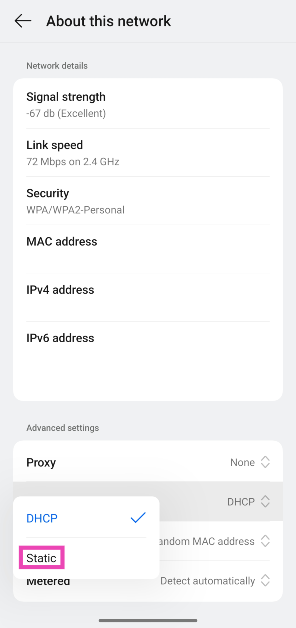
 Step 4: Select Static.
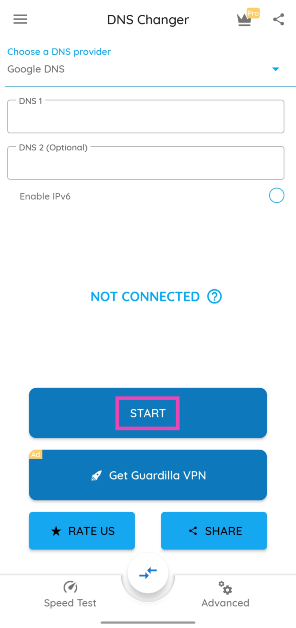 Step 3: Approve the connection request.
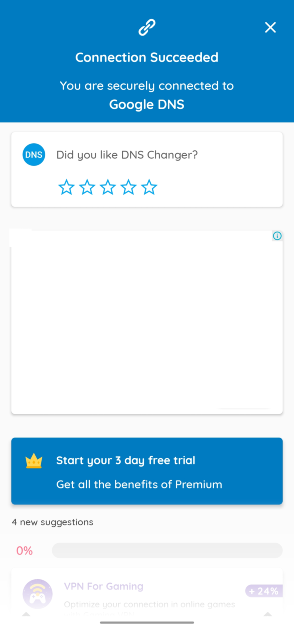
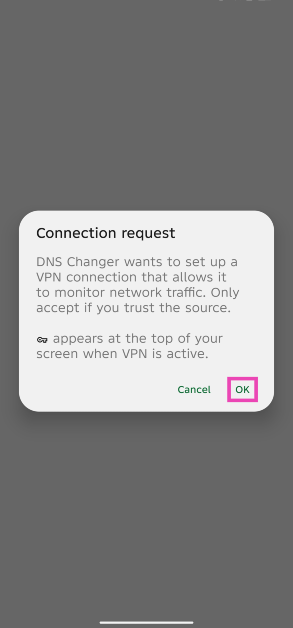 Step 4: Your current DNS will be flushed out and changed.
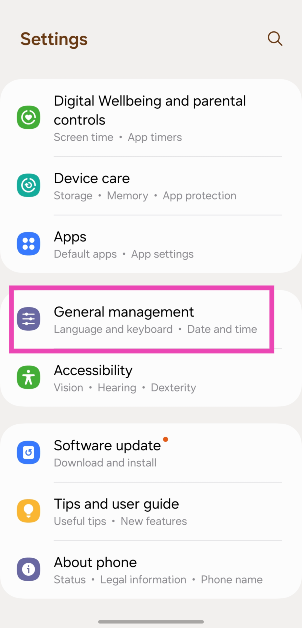 Step 2: Scroll down and select Reset.
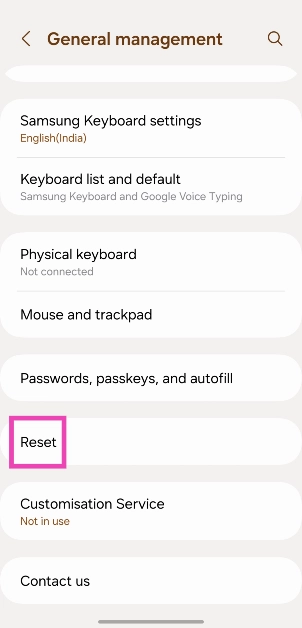 Step 3: Tap on Reset mobile network settings.
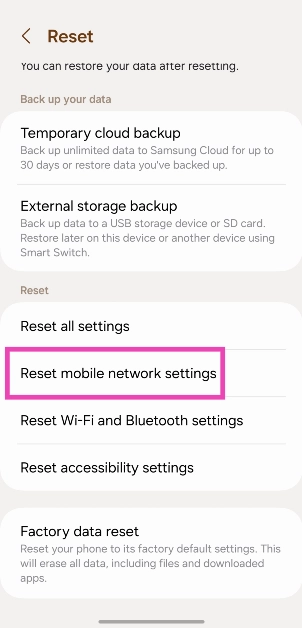 Step 4: Select Reset settings.
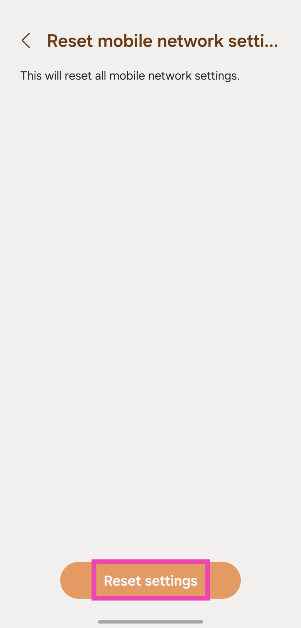 Step 5: Enter your PIN to confirm your selection.