

In This Article
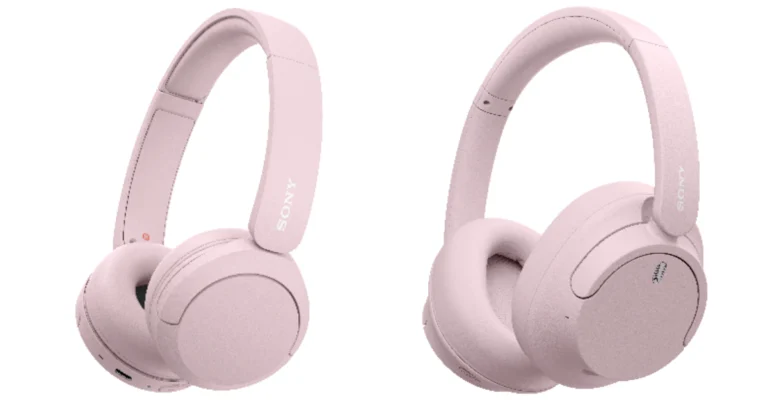
Sony WH-CH520 Headphones Features
- Swivel design allows for more compact carrying.
- Adjustable headband with cushioning and soft earpads.
- 30mm drivers provide a comfortable fit.
- For music upscaling, use DSEE Ultimate.
- Multipoint connection enables quick device switching.
- Customise your sound using the Sony Headphones Connect app’s equaliser.
- Integrated beamforming microphones with Precise Voice Pickup technology.
- Wind noise reduction structure improves the background noise.
- The Fast Pair function allows you to quickly connect your Android device to your Windows 10 computer.
- With quick charging, the battery can last up to 35 hours with noise cancellation and 50 hours without.
Sony WH-CH720N Headphones Features
- Lightweight over-ear headphones with an ergonomic design.
- Made with synthetic leather and urethane materials.
- Advanced noise cancellation using the Integrated Processor V1 processor and Dual Noise Sensor technology.
- Ambient sound mode and adaptive sound management are both adjustable.
- The Digital Sound Enhancement Engine (DSEE) provides natural vocals, crystal-clear sound, and balanced tuning.
- Precise Voice Pickup technology improves call quality.
- Wind Noise Reduction Structure to reduce background noise.
- Multipoint connection with simple button activation.
- With rapid charging, the battery can last up to 35 hours with noise cancellation and 50 hours without.








 Step 3: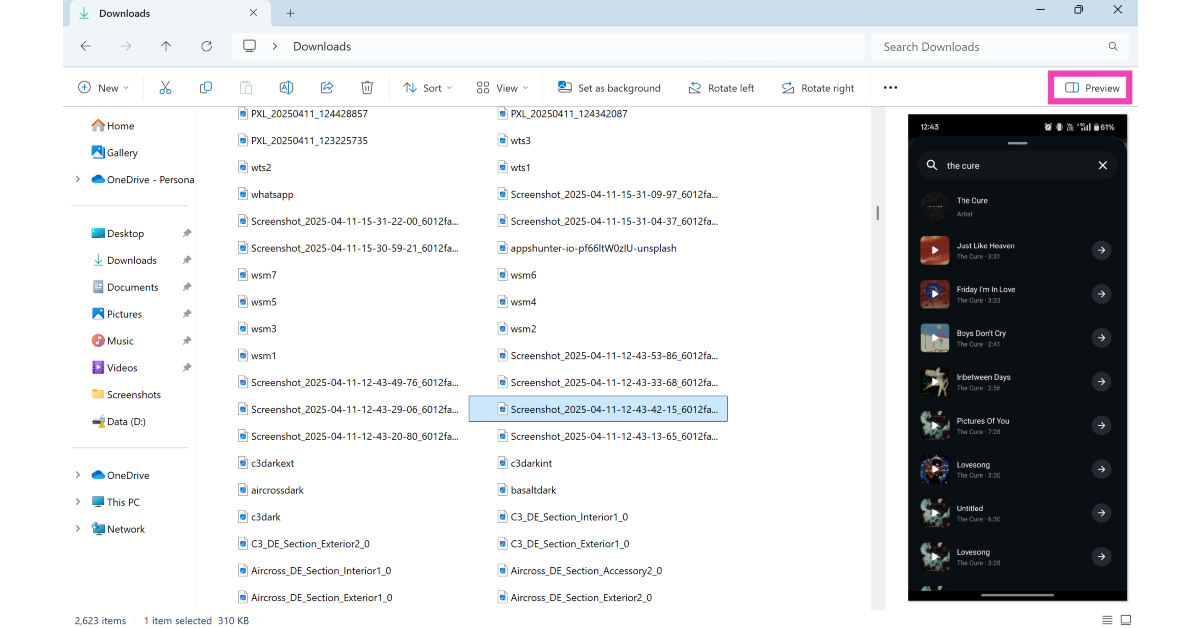
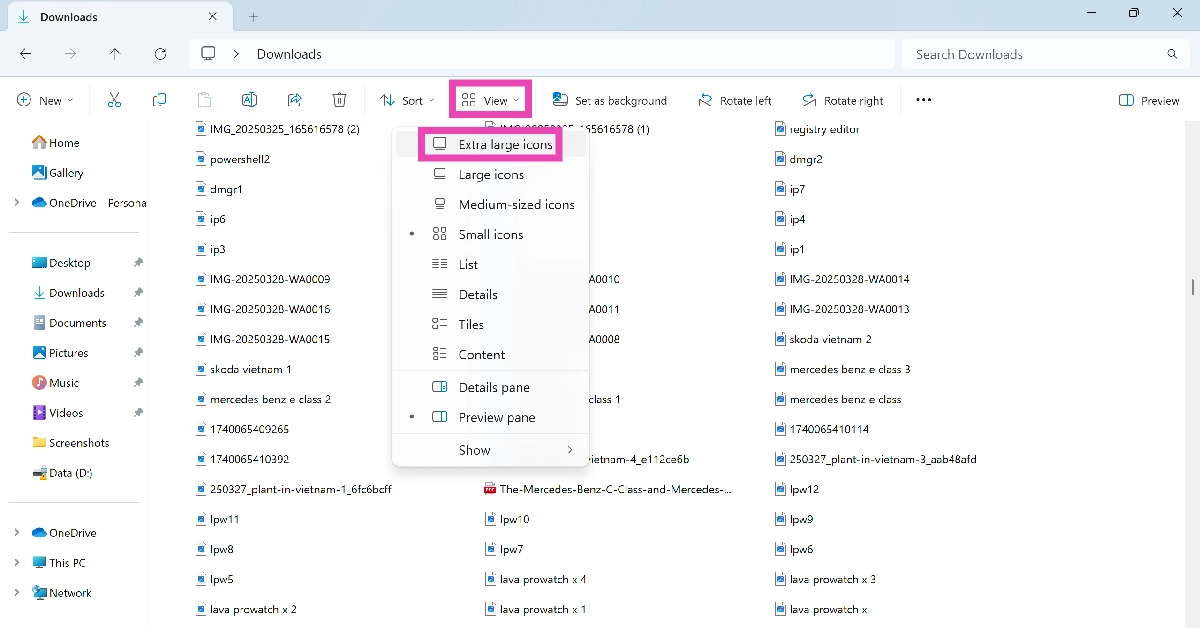 Step 3:
 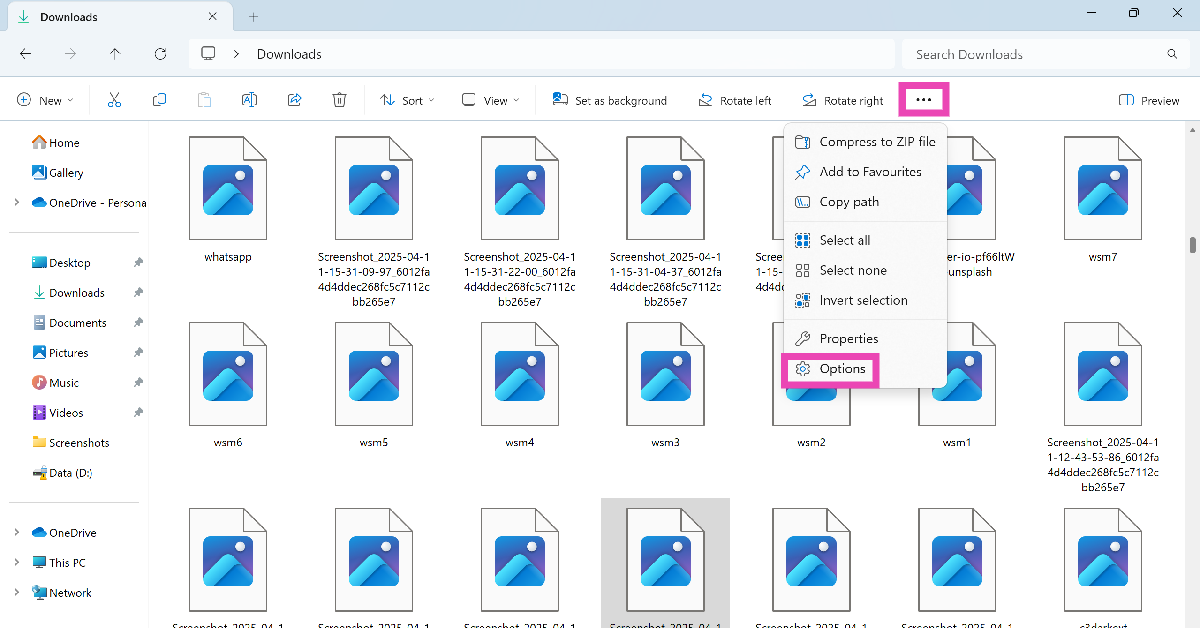 Step 4: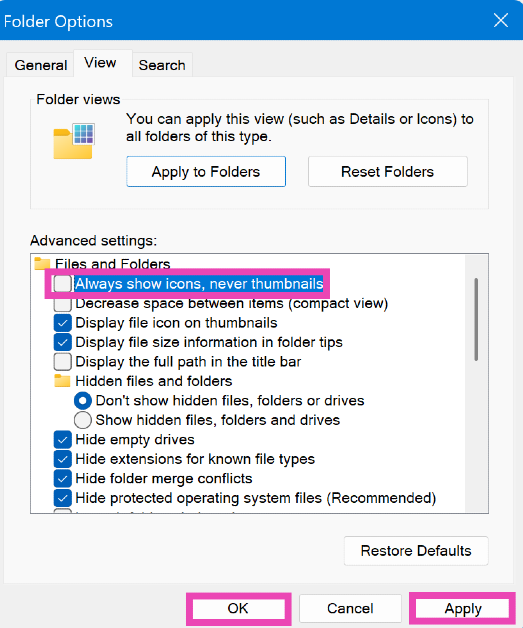
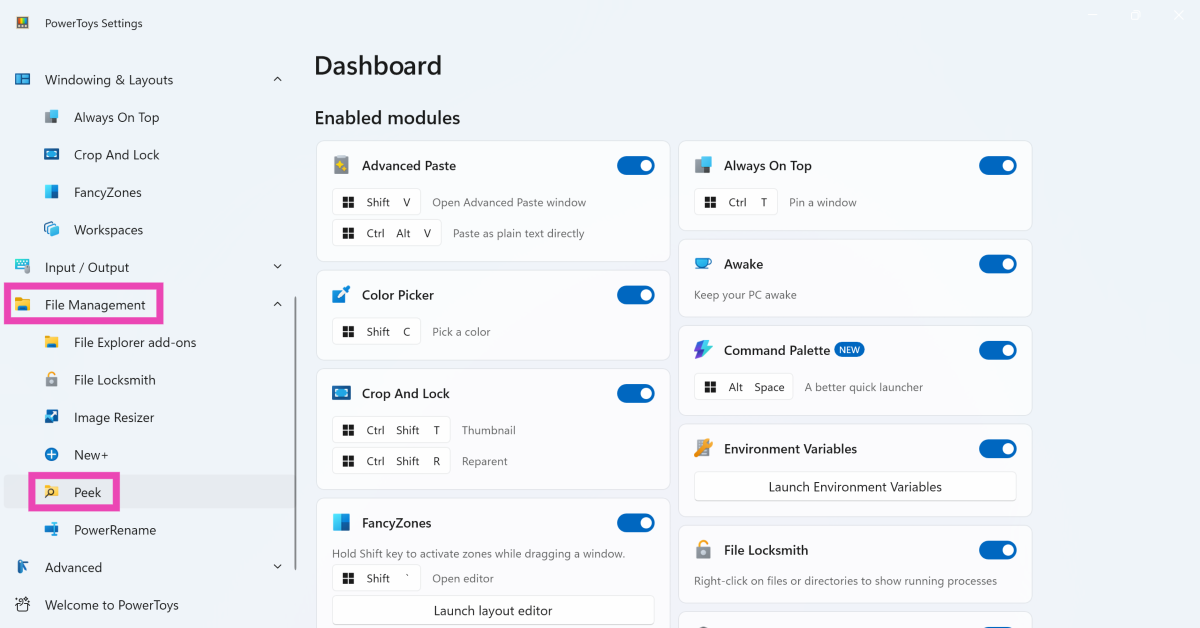 Step 3: Turn on the toggle switch next to Enable Peek.
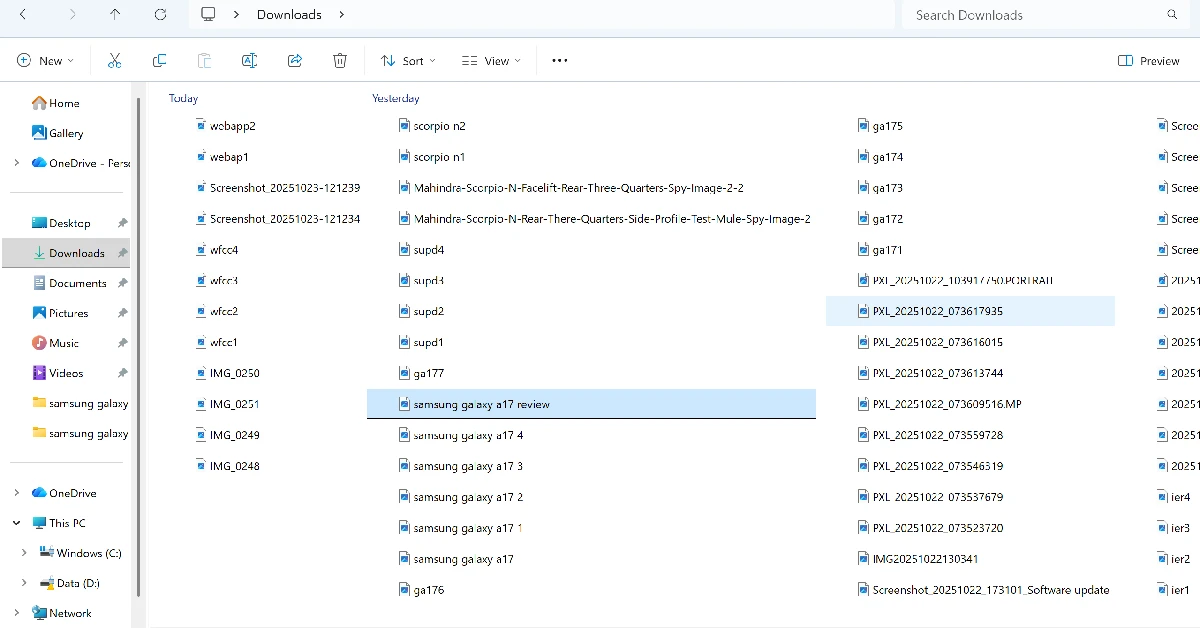
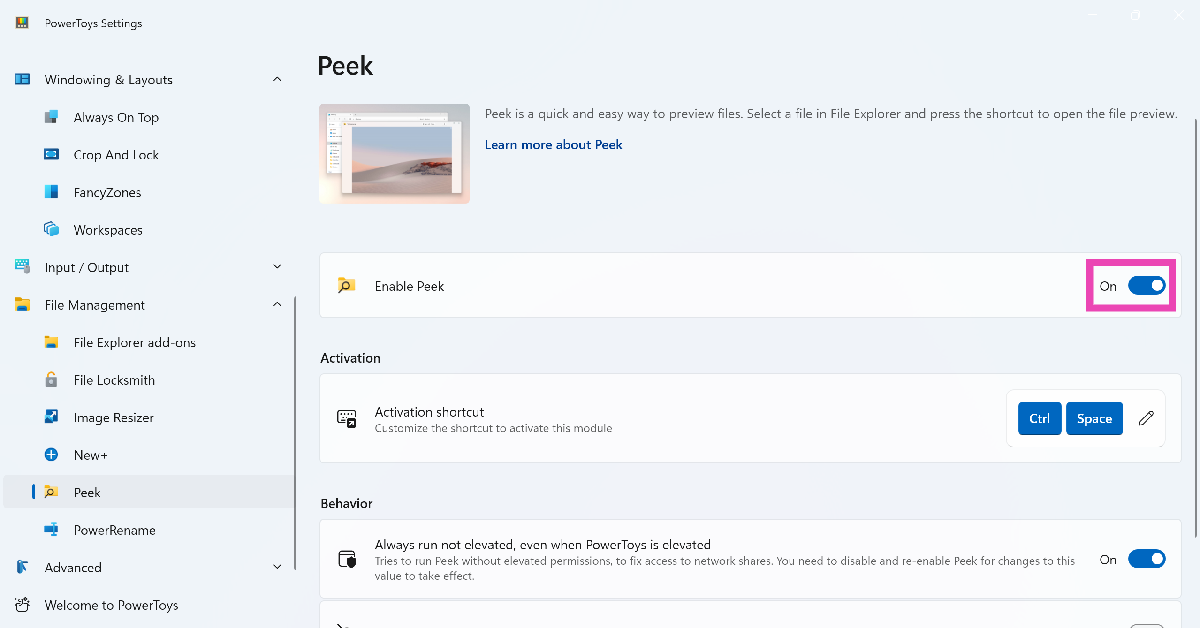 Step 4: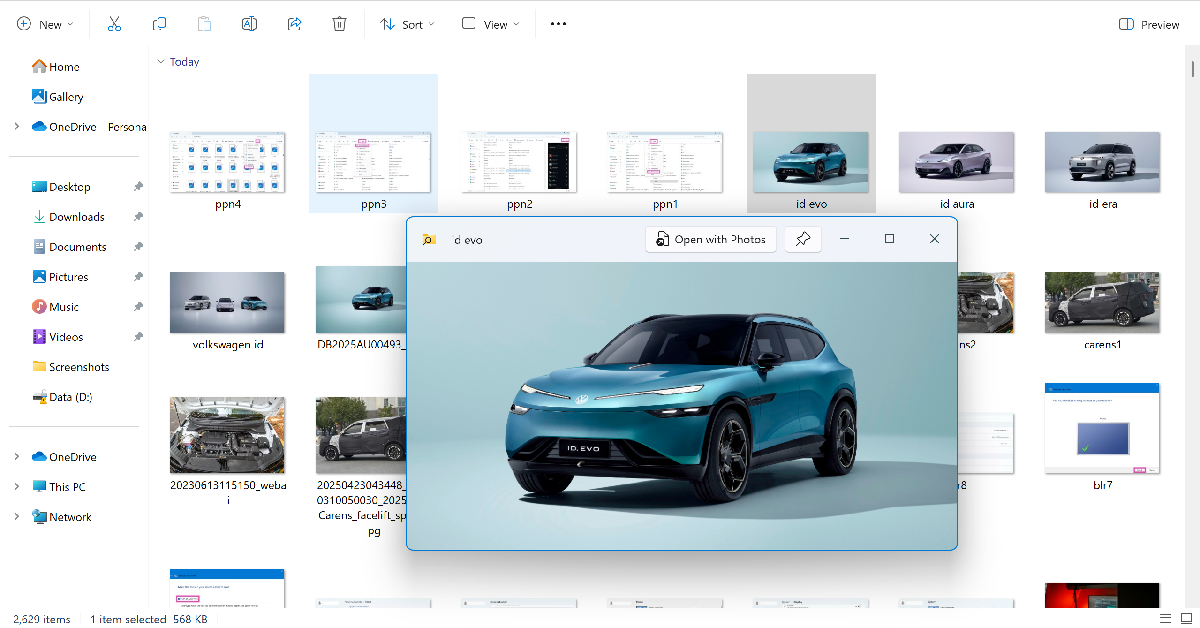
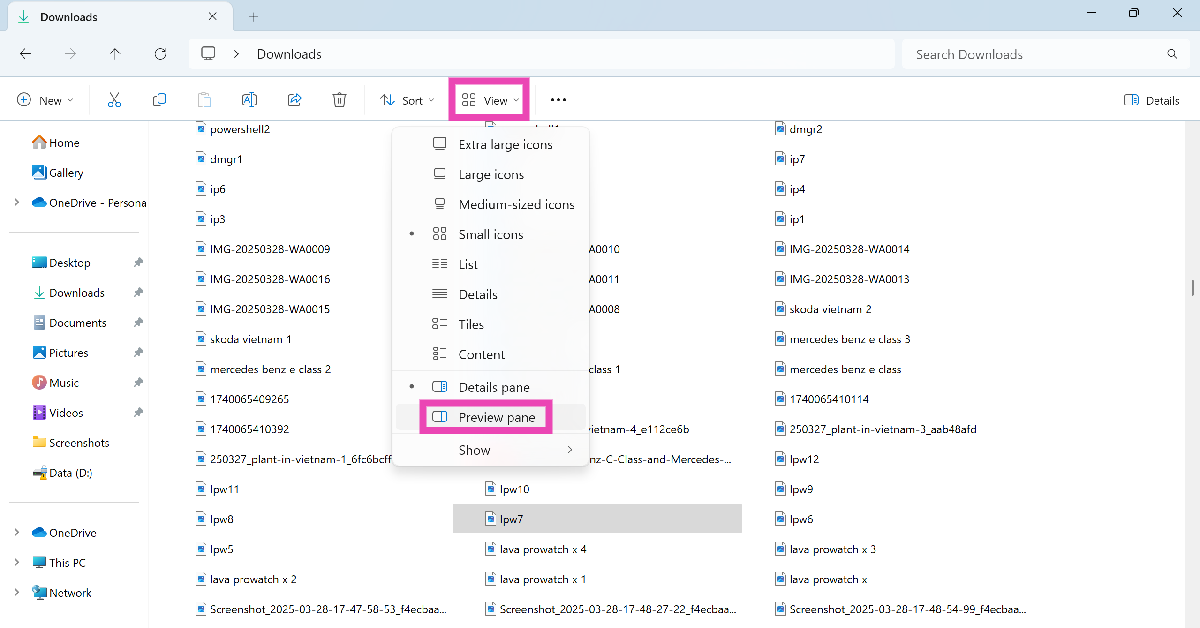
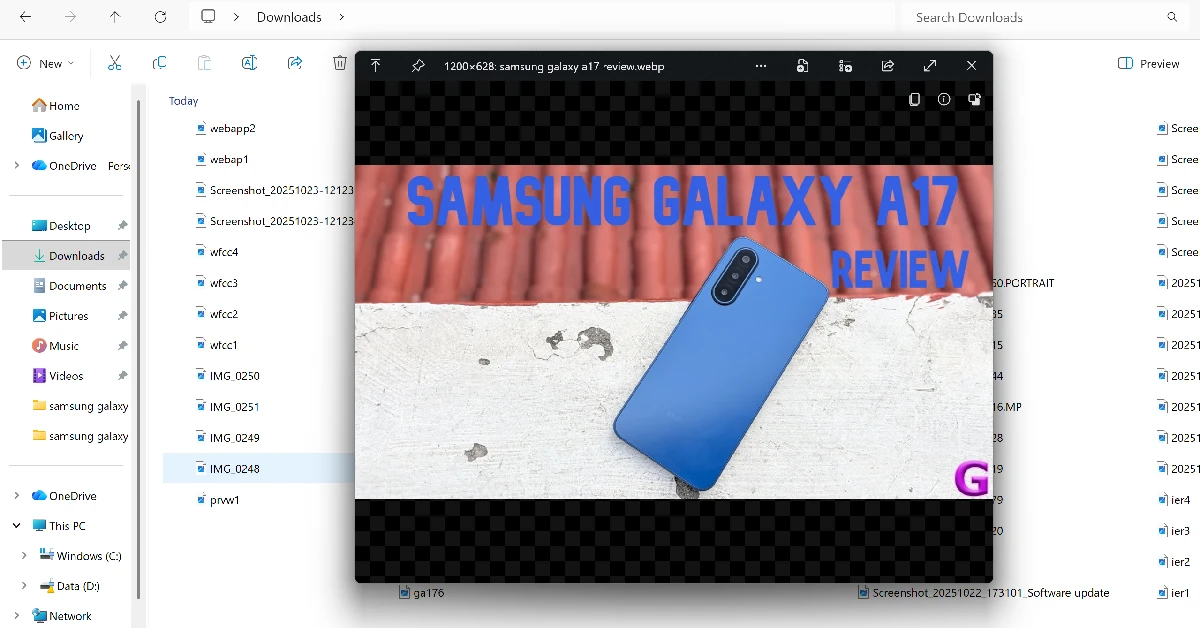
 Step 3: Press the spacebar to preview the file in a new window.
 Step 1: Launch

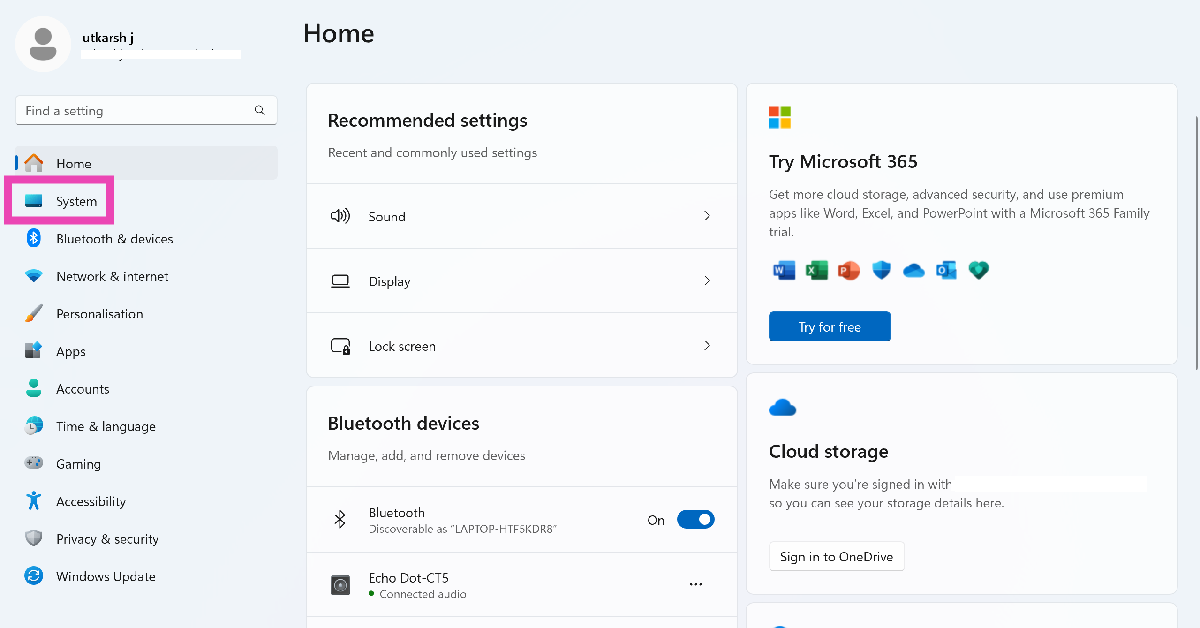 Step 2:
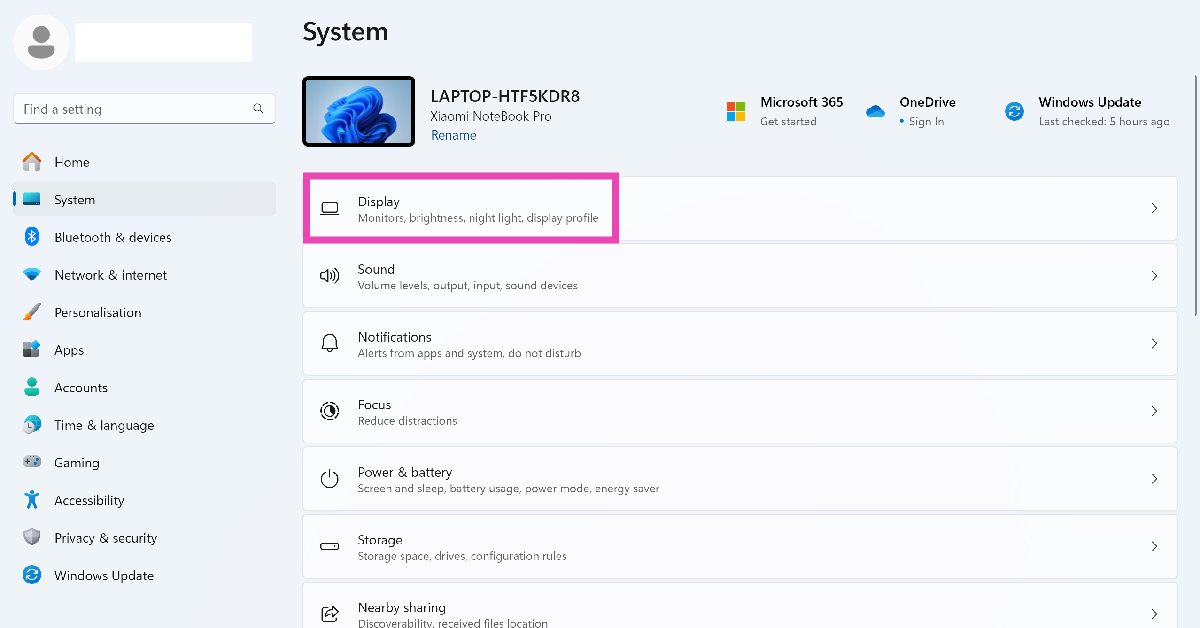 Step 3: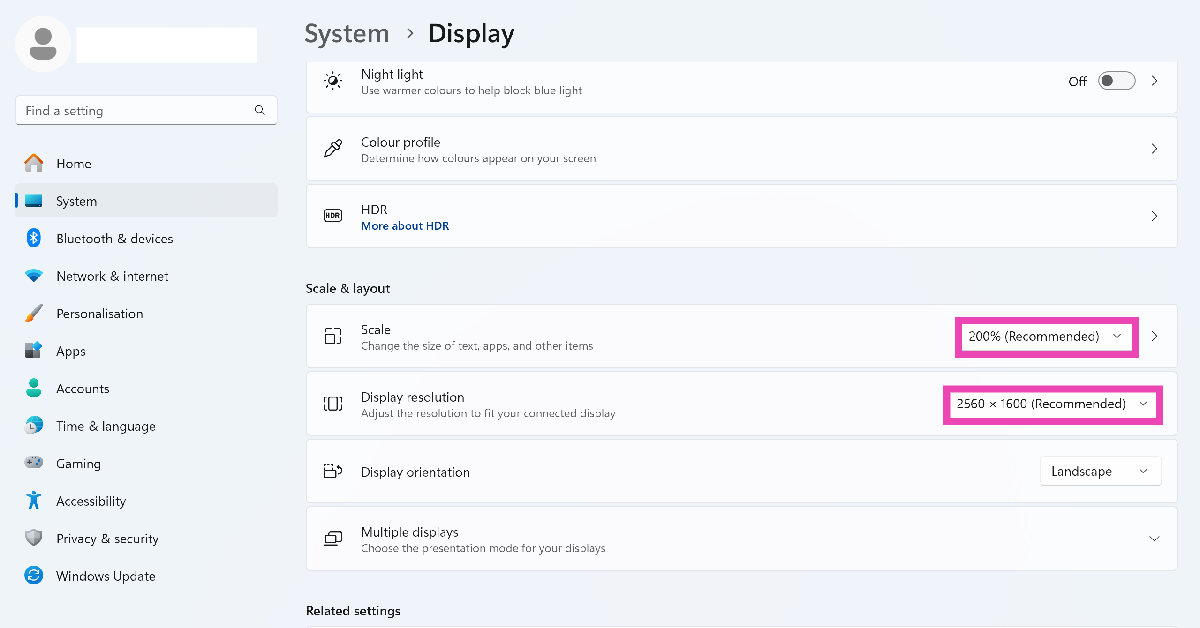
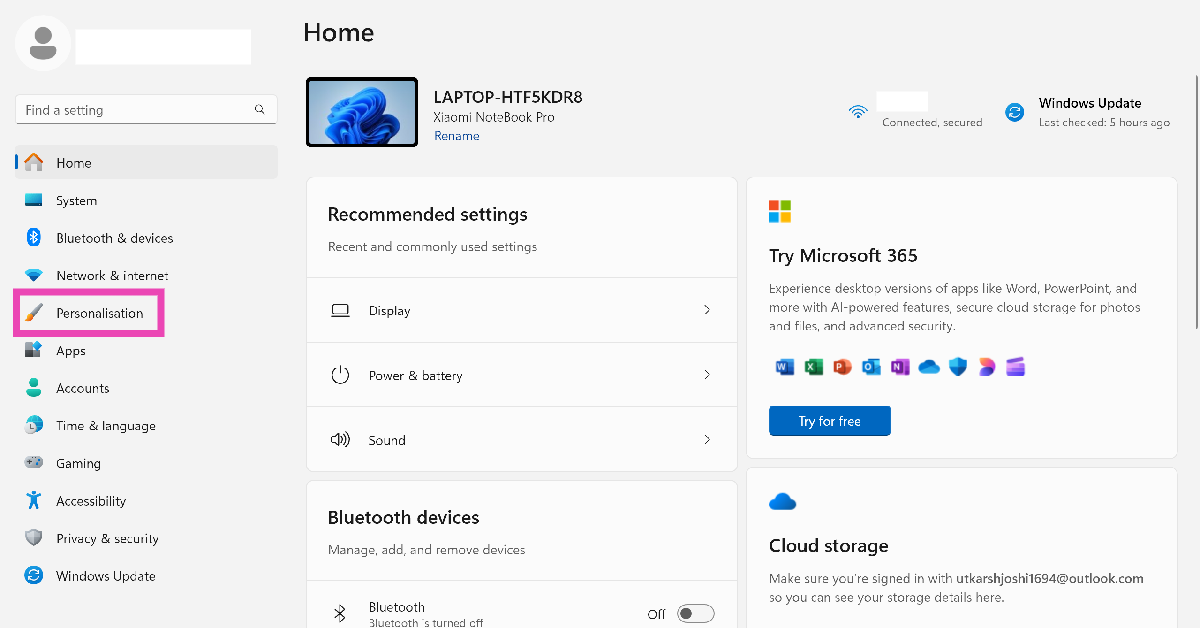 Step 2:
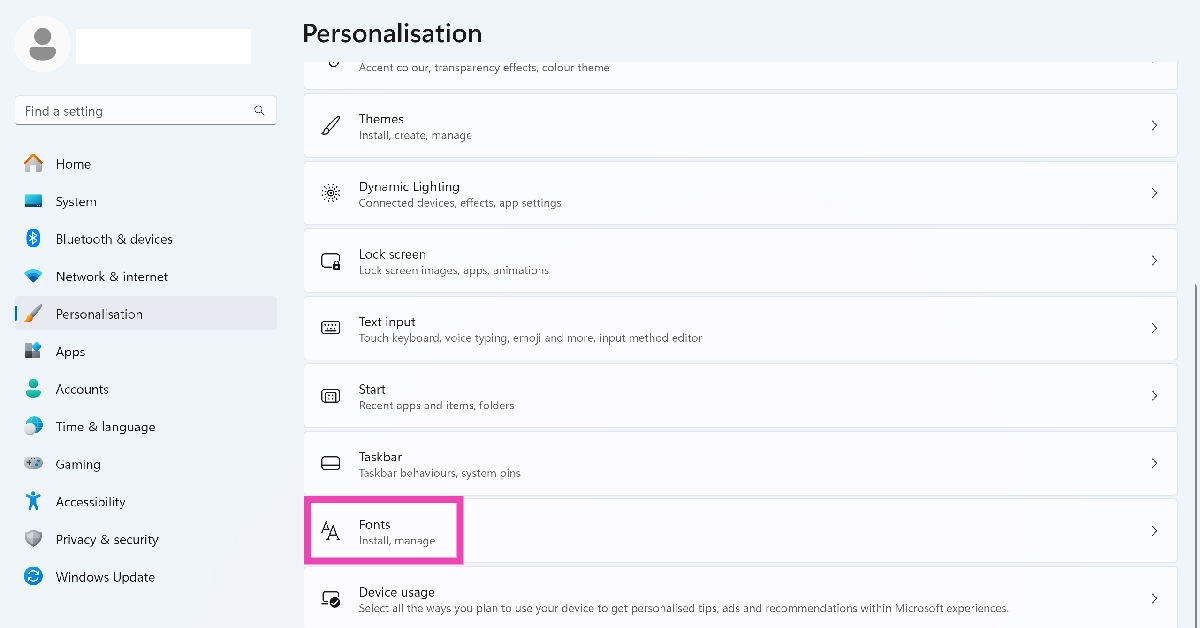 Step 3:
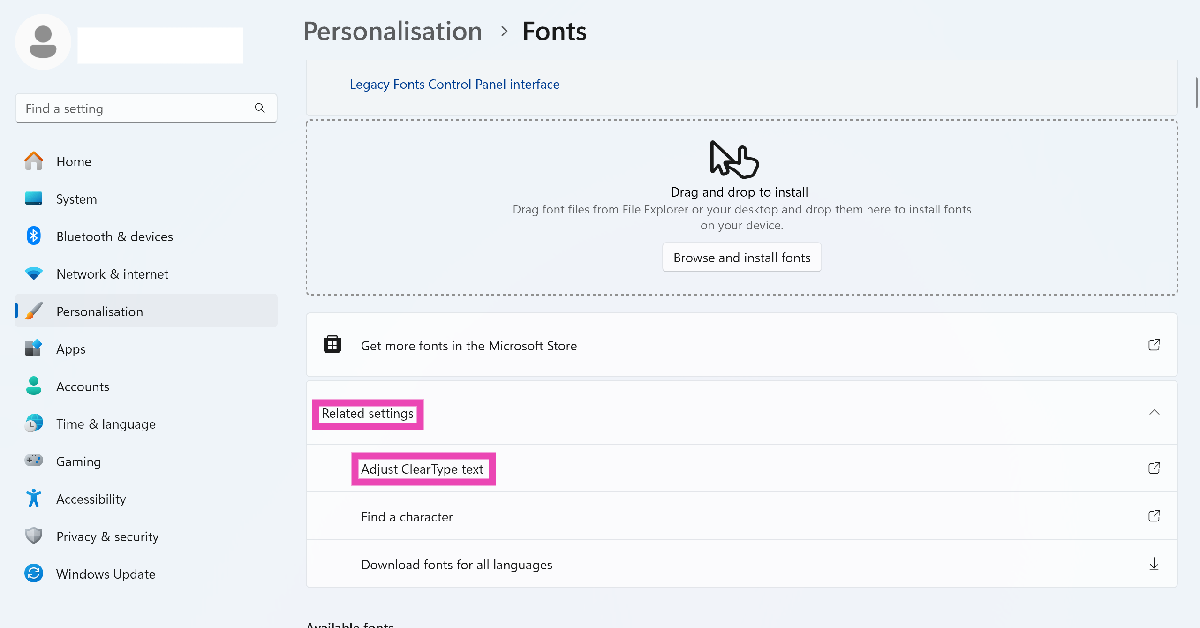 Step 4:
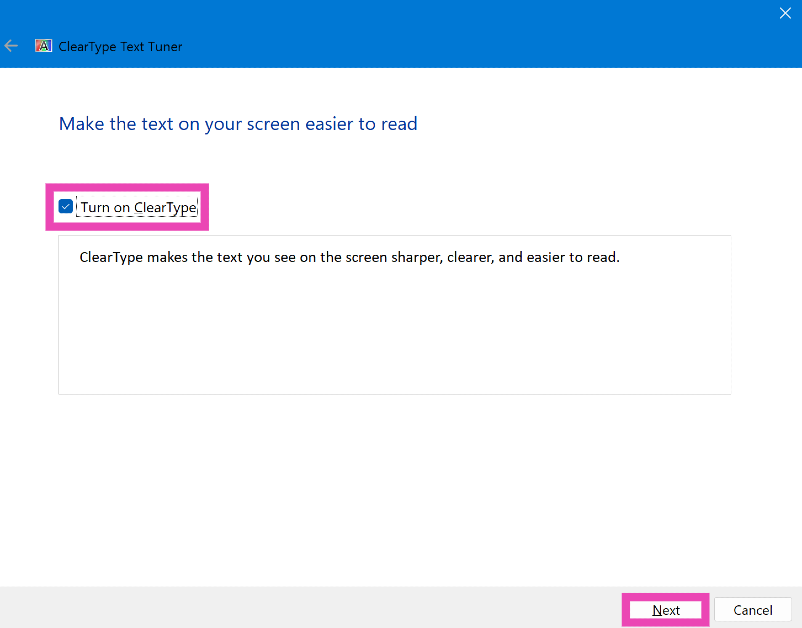 Step 6: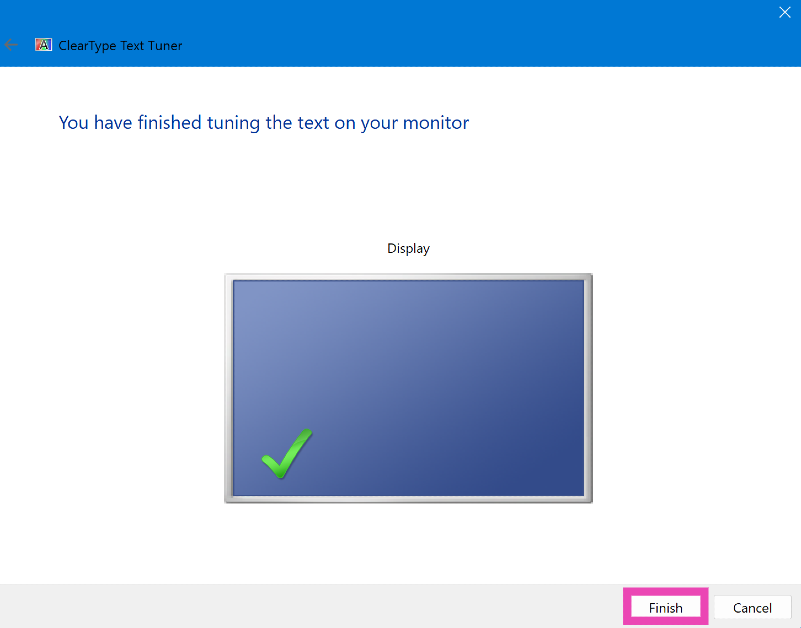
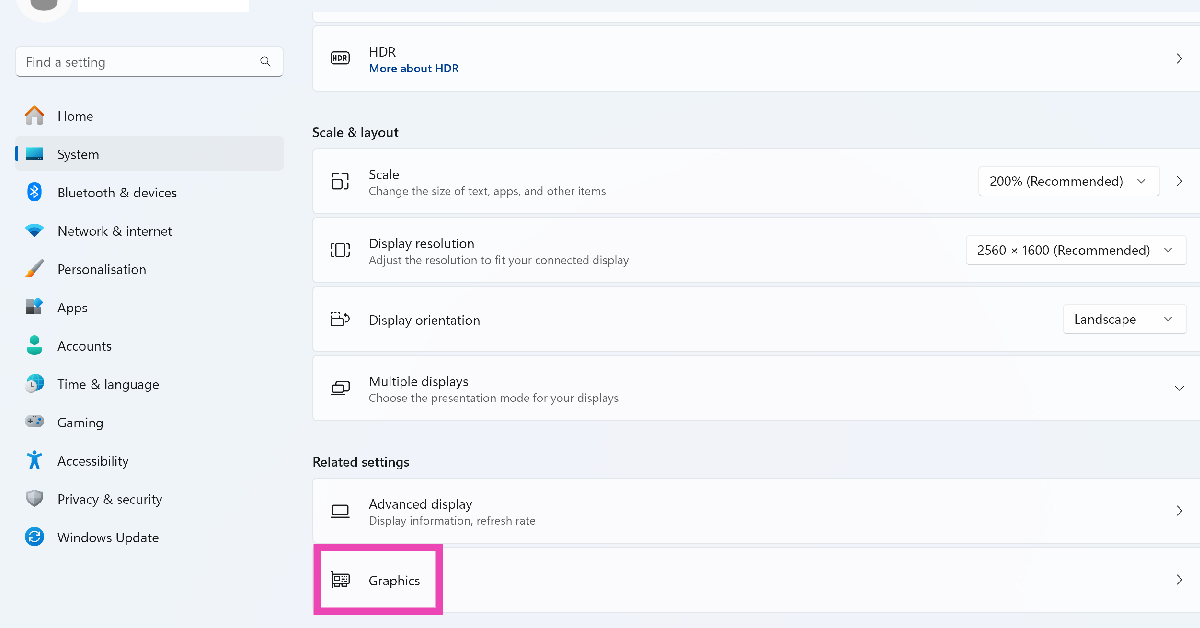 Step 4: Expand
 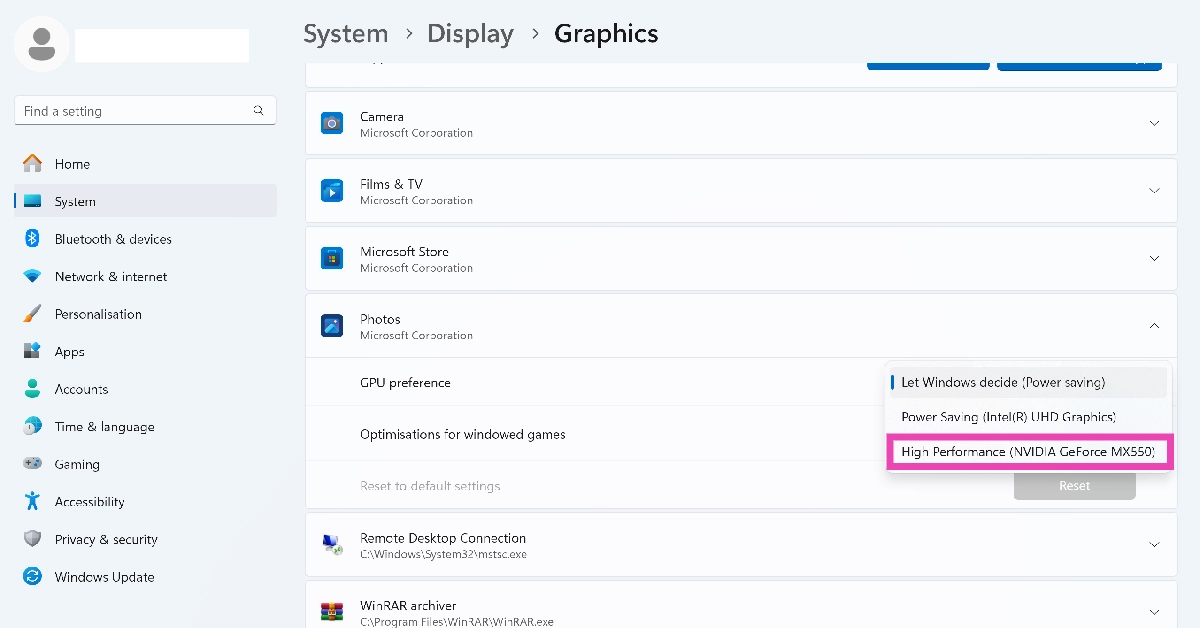 Step 5: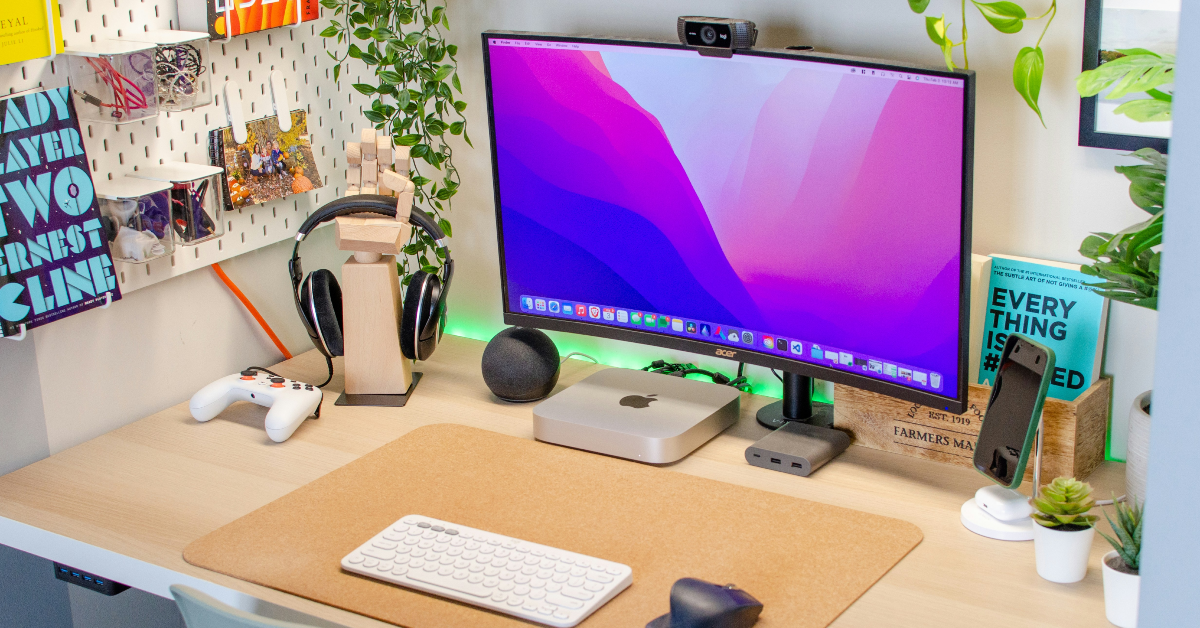
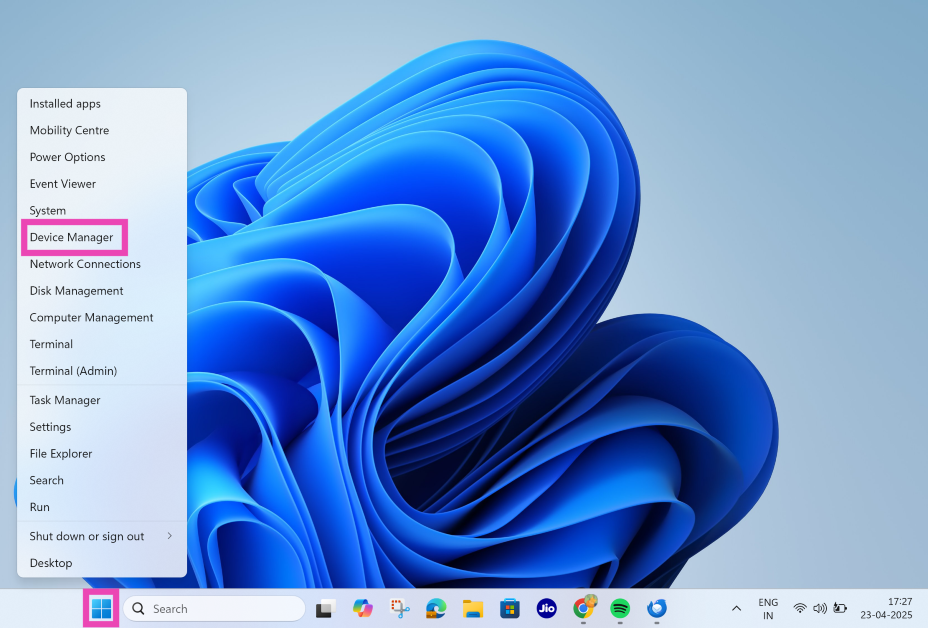 Step 2:
 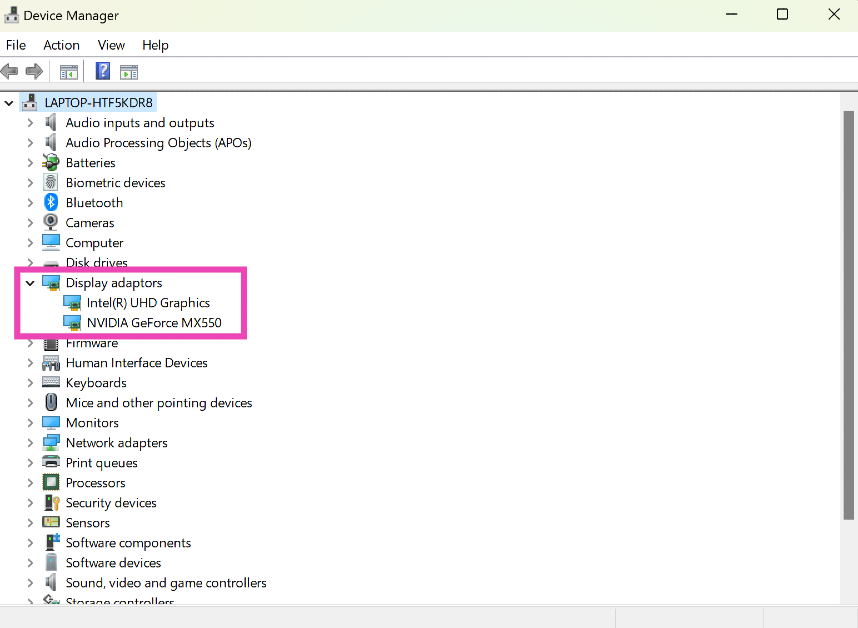 Step 3:
 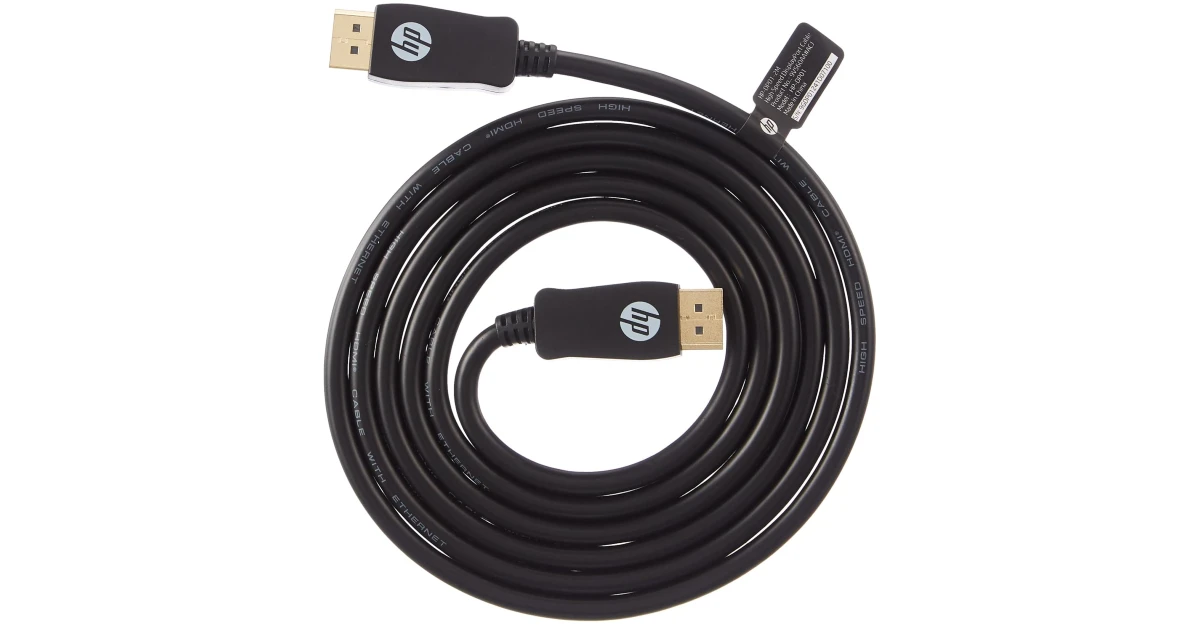 If your monitor is connected to your PC via an HDMI cable, switch to a DisplayPort connection. You can find a DisplayPort cable
 Step 4:
 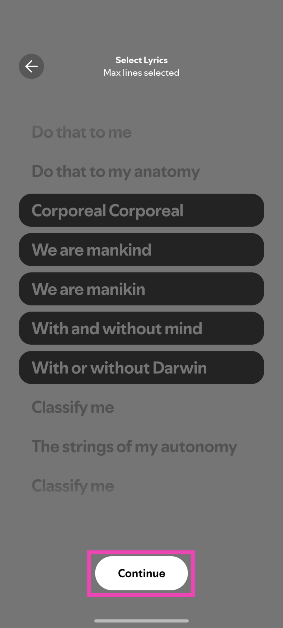 Step 5:
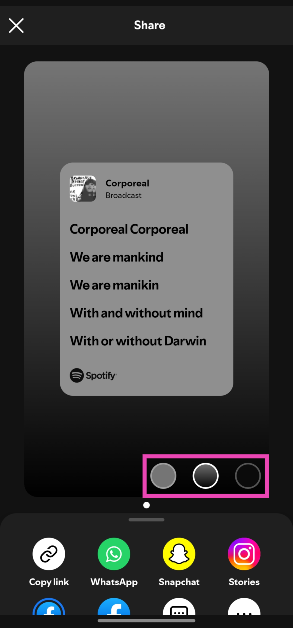 Step 7: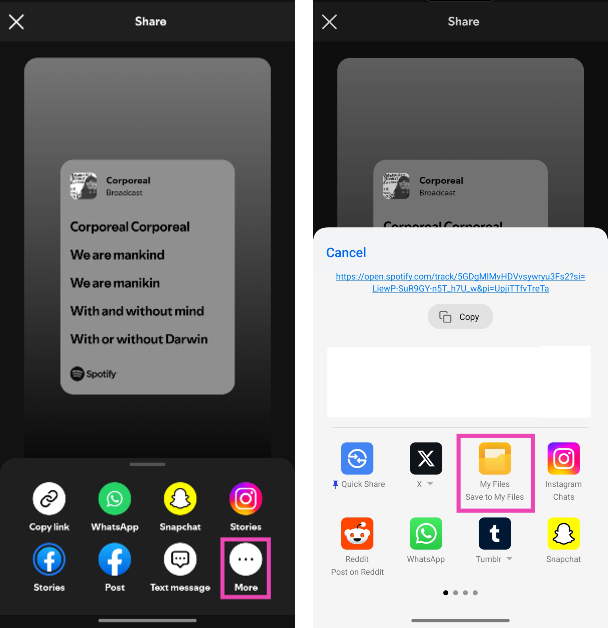
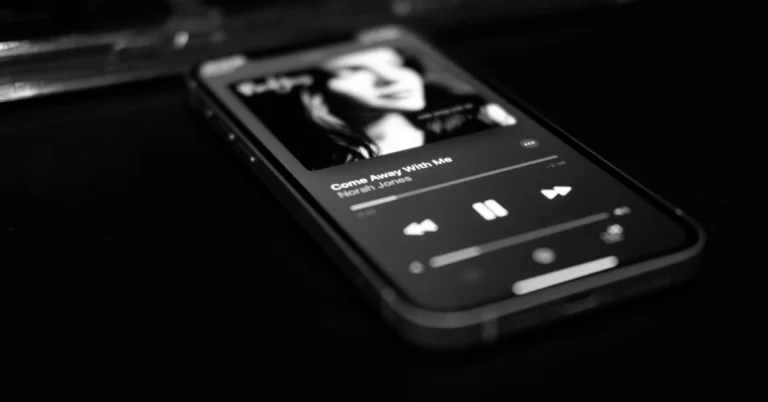
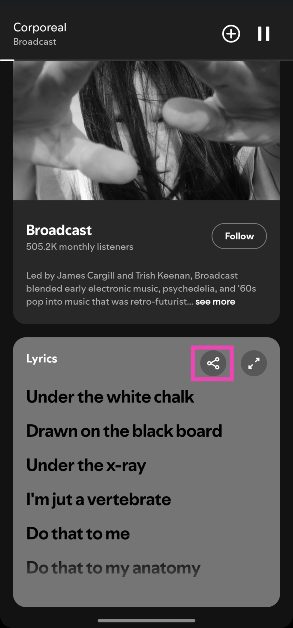
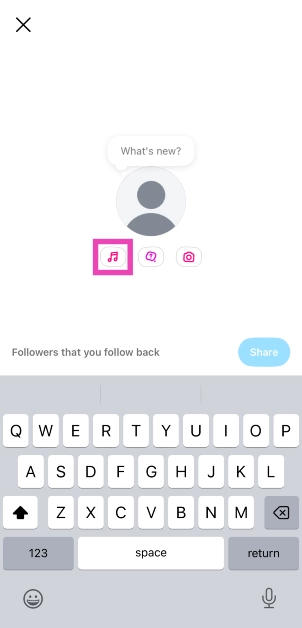
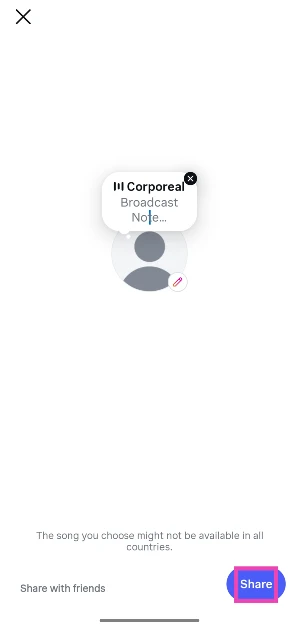
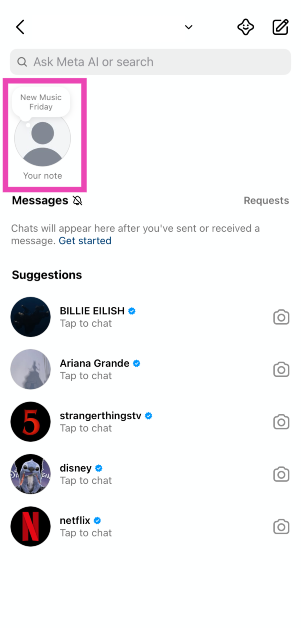 Step 3: Hit the music note icon.
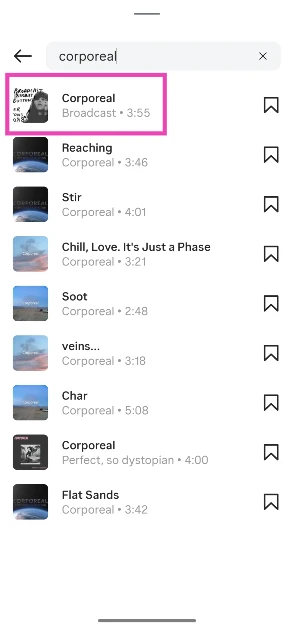
 Step 4: Search for a song and select it from the results.
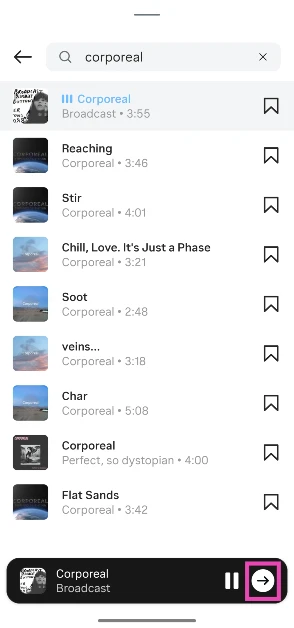
 Step 5: Hit the arrow icon.
 Step 6: Use the seek bar to select a snippet. Hit Done.
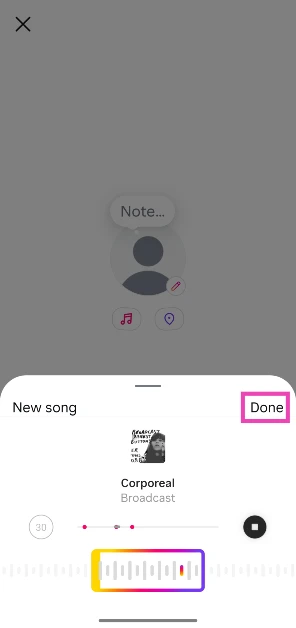 Step 7: Hit Share.




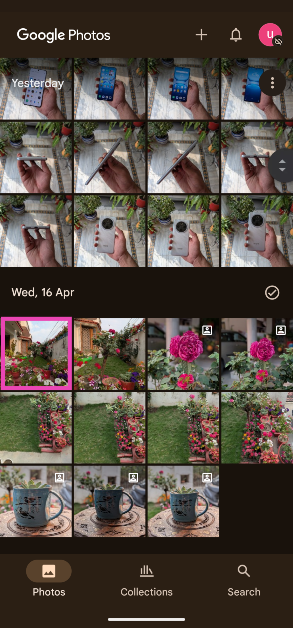 Step 3:
 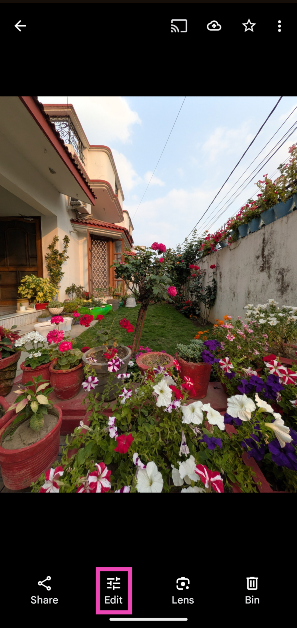 Step 4:
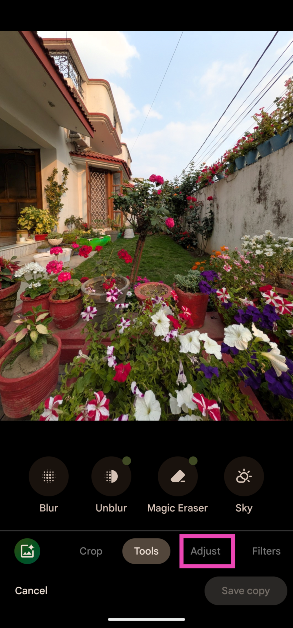 Step 5:

 Step 3:
  Step 4:
 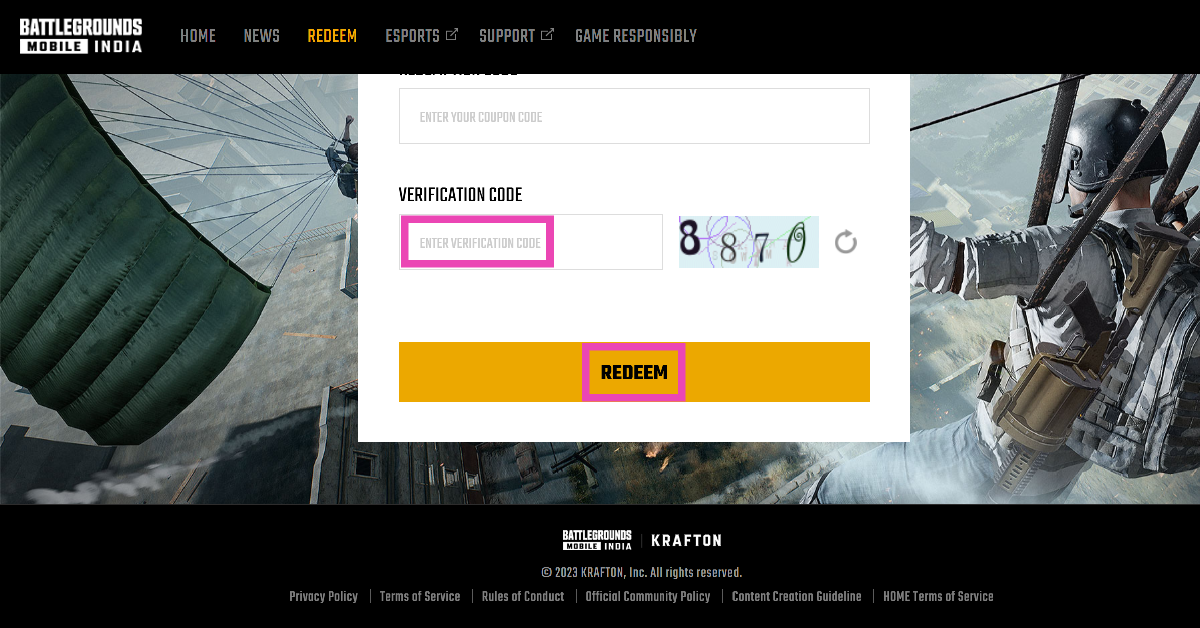 Step 5: