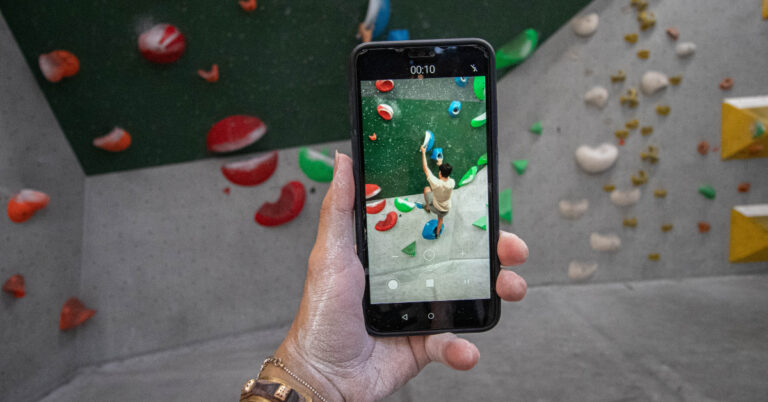
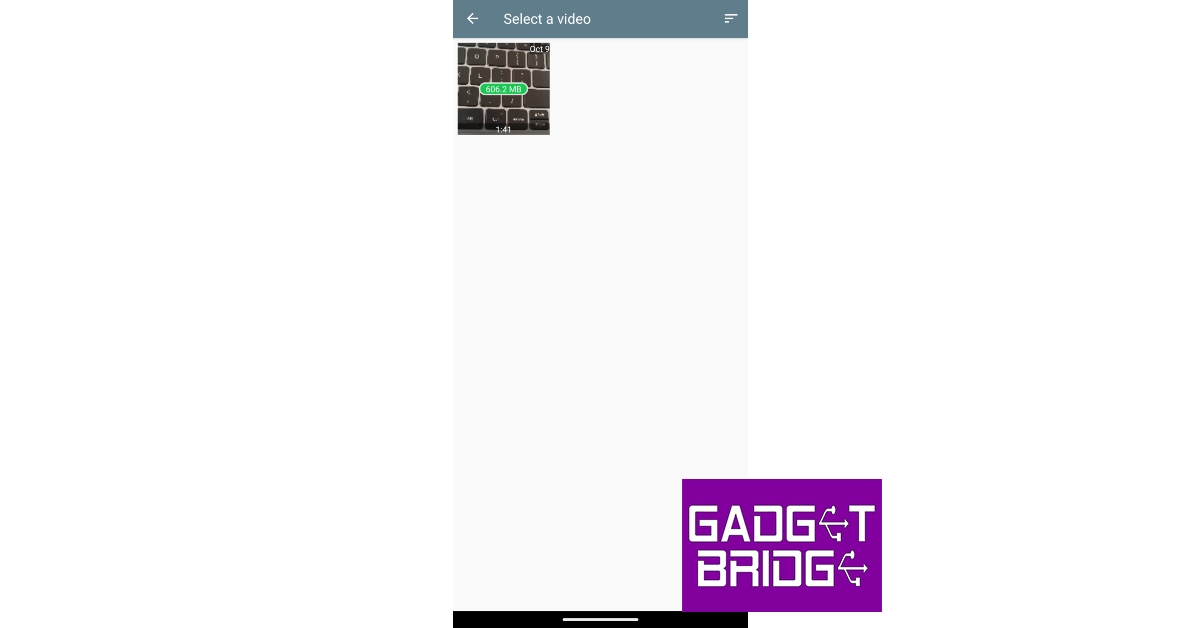
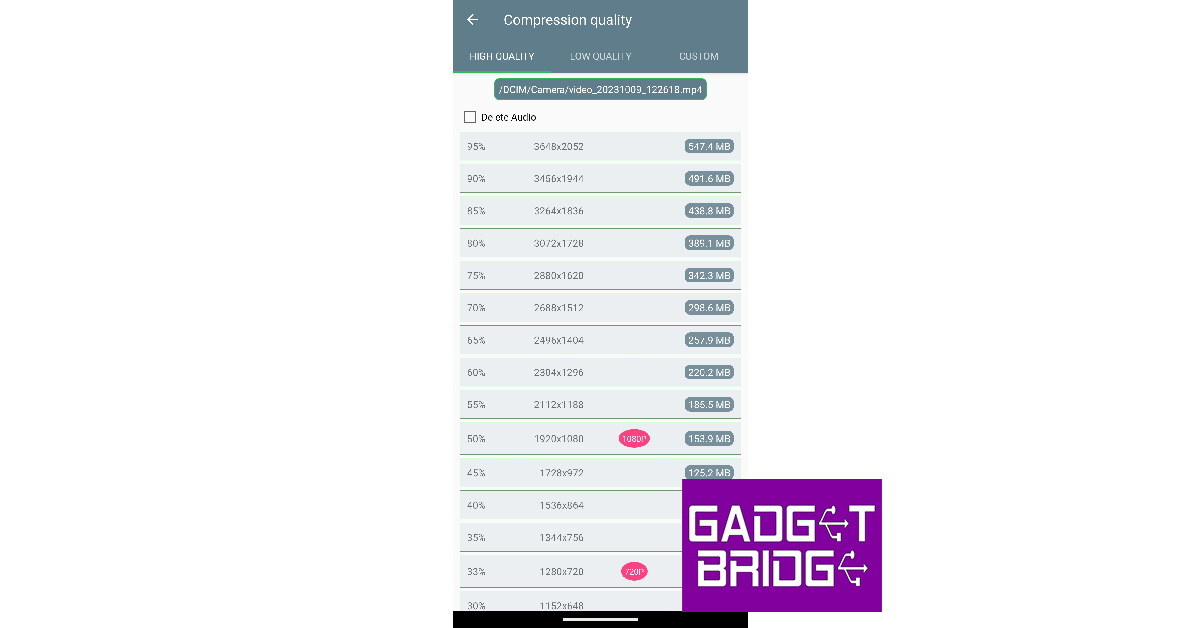
 Step 3: Select the resolution for the final video.
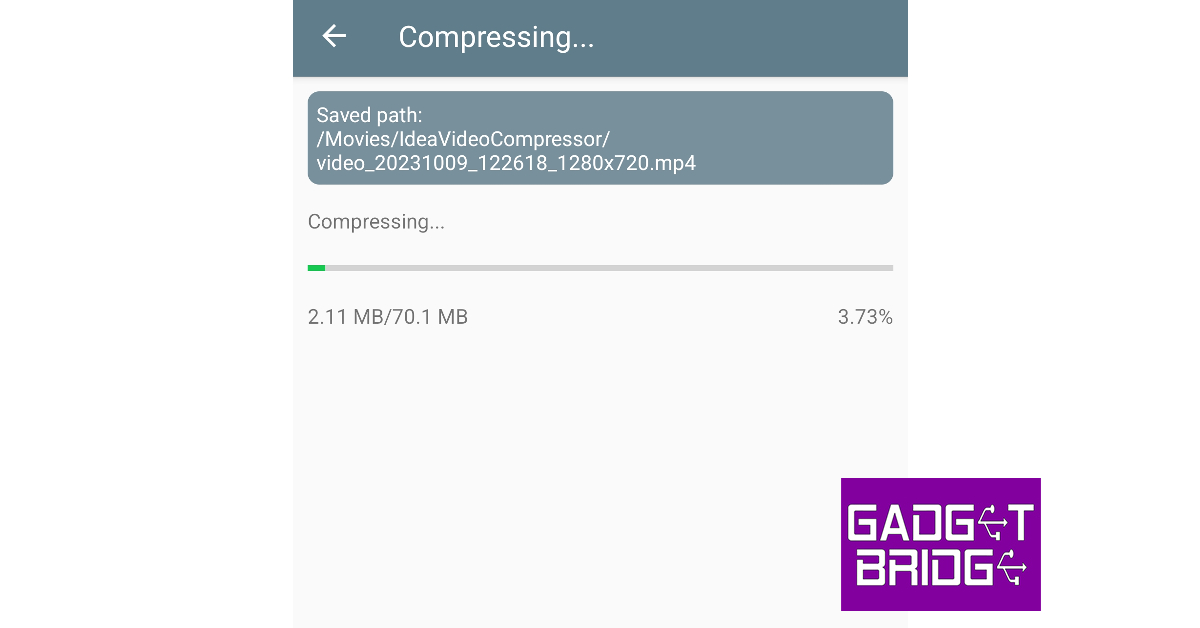
 Step 4: The app will take a few minutes to compress and resize the video.
 Step 5: The compressed video will be saved in your device’s gallery. You can preview the video within the app itself.
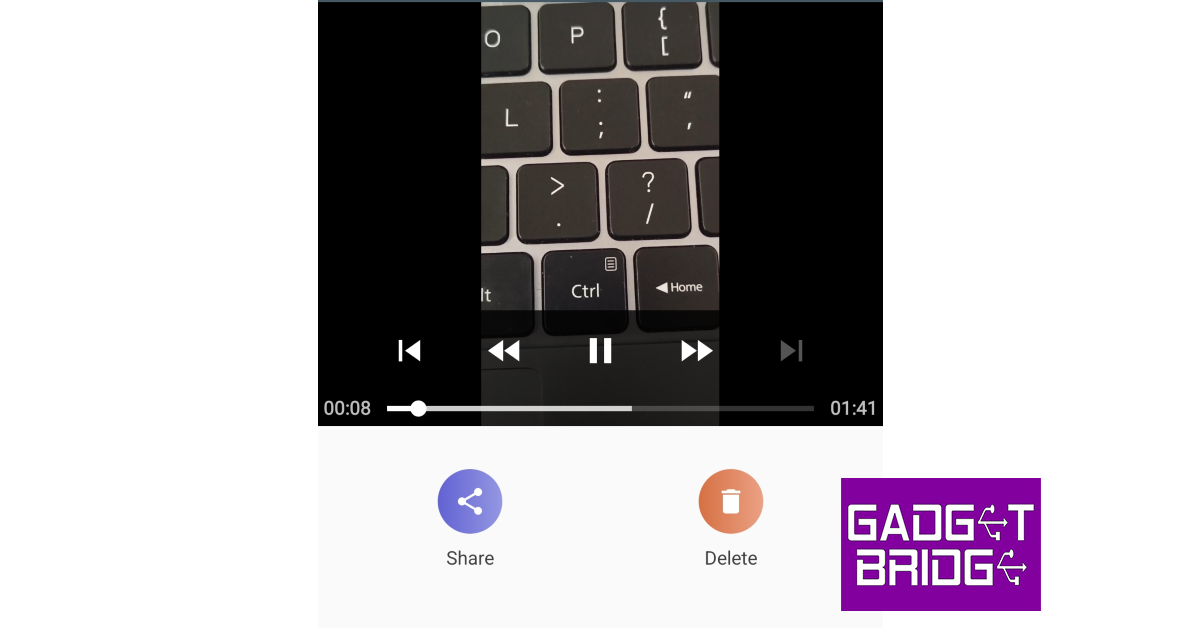 Step 6: Hit Share to send the video to your contacts directly from the app. You can also choose to delete the video if it doesn’t meet your quality requirements.
Now that you’ve learnt how to compress a video, let us take a look at the best Android apps for the task.
Step 6: Hit Share to send the video to your contacts directly from the app. You can also choose to delete the video if it doesn’t meet your quality requirements.
Now that you’ve learnt how to compress a video, let us take a look at the best Android apps for the task.
Video Compressor Panda Resizer
Download from Google Play Store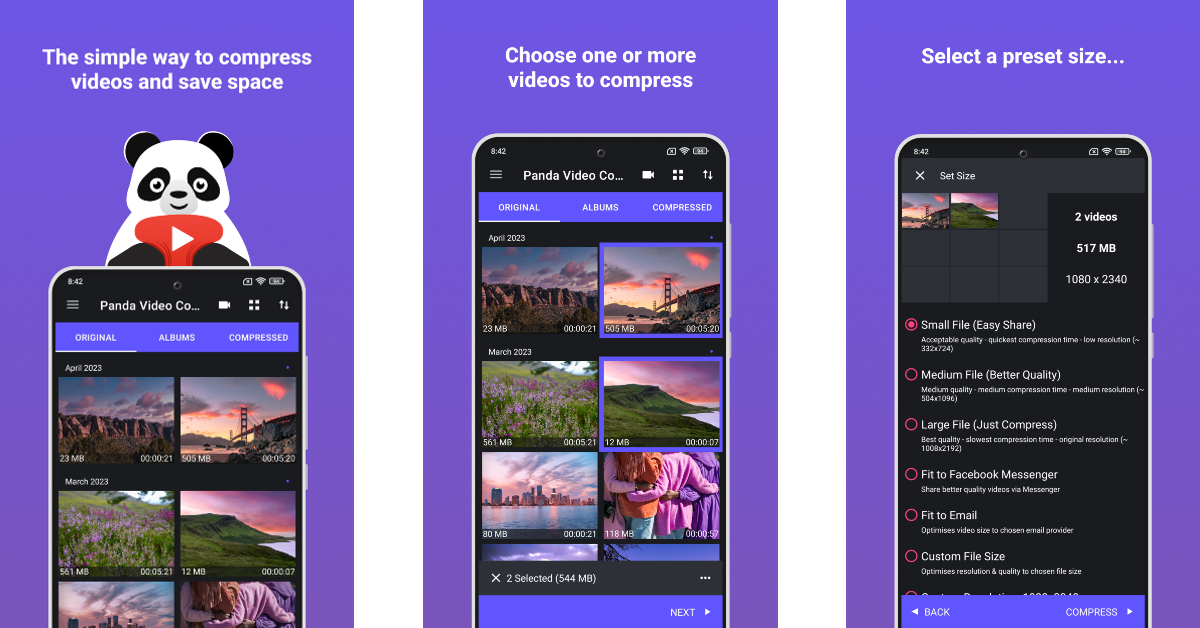 One of the reasons why Panda Resizer grabs the top spot in this list is because of its accessibility and ease of use. If you don’t want to select a custom resolution for the final video, Panda Resizer has multiple presets that will compress it to a size that suits apps like Facebook, Instagram, YouTube, WhatsApp, Telegram, WeChat, and more. Once a file has been compressed, you can play it alongside the original video to see if there are any changes to the final product. Subscribing to a premium membership gives you ad-free access to the app and lets you compress multiple videos at once.
Video Dieter 2 – trim & edit
Download from Google Play Store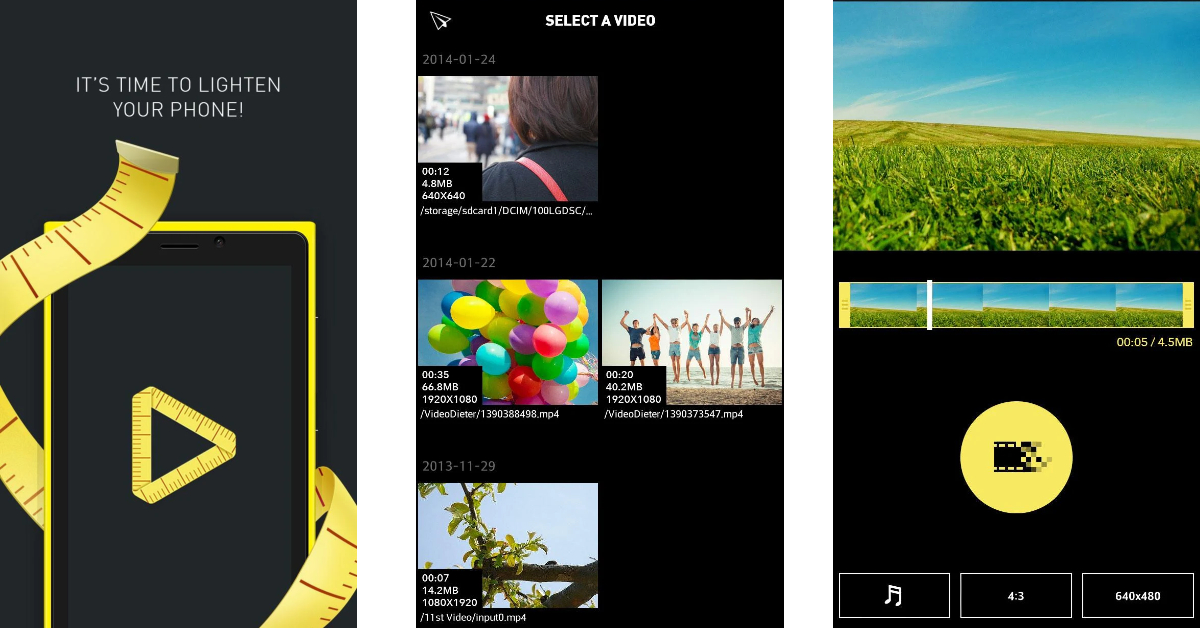 With over a million downloads and a rating of 4.2 stars on the Play Store, the Video Dieter 2 is one of the best video compressor apps for Android. Video Dieter 2 keeps things simple and gets rid of all the bells and whistles that may confuse the average user. You can set the resolution of the output video and easily view its file size and playtime. This app also allows you to resize a video by trimming it. You can also set background music to the video and convert it to a time-lapse or a slo-mo video.
ShrinkVid
Download from Google Play Store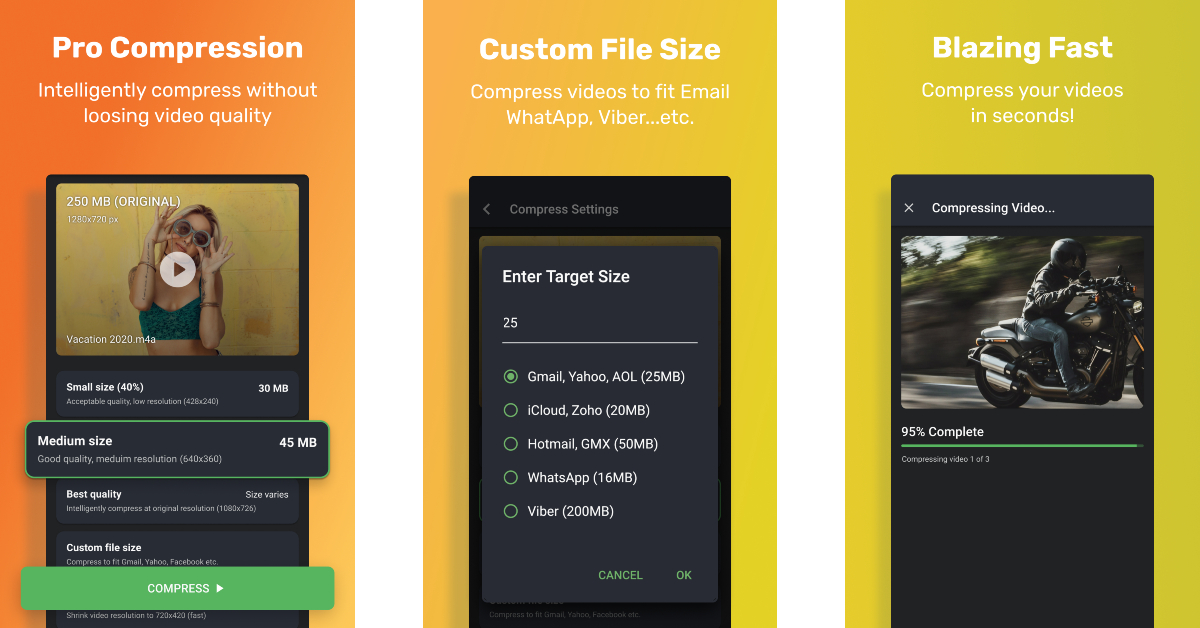 ShrinkVid does a great job of compressing videos while maintaining their original quality. This app supports compression for all major video formats like MOV, MP4, FLV, MKV, AVI, 3GP, etc. Another good reason to use ShrinkVid is that it carries out the entire compression process on your device, without outsourcing the video to the cloud. You can choose a custom resolution for the output video or select a preset option that will resize the video according to the chosen platform’s size limit.
Compress Video: Downsize Video
Download from Google Play Store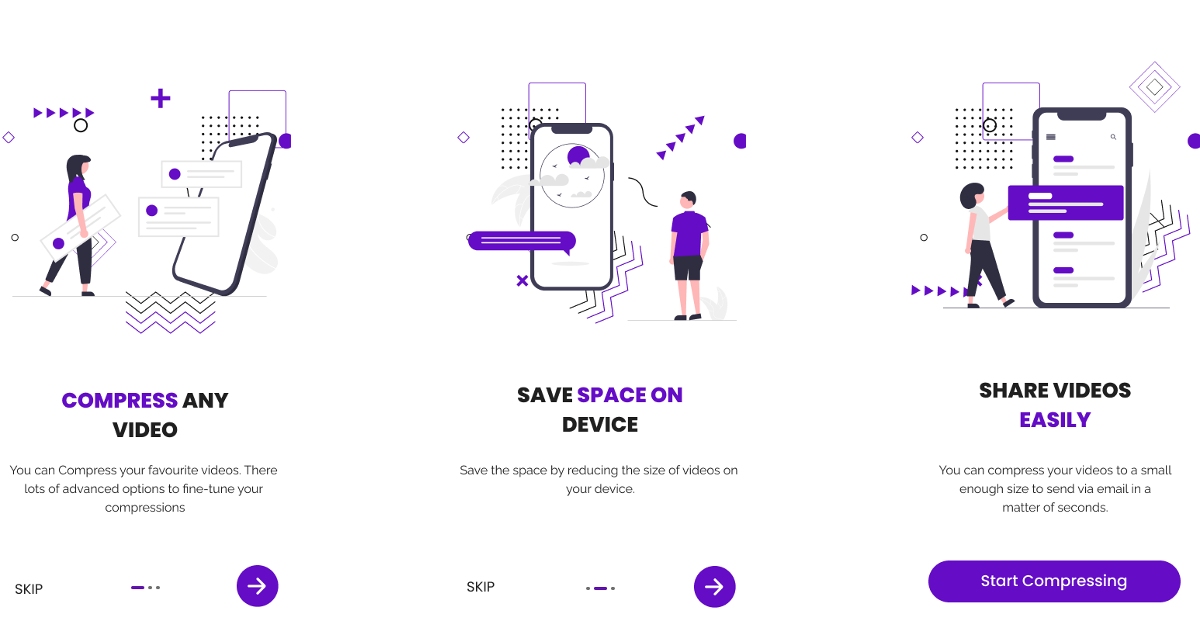 Apart from compressing and resizing your videos to a chosen resolution, the Compress Video app also lets you trim and crop unwanted parts of the video, convert it to an audio file, and apply time-lapse and slo-mo effects. The app is well-equipped to compress multiple videos at once. Once the video is compressed to a desirable file size, you can share it to any platform directly from the app. Compress Video also offers a very handy ‘Fit to Email’ preset that automatically adjusts the size of the video to that of an email attachment.
Video Compressor & Video Cutter
Download from Google Play Store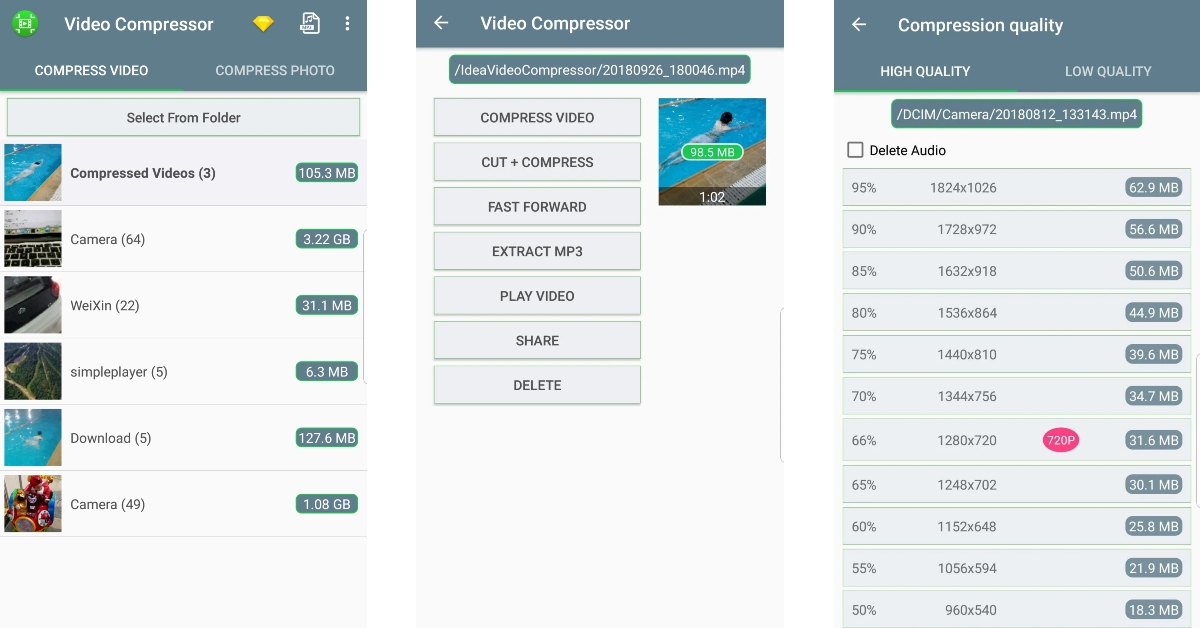 The Video Compressor & Video Cutter app has over 10 million downloads on the Google Play Store and a rating of 4.1 stars from over 100K reviews. Needless to say, this app is one of the best video compression tools around. While compressing a video, you can select a resolution for the output video. The corresponding file size is mentioned next to every resolution. Apart from basic compression tasks, you can convert the video to an MP3 audio file or cut the audio from the compressed video file altogether.
Video Compressor – Reduce Size
Download from Google Play Store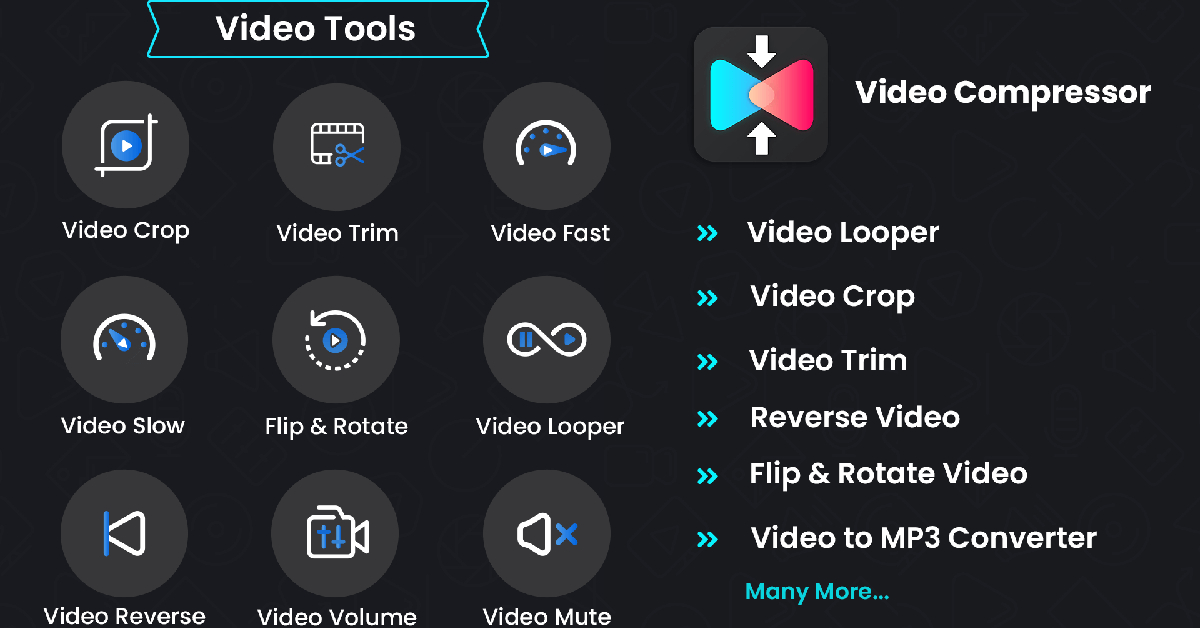 The Video Compressor – Reduce Size makes it to our list because of the exhaustive range of features that it offers. Apart from lossless compression, you can also convert the format of the video, convert it to a GIF or MP3 file, and carry out other basic editing tasks like cropping, looping, flipping, rotating, accelerating, and more. Once the video has been compressed to your desired size, it can be directly shared from the app itself.
Videos & Movies Compressor
Download from Google Play Store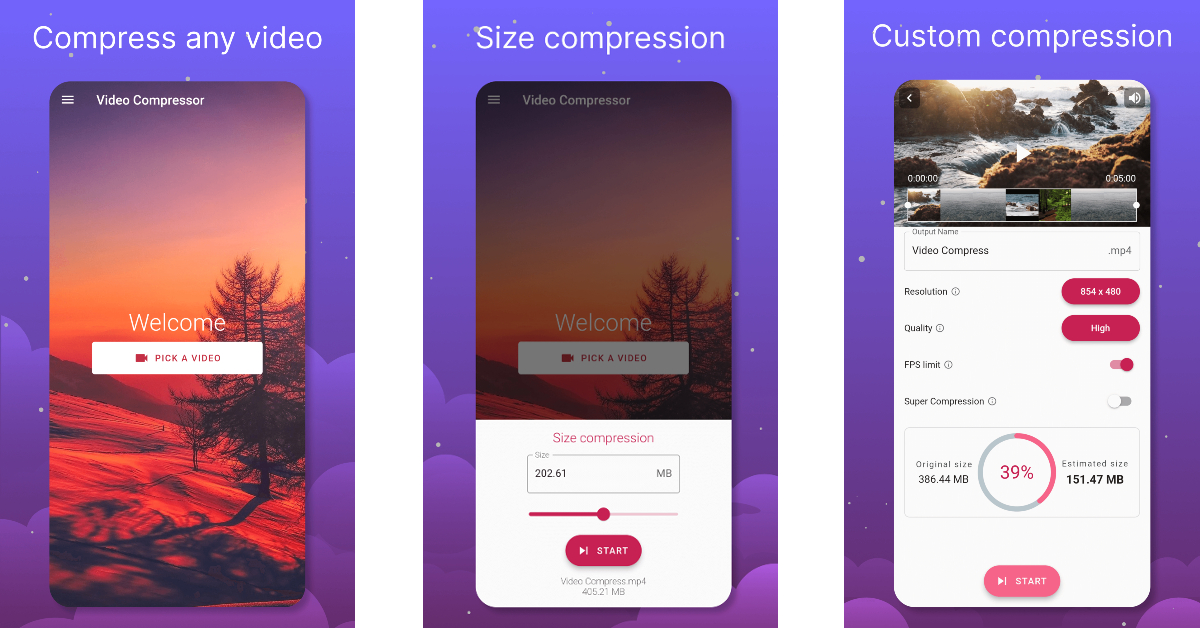 The Videos & Movies Compressor app shrinks your selected videos to a more desirable size without losing the video quality. The process to compress the video is the same as the other apps on this list: select a video from your device’s gallery, set the resolution for the output video and hit the compress button. What we like about this app is that it can compress an entire movie or TV episode with ease. If you like to save movies offline on your device, this app will help you save a lot of storage space.
Read Also: Samsung Galaxy SmartTag2 with new Lost Mode and improved features announced
The Videos & Movies Compressor app shrinks your selected videos to a more desirable size without losing the video quality. The process to compress the video is the same as the other apps on this list: select a video from your device’s gallery, set the resolution for the output video and hit the compress button. What we like about this app is that it can compress an entire movie or TV episode with ease. If you like to save movies offline on your device, this app will help you save a lot of storage space.
Read Also: Samsung Galaxy SmartTag2 with new Lost Mode and improved features announced