In This Article
Some tips to reduce your Instagram usage
If you spend a lot of time on Instagram, here are some tips you can employ to get off the app.- Use the time limit tool on Instagram
- Use the Digital Wellbeing tool on your Android phone
- Enable the data saver to cut off Instagram’s access to the internet after a certain time
- Turn on Instagram’s notifications
- Use greyscale mode on your phone
- Delete Instagram’s icon from the home screen to make it less readily accessible
- Delete the Instagram app and use it on a web browser instead
Set a daily time limit on Instagram
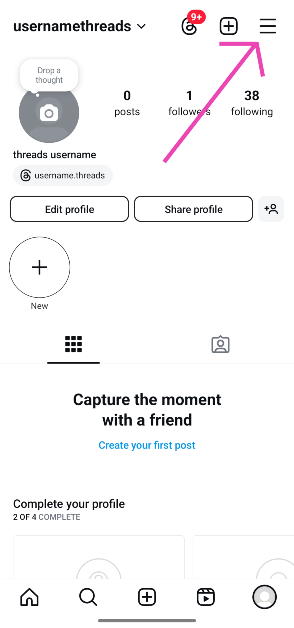
Step 1: Launch the Instagram app on your phone. Step 2: Hit your profile picture in the bottom-right corner of the screen. Step 3: Tap the hamburger menu in the top-right corner of the screen.
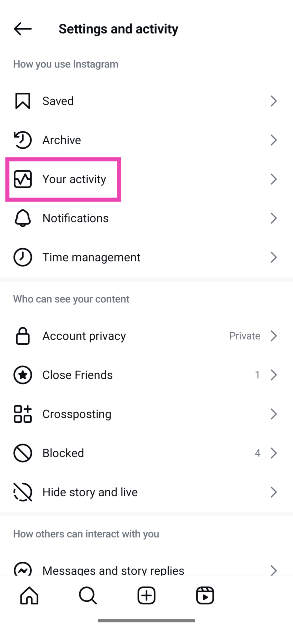
 Step 4: Go to Your activity. Alternatively, tap on Time management.
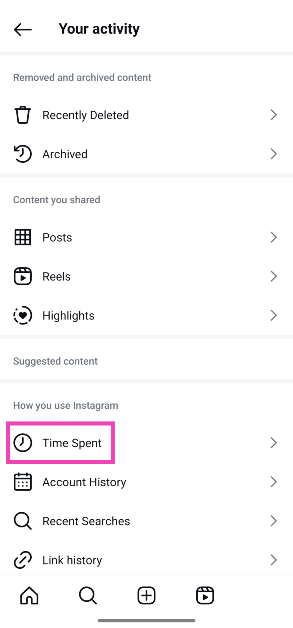
 Step 5: Tap on Time spent.
 Step 6: This is where you’ll see a graph of the time you spent on Instagram in the last week. Tap on Daily limit.
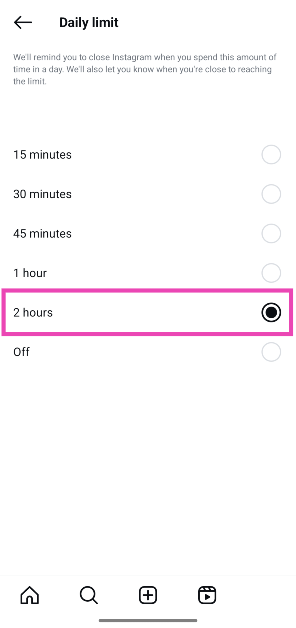
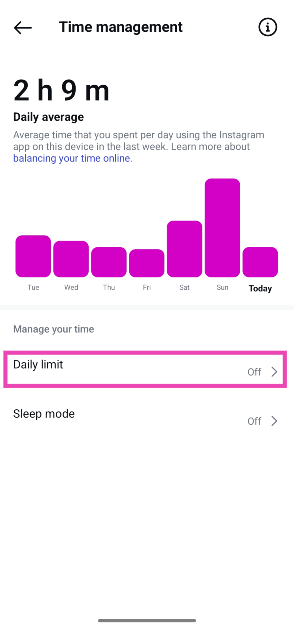 Step 7: Select a time limit.
Set a time limit for Instagram using Digital Wellbeing tools
Step 1: Go to Settings and tap on Digital Wellbeing & parental controls.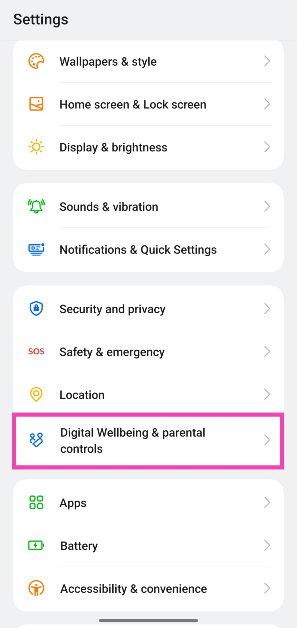 Step 2: Tap on App limits.
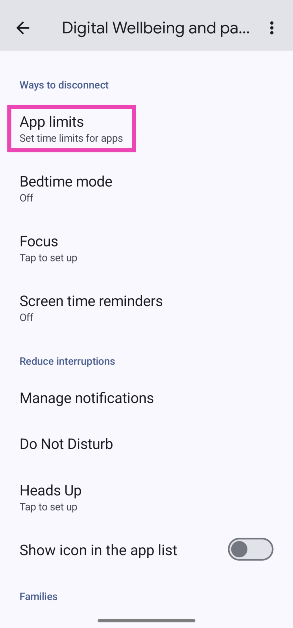 Step 3: Scroll down and tap the hourglass icon next to Instagram.
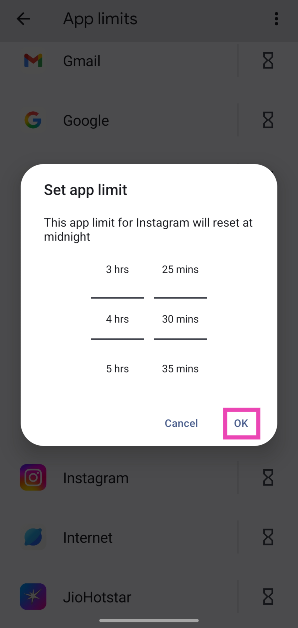
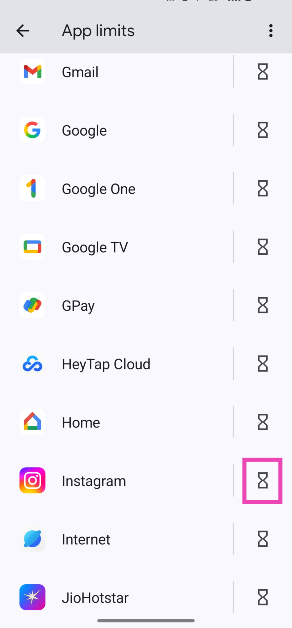 Step 4: Use the sliders to set the time limit and hit OK. The time limit will reset at midnight.


















 Step 3:
  Step 5:
  Step 6:
 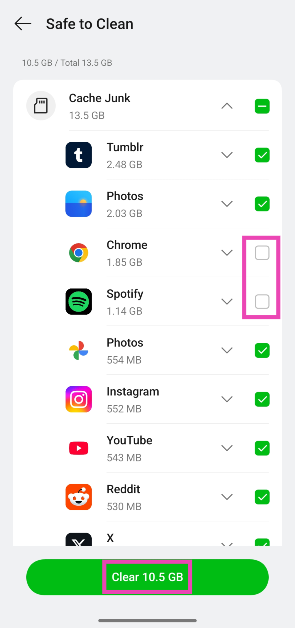 Step 7:
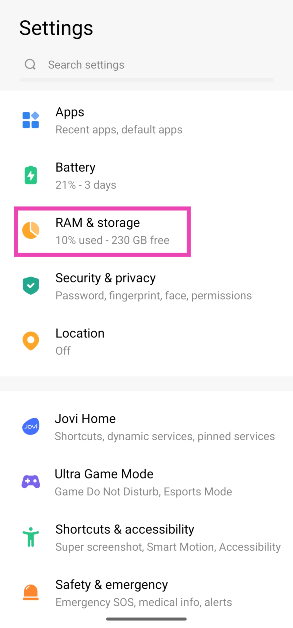 Step 2:
 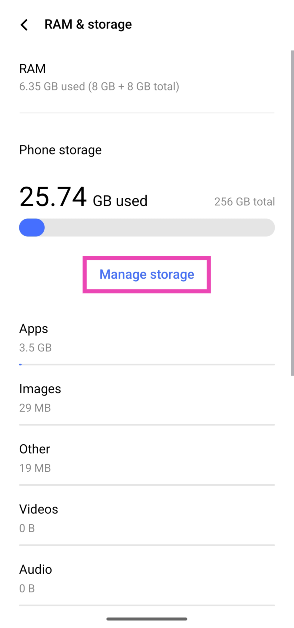 Step 3:
 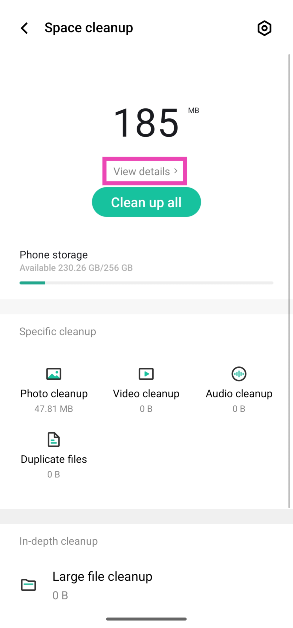 Step 4:
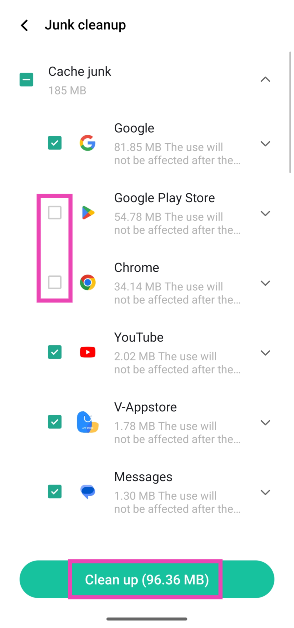 Step 5:
 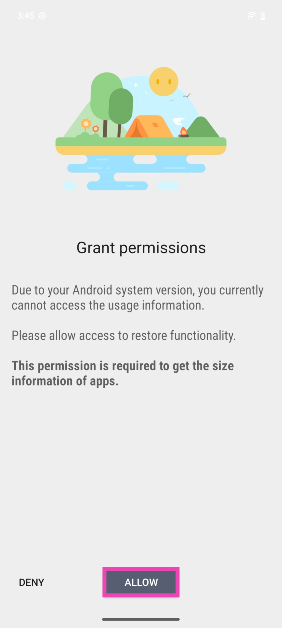 Step 3:
 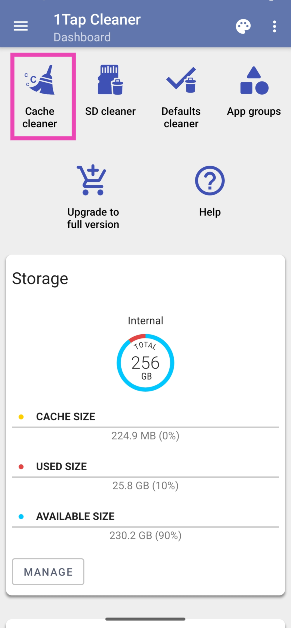 Step 4:
 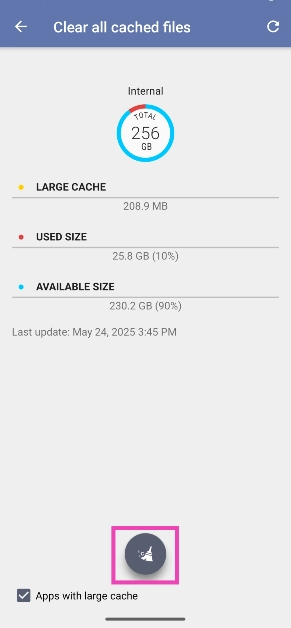 Step 5:
 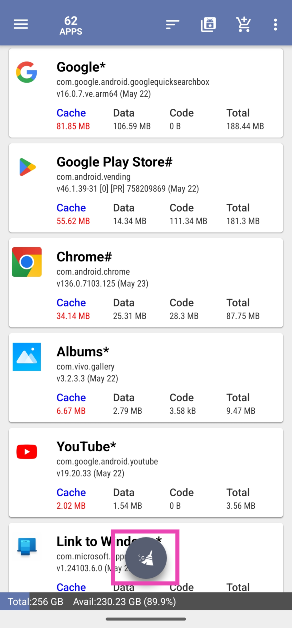 Step 6: Uncheck
 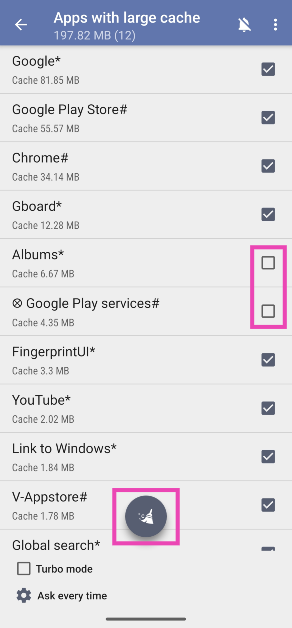 Step 7:
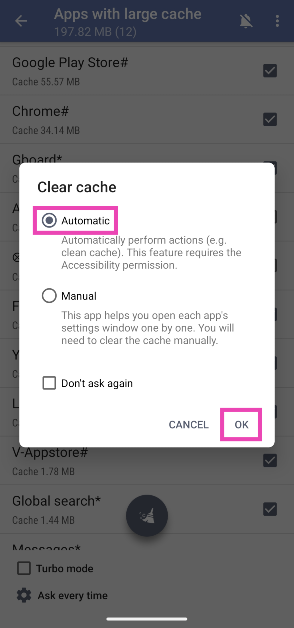 Step 8:
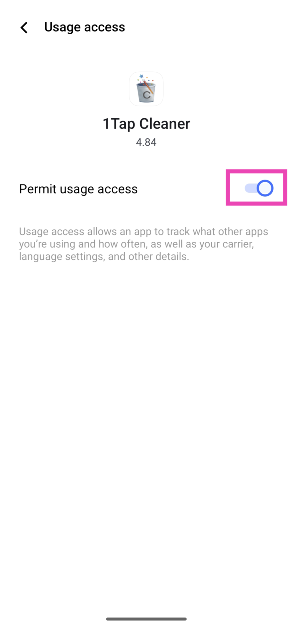 Step 9:





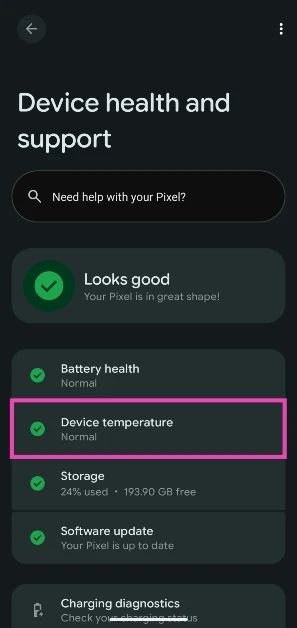
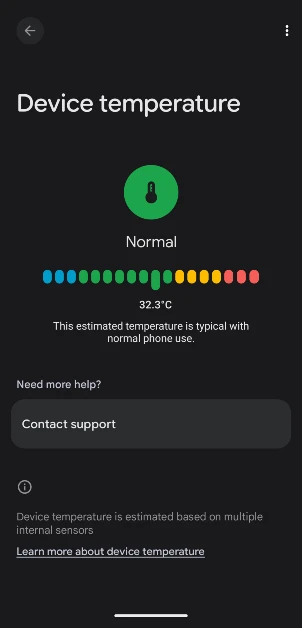
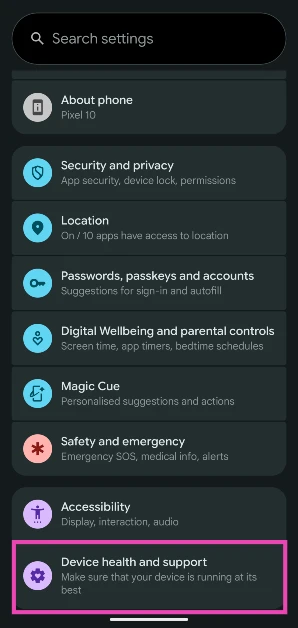 Step 2: Tap on Device temperature.
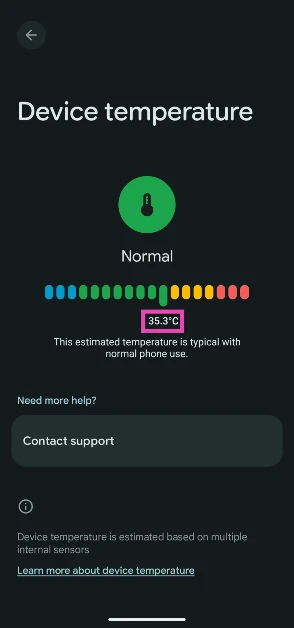
 Step 3: The internal temperature of the phone will be displayed on the screen.
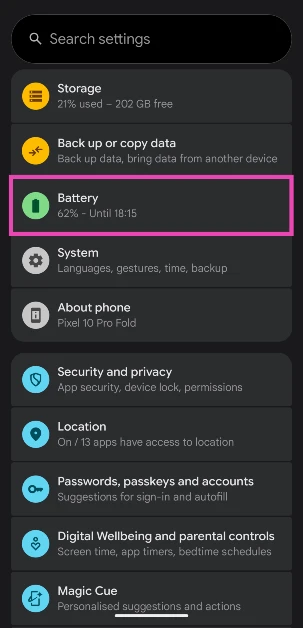 Step 2: Tap on Battery diagnostics.
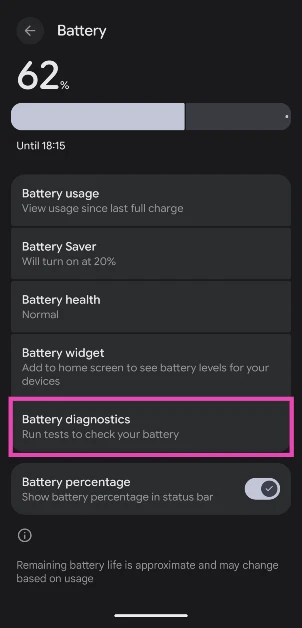 Step 3: Tap on Phone is very warm.
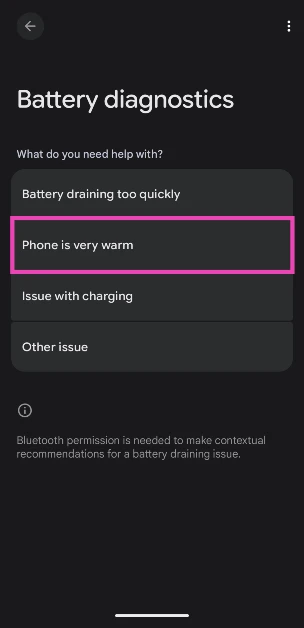 Step 4: Your phone will conduct a diagnostic test and let you know its internal temperature.
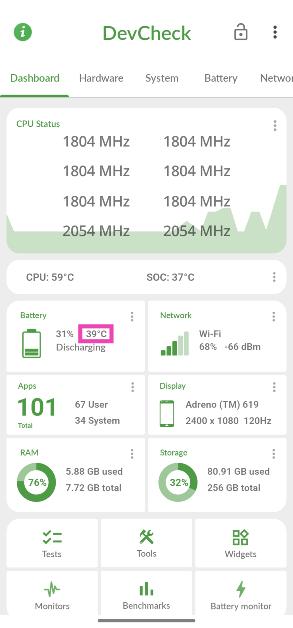 Step 3: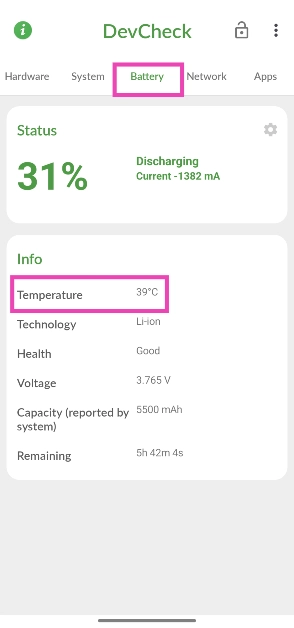
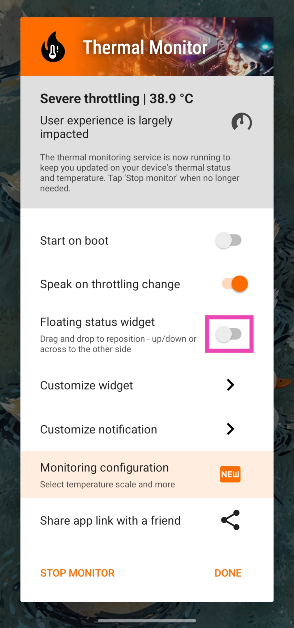 Step 3:
 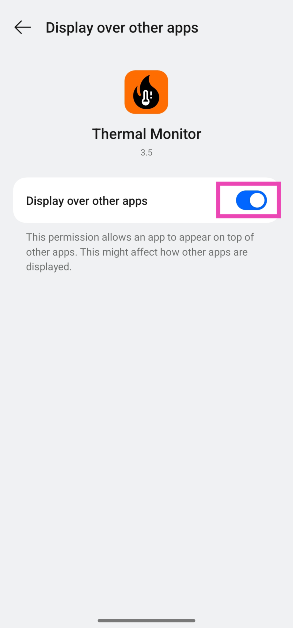 Step 4:
 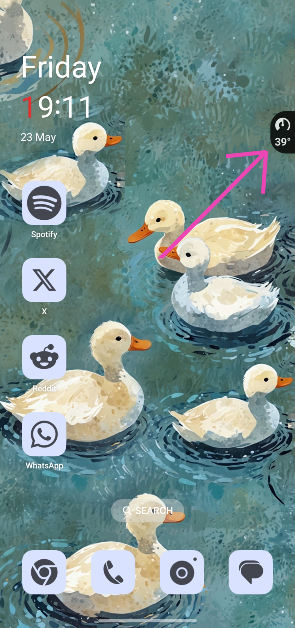 Step 6: Swipe down




















 Also Read: