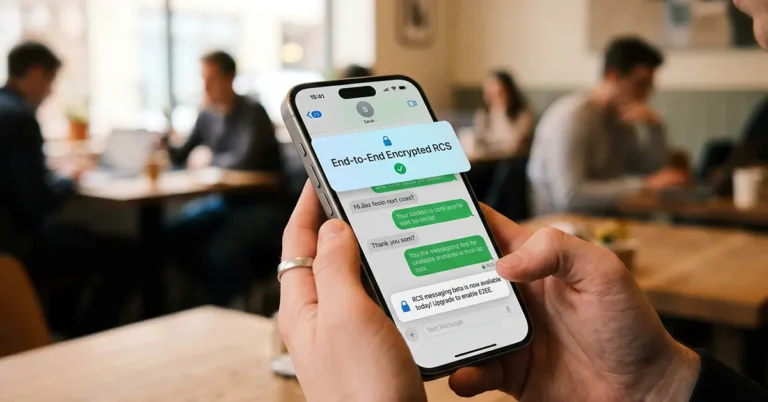
For years, texting between an iPhone and an Android device was a bit like sending a postcard instead of a sealed letter. Anyone with the right tools and position along the route could theoretically read what you wrote. That changes today. Apple and Google have jointly rolled out end-to-end encrypted RCS messaging in beta, and it marks one of the most significant upgrades to cross-platform private communication in the smartphone era.
What Is End-to-End Encrypted RCS Messaging and Why Does It Matter?
Rich Communication Services, better known as RCS, is the modern successor to the humble SMS text message. It brought features like read receipts, typing indicators, and high-quality photo sharing to Android-to-iPhone conversations when Apple added RCS support with iOS 18 back in September 2024. But security was the gaping hole in the story. Until now, those messages could theoretically be intercepted in transit.
Read Also: How to Get Spirit Warrior (Goku) in Sailor Piece: The Complete 2026 GuideEnd-to-end encrypted RCS messaging closes that gap. When encryption is active, messages are scrambled the moment they leave your device and can only be unscrambled by the recipient’s device. Not your carrier. Not a government agency. Not even Apple or Google. Nobody in the middle gets to read what you sent.
iPhone users running iOS 26.5 with supported carriers and Android users on the latest version of Google Messages are now beginning to receive this protection in a beta rollout. The encryption is switched on by default, so most users will not need to dig through any settings to benefit from it.
How to Know Your RCS Chat Is Encrypted
The visual cue is refreshingly simple. A small lock icon now appears in RCS chats to indicate that the conversation is end-to-end encrypted. On iPhone, the Messages app will display “Text Message · RCS | Encrypted” alongside that lock icon. Android users in Google Messages will see the same familiar lock symbol they already knew from existing encrypted RCS conversations.
If you want to double-check your settings on iPhone, head to Settings, then Messages, then RCS Messaging, and confirm that “End-to-End Encryption (Beta)” is enabled.
The Technical Backbone
This is not a simple software patch. Apple and Google worked with the GSM Association to implement end-to-end encryption for RCS messages. The encryption is part of the RCS Universal Profile 3.0, published with Apple’s involvement and built on the Messaging Layer Security protocol. The MLS protocol is an open standard developed specifically for group and one-to-one messaging security, and its use here signals that this encryption is built to last and scale.
RCS Universal Profile 3.0 also includes editing and deleting messages, cross-platform Tapback support, and replying to specific messages inline during cross-platform conversations. In other words, the upgrade is about much more than just locking your texts.
Which Carriers Support It in the US?
Both the sender and the receiver need to be on a carrier that supports the latest version of RCS for encryption to activate. In the United States, major carriers including AT&T, T-Mobile, Verizon, Boost Mobile, Cricket, Mint Mobile, Consumer Cellular, Cox Mobile, US Cellular, Visible, and Xfinity Mobile are among those with day-one support. The list is long, covering a substantial majority of US subscribers from day one.
Read Also: Forza Horizon 6 PC Version Leaked and Cracked a Full Week Before Its May 19 LaunchIn Canada, carriers including Rogers, Bell, Telus, Freedom Mobile, Koodo, Virgin Mobile, Public Mobile, and Videotron are among those supporting the feature. The rollout is phased, and encryption will automatically activate for both new and existing RCS conversations over time as more carriers come on board globally.
Which Carriers Support It in India?
Airtel
-
eSIM
-
FaceTime over Mobile2
-
LTE
-
Personal Hotspot
-
VoLTE
-
Wi-Fi Calling
Reliance Jio
-
5G
-
eSIM
-
FaceTime over Mobile
-
LTE
-
Personal Hotspot
-
RCS messaging
-
VoLTE
-
Wi-Fi Calling
Vi
-
5G
-
eSIM
-
FaceTime over Mobile
-
LTE
-
Personal Hotspot
-
VoLTE
What About iMessage?
Apple is careful to note that iMessage, used for Apple device-to-Apple device communication, has always been end-to-end encrypted and remains its flagship secure messaging platform. The new encrypted RCS feature specifically addresses the iPhone-to-Android blind spot that has existed since the dawn of cross-platform texting.
Apple initially announced it would add end-to-end encryption to RCS messaging in March 2025, with developer beta testing beginning in early 2026 before today’s wider rollout with iOS 26.5. The journey from announcement to public beta took a little over a year, a timeline that reflects the complexity of coordinating a cross-industry standard across multiple carriers, operating systems, and regulatory environments worldwide.
Requirements at a Glance
To use end-to-end encrypted RCS messaging today, iPhone users need iOS 26.5 and a supported carrier. Android users need the latest version of Google Messages and a supported carrier. Both parties in a conversation must meet these requirements for the encryption to activate.
A Small Lock, a Giant Leap
Billions of text messages are sent every day between iPhone and Android users, and for most of that history, those messages travelled with considerably less privacy protection than a sealed envelope. Today’s update does not solve every privacy question in mobile communications, and the beta label is a reminder that the rollout will take time to reach full maturity. But the direction is unambiguous. Apple and Google, two companies that often seem determined to remain in parallel universes, have actually teamed up to protect your texts. Lock icons have never looked more reassuring.













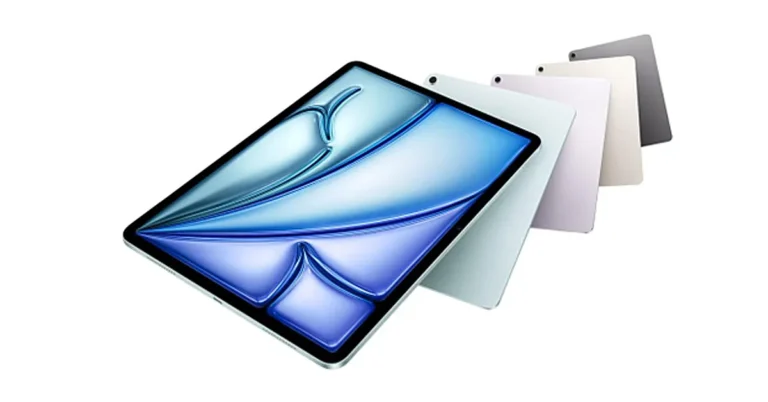
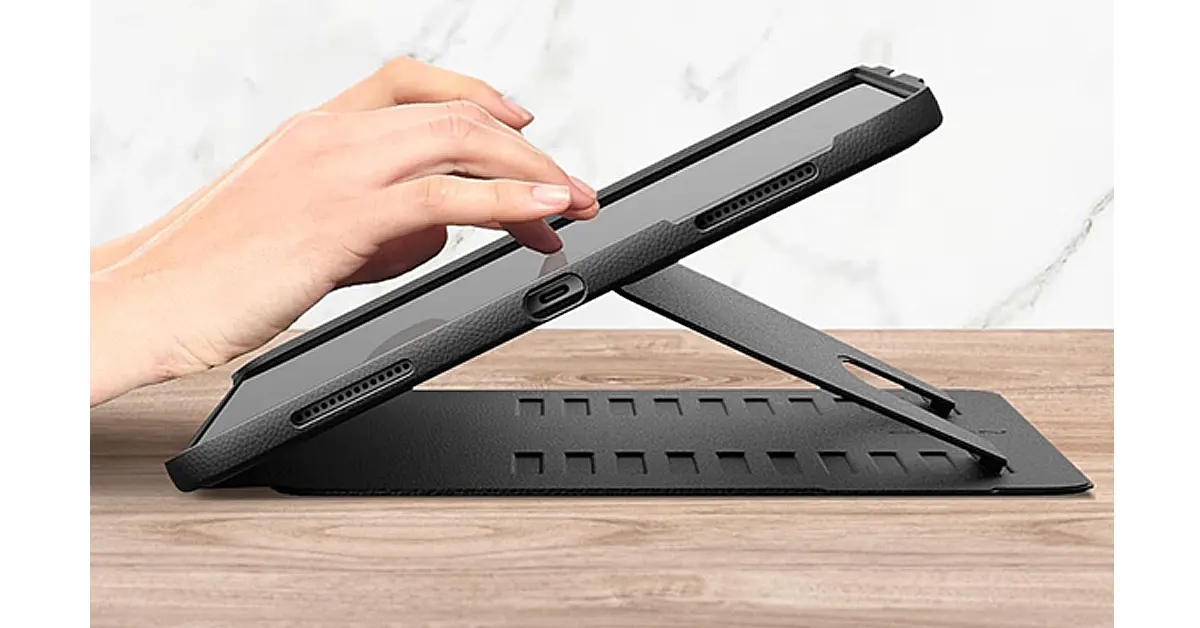 If you’re only going to buy one accessory, make it a proper case — and not just for protection.
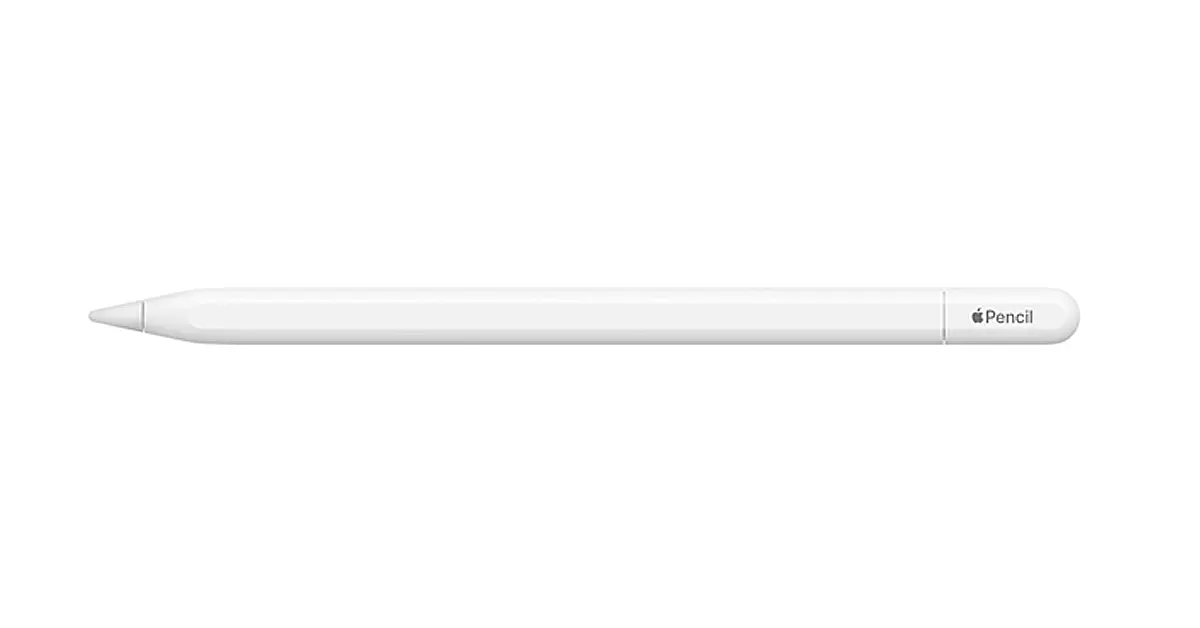 The iPad Air M4 and Apple Pencil Pro are designed to work together, and it shows.
Whether you’re annotating PDFs, sketching ideas, or editing photos, the responsiveness is immediate and precise. The newer gesture controls and pressure sensitivity make it feel less like a stylus and more like a proper tool, especially for creatives.
Even if you’re not an artist, it’s surprisingly useful for note-taking and quick markups.
The iPad Air M4 and Apple Pencil Pro are designed to work together, and it shows.
Whether you’re annotating PDFs, sketching ideas, or editing photos, the responsiveness is immediate and precise. The newer gesture controls and pressure sensitivity make it feel less like a stylus and more like a proper tool, especially for creatives.
Even if you’re not an artist, it’s surprisingly useful for note-taking and quick markups.
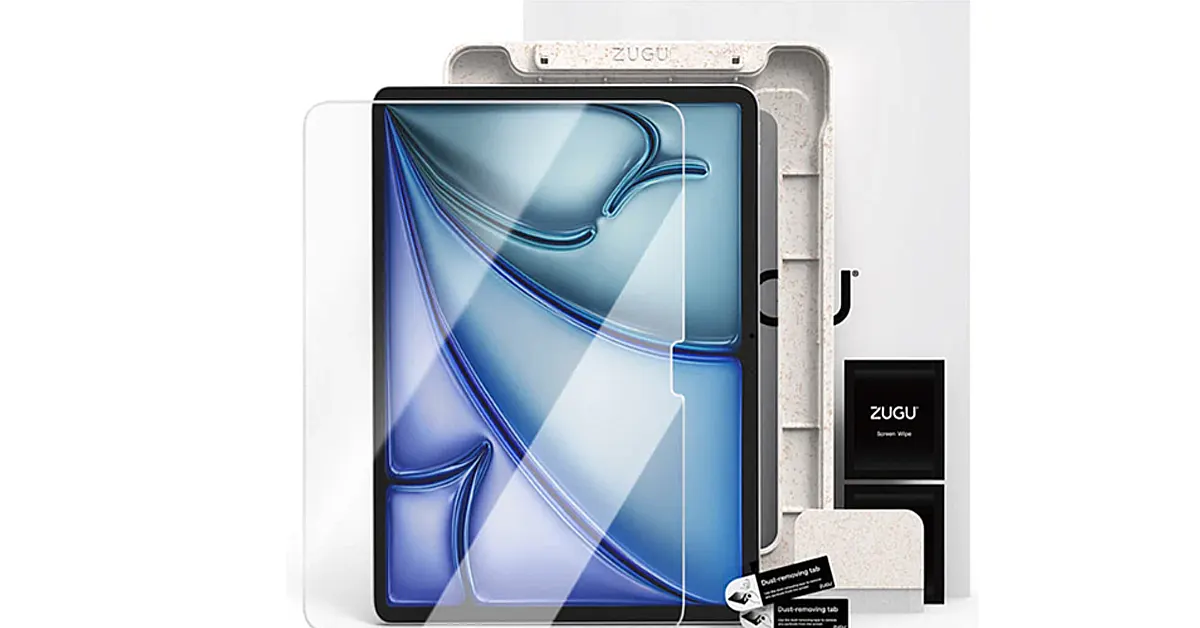 If you’re using an Apple Pencil regularly, a screen protector isn’t optional — it’s essential.
ZUGU’s screen protector strikes a nice balance: it reduces glare and adds just enough texture for writing and drawing, without killing the clarity of the display. That’s a tricky line to walk, and a lot of alternatives lean too far one way or the other.
It also helps protect the screen from everyday wear, which matters more over time than most people expect.
If you’re using an Apple Pencil regularly, a screen protector isn’t optional — it’s essential.
ZUGU’s screen protector strikes a nice balance: it reduces glare and adds just enough texture for writing and drawing, without killing the clarity of the display. That’s a tricky line to walk, and a lot of alternatives lean too far one way or the other.
It also helps protect the screen from everyday wear, which matters more over time than most people expect.
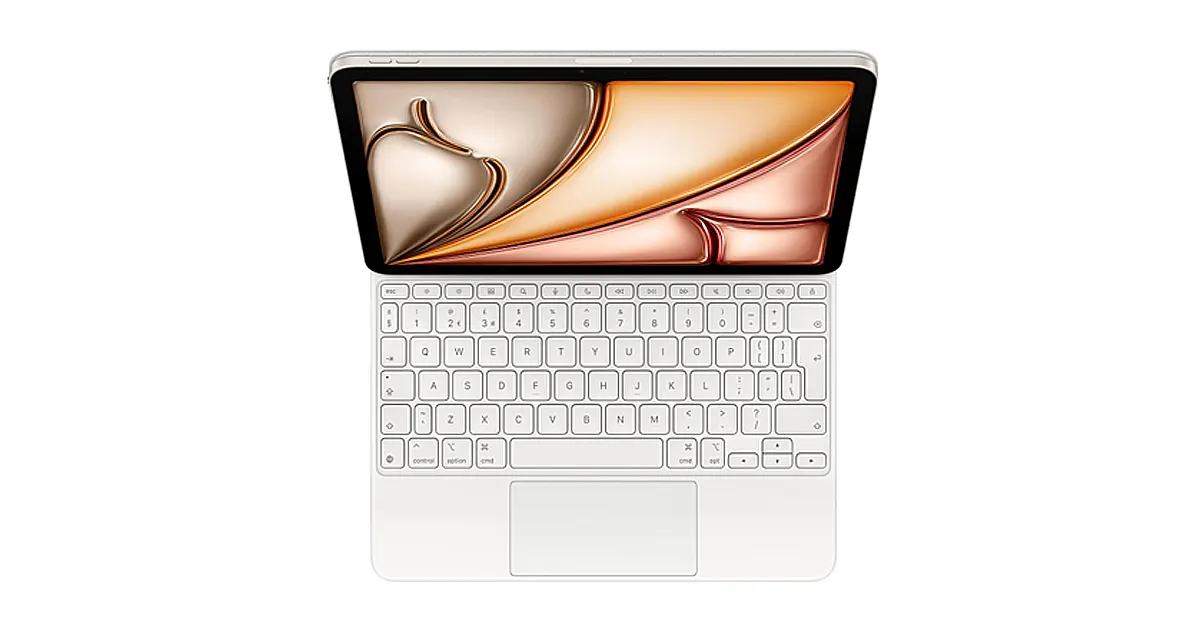 If your goal is to replace a laptop — or at least leave it at home more often — the Magic Keyboard makes that possible.
You get a proper typing experience, a responsive trackpad, and a floating design that makes the iPad feel more like a compact workstation than a tablet. It’s not cheap, but it’s one of those accessories that immediately justifies itself if you write or work on the go.
If your goal is to replace a laptop — or at least leave it at home more often — the Magic Keyboard makes that possible.
You get a proper typing experience, a responsive trackpad, and a floating design that makes the iPad feel more like a compact workstation than a tablet. It’s not cheap, but it’s one of those accessories that immediately justifies itself if you write or work on the go.
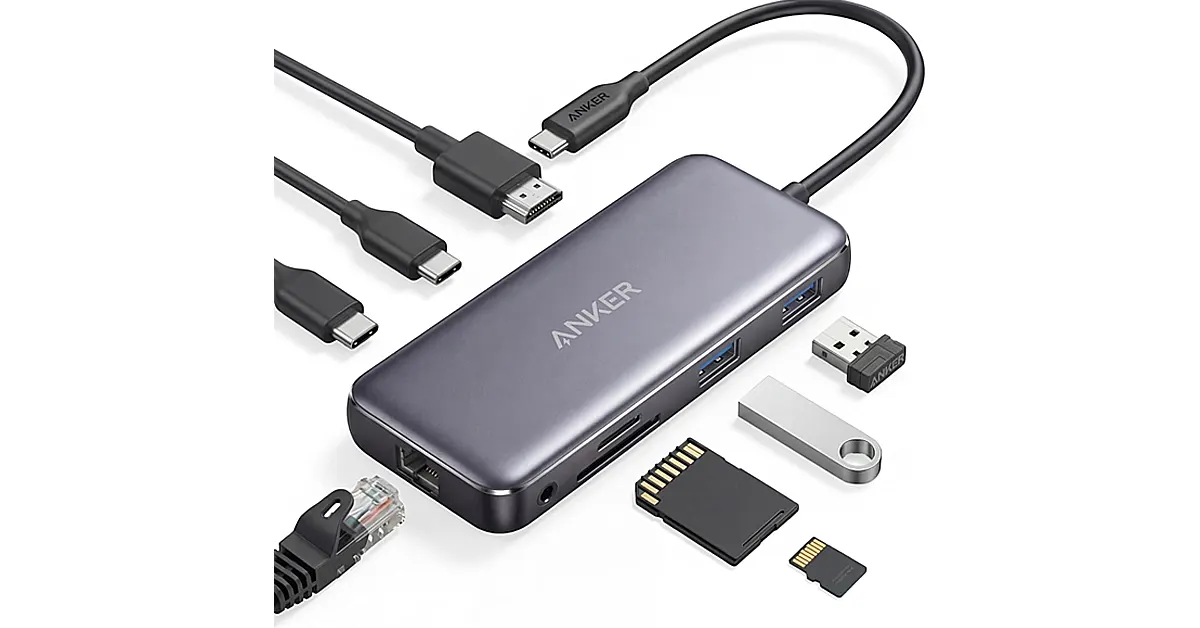 The iPad Air M4 has a powerful chip, but limited ports.
A good USB-C hub fixes that instantly. Plug in external drives, connect to a monitor, add an SD card reader, or just expand your workflow beyond a single cable. Anker’s hubs are reliable, compact, and don’t require much thought once they’re in your bag.
The iPad Air M4 has a powerful chip, but limited ports.
A good USB-C hub fixes that instantly. Plug in external drives, connect to a monitor, add an SD card reader, or just expand your workflow beyond a single cable. Anker’s hubs are reliable, compact, and don’t require much thought once they’re in your bag.
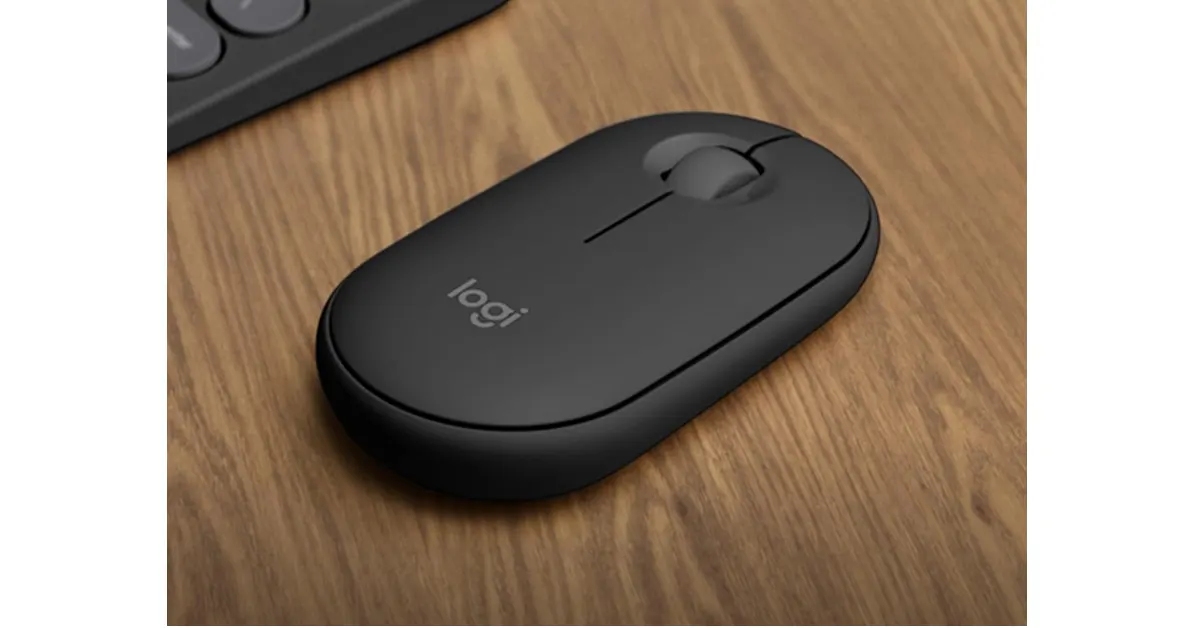 Not everyone wants to rely on a trackpad.
The Pebble Mouse 2 is a great middle ground: slim, lightweight, and quiet enough to use anywhere without drawing attention. It pairs easily with the iPad and is especially useful for more detailed tasks like spreadsheets or design work.
Not everyone wants to rely on a trackpad.
The Pebble Mouse 2 is a great middle ground: slim, lightweight, and quiet enough to use anywhere without drawing attention. It pairs easily with the iPad and is especially useful for more detailed tasks like spreadsheets or design work.
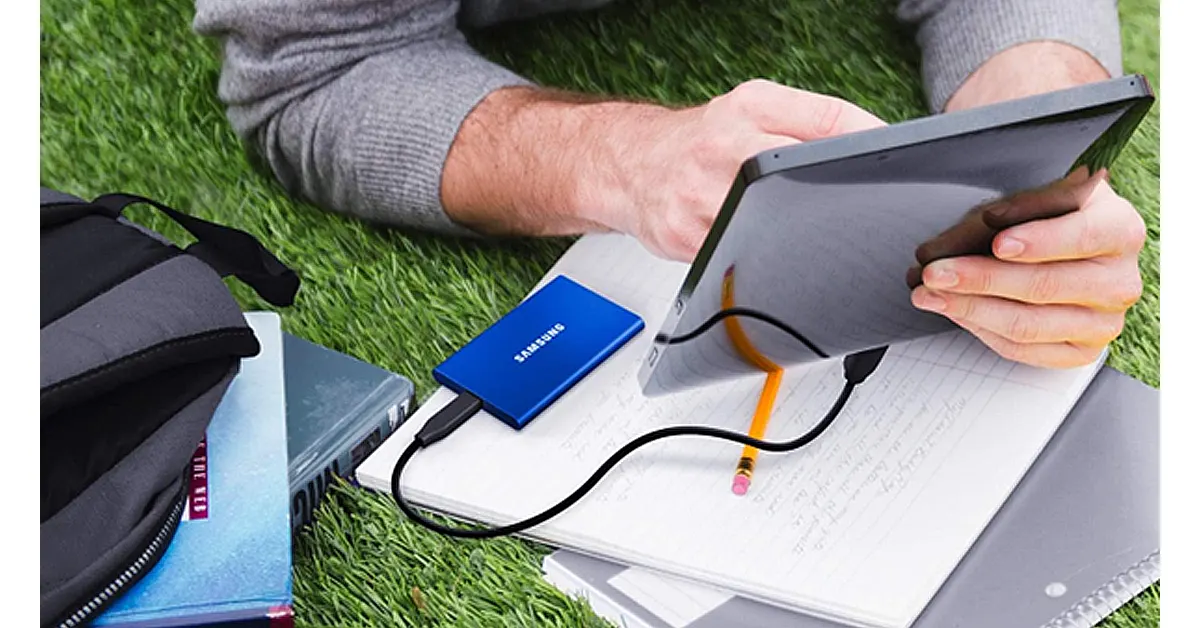 If you’re working with video, photos, or large files, storage fills up fast.
The Samsung T7 gives you fast, reliable external storage in something that’s barely bigger than a credit card. It’s ideal for backing up projects, editing directly from external storage, or just keeping your iPad uncluttered.
If you’re working with video, photos, or large files, storage fills up fast.
The Samsung T7 gives you fast, reliable external storage in something that’s barely bigger than a credit card. It’s ideal for backing up projects, editing directly from external storage, or just keeping your iPad uncluttered.
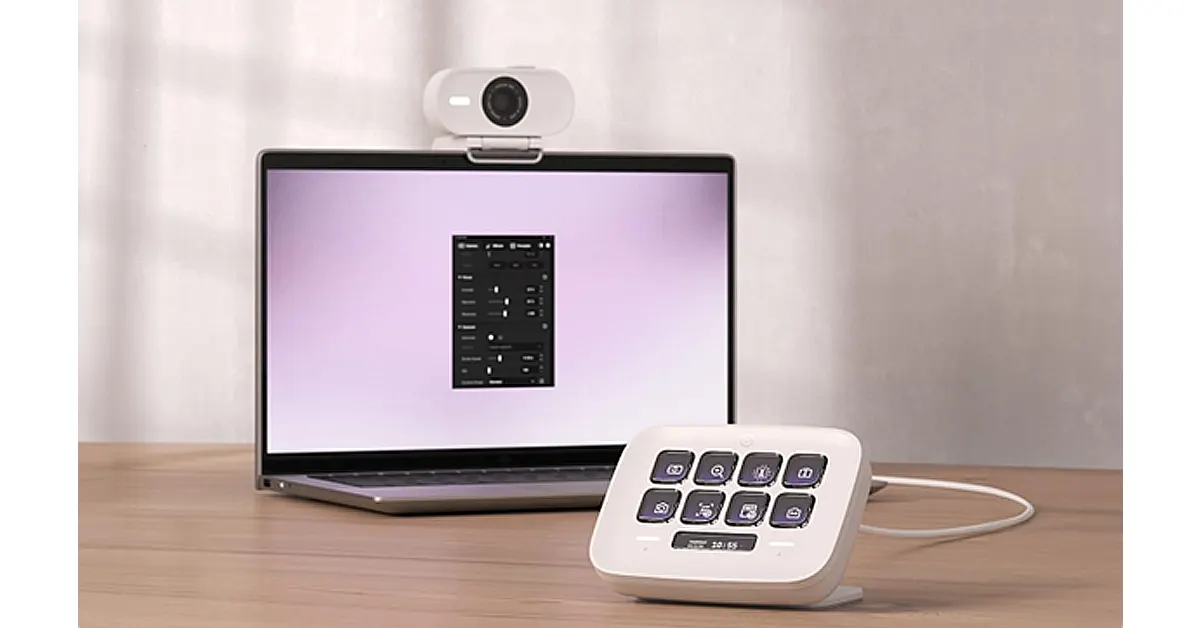 If you use your iPad Air M4 for calls, content, or even remote work, upgrading your camera setup can make a noticeable difference.
The built-in camera is solid, but a dedicated webcam like the Elgato Facecam Neo gives you sharper image quality, better low-light performance, and a more professional look overall. It’s especially useful if you’re using your iPad as part of a desk setup or connecting it to an external display.
It’s not an essential for everyone — but if you spend a lot of time on video calls, teaching, streaming, or recording content, it’s one of those upgrades that quietly elevates everything.
If you use your iPad Air M4 for calls, content, or even remote work, upgrading your camera setup can make a noticeable difference.
The built-in camera is solid, but a dedicated webcam like the Elgato Facecam Neo gives you sharper image quality, better low-light performance, and a more professional look overall. It’s especially useful if you’re using your iPad as part of a desk setup or connecting it to an external display.
It’s not an essential for everyone — but if you spend a lot of time on video calls, teaching, streaming, or recording content, it’s one of those upgrades that quietly elevates everything.
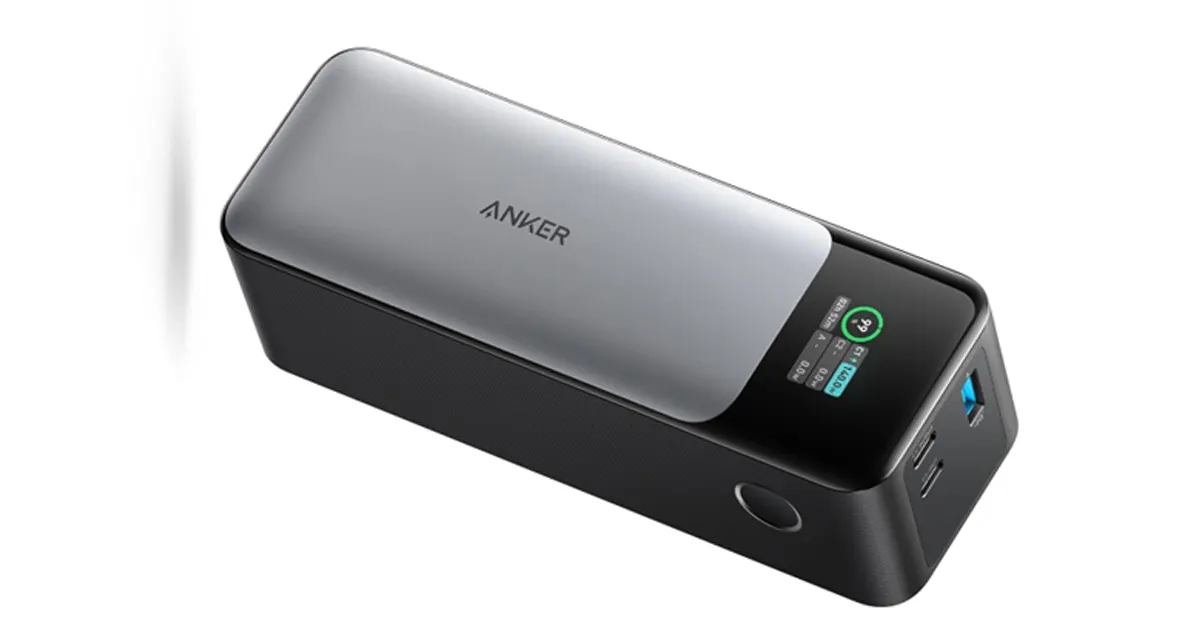 The iPad Air M4 has great battery life, but if you’re using it heavily for work, travel, or creative tasks, you’ll eventually hit the limit.
The Anker 737 power bank solves that without tying you to a wall socket. It’s powerful enough to charge the iPad at speed, meaning you can top up during a commute, on a flight, or between meetings without breaking your workflow.
It’s especially useful if your setup includes accessories like external drives or hubs, which can drain the battery faster than expected. It has three charging ports, so you can charge your iPhone and AirPods simultaneously.
Not the most glamorous accessory on the list, but easily one of the most practical if you rely on your iPad throughout the day.
The iPad Air M4 has great battery life, but if you’re using it heavily for work, travel, or creative tasks, you’ll eventually hit the limit.
The Anker 737 power bank solves that without tying you to a wall socket. It’s powerful enough to charge the iPad at speed, meaning you can top up during a commute, on a flight, or between meetings without breaking your workflow.
It’s especially useful if your setup includes accessories like external drives or hubs, which can drain the battery faster than expected. It has three charging ports, so you can charge your iPhone and AirPods simultaneously.
Not the most glamorous accessory on the list, but easily one of the most practical if you rely on your iPad throughout the day.
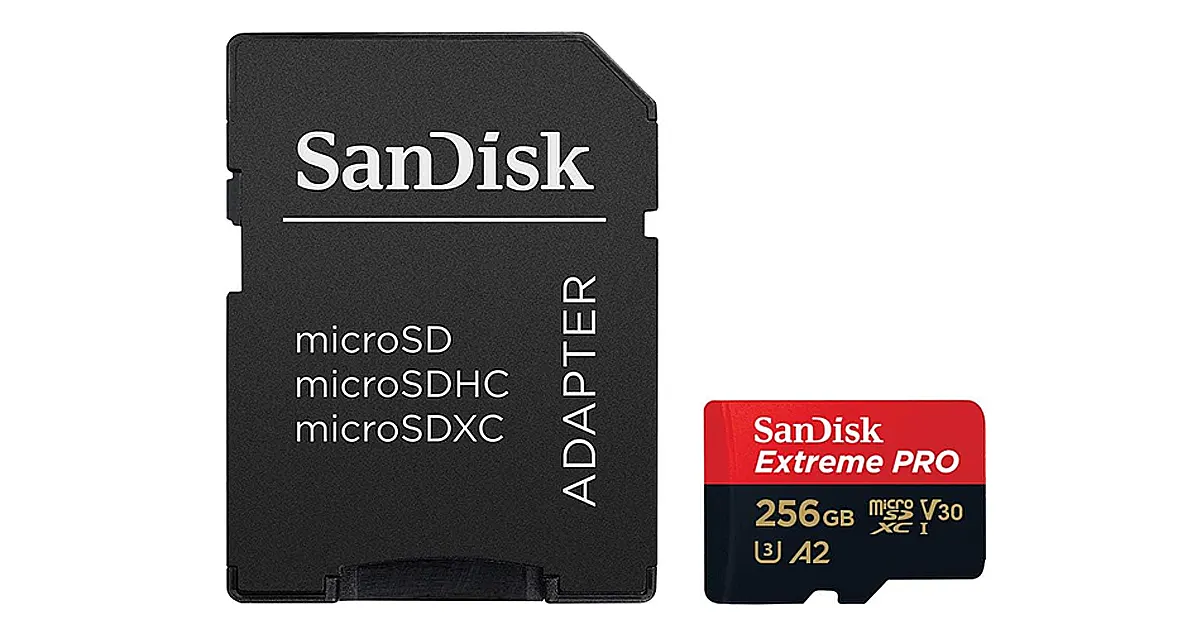 For quick file transfers — especially from cameras or drones — a microSD card with a USB-C adapter is still one of the simplest solutions.
It’s not flashy, but it’s practical. Drop files onto your iPad in seconds, no cloud upload required.
For quick file transfers — especially from cameras or drones — a microSD card with a USB-C adapter is still one of the simplest solutions.
It’s not flashy, but it’s practical. Drop files onto your iPad in seconds, no cloud upload required.