In This Article
What causes battery drainage on your smartwatch?
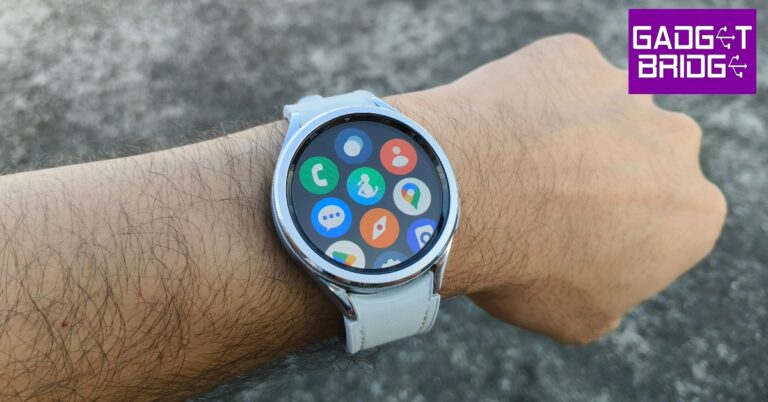
Modern Android smartwatches are engineered to offer at least a day’s worth of battery life. Some smartwatches use dual processors to handle different kinds of tasks in order to conserve the battery. The new OnePlus Watch 2 is one good example. However, batteries don’t last forever. After years of use, they wear out and get worse at retaining charge. You can extend the battery life by cutting down on some functions and running the watch on its bare bones. But before you begin, you need to know which components of your watch consume the most battery. The biggest culprit when it comes to battery drainage is your smartwatch’s display. AMOLED displays on the Galaxy Watches consume a lot of battery, especially when Always On Display is turned on. Turning off AOD can immediately create a difference. Reducing the intensity of brightness and disabling features like tilt-to-wake can also yield desirable results. Apart from the display, background apps and location services can also consume a huge chunk of the charge. Limiting the background tasks helps in extending your watch’s battery life.Update the Samsung Galaxy Watch OS to extend battery life
Step 1: Launch the Galaxy Wearable app on your smartphone. Step 2: Tap on Watch Settings.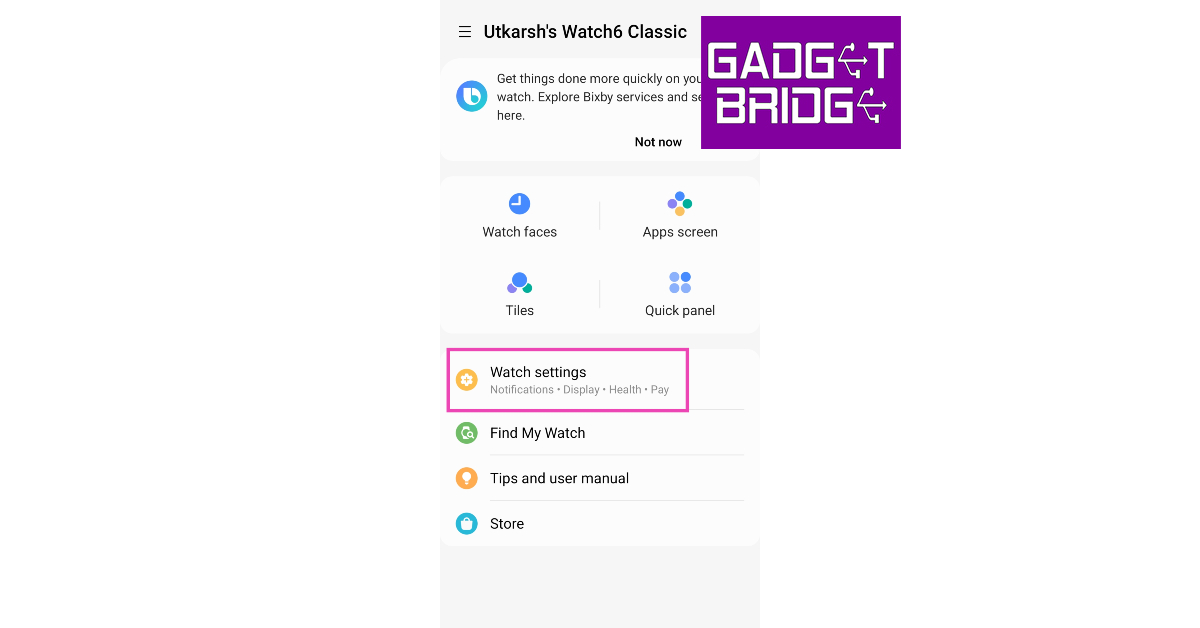 Step 3: Scroll down and select Watch Software Update.
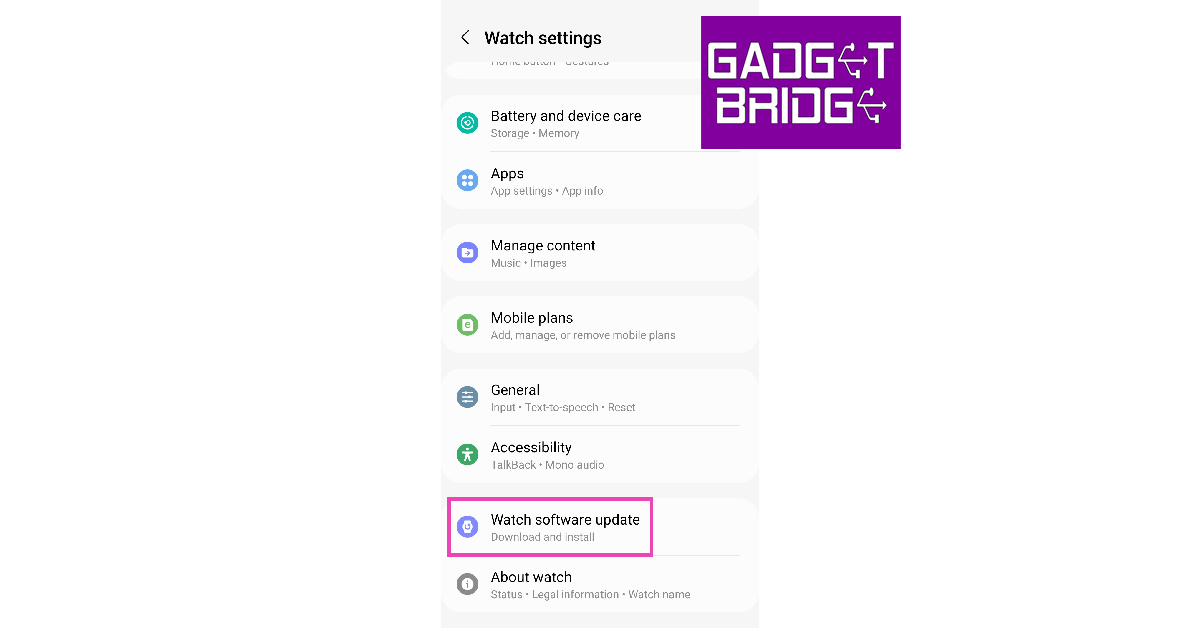 Step 4: Tap on Download and Install.
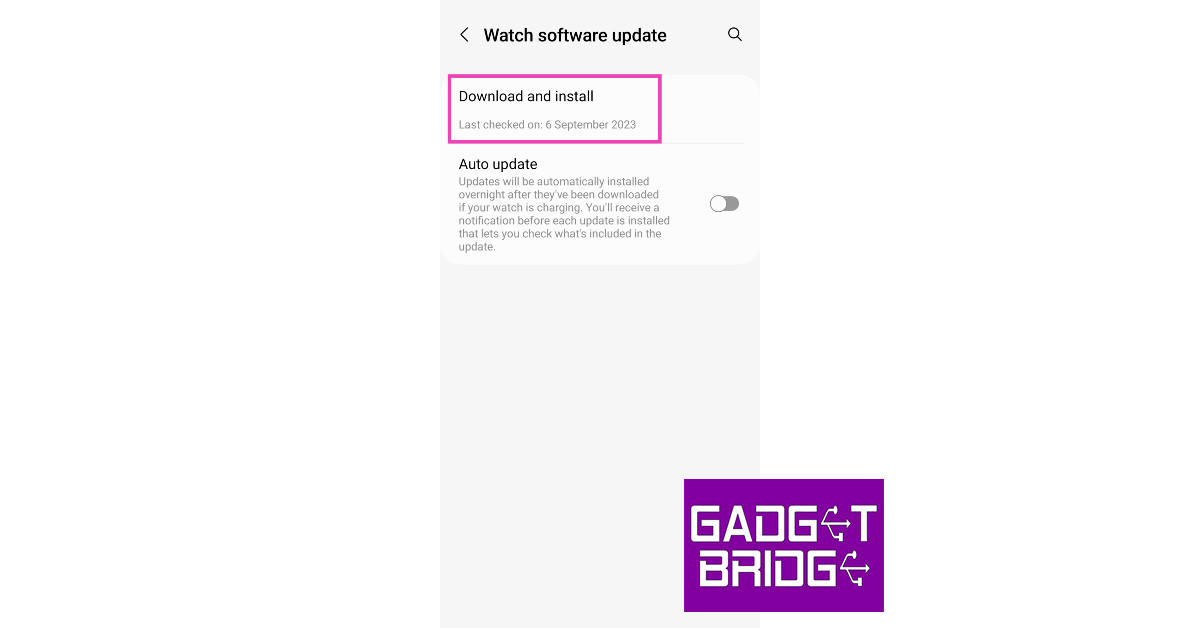 Step 5: If there is any pending OS update, download and install it on your watch.
Update the apps on your Galaxy Watch
Step 1: Launch the Galaxy Wearable app on your smartphone. Step 2: Scroll down and select Store.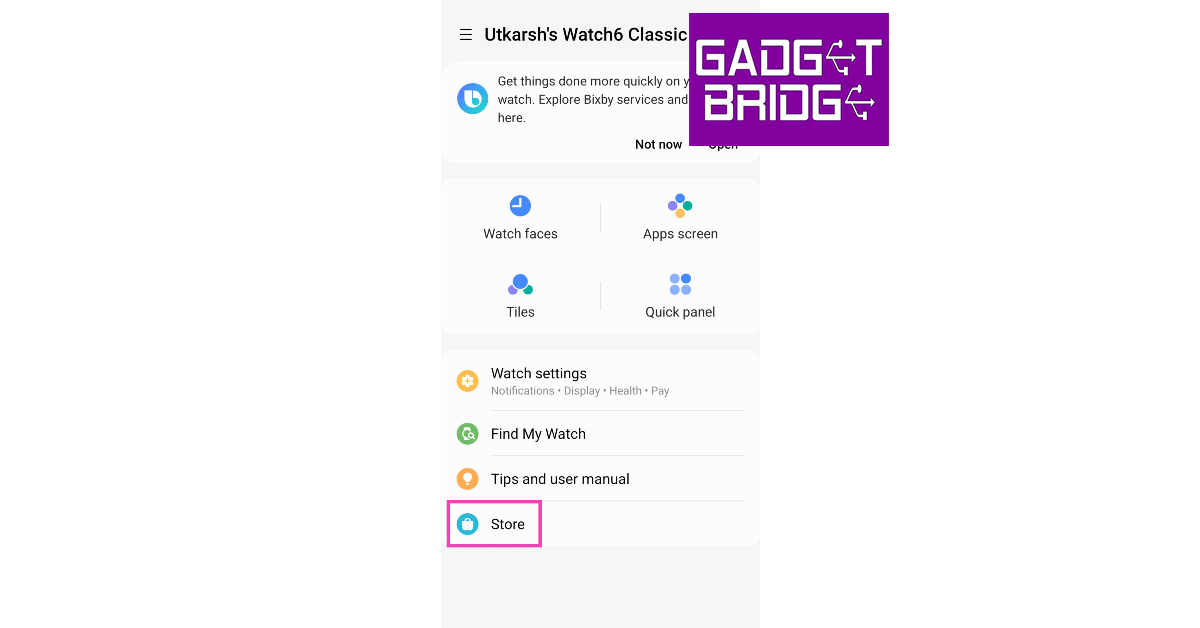 Step 3: Tap on Apps from your library.
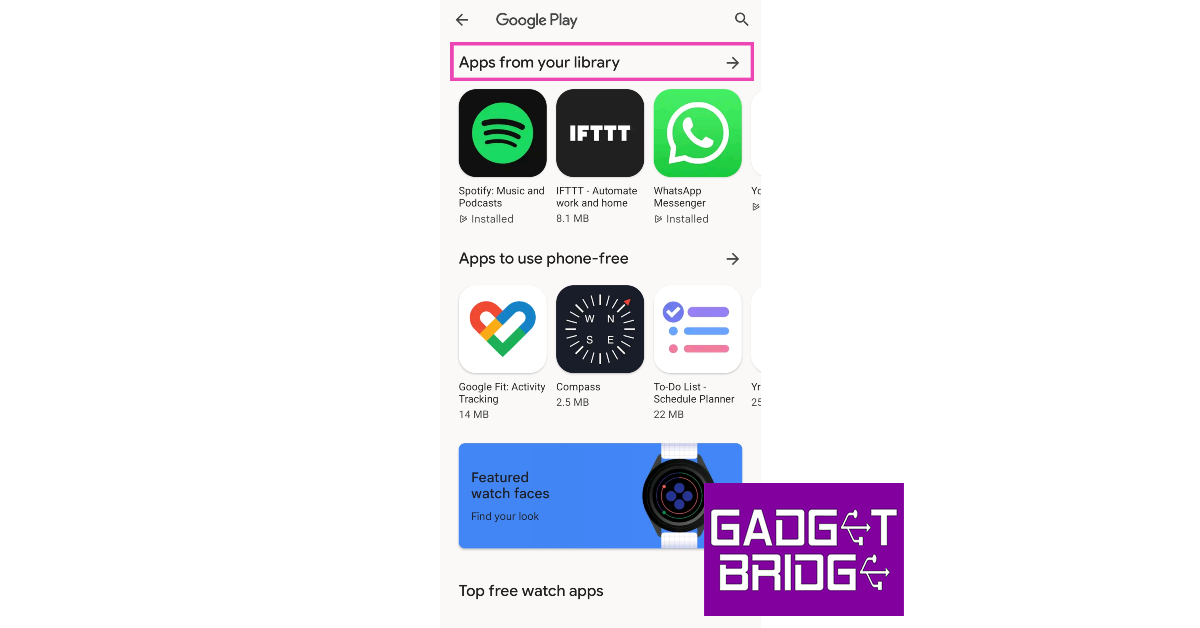 Step 4: Check if any of the apps have any pending updates.
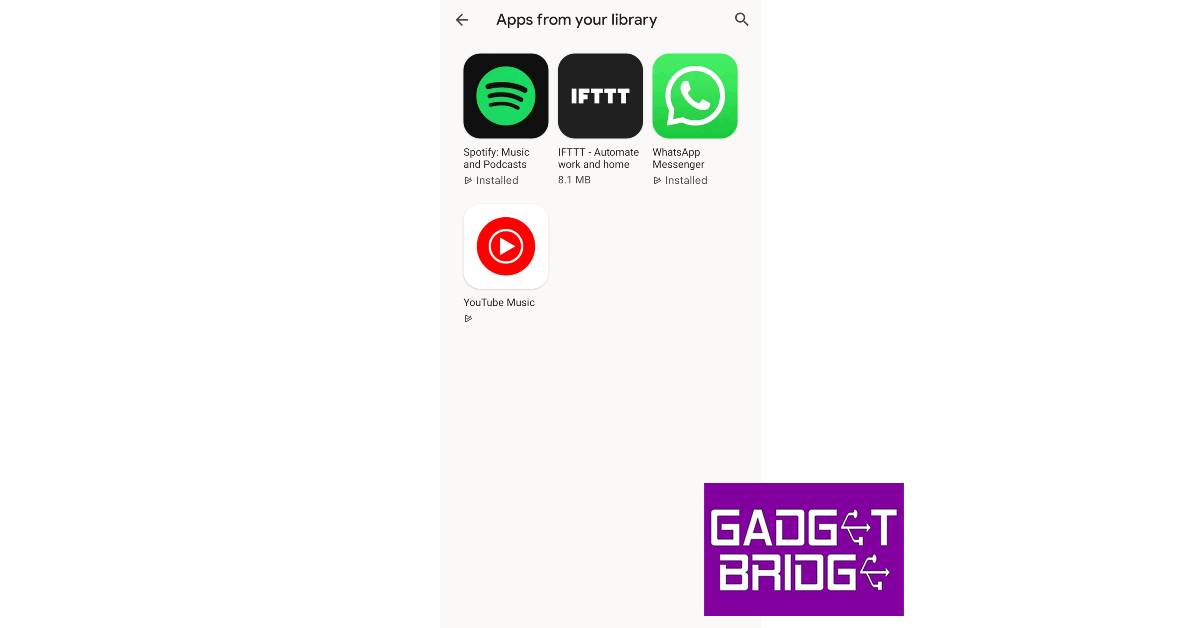 Step 5: Update the apps.
Turn off unused trackers to extend Samsung Galaxy Watch’s battery life
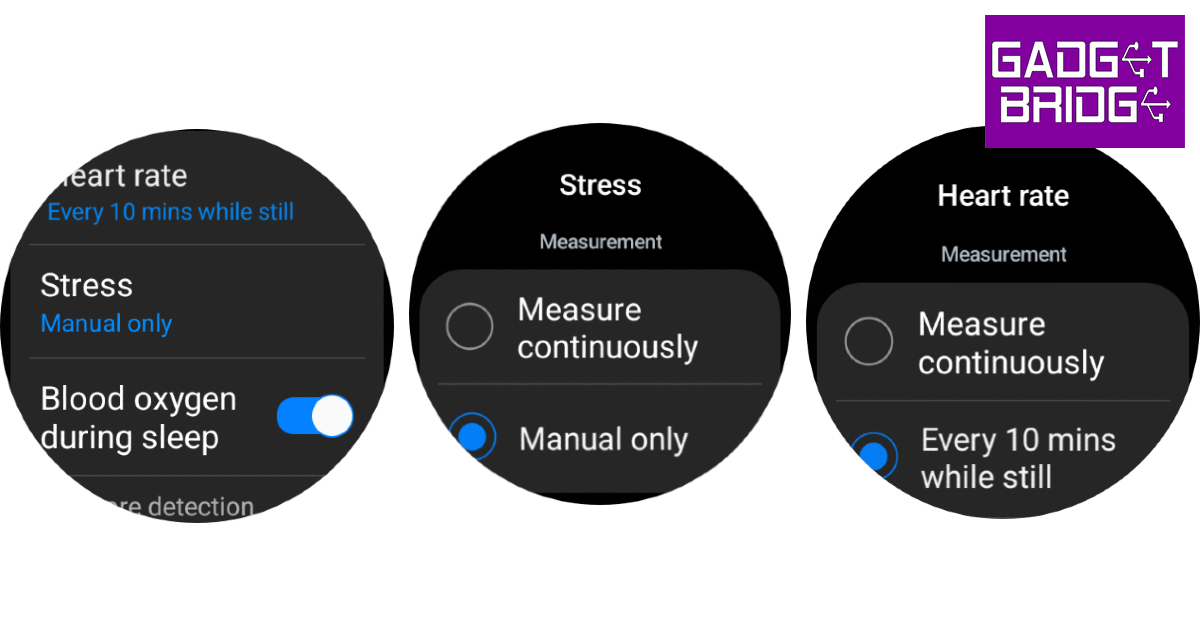 If you aren’t using any of the health trackers to actively measure your blood SpO2 level, sleep, stress, and heart rate, it is a good idea to turn them off while they’re not in use. While background monitoring produces comprehensive data, it can severely reduce the battery life of your Samsung Galaxy Watch. Here’s how you can turn it off.
Step 1: Swipe up from your Samsung Galaxy Watch’s home page and select Settings.
Step 2: Scroll down and select Health.
Step 3: Tap on Heart rate and set it to Every 10 minutes while still or Manual only.
Step 4: Go back and select Stress.
Step 5: Set it to Manual only.
If you aren’t using any of the health trackers to actively measure your blood SpO2 level, sleep, stress, and heart rate, it is a good idea to turn them off while they’re not in use. While background monitoring produces comprehensive data, it can severely reduce the battery life of your Samsung Galaxy Watch. Here’s how you can turn it off.
Step 1: Swipe up from your Samsung Galaxy Watch’s home page and select Settings.
Step 2: Scroll down and select Health.
Step 3: Tap on Heart rate and set it to Every 10 minutes while still or Manual only.
Step 4: Go back and select Stress.
Step 5: Set it to Manual only.
Turn off Always On Display to improve Samsung Galaxy Watch’s battery life
One of the biggest battery drainers on your Galaxy Watch is its Super AMOLED display. With Always On Display in effect, the battery life of the watch takes a hit. If you want to make your Galaxy Watch last longer, turn off the Always On Display from the Quick Settings Menu.Turn off network connections
Step 1: Swipe up from your Galaxy Watch’s home screen and select Settings. Step 2: Tap on Connections.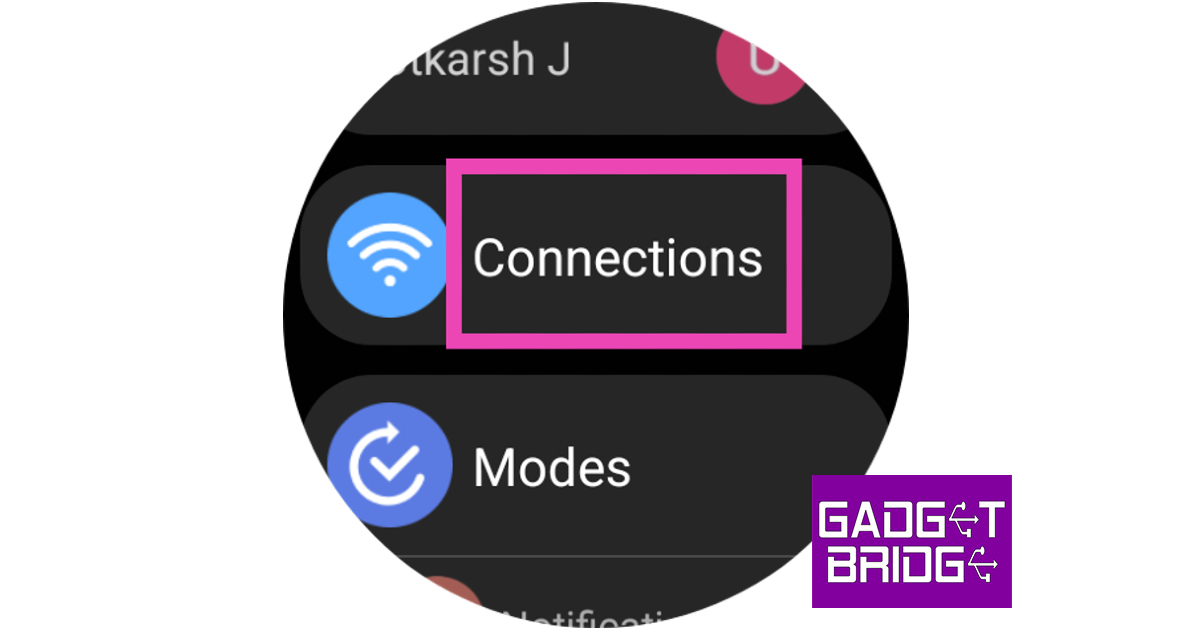 Step 3: Turn off Bluetooth, WiFi, mobile network, and LTE.
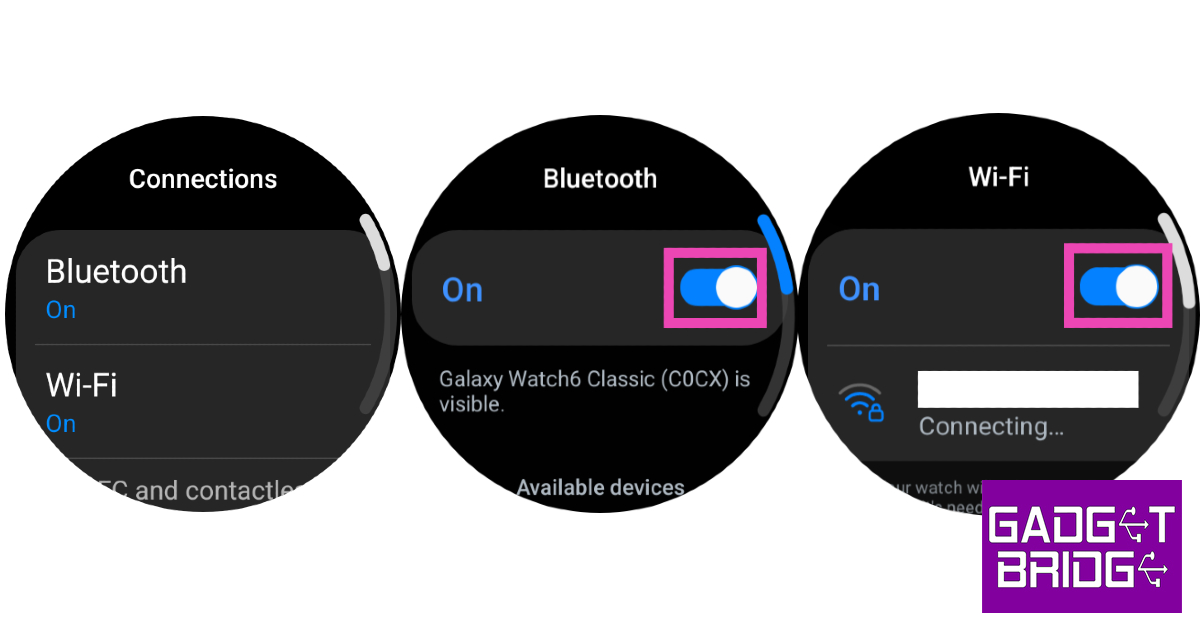 Turning off Bluetooth will disconnect your watch from your phone.
Turn off Tilt-to-Wake
 Step 1: Unlock your Galaxy Watch and swipe down to access the Quick Settings Menu.
Step 2: Hit the Settings tile.
Step 3: Tap on Display.
Step 4: Turn off the toggle switch next to Raise wrist to wake.
Step 1: Unlock your Galaxy Watch and swipe down to access the Quick Settings Menu.
Step 2: Hit the Settings tile.
Step 3: Tap on Display.
Step 4: Turn off the toggle switch next to Raise wrist to wake.
Reduce the screen timeout duration
 Step 1: Unlock your Galaxy Watch and swipe down to access the Quick Settings Menu.
Step 2: Hit the Settings tile.
Step 3: Tap on Display.
Step 4: Select Screen timeout.
Step 5: Set the duration to 15 seconds.
Step 1: Unlock your Galaxy Watch and swipe down to access the Quick Settings Menu.
Step 2: Hit the Settings tile.
Step 3: Tap on Display.
Step 4: Select Screen timeout.
Step 5: Set the duration to 15 seconds.
Decrease the brightness
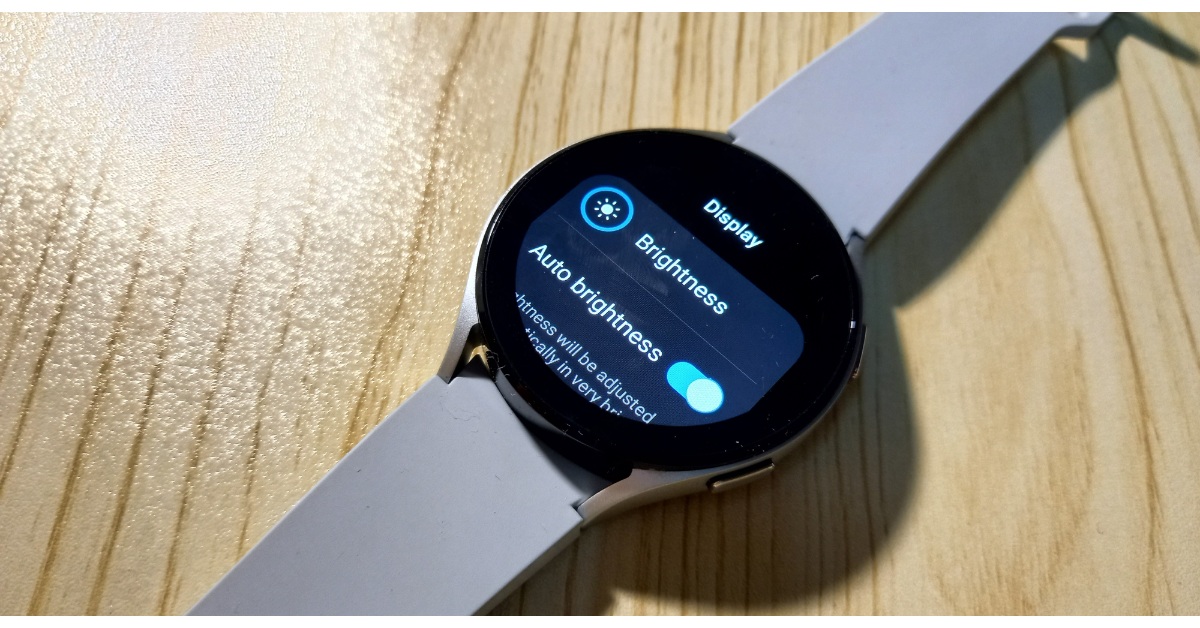 Step 1: Unlock your Galaxy Watch and swipe down to access the Quick Settings Menu.
Step 2: Hit the Brightness tile.
Step 3: Use the slider to reduce the brightness.
Step 1: Unlock your Galaxy Watch and swipe down to access the Quick Settings Menu.
Step 2: Hit the Brightness tile.
Step 3: Use the slider to reduce the brightness.
Lower the intensity of the haptic motor
 Step 1: Unlock your Galaxy Watch and swipe down to access the Quick Settings Menu.
Step 2: Hit the Settings tile.
Step 3: Tap on Sounds and vibration.
Step 4: Tap on Vibration.
Step 5: Select Short under Vibration duration.
Step 6: Select Light under Vibration intensity.
Step 1: Unlock your Galaxy Watch and swipe down to access the Quick Settings Menu.
Step 2: Hit the Settings tile.
Step 3: Tap on Sounds and vibration.
Step 4: Tap on Vibration.
Step 5: Select Short under Vibration duration.
Step 6: Select Light under Vibration intensity.
Close background apps
Step 1: Launch the Galaxy Wearable app on your smartphone. Step 2: Tap on Watch Settings.
Step 3: Select Battery and device care.
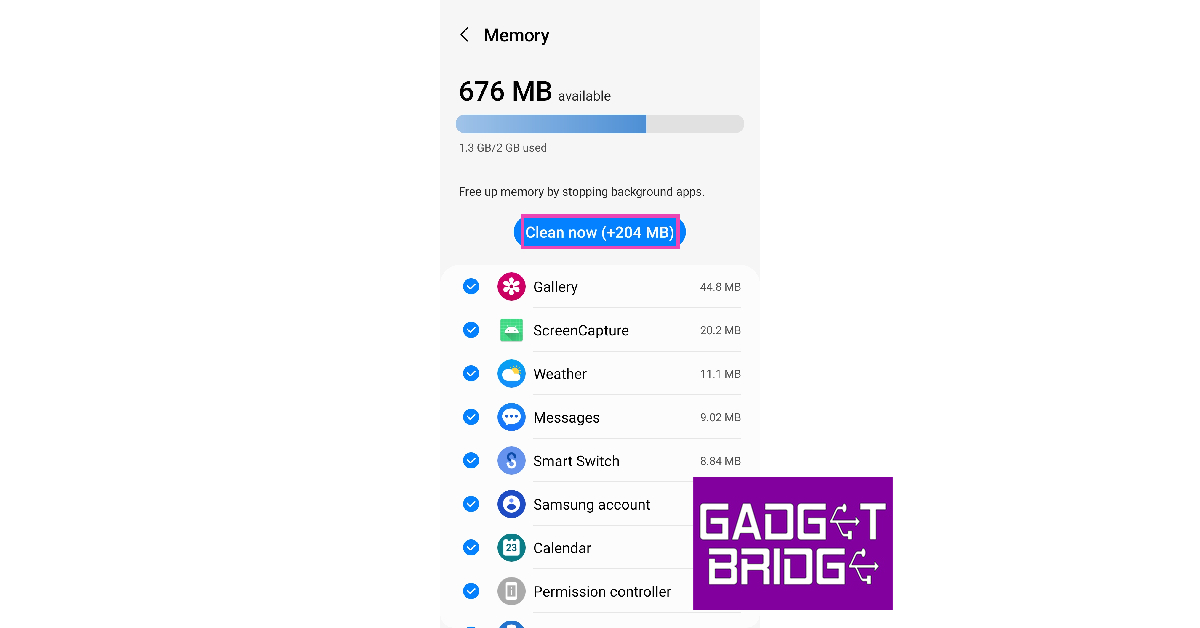
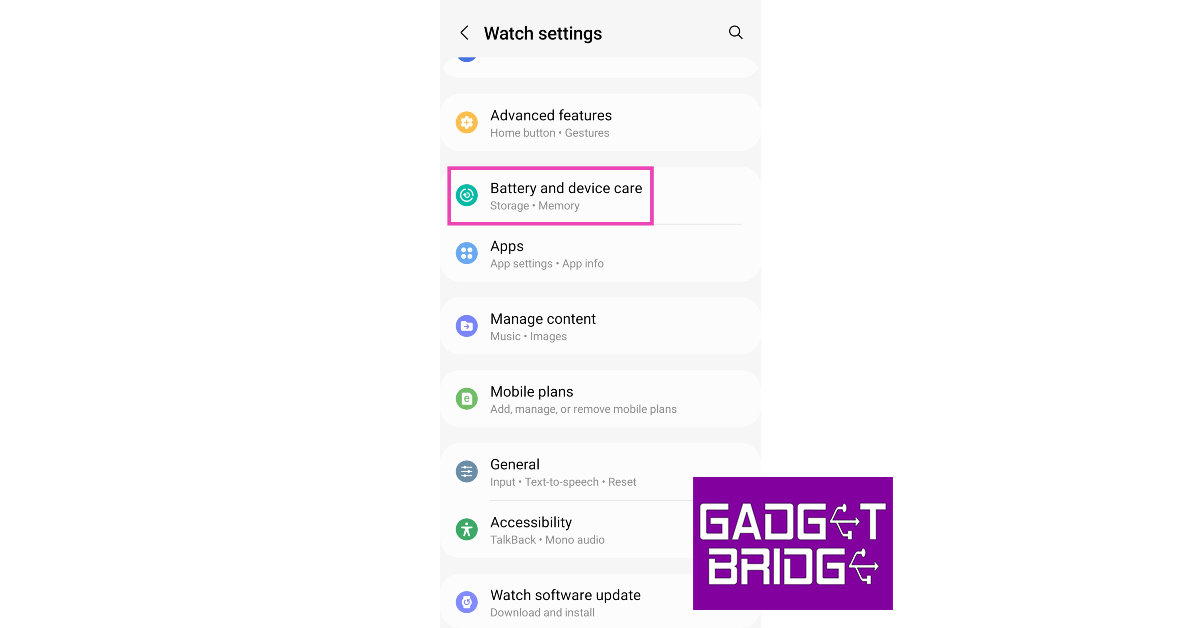 Step 4: Tap on Memory.
 Step 5: Select Clean now.







 Step 2:
 Step 3:
 Step 4:
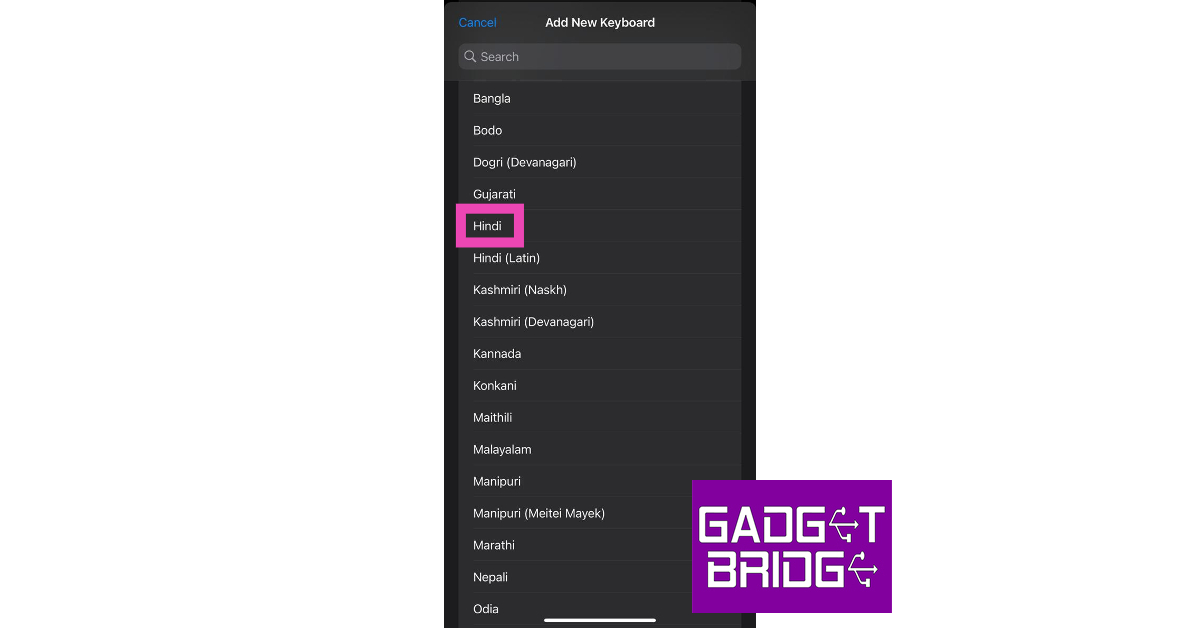 Step 5:
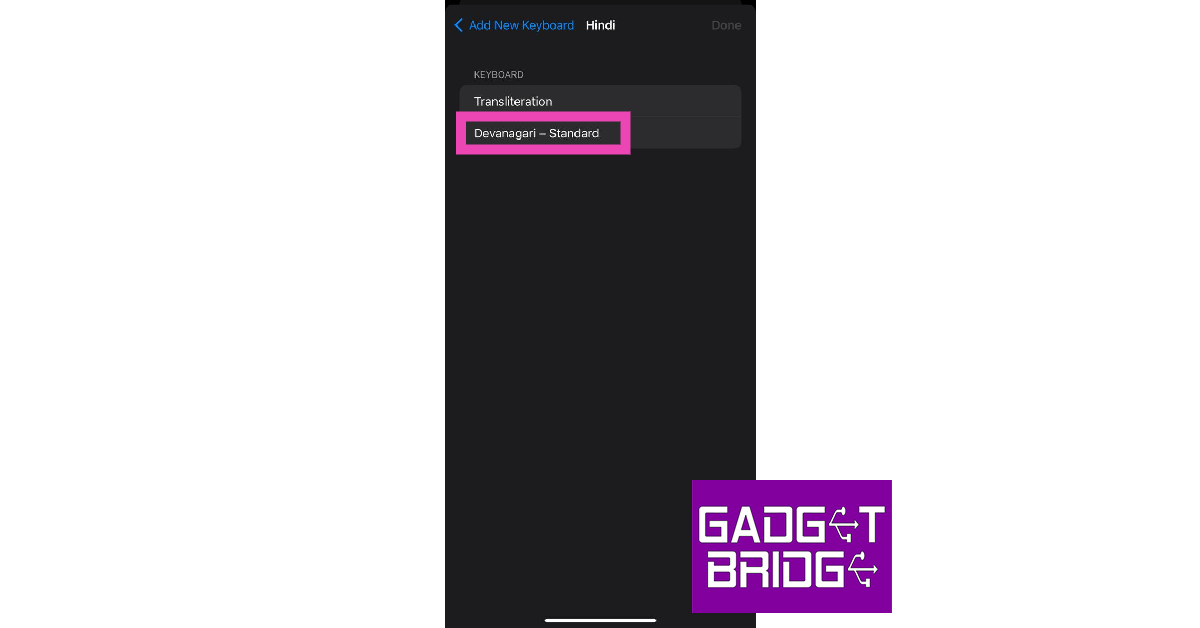 Step 6:
 Step 2:
  Step 3:
 Step 4:
 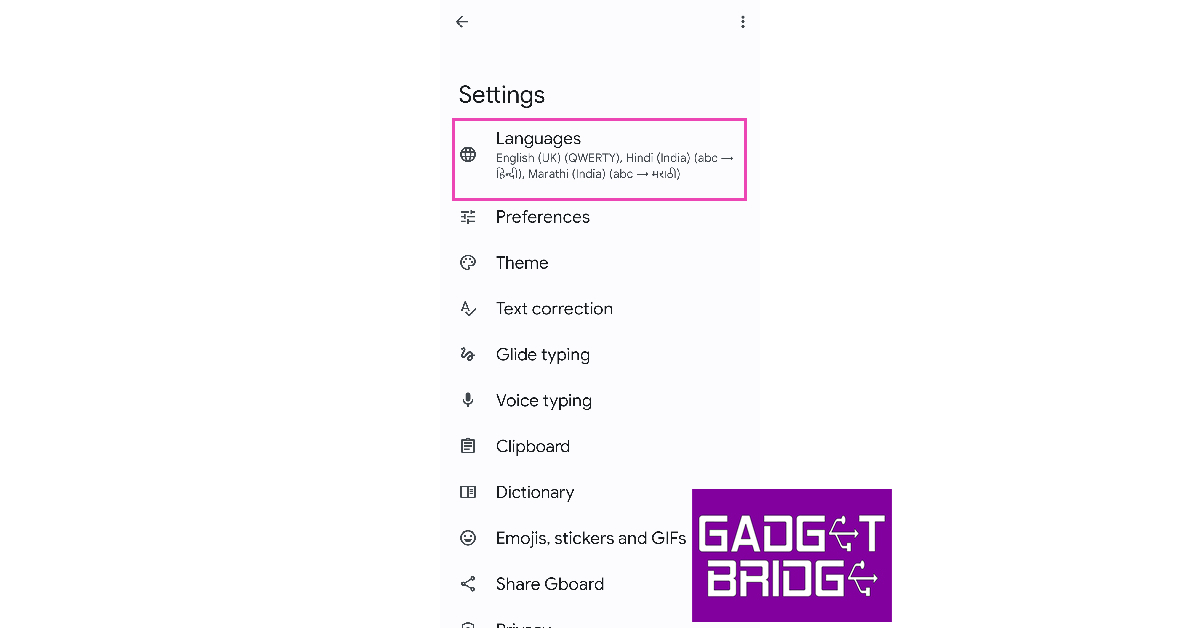 Step 5:
 Step 6:
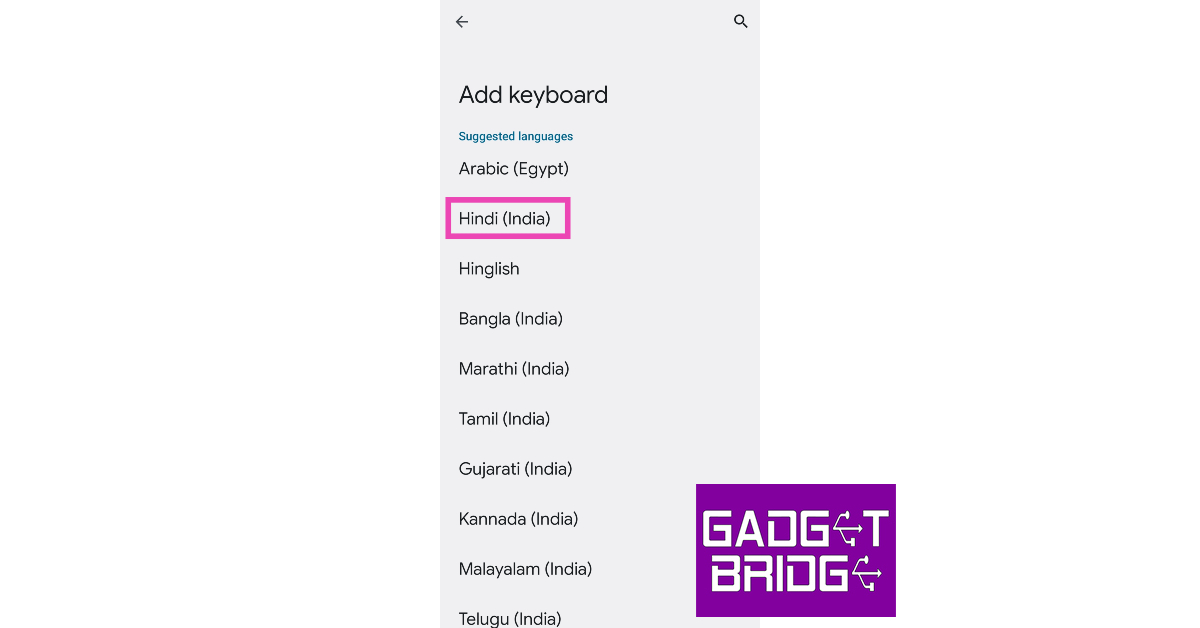 Step 7:
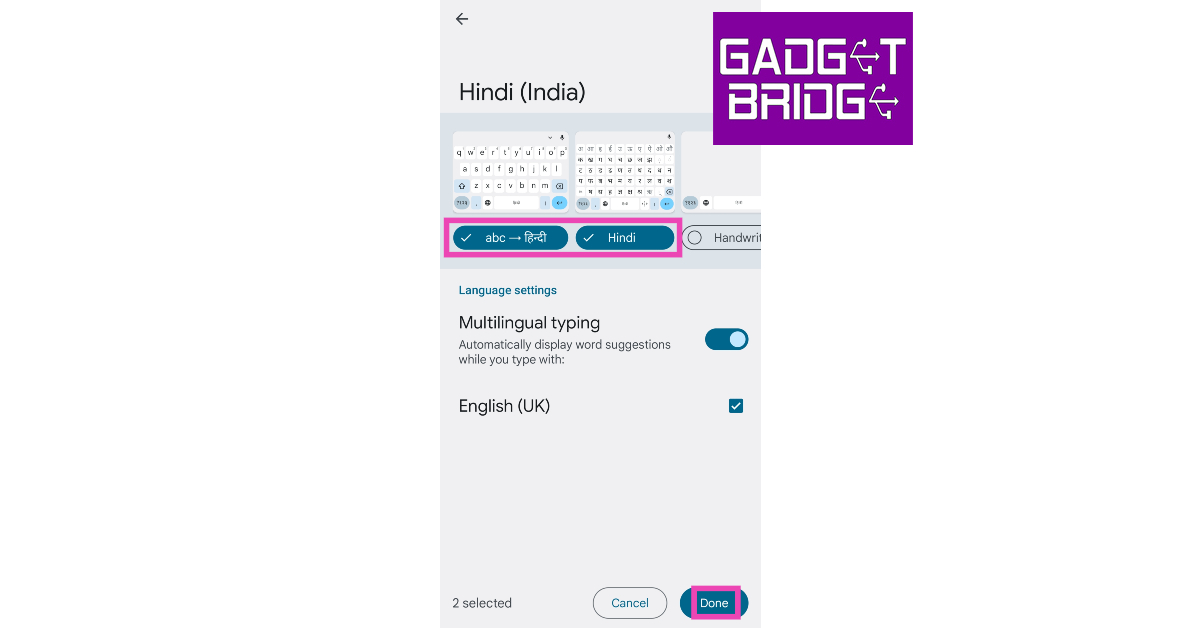 Step 8:
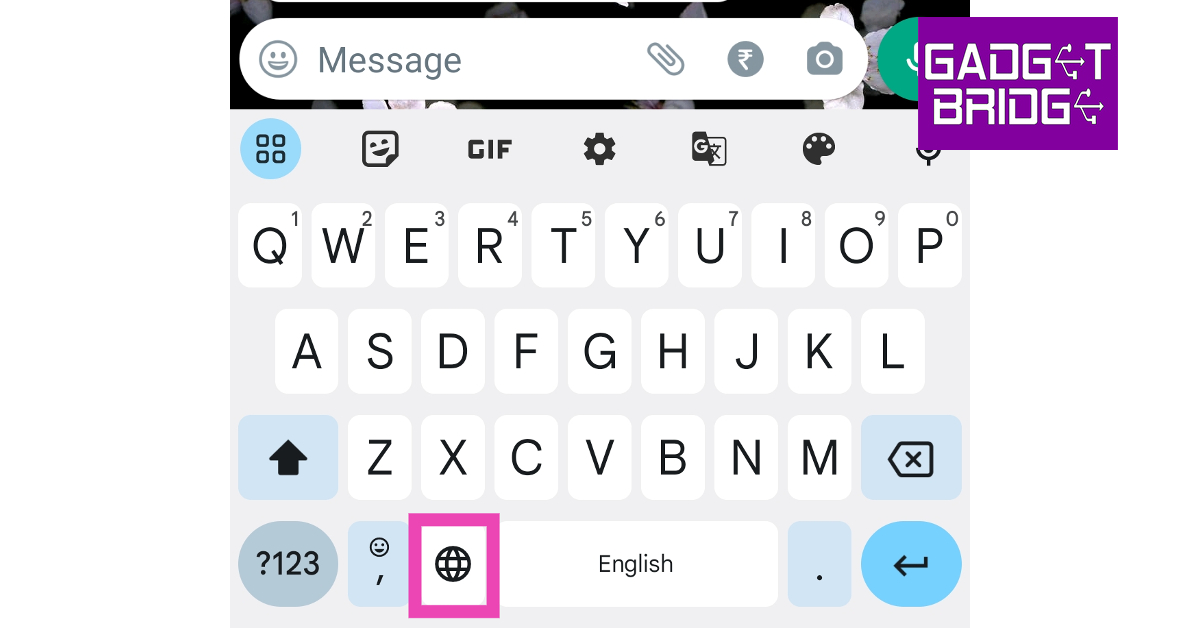 Step 11: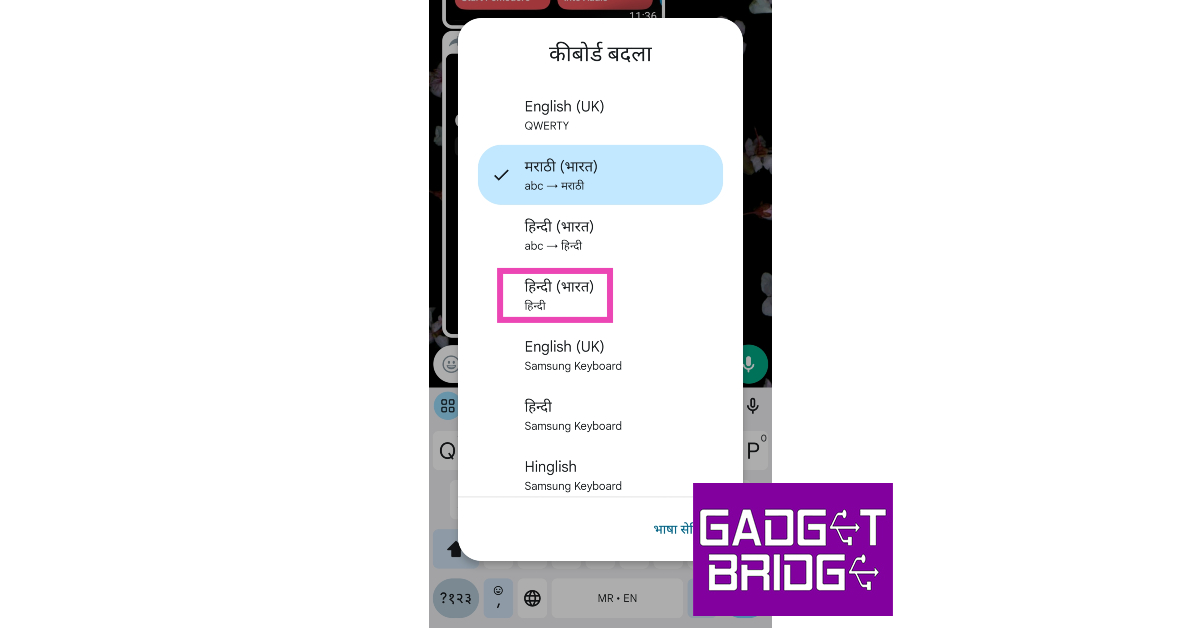

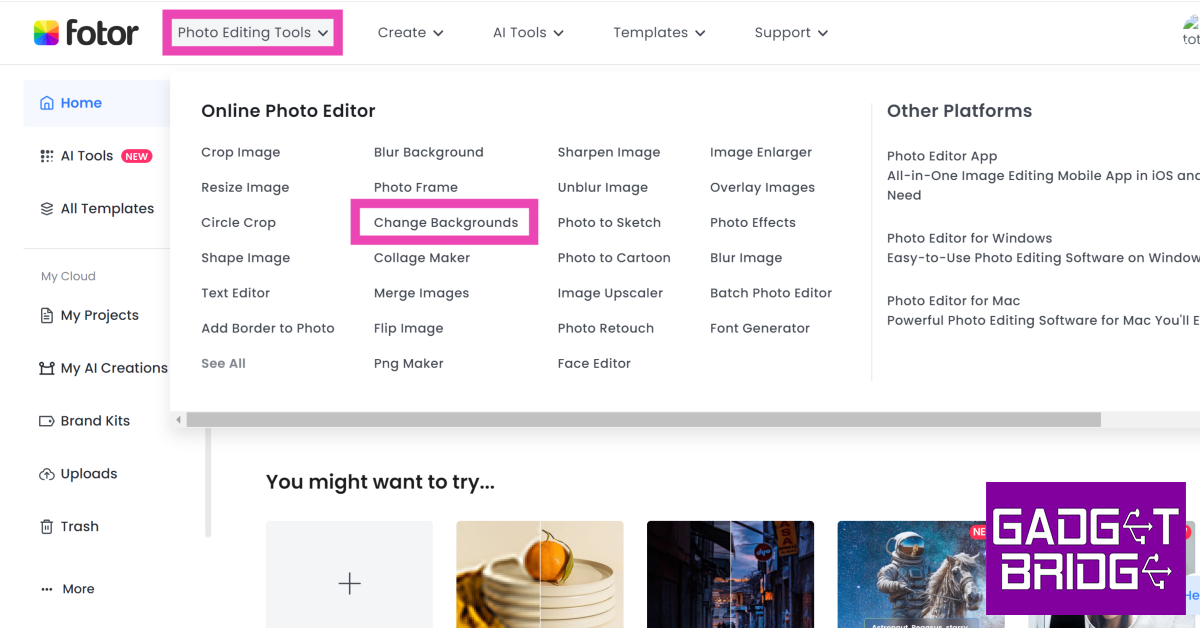 Step 3:
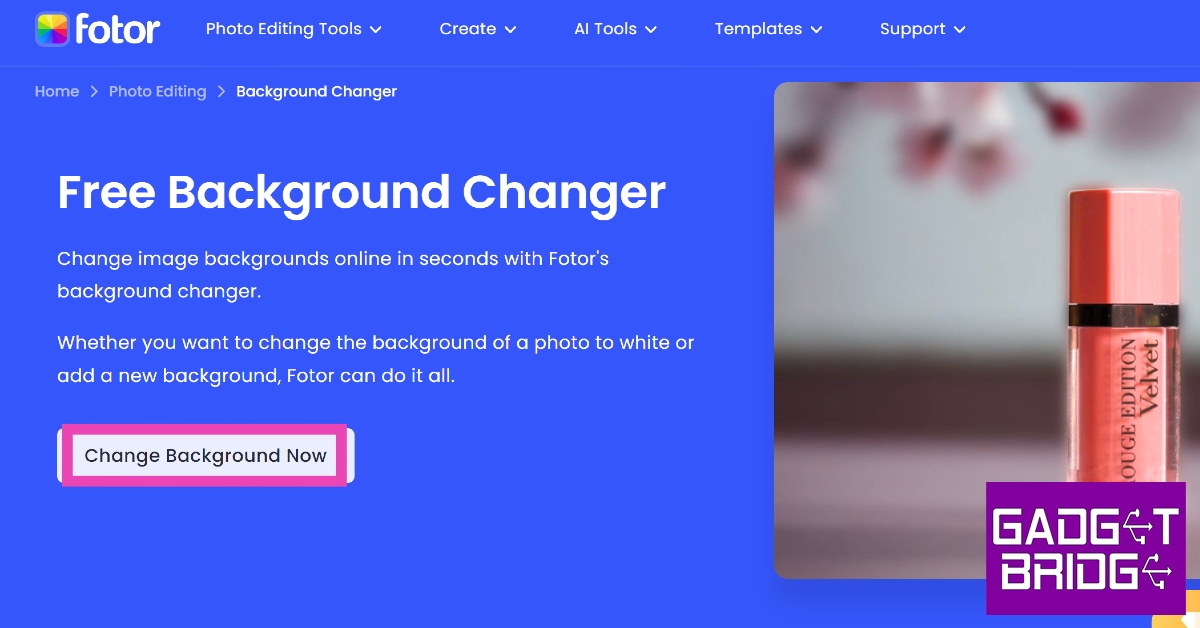 Step 4: Upload
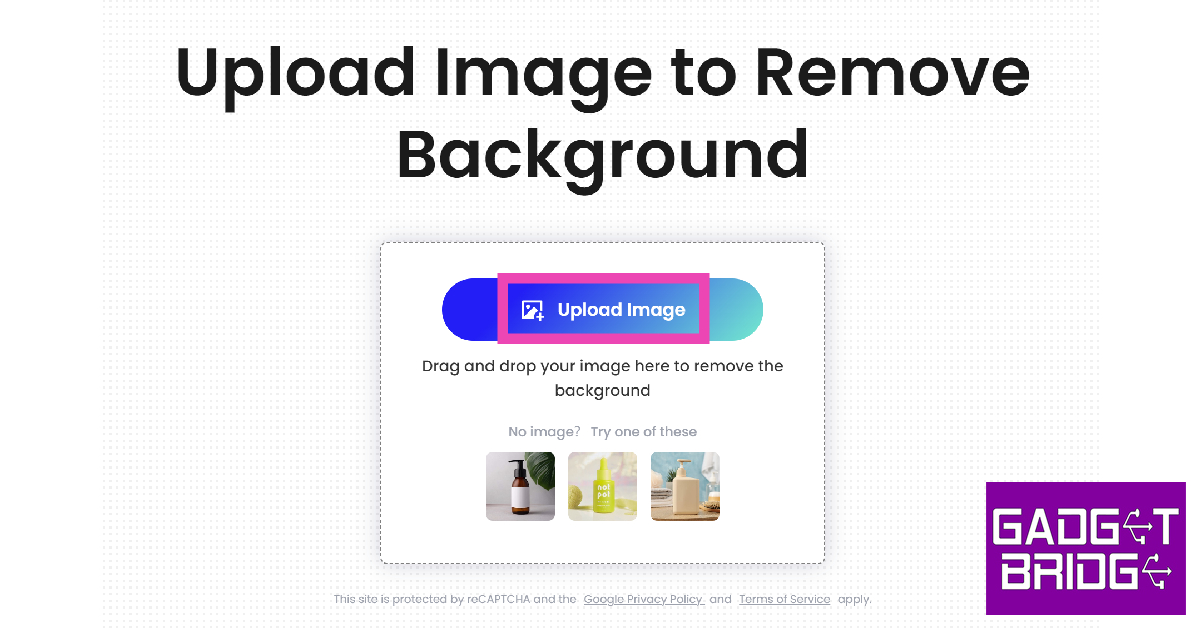 Step 5:
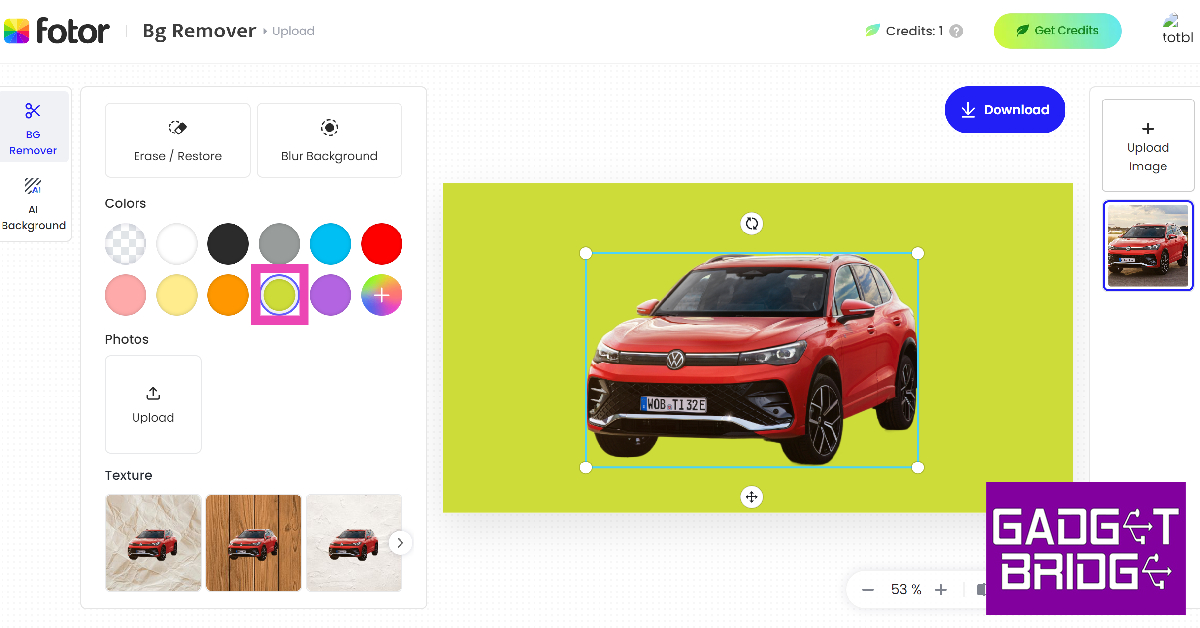 Step 7:
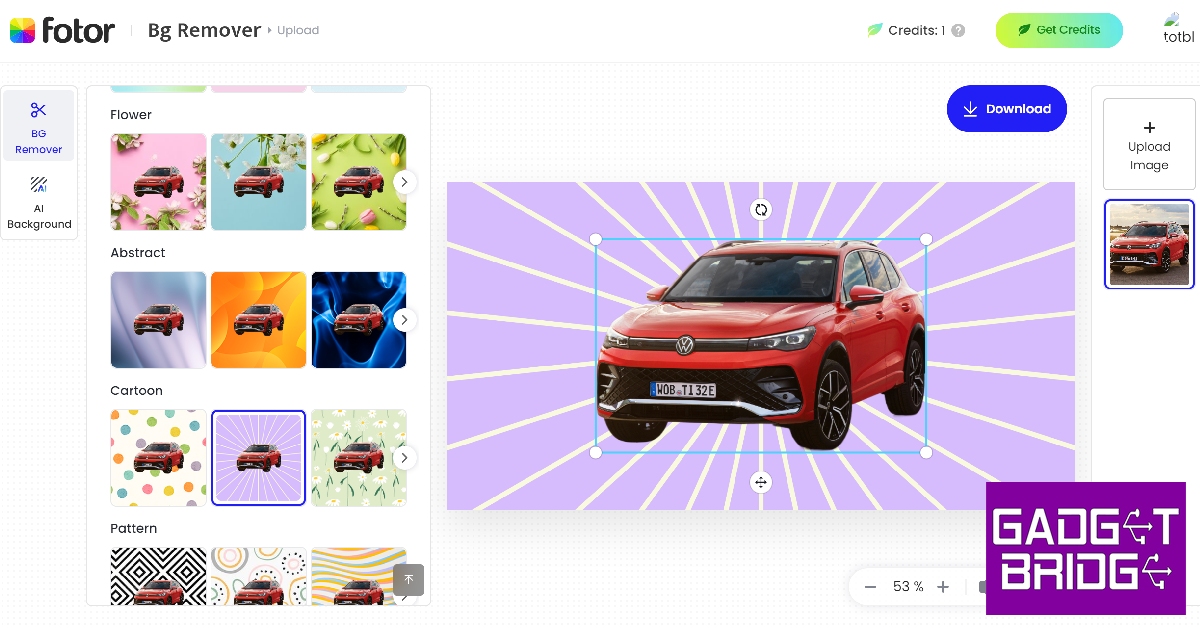 Step 8:
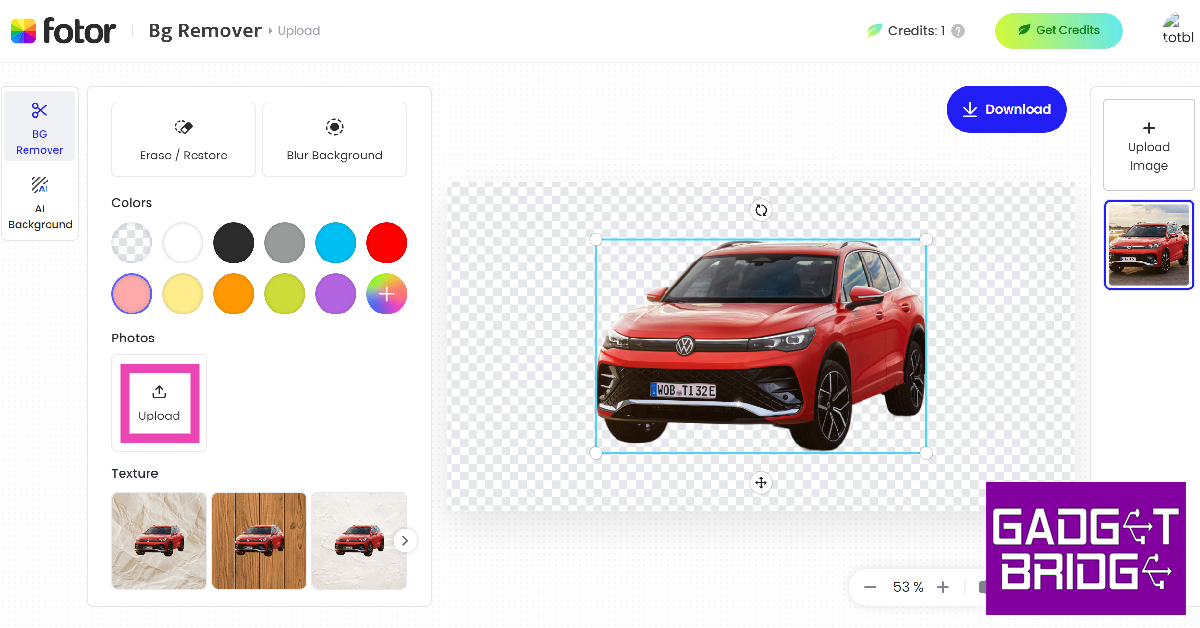 Step 9: Upload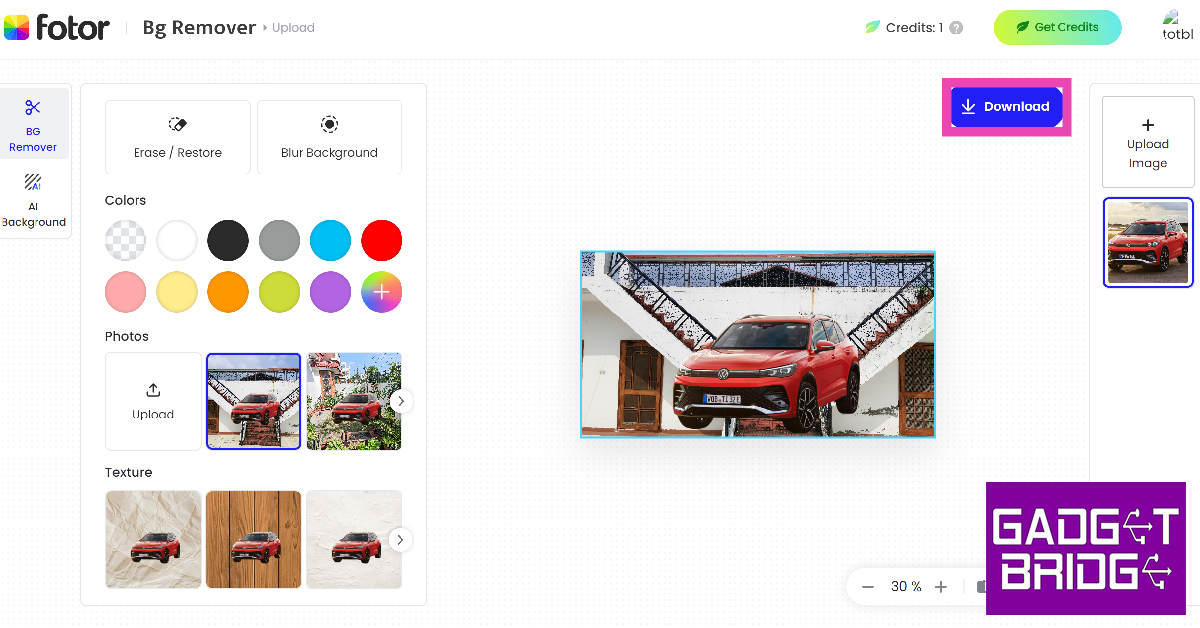
 Step 3:
 Step 5:
 Step 6:
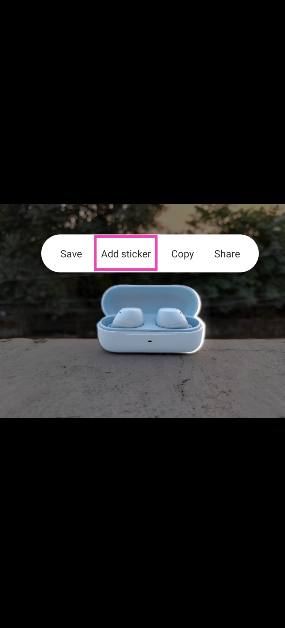
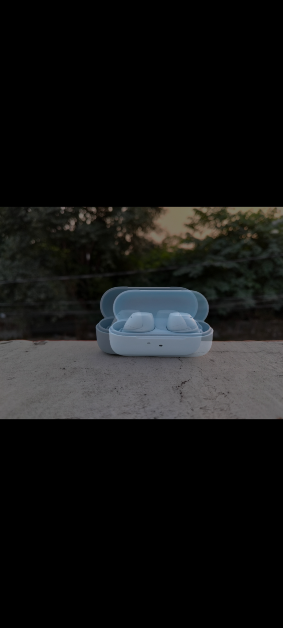 Step 4: Tap Add Sticker in the pop-up menu.
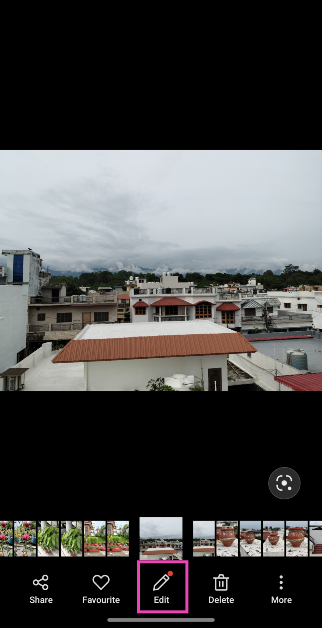
 Step 5: Open the image that you wish to set as the background.
Step 6: Hit Edit at the bottom of the screen.
Step 5: Open the image that you wish to set as the background.
Step 6: Hit Edit at the bottom of the screen.
 Step 7: Scroll through the tools and select Stickers.
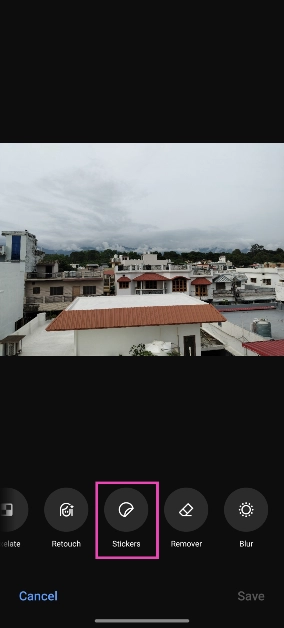 Step 8: Select the sticker you just created.
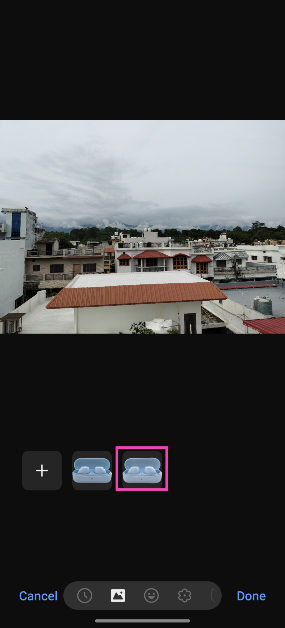 Step 9: Adjust its size and place it in the ideal spot.
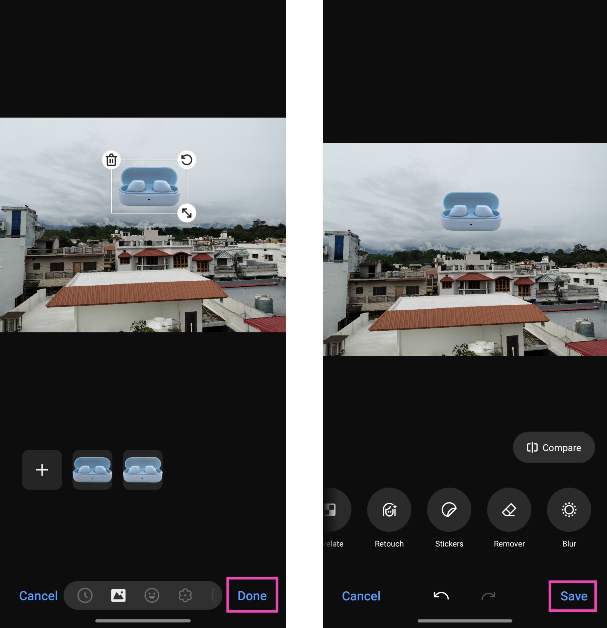 Step 10: Hit Save.
 Step 1: Launch the Instagram app and tap on Create Story in the top left corner of the screen.
Step 2: Take a picture or upload an image from your phone’s gallery.
Step 3: Tap the Stickers icon and select Backdrop.
Step 4: Hit Next.
Step 5: Enter a prompt for the background.
Step 6: Instagram will generate a new background based on your prompt. If you like it, hit Next.
Step 7: Follow the remaining steps to upload the image as your story.
Step 1: Launch the Instagram app and tap on Create Story in the top left corner of the screen.
Step 2: Take a picture or upload an image from your phone’s gallery.
Step 3: Tap the Stickers icon and select Backdrop.
Step 4: Hit Next.
Step 5: Enter a prompt for the background.
Step 6: Instagram will generate a new background based on your prompt. If you like it, hit Next.
Step 7: Follow the remaining steps to upload the image as your story.










 When calculating on the basis of money spent per capita, Australians are mathematically the biggest gamblers in the world. They wager as much per capita as the second and third-highest-spending nationalities put together. Around 50 percent of all betting is on pokies or slot machines.
Obviously, the closure of casinos, bars and so on had a significant impact, and in 2021, older Australians were poring over
When calculating on the basis of money spent per capita, Australians are mathematically the biggest gamblers in the world. They wager as much per capita as the second and third-highest-spending nationalities put together. Around 50 percent of all betting is on pokies or slot machines.
Obviously, the closure of casinos, bars and so on had a significant impact, and in 2021, older Australians were poring over 
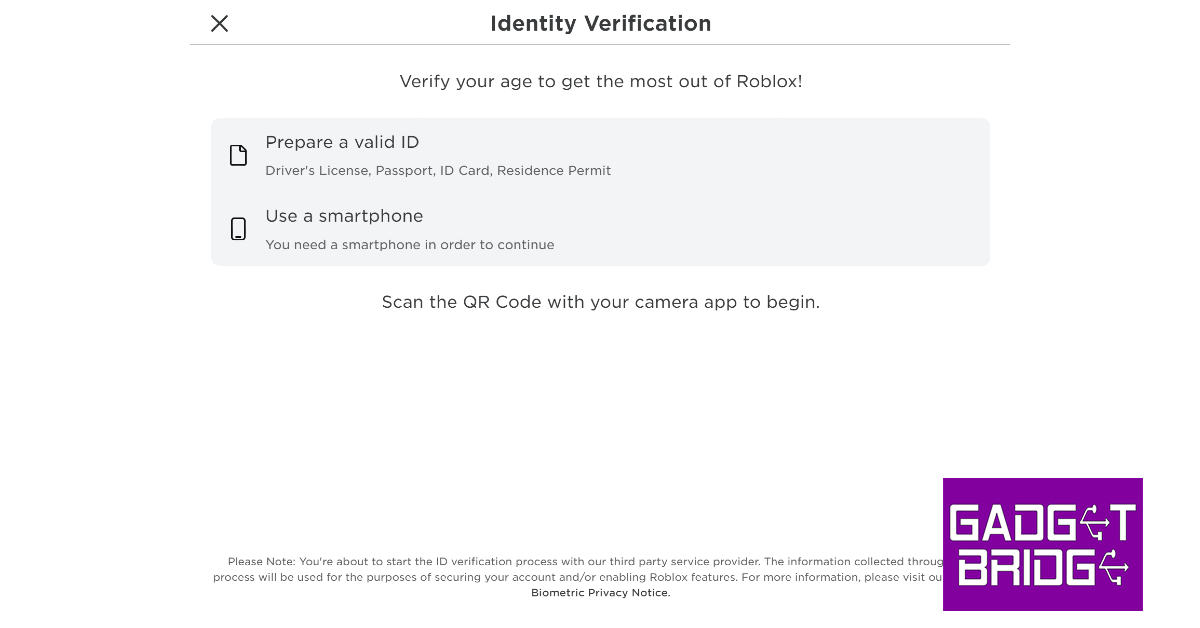 Step 2:
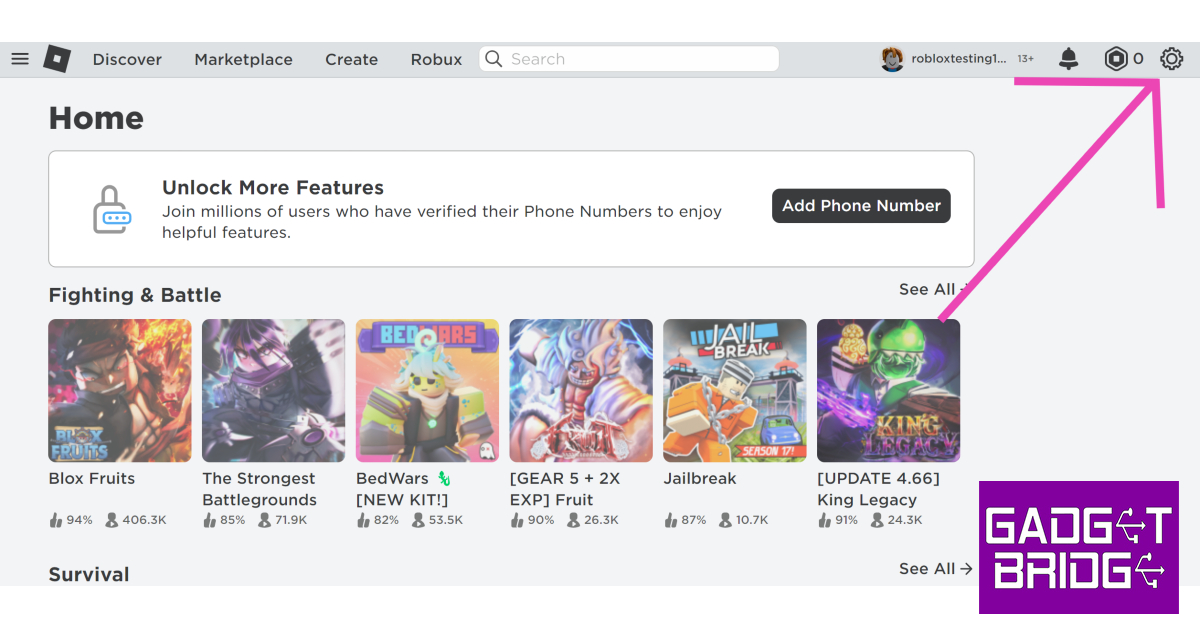 Step 3:
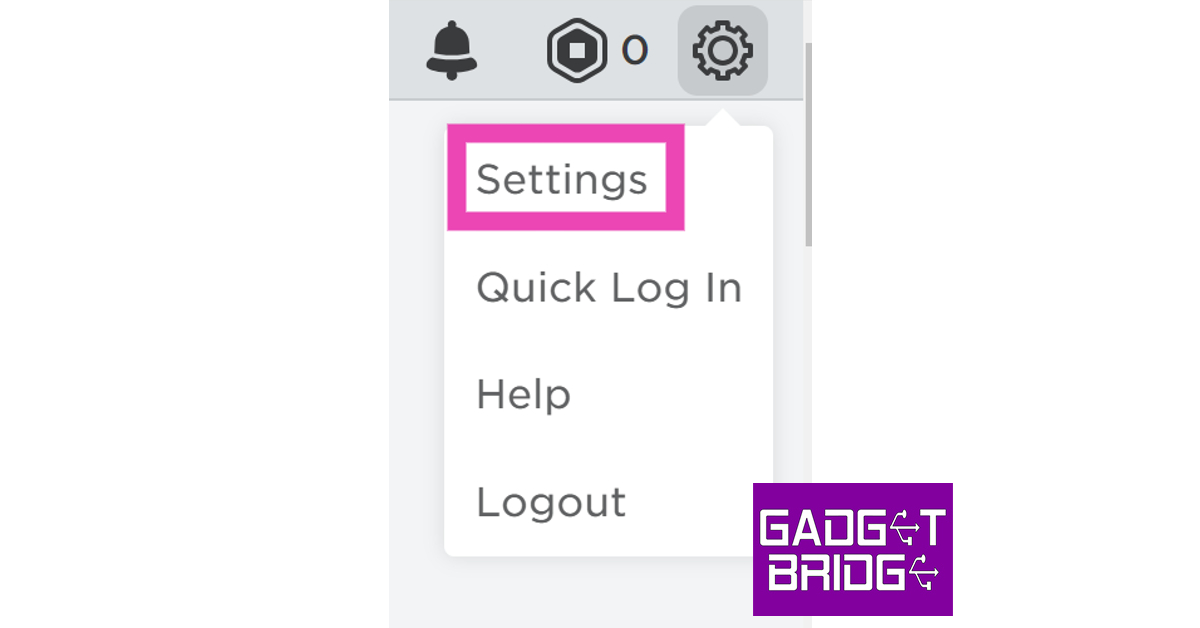 Step 4:
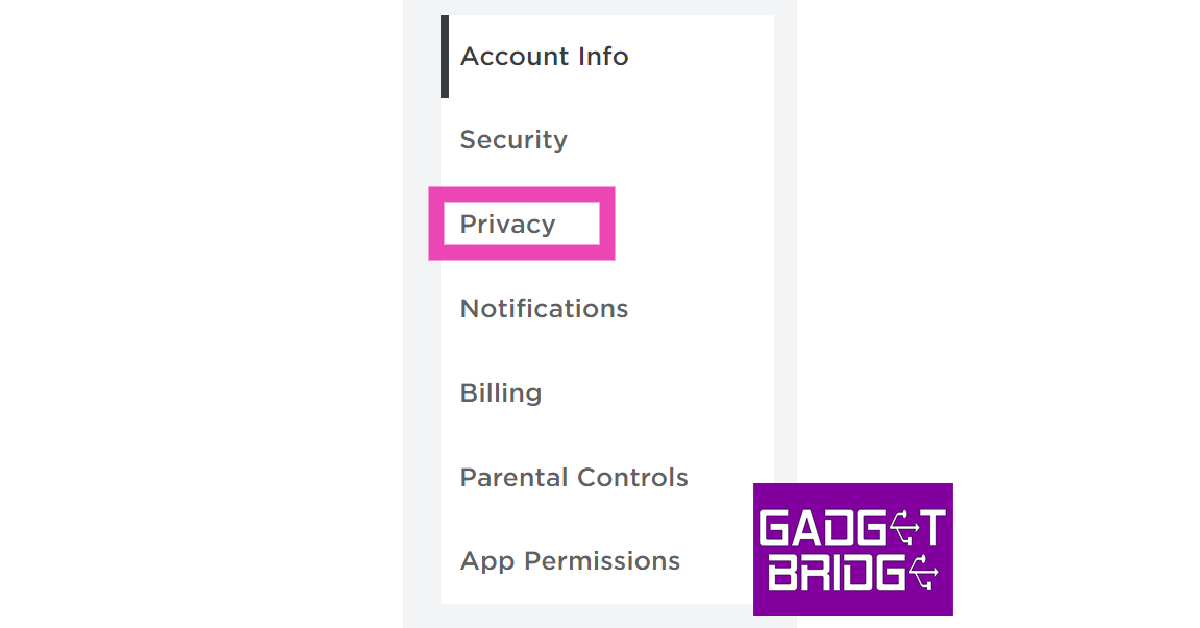 Step 5: Turn on
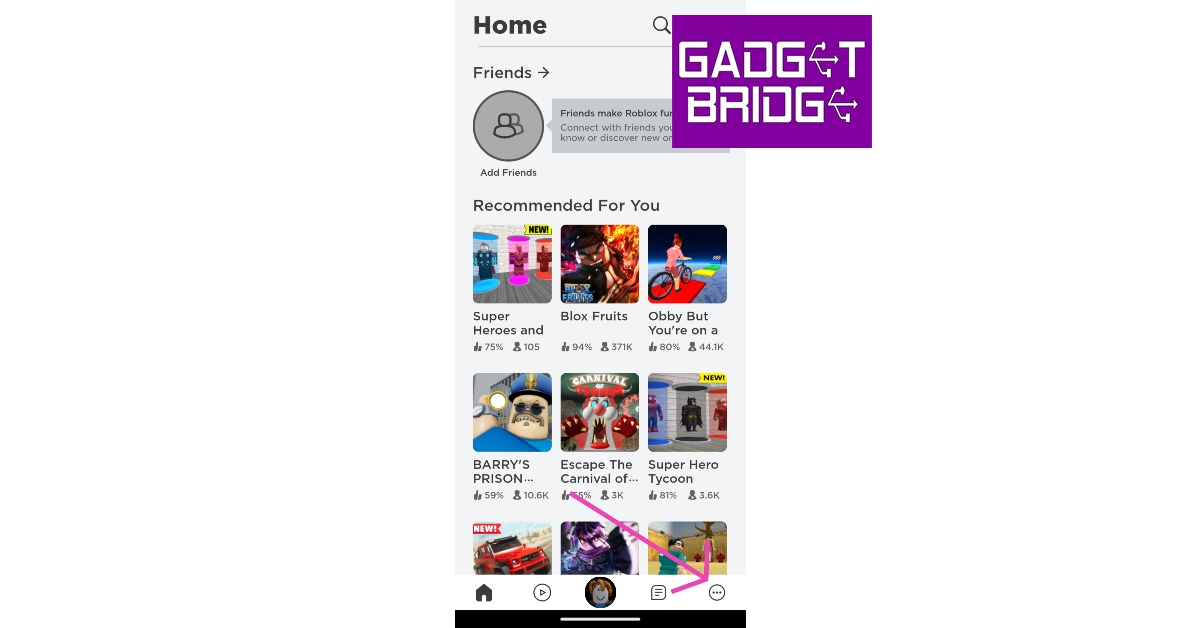 Step 4:
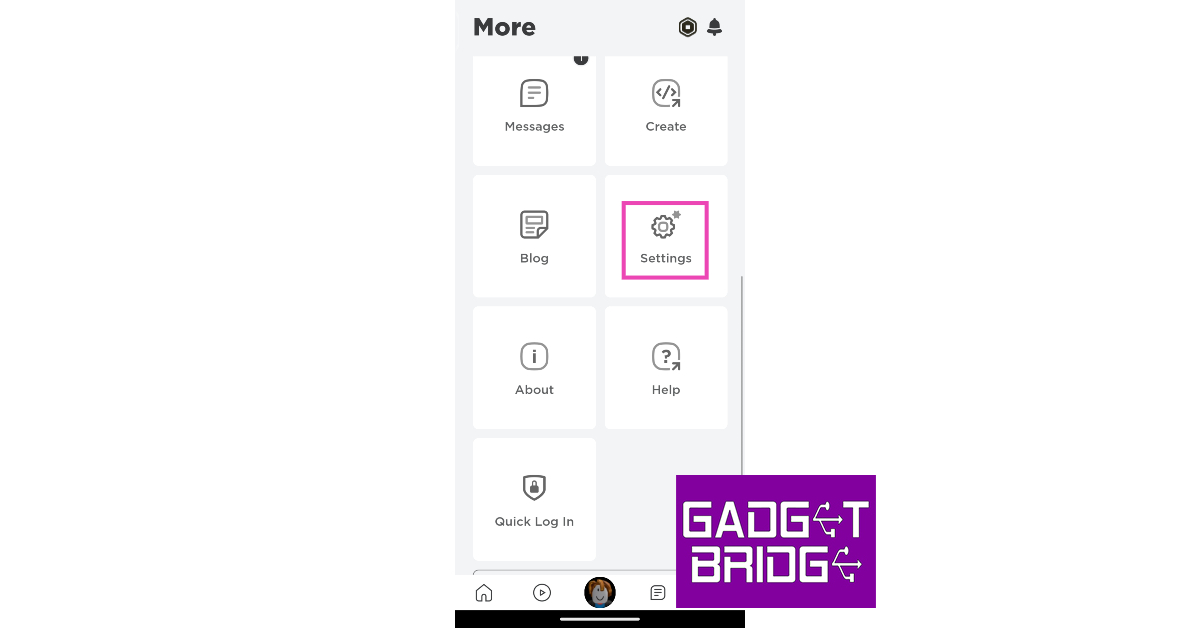 Step 5:
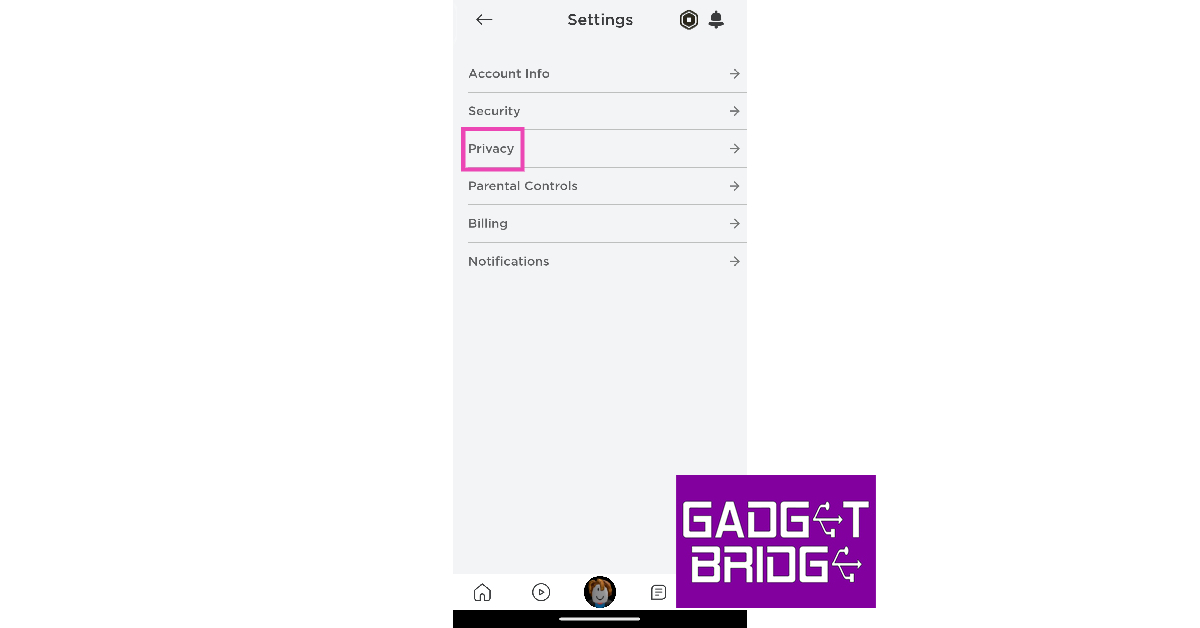 Step 6: Turn on
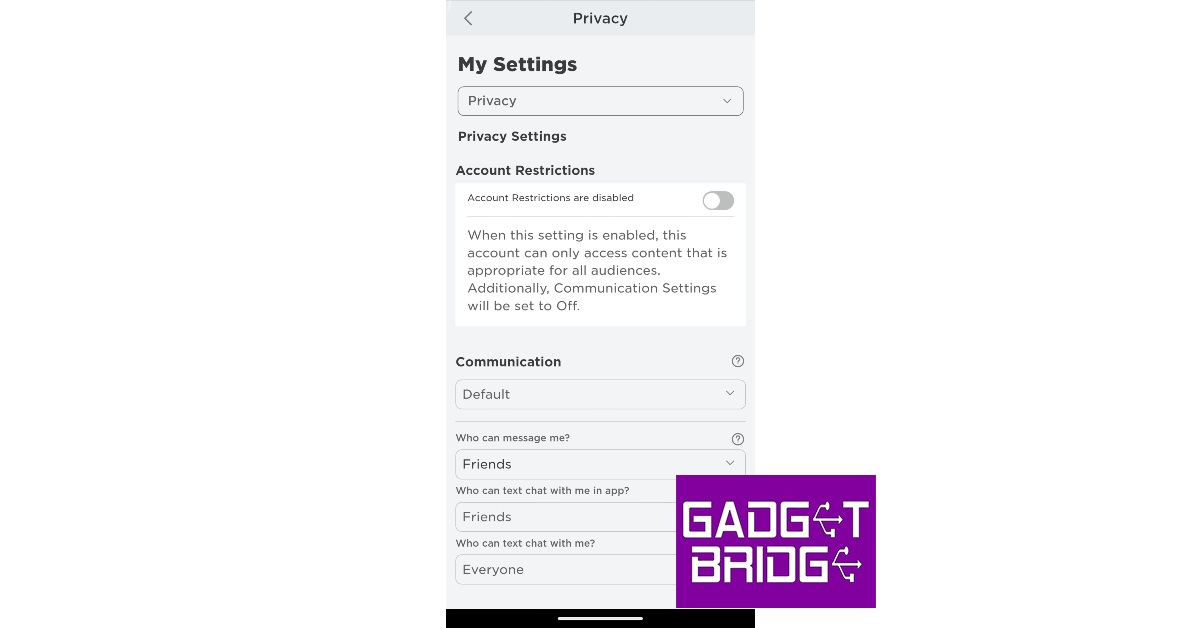 Step 7: Turn off
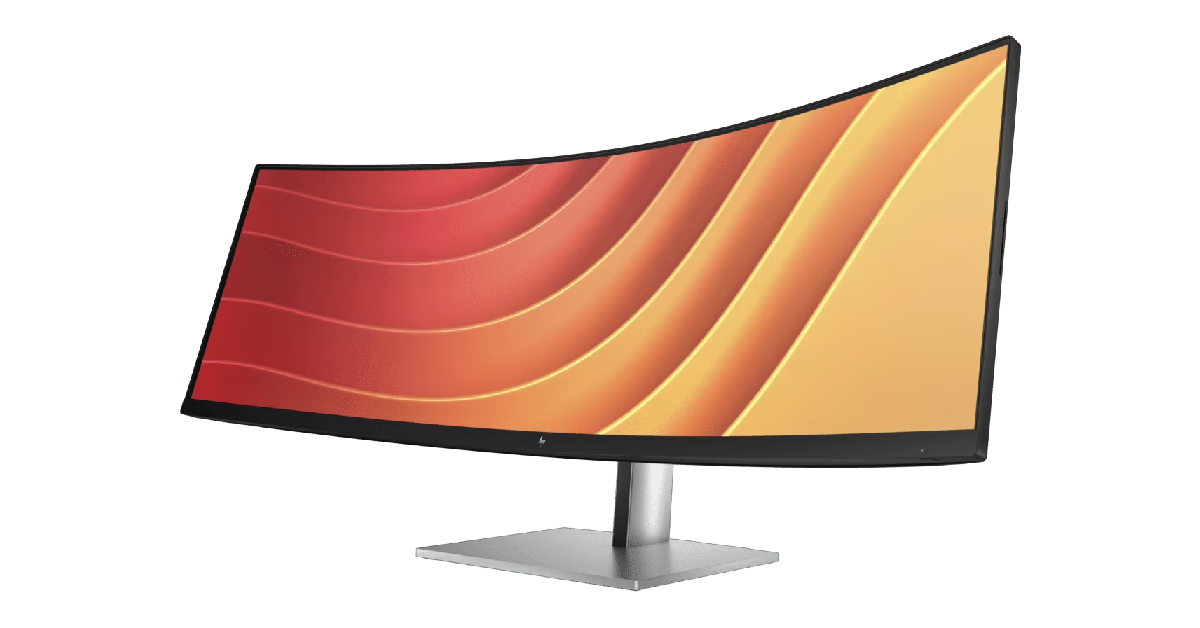

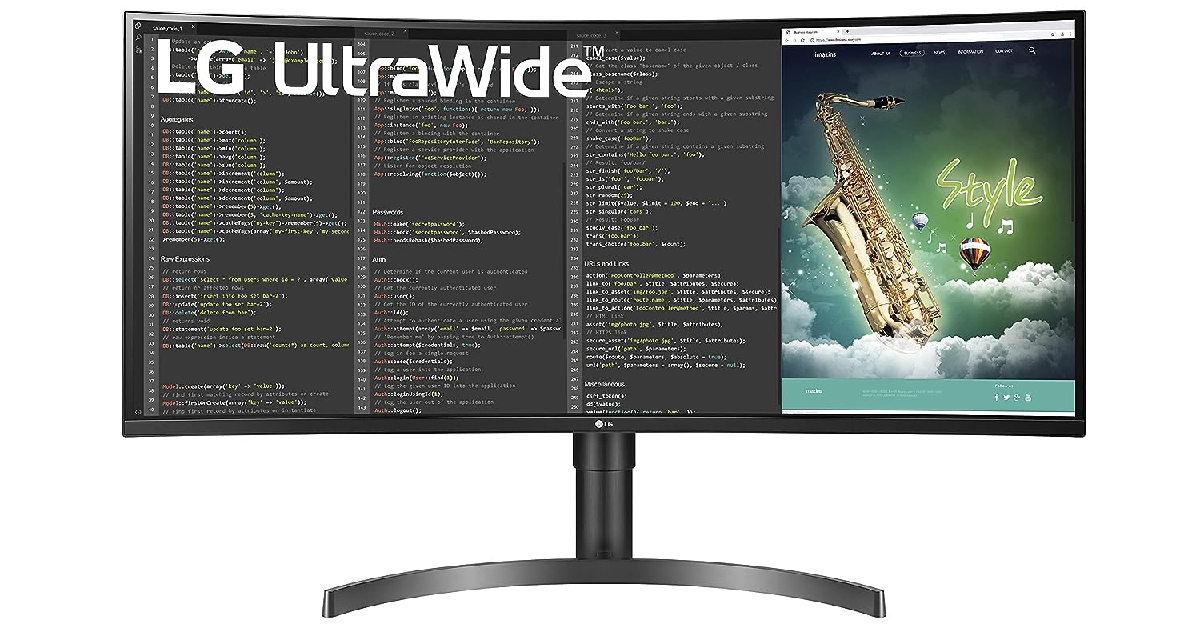
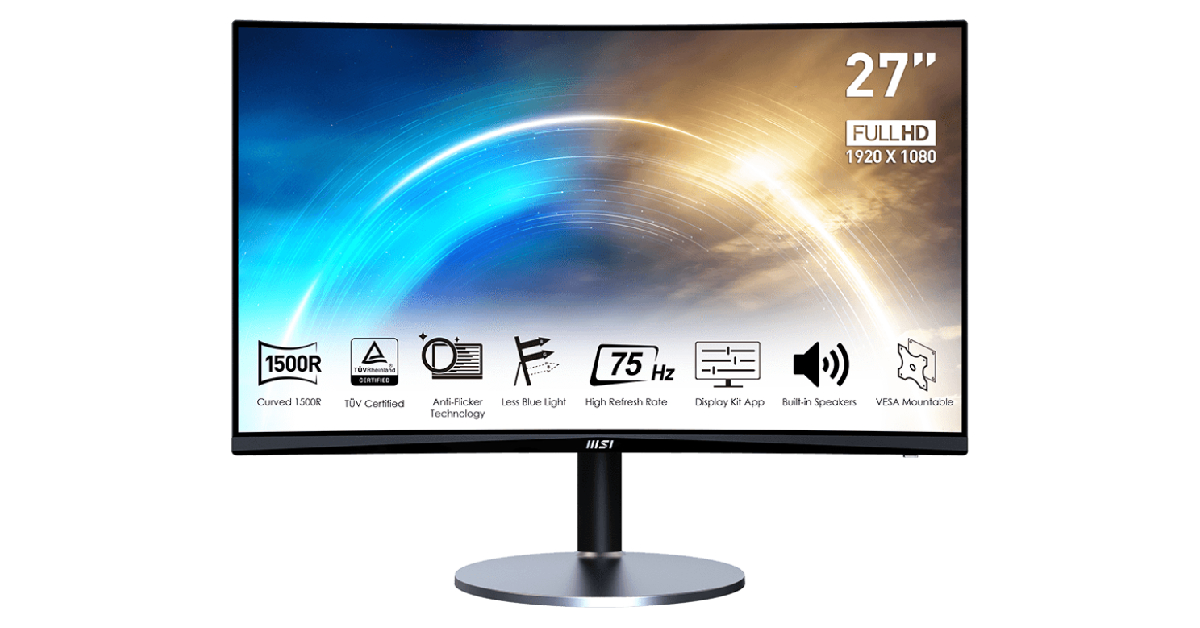
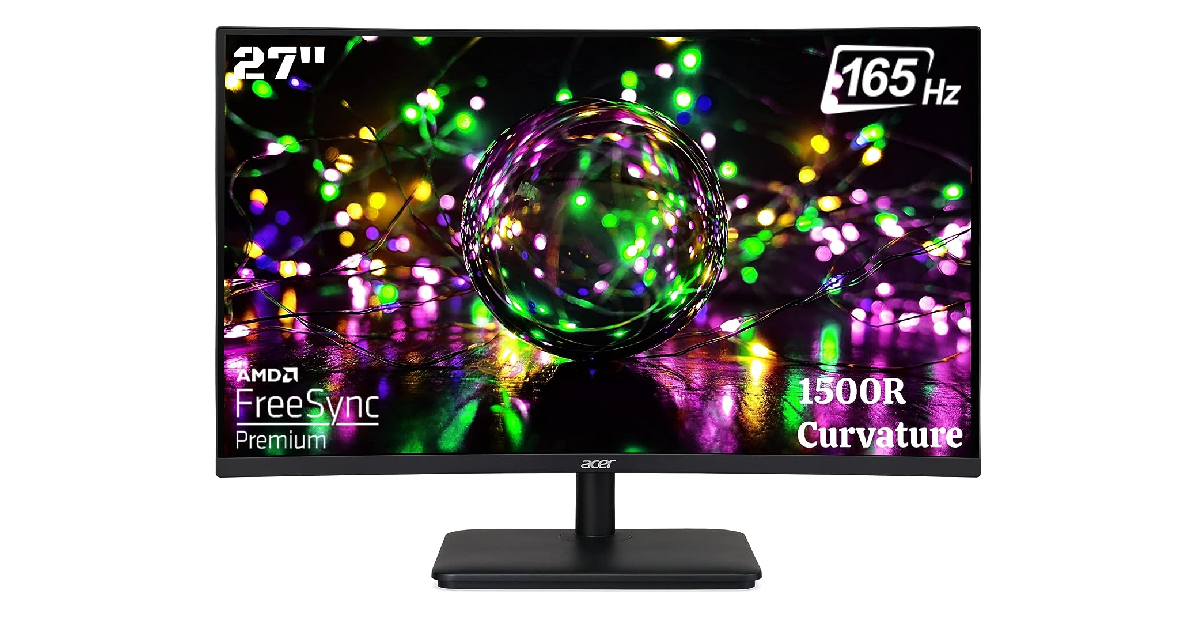
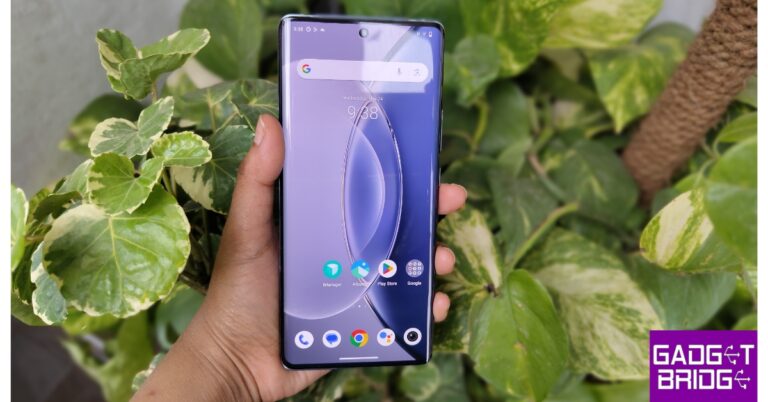
 Key Specs
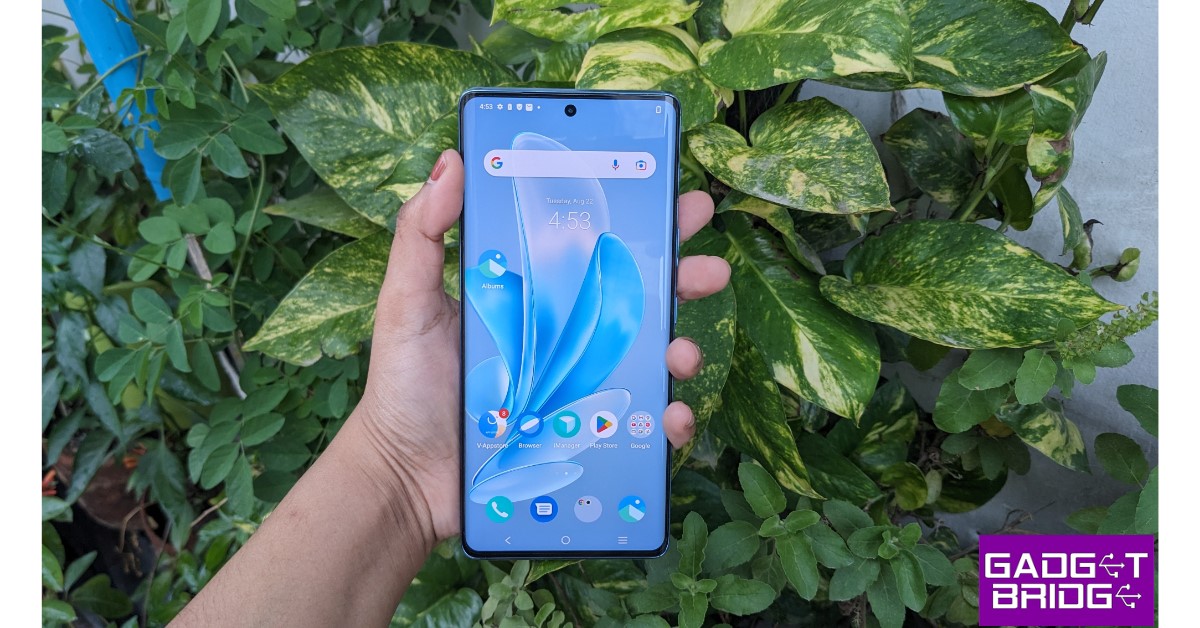 Key Specs
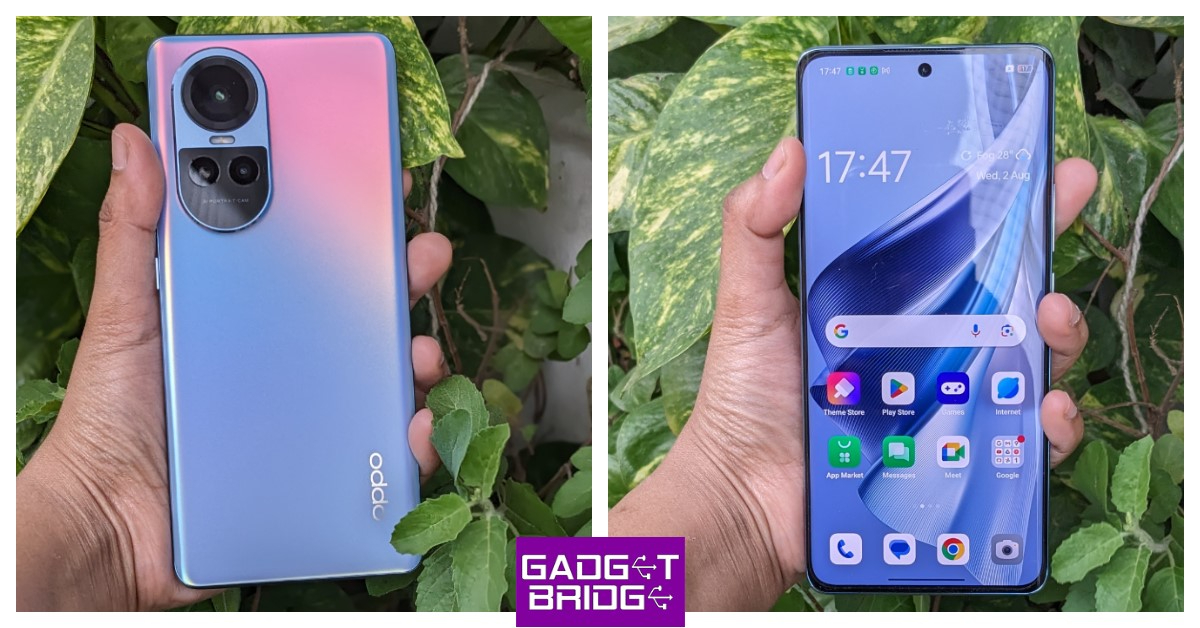 Key Specs
 Key Specs
 Key Specs
 Key Specs
 Key Specs
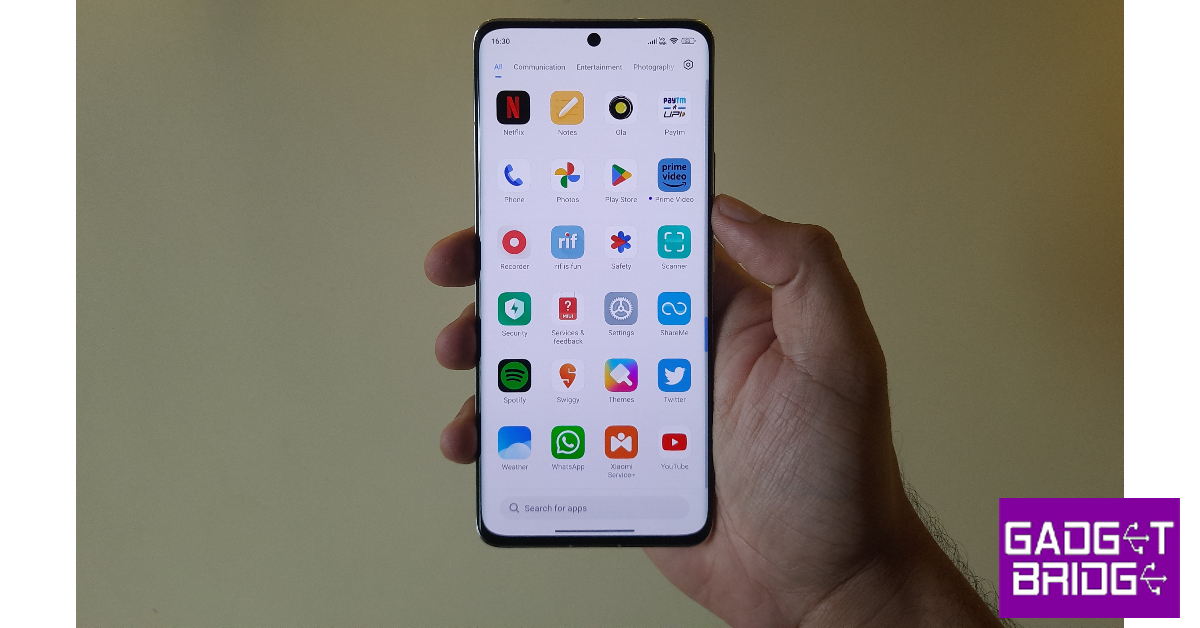 Key Specs
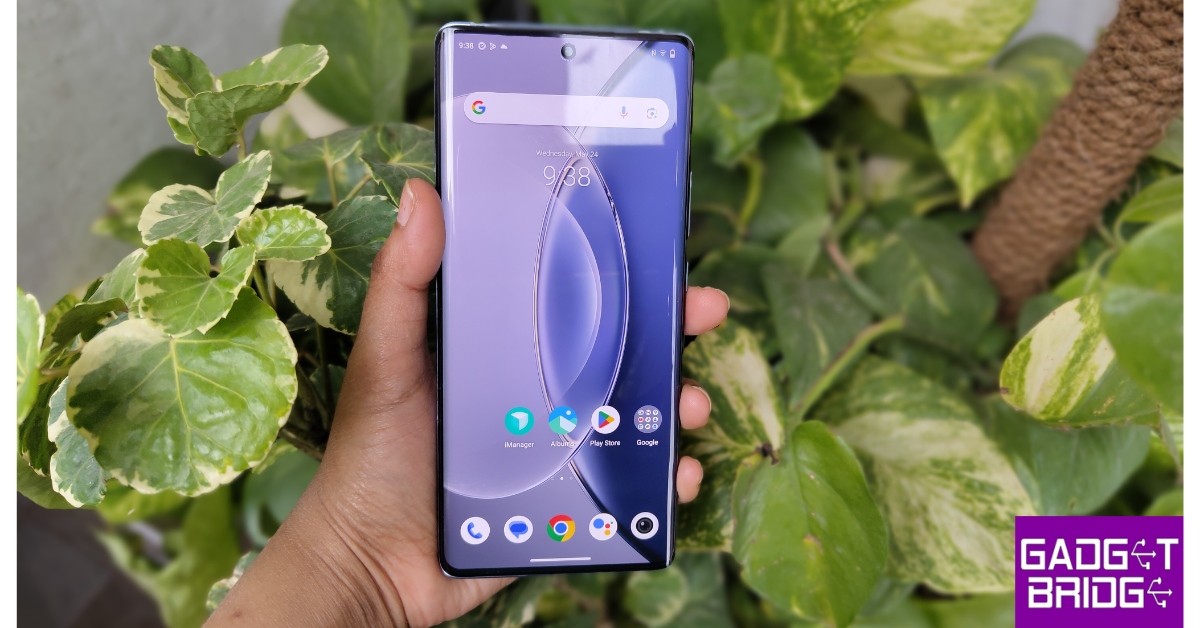 Key Specs
 Key Specs