In This Article
Before you begin
If you want to confirm that you have been blocked by another user on Instagram, using your throwaway may no longer work. This is because Instagram gives users the option to block all your existing accounts at once. Other accounts that you may create on your device will be blocked right away. This feature reduces the risk of stalking and cyber harassment. The good news is that you don’t need to create a new account solely to confirm whether you’ve been blocked by someone. Using Incognito Mode on your phone’s web browser will do the trick. Since the incognito tab is not linked to your Instagram profile, you can access anyone’s profile to confirm that they are still on the platform. If the profile still does not show up, it means they have deactivated their account.Search for their username on the Instagram app
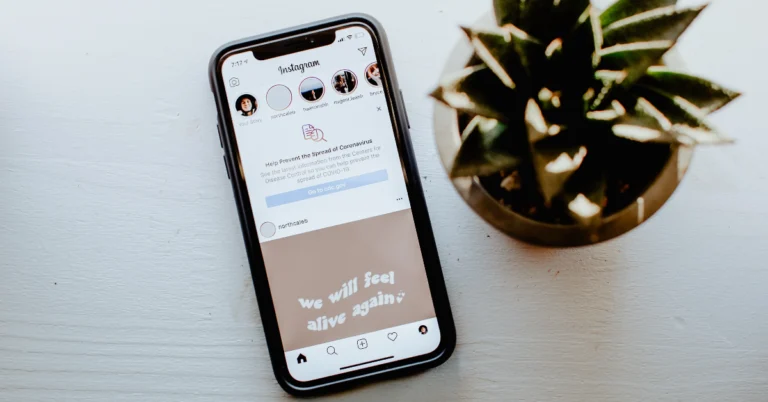
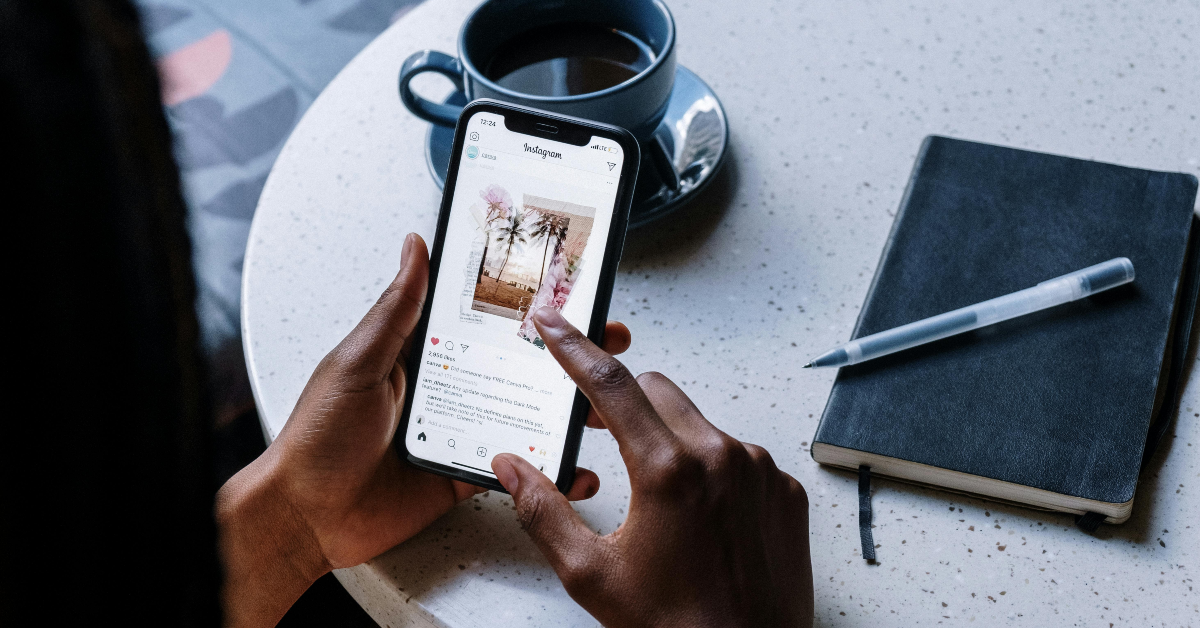 Once someone blocks you on Instagram, their profile does not show up in the immediate results once you search for their username. Go to the explore tab on the Instagram app, and hit the search bar at the top of the page to look up the profile of the person you suspect has blocked you. Their profile will only show up once you switch to the ‘Accounts’ tab in the full search results.
Visit the Instagram profile
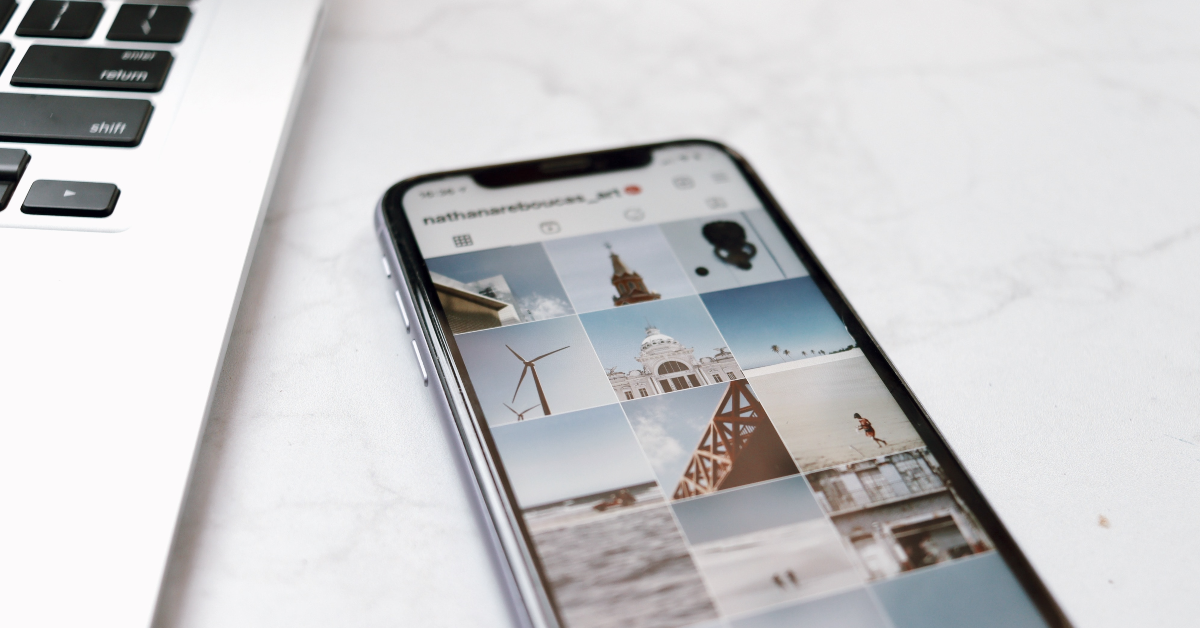 When you visit an Instagram profile that you have been blocked from accessing, you will not be able to view or interact with any content on it. Furthermore, you won’t get access to the posts, followers, and following counters on the profile. All three counters will display 0 if you have been blocked by the owner of the handle.
Visit the Instagram profile using a web browser
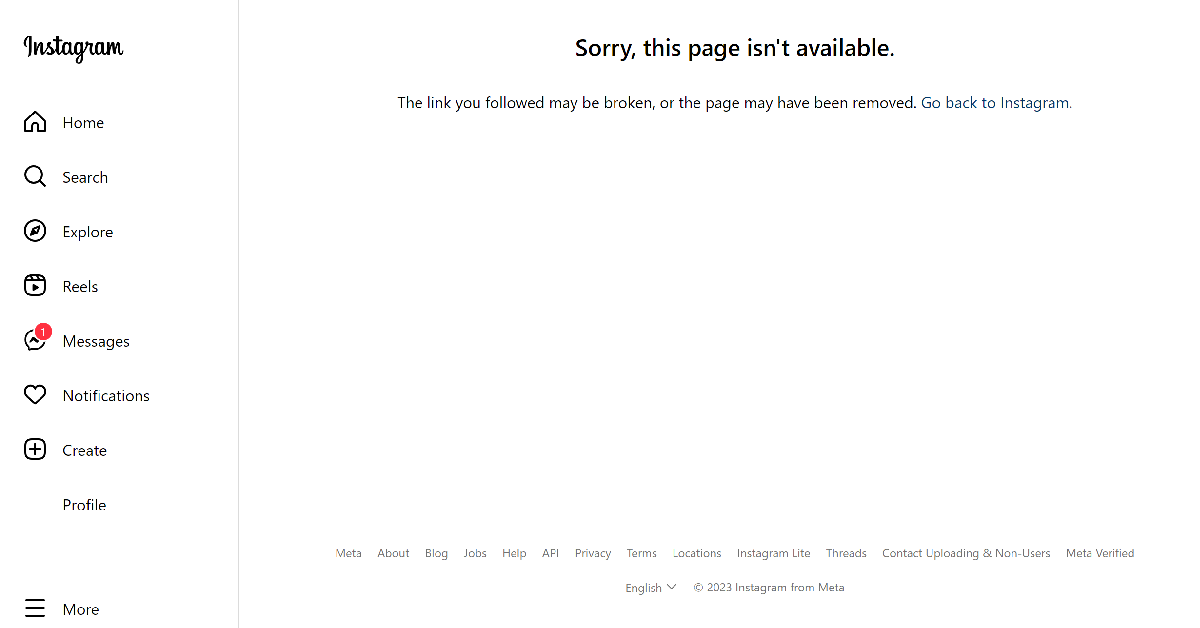 If you suspect a user has blocked you on Instagram, look up their profile on your phone’s web browser. Make sure you are logged into Instagram through your primary account. Then go to https://www.instagram.com/(username). Substitute (username) with the Instagram handle of the user. If you get the ‘Sorry, this page isn’t available message’, it means you have been blocked by the user.
Check their Threads profile
 Once someone blocks you on Instagram, you also get blocked from accessing their Threads profile. Launch the Threads app on your phone and search for the person’s username. Since the Threads and Instagram handle is the same for every user, this won’t be hard. If you cannot view the user’s Threads profile, they have likely blocked you on Instagram.
Are you two not following each other on Instagram?
 This method will only work if you were previously ‘mutuals’ with the Instagram user. Instagram automatically removes the user as your follower once they block your profile. The user is also removed from your following list. Go through both lists and search for the user’s profile. If you can’t find them there, you may be blocked.
Are your DMs not being read?
 Once someone blocks you on Instagram, your messages no longer reach them on the app. You will stop receiving read receipts. You can ask a mutual friend to check if their messages are being read by the user. If that is the case, it is probable that they have blocked you. Instagram does not delete the chat history once you have been blocked by someone on the platform.
Check their profile name in DMs
 When someone blocks you on Instagram, your conversation with them does not display their name anymore. Instead, it will be listed as ‘Instagram User’. This is one of the strongest signs that someone has blocked you on Instagram. You will be able to view the user’s profile picture but tapping on it in their profile won’t maximise it.
Visit the Instagram profile using a throwaway account
 This is the best way to confirm whether you have been blocked by someone. After carrying out the steps mentioned above, simply make a secondary account on Instagram and visit the profile of the person who you suspect has blocked you. If their profile shows up in the search results and you can view the counters on their profile, it means your primary account has been blocked by the user.

 Step 1: Download
 Step 3:
 Step 5:
 Step 2:
 Step 3:
 Step 3:
 Step 3:
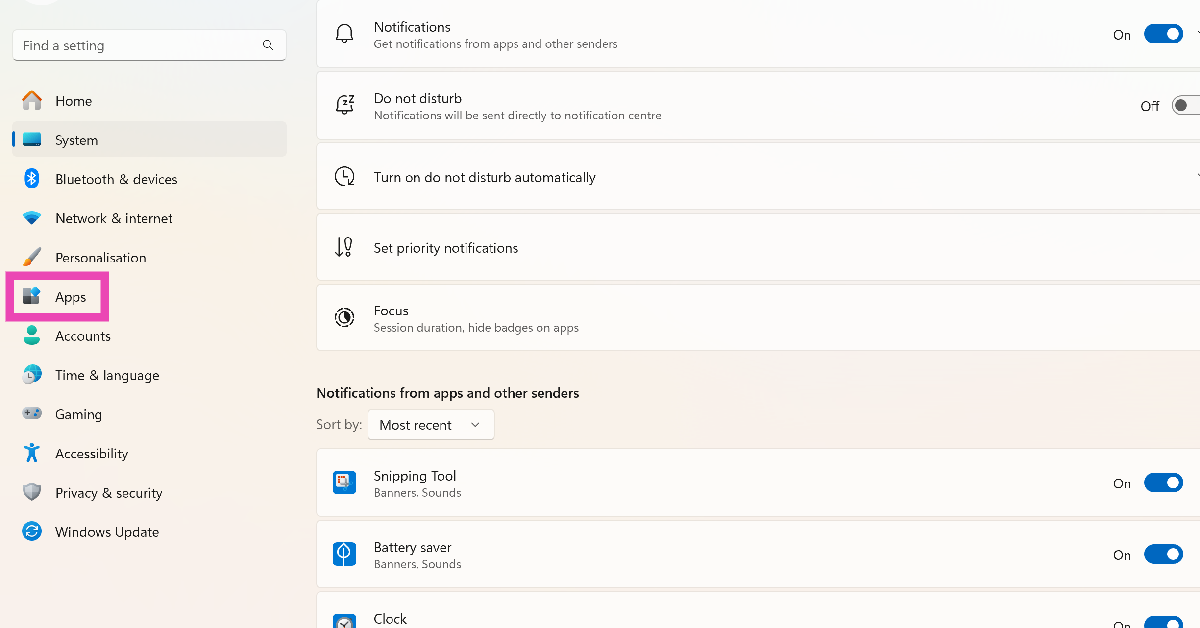 Step 2:
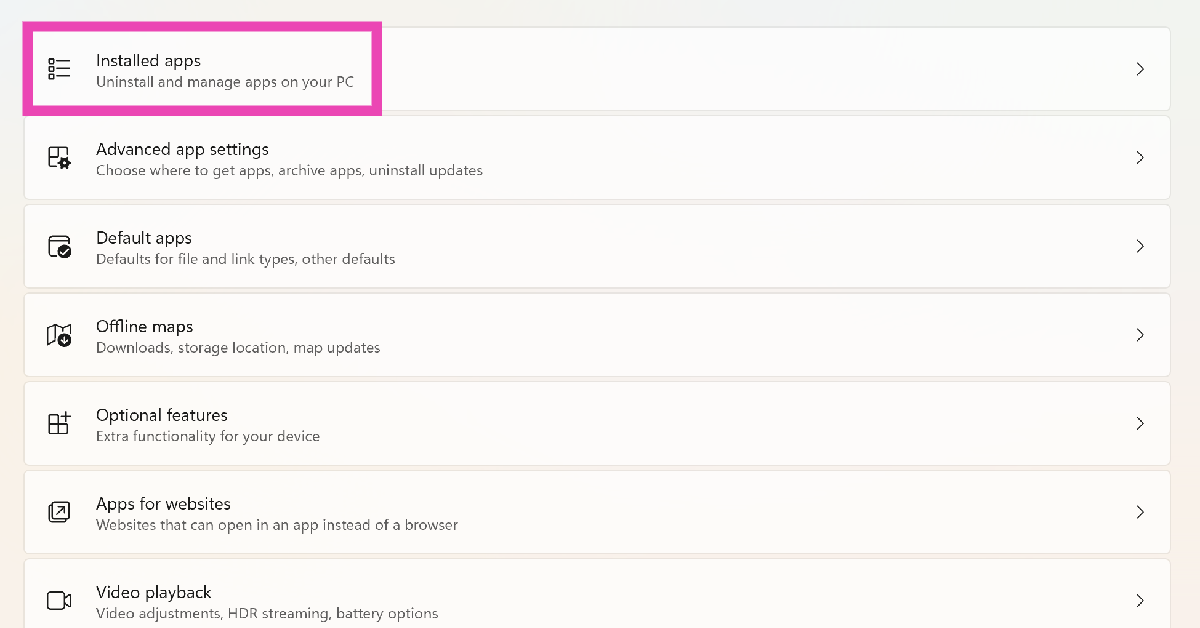 Step 3:
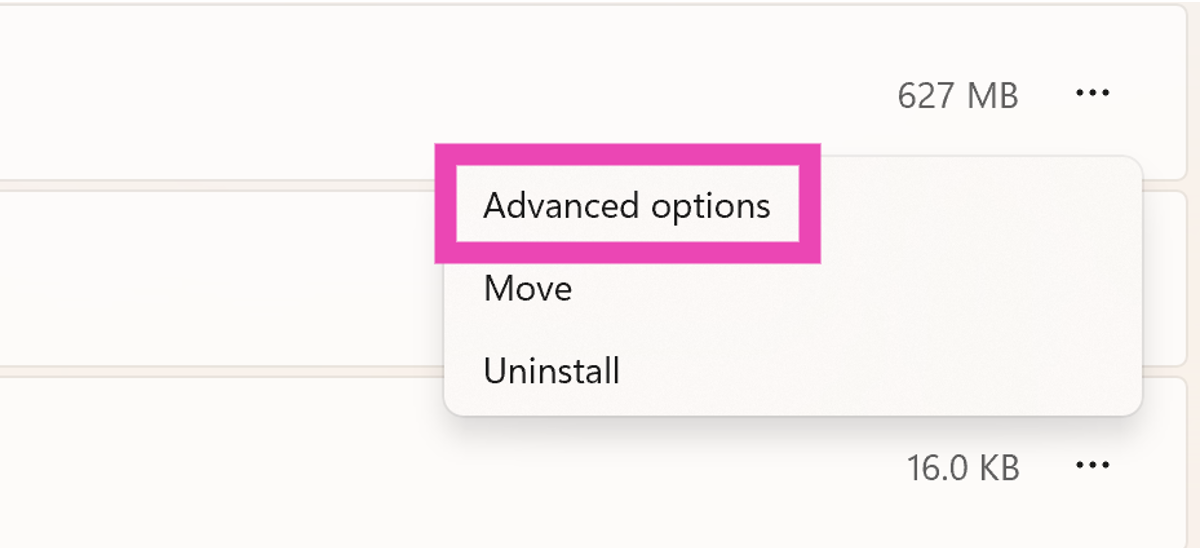 Step 5: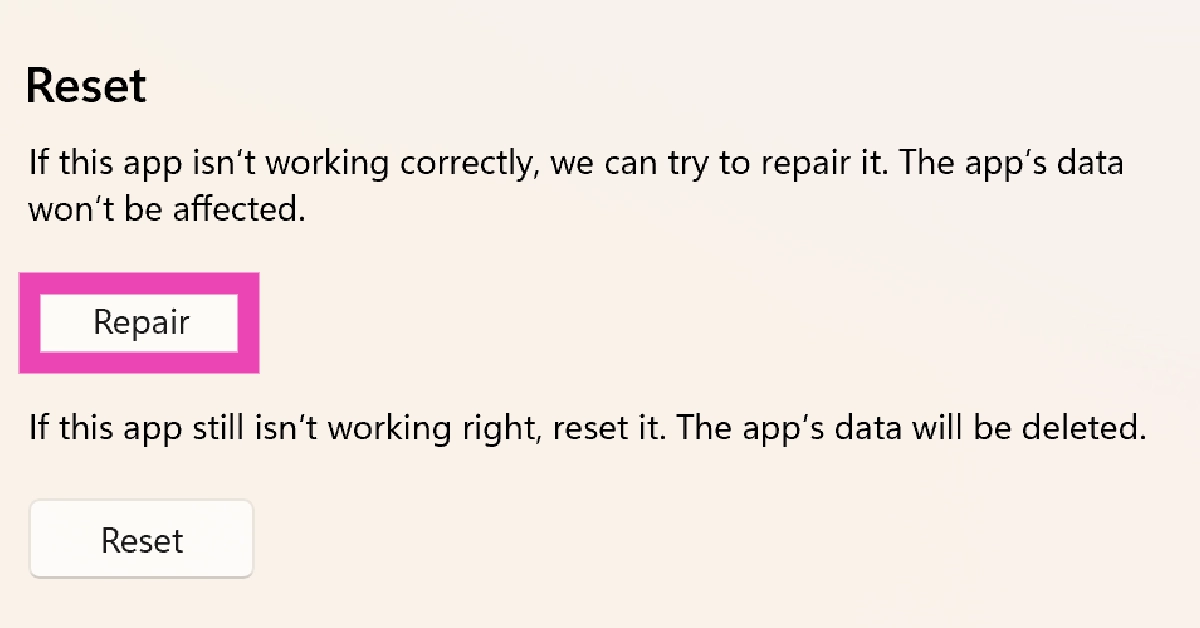
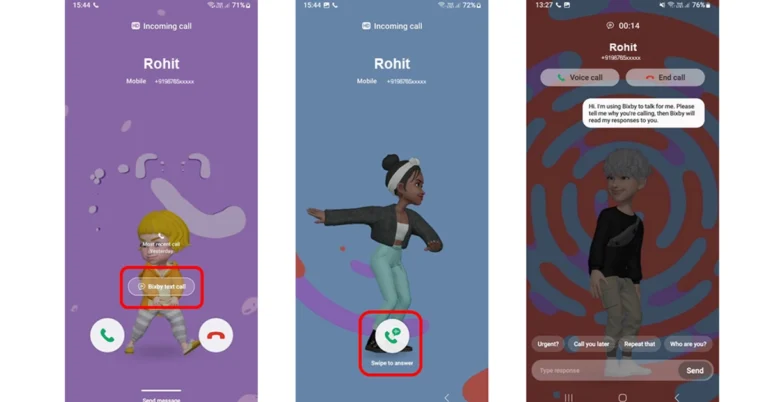
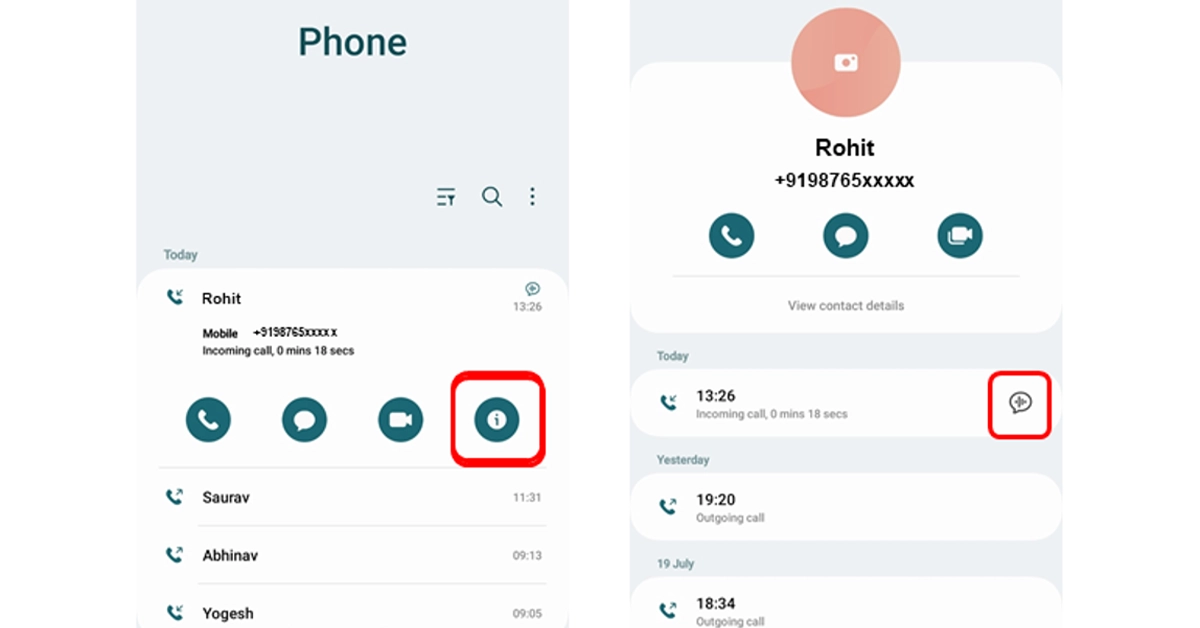
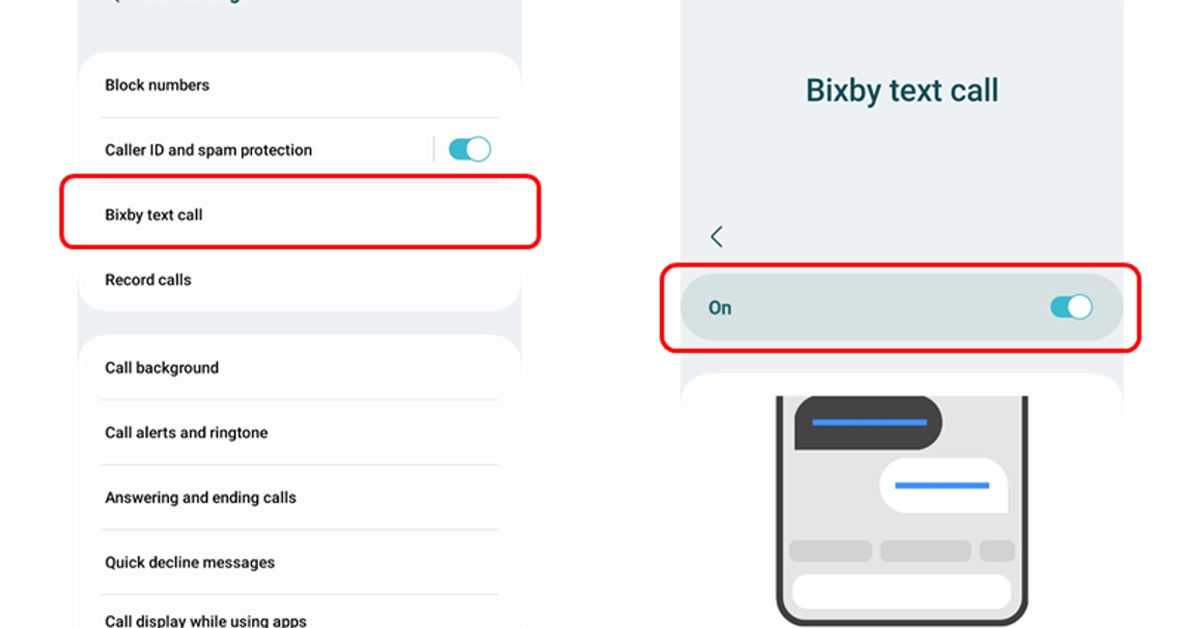
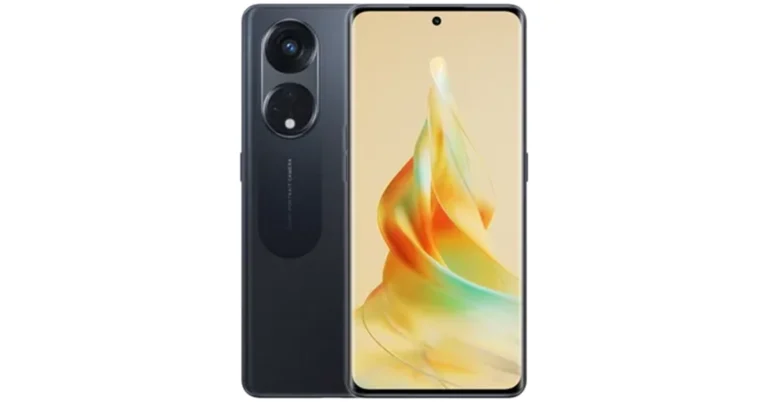






 The company is also
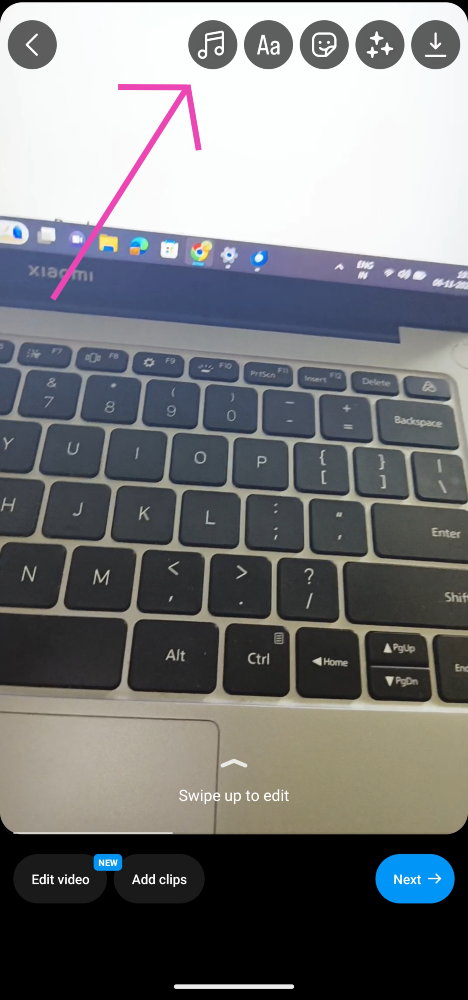 Step 3:
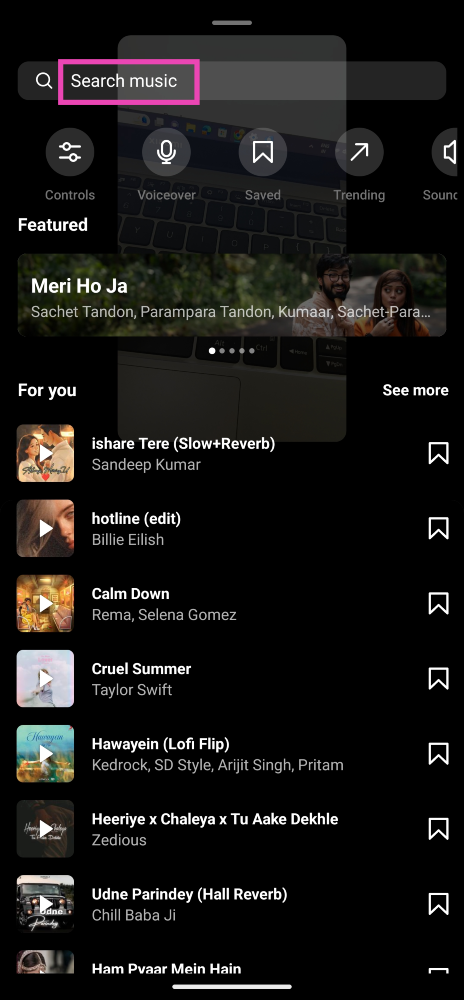 Step 4:
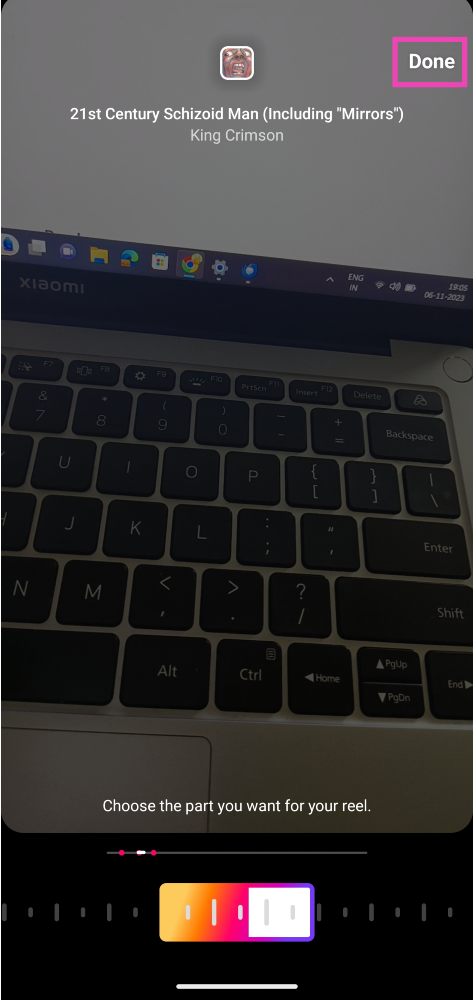 Step 5:
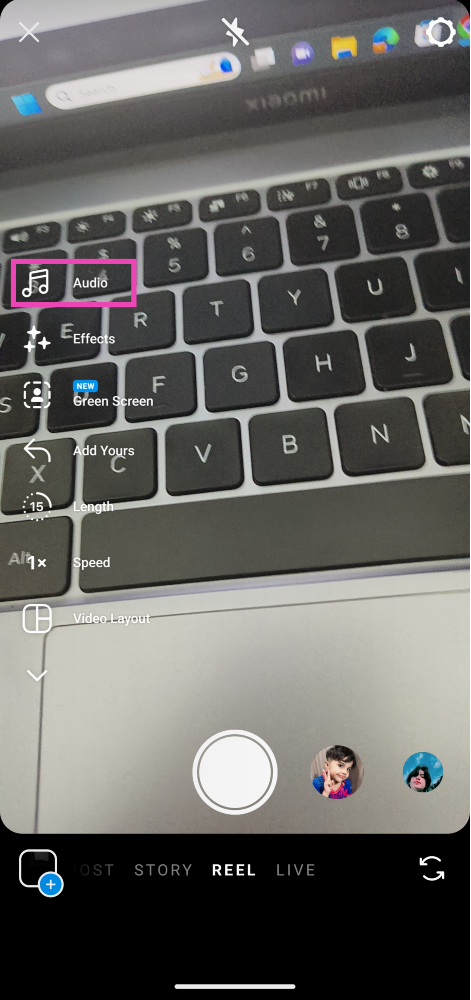 Step 4:
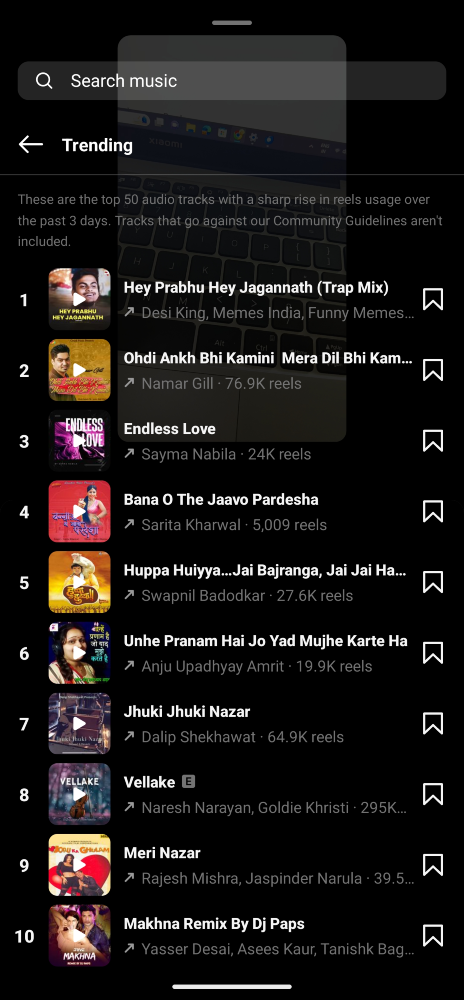 Step 5:
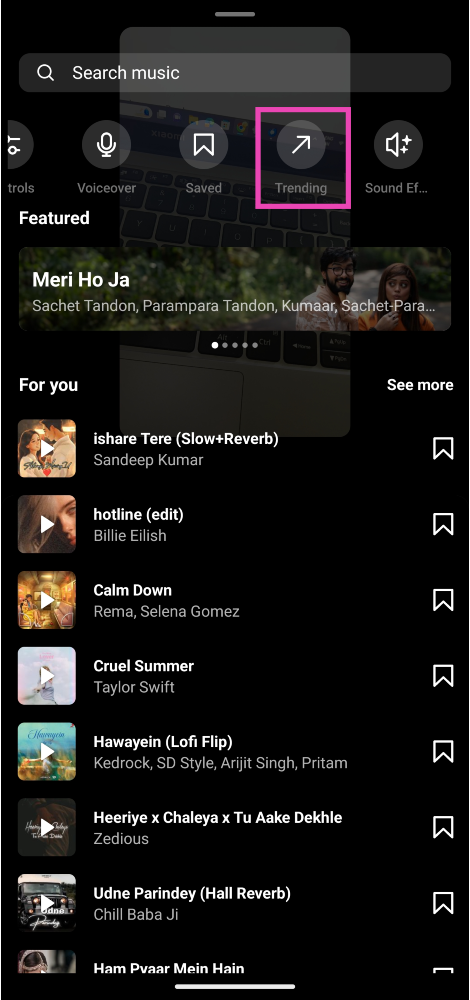 Step 4:
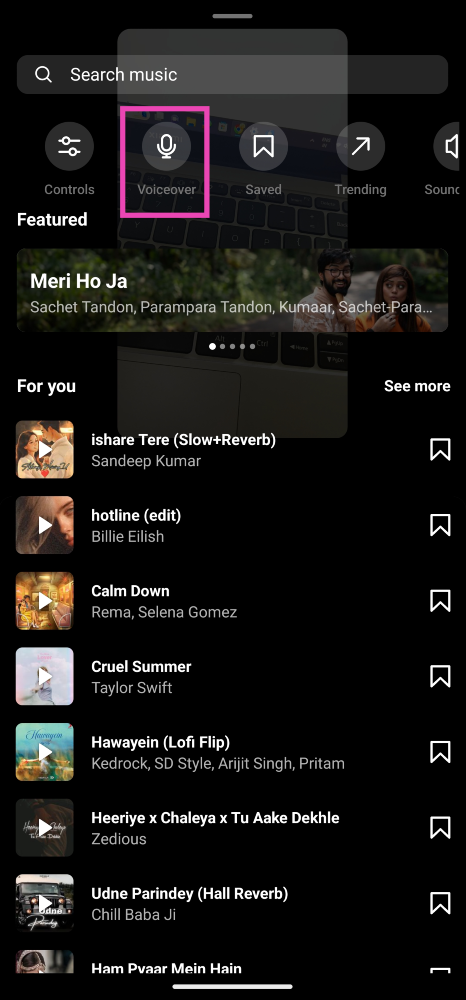 Step 4:
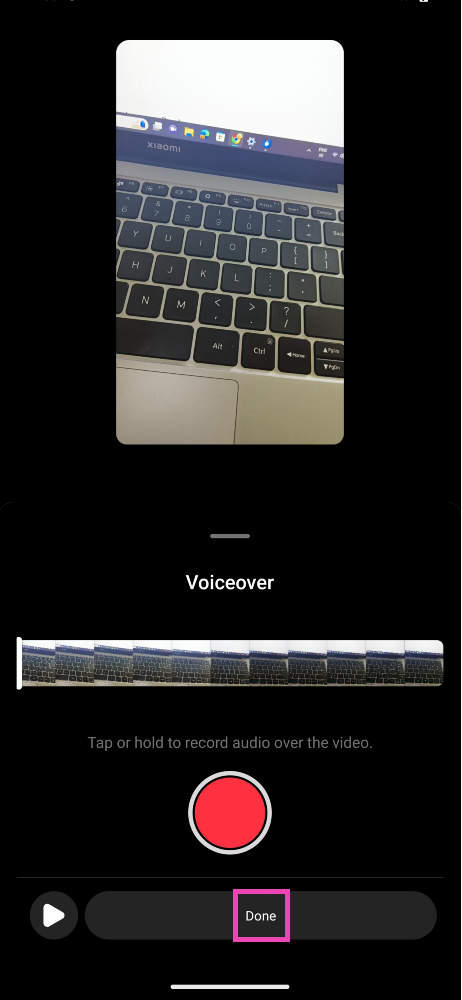 Step 5:
 Step 3:
 Step 4:
 Step 4:
 Step 5:







 Step 4:
 Step 2:
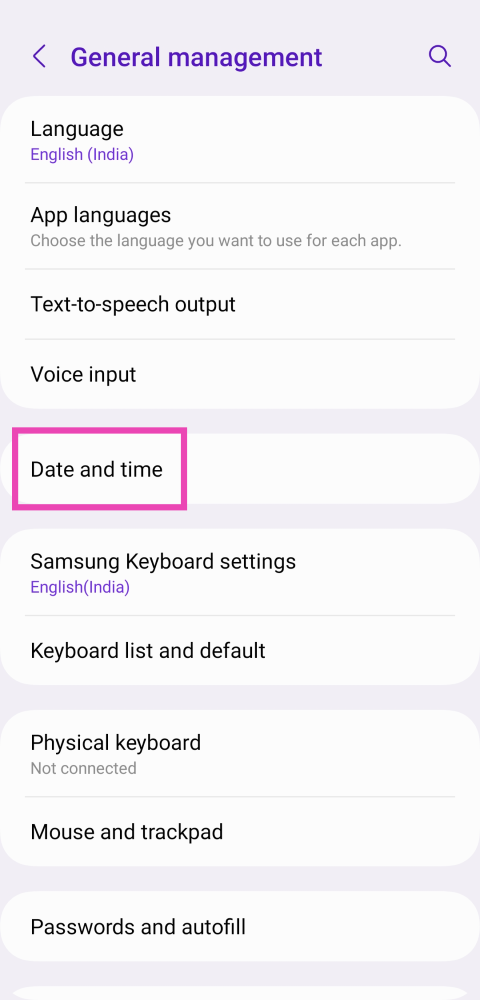 Step 3:
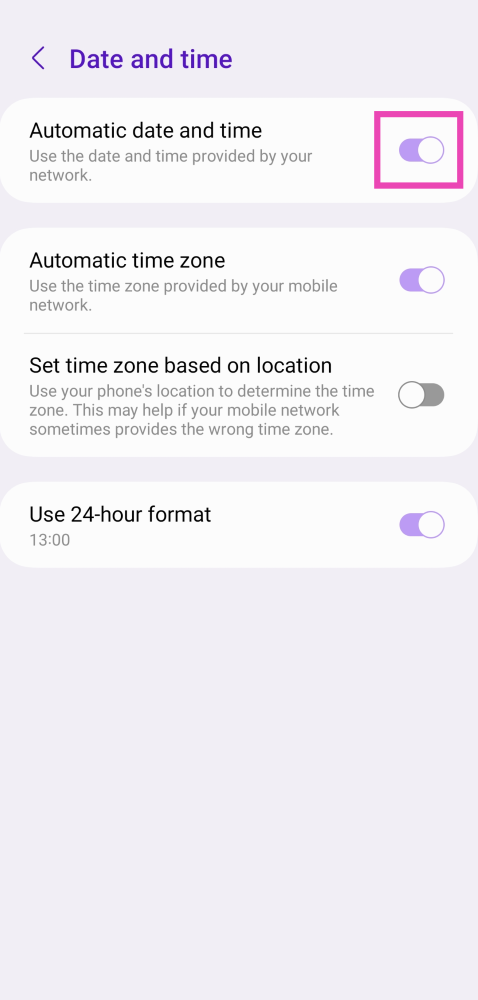 Step 4:
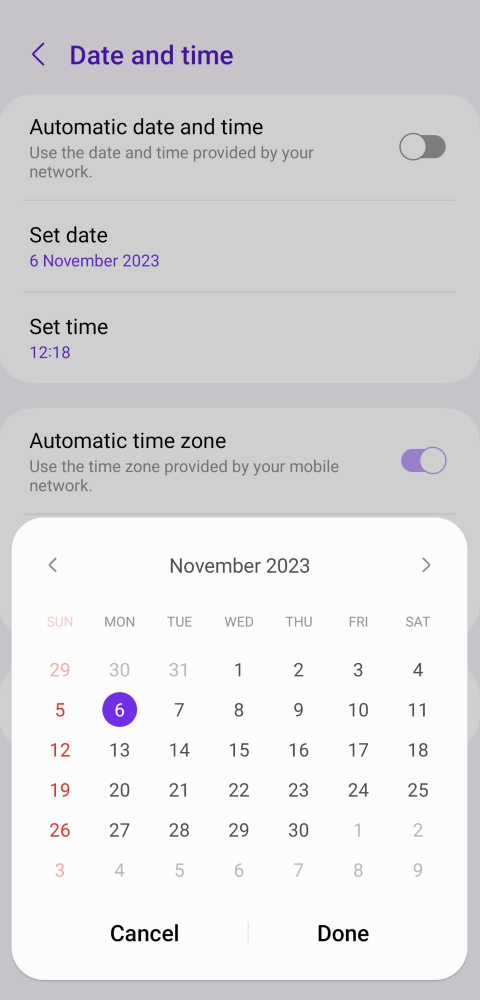 Step 5: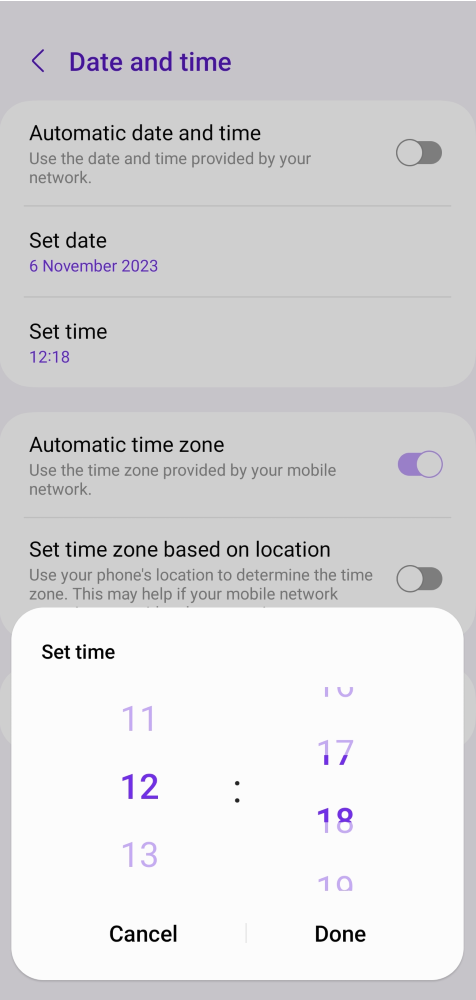
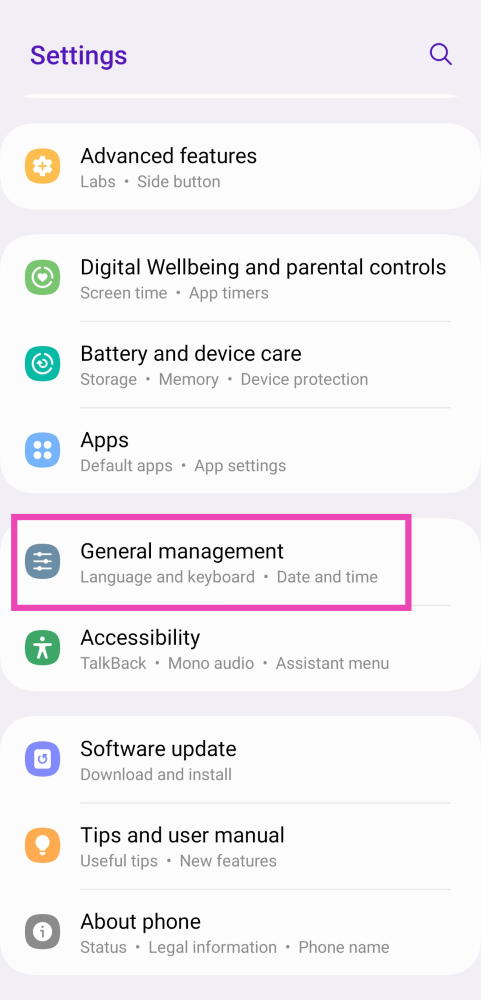
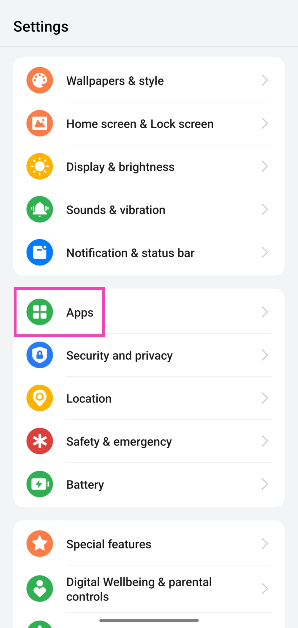 Step 2: Tap on WhatsApp.
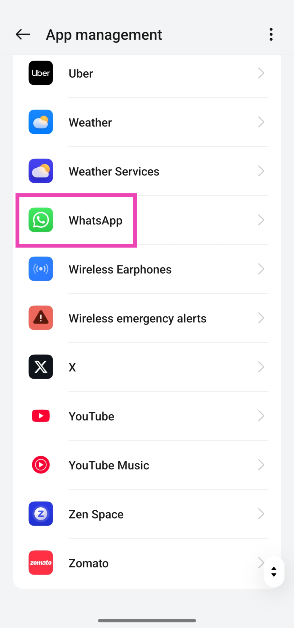 Step 3: Select Storage.
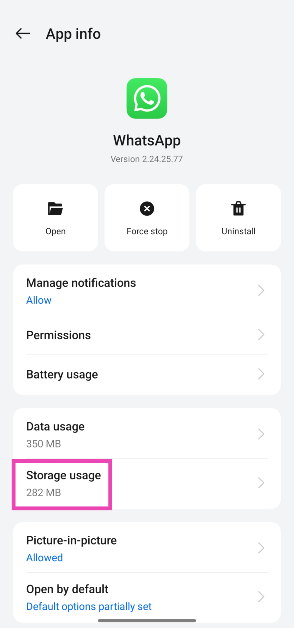 Step 4: Tap on Clear cache.

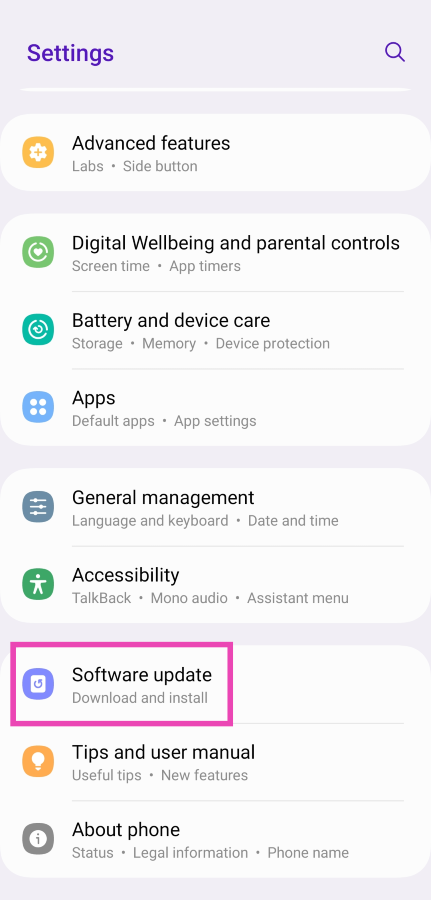 Step 3:
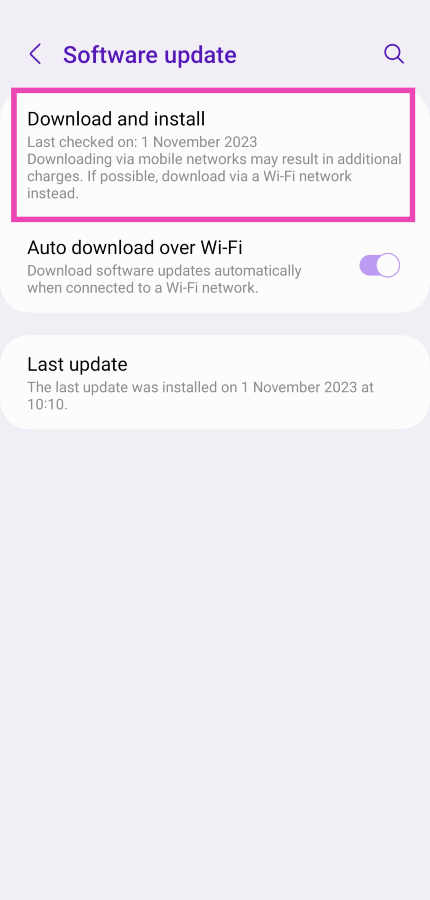 Step 4: