
In This Article
How to Deactivate your Threads account?
Here is a step-wise guide to deactivating your Threads account:
Step 1: To deactivate your Threads account, go to your profile page and tap on the double-lined menu.
 Step 2: Go to Account and select Deactivate Profile.

 Step 3: Tap on the Deactivate Threads Profile.
 Step 4: Choose Deactivate.
 Your Threads account is now deactivated until you decide to come back.
Read Also: How to delete your Twitter account
Your Threads account is now deactivated until you decide to come back.
Read Also: How to delete your Twitter account
How to Delete Your Threads Account?
If deactivating the account does not meet your concerns, here is how you can delete it permanently: Step 1: In your Threads app, tap on the profile icon and then on the double-lined menu. Step 2: Go to the Accounts Section and select Other Account Settings. This action will take you to the Instagram Account.
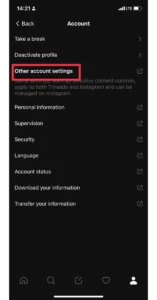 Step 3: From here go to Account Settings.
 Step 4: Select the Personal Details Option.
Step 5: Choose Account Ownership and Control and select Deactivation or Deletion.
Step 4: Select the Personal Details Option.
Step 5: Choose Account Ownership and Control and select Deactivation or Deletion.

 Step 6: Select the Threads account linked with the Instagram account and choose the Delete Account option.

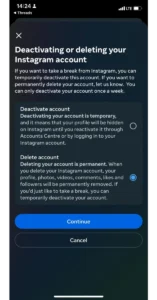 Step 7: Select your reason for deleting your Threads and Instagram account and hit Continue.

 Step 8: Select Continue and re-enter your account password.
 Step 9: Hit Continue and then choose Delete Account.

 The deletion process is now in motion.
Read Also: How to change the username of your Threads account?
The deletion process is now in motion.
Read Also: How to change the username of your Threads account?




 Step 2:
 Step 3:
  Step 4:
 Step 5:
 Step 6:
 Step 2:
 Step 3:
 Step 4:
 Step 7:
 Step 3:


 Step 3:
 Step 4:
 Step 2:
 Step 4:
  Step 6:
 Step 5:
 Step 7:







 Step 3:
 Step 4:
 Step 5: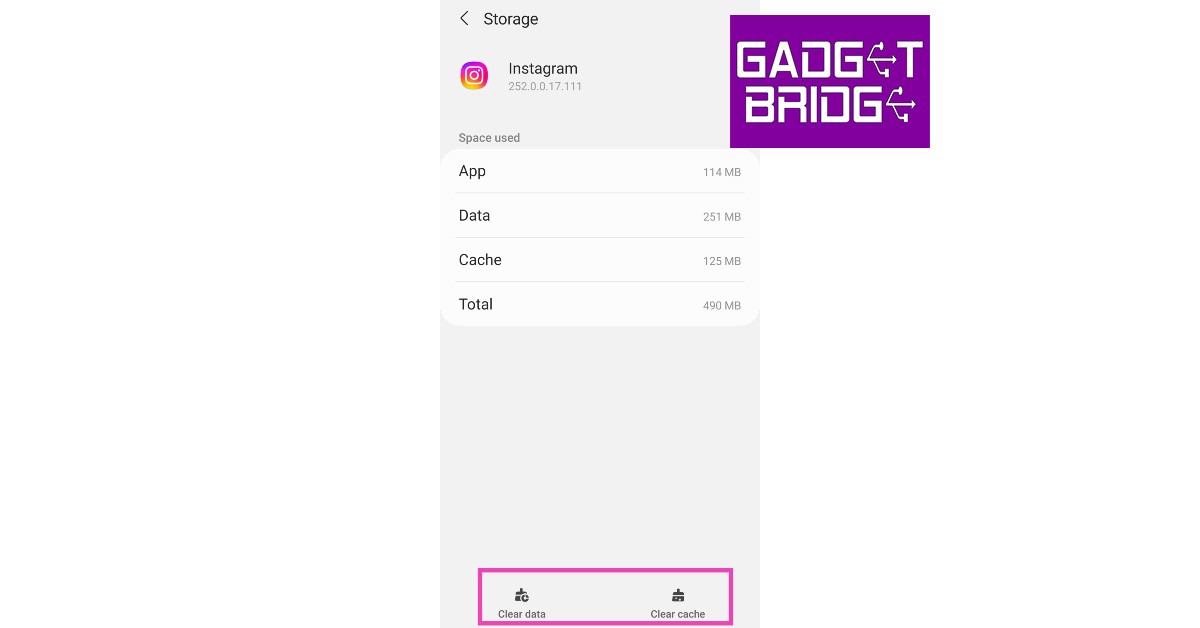
 Step 2:
 Step 3:
 Step 4:

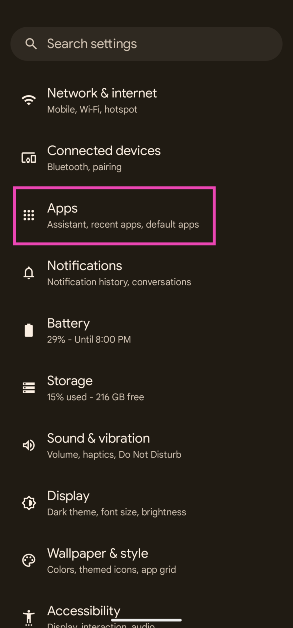 Step 2: Tap on Google Play Services.
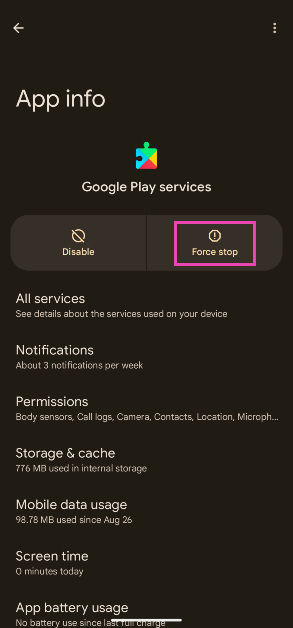
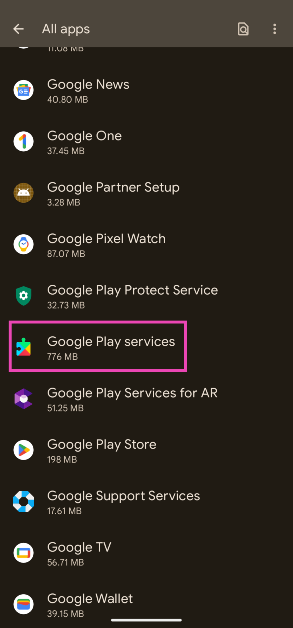 Step 3: Tap on Force Stop.
 Step 2:
 Step 3:
 Step 2:
 Step 3:
 Step 4:


 Also Read:



 Step 5:
 Step 3:
 Step 4:
 Step 2:
 Step 3:
 Step 4:
 Step 2:
 Step 3:
 Step 6:
 Step 4:
 Step 3:
 Step 4:
 Step 5:
 Step 6:
 Step 8:
 Step 1:
 Step 1:


 Step 4:
 Step 4:
 Step 5:
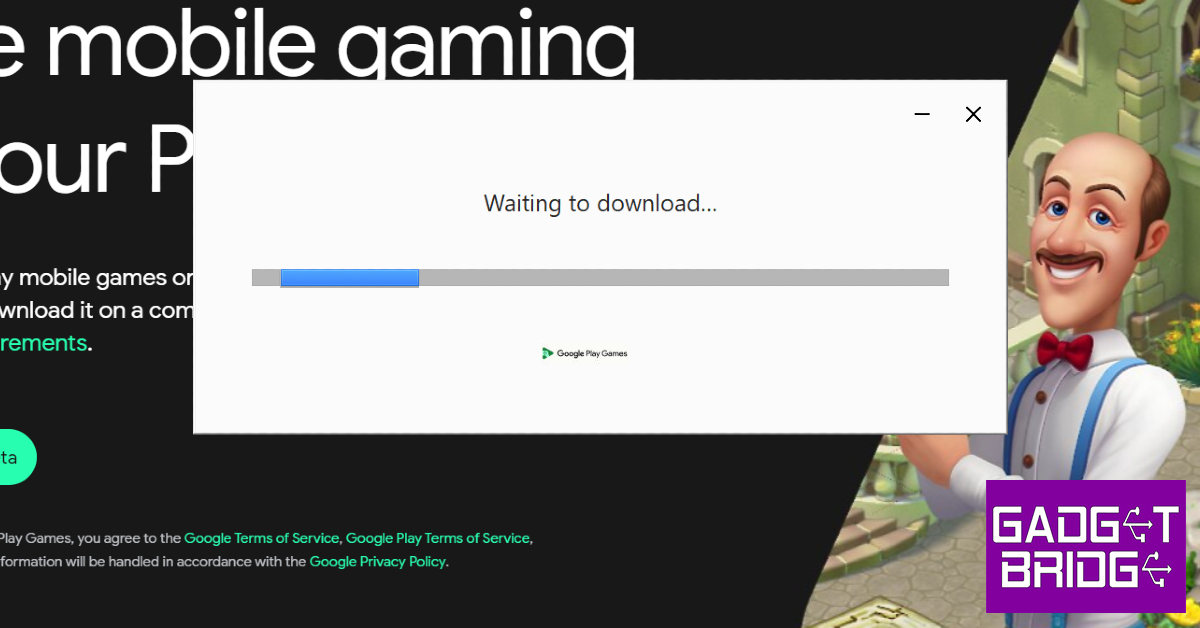
 Step 2: Tap on Download and install.
 Step 3: Select Install now.