In This Article
Measure
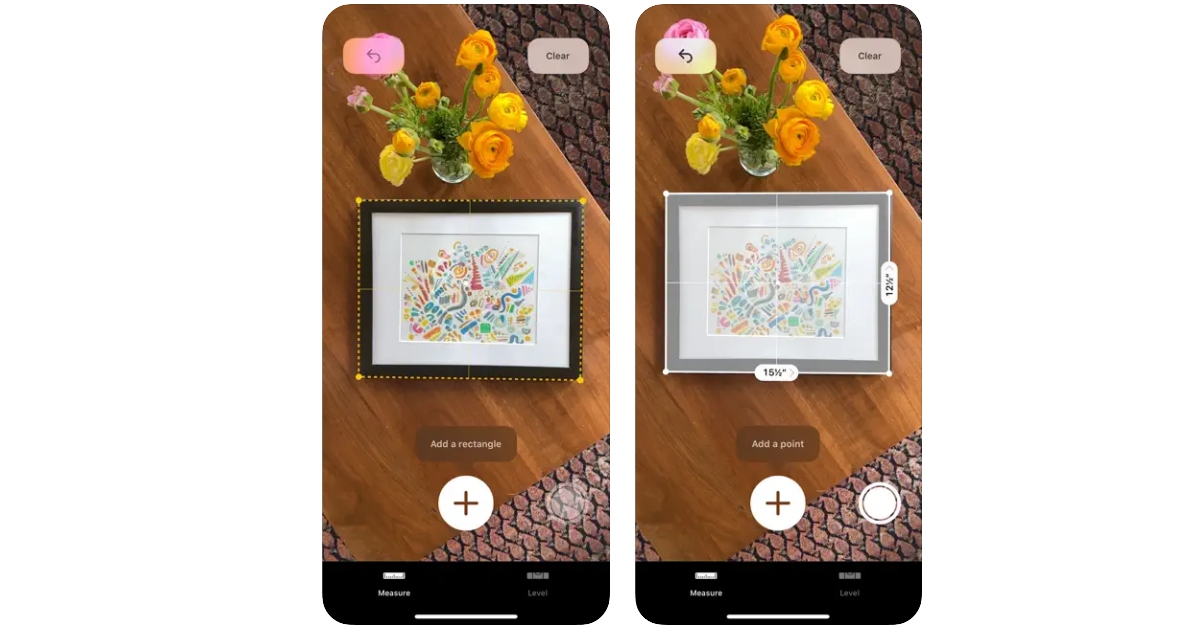 The native ‘Measure’ app on your iPhone uses the LiDAR sensor to take accurate measurements of objects as well as gauge the distance between two arbitrary points. All you need to do is point your phone towards an object and the LiDAR scanner will map out its dimensions with remarkable accuracy. The app is equipped to automatically carry out certain tasks like measuring a rectangular object or recording a person’s height. You can save the measurements along with the pictures in the app itself or share them with your friends via email or IM apps.
Polycam
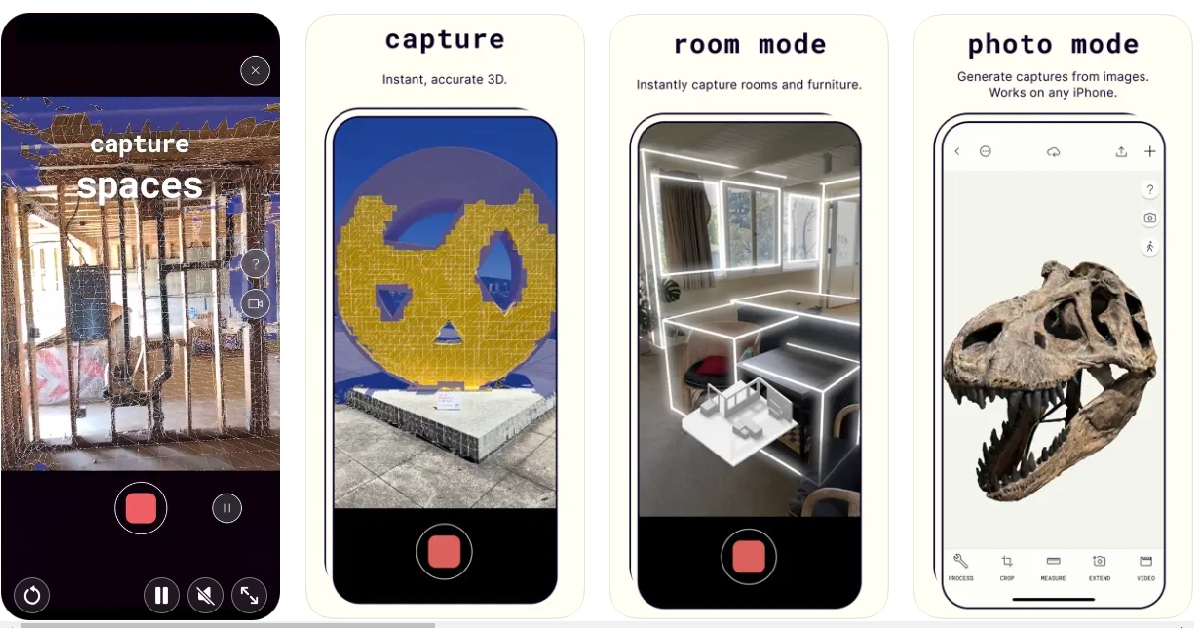 Considered by many to be the best LiDAR-based app for iPhones, Polycam creates 3D models of real-life objects around you. Simply open the app and use the camera to cover it from different angles. Once the 3D model has been rendered, you can use it in other design apps and software. You can edit the 3D model within the app with the help of a range of tools. The app’s ‘Room Mode’ helps you generate models of interior spaces in real-time.
RC Club
 This AR racing simulator makes use of the LiDAR scanner in the most fun way possible. RC Club lets you race around different cars on real-life surfaces using its remarkable AR integration. The level of detail that has gone into this game is simply amazing. The app is able to judge the friction of the surface along with the weight and centre of gravity of the car you are racing to create a life-like simulation of what driving the car around would look like. You can spend hours on this app simply crashing your car into real-life objects and watching how it reacts in different situations.
Ikea Place
 Thinking of giving your room a total makeover? Visualise the new look before buying any product using the Ikea Place app. Using AR tech, this app lets you virtually place Ikea products in your room to get an idea of how they would look in real. This app takes shopping for furnishing products to the next level.
Canvas: LiDAR 3D Measurements
 This app is for design enthusiasts and professionals who are also familiar with CAD. Canvas takes detailed scans of indoor spaces which easily be exported to CAD for further editing. If you are a home improvement professional working remotely, this app will make it easier to work on a project with your team. The measurements taken by this app are extremely accurate and the rendered models are created in industry-standard formats.
Seeing AI
 The Seeing AI app from Microsoft helps visually impaired people interact better with their surroundings by generating descriptions of the objects around them. While the app has been around longer than LiDAR, it uses the scanner to recognise objects quicker and more accurately than before. Seeing AI can recognise anything from products, currency, documents, and people around you.
Snapchat
 Snapchat was one of the first apps to incorporate LiDAR in its functioning when Apple first introduced the scanner on iPhone 12. The app has hundreds of lenses and filters that use LiDAR to scan your surroundings and overlay objects on them. You can even create your own lenses with Lens Studio. You may have already used the popular lenses on Snapchat, but the deeper you dig, the more interesting stuff you will find.
Playground AR
 Much like RC Club, Playground AR lets you play around with different objects in AR. You can build different objects out of blocks and even have some fun by driving cars and helicopters around them. You can even lay out a sequence of dominoes in your room and watch them collapse in one satisfying motion. Once you get a hang of this app you can easily spend hours on it without getting bored.
Read Also: 6 Easy Ways to Fix ‘Quick Look Not Working’ on Mac
Much like RC Club, Playground AR lets you play around with different objects in AR. You can build different objects out of blocks and even have some fun by driving cars and helicopters around them. You can even lay out a sequence of dominoes in your room and watch them collapse in one satisfying motion. Once you get a hang of this app you can easily spend hours on it without getting bored.
Read Also: 6 Easy Ways to Fix ‘Quick Look Not Working’ on Mac











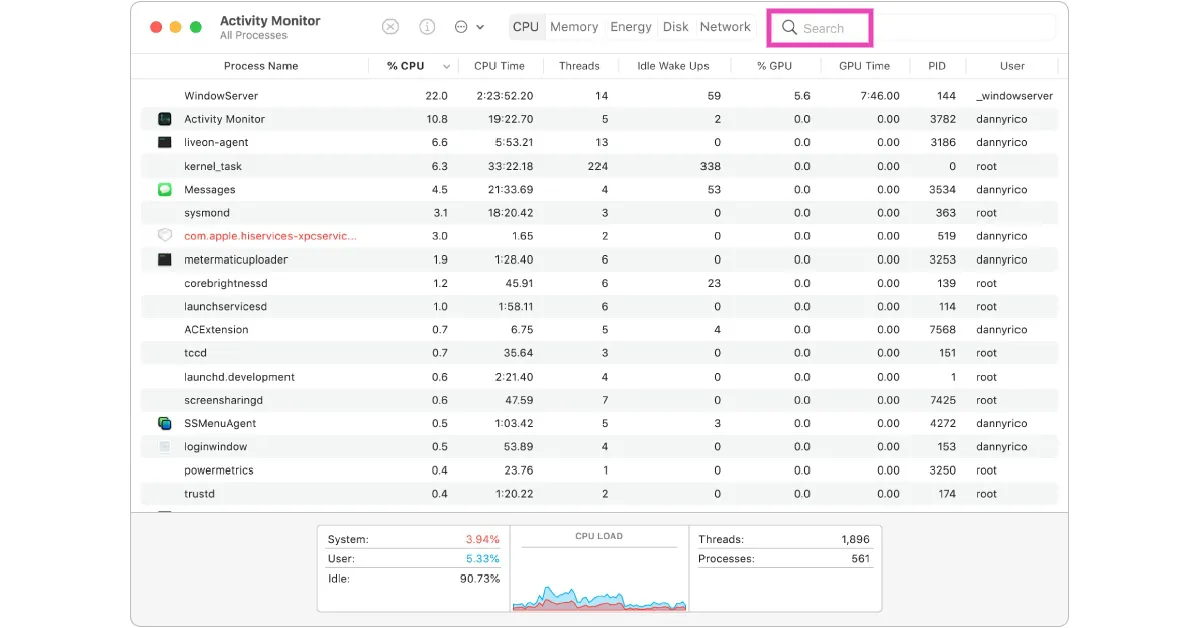 Step 3: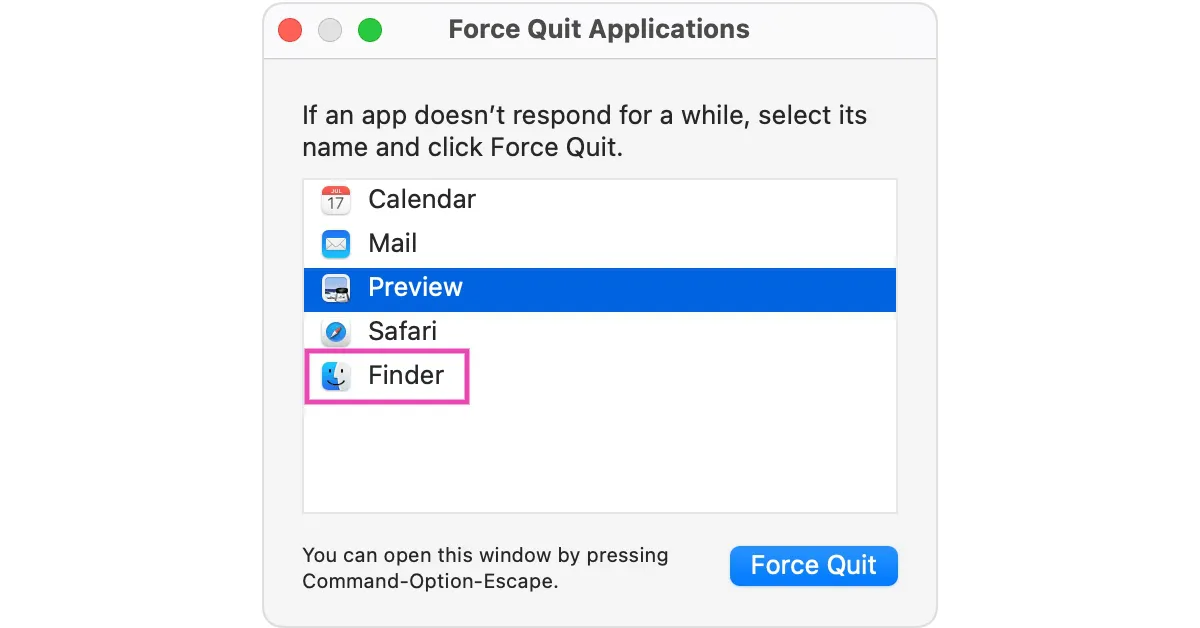
 Read Also:








 Step 4:
 Step 5:
 Step 6:
 Step 11:
 Step 12:
 Step 13:

 Step 2:
 Step 3:
 Step 4:
 Step 5:







 Also Read:

 Step 3:
 Step 4:
 Step 6:
 Step 8: