-
In This Article
Best Smartphone Of The Year 2022
-


-
Best Budget Smartphone Of The Year 2022

-
Best Budget Camera Phone Of The Year 2022

-
Best Mid-range Camera Phone Of The Year 2022

-
Best Camera Phone Of The Year 2022

-
Best Inexpensive 5G Smartphone Of The Year 2022

-
Best Mid-Range Gaming Smartphone Of The Year 2022

-
Best Gaming Smartphone Of The Year 2022

-
Best Mid-Range Smartphone Of The Year 2022

-
Best Selfie Smartphone Of Year 2022

-
Best Vlogging Smartphone Of The Year 2022

-
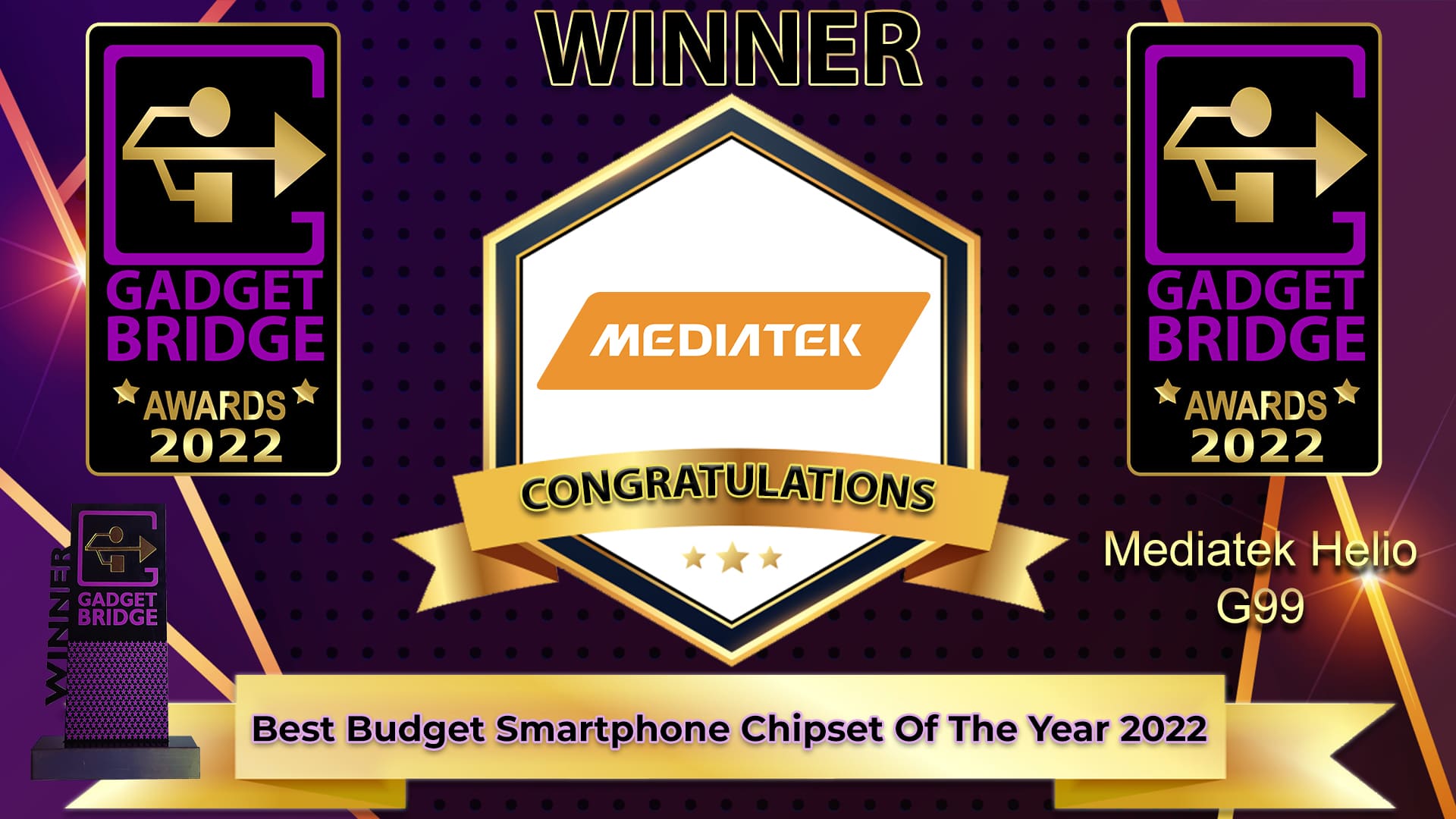
Best Budget Smartphone Chipset Of The Year 2022
-
Best Mid-range Smartphone Chipset Of The Year 2022

-
Best Premium Smartphone Chipset Of The Year 2022

-
People’s Choice Smartphone Of The Year 2022

Voting is live! #GadgetBridge – People’s Choice Smartphone Of The Year 2022 #GadgetBridgeAwards22. Where your vote counts!
— GadgetBridge (@gadgetbridge) December 12, 2022
Feel free 2 retweet & spread!
Which 1 do you think is the best?#Apple #iPhone #Samsung #Xiaomi #OnePlus @Apple @SamsungIndia @XiaomiIndia @OnePlus_IN
-
People’s Choice Gadget Of The Year 2022

Voting is live! #GadgetBridge – People’s Choice Gadget Of The Year 2022 #GadgetBridgeAwards22. Where Your vote counts!
— GadgetBridge (@gadgetbridge) December 12, 2022
Feel free 2 retweet & spread!
Which 1 do you think is the best?#Apple #iPhone #Samsung #Xiaomi #SonY @Apple @SamsungIndia @XiaomiIndia @sony_india
-
People’s Choice Brand Of The Year 2022

Voting is live! #GadgetBridge – People’s Choice Brand Of The Year 2022 #GadgetBridgeAwards22. Where Your vote counts!
— GadgetBridge (@gadgetbridge) December 12, 2022
Feel free 2 retweet & spread!
Which 1 do you think is the best?#Apple #Samsung #Xiaomi #Sony@Apple @SamsungIndia @XiaomiIndia @sony_india
-
Best Gadget Of The Year 2022

-
Hatke Gadget Of The Year (Design) 2022

-
Hatke Gadget Of The Year (Performance & Utility) 2022

-
Best Value-For-Money laptop Of The Year 2022

-
Best Laptop Of The Year 2022

-
Best Business Laptop Of The Year 2022

-
Best Gaming Laptop Of The Year 2022

-
Best Tablet Of The Year 2022

-
Best Value-For-Money Smart TV Of The Year 2022

-
Best Mid-Range Smart TV Of The Year 2022

-
Best TV Of The Year 2022

-
Best Projector Of The Year 2022

-
Best Home Printer Of The Year 2022

-
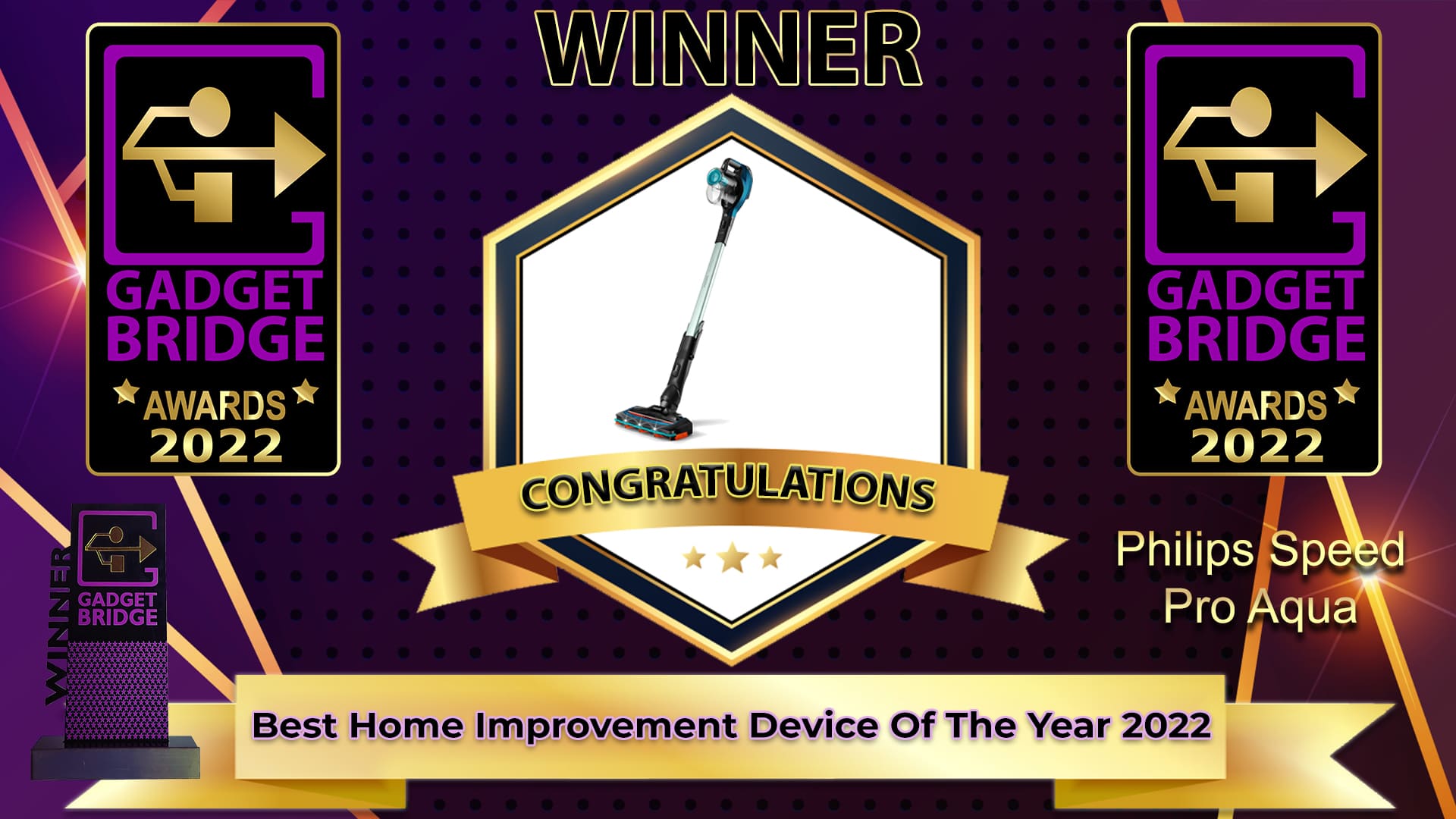
Best Home Improvement Device Of The Year 2022
-
Best Budget Smartwatch Of The Year 2022

-
Best Premium Smartwatch Of The Year 2022

-
Best Fitness Wearable Of The Year 2022

-
Best Headphones Of The Year 2022

-
Best Gaming Headphones Of The Year 2022

-
Best Wireless Earphones Of The Year 2022

-
Best Bluetooth Speaker Of The Year 2022

-
Best Soundbar/Entertainment Speakers Of The Year 2022

-
Best Streaming Service Of The Year 2022

-
Best Music App Of The Year 2022

-
Best PC/Laptop Accessory Of The Year 2022



 Step 4:



 You may be familiar with Todoist’s smartphone app, but its Chrome extension is just as good. Todoist is one of the better smartphone task managers we’ve used, and it delivers a similar performance on Chrome as well. With the Todoist Chrome extension, you can easily save a website on your reading list, create a checklist of tasks and mark them off as you complete them, collaborate with other people on a common project, and more. You can also easily jot down a note or set a quick reminder using this accessible Chrome extension. What we really like about Todoist is how seamlessly it integrates into your work routine.
 This one is for all the serial procrastinators out there. If you find yourself wandering off to attention-grabbing sites like Reddit, Twitter, or YouTube, Timewarp reminds you to get back to the task at hand. For
  You may not have heard of


 Step 2: Enter the profile URL or the username of the account.
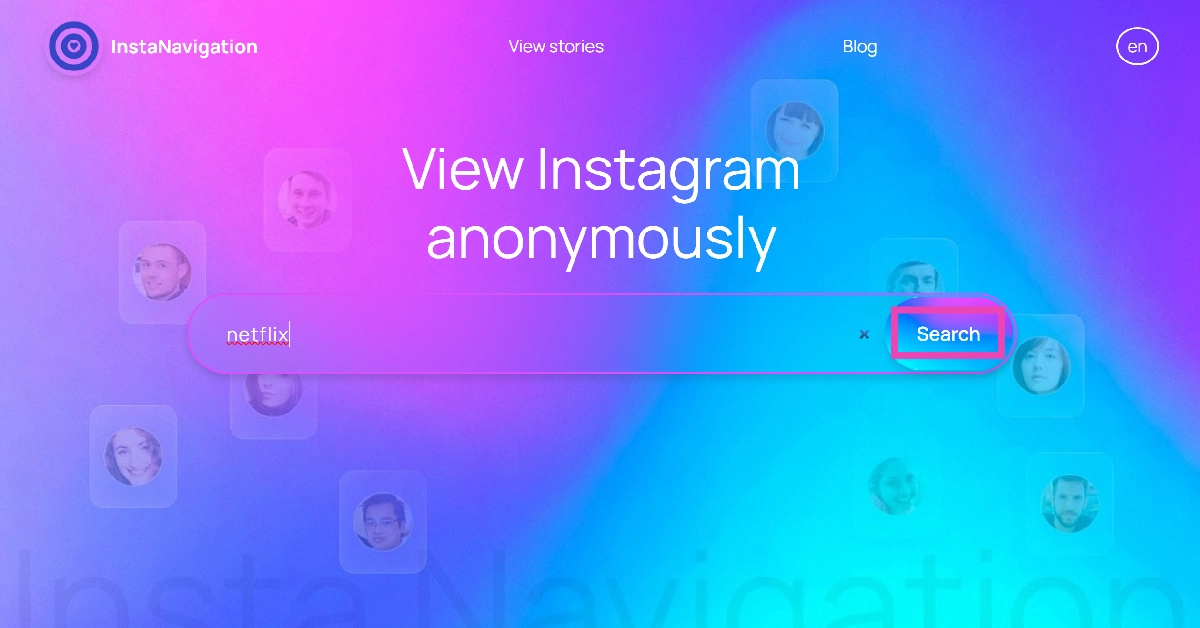 Step 3: If the account is public, you will be able to view the stories published on it. Simply click on the profile picture or scroll down to the Stories tab to view them.
 Read Also:
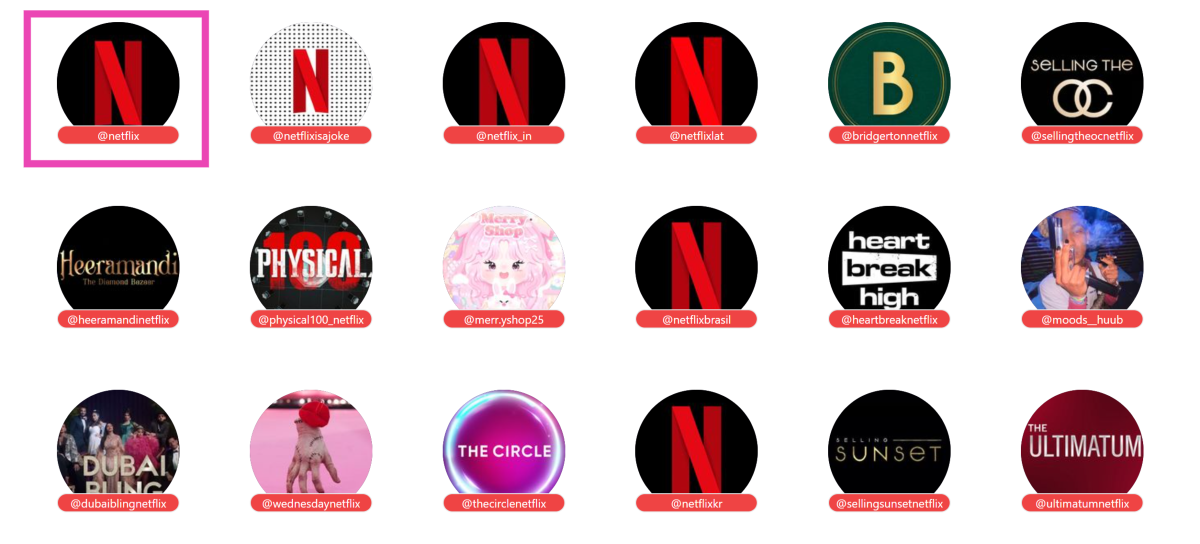
 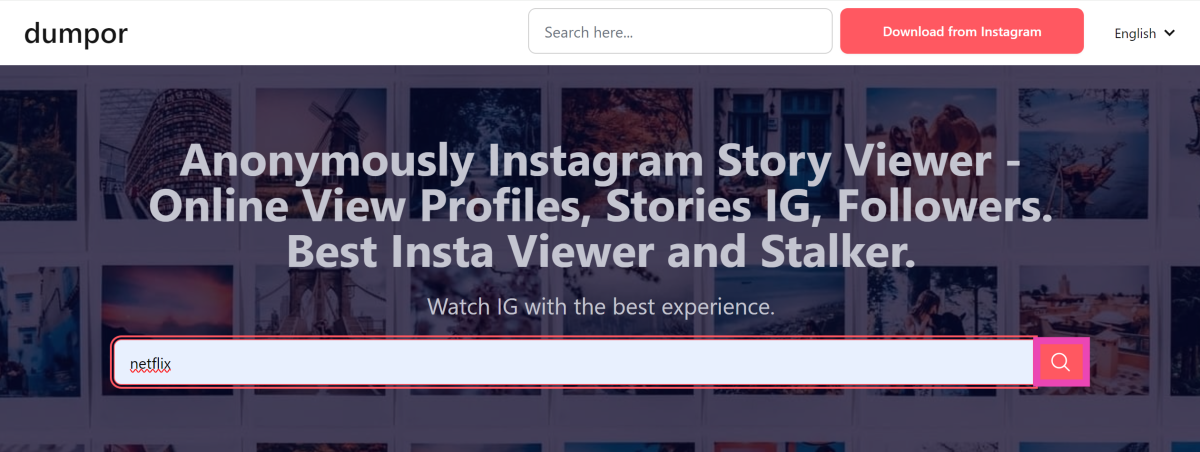 Step 3: Select the profile from the search results.
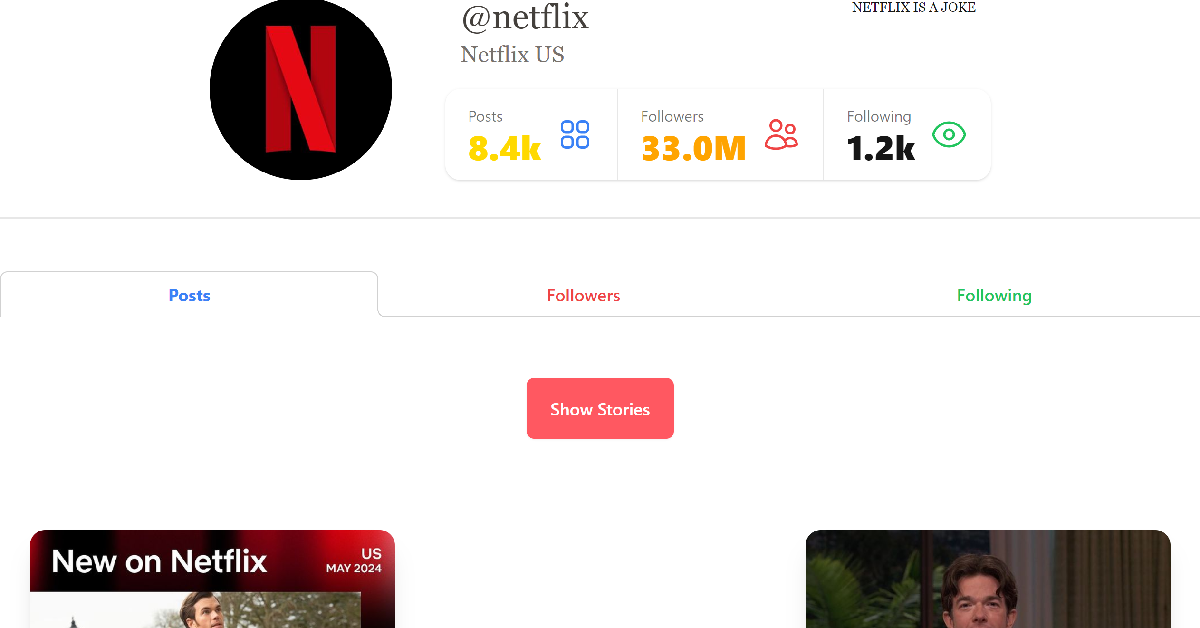
 Step 4: Scroll down to view the posts. Click on Show Stories to view the current stories.

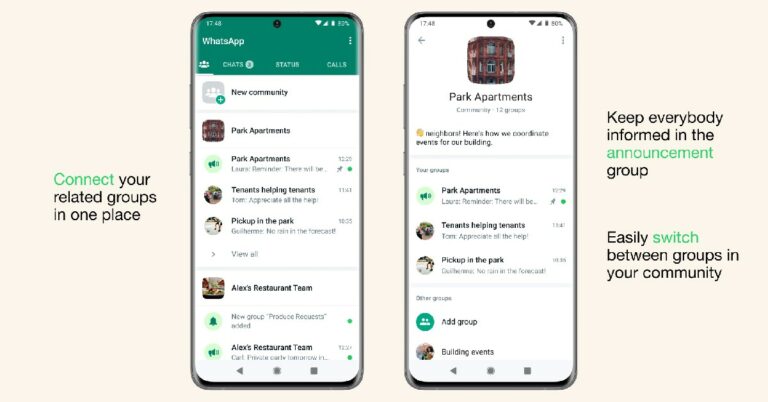
 Step 4:
 Step 5:











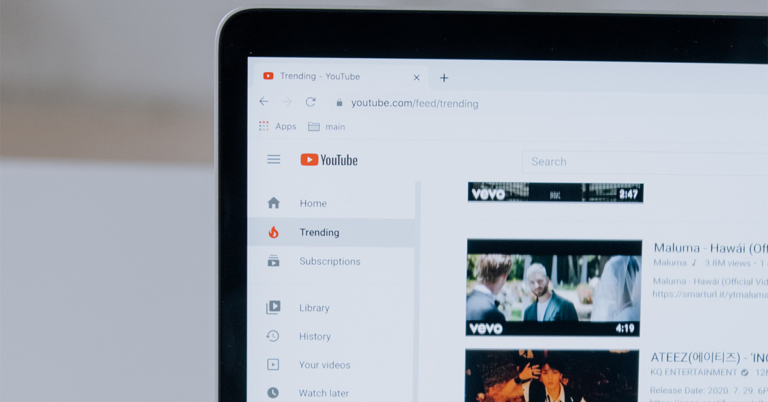
 Step 2: Copy the YouTube URL of the 4K video you wish to download.
 Step 3: Select the Paste Link option.
Step 4: Choose your format and quality.
Step 5: Select the Download option.
Step 3: Select the Paste Link option.
Step 4: Choose your format and quality.
Step 5: Select the Download option.
 The video will be saved on your device.
Pros
The video will be saved on your device.
Pros
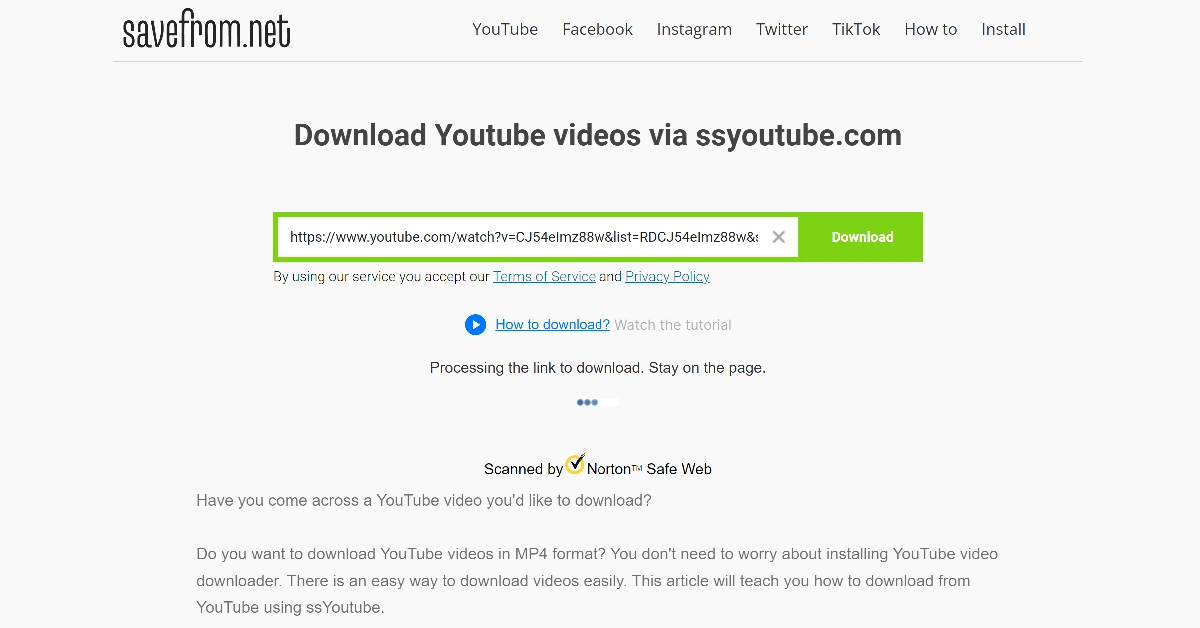
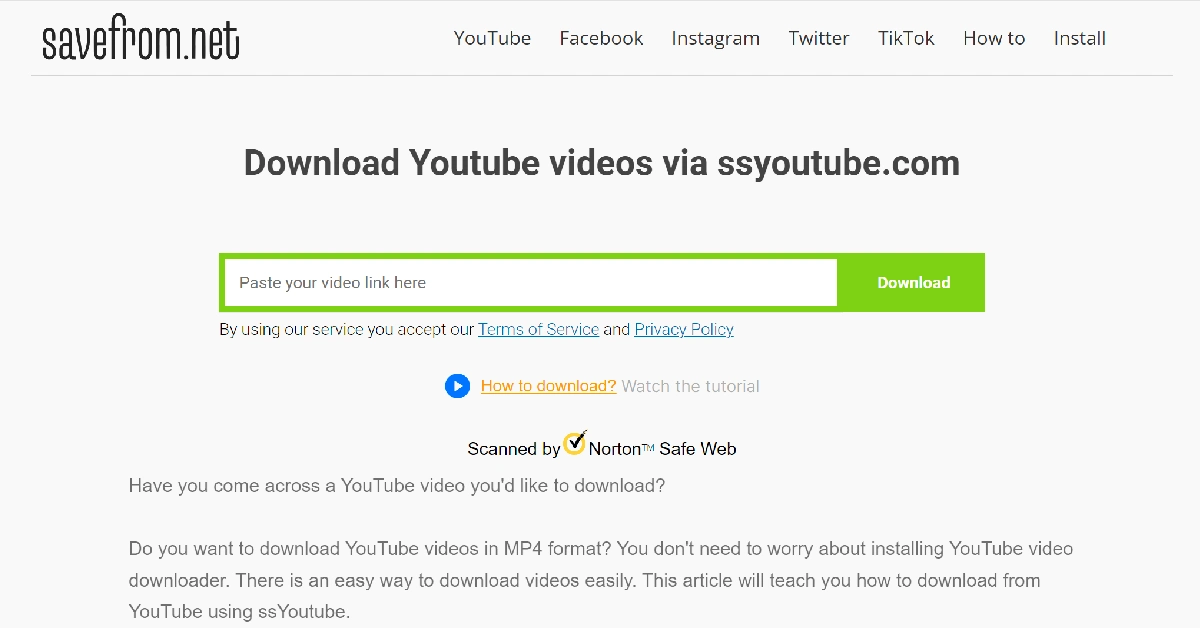 Step 3: Wait for the website to process the link.
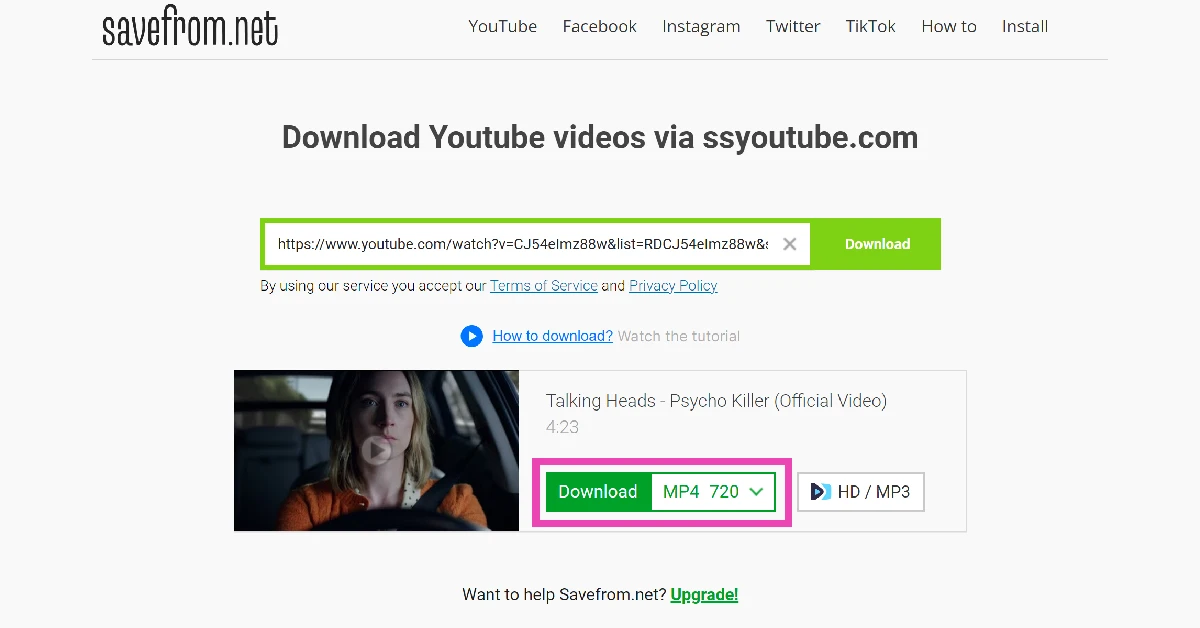
 Step 4: Choose your preferred resolution and hit Download.
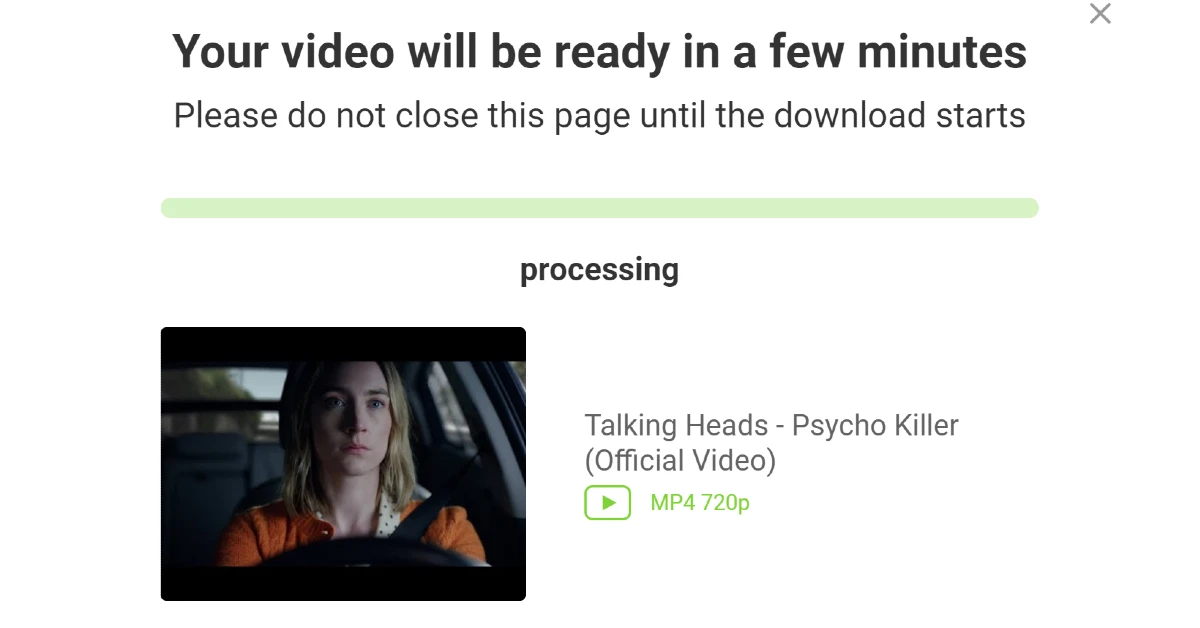
 Step 5: Wait for a few minutes for the video to process.
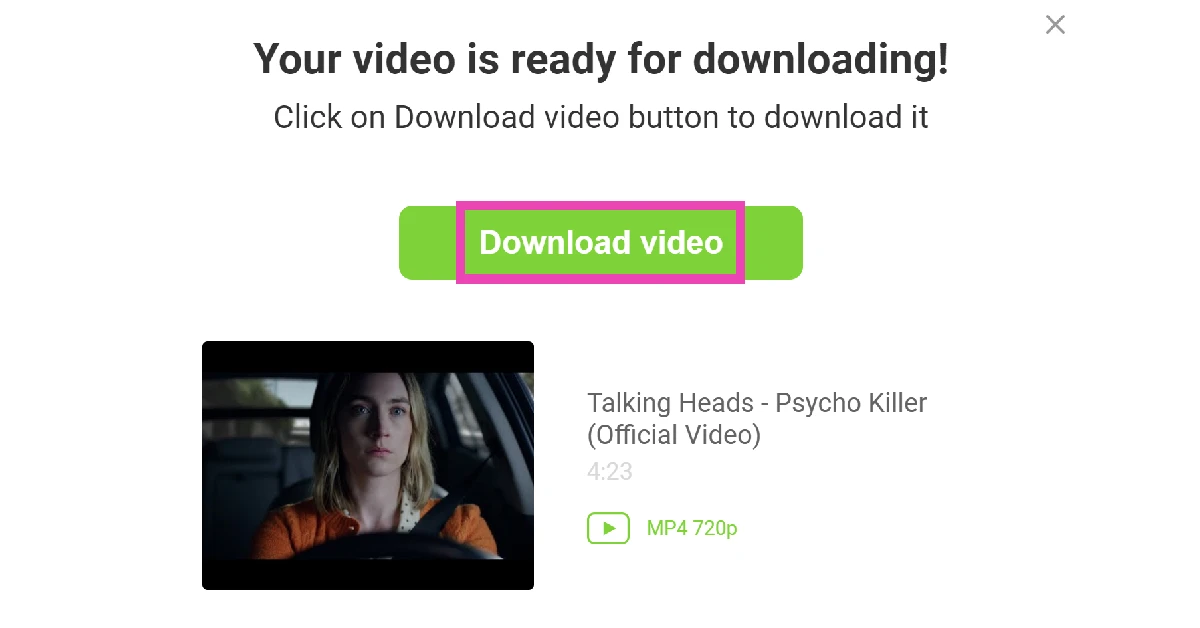
 Step 6: Hit Download Video.
 Pros
Pros
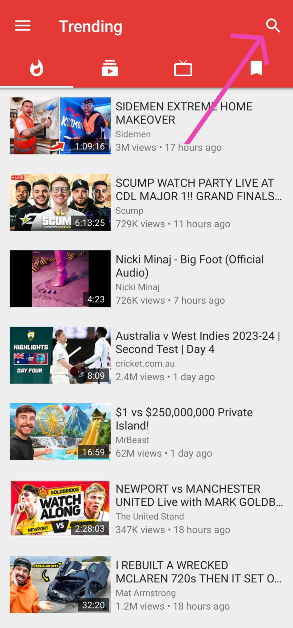 Step 2: Play the video and hit the download button.
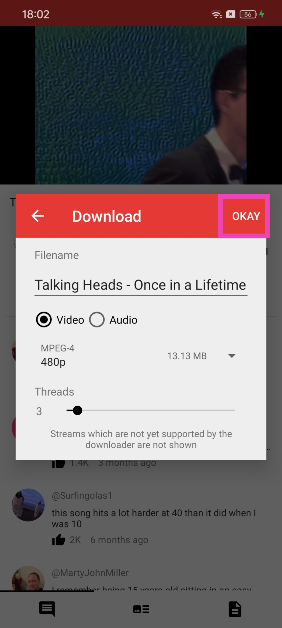
 Step 3: Select the resolution and tap on OKAY.
 Pros
Pros