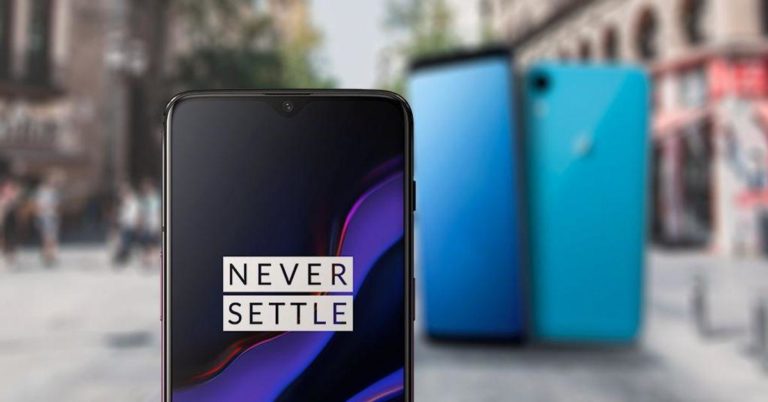
OnePlus announced it has now started rolling out OxygenOS 9.0.7 update to the OnePlus 5T and OnePlus 5. The update gets new features as well as the June 2019 security patch to the new handsets. Last month, the company pushed the Open Beta 33 for the OnePlus 5T and Open Beta 35 for the OnePlus 5. Both the beta updates bring a new Zen Mode feature to the devices. OnePlus’sOxygenOS 9.0.7 software update also gets other features like Screen Recorder and Quick Reply along with system improvements and bug fixes.
The new software update is being rolled out to the OnePlus 5T and OnePlus 5 smartphones in an incremental manner. The Over the Air update will initially reach a small number of users after which a wider rollout will take place in a few days.
The new software update comes with a June 2019 Android Security Patch. In addition to this, the Over the Air (OTA) update brings new features like a screen recorder, quick reply in landscape mode, Fnatic mode and fixes the speed dial issues that were cropping up earlier. With the added features, it also brings general bug fixes and system optimization.

As we have already mentioned earlier, the OxygenOS 9.0.7 software update will reach a small percentage of users first, and then a broader rollout will follow. However, it will take time to reach your devices. The users can also download the update manually by going to Settings > System > System Updates.
Changelog
- System
- Updated Android security patch to 2019.6
- Added Screen recorder feature (Quick Settings – Edit – Screen Recorder)
- Added Quick reply in landscape (Settings – Utilities – Quick reply in landscape)
- General bug fixes and system improvements
- Gaming mode
- Added Fnatic mode (Settings – Utilities – Gaming mode)
- Phone
- Fixed issue with Speed Dial
To recall, OnePlus 5 and OnePlus 5T smartphones were launched in 2017. OnePlus 5 comes with a 20MP and 16MP dual cameras along with a 16MP front-facing camera. The smartphone features a 5.5-inch capacitive touchscreen FHD display with 1920 X 1080 pixels resolution and packs up to 6GB RAM. The device runs a Qualcomm Snapdragon 835 octa-core processor and houses a 3300mAH Lithium Polymer battery. OnePlus 5T comes with similar features but it comes with a bigger 6.01-inch display and it includes a bigger 8GB RAM.
For the latest gadget and tech news, and gadget reviews, follow us on Twitter, Facebook and Instagram. For newest tech & gadget videos subscribe to our YouTube Channel. You can also stay up to date using the Gadget Bridge Android App.