In This Article
Find Downloaded Files
Step1 – Open the files application from the home screen, which will be a blue-white icon. When you tap the Save to Files option on a file, the phone will prompt you to choose a saving location. Depending on your settings or selection, you’ll have the option to save to On My iPhone, iCloud Drive, and possibly other cloud drives. By downloading a file this way, you’ll find it in the Files app. Step 2 – Tap on the “browse” button located at the bottom right corner. Step 3 – Head to the On My iPhone option under the “Location” header. This option will hold the file depending on how you downloaded your file if it’s for the default setting it will be stored in the “On My iPhone” option. If you selected a third-party cloud service or default one to store the file it will be stored on Another folder named “iCloud Drive”. Step 4 – Head to the download folder that will be a blue folder pointing downwards. This is typically where you’ll find downloaded files, such as PDFs, documents, audio files, and images you didn’t save to your Photos app. If one has selected a photos application for saving photos it will be available on the application.
Read Also: Apple Event: Apple confirms California Streaming event for September 14, may unveil iPhone 13 series
This is typically where you’ll find downloaded files, such as PDFs, documents, audio files, and images you didn’t save to your Photos app. If one has selected a photos application for saving photos it will be available on the application.
Read Also: Apple Event: Apple confirms California Streaming event for September 14, may unveil iPhone 13 series
Locate Downloaded Music
Downloaded a Music file and were unable to locate it? These steps will easily help you to locate the lost files. Step 1 – Open the app library and head to the Music application. Step 2 – Tap the library option on the bottom part of the screen. Step 3 – Tap on the Downloaded Music category on the Library page.
Step 4 – This displays another list of categories one can choose from: Artist, genre or all music according to their convenience.
Step 3 – Tap on the Downloaded Music category on the Library page.
Step 4 – This displays another list of categories one can choose from: Artist, genre or all music according to their convenience.
Missing Downloaded Application on iOS?
The home screen of iOS is a cluster of applications together. It often happens that the downloaded application is right in front of our eyes but we are unable to locate it. Following this simple trick will come in handy. Step 1 – Swipe left across to find the app library(one might have to swipe left multiple times to find the end of the line) Step 2 – Tap on the search bar of the app library Step 3 – Input the name of the application you want to search and it will be displayed right away. Read Also: Rumoured Specifications, release date and price for MacBook Pro 16 These are some easy steps to find any type of file on your iOS device, be it an iPad or iPhone. Also, if none of the steps works we recommend connecting the phone or tab to the computer and locating the file there as the file format might not be supported resulting in not displaying the file on the iPad or iPhone.
For the latest gadget and tech news, and gadget reviews, follow us on Twitter, Facebook and Instagram. For newest tech & gadget videos subscribe to our YouTube Channel. You can also stay up to date using the Gadget Bridge Android App. You can find the latest car and bike news here.
These are some easy steps to find any type of file on your iOS device, be it an iPad or iPhone. Also, if none of the steps works we recommend connecting the phone or tab to the computer and locating the file there as the file format might not be supported resulting in not displaying the file on the iPad or iPhone.
For the latest gadget and tech news, and gadget reviews, follow us on Twitter, Facebook and Instagram. For newest tech & gadget videos subscribe to our YouTube Channel. You can also stay up to date using the Gadget Bridge Android App. You can find the latest car and bike news here. 



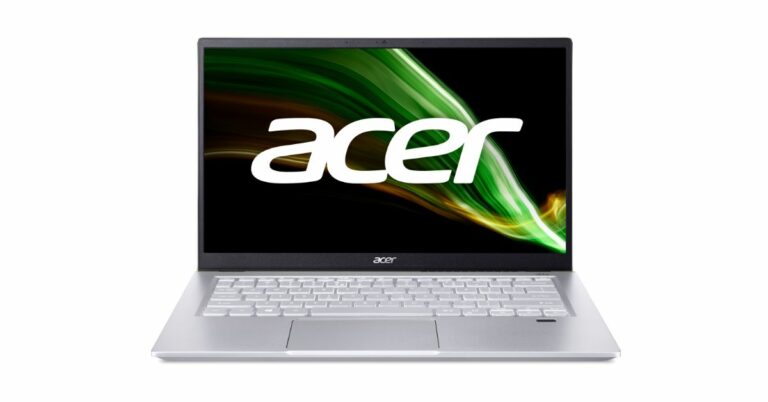
 Acer Swift X laptop technical specifications
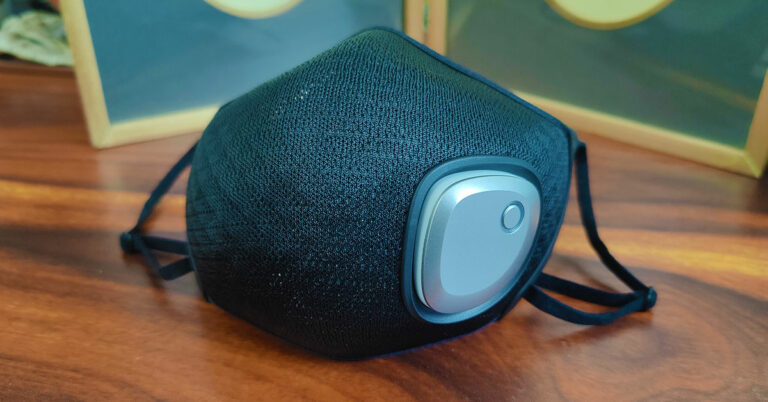
 The filter you get with the Philips Fresh Air Mask is very easy to fit into the main head of the mask and comes with an adjustable nose pin. You can plug the circular exhaust window (in the filter) over the fan magnetically and the sides get attached neatly to the hooks on the left and right sides of the inside of the mask. The straps on this digital face mask are adjustable and you can tighten and loosen them up with ease. The material used all around the Philips Fresh Air Mask is very nice and has a premium, rich feel to it.

 The Philips Fresh Air Mask can filter out 95% 3um particles, as the company says, and we did feel a difference when we started using this mask over the regular masks you get in the market. To clean the mask, one must remove the battery with the fan unit, which pushes out easily. The same way you can place it in, which again clicks in easily. If the filter (which by the way is 4 layered) is getting old and dirty one can purchase more from Philips for Rs 2,990. The battery of the mask lasted us for 3.5 hours at medium speed. Even without the fan, the mask is very useable, as it is light in weight and well built. But it will not push out the hot air and carbon die oxide as easily.




 Read Also:


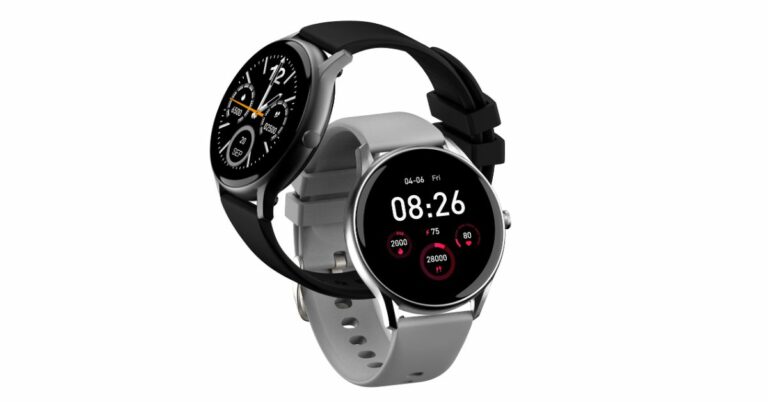
 NoiseFit Core smartwatch tech specs and features
 Read Also:











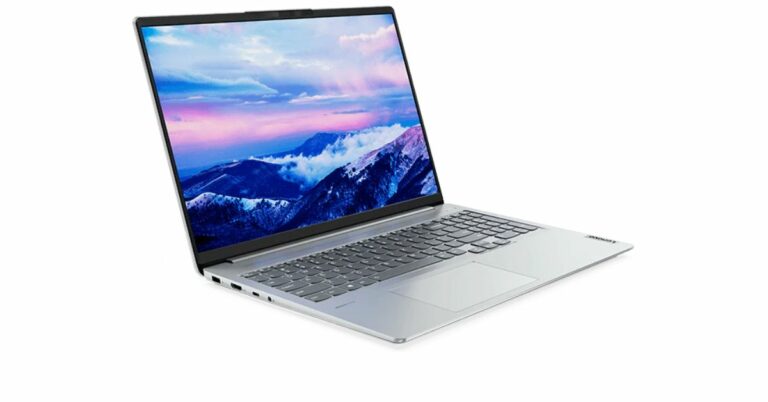
 Lenovo IdeaPad Slim 5 Pro technical specifications and features.