In This Article
Redmi Note 10S review: Design and display
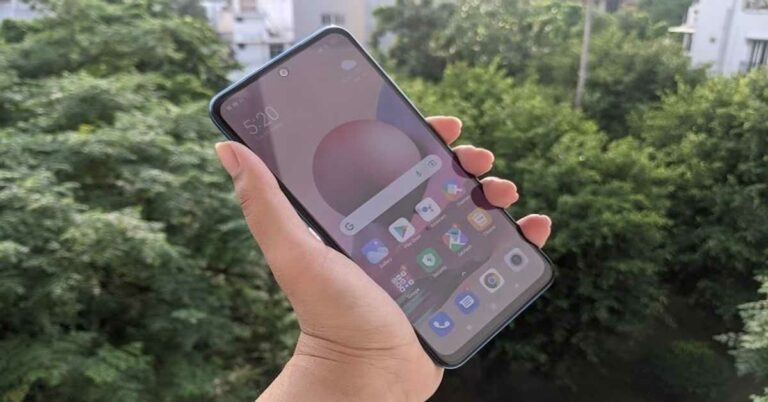
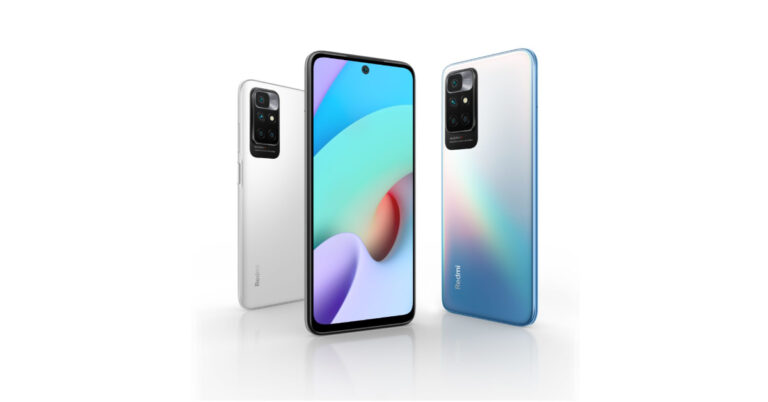
In terms of the design, the Redmi Note 10S is exactly the same as Redmi Note 10. The company has only added a new Deep Sea Blue colour option for Redmi Note 10S, which comes with a gradient finish on the back panel. Other than this, the device is also available in the Black and White colour variants of Redmi Note 10, except that the company has renamed them as Pebble White and Onyx Black for the Redmi Note 10S. The handset’s polycarbonate back panel is silver on the top and blue towards the bottom and it houses the camera module that has four sensors and an LED flash. The Redmi branding is also present on the back and it’s written in landscape. The Power and Volume Rocker keys are on the right edge while the SIM tray is on the left. The power button also has the fingerprint sensor embedded in it. The smartphone has speakers on both top and bottom edges. While the USB Type-C port, the microphone and the 3.5mm headphone jack are at the bottom edge, the IR emitter and the secondary microphone are at the top. Flip over and you will see the 6.43-inch display of the device that is protected with a layer of Corning Gorilla Glass 3 and is outlined with thin bezels. Like every other phone, the chin at the bottom of the screen is obviously thicker. The smartphone is curved along its sides, which along with the apt placement of buttons makes one-handed usage on the device easier. Besides this, Redmi Note 10S also comes with IP53 rating that offers dust and water resistance, and this is a big plus considering the price range of the handset.
Coming to the 6.43-inch full HD+ Super AMOLED display of Redmi Note 10S, we quite liked its performance. The screen is bright and it projects vibrant colours which remain consistent at different viewing angles. The sunlight readability is average, but one can still figure out the text on the display. The images appear to be sharp and clear on the handset’s screen. We watched a number of YouTube videos and shows during our time with the smartphone, and our experience was always good.
In a nutshell, we like the design and display of Redmi Note 10S smartphone, even though the device retains most of the features of its predecessor as far as the design goes. It definitely is repetitive, but there aren’t any major downsides to the device’s display and design.
The smartphone is curved along its sides, which along with the apt placement of buttons makes one-handed usage on the device easier. Besides this, Redmi Note 10S also comes with IP53 rating that offers dust and water resistance, and this is a big plus considering the price range of the handset.
Coming to the 6.43-inch full HD+ Super AMOLED display of Redmi Note 10S, we quite liked its performance. The screen is bright and it projects vibrant colours which remain consistent at different viewing angles. The sunlight readability is average, but one can still figure out the text on the display. The images appear to be sharp and clear on the handset’s screen. We watched a number of YouTube videos and shows during our time with the smartphone, and our experience was always good.
In a nutshell, we like the design and display of Redmi Note 10S smartphone, even though the device retains most of the features of its predecessor as far as the design goes. It definitely is repetitive, but there aren’t any major downsides to the device’s display and design.
Redmi Note 10S review: Performance and cameras
Before we begin talking about the performance of the smartphone, let’s take a minute to discuss the rest of its specifications. Redmi Note 10S is powered by MediaTek Helio G95 processor clubbed with 6GB of RAM and comes with up to 128GB of internal storage. The device houses a 5,000mAh battery and supports 33W fast charging. Redmi Note 10S runs Android 11 skinned with MIUI 12.5. For imaging duties, there is a 64MP primary sensor, an 8MP ultra-wide angle lens, a 2MP macro camera and a 2MP depth sensor. There is also a 13MP on the front panel of the device for selfies and video calls. The MIUI 12.5 does offer some customizations on the device, but it comes with a fair share of bloatware too. There are a number of pre-installed apps on the smartphone, but the upside is that most of them can be uninstalled. However, this does not include the company’s native apps or GetApps, which sends out an alarming number of notifications. There were times when we even saw promotional content on the wallpaper of the device.
Coming to the performance, Redmi Note 10S left us impressed with most tasks that we threw at it. We often multitasked on the device and used it simultaneously for navigation and listening to music, and it did not stutter even once. We even watched back to back episodes of a Netflix show, and our experience was great. Not only were the visuals appealing because of the good display, the speakers of the device enhanced the experience with great audio quality.
The MIUI 12.5 does offer some customizations on the device, but it comes with a fair share of bloatware too. There are a number of pre-installed apps on the smartphone, but the upside is that most of them can be uninstalled. However, this does not include the company’s native apps or GetApps, which sends out an alarming number of notifications. There were times when we even saw promotional content on the wallpaper of the device.
Coming to the performance, Redmi Note 10S left us impressed with most tasks that we threw at it. We often multitasked on the device and used it simultaneously for navigation and listening to music, and it did not stutter even once. We even watched back to back episodes of a Netflix show, and our experience was great. Not only were the visuals appealing because of the good display, the speakers of the device enhanced the experience with great audio quality.
 We even used the smartphone for gaming and played a number of games like Temple Run 2, Alto’s Odyssey and Asphalt 9: Legends, and they all ran smoothly. The device did start getting warm after 10-15 minutes of gameplay though, and obviously, the battery levels fell quicker too while gaming. But the latter is hardly anything to complain about.
The fingerprint sensor of Redmi Note 10S did a quick job and unlocked each time we placed our finger on it, even when it was moist. The battery life of the device is also among one of its pros. Even with heavy usage that involved gaming, watching Netflix or using Google Maps, we could use the smartphone for a day and a half on a single charge. We are guessing that if your usage does not involve these too much, you would definitely be able to get more out of the device.
We even used the smartphone for gaming and played a number of games like Temple Run 2, Alto’s Odyssey and Asphalt 9: Legends, and they all ran smoothly. The device did start getting warm after 10-15 minutes of gameplay though, and obviously, the battery levels fell quicker too while gaming. But the latter is hardly anything to complain about.
The fingerprint sensor of Redmi Note 10S did a quick job and unlocked each time we placed our finger on it, even when it was moist. The battery life of the device is also among one of its pros. Even with heavy usage that involved gaming, watching Netflix or using Google Maps, we could use the smartphone for a day and a half on a single charge. We are guessing that if your usage does not involve these too much, you would definitely be able to get more out of the device.
 The call quality of the smartphone was flawless too and we had no problem receiving or making calls even from areas like basements and elevators.
Finally, let’s talk about the cameras of the smartphone. As we mentioned earlier, Redmi Note 10S comes with a 64MP primary camera, an 8MP ultra-wide angle lens, and a macro camera and a depth sensor with 2MP lenses each. There is also a 13MP selfie camera on the device.
The call quality of the smartphone was flawless too and we had no problem receiving or making calls even from areas like basements and elevators.
Finally, let’s talk about the cameras of the smartphone. As we mentioned earlier, Redmi Note 10S comes with a 64MP primary camera, an 8MP ultra-wide angle lens, and a macro camera and a depth sensor with 2MP lenses each. There is also a 13MP selfie camera on the device.
 The camera performance of Redmi Note 10S could be a lot better and more consistent. In day light, the camera managed to click decent images but the objects in the pictures looked a bit too sharp. It was a consistent problem and it affected the quality of the image. The shots that we took indoors in well-lit conditions turned out to be much better than the outdoor ones, which is strange since it’s usually the opposite with most phones. The ultra-wide-angle sensor allows a lot more area in the image but the quality visibly drops.
 The Portrait shots on the smartphone turned out to be good, and we liked the fact that we could adjust the level of blur we wanted before clicked the image. Macro shots turned out to be good too.
 However, it was the low-light photography that was not up to the mark, because some images that we clicked at night had noise. The quality does go up a little with the Night mode enabled, of course.
The selfies taken from the 13MP front camera turned out to be good and the performance of the camera remained consistent in well-lit as well as dimly-lit conditions. It was one aspect of the camera that we actually liked a lot.
Pros
However, it was the low-light photography that was not up to the mark, because some images that we clicked at night had noise. The quality does go up a little with the Night mode enabled, of course.
The selfies taken from the 13MP front camera turned out to be good and the performance of the camera remained consistent in well-lit as well as dimly-lit conditions. It was one aspect of the camera that we actually liked a lot.
Pros
- Beautiful design
- Lasting battery
- Smooth performance
- Bloatware and promotional content
- Average performance of cameras








 Also Read:
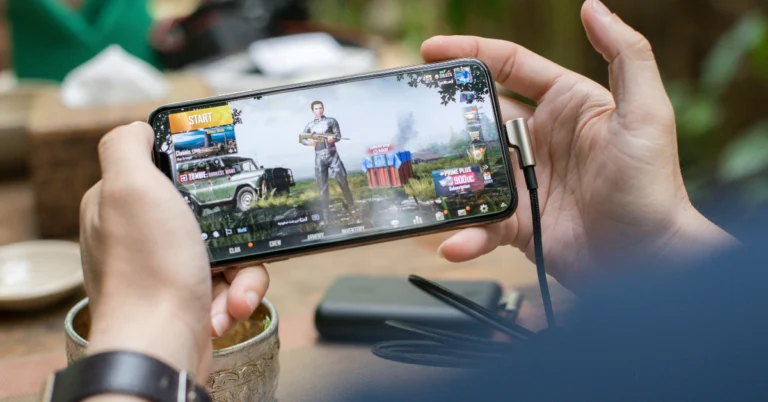
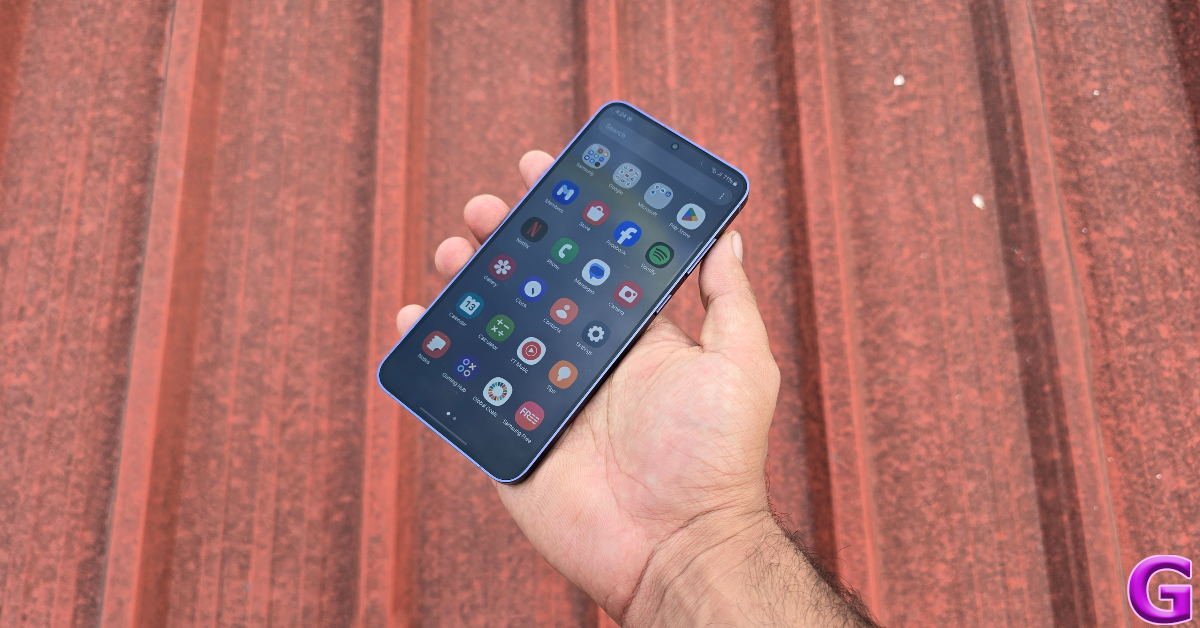
 This may seem like a no-brainer to some, but a lot of people are not aware of this hack. Lowering the graphics of the game you are playing exerts less stress on your phone’s CPU and battery, leading to fewer heating issues. You can change the graphics settings of any game from the in-game menu. While you’re at it, lower the frame rate to 60fps as well. You will notice that your phone’s temperature doesn’t rise as quickly anymore.
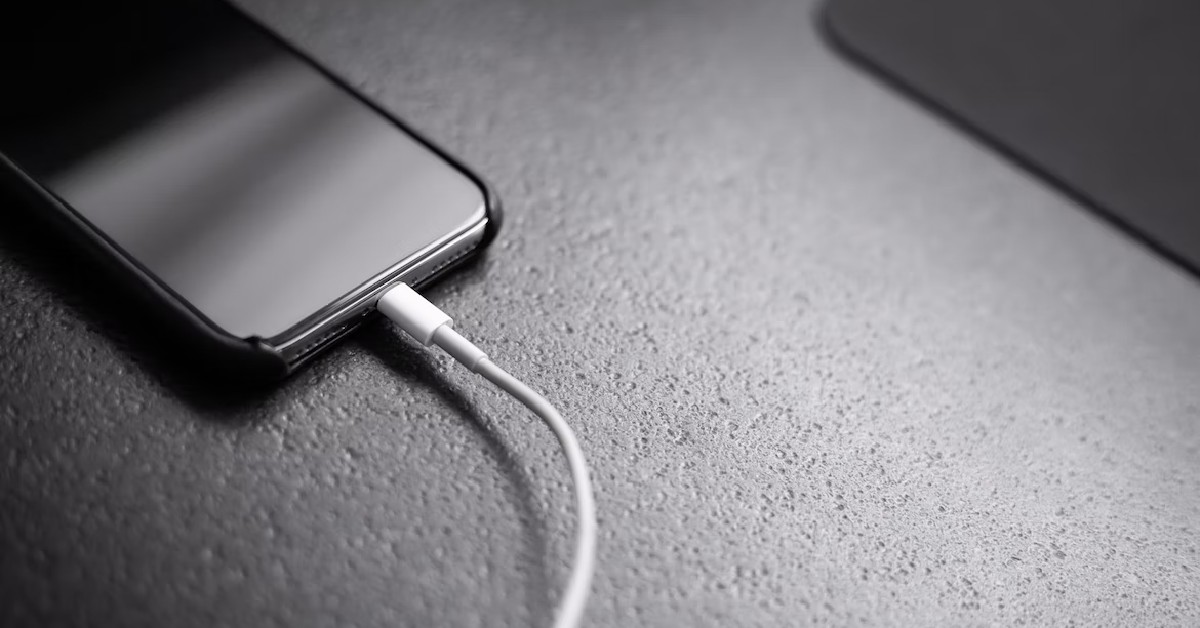 Charging your phone increases the temperature of the battery, due to the motion of the ions inside it. This is more so the case on phones that charge at a very fast speed. To keep your smartphone cool while gaming, make sure it is not connected to the charger. Ideally, you should not carry out any task on your phone while charging it. This helps in preserving the battery life and ensuring that it doesn’t wear as quickly over time.
Read Also:
Charging your phone increases the temperature of the battery, due to the motion of the ions inside it. This is more so the case on phones that charge at a very fast speed. To keep your smartphone cool while gaming, make sure it is not connected to the charger. Ideally, you should not carry out any task on your phone while charging it. This helps in preserving the battery life and ensuring that it doesn’t wear as quickly over time.
Read Also: 
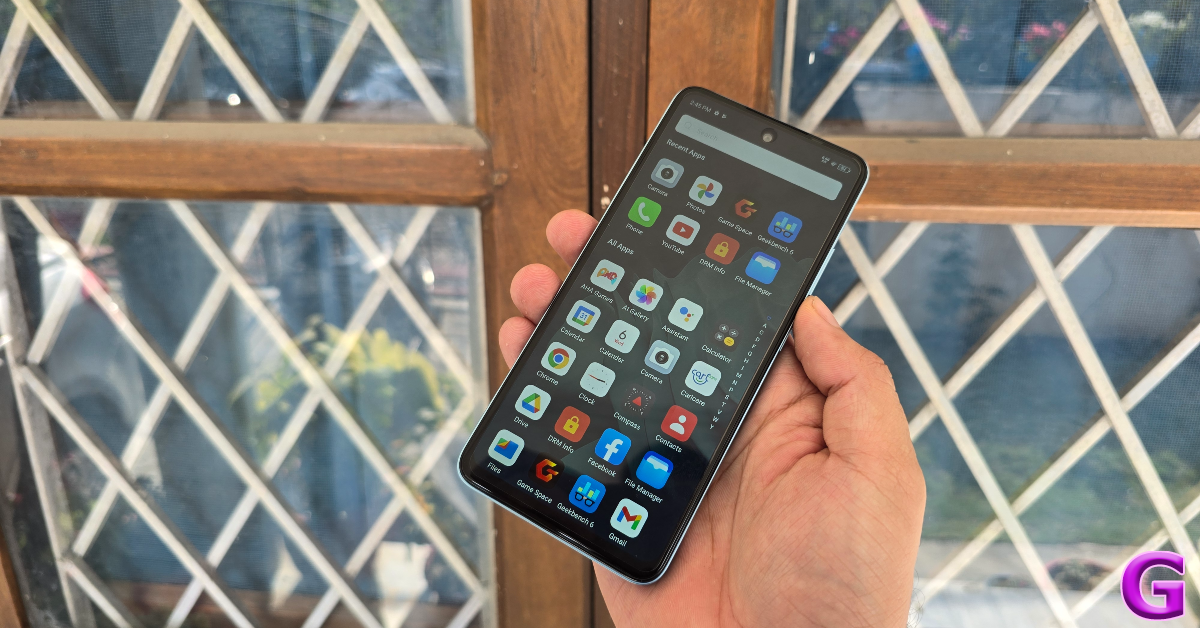
 Apart from uninstalling the bloatware from your device, it is important to close the apps running in the background. Gaming is a power-intensive task, and if your phone’s CPU is being drained by other active apps in the background, the internal temperature of the phone can rise up very quickly. Before you launch a game on your device, make sure you have closed all the active apps running in the background.
Read Also:
Apart from uninstalling the bloatware from your device, it is important to close the apps running in the background. Gaming is a power-intensive task, and if your phone’s CPU is being drained by other active apps in the background, the internal temperature of the phone can rise up very quickly. Before you launch a game on your device, make sure you have closed all the active apps running in the background.
Read Also: 
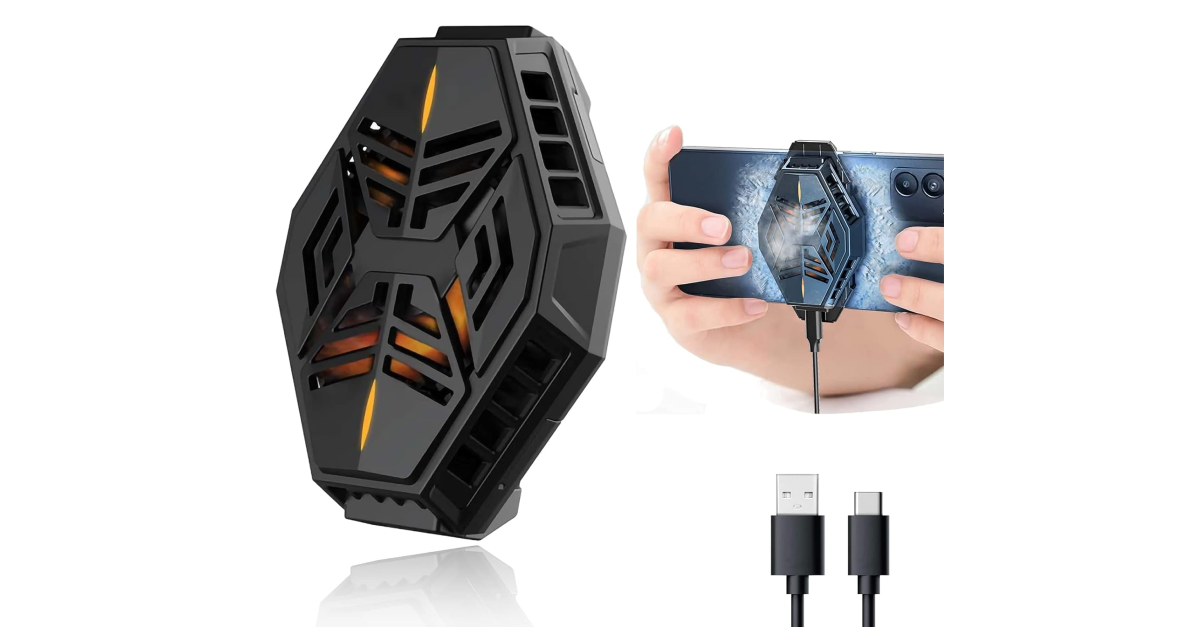 There are several phone cooling devices you can find on the internet that do a good job of dissipating heat and keeping the internal temperature of the device in check. A good phone cooler will cost you anywhere between Rs 1,000 – Rs 3,000.












 Step 3 –
 Step 5 –
 Step 6-


 Step 4 –
  Step 4 –
 Step 6 –
 Step 7 –